
I learned this the hard way back in 2019. I upgraded from an older Intel chip to a new AMD processor with lower clock speed. On paper, I downgraded from 4.7 GHz to 4.2 GHz. My gut said I made a mistake.
But then I fired up my test games. FPS went up by fifteen percent. Load times dropped. Everything felt snappier.
What changed? Not the clock speed. The new chip executed more work per cycle. That difference is called IPC performance, and it’s why your CPU’s GHz number doesn’t tell the whole story.
This guide breaks down exactly what IPC means for your PC. You’ll learn why two CPUs at the same speed perform differently. We’ll dig into real-world examples from 2026 hardware. And I’ll show you how to spot when IPC matters more than raw frequency.
By the end, you’ll know how to evaluate CPUs without falling for marketing specs. You’ll understand which workloads need high IPC versus high clock speed. And you’ll have practical tools to test your own system’s performance.
What IPC Actually Means (And Why It’s Not Just Nerd Talk)
IPC stands for Instructions Per Clock. It measures how many tasks a CPU completes in one cycle. Think of it like this: clock speed tells you how fast the cycles happen. IPC tells you how much work gets done per cycle.
Here’s the reality. A CPU running at 5.0 GHz completes five billion cycles per second. But if it only processes one instruction per cycle, that’s five billion instructions per second total. Now take a different CPU at 4.0 GHz that handles two instructions per cycle. That’s eight billion instructions per second.
The slower chip wins. Not because it runs faster, but because it works smarter.
How CPU Architecture Affects IPC
Modern CPUs use many tricks to boost IPC. They predict which instructions come next. They execute multiple operations simultaneously. They store frequently used data in fast cache memory.
AMD’s Ryzen 9000 series uses a different approach than Intel’s Arrow Lake chips. Each architecture makes different tradeoffs. Some prioritize branch prediction. Others focus on cache design or execution units.
The bottleneck basics come into play here. A CPU with high IPC but slow cache might still underperform. Everything needs to work together.

The Restaurant Kitchen Analogy
Picture two restaurant kitchens. Kitchen A has one chef who works incredibly fast, chopping vegetables at lightning speed. Kitchen B has three chefs working at normal pace, but they coordinate perfectly.
Kitchen A represents high clock speed with low IPC. One worker, moving quickly, but limited by what one person can do. Kitchen B shows high IPC with moderate clock speed. Multiple processes happening at once, getting more dishes out the door.
Most modern CPUs aim to be Kitchen B. They build wider pipelines. Add more execution units. Improve the way instructions flow through the chip.
Want to see how IPC impacts your specific CPU and GPU pairing? Check our PC bottleneck calculator to test real-world performance across different component combinations.
Why Your 5.5 GHz CPU Might Be Slower Than a 4.2 GHz Chip
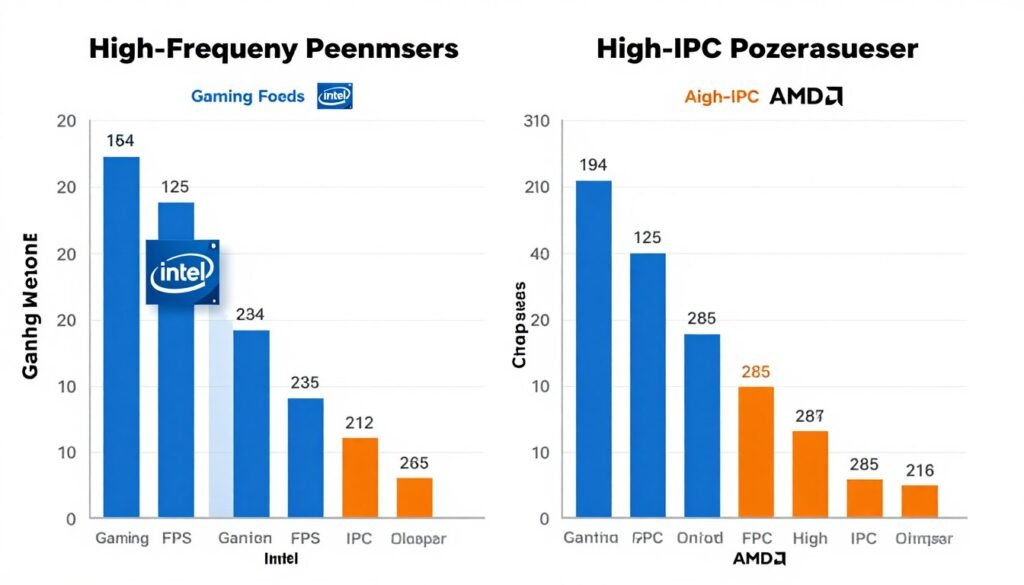
Marketing teams love GHz numbers. They’re simple. Easy to compare. And higher sounds better.
But the reality is more complicated. Clock speed measures frequency. It doesn’t measure work completed. A CPU can run at high frequency while accomplishing less per cycle than a competitor.
The Math Nobody Talks About
Here’s the formula that matters: Performance = Clock Speed × IPC × Core Count × Efficiency.
Notice how IPC is just one variable. But it’s the one manufacturers bury in footnotes. They’d rather advertise “Up to 5.8 GHz!” than explain their architectural improvements.
Take Intel’s Core i5-14600K versus AMD’s Ryzen 5 7600X. The Intel chip boosts to 5.3 GHz. The AMD tops out at 5.4 GHz. Nearly identical frequency. But in gaming benchmarks, they trade wins depending on the title.
Why? Different IPC. Different cache structures. Different ways of handling the same workload. For a detailed breakdown of how these chips compare in real builds, check our guide on i5 vs Ryzen 5 in 2026.
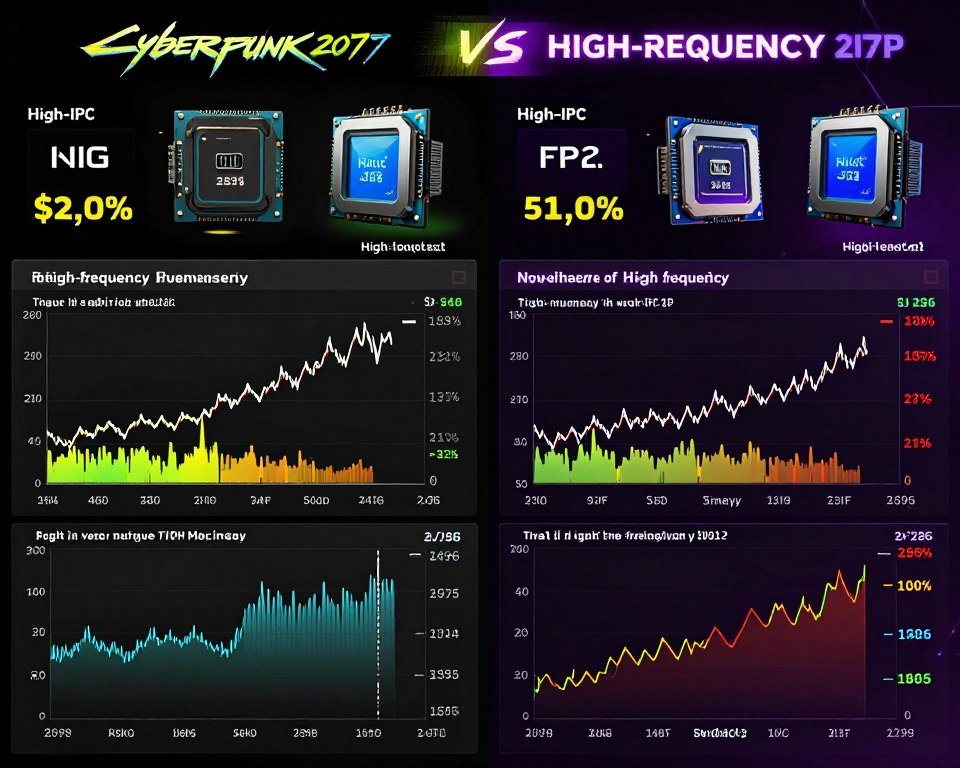
Reality Check: I’ve tested systems where a CPU running 400 MHz slower delivered better frame times in Cyberpunk 2077. The difference? Cache design and IPC. The “slower” chip processed game logic more efficiently, reducing stutters and maintaining higher minimum FPS.
When GHz Actually Matters
Clock speed isn’t useless. Certain workloads are frequency-dependent. Older games that run on one or two threads love high GHz. Emulation software often prefers raw frequency over core count or IPC.
But modern titles? They care about overall throughput. How fast the CPU can juggle physics, AI, draw calls, and game logic simultaneously. That’s where IPC shines.
If you’re building for competitive gaming at high refresh rates, understanding this balance matters. See our analysis of esports CPU performance to learn what actually drives 240+ FPS.
Real-World IPC Performance: Where You Actually Feel the Difference
Gaming Performance
Modern games hammer CPUs with diverse tasks. They need to process AI decisions. Update physics simulations. Manage draw calls to the GPU. Handle player input. All simultaneously.
High IPC CPUs handle this chaos better. They process more game logic per cycle. This translates to higher minimum FPS and smoother frame times.
Take Cyberpunk 2077 with path tracing enabled. The CPU bottleneck isn’t about raw frequency. It’s about how efficiently the processor handles the game’s logic while the GPU does ray tracing. Our Cyberpunk 2077 bottleneck guide shows exactly where IPC makes the difference.
Content Creation and Productivity
Video encoding, 3D rendering, and code compilation love high IPC. These workloads throw thousands of instructions at the CPU. The chip that processes more per cycle finishes faster.
Premiere Pro timeline scrubbing. Blender viewport performance. Even compiling large codebases. All benefit more from IPC gains than clock speed bumps.
I’ve seen render times drop twenty percent when upgrading to a newer architecture at the same clock speed. The new chip simply worked through the render queue more efficiently.
Test Your CPU’s Real-World Performance
Understanding IPC is one thing. Seeing how it impacts your specific build is another. Our calculator factors in CPU architecture, clock speed, and real-world workload data to show you where bottlenecks actually occur.
Also check: How to identify CPU bottlenecks in your system
Workstation and Professional Tasks
CAD software, financial modeling, and database queries care deeply about IPC. These applications perform complex calculations that benefit from efficient instruction processing.
A chip that completes more work per cycle reduces wait times. This matters when you’re running simulations or processing large datasets. Clock speed helps, but IPC determines how much gets done each cycle.
How to Actually Measure IPC (And Why It’s Harder Than It Sounds)

Here’s the tricky part. You can’t just look up a CPU’s IPC in a spec sheet. Manufacturers rarely publish it. And when they do, it’s relative to their previous generation.
IPC varies by workload. A CPU might excel at integer operations but lag in floating-point math. It might handle branching efficiently but struggle with memory-intensive tasks.
Synthetic Benchmarks vs Real Applications
Tools like Cinebench and Geekbench measure performance. But they don’t isolate IPC from clock speed. You need to compare chips at the same frequency to see IPC differences.
Some reviewers lock CPUs to identical speeds and run tests. This shows architectural efficiency. But it doesn’t reflect real-world use where turbo boost and power limits affect performance.
What Affects IPC Measurements
Tools That Help Estimate IPC
For practical purposes, focus on generation-over-generation improvements. When AMD says Zen 5 has “X% IPC uplift over Zen 4,” that’s measurable data. When Intel claims “improved performance per watt,” that often reflects IPC gains.
Understanding CPU core scaling helps too. More cores don’t always mean better performance if IPC is low.
Intel vs AMD IPC: The 2026 Reality Check
Both companies have made massive IPC improvements over the past few years. But they’ve taken different paths to get there.
AMD’s Zen Architecture Evolution
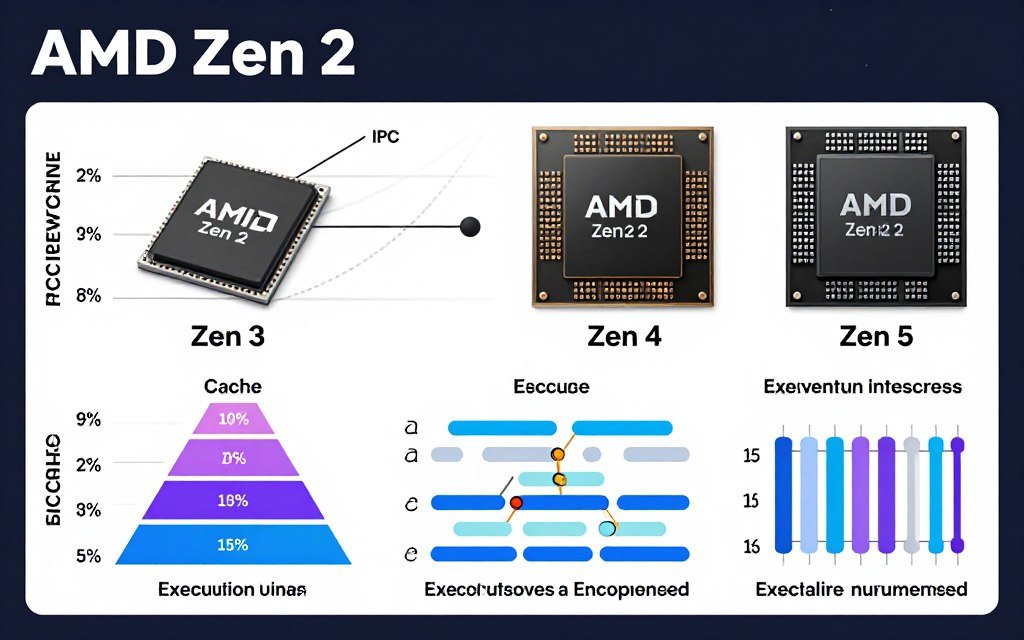
AMD jumped from Zen 2 to Zen 3 with a massive IPC gain. They unified the CPU complex, improved cache access, and refined branch prediction. Zen 4 brought smaller improvements but focused on efficiency.
Zen 5, released in 2024 and refined through 2026, pushed IPC even higher. The architecture handles more instructions in flight. It predicts branches better. Cache latency dropped again.
The Ryzen 9800X3D represents AMD’s peak gaming IPC. The 3D V-Cache technology stacks extra L3 cache directly on the CPU die. This reduces memory latency and keeps the execution units fed with data. Check our detailed Ryzen 9800X3D analysis to see how cache impacts IPC in real gaming scenarios.
Intel’s Hybrid Approach
Intel went a different route with their Performance and Efficiency core design. P-cores have high IPC and handle demanding tasks. E-cores trade IPC for power efficiency and thread count.
Arrow Lake (14th gen) and the upcoming Nova Lake chips refine this strategy. P-cores get IPC improvements each generation. E-cores become more capable without sacrificing efficiency.
The challenge? Windows scheduling. The OS needs to put the right threads on the right cores. When it works, performance is excellent. When scheduling fails, you get stutters and lower FPS. Our guide on Windows scheduling and P-cores explains the issues and fixes.
| Architecture Feature | AMD Zen 5 | Intel Arrow Lake | Impact on IPC |
| Execution Units | Wider integer pipes | Hybrid P+E design | AMD: consistent IPC across cores; Intel: variable by core type |
| Cache Strategy | Large unified L3 (or 3D V-Cache) | Shared L3 between core clusters | AMD: lower latency for cache hits; Intel: better multi-core scaling |
| Branch Prediction | Refined TAGE predictor | Advanced AI-assisted prediction | Both achieve high accuracy in different workloads |
| Memory Support | DDR5-5600 official, higher with tuning | DDR5-6400 official support | Higher bandwidth reduces memory-bound IPC losses |
| Power Efficiency | Optimized at lower voltages | E-cores handle background tasks | Both sustain higher IPC under thermal constraints |
Which Architecture Wins?
It depends on the workload. AMD typically leads in gaming IPC, especially with X3D chips. Intel competes in multi-threaded productivity when schedulers behave.
The honest answer? Both are excellent in 2026. The IPC gap has narrowed. Choose based on your specific use case and budget. For detailed comparisons with real benchmark data, see our Intel vs AMD 2026 analysis.
Why Gamers Should Care About IPC (But Not Obsess Over It)
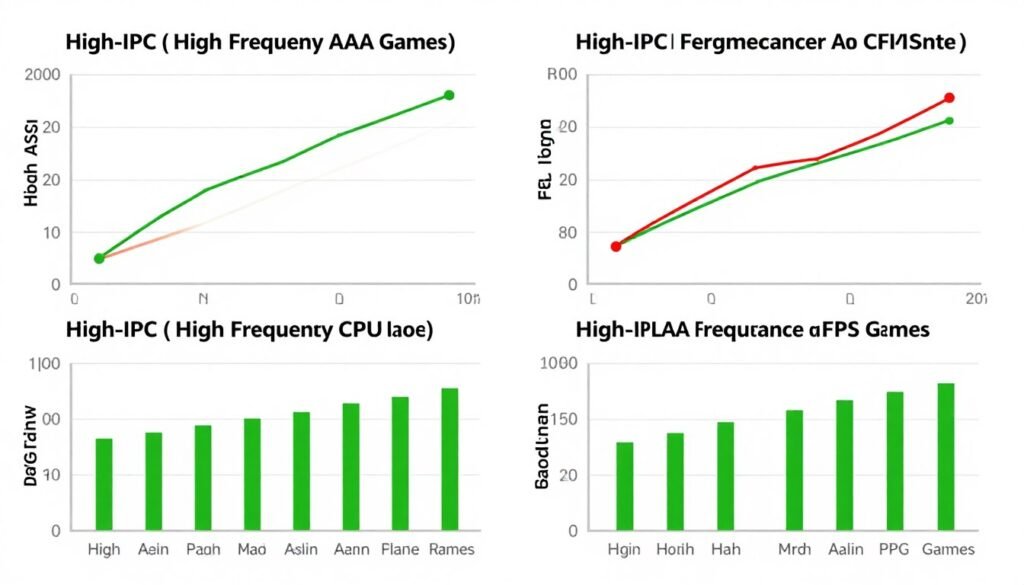
Here’s what matters for gaming. Minimum FPS and frame time consistency. Not average FPS. A CPU with high IPC delivers smoother lows because it processes frame logic more efficiently.
Game engines like Unreal Engine 5 stress CPUs differently than older titles. Nanite and Lumen create complex workloads that benefit from architectural efficiency. See our breakdown of UE5 performance for specifics.
Competitive Gaming and High Refresh Rates
Esports titles need both high IPC and high clock speed. Games like CS2 and Valorant run on fewer threads but demand low latency. A CPU that executes more instructions per cycle while running at high frequency wins here.
This is why chips like the 7800X3D dominate high-refresh gaming. They combine strong IPC with decent frequency and massive cache. The cache reduces memory latency, which keeps frame times tight.
Single-Player AAA Titles
Modern single-player games benefit more from overall system balance than pure CPU speed. GPU performance usually matters more. But CPU IPC still affects physics, AI, and simulation quality.
A weak CPU with low IPC creates stutters even with a powerful GPU. The graphics card waits for the processor to finish game logic. This is classic CPU bottlenecking. For more on identifying and fixing this issue, check our guide on system balance and component matching.
When High IPC Helps Gaming
- Reduces minimum FPS drops in CPU-heavy scenes
- Improves frame time consistency and smoothness
- Better handles complex game logic and AI
- Scales well with high-refresh monitors
- More efficient at processing draw calls
When IPC Doesn’t Matter Much
- GPU-bound scenarios at 4K resolution
- Older games limited by single-thread speed
- Poorly optimized titles with hard-coded limits
- Budget builds where GPU is the clear bottleneck
- Casual gaming at 60Hz where any modern CPU works
How to Actually Use IPC Knowledge When Buying a CPU
You can’t shop by IPC alone. Manufacturers don’t list it. Review sites measure it inconsistently. So how do you apply this knowledge practically?
Look at Generation-Over-Generation Gains
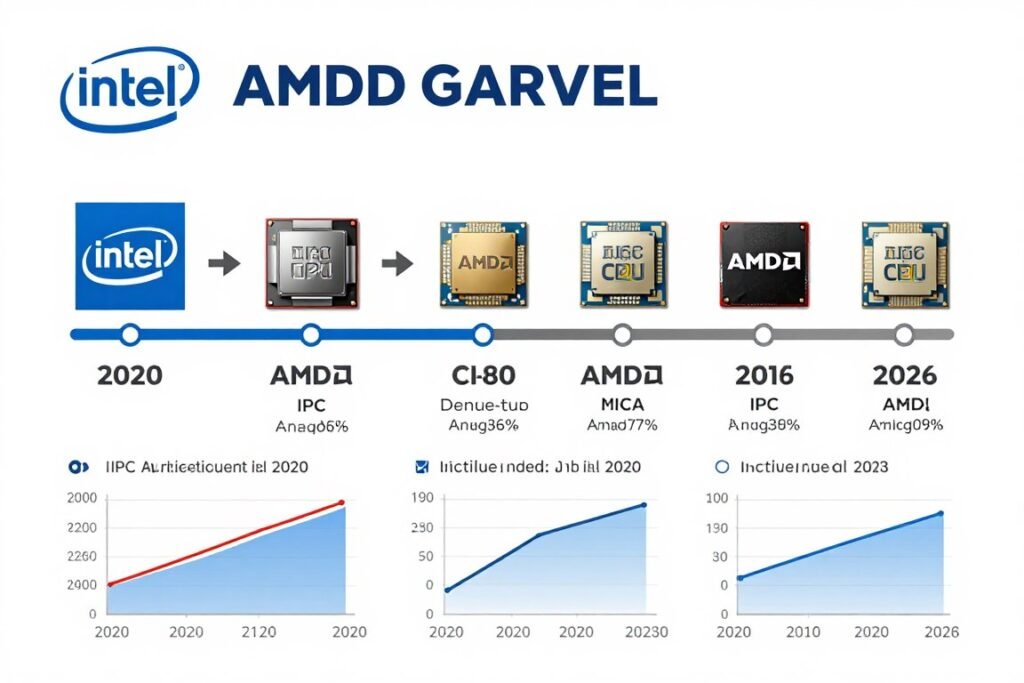
When a new CPU generation launches, vendors publish IPC improvement percentages. “15% IPC uplift over previous gen” means real-world performance gains even at the same clock speed.
This matters when comparing old versus new chips. A three-year-old CPU at 5.0 GHz might lose to a new chip at 4.5 GHz because of architectural improvements.
Read Reviews That Test at Fixed Frequencies
Some tech reviewers lock CPUs to the same clock speed and run benchmarks. This isolates IPC from frequency. Look for these tests when comparing architectures.
Example: if a Zen 5 chip beats a Zen 4 chip when both run at 4.0 GHz, that’s pure IPC advantage. It tells you the newer architecture is more efficient.
Consider Your Workload
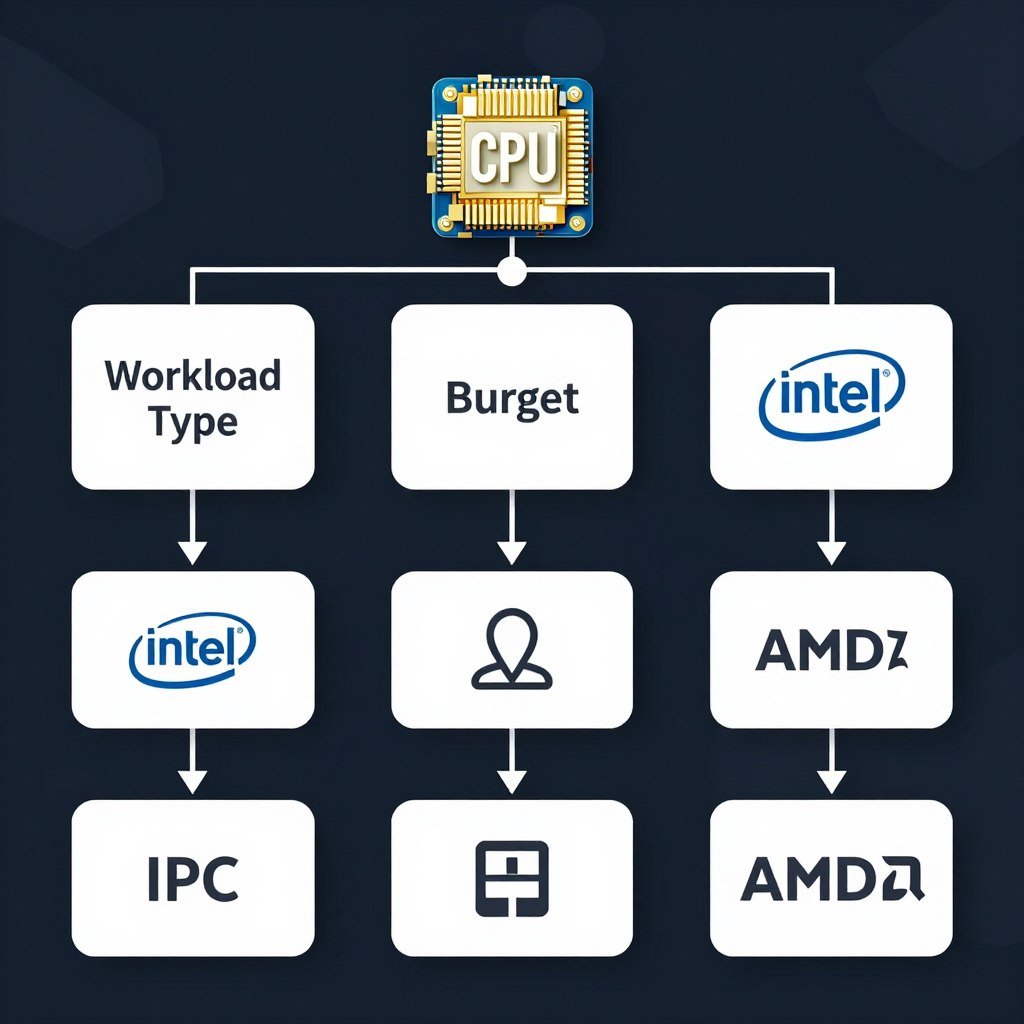
Different tasks stress different CPU features. Gaming often benefits from cache size as much as IPC. Video encoding loves wide execution units. Code compilation needs strong single-thread IPC.
Match the CPU to your primary use. Don’t just chase the highest IPC claims.
Questions to Ask When Buying
- What generation is this CPU architecture?
- What IPC improvements did this generation bring?
- How does cache size affect my workload?
- Do I need more cores or higher IPC?
- What clock speeds will I actually sustain under load?
- Does this CPU pair well with my GPU choice?
For help answering that last question, try our hardware bottleneck test to see if your component pairing makes sense.
Don’t Ignore Real-World Benchmarks
Synthetic IPC measurements matter less than actual application performance. A CPU with lower measured IPC might still win in your specific use case due to better cache design or memory controller efficiency.
Check benchmarks for the software you actually run. Gaming benchmarks for gamers. Rendering benchmarks for content creators. That’s what matters.
When planning a build, understanding whether you need more cores or better IPC helps allocate your budget. See our guide on CPU core count in 2026 for practical advice.
Where IPC Performance Is Headed (And What It Means for You)

IPC improvements are slowing down. We’re hitting physical limits. Transistors can’t shrink much further. Power density creates thermal problems. The easy architectural gains are behind us.
But innovation continues. Just in different directions.
Chiplet Designs and 3D Stacking
AMD’s 3D V-Cache proved that vertical stacking works. Intel is following with Foveros technology. These approaches don’t directly increase IPC, but they reduce latency and keep execution units fed with data.
Lower latency effectively boosts IPC in memory-bound workloads. The CPU spends less time waiting and more time executing. Our article on chiplet technology explains how this works.
Specialized Execution Units
Modern CPUs add units for specific tasks. AI accelerators. Video encode blocks. Crypto engines. These don’t improve general IPC, but they offload work from the main cores.
This frees up the CPU to focus on tasks that need high IPC. It’s architectural specialization rather than brute-force improvement.
Better Prediction and Prefetching
Future IPC gains will come from smarter chips, not just faster ones. Machine learning-based branch predictors. Advanced prefetching algorithms. Better instruction scheduling.
These improvements happen behind the scenes. Users won’t see a “20% IPC gain” announcement. But performance will still improve generation over generation.
What This Means for Your Next Build: Focus on generation-over-generation improvements rather than chasing specific IPC numbers. Buy the newest architecture you can afford. The cumulative improvements in IPC, cache, and efficiency will deliver better performance than an older chip with higher clock speed.
The Biggest Mistakes People Make About IPC Performance
I see the same misconceptions repeated constantly. Let’s clear them up.
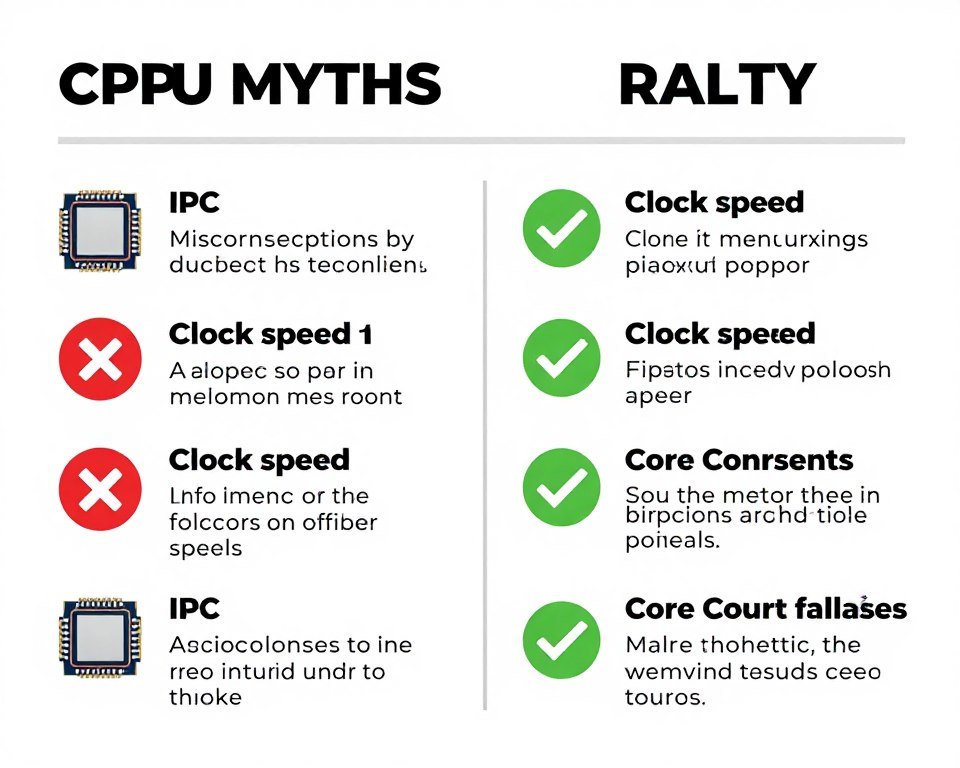
Mistake #1: Comparing IPC Across Different Architectures
You can’t directly compare AMD and Intel IPC numbers. The architectures are too different. One company’s “15% IPC improvement” doesn’t equal another’s.
What matters is relative performance in actual applications. Not theoretical IPC measurements.
Mistake #2: Ignoring Clock Speed Entirely
IPC matters. But so does frequency. A chip with mediocre IPC at 5.5 GHz might beat a high-IPC chip at 3.8 GHz. Total throughput is what counts.
Remember the formula: Performance = Clock Speed × IPC × Cores × Efficiency. All variables matter.
Mistake #3: Obsessing Over Single-Thread IPC in Multi-Threaded Workloads
Some people fixate on single-thread benchmarks. But if you’re rendering video or compiling code, multi-thread performance matters more. A chip with slightly lower IPC but more cores might finish faster.
Match the CPU to the task. Don’t chase numbers that don’t affect your workload.
Mistake #4: Upgrading for Tiny IPC Gains
Going from one generation to the next for a five percent IPC bump rarely makes sense. You’re spending hundreds of dollars for minimal real-world improvement.
Wait for significant architectural changes. Skip generations. Let IPC improvements accumulate before upgrading.
Before making upgrade decisions, use a CPU GPU bottleneck checker to see if your current setup is actually limiting performance. You might not need a new CPU at all.
Squeezing More IPC Out of Your Current CPU
You can’t magically increase your CPU’s IPC. The architecture is fixed. But you can remove bottlenecks that prevent it from reaching its potential.
RAM Speed and Timings
Slow RAM starves the CPU. It sits idle waiting for data. Fast RAM with tight timings reduces latency and keeps execution units fed.
For Ryzen CPUs especially, RAM speed directly impacts Infinity Fabric performance. This affects how quickly cores communicate. Our RAM latency tuning guide shows how to optimize memory for better CPU performance.
Optimizations That Help IPC Efficiency
- Enable XMP/EXPO profiles for faster RAM
- Update motherboard BIOS for newer AGESA/microcode
- Disable unnecessary background processes
- Use process affinity to pin apps to specific cores
- Keep CPU temperatures under control
- Enable Resizable BAR for better GPU-CPU communication
Things That Don’t Actually Help
- Overclocking RAM beyond what’s stable
- Extreme overvolting that causes thermal throttling
- Installing every “optimization” tool you find online
- Disabling Windows services critical for scheduling
- Running ancient BIOS versions with outdated code
- Expecting magic from registry tweaks
Fix Thermal and Power Throttling
A CPU that hits thermal limits drops clock speed. This reduces effective performance even though IPC stays the same. Better cooling lets the chip sustain higher frequencies longer.
Same with power limits. If your motherboard VRMs can’t deliver enough current, the CPU throttles. This wastes the IPC potential you paid for.
Check our guide on fixing PC stutters for more optimization tips that help your CPU perform at its best.
Software and Driver Updates
CPU microcode updates sometimes improve scheduling and power management. Windows updates fix thread scheduling issues. GPU drivers reduce CPU overhead in games.
Keep your system updated. These fixes might not show up in synthetic benchmarks, but they improve real-world IPC efficiency.
Busting Common IPC Performance Myths
The internet is full of bad information about IPC. Let’s kill some myths.
Myth: “More Cache Always Means Higher IPC”
Cache helps IPC, but it’s not a direct correlation. A CPU with massive cache but poor execution units might still have low IPC. Cache reduces latency, which helps, but it’s one piece of the puzzle.
The 7800X3D benefits from cache in gaming because games have predictable memory access patterns. Other workloads see less benefit.
Myth: “You Can Calculate IPC From Benchmark Scores”
Benchmark scores reflect overall performance, not isolated IPC. They include clock speed, core count, thermal behavior, and memory performance.
Trying to reverse-engineer IPC from a Cinebench score is pointless. Too many variables affect the result.
Myth: “Server CPUs Have Higher IPC Than Desktop Chips”
Not necessarily. Server chips often use the same cores as desktop parts, sometimes at lower clock speeds. They prioritize efficiency and core count over single-thread IPC.
Xeons and EPYCs excel at multi-threaded server workloads. They don’t magically have better IPC than their desktop counterparts.
Myth: “Overclocking Increases IPC”
Overclocking increases clock speed. IPC stays the same. You’re running more cycles per second, not more instructions per cycle.
You might improve performance through higher frequency. But the architectural efficiency doesn’t change.
The Bottom Line: What IPC Performance Really Means for Your PC
IPC performance isn’t something you shop for directly. You can’t walk into a store and ask for “the CPU with the best IPC.” That’s not how it works.
But understanding IPC helps you cut through marketing nonsense. It explains why a chip with lower GHz can outperform a higher-clocked competitor. It shows why architecture matters as much as raw specifications.
Here’s what you should actually do with this knowledge. Buy recent architecture. Newer generations almost always have better IPC than older ones. Don’t chase GHz numbers without considering the underlying design.
Check reviews that test your specific workloads. Gaming benchmarks for gaming builds. Rendering tests for content creation. Real-world performance trumps theoretical IPC measurements.
And remember that system balance matters more than any single component. A high-IPC CPU paired with slow RAM and a weak GPU won’t deliver the performance you expect. Everything needs to work together. That’s why understanding bottleneck fundamentals matters just as much as knowing about IPC.
Put Your IPC Knowledge to Work
Now that you understand how IPC impacts real-world performance, test your current or planned build. Our calculator analyzes your specific component pairing and shows you where bottlenecks occur based on actual workload data, not just theoretical specs.
Final Thoughts
IPC will keep improving, just at a slower pace than in the past. Chipmakers are finding new ways to boost efficiency even as transistor scaling slows. Expect incremental gains rather than revolutionary jumps.
For PC builders, this means buying smartly. Wait for meaningful architectural changes. Skip minor refres.h generations. Focus on overall system performance rather than individual component specifications.
And when someone tries to sell you a CPU based solely on GHz numbers, you’ll know better. You understand that instructions per clock matter just as much as clock speed. That’s the knowledge that separates informed builders from people who fall for marketing hype.
Build smart. Test your assumptions. And remember that the best CPU is the one that fits your actual workload, not the one with the highest number on the box.