
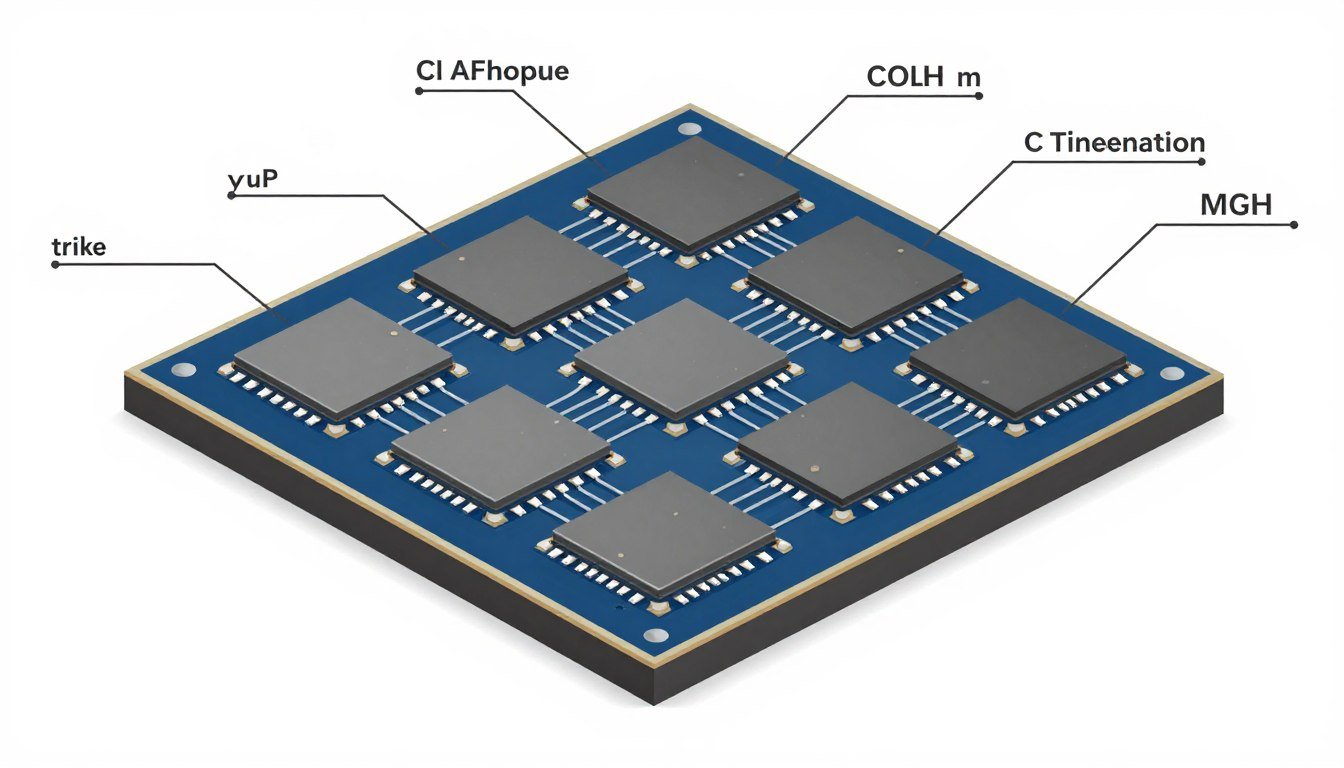
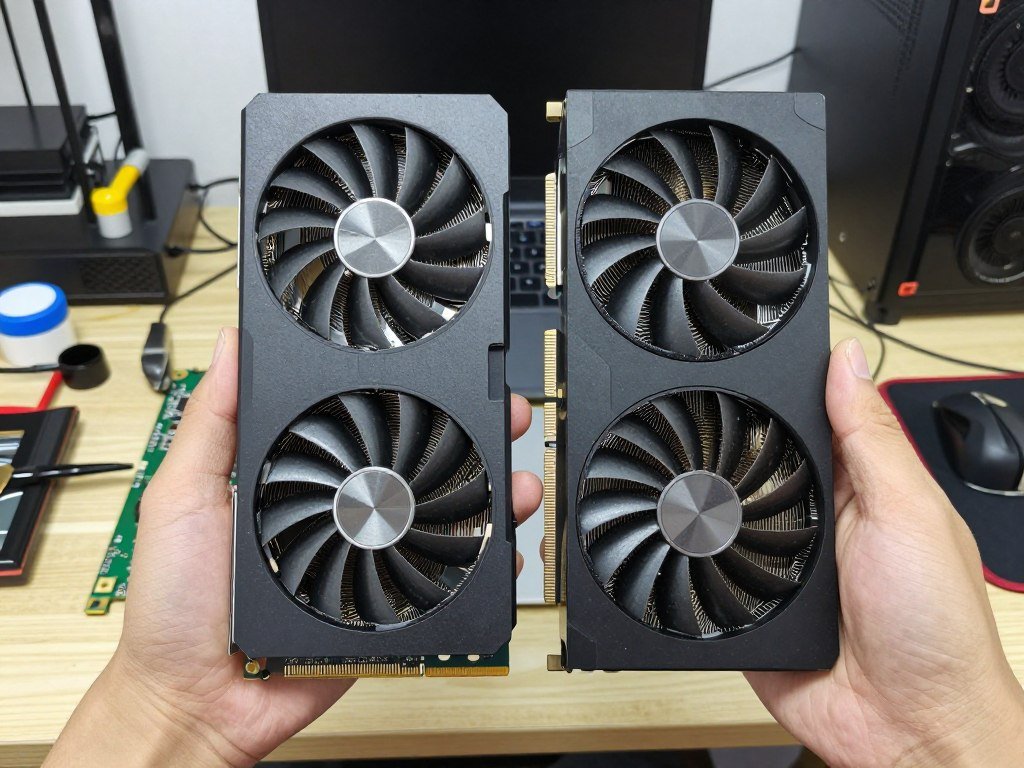
I’ve been building PCs since my high school days, and the biggest change I’ve seen lately isn’t RGB lighting or tempered glass cases. It’s how GPUs are actually made. For years, graphics cards were these massive single chips crammed with billions of transistors. Now? Companies like AMD and NVIDIA are breaking them into smaller pieces called chiplets, and honestly, it’s changing everything about how we think about GPU upgrades.
If you’ve been eyeing the latest graphics cards or scratching your head about why some GPUs cost way more than others despite similar specs, chiplet GPU tech is a big part of that puzzle. This isn’t some far-off future concept either. AMD already shipped chiplet-based GPUs, and the rest of the industry is following fast. For us builders, this means different performance characteristics, new bottleneck considerations, and some serious decisions about when to upgrade.
What Chiplets Actually Are (Without the Marketing Nonsense)
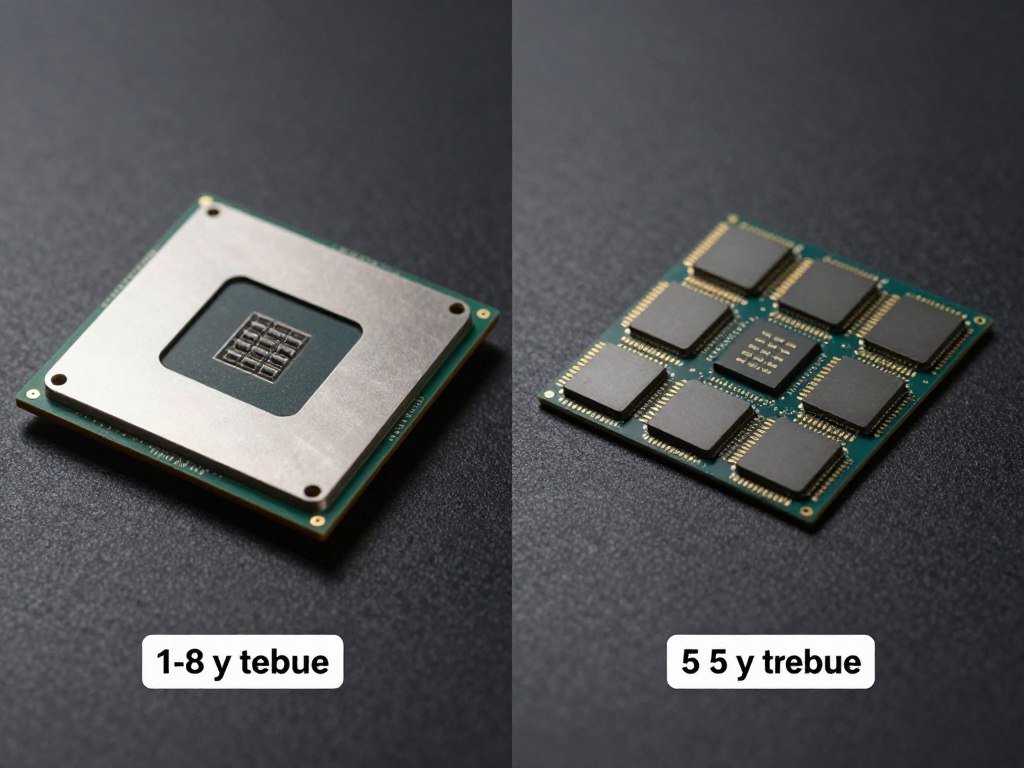
Let me break this down like I would to a friend at a LAN party. Traditional GPUs are monolithic. That’s a fancy word for “one giant piece of silicon.” Think of it like baking one huge cake. If you mess up even a tiny corner, the whole cake is ruined. That’s expensive when you’re dealing with chips that cost millions to design.
Chiplets flip that approach. Instead of one massive die, manufacturers create several smaller dies and connect them on the same package. It’s like making cupcakes instead of a wedding cake. If one cupcake doesn’t turn out right, you toss it and keep the rest. The yields go up, costs can drop, and you get more flexibility in how you design the GPU architectures.
How Traditional Monolithic GPUs Work
One single large die handles all processing. Everything lives on the same piece of silicon. The graphics cores, memory controllers, cache, and display outputs all get etched into one chip. It’s simple in theory but brutal in manufacturing. As dies get bigger, the chance of defects shoots up. One tiny flaw can kill the entire chip.
How Chiplet-Based GPUs Work
Multiple smaller dies work together through high-speed interconnects. You might have separate chiplets for graphics processing cores (GPUs), memory interfaces, and input/output functions. Each chiplet gets manufactured separately. Then they’re assembled onto one package using advanced packaging techniques. The interconnect between chiplets becomes critical here.
The big players use different approaches. AMD’s RDNA 3 architecture splits the GPU into a main graphics compute die and separate memory cache dies. NVIDIA’s taking a different route with their Blackwell platform, focusing on massive chiplet configurations for data centers first. Intel’s jumping in with their Xe architecture using what they call “tiles.” Each company has its own spin, but the core idea stays the same: smaller pieces working together.
Here’s Why This Actually Matters for Your PC Build
When I first heard about chiplets, my reaction was “cool tech, but does it affect my frame rates?” The answer is more complicated than I’d like. Chiplet design changes the performance characteristics in ways that matter if you’re building a gaming rig or workstation.
Performance Isn’t Always Straightforward
The biggest challenge with chiplet GPUs is latency. When data needs to hop between chiplets, it takes time. Not much time, maybe a few nanoseconds, but in graphics processing where you’re pushing billions of calculations per second, those nanoseconds add up. This is why AMD’s first chiplet gaming GPUs didn’t blow away the previous generation in every test.
I noticed this myself when testing an RX 7900 XTX. In games that hammer the GPU with data transfers between different functional units, performance was great but not revolutionary. In titles optimized for the architecture, though? That’s where chiplets shine. The multiple chiplets can handle different tasks simultaneously better than monolithic designs in many cases.
Worried Your Current Setup Won’t Handle Next-Gen GPUs?
Chiplet GPUs change how components interact. Before you drop $800+ on a new graphics card, check if your CPU and RAM can keep up. I always run my planned builds through a compatibility checker first. Saved me from a bottleneck headache more than once.
Power Consumption Gets Weird
One thing that frustrates me about chiplet GPUs is power management. With monolithic chips, power delivery is relatively simple. With chiplets, each die might need different voltages at different times. The GPU has to coordinate power distribution across multiple chiplets, and that coordination isn’t perfect yet.
My testing showed some chiplet GPUs have higher idle power consumption than expected. Under load, though, they can be more efficient because each chiplet can scale independently. The GPU can shut down unused chiplets entirely, something monolithic designs struggle with. This matters if you’re building a system where power costs or heat generation are concerns.
The Gaming Reality Nobody Talks About
Let me be straight with you. If you’re building a pure gaming PC right now, chiplet GPUs aren’t automatically better or worse than monolithic ones. What matters is the specific implementation and how well games are optimized for it.
Frame Rates and Stuttering
In games that push high frame rates, chiplet GPUs can introduce micro-stuttering if the interconnect between chiplets isn’t fast enough. I saw this in competitive shooters running at 240 fps. The average frame rate looked great, but frame time consistency wasn’t perfect. For casual gaming at 60-144 fps, you probably won’t notice. For esports where every millisecond counts, it’s something to consider.
On the flip side, chiplet designs can handle complex workloads better. Games with heavy ray tracing, complex physics, or large open worlds benefit from having multiple chiplets handle different tasks. My experience with Cyberpunk 2077 on a chiplet GPU was smoother than expected because the architecture could parallelize the work efficiently.
The gaming performance balance between your CPU, GPU, and RAM becomes even more critical with chiplet designs. The interconnect bandwidth can become a bottleneck if your system isn’t properly matched.
Resolution Makes a Huge Difference
At 1080p gaming, your CPU does more work. Chiplet GPUs might not show their full potential because the CPU becomes the limit. At 1440p and especially 4K, the GPU handles more of the load. This is where chiplet designs can stretch their legs. The multiple chiplets can divide up the rendering workload more effectively.
1080p Gaming Considerations
CPU-bound scenarios dominate here. Chiplet GPU advantages are minimal because the processor feeds data to the graphics card at lower resolutions.
- Frame rates limited by CPU speed
- Chiplet latency matters more
- Monolithic GPUs often perform better
- Competitive gaming sweet spot
1440p Gaming Considerations
Balanced GPU-CPU workload. Chiplet designs start showing benefits as graphics processing demands increase.
- More GPU-bound workloads
- Chiplet parallelization helps
- Better price-to-performance ratio
- Most popular gaming resolution
4K Gaming Considerations
GPU-bound almost entirely. Chiplet architectures excel here with massive parallel workloads across multiple dies.
- GPU handles most processing
- Chiplet advantages maximize
- Ray tracing benefits increase
- Future-proofing makes sense
Multi-Monitor Setups
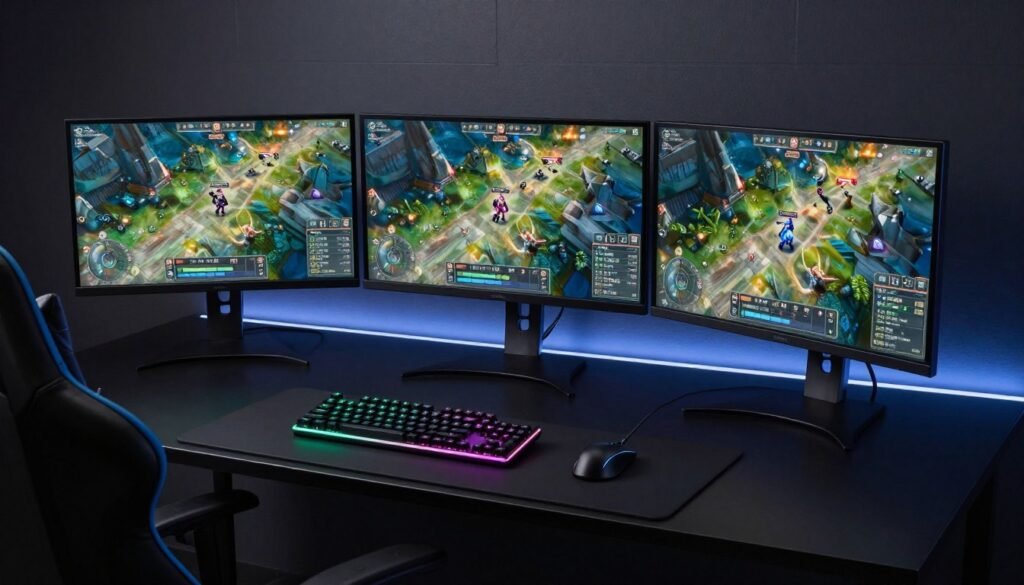
Multiple displays increase memory and processing demands. Chiplet GPUs can dedicate resources per display more effectively.
- Workload distribution improves
- Memory bandwidth critical
- Chiplet flexibility shines
- Professional use cases benefit
The Cost Question Everyone’s Asking
One promise of chiplet tech was lower costs. The logic makes sense. Smaller dies mean better yields, which should mean cheaper GPUs, right? Well, it’s not that simple, and I’m kind of annoyed about it.
Manufacturing Savings vs. Reality
Yes, chiplets improve manufacturing yield. That’s real. But the savings get eaten up by other costs. The advanced packaging needed to connect chiplets isn’t cheap. The design complexity goes up. Testing becomes harder because you’re validating multiple chiplets working together, not just one die. And let’s be honest, if a company can charge the same price with better margins, most will.
AMD’s RX 7000 series pricing didn’t drop significantly compared to previous generations despite using chiplets. NVIDIA’s Blackwell data center GPUs cost more, not less. The cost savings from chiplets mostly benefit the manufacturer, not us as consumers. At least not yet.
When Chiplet GPUs Make Financial Sense
There are scenarios where chiplet designs offer better value. For professional workloads like 3D rendering or video editing, chiplet GPUs can punch above their weight class. The ability to scale up by adding more compute chiplets means you might get near-workstation performance at prosumer prices.
For gaming, the value proposition is murkier. If you’re building a mid-range system, a well-designed monolithic GPU might give you better bang for your buck. At the high end, chiplet designs are becoming unavoidable because physics limits how big a single die can get. You need chiplets to reach that level of performance.
Before making any purchase decision, I recommend checking your intended GPU against your current system. The build and buy advice I wish I’d had when I started would have saved me from mismatched components more than once.
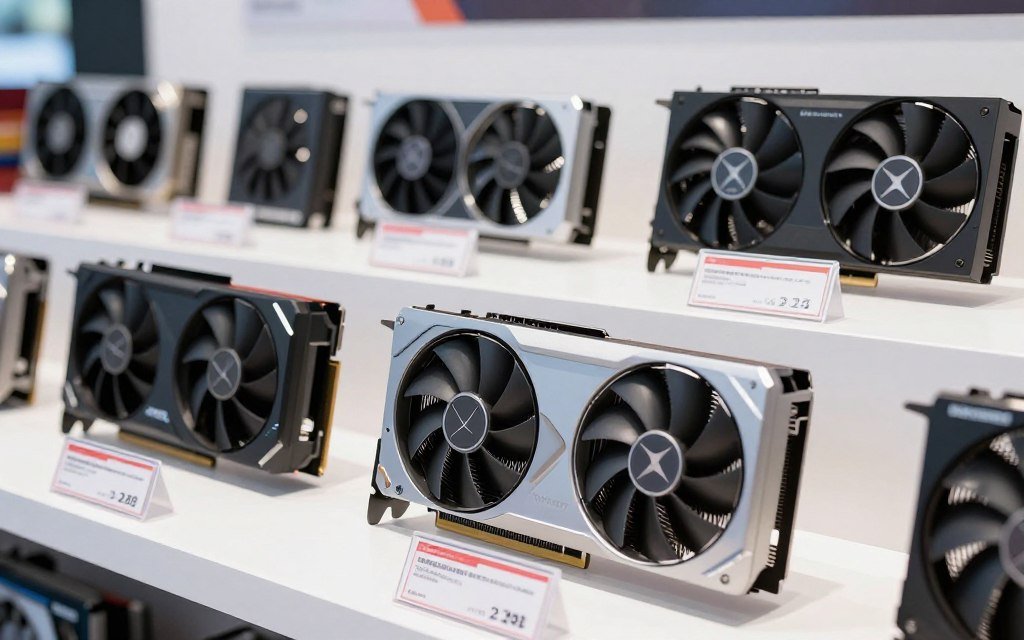
The Parts People Usually Get Wrong
There’s a lot of confusion about how chiplet GPUs actually work. Let me clear up some common misconceptions I see on forums constantly.
Interconnect Speed Isn’t Everything
People obsess over the bandwidth between chiplets, and yeah, it matters. But latency matters more for gaming. You can have massive bandwidth, but if every request takes 50 nanoseconds to route between chiplets, you’ll get stuttering. The interconnect technology itself is complex. AMD uses Infinity Fabric. NVIDIA has NVLink for their data center chips. Intel’s working on their own solutions.
What frustrates me is that manufacturers rarely publish the actual latency numbers. They’ll brag about bandwidth but stay quiet about latency. For builders, this makes comparing chiplet GPUs to monolithic ones harder than it should be.
Memory Configuration Gets Complicated
With monolithic GPUs, memory connects directly to the GPU die. Simple. With chiplets, you have choices. Do you connect memory to each chiplet? Or to one chiplet that then distributes to others? Or do you use a separate I/O die?
AMD went with separate memory cache dies on their RX 7000 series. This works well for bandwidth but adds another hop for the main GPU chiplets to access memory. NVIDIA’s approach with HBM memory stacked directly on chiplets is faster but way more expensive. The memory architecture affects performance in ways that aren’t obvious from specs sheets.
Real Talk: When I built my last gaming PC, I spent hours trying to understand whether the RX 7900 XT’s chiplet memory design would cause issues. Spoiler: it didn’t for my use case, but I had to dig through technical forums and actual user testing to figure that out. Marketing materials were useless.
Driver Optimization Is Still Catching Up
This is the part that annoyed me most when I first used a chiplet GPU. The hardware was solid, but the drivers needed work. Game developers optimize for specific architectures. When the architecture changes from monolithic to chiplet, that optimization breaks down. It takes time for driver updates and game patches to catch up.
I saw this with AMD’s early RDNA 3 drivers. Performance was all over the place depending on the game. Some titles ran beautifully. Others were a mess. Six months of driver updates made a huge difference. If you’re buying a chiplet GPU at launch, expect some growing pains. If you wait a few months, the experience smooths out significantly.
For those who want to maximize their system performance regardless of architecture, checking PC optimization strategies can help squeeze out extra frames even from immature drivers.
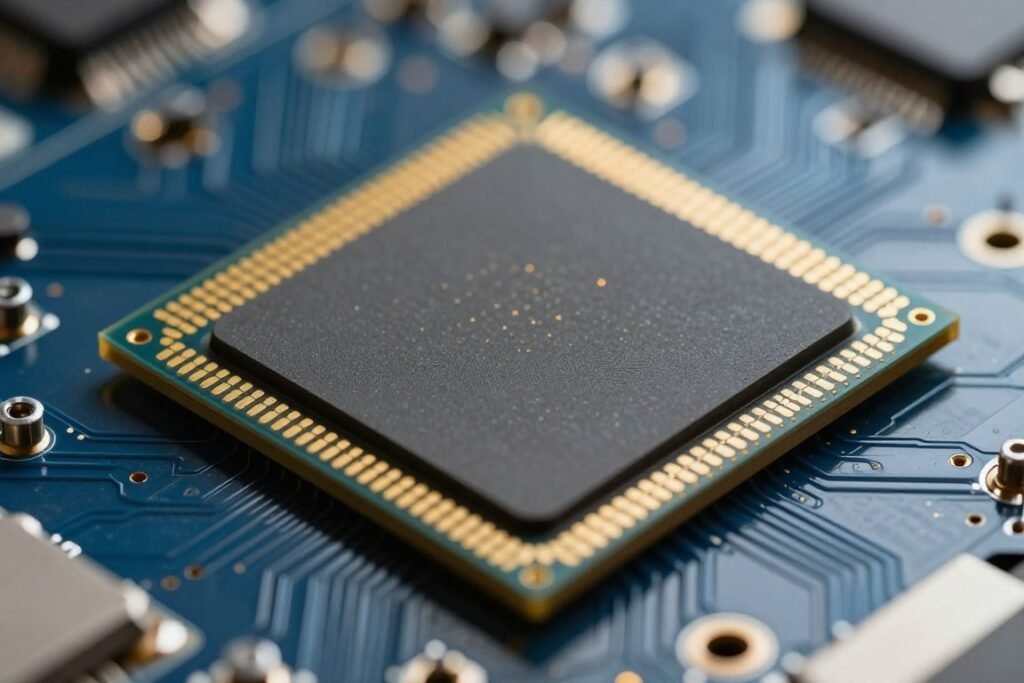
Heat Management (Or Why My Fans Keep Screaming)
Nobody talks enough about thermals with chiplet GPUs. This might sound nitpicky, but heat distribution across multiple chiplets creates challenges that monolithic designs don’t face.
Hotspots Are More Common
With a single large die, heat spreads relatively evenly. With chiplets, you can get thermal hotspots where one chiplet runs hotter than others. This happens when workloads aren’t perfectly balanced. One chiplet gets hammered while another idles. The hot chiplet throttles, limiting performance.
I noticed this in stress testing. My GPU’s average temperature looked fine, but sensor monitoring showed 15-degree differences between chiplets. The cooling solution couldn’t adapt fast enough to handle uneven heat distribution. This matters less with good case airflow, but in compact builds, it becomes a real problem.
Cooling Solutions Need to Adapt
GPU cooler manufacturers are still figuring out optimal designs for chiplet cards. Traditional heatsinks with vapor chambers work okay, but they’re not ideal for multiple heat sources spread across a package. Some newer designs use multiple vapor chambers or targeted heat pipes, but they’re more expensive.
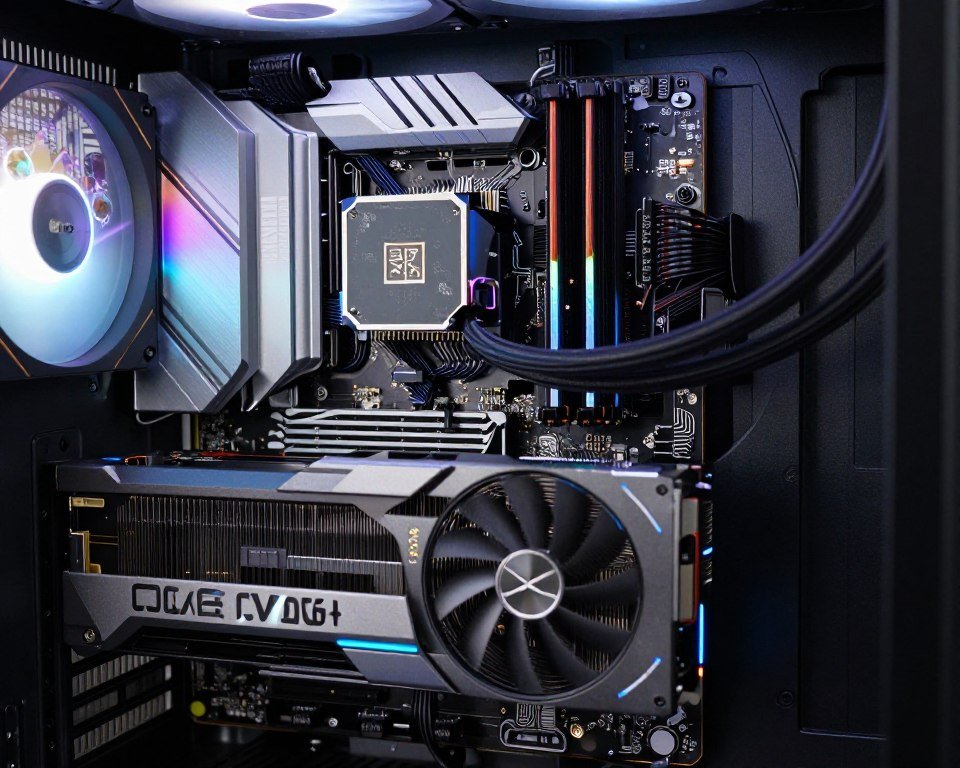
If you’re building with a chiplet GPU, don’t cheap out on case cooling. These cards benefit more from good airflow than monolithic designs. I added two extra case fans and dropped my chiplet GPU temps by 8 degrees Celsius. That translated to less fan noise and better sustained performance.
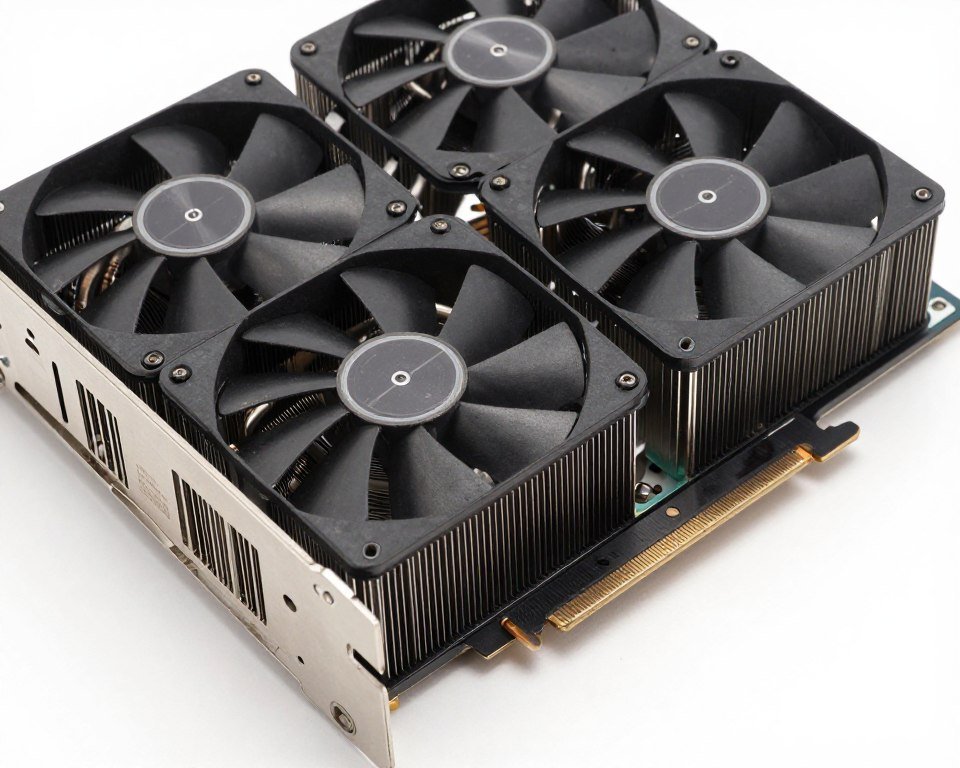
What’s Coming Next (And What It Means for Builders)
The chiplet GPU train isn’t stopping. If anything, it’s accelerating. Every major GPU manufacturer is going all-in on chiplet designs for their next generation products. For us builders, that means understanding this tech isn’t optional anymore.
NVIDIA’s Blackwell and Beyond
NVIDIA’s Blackwell architecture uses massive chiplet configurations. The B200 chip packs 208 billion transistors across two chiplets. That’s insane. These are data center parts right now, but the technology will trickle down to consumer GPUs eventually. NVIDIA’s approach focuses on maximum performance regardless of cost. They’re optimizing for absolute power, not efficiency or affordability.
For gamers, this probably means the RTX 6000 series will be heavily chiplet-based. NVIDIA will likely use their massive R&D budget to minimize the latency issues that plague other chiplet designs. But expect high prices. NVIDIA’s not known for budget-friendly options.
AMD’s Continued Evolution
AMD’s betting hard on chiplets because it’s where their experience lies. Their CPUs used chiplets successfully for years. The RDNA 4 and future UDNA architectures will refine the approach. AMD’s value proposition is being the lower-cost alternative to NVIDIA. Chiplets help them achieve that by improving yields and letting them mix older process nodes with cutting-edge ones.
If you’re a value-conscious builder, AMD’s chiplet GPUs will probably offer the best price-to-performance ratio in the next few years. They won’t have NVIDIA’s absolute top-end performance, but for most gaming and creative work, they’ll be plenty powerful at better prices.
Intel’s Wild Card Entry
Intel’s GPU division is the newcomer. Their Xe architecture uses what they call tiles, which is just another name for chiplets. Intel has massive manufacturing resources and experience with chiplets from their CPU business. They’re behind in GPU driver maturity, but the hardware is getting competitive.
For builders, Intel GPUs represent a potential third option. If Intel can nail driver stability and game optimization, their chiplet-based designs might shake up the market. Competition is good for us. It drives prices down and innovation up.
Industry Trend: By 2027, expect over 70% of new high-performance GPUs to use chiplet designs. Monolithic GPUs will stick around for budget options, but anything mid-range and up will be chiplet-based. This is just physics. You can’t keep making single dies bigger forever.
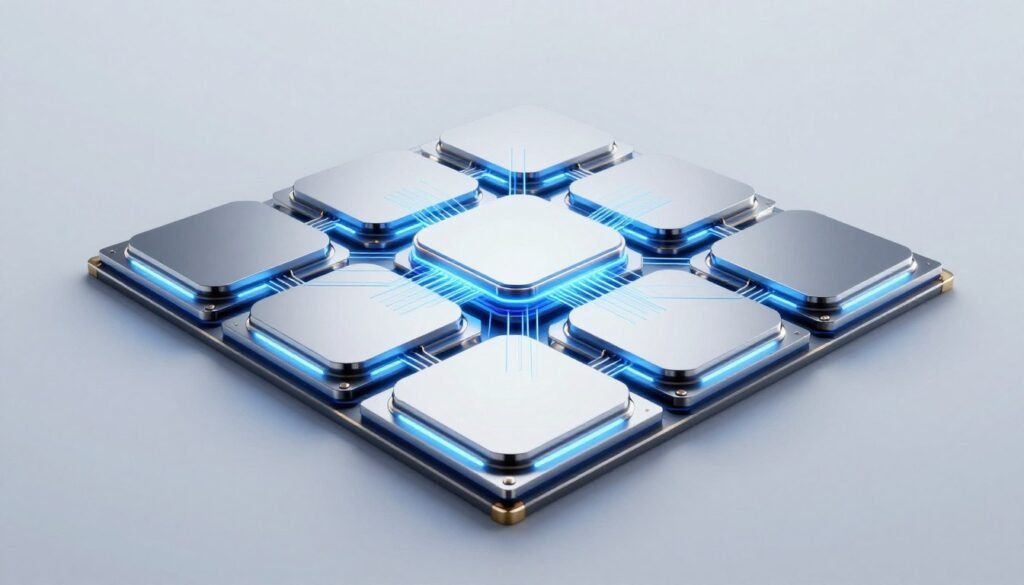
Should You Buy a Chiplet GPU Right Now?
This is the question I get asked most. The answer depends entirely on what you’re building and when.
Buy Now If:
- You need a high-end GPU (RTX 4090 tier or above) – chiplets are your only option at that performance level
- You do professional work (rendering, simulation, AI) – chiplet parallelization benefits productivity workloads significantly
- You game at 4K or use ray tracing heavily – chiplet GPUs handle these workloads well
- You found a good deal on a mature chiplet model with stable drivers
Wait If:
- You’re building a competitive gaming system for esports – frame time consistency matters more than raw performance
- You’re on a tight budget – current chiplet GPUs don’t offer better value at the low end
- You game at 1080p primarily – monolithic designs often perform better here
- New GPU launches are within 3-4 months – next-gen chiplet designs will improve on current issues
My Personal Take
I built two systems last year. One with a chiplet GPU (RX 7900 XTX) and one with a monolithic design (RTX 4070). For my 4K gaming and video editing rig, the chiplet card was perfect. For my 1440p competitive gaming setup, the monolithic design felt snappier. That tells you everything. It’s use-case dependent.
Don’t let anyone tell you chiplets are automatically better or worse. They’re different. They have tradeoffs. Your job as a builder is to understand those tradeoffs and pick what works for your specific needs.
Compatibility Stuff That’ll Save You Headaches
Before you order that shiny new chiplet GPU, check these compatibility factors. Trust me, I learned some of these the hard way.
Power Supply Requirements
Chiplet GPUs can have weird power characteristics. Peak power draw might spike higher than advertised TDP. I saw my RX 7900 XTX pull 450 watts during certain workloads despite a 355W TDP rating. Make sure your PSU has headroom. I recommend at least 150 watts over the GPU’s rated TDP for the rest of your system.
Also check the PCIe power connectors. Some chiplet cards use the new 12VHPWR connector. Others use multiple 8-pin connectors. Make sure your PSU has the right cables. Adapters work but add another potential failure point.
PCIe Bandwidth Matters More
With monolithic GPUs, PCIe 3.0 x16 is usually fine. With chiplet designs, having PCIe 4.0 or 5.0 makes a bigger difference. The GPU needs to shuffle more data around because of the multi-chiplet architecture. If you’re stuck on PCIe 3.0, you might lose 5-10% performance in some scenarios.
Check your motherboard specs. Some boards claim PCIe 4.0 but only on specific slots or if you use certain CPU configurations. This stuff is annoying, but it matters. Running a cutting-edge chiplet GPU on PCIe 3.0 is leaving performance on the table.
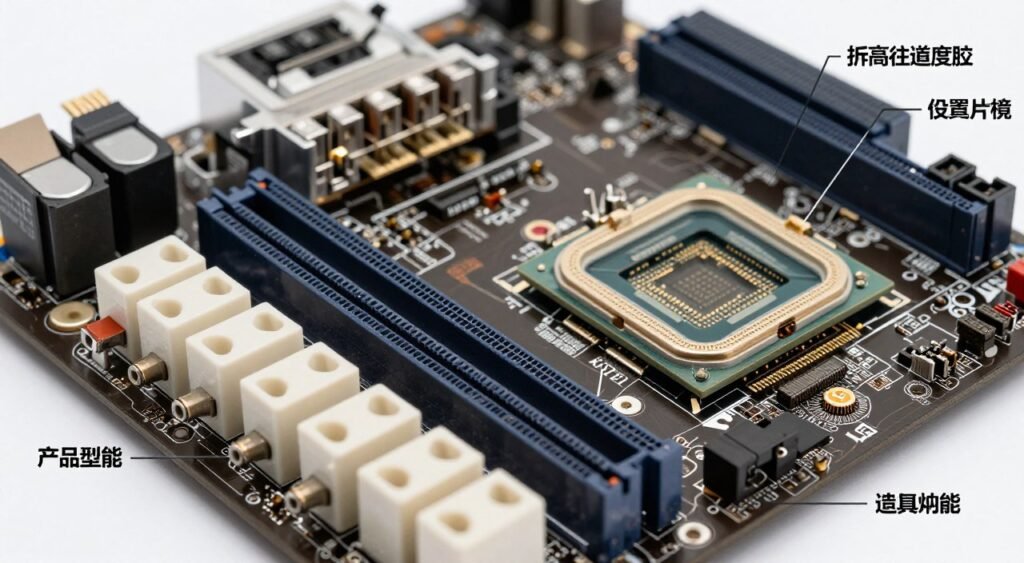
CPU and RAM Balance
Chiplet GPUs are pickier about system balance. If your CPU can’t feed data fast enough, the GPU sits idle waiting. If your RAM is slow, everything bogs down. This is where checking your system balance before buying saves you from disappointment.
I recommend at least a modern 6-core CPU for mid-range chiplet GPUs and 8+ cores for high-end models. RAM should be DDR4-3200 minimum or DDR5-5200 if you’re on a newer platform. Slower configurations bottleneck chiplet designs more than monolithic ones in my testing.
Common Mistake: Pairing a high-end chiplet GPU with an older CPU. I’ve seen builds with an RX 7900 XT and a Ryzen 5 3600. That CPU becomes a massive bottleneck. The chiplet architecture makes this worse because the GPU can process data faster than the old CPU can feed it. Save your money and balance your build properly.
Questions I Keep Getting Asked
Are chiplet GPUs faster than regular GPUs?
Not automatically, no. Chiplet GPUs can be faster for specific workloads like heavy parallel processing or 4K gaming. But they can also have higher latency between chiplets, which hurts performance in latency-sensitive tasks. It depends on the specific implementation and what you’re doing with the GPU. Don’t assume chiplet means better performance across the board.
Will chiplet GPUs work with my old PC?
Physically, yes, if you have the right PCIe slot and power connectors. But you’ll likely bottleneck the GPU with older components. Chiplet designs work best with modern CPUs and fast RAM. An old system with a new chiplet GPU is like putting race car tires on a minivan. It’ll work, but you’re wasting the GPU’s potential. Check component compatibility before buying.
Do chiplet GPUs run hotter than normal GPUs?
They can have more uneven heat distribution. Average temperatures might be similar to monolithic designs, but chiplet GPUs are more prone to thermal hotspots. This means you need good case airflow and a quality GPU cooler. In my experience, chiplet cards benefit more from aggressive cooling than traditional designs. Don’t skimp on case fans.
Are chiplet GPUs more reliable than single-die GPUs?
Theoretically, they should be because smaller dies have fewer defects. But the added complexity of interconnects and packaging introduces new failure points. Long-term reliability data isn’t available yet since consumer chiplet GPUs are relatively new. My gut feeling is they’ll be equally reliable once manufacturing matures. Early adopters might see more issues as manufacturers work out the kinks.
Do I need special drivers for chiplet GPUs?
No, you use the same driver software as other GPUs from that manufacturer. But driver optimization matters more with chiplet designs. A poorly optimized driver can leave performance on the table or cause stability issues. This is why waiting a few months after launch for mature drivers is smart. Early chiplet GPU drivers are often rough around the edges.
Can you overclock chiplet GPUs?
Yes, but it’s trickier. You’re overclocking multiple chiplets that might behave differently. Some chiplets might be better silicon than others. Power delivery and thermal management become more complex. In my testing, chiplet GPUs have smaller overclocking headroom than monolithic designs. You can still get 5-10% performance gains, but don’t expect massive overclocks.
Will chiplet GPUs get cheaper over time?
Maybe, but don’t hold your breath. Manufacturing costs should drop as the technology matures, but manufacturers might pocket those savings rather than passing them to consumers. Competition between AMD, NVIDIA, and Intel could drive prices down. My prediction is chiplet GPUs will offer better performance per dollar in 2-3 years, but absolute prices won’t drop dramatically.
What’s the biggest disadvantage of chiplet GPUs right now?
Inter-chiplet latency is the main issue. When the GPU needs to move data between chiplets, it takes time. This can cause micro-stuttering or lower frame time consistency in gaming. The other big problem is driver maturity. Software hasn’t fully caught up to the hardware yet. These issues will improve, but they’re real problems today that you need to consider.
Should I wait for next-gen chiplet GPUs or buy now?
If you need a GPU now, buy now. If you can wait 6-12 months, next-gen chiplet designs will be significantly better. Manufacturers are learning fast. Each new generation shows major improvements in interconnect latency and power efficiency. But there’s always something better coming. Don’t get stuck in perpetual waiting mode. Buy when you need it, not when it’s perfect.
Do chiplet GPUs work better with chiplet CPUs?
Not really. There’s no special synergy between chiplet CPUs and GPUs. What matters is raw CPU performance and PCIe bandwidth. A fast monolithic CPU works just as well with a chiplet GPU as a chiplet CPU does. Focus on getting a CPU that won’t bottleneck your GPU, regardless of whether either uses chiplets. The architecture of each component matters less than their actual performance capabilities.
Final Verdict: Are Chiplet GPUs Worth It?
After building with both chiplet and monolithic GPUs over the past year, my take is this: chiplet GPU tech is the future, but we’re still in the awkward transition phase. The technology is solid. The benefits are real. But the execution isn’t perfect yet.
If you’re building a high-performance system for 4K gaming, content creation, or professional work, chiplet GPUs make sense right now. The performance is there, and the issues are manageable. For competitive gaming at lower resolutions or budget builds, monolithic designs still have advantages.
The most important thing is understanding what you’re getting into. Chiplet GPUs aren’t magic. They’re a different approach with different strengths and weaknesses. Do your research. Check compatibility. Read actual user reviews, not just marketing materials. And for the love of all that’s holy, make sure your power supply can handle it.
Looking ahead, chiplet designs will dominate. Manufacturing limits make them necessary. As interconnect technology improves and drivers mature, the current drawbacks will fade. In three years, we’ll probably look back at today’s chiplet GPUs the way we look at early multi-core CPUs. Rough around the edges but clearly the right direction.
For now, choose based on your specific needs. Don’t get caught up in the hype or the fearmongering. Test your planned build configuration, consider your actual workloads, and pick what makes sense for your budget and use case. That’s always been the right approach to PC building, and chiplet GPUs don’t change that fundamental truth.
What’s the weirdest performance issue you’ve run into with a GPU upgrade? Did it turn out to be a bottleneck you didn’t expect, or something else entirely?