

In this article, we’ll explore how the water funnel analogy applies to various systems, helping you identify, measure, and resolve bottlenecks that limit your throughput and efficiency.
What Are Bottlenecks? Understanding the Basics
A bottleneck represents any point in a system where the flow capacity is limited compared to the rest of the process. Just as a funnel’s narrow neck restricts water flow, bottlenecks constrain the overall throughput of a system—no matter how efficient other components might be.
In technical terms, a bottleneck is the component or resource that limits the maximum capacity of the entire system. Even if you upgrade every other part of your system, your overall performance will still be capped by the bottleneck’s capacity.
Bottlenecks can occur in virtually any system that involves flow, including:
- Data networks and servers
- Manufacturing and production lines
- Software applications and databases
- Business processes and workflows
- Supply chains and logistics operations
Understanding bottleneck basics is the first step toward building more efficient systems that maximize throughput while minimizing wasted resources.
The Water in a Funnel Analogy Explained
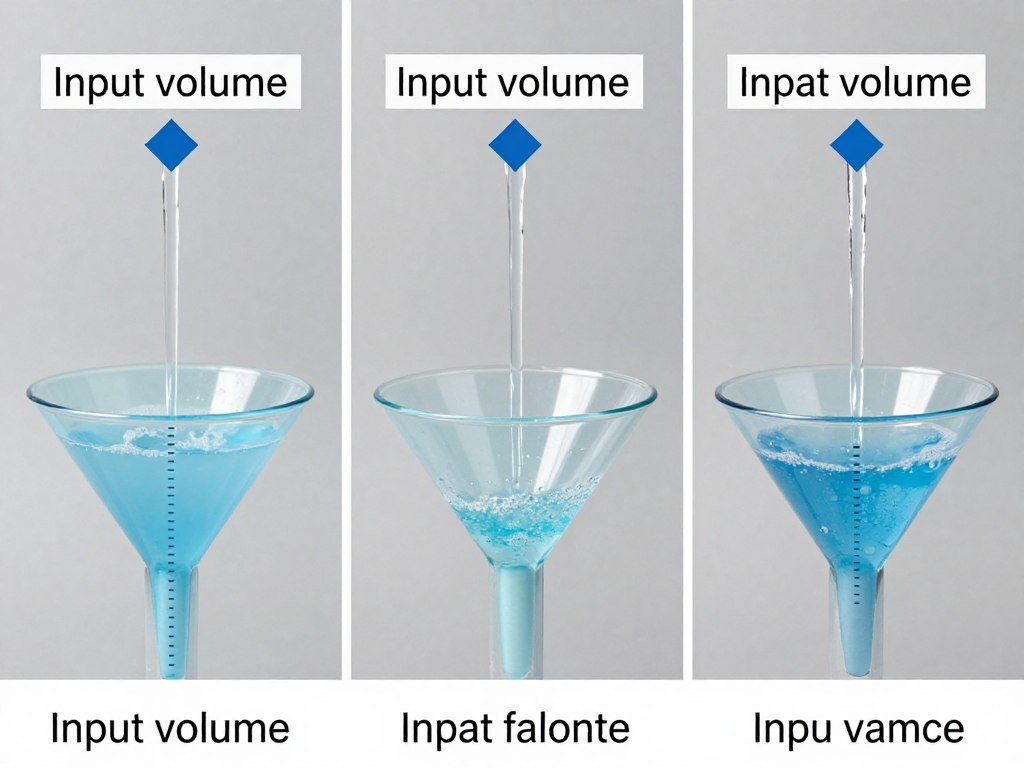
The water funnel analogy provides a perfect visual representation of how bottlenecks work. Consider these key parallels:
Input Volume vs. Output Rate
No matter how much water you pour into a funnel (input), the output rate is determined solely by the width of the funnel’s neck. Similarly, in data systems, increasing input (more requests, more data) won’t improve throughput if your bottleneck component is already at capacity.
Accumulation Before the Constraint
When water flows into a funnel faster than it can exit, it accumulates at the top. In systems, this manifests as queues, backlogs, or buffer overflows—all signs that you’re dealing with a bottleneck that can’t handle the incoming volume.
Consistent Maximum Flow Rate
A funnel’s neck establishes a maximum flow rate that cannot be exceeded without changing the neck itself. Similarly, system bottlenecks establish a ceiling on performance that remains fixed until the bottleneck is addressed directly.
Pressure and System Stress
Pouring too much water too quickly creates pressure in the funnel. In systems, pushing too much volume through a bottleneck creates stress that can lead to failures, crashes, or quality issues in the output.
Types of Bottlenecks in Systems
Just as there are different types of funnels, bottlenecks in systems come in various forms. Understanding these distinctions helps in identifying and addressing them effectively.
Temporary vs. Permanent Bottlenecks
Temporary Bottlenecks
Like a funnel that’s partially clogged but can be cleared, temporary bottlenecks occur due to circumstantial factors that can be resolved without major system changes. Examples include:
- Periodic high traffic on a website
- Temporary resource allocation issues
- Maintenance activities reducing capacity
- Short-term spikes in demand
Permanent Bottlenecks
These are like funnels with structurally narrow necks that limit flow by design. Permanent bottlenecks are built into the system architecture and require significant changes to address:
- Hardware limitations (CPU, memory, disk I/O)
- Network bandwidth constraints
- Architectural design limitations
- Fixed-capacity components
Hardware vs. Software Bottlenecks
Hardware Bottlenecks
Physical components that limit system throughput:
- CPU processing power
- Memory capacity and speed
- Storage read/write speeds
- Network interface capacity
Software Bottlenecks
Code-level or architectural constraints:
- Inefficient algorithms
- Poor database query design
- Thread management issues
- Resource locking and contention
Data Flow Analysis: Finding Your System’s Narrow Neck
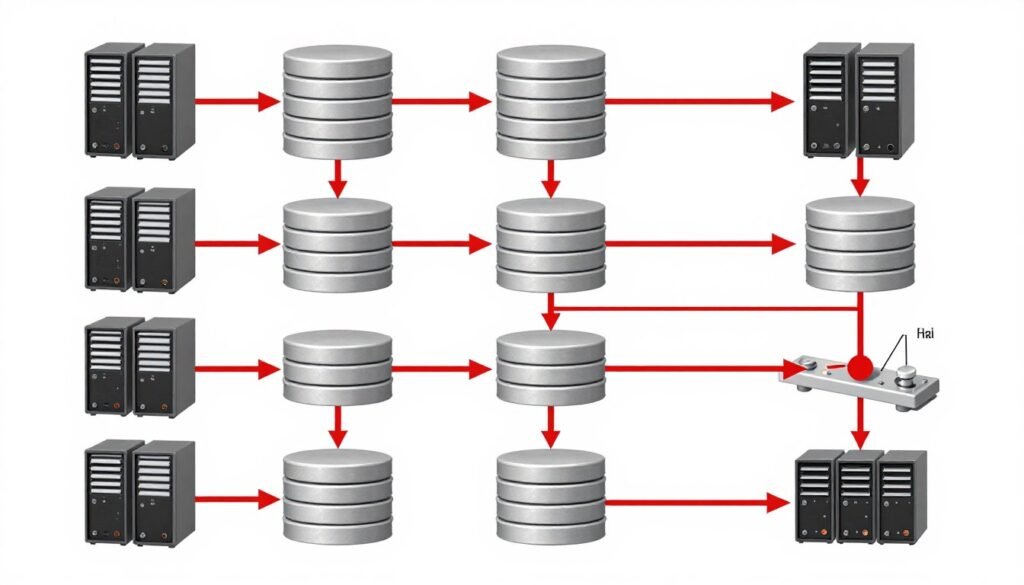
To identify bottlenecks in your system, you need to understand how data flows through each component. Just as you might observe water flowing through a funnel to spot restrictions, analyzing data flow helps pinpoint where your system slows down.
Key Metrics for Measuring Data Flow
| Metric | Description | Warning Signs |
| Throughput | Volume of data processed per unit of time | Plateaus despite increased input |
| Latency | Time taken for data to travel through the system | Increasing delays at specific points |
| Queue Length | Backlog of requests waiting to be processed | Growing queues before specific components |
| Utilization | Percentage of capacity being used | Components consistently at 90%+ capacity |
| Error Rate | Frequency of failures or exceptions | Increasing errors under normal load |
Want to master data flow analysis?
Download our free Bottleneck Analysis Toolkit with templates and step-by-step guides for identifying constraints in your systems.
System Throughput: Maximizing Flow Through the Funnel
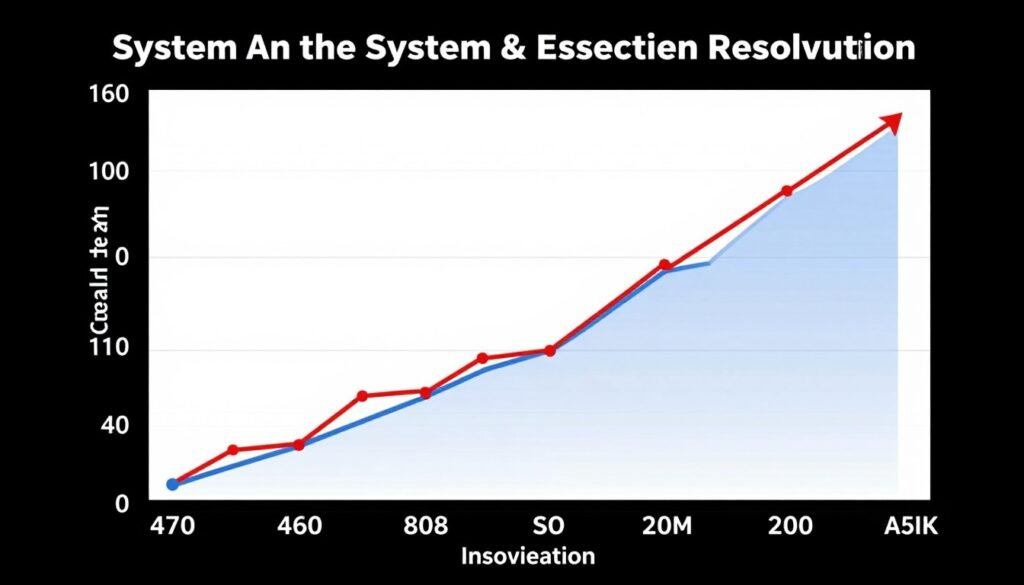
System throughput represents the total amount of work a system can perform in a given time period. Like water flowing through a funnel, your system’s throughput is only as good as its most constrained component.
The Theory of Constraints in Action
The Theory of Constraints, developed by Dr. Eliyahu Goldratt, provides a framework for understanding and improving system throughput. This approach recognizes that any system, no matter how complex, is limited by a small number of constraints (bottlenecks).
The five focusing steps of this theory can be applied to improve system throughput:
- Identify the constraint – Find where your system slows down
- Exploit the constraint – Maximize efficiency of the bottleneck
- Subordinate everything else – Align other processes to support the bottleneck
- Elevate the constraint – Invest in increasing the bottleneck’s capacity
- Repeat the process – Once resolved, find the next constraint
Practical Approaches to Improve System Throughput
Scaling Strategies
- Vertical scaling – Adding more resources to existing components
- Horizontal scaling – Adding more instances of components
- Load balancing – Distributing work evenly across resources
Optimization Strategies
- Caching – Storing frequently accessed data for quick retrieval
- Asynchronous processing – Handling tasks in parallel
- Code optimization – Improving algorithm efficiency
Bandwidth Limits: Understanding System Capacity
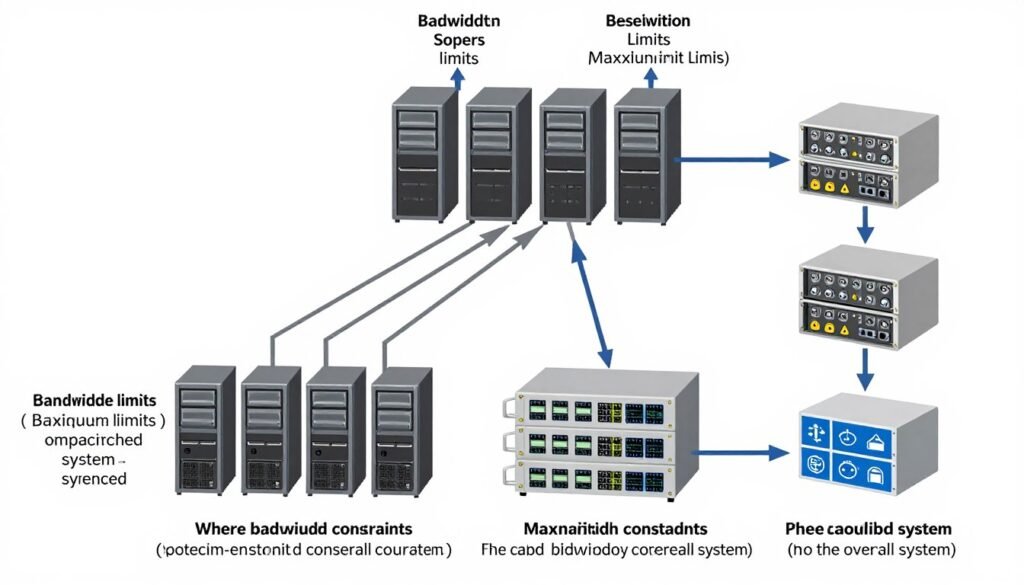
Bandwidth in systems, like the diameter of a funnel’s neck, determines the maximum possible throughput. Understanding bandwidth limits is essential for realistic capacity planning and performance optimization.
Common Bandwidth Constraints
Network Bandwidth
The maximum rate at which data can be transferred across a network connection. Measured in bits per second (bps), this constraint is often visualized as a pipe’s diameter limiting flow.
I/O Bandwidth
The data transfer capacity between the CPU and peripherals like storage devices. Even with fast processors, slow disk I/O can create significant bottlenecks in data-intensive applications.
Processing Bandwidth
The rate at which a system can process instructions or transactions. This is determined by CPU speed, core count, and architecture efficiency.
Measuring and Monitoring Bandwidth
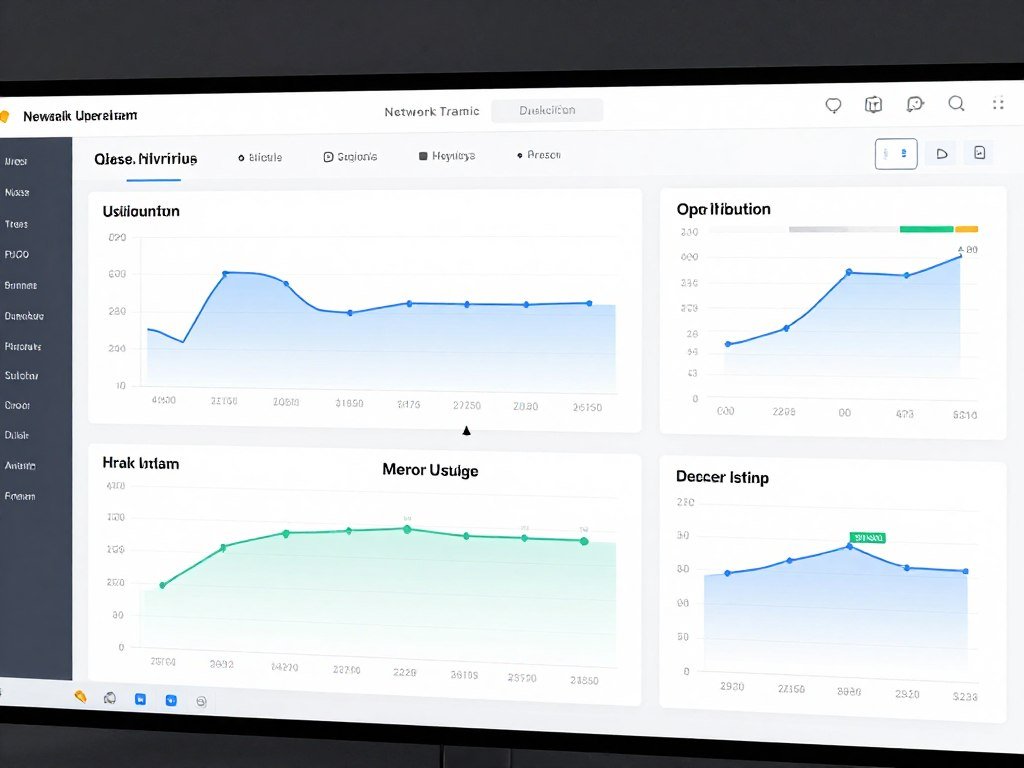
Effective bandwidth management requires continuous monitoring and measurement. Key approaches include:
- Baseline testing – Establishing normal performance patterns
- Load testing – Determining maximum capacity under controlled conditions
- Real-time monitoring – Tracking bandwidth usage during actual operations
- Trend analysis – Identifying patterns that indicate approaching limits
Real-World Examples of Bottleneck Basics in Action
Web Application Performance

A popular e-commerce site experienced slow page loads during peak shopping seasons. Analysis revealed that while their web servers could handle the traffic, database queries were creating a bottleneck. By implementing a caching layer and optimizing queries, they increased throughput by 300% without adding hardware.
Manufacturing Process Flow
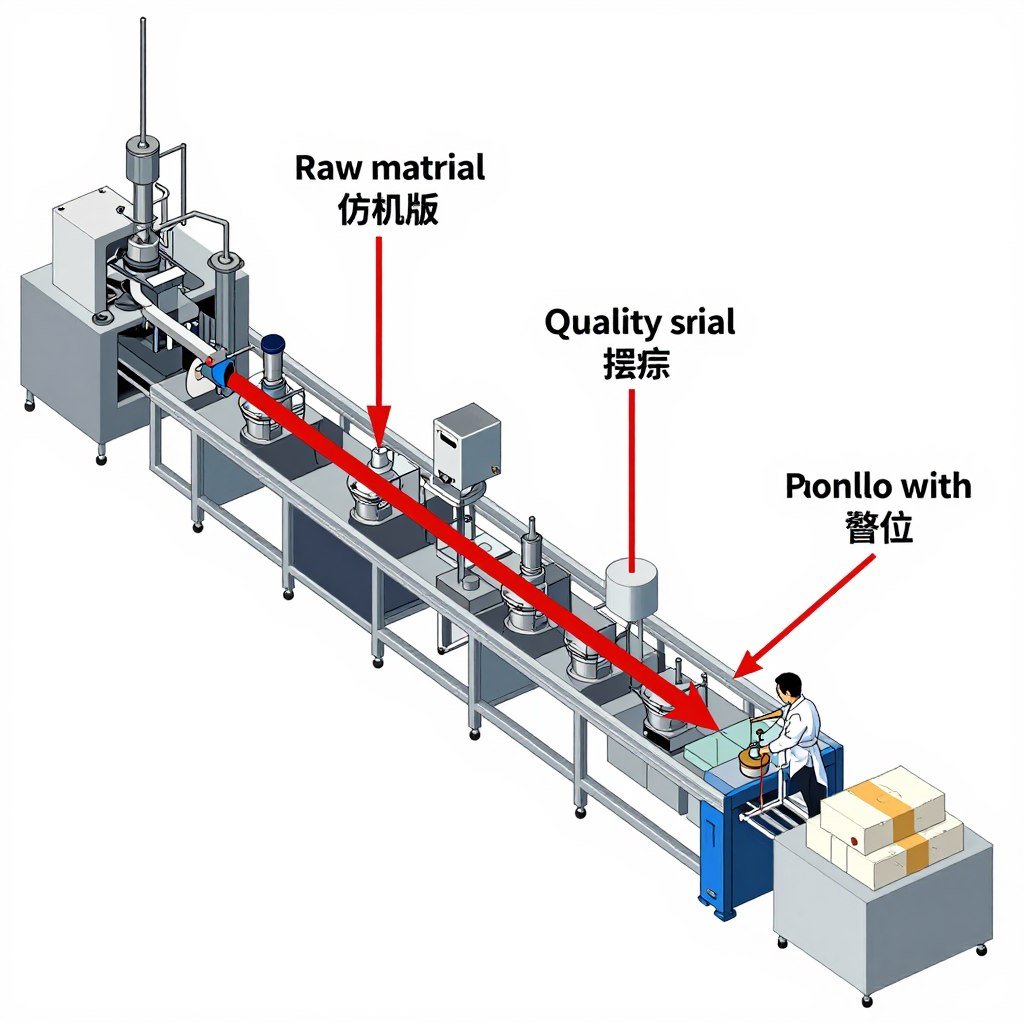
A manufacturing plant producing electronic components found that their testing station could only process 100 units per hour while upstream assembly could produce 150 units per hour. By adding a second testing station, they eliminated the bottleneck and increased overall production capacity to match assembly output.
Data Center Network Congestion

A cloud service provider discovered that their core network switches were operating at 95% capacity during peak hours, while servers were only at 60% utilization. By upgrading the network backbone from 10Gbps to 40Gbps, they removed the data flow bottleneck and improved overall system throughput by 280%.
Software Development Pipeline
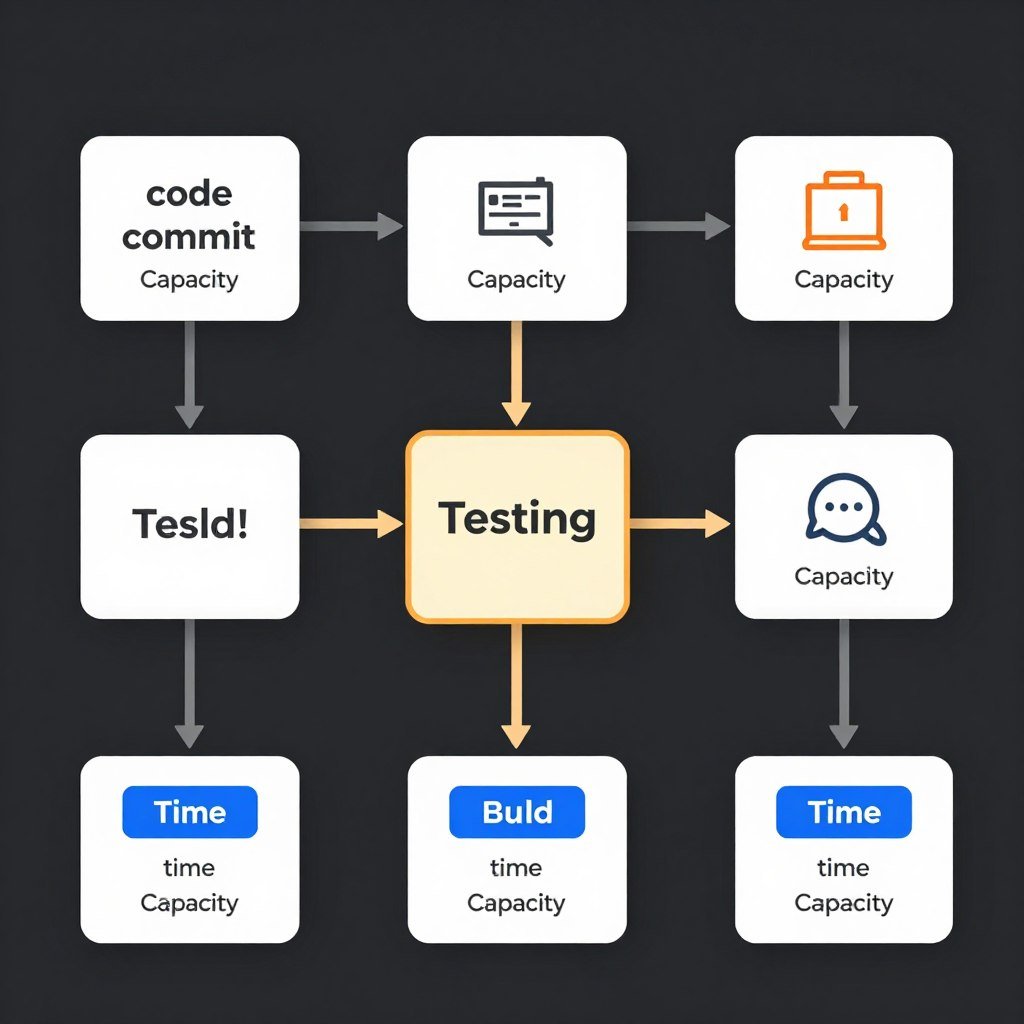
A software company found their release cycle was bottlenecked by manual testing processes. By implementing automated testing and continuous integration, they reduced testing time from two weeks to two days, dramatically improving their development throughput.
How to Identify Bottlenecks in Your System
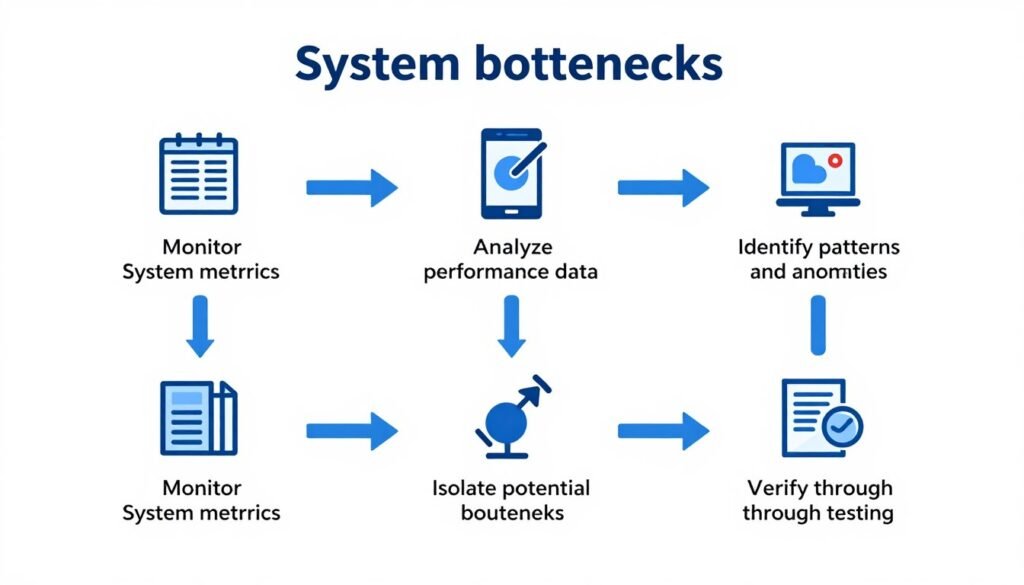
Finding bottlenecks requires a systematic approach to monitoring and analysis. Here’s a practical methodology for identifying where your system’s funnel narrows:
The Bottleneck Identification Process
- Establish performance baselines – Document normal operating conditions
- Monitor system-wide metrics – Track throughput, latency, and utilization
- Look for queue formation – Identify where work accumulates
- Analyze component utilization – Find resources operating near capacity
- Conduct load testing – Increase input to reveal breaking points
Tools for Bottleneck Analysis
System Monitoring
- Resource monitors (CPU, memory, disk, network)
- Application performance monitoring (APM) tools
- Network analyzers and packet sniffers
Performance Testing
- Load testing frameworks
- Stress testing tools
- Benchmarking utilities
Analysis Techniques
- Profiling and tracing
- Time-series analysis
- Correlation analysis
Strategies for Resolving System Bottlenecks

Once you’ve identified a bottleneck, there are several approaches to resolving it. The best strategy depends on the nature of the bottleneck and your system constraints.
Scaling Approaches
- Vertical scaling – Upgrading components with more powerful versions
- Horizontal scaling – Adding more instances of bottlenecked components
- Load balancing – Distributing workload across multiple resources
- Parallel processing – Breaking tasks into smaller, concurrent operations
Optimization Approaches
- Code optimization – Improving algorithm efficiency and resource usage
- Caching strategies – Reducing repeated work through strategic data storage
- Queue management – Prioritizing critical tasks and managing backlog
- Resource allocation – Assigning resources based on priority and demand
The Bottleneck Resolution Framework
Follow this systematic approach to effectively resolve bottlenecks:
- Quantify the impact – Measure how much the bottleneck affects overall performance
- Evaluate resolution options – Consider cost, time, and effectiveness of each approach
- Implement incremental changes – Make one change at a time to isolate effects
- Measure results – Verify that changes actually improved throughput
- Document lessons learned – Create knowledge base for future optimization
Conclusion: Mastering Bottleneck Basics
Understanding bottlenecks through the water in a funnel analogy provides a powerful mental model for system optimization. By visualizing data flow, system throughput, and bandwidth limits in this way, you can more effectively identify, analyze, and resolve constraints in your systems.
Remember that bottleneck management is an ongoing process. As your system evolves and demands change, new bottlenecks will emerge. The key is developing a systematic approach to continuously monitor, identify, and address these constraints before they impact performance.
By applying the principles and strategies outlined in this article, you’ll be well-equipped to keep your systems flowing smoothly, maximize throughput, and deliver optimal performance.
Ready to eliminate bottlenecks in your systems?
Our comprehensive Bottleneck Analysis & Resolution Toolkit includes:
- Interactive bottleneck identification worksheets
- System performance monitoring templates
- Step-by-step resolution frameworks
- Case studies with real-world examples
- Checklists for ongoing bottleneck prevention
- Check your pc bottleneck calculator