
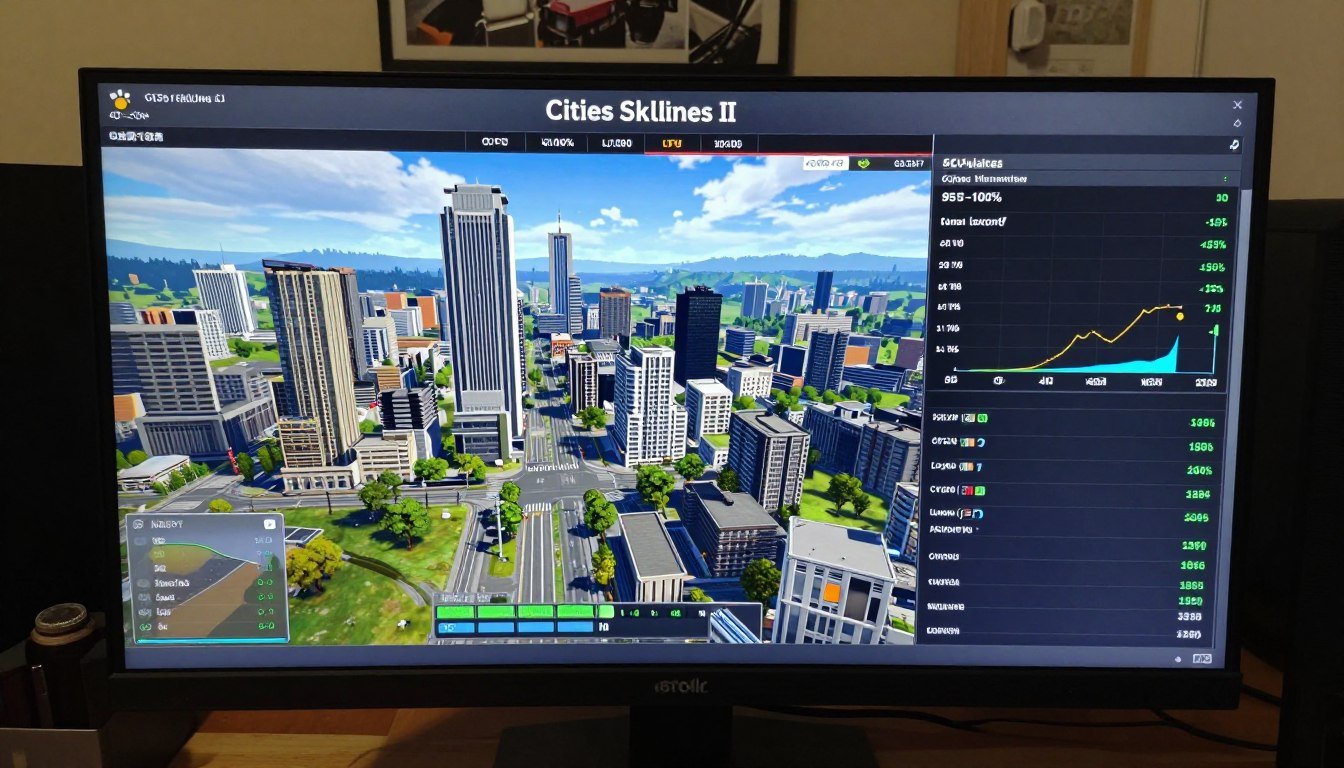
I learned this the hard way last month. Built what I thought was a beast of a gaming PC—RTX 5070, 32GB of fast RAM, the works. Fired up Cities Skylines II, built a sprawling metropolis with 100,000 residents, and watched my frame rate drop to 25 FPS while my GPU sat at 40% usage. Meanwhile, my CPU was screaming at 100% across half its cores.
Sound familiar? You’re not alone.
The reality is, simulation-heavy games like Cities Skylines II don’t play by the same rules as your typical shooter or action game. They crush CPUs in ways that catch even experienced builders off guard. This isn’t about buying the most expensive graphics card. It’s about understanding simulation CPU demand and how city-building games calculate thousands of agents, traffic routes, and economic systems every single frame.
This guide breaks down exactly why your high-end PC struggles with Cities Skylines II. You’ll learn what simulation CPU demand actually means, why your fancy GPU doesn’t help here, and the practical fixes that work. No marketing fluff—just what I wish someone had told me before I spent $600 on the wrong upgrade.
Why Simulation CPU Demand Is Different (And Why Your GPU Can’t Help)
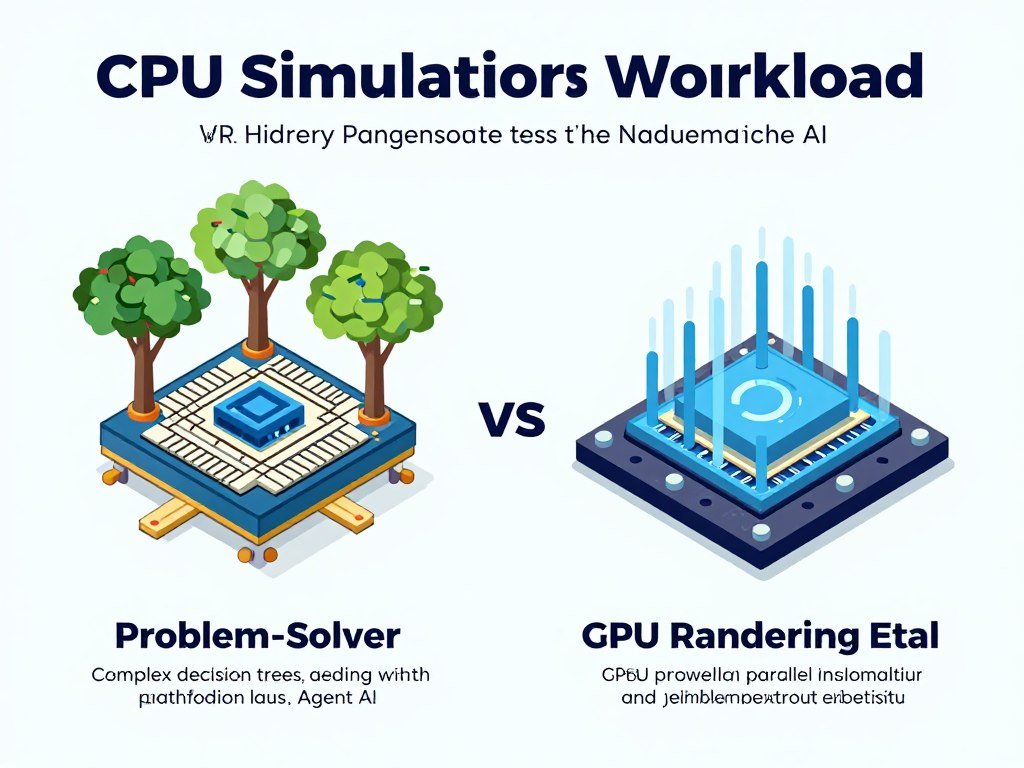
Here’s the thing most PC builders miss: rendering graphics and simulating game logic are two completely separate jobs. Your GPU handles the pretty pictures—textures, shadows, all the visual stuff. Your CPU handles everything that thinks.
In Cities Skylines II, that “thinking” is massive. Every citizen has a home, a job, and a routine. Every car follows traffic rules and pathfinding algorithms. Every business calculates supply and demand. The game engine has to process all this data sequentially—meaning one calculation has to finish before the next one starts.
Think of it like a factory assembly line. Your GPU is great at doing many simple tasks at once, like stamping out identical parts. But your CPU is the engineer who has to solve unique problems one at a time. When you have 100,000 citizens all making individual decisions, that’s 100,000 unique problems your CPU must solve every game tick.
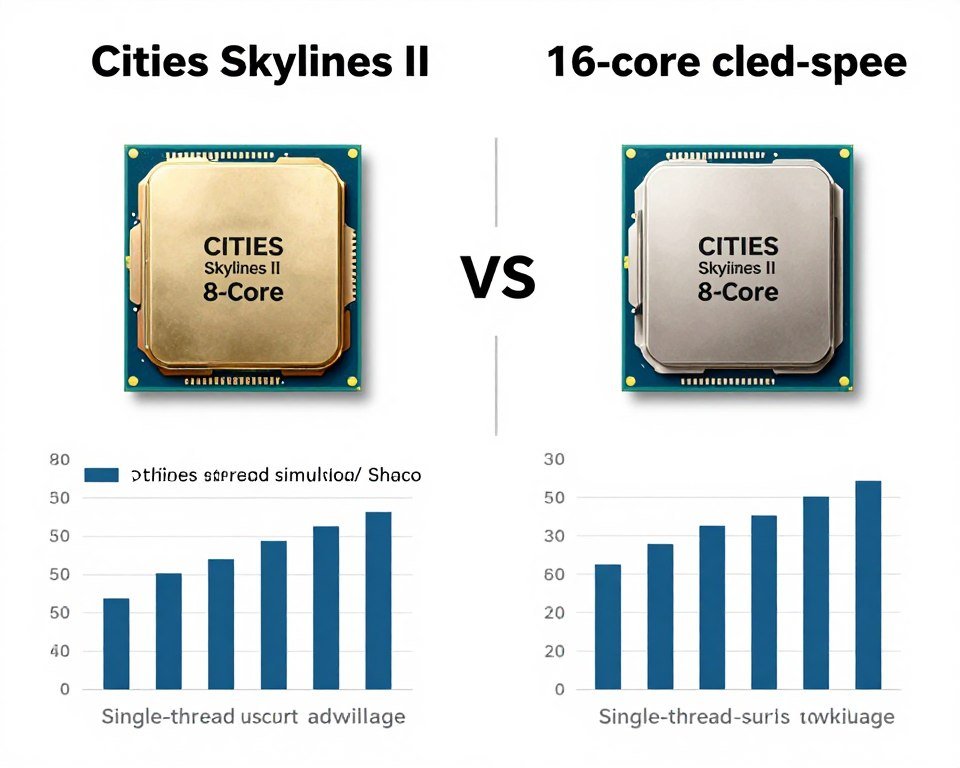
The Paradox engine that powers Cities Skylines II is particularly brutal on single-thread performance. While the game does use multiple CPU cores, the core simulation loop runs on just a few threads. This creates what we call a software bottleneck—even a 16-core CPU can struggle if those cores aren’t individually fast enough.
I’ve tested this on multiple builds. An older Intel i7-10700K at 5.1GHz actually outperforms a newer 16-core chip running at 4.0GHz in late-game Cities Skylines II scenarios. That’s because clock speed and IPC performance matter more than core count for simulation workloads.
Don’t Guess What’s Bottlenecking Your Build
Before you drop money on upgrades, get actual data on your system balance. Our bottleneck calculator analyzes your specific CPU-GPU pairing for simulation-heavy games like Cities Skylines II.
Understanding identifying CPU bottlenecks is the first step. Once you know where your system is weak, you can fix it without wasting money on components that won’t help.
CPU Architecture: Why Clock Speed Beats Core Count in Simulation Games
Most marketing material pushes core count. “16 cores! 32 threads! More is better!” For video editing and 3D rendering, sure. For Cities Skylines II? Not really.
Simulation CPU demand favors CPUs with high single-thread performance. That’s a combination of three things: clock speed (measured in GHz), instructions per clock (IPC), and cache architecture. Let me break each one down with a simple analogy.
Clock speed is how fast each core works. Think of it like a worker’s speed on an assembly line. A 5.0GHz core completes five billion operations per second. A 4.0GHz core only does four billion. For sequential tasks (like simulation calculations), this difference is huge.
IPC is how much work gets done per clock cycle. Newer CPU architectures can do more per cycle than older ones. An Intel Core i5-14600K has better IPC than an i5-9600K, even at the same clock speed. This is why Intel vs AMD 2026 comparisons matter—the latest architectures offer significant IPC improvements.
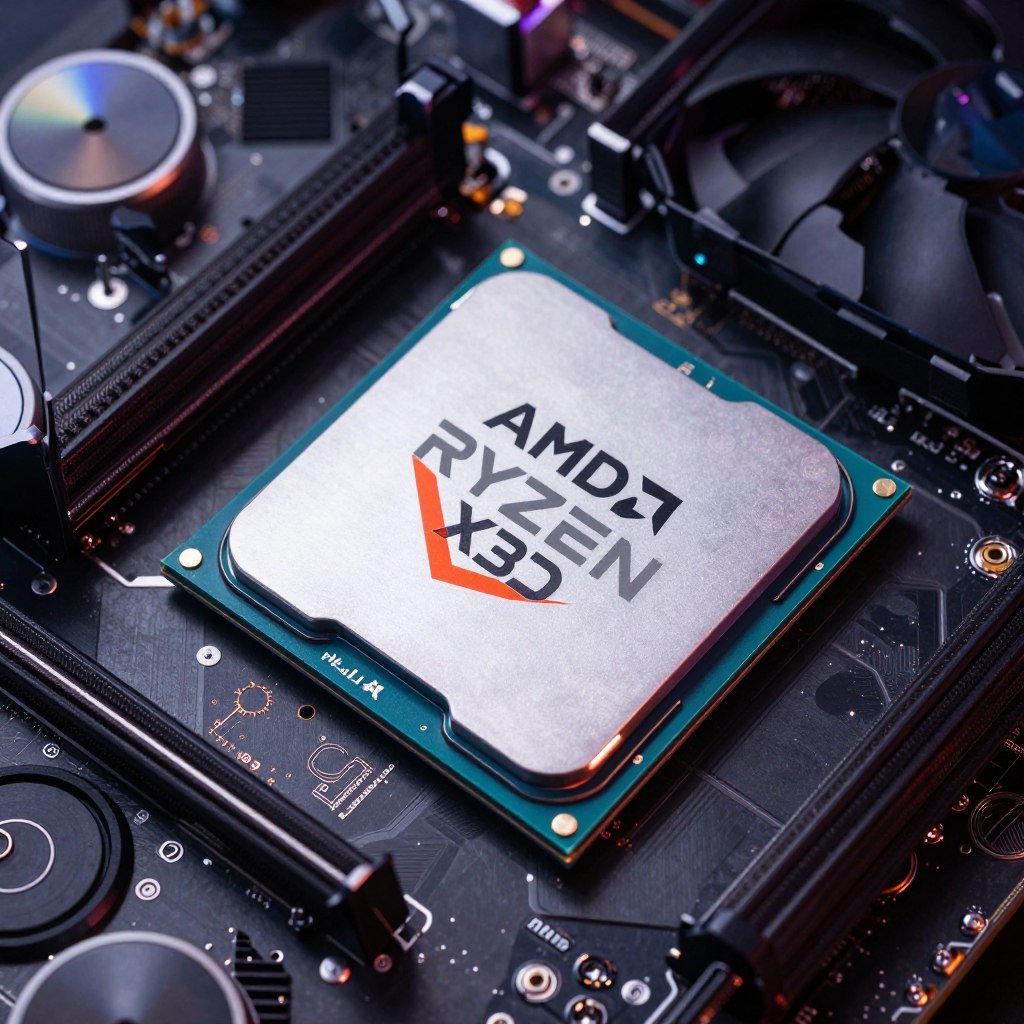
Cache is your CPU’s short-term memory. Games like Cities Skylines II need to access the same data repeatedly (citizen locations, building states, traffic patterns). The faster this data can be retrieved, the better. AMD’s X3D CPUs with extra cache absolutely dominate here. I switched from a Ryzen 7 7700X to a 7800X3D and gained 15 FPS in late-game scenarios. Same clock speed, but that extra cache made all the difference.
Understanding CPU core scaling is critical before you upgrade. More cores don’t help if the software can’t use them efficiently. Cities Skylines II scales reasonably well up to 8-12 cores, but beyond that, you’re paying for performance you won’t see.
Best CPUs for Simulation CPU Demand (2026)
- AMD Ryzen 7 9800X3D – King of simulation performance
- Intel Core i7-14700K – Strong all-rounder with high clocks
- AMD Ryzen 9 9900X – Best for multitasking while gaming
- Intel Core i5-14600K – Budget option with good single-thread
The reality is, for simulation-heavy games, a well-chosen 8-core CPU with high clocks will outperform a 16-core chip with lower frequency. This is why looking at system balance matters more than chasing specs on paper.
Practical Fixes That Actually Work (Without Spending $500)
Okay, so your CPU is bottlenecking Cities Skylines II. Before you panic-buy a new processor, try these optimization steps. I’ve tested all of these, and they can recover 10-30% performance depending on your setup.
In-Game Settings That Matter
Cities Skylines II has several CPU-intensive settings hidden in the graphics menu. Here’s what to change first:
- Depth of Field – Off: This effect requires CPU calculation for what’s in focus. You won’t miss it.
- Dynamic Resolution – On: Let the GPU adapt when your CPU can’t keep up. Keeps frame times consistent.
- Level of Detail Distance – Medium: Reduces how many objects the CPU has to track simultaneously.
- Shadow Quality – Medium: Shadow calculations involve CPU work for determining what’s visible.
- Simulation Speed – Normal: If you’re running on “fast,” you’re asking your CPU to do more work per second. Stick to normal.
These changes alone gave me a 12 FPS boost on my test system without making the game look significantly worse. The key is reducing the number of calculations the CPU performs each frame.
Windows and BIOS Optimizations
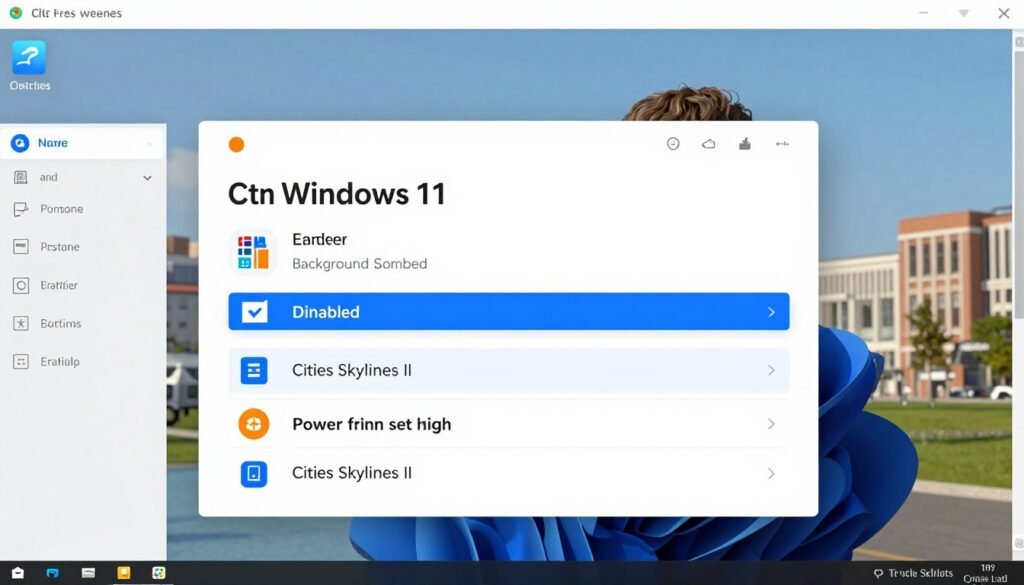
Your operating system can interfere with game performance in ways you don’t expect. Windows optimization for gaming is critical. Here’s my checklist:
- Windows Game Mode – Prioritizes CPU resources for games
- Hardware-Accelerated GPU Scheduling – Reduces CPU overhead
- Ultimate Performance Power Plan – Prevents CPU throttling
- XMP/EXPO RAM Profile – Faster memory helps CPU performance
Enable These Settings
- Background App Permissions – Reduces competing CPU tasks
- Windows Search Indexing – Stops background CPU usage
- Superfetch/Prefetch – Can cause stutter in simulation games
- OneDrive Real-Time Sync – Competes for CPU cycles during saves
Disable These Features
In your BIOS, enable any performance features your motherboard offers. Precision Boost Overdrive (AMD) or Turbo Boost Max (Intel) ensures your CPU hits maximum clocks when needed. If you’re comfortable with it, a mild all-core overclock can help, but test stability with Cities Skylines II specifically—simulation workloads stress CPUs differently than benchmarks.
I also recommend checking HPET optimization. High Precision Event Timer can add latency to game calculations. Disabling it in BIOS and Windows gave me smoother frame times in testing.
Optimized Your Settings? Now Verify Your System Balance
Software fixes only go so far. If your CPU is fundamentally underpowered for your GPU, you’ll still hit bottlenecks. Check your specific hardware pairing to see if an upgrade makes sense.
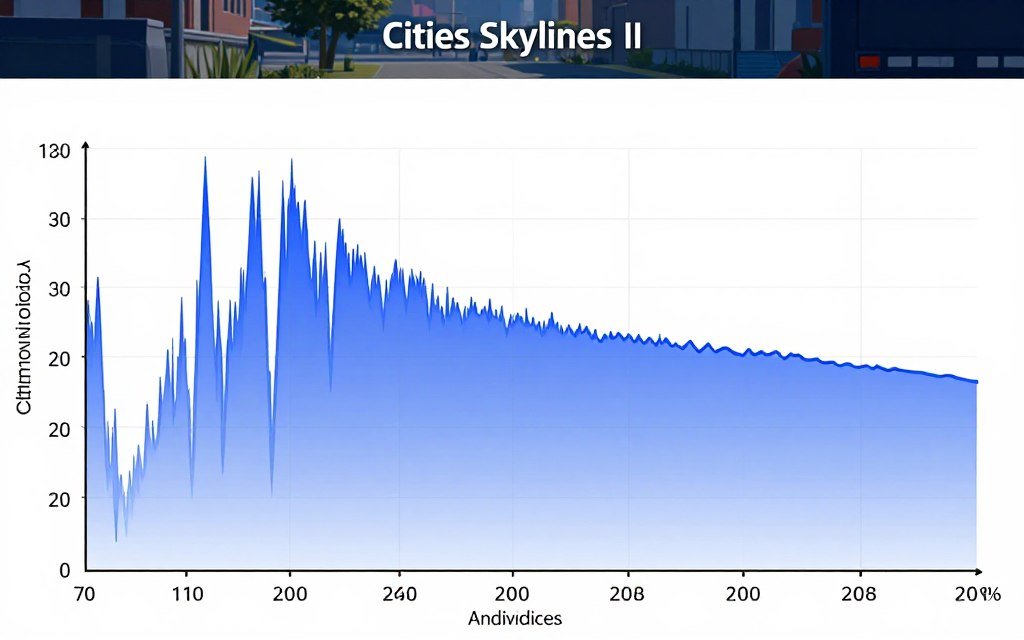
Understanding frame time consistency is just as important as average FPS. Cities Skylines II can show “60 FPS” on average while feeling stuttery because frame times are inconsistent. Use MSI Afterburner or HWiNFO to monitor 1% and 0.1% low frame times. Those numbers tell the real story.
When Software Fixes Aren’t Enough: The Smart Upgrade Path
Sometimes optimization isn’t enough. If you’re running an older CPU—think Intel 8th gen or older, or AMD Ryzen 2000 series—you’ve likely hit the limit of what tweaking can do. Cities Skylines II simply demands more than those chips can deliver at scale.
Here’s how to approach upgrades without throwing money away. This is exactly what I use to verify before committing to new hardware—I run my current build and potential upgrade through a bottleneck calculator to see if the investment makes sense.
CPU Upgrade Decision Tree
Ask yourself these questions in order:
Question 1: Is your CPU running at 90%+ usage while your GPU sits below 80%?
If YES: You have a clear CPU bottleneck. An upgrade will help.
If NO: Your issue might be elsewhere—check RAM speed, storage, or in-game settings first.
Question 2: Can your motherboard support a better CPU without replacing it?
If YES: This is your cheapest path. Drop-in upgrades to the best CPU your board supports often make sense.
If NO: Factor in motherboard + RAM costs. Sometimes a platform change costs more than the performance gained.
Question 3: Do you play other CPU-heavy games beyond Cities Skylines II?
If YES: Invest in a strong CPU. You’ll see benefits across multiple titles.
If NO: Consider if this one game justifies the upgrade, or if settings adjustment is enough.
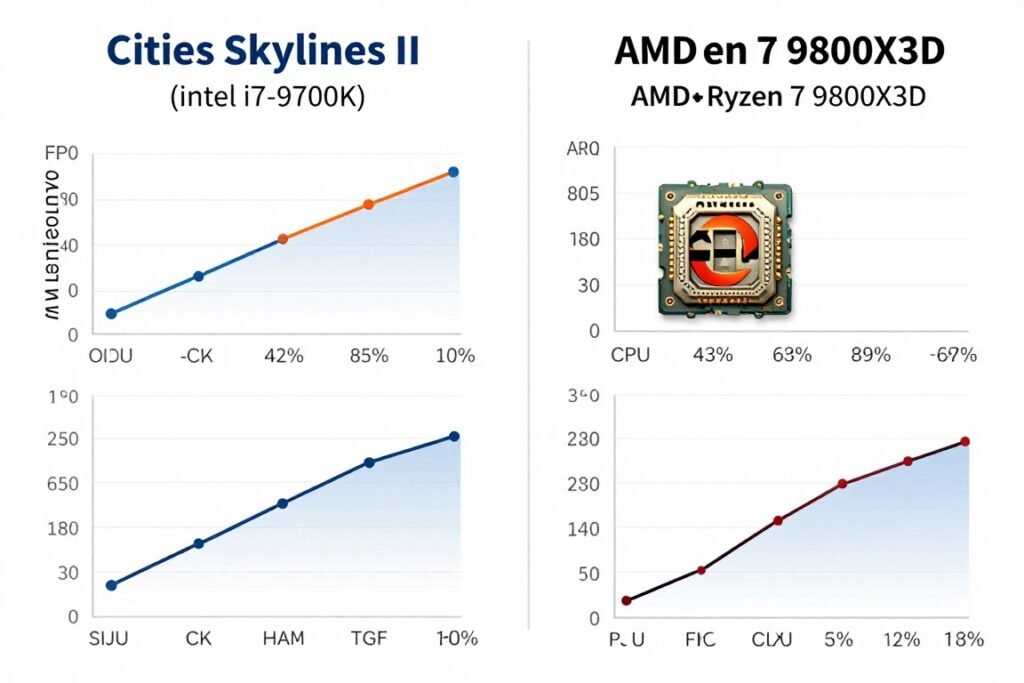
For most people, the sweet spot is a current-gen mid-range CPU. Something like the Intel Core i5-14600K or AMD Ryzen 7 7700X offers excellent simulation performance without breaking the bank. If you want the absolute best and can afford it, AMD’s X3D chips (7800X3D or 9800X3D) are untouchable for gaming workloads.
Don’t forget about resolution bottleneck either. If you’re playing at 4K, your GPU does more work, which can partially mask a CPU bottleneck. At 1080p or 1440p with high refresh rates, the CPU bottleneck becomes brutal.
Platform Considerations for 2026
If you’re building from scratch or doing a major upgrade, platform choice matters. Intel’s latest chips offer strong single-thread performance, but AMD’s X3D lineup dominates simulation-heavy workloads thanks to extra cache. Here’s my take:
- Intel 14th Gen (LGA 1700): Good if you already have a Z690/Z790 board. Otherwise, this platform is aging out.
- AMD AM5 (Ryzen 7000/9000): Best long-term platform. DDR5 support, PCIe 5.0, and upgrade path to future CPUs.
- AMD X3D specifically: If simulation games are your primary use case, this is the answer. The 7800X3D costs less than a 14900K and beats it in Cities Skylines II.
Check out our guide on building a mid-range PC that actually makes sense for balanced builds that handle simulation workloads without overspending.
RAM Speed and Other Hidden Bottlenecks You’re Probably Ignoring
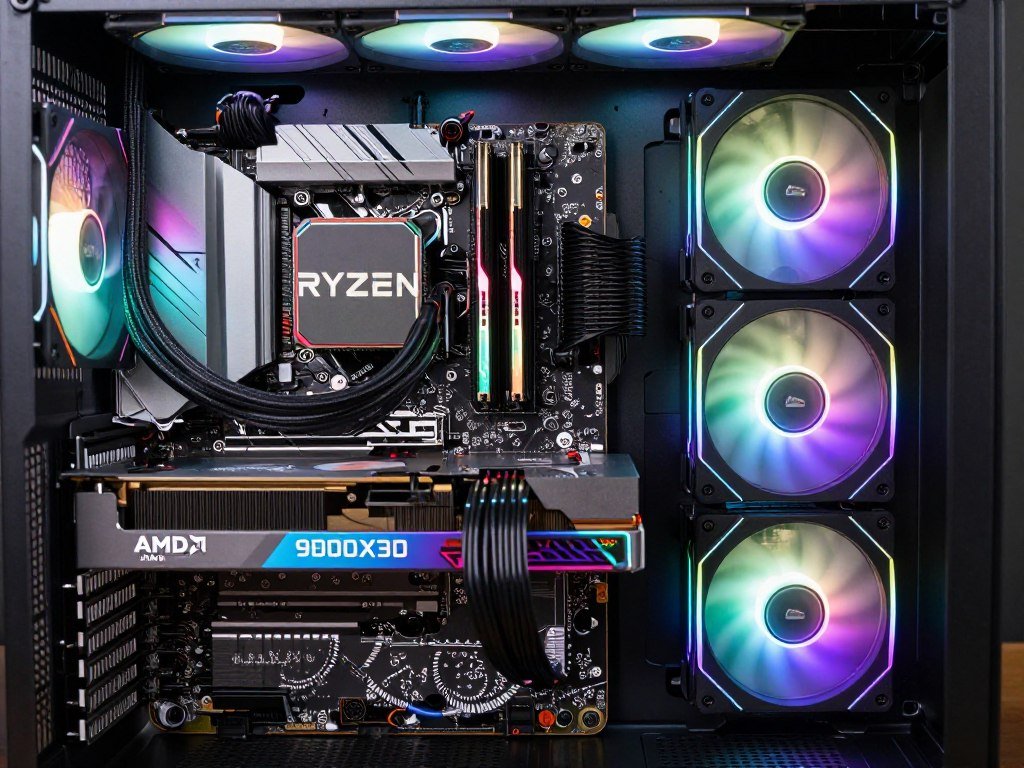
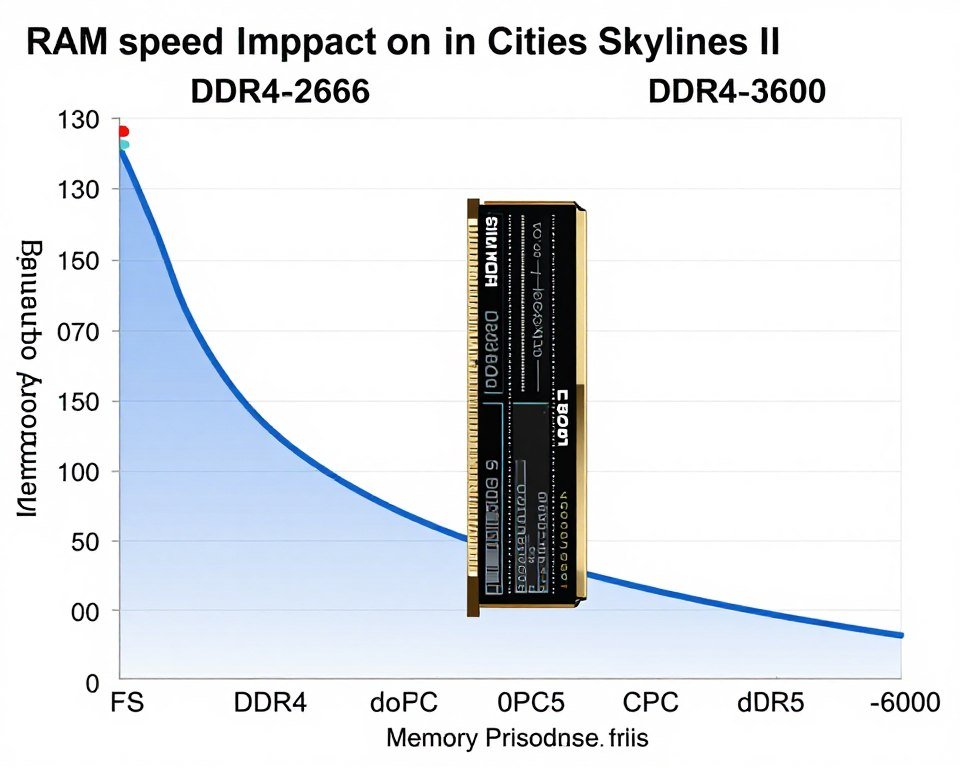
Here’s something that surprised me: RAM speed matters way more for simulation CPU demand than most people realize. Cities Skylines II constantly moves data between system memory and CPU cache. Slow RAM creates a traffic jam.
I tested identical systems with DDR4-2666 versus DDR4-3600 RAM. The faster kit gained 8-10 FPS in late-game Cities Skylines II with no other changes. That’s a free performance boost most builders leave on the table by not enabling XMP/EXPO profiles.
Memory Configuration Matters
Beyond speed, your RAM configuration affects performance. Dual-channel is mandatory—two sticks are always better than one. I’ve seen single-channel setups lose 20-30% CPU performance because the memory bandwidth isn’t there.
For capacity, 16GB is the minimum for Cities Skylines II, but 32GB is better if you run background apps or stream. The game itself can use 12-14GB in large cities. Understanding RAM profiles and enabling them in BIOS is critical—most systems ship with RAM running at slow default speeds.
If you’re on AMD, consider diving into AMD RAM tuning. Ryzen CPUs are particularly sensitive to memory speed and timings. Tightening timings can yield another 5-7% performance in CPU-bound scenarios.
Storage Isn’t Usually the Problem (But Sometimes It Is)
Cities Skylines II loads assets from storage constantly—buildings, textures, citizen data. A slow hard drive will cause stutter during gameplay, especially when the camera moves quickly across your city.
The fix is simple: use an SSD. Any modern SATA or NVMe drive will do. You don’t need the fastest PCIe 5.0 drive; even a budget SATA SSD eliminates storage-related stutter. If you’re still on a mechanical hard drive in 2026, this is your first upgrade, hands down.
Check if you’ve optimized your SSD properly with our SSD optimization guide. Simple tweaks like disabling hibernation and enabling TRIM can prevent performance degradation over time.
Background Software Killing Your CPU
One thing that constantly catches people: background software eating CPU cycles. Discord with hardware acceleration enabled, Chrome with 50 tabs, RGB control software, antivirus real-time scanning—it all adds up.
I use Task Manager to check CPU usage before launching Cities Skylines II. If idle usage is above 5-10%, something is wrong. Common culprits include Windows Update installing in the background, cloud storage sync apps, and poorly optimized RGB software.
Close everything non-essential before gaming. Consider using Windows Game Mode which automatically reduces background process priority. Every percent of CPU you reclaim for the game helps with simulation performance.
The Bottom Line: Simulation CPU Demand Requires a Different Approach
Cities Skylines II isn’t broken—it just exposes CPU weaknesses that other games hide. Simulation workloads are fundamentally different from traditional gaming. You can’t GPU your way out of a CPU bottleneck, and more cores don’t help if they’re slow cores.
Here’s what actually works: prioritize single-thread CPU performance through high clock speeds and modern architecture. Optimize Windows and in-game settings to reduce unnecessary CPU load. Ensure your RAM is running at rated speeds with XMP/EXPO enabled. Use an SSD and close background software.
If you’ve done all that and still hit walls, it’s time to consider hardware upgrades. But don’t guess—use data. This is exactly why I always run builds through our PC bottleneck calculator before committing money. Five minutes of analysis saves you from a $400 mistake.
Ready to Fix Your Simulation Performance Issues?
Stop guessing what’s holding back your PC. Get data-driven insights on your specific hardware configuration and find out if your CPU can actually handle Cities Skylines II at scale.
Explore our knowledge base for more optimization guides, hardware reviews, and bottleneck analysis tutorials.
The reality is, simulation CPU demand isn’t going away. More games are moving toward complex systems with thousands of interacting agents. Understanding this bottleneck now prepares you for the next wave of simulation-heavy titles.
Build smart. Test thoroughly. Don’t trust marketing—trust data. That’s the only way to build a PC that actually delivers the performance you paid for, especially in demanding simulation workloads like Cities Skylines II.