
You just dropped two grand on an RTX 5090 and a Ryzen 9 9950X. Everything looks perfect on paper.
Then you fire up the latest AAA title and watch your FPS tank to 45 in certain areas while your GPU sits at 60% usage. Your expensive hardware is basically twiddling its thumbs.
That’s a software bottleneck, and it’s one of the most frustrating performance issues you’ll face as a PC builder. Unlike hardware bottlenecks that you can throw money at, software bottlenecks exist in the game code itself.
I learned this the hard way with Cyberpunk 2077 at launch. My system could handle anything, but one specific district dropped frames like crazy regardless of settings. Not the hardware. The game’s code was the culprit.
This guide breaks down exactly what software bottlenecks are, how unoptimized game code creates them, and what you can actually do about it. No marketing fluff, just real solutions from someone who’s debugged this stuff for years.
What a Software Bottleneck Really Means for Your Gaming PC
A software bottleneck happens when game code limits performance regardless of your hardware power. Think of it like this: your GPU is a fire hose, but the game’s code is a garden hose nozzle controlling the flow.
The problem lives in how developers write and optimize their code. Even with a perfectly balanced system, poorly optimized software creates performance ceilings your hardware can’t break through.
Here’s what makes it different from hardware bottlenecks. With hardware issues, upgrading components fixes the problem. With software bottlenecks, you could have an RTX 5090 Ti Super and still hit the same wall.
The game simply can’t use what you’re giving it efficiently. This happens through several mechanisms: single-threaded code that ignores your CPU cores, poor memory management, inefficient rendering pipelines, or just straight-up bugs.
Understanding this distinction is critical. Before you upgrade your rig, verify whether hardware or software is actually the problem. Check out our guide on identifying CPU bottlenecks to rule out hardware issues first.
Diagnose Your System’s Real Bottlenecks
Not sure if your performance issues come from hardware or software? Our bottleneck calculator analyzes your specific components to identify where the real problem lives.
How Unoptimized Game Code Actually Creates Performance Problems
Game developers face brutal time pressures. Ship dates don’t move, so optimization often gets sacrificed. The result? Code that works but doesn’t work efficiently.
Single-Threaded Code That Wastes Your CPU Cores
Modern CPUs pack 8, 12, or even 16 cores. Many games still run primary logic on a single thread.
Your 16-core Ryzen 9 9950X? The game might hammer one core at 100% while the other 15 cores sit around doing nothing. That’s why CPU core scaling matters less than you’d think for some games.
This happens because parallelizing game logic is genuinely hard. Physics calculations, AI decisions, and game state updates often depend on sequential processing. Threading this stuff requires serious architectural work that many studios skip.
Memory Management Issues and Resource Leaks
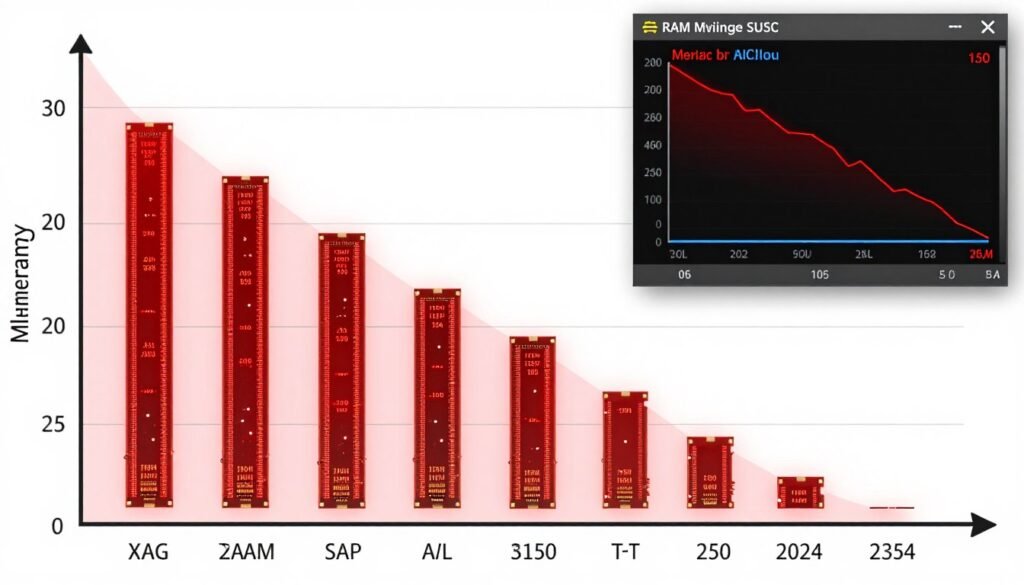
Poorly managed memory creates stuttering and frame drops. Games that don’t properly release unused assets gradually consume more RAM until performance tanks.
I’ve watched games start smooth at 60 FPS, then after two hours of play, stutter constantly as memory usage climbs from 8GB to 22GB. That’s a memory leak, and it’s pure software dysfunction.
Rendering Pipeline Inefficiencies
The rendering pipeline moves data from CPU to GPU. Inefficient code creates unnecessary round trips that waste processing time.
Draw calls are the classic example. Each object the game renders requires a draw call. Games with thousands of poorly batched draw calls force the CPU to spend excessive time telling the GPU what to render instead of actually rendering.
Modern APIs like DirectX 12 and Vulkan help, but only if developers implement them correctly. Badly implemented low-level APIs actually perform worse than older, simpler ones. Our ray tracing impact guide covers how new rendering features stress systems differently.
Poor Shader Compilation and Optimization
Shaders control how your GPU renders graphics. Unoptimized shaders waste GPU cycles on unnecessary calculations.
Some games compile shaders during gameplay, causing massive stutters when new effects load. That’s why you see “shader compilation” screens before some games start. Developers learned to pre-compile after players complained about mid-game hitching.
Spotting Software Bottlenecks Before You Waste Money on Upgrades
Before upgrading hardware, confirm the bottleneck actually lives in your components. Software bottlenecks show specific symptoms that hardware issues don’t.
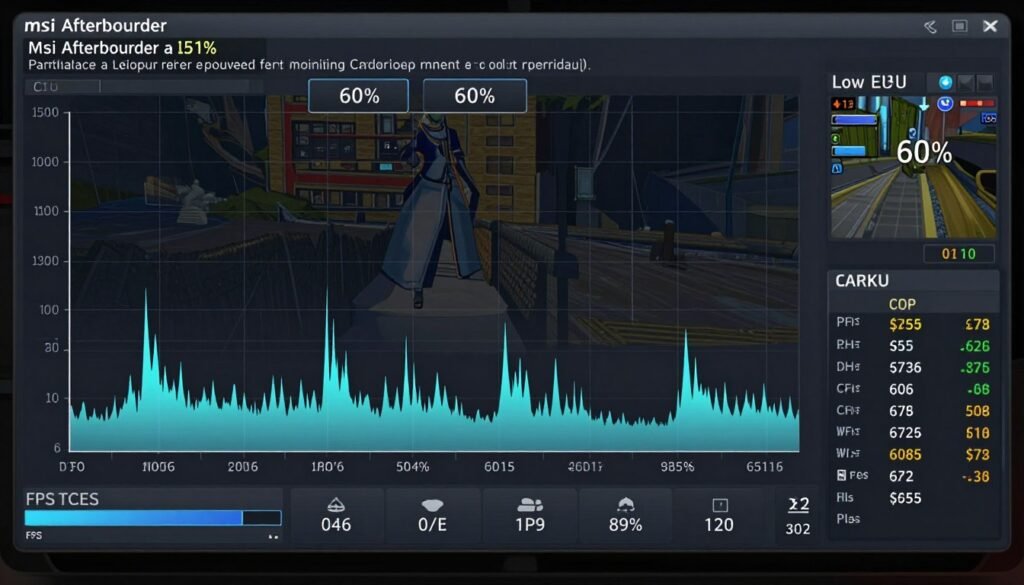
Low Hardware Utilization Across Components
Check your monitoring tools during gameplay. If both CPU and GPU sit below 90% usage while FPS struggles, that’s a software bottleneck signature.
Hardware bottlenecks max out one component. Software bottlenecks leave everything underutilized because the code can’t feed instructions fast enough.
Use MSI Afterburner or HWiNFO to monitor in real-time. Watch for scenarios where your expensive hardware essentially idles while performance suffers. Understanding system balance helps distinguish between component mismatches and code issues.
Inconsistent Performance Across Similar Scenes
Software bottlenecks often manifest inconsistently. One city district runs fine, another identical-looking area tanks FPS.
If visual complexity doesn’t explain performance variance, the code likely handles certain scenarios poorly. This happens with games that optimize specific levels heavily for demos and trailers while leaving others rough.
Settings Changes That Don’t Impact Performance
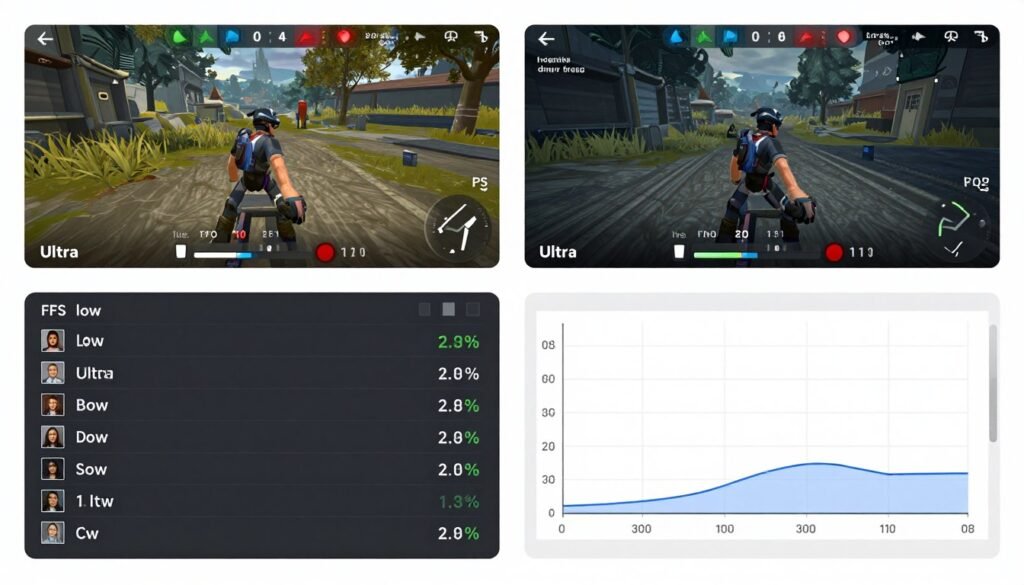
Lower your graphics settings from Ultra to Medium. If FPS barely changes, suspect software bottlenecks.
Graphics settings primarily affect GPU load. When reducing GPU work doesn’t improve performance, something else limits frame delivery. Usually that’s CPU-side code inefficiency or the game’s engine struggling with specific scenarios.
Hardware Bottleneck Signs
- One component at 95-100% usage constantly
- Settings changes directly impact performance
- Consistent behavior across all game areas
- Performance scales predictably with resolution
Software Bottleneck Signs
- All components below 90% usage
- Settings changes make minimal difference
- Inconsistent performance in similar scenes
- Stuttering regardless of graphical load
Frame Time Inconsistency and Stuttering
Frame times tell more than average FPS. Software bottlenecks create erratic frame time spikes even when average FPS looks acceptable.
A game locked at 60 FPS average might deliver frames in 16ms, 16ms, 45ms, 16ms patterns. Those spikes create perceived stuttering that average FPS numbers hide. Check our PC stuttering fix guide for detailed troubleshooting.
Games That Famously Struggle with Code Optimization
Some games become infamous for software bottlenecks. Learning from these examples helps you anticipate issues with future releases.
Cyberpunk 2077’s Launch Issues
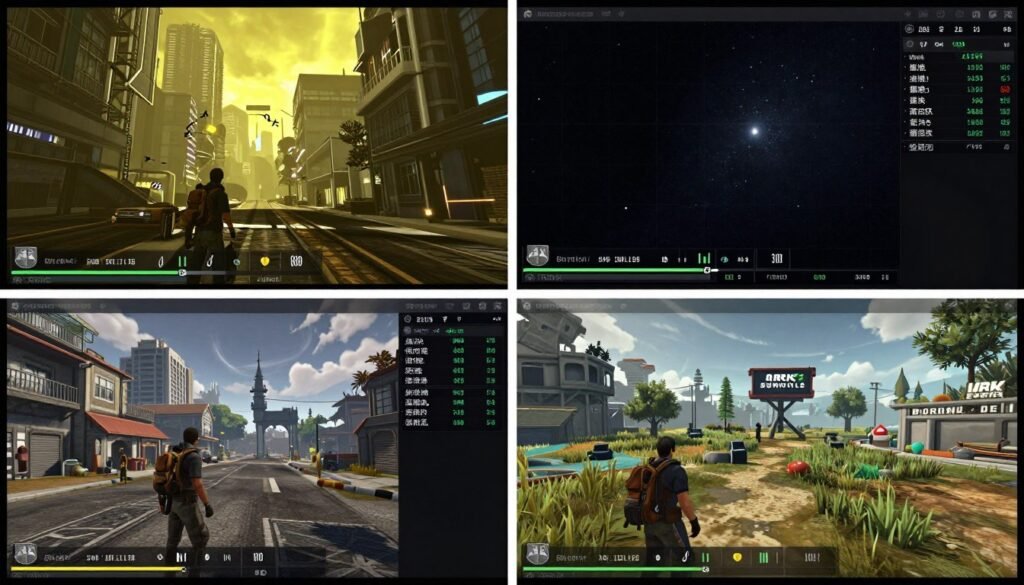
Cyberpunk shipped with brutal CPU bottlenecks in Night City’s dense areas. The game hammered single cores while leaving others idle.
Patches eventually improved multi-threading, but launch performance was purely code-related. No hardware upgrade fixed those specific problem zones. Our Cyberpunk bottleneck breakdown details the specific issues.
Unreal Engine 5 Compilation Stutters
UE5 games often stutter during shader compilation. The engine compiles shaders as you encounter new effects, causing frame hitching.
This affects even RTX 5090 systems. It’s not hardware capability, it’s engine design. Epic eventually added PSO caching to reduce this, but early UE5 titles struggled heavily. Read about UE5 performance challenges for the full picture.
MMO Population Density Problems
MMOs with hundreds of players on screen often choke CPUs with draw calls and entity updates. The code can’t efficiently handle that many simultaneous objects.
You’ll see FPS drop from 144 to 30 in crowded cities, then jump back to 144 in empty zones. Same hardware, different code stress.
Simulation Games and Single-Thread Dependency
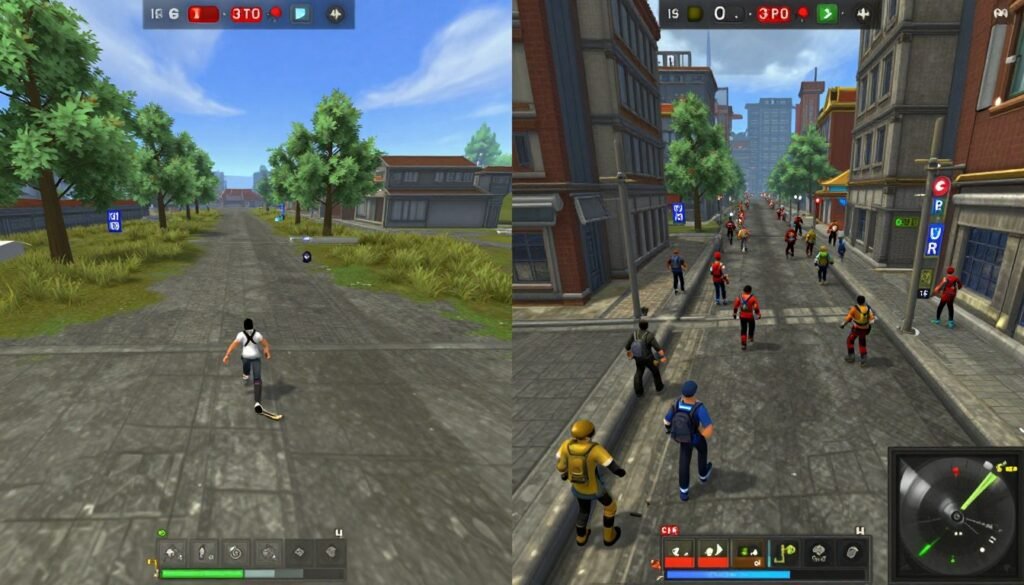
City builders and grand strategy games often run core simulation on single threads. Cities: Skylines, Stellaris, and similar titles bog down late game as simulation complexity grows.
Your 16-core CPU doesn’t help because the game can’t parallelize interconnected simulation systems. That’s fundamental software architecture, not hardware limitation.
What You Can Actually Fix (And What You Can’t)
Software bottlenecks feel helpless because you can’t directly change game code. But several workarounds exist that genuinely improve performance.
Driver Updates and API Optimizations
GPU drivers include game-specific optimizations. NVIDIA and AMD constantly patch drivers to work around software bottlenecks in popular games.
Update drivers when new games launch. Day-one driver releases often include targeted fixes for known game code issues. Check our NVIDIA settings optimization guide and AMD Adrenalin guide for configuration tips.
Operating System Optimizations
Windows scheduling affects how games use CPU cores. Incorrect scheduling can worsen single-threaded bottlenecks.
Windows 11 improved scheduling for hybrid CPUs like Intel’s P-core and E-core designs. If you’re running older Windows versions on modern hardware, that’s free performance left on the table. Our OS scheduling guide explains the technical details.
Disable unnecessary background processes. Every service stealing CPU cycles makes software bottlenecks worse. Check our Windows optimization guide for what to disable safely.
Game-Specific Configuration Files
Many games include hidden .ini files with advanced settings. Tweaking these can bypass poor default configurations.
Research game-specific tweaking communities. Modders often discover configuration changes that dramatically improve performance by working around code inefficiencies.
Third-Party Patches and Mods
Community patches sometimes fix what developers won’t. Skyrim, Fallout, and many older games have unofficial patches that resolve performance issues.
These carry risk since they modify game files, but for abandoned games with known issues, they’re often the only solution.
Hardware Workarounds for Software Problems
Sometimes hardware choices minimize software bottleneck impact even if they don’t eliminate the root cause.
High-clocked CPUs help single-threaded games more than high core counts. An Intel Core i5 with 5.8GHz boost often outperforms a 16-core chip at 4.5GHz in poorly threaded games.
Fast RAM reduces memory bottleneck severity in games with poor memory management. Our RAM latency tuning guide shows how memory speed affects gaming performance.
Build a Balanced System That Handles Software Issues Better
Smart component selection minimizes software bottleneck impact. Our knowledge base covers hardware choices that work around common game optimization problems.
What You Genuinely Cannot Fix
Be realistic about limitations. Fundamental code architecture issues require developer patches. You can’t fix bad threading or memory leaks from the user side.
If a game runs poorly for everyone with your hardware tier, wait for patches. Throwing money at upgrades won’t solve software problems. Check what bottleneck percentages actually mean to understand when hardware upgrades make sense versus when they don’t.
Is Game Optimization Getting Better or Worse?
The reality is mixed. Modern game engines provide better tools, but game complexity and release pressure create new bottleneck sources.
Engine Improvements Versus Scope Creep
Engines like Unreal Engine 5 include sophisticated optimization features. Nanite virtualized geometry and Lumen lighting reduce traditional bottlenecks.
But games also attempt more ambitious simulations and larger worlds. Greater scope means more opportunities for optimization failures. Our UE5 Nanite and Lumen analysis explores these tradeoffs.
The Patch Culture Problem
Publishers increasingly ship games knowing optimization is incomplete. “We’ll patch it later” became industry standard.
This means launch performance often represents the worst you’ll experience. Games generally improve over months of patching. Patient gamers actually get better experiences by waiting.
DirectX 12, Vulkan, and API Evolution
Modern graphics APIs give developers more control, which theoretically enables better optimization. In practice, that control creates more ways to mess up.
DirectX 11 was simpler but handled many optimizations automatically. DirectX 12 requires developers to manage more themselves. Good developers achieve better performance. Bad developers create worse bottlenecks.
AI and Machine Learning in Game Optimization
NVIDIA’s DLSS and AMD’s FSR use AI to improve performance. These technologies work around software bottlenecks by rendering fewer pixels then upscaling intelligently.
They don’t fix underlying code issues, but they mask performance problems effectively. Frame generation technology particularly helps in CPU-limited scenarios by generating frames without additional game logic calculations.

How to Properly Test for Software Bottlenecks in Your Games
Accurate testing separates actual software bottlenecks from hardware limitations or user error. Follow systematic testing methodology.
Establishing Performance Baselines
Test identical scenarios repeatedly. Run the same game section multiple times to establish consistent baseline performance.
Variability indicates instability, possibly from background processes or thermal throttling. Get consistent baseline numbers before diagnosing bottlenecks.
Systematic Settings Testing
Change one setting at a time. Test performance impact of each individual setting rather than making multiple changes simultaneously.
This isolates which settings affect performance and which don’t. If lowering textures, shadows, and draw distance together barely improves FPS, systematically test each separately to pinpoint the actual limitation.
Resolution Scaling for Bottleneck Isolation
Drop resolution dramatically, like from 1440p to 720p. If FPS barely improves, you’re likely CPU or software limited rather than GPU limited.
Resolution directly impacts GPU load but barely affects CPU work. This test quickly separates GPU bottlenecks from CPU and software issues. Our resolution scaling guide explains the mechanics.
Monitoring Tools and Metrics That Matter
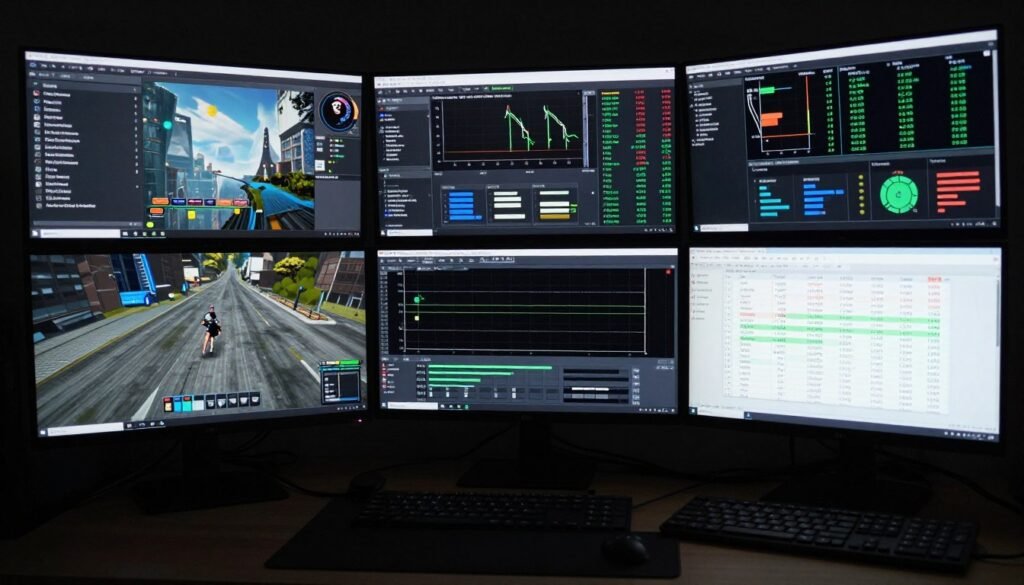
Use comprehensive monitoring that tracks per-core CPU usage, not just overall percentage. Software bottlenecks often manifest as single-core maxing while others idle.
Track frame times, not just average FPS. Consistent frame delivery matters more than peak performance. A game delivering 60 FPS with 16.6ms consistency feels better than 90 FPS average with erratic 8-30ms frame times.
Essential Monitoring Metrics
- Per-core CPU usage and frequency
- GPU usage and VRAM allocation
- Frame times and 1% low FPS
- RAM usage and page file activity
- CPU and GPU temperatures
- Power draw and thermal throttling indicators
Recommended Testing Tools
- MSI Afterburner for overlay monitoring
- HWiNFO64 for detailed sensors
- CapFrameX for frame time analysis
- RTSS for frame rate limiting
- Built-in game benchmarks when available
- Process Lasso for CPU affinity testing
When Hardware Upgrades Actually Help with Software Bottlenecks
Hardware can’t fix software problems directly, but certain upgrades minimize software bottleneck impact better than others.
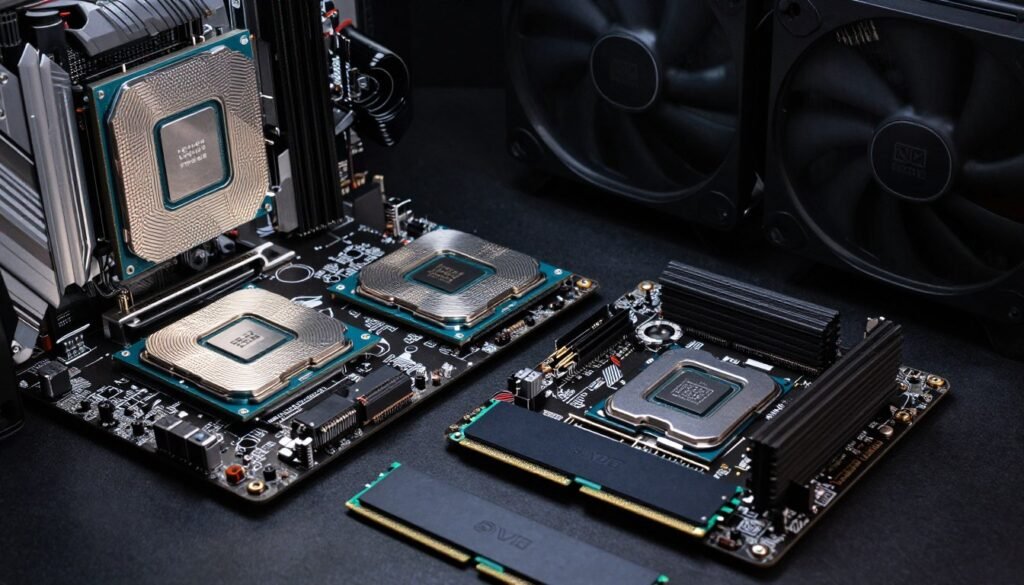
High Single-Core Performance CPUs
For games with poor threading, clock speed beats core count. An 8-core CPU at 5.8GHz outperforms a 16-core at 4.2GHz in single-threaded scenarios.
Intel’s latest architectures and AMD’s X3D chips with 3D V-Cache both target gaming performance through different approaches. Check our Intel versus AMD comparison for current recommendations.
Fast RAM for Memory-Sensitive Games
Games with poor memory management benefit from fast RAM more than well-optimized titles. DDR5-6000 or DDR5-6400 can smooth frame times in memory-bottlenecked scenarios.
This won’t fix a fundamentally broken game, but it reduces the severity of poor memory handling. AMD’s Ryzen processors particularly benefit from fast RAM due to Infinity Fabric architecture.
NVMe SSDs for Streaming Bottlenecks
Some games stream assets during gameplay. Slow storage creates stuttering as the game waits for data.
DirectStorage API enables faster asset streaming but requires developer implementation. Games supporting it genuinely benefit from Gen 4 or Gen 5 NVMe drives. Most games still don’t use it effectively, making SSD speed less critical than marketing suggests. Our SSD bottleneck analysis separates hype from reality.
What Definitely Won’t Help
Upgrading from an RTX 4080 to RTX 5090 won’t fix CPU-limited games. More GPU power is irrelevant when the CPU can’t feed it instructions fast enough.
Similarly, adding more RAM beyond what the game actively uses provides zero benefit. If a game uses 12GB and you have 16GB free, upgrading to 64GB total changes nothing.
Plan Upgrades That Actually Improve Your Gaming Experience
Stop wasting money on components that won’t fix your specific performance issues. Our build guides focus on practical upgrades that deliver real gaming performance improvements.
Software Bottlenecks in Competitive Gaming: Why Esports Players Care More
Competitive gamers obsess over software optimization more than casual players because every millisecond matters at high levels.
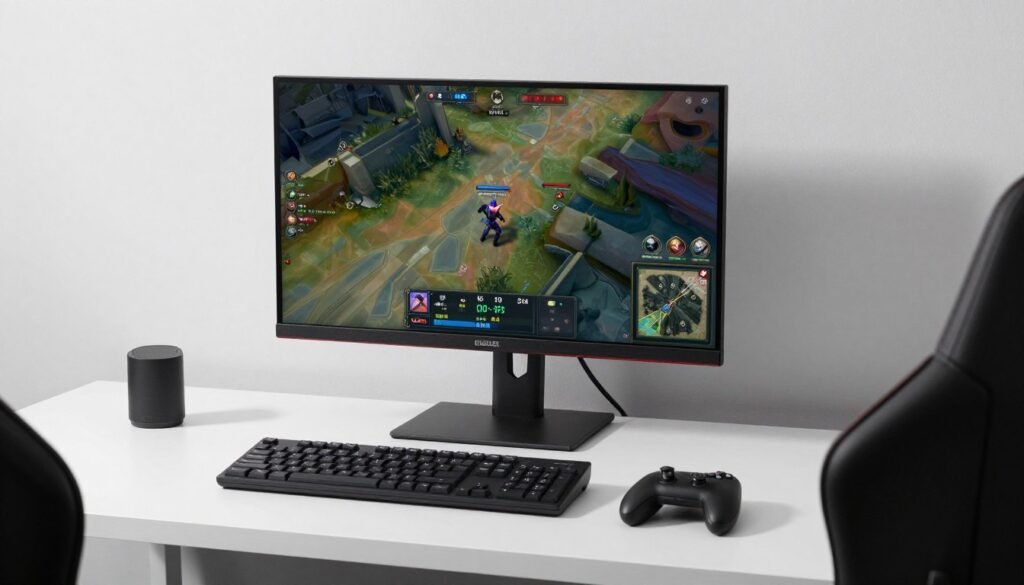
Frame Time Consistency Over Peak FPS
Esports titles prioritize consistent frame delivery. A game running 300 FPS average with occasional 150 FPS dips feels worse than locked 240 FPS.
Software bottlenecks that create frame time variance directly impact competitive performance. This is why pro players often lower settings massively even with high-end hardware. Our esports CPU performance guide covers optimization for competitive titles.
Input Latency and Render Pipeline Delays
Software bottlenecks increase system latency. Time between input and screen response compounds through the render pipeline.
Poorly optimized games add frames of delay that competitive players immediately notice. This explains why CS2 and Valorant receive constant optimization patches focused on reducing latency rather than just improving average FPS.
Why Competitive Games Optimize Better
Esports titles face different pressure than single-player games. Player retention demands smooth performance across hardware tiers.
Games like League of Legends run on potato hardware because Riot needs maximum player accessibility. Compare that to AAA single-player games where high system requirements create marketing buzz.
Why Developers Ship Games with Performance Issues (The Honest Truth)
Understanding developer constraints explains why software bottlenecks exist and why some never get fixed.
Publisher Deadlines Versus Polish Time
Release dates are locked months or years in advance. Marketing campaigns, retail commitments, and financial projections all depend on that date.
When crunch time arrives, studios prioritize making the game functional over making it optimal. Performance optimization is iterative work that gets sacrificed when time runs out.
Testing Across Infinite Hardware Configurations
PC hardware combinations are essentially infinite. Testing every configuration is impossible.
Developers focus on common configurations and hope driver updates and patches handle edge cases. That’s why some specific CPU-GPU combinations perform oddly while others work fine.
Engine Limitations and Technical Debt
Many studios use licensed engines with fundamental architectural limitations. Rewriting core engine systems mid-development is usually impossible.
Technical debt accumulates through development. Quick hacks become permanent because refactoring would require reworking entire systems. This creates bottlenecks that persist through a game’s entire lifecycle.
Post-Launch Support Economics
Optimizing games post-launch costs money with no direct revenue return. Publishers allocate limited resources to DLC and sequels instead.
This explains why some games never receive meaningful performance patches. The business case doesn’t justify continued optimization investment once launch sales peak.
The Bottom Line on Software Bottlenecks
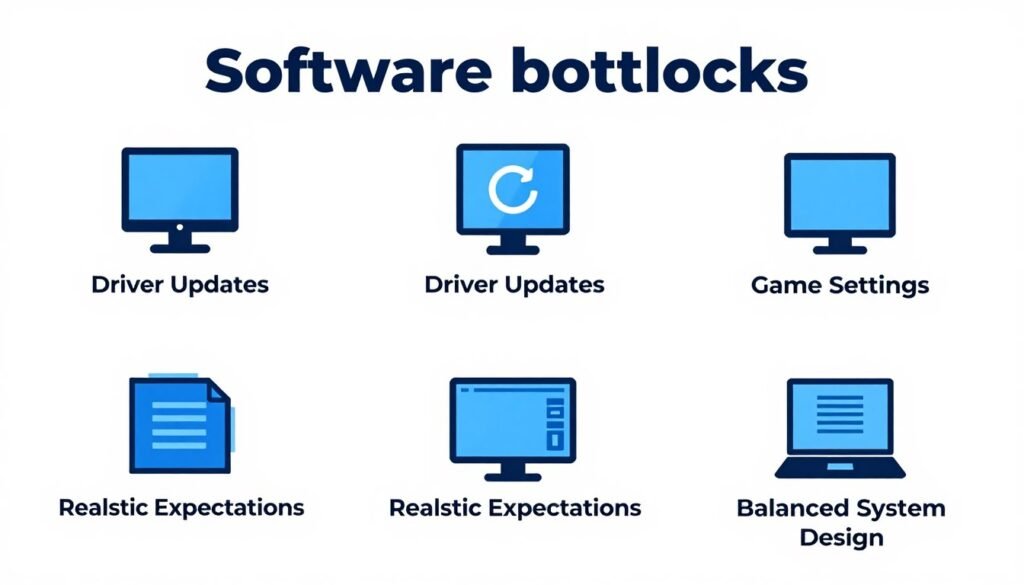
Software bottlenecks frustrate PC gamers because they defy the traditional “upgrade to fix” mentality. You can’t throw money at code inefficiency.
The reality is this: modern gaming involves managing software limitations as much as hardware capabilities. Games will ship with optimization issues. That’s the current industry reality.
Your best defense combines smart hardware choices with realistic expectations. Build systems with strong single-thread performance, fast RAM, and balanced components. Then accept that some games just run poorly regardless of your hardware.
Monitor performance systematically before upgrading. Distinguish between hardware bottlenecks you can fix and software bottlenecks you can’t. Save money by not upgrading when software is the actual problem.
Stay patient with new releases. Launch performance often represents the worst you’ll experience. Games generally improve through patches, driver updates, and community fixes.
Use tools and communities to your advantage. Performance optimization communities, configuration tweaks, and driver updates often provide more improvement than expensive hardware upgrades when software bottlenecks exist.
Master Your PC’s Performance Potential
Understanding bottlenecks separates smart builders from people who waste money on ineffective upgrades. Our comprehensive resources help you make informed decisions about your gaming PC.
Final Thoughts on Living with Software Bottlenecks
Software bottlenecks represent the messy reality of modern gaming. They’re frustrating, often unfixable by users, and likely to persist as games grow more complex.
Accept this reality and adapt your approach. Research game performance before purchasing. Wait for patches when launch performance is rough. Build balanced systems that handle both hardware and software limitations well.
The PC gaming advantage isn’t just raw power. It’s the flexibility to work around problems through settings, tweaks, mods, and hardware choices. Use that flexibility intelligently.
Software bottlenecks suck, but they’re manageable with knowledge and realistic expectations. Now you know how to identify them, understand them, and work around them when possible.