
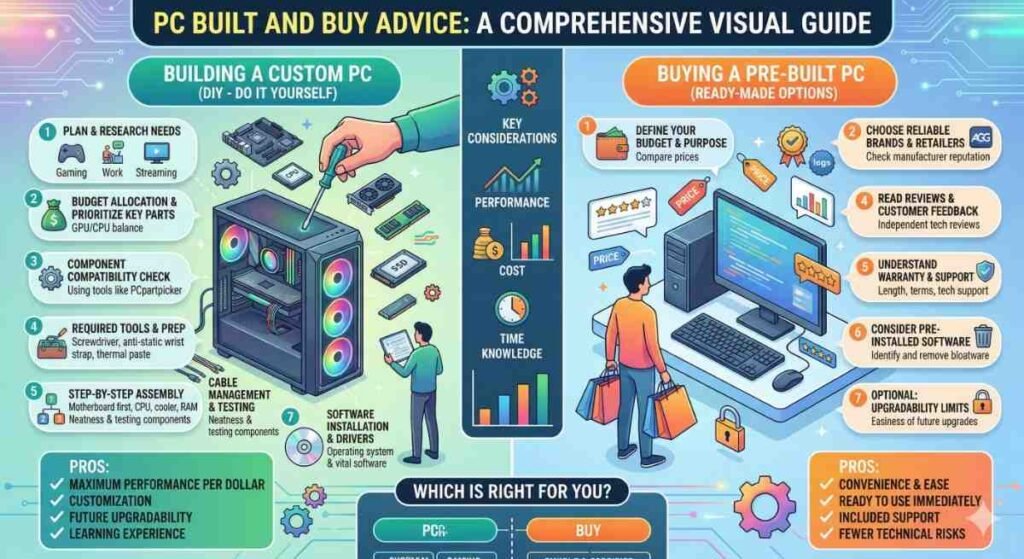
Finding the right components is an art, and our Build & Buy Advice simplifies the process. We use data-driven metrics to provide the best hardware guides for every budget, ensuring you don’t overspend on a CPU that your GPU can’t keep up with. Every recommendation is vetted through our bottleneck calculator to guarantee a balanced rig. Whether you are looking for a mid-range king or a 2026 enthusiast beast, our Knowledge Base offers the context you need. Always verify your parts with a bottleneck checker before purchasing to avoid the common pitfalls of mismatched hardware tiers.
Explore More about PC Build & Buy Advice
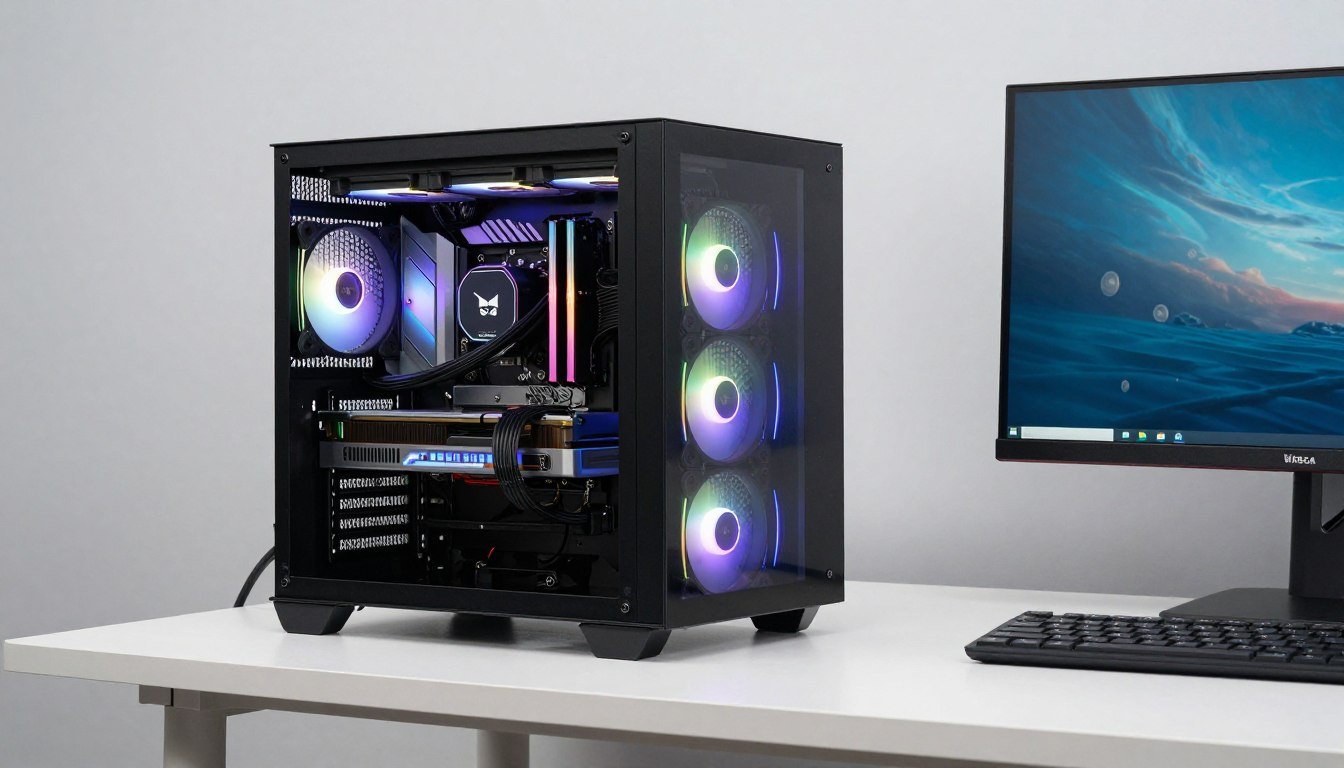
High Airflow vs. Silent Focus: The PC Case Selection Guide for 2026
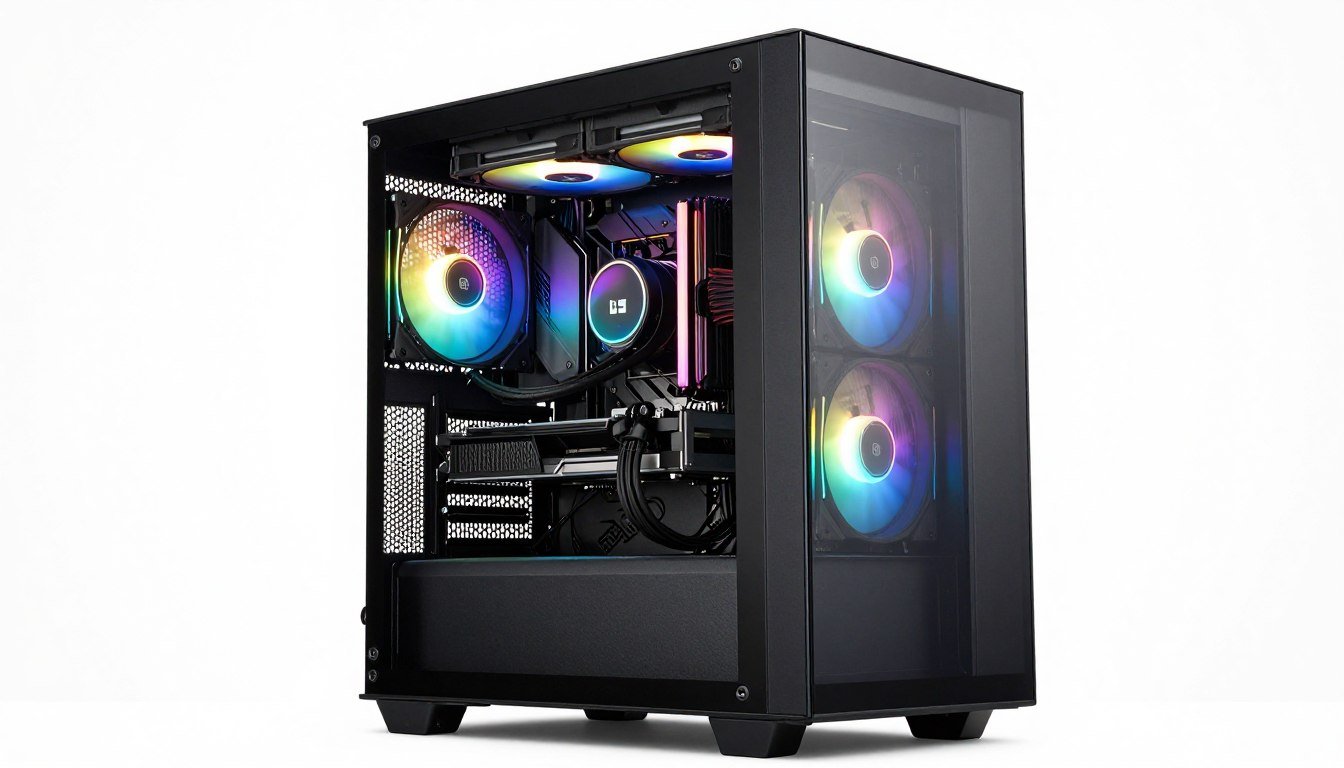
White PC Build: Best White Parts for 2026 That Actually Match
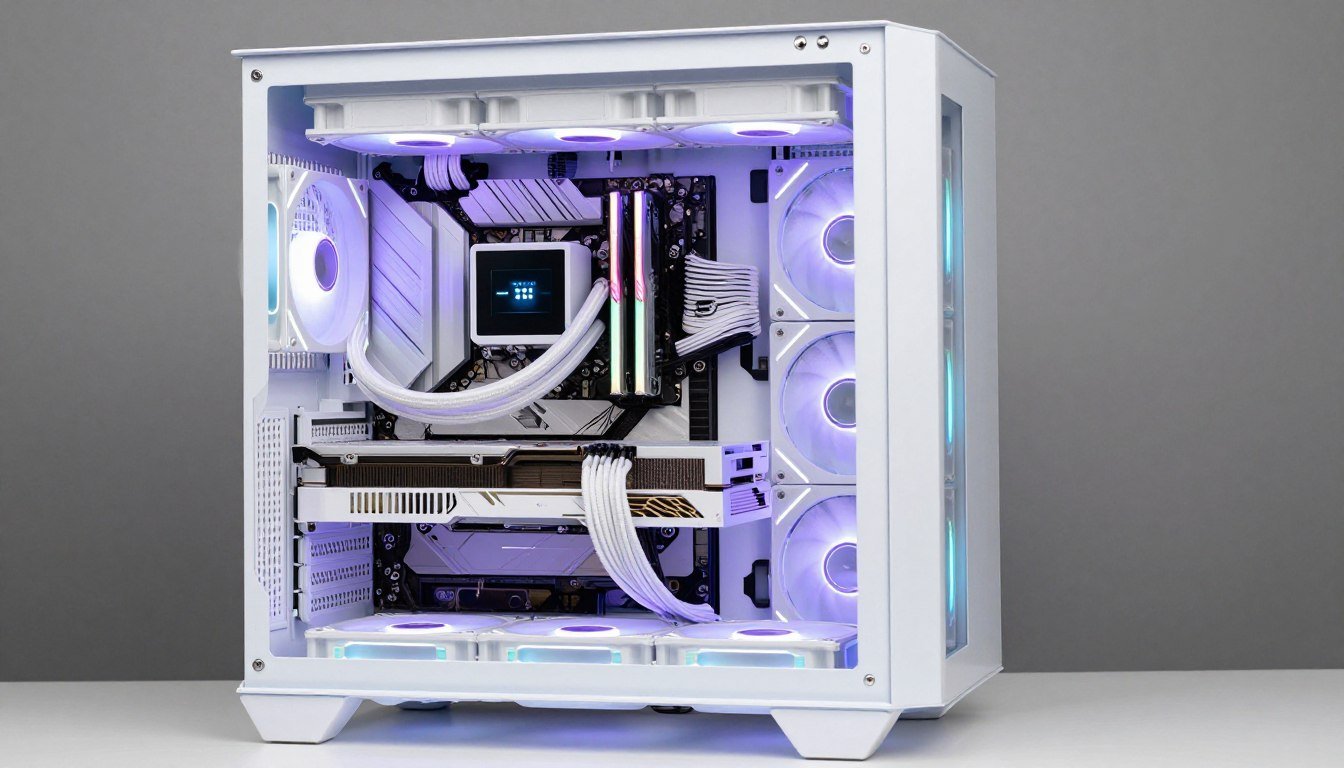
Monitor Buying Guide: OLED vs. Mini-LED for Gaming and Productivity in 2026
Refurbished Parts: Are They Safe for High-End Builds?
Content Creator Builds: Best CPUs for OBS – The Streaming CPU Choice That Won’t Let You Down
Workstation Build 2026: Best Parts for 3D/Video Work
Used GPU Guide: Best Value Cards Under $400 in 2026
ITX Build Advice: Power Without Overheating in 2026
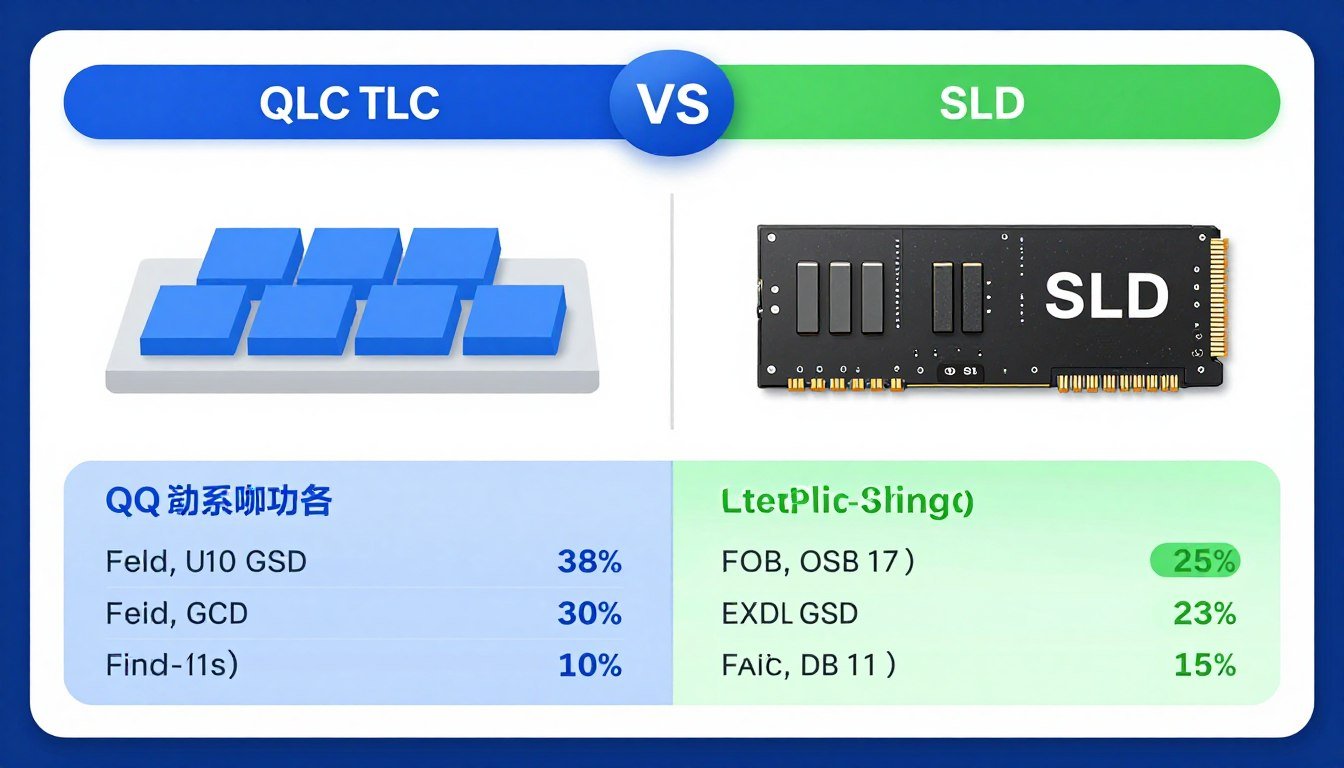
QLC vs. TLC SSDs: Buying for Speed vs. Storage
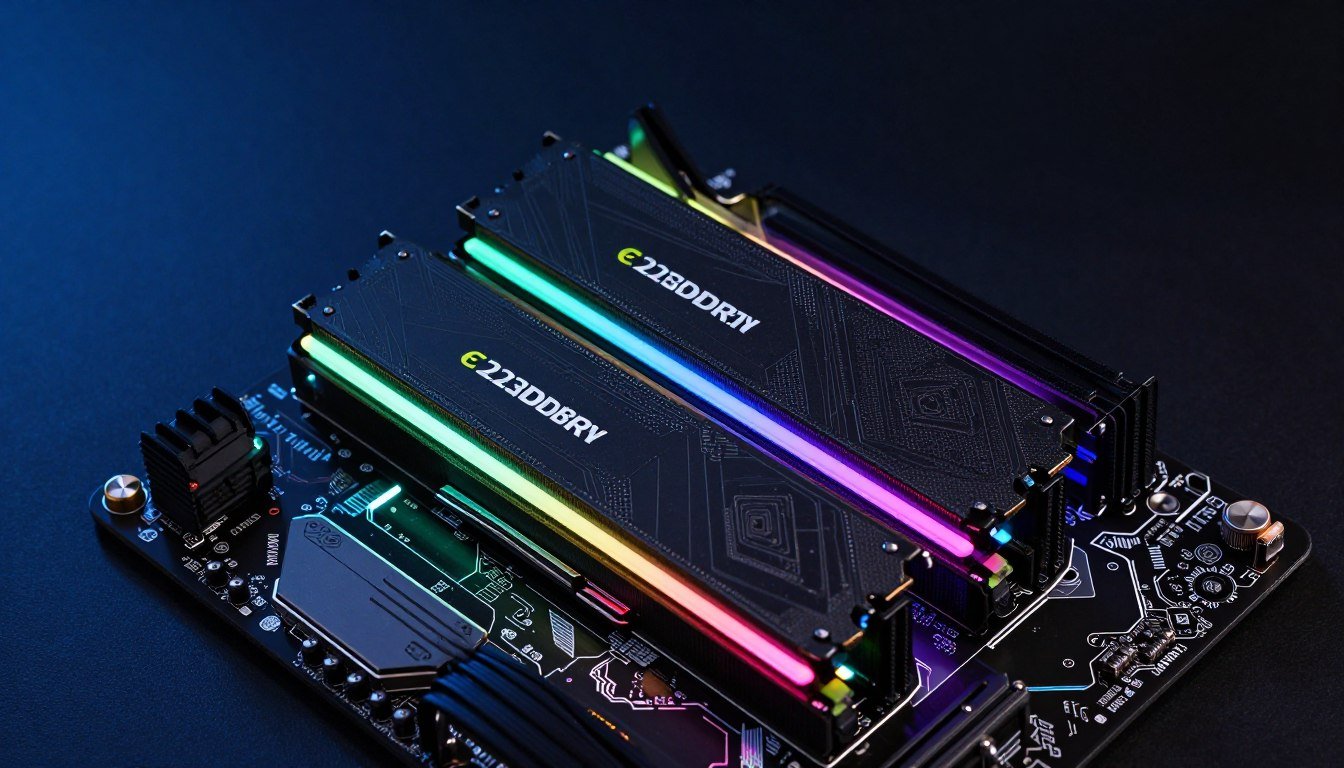
RAM Capacity Guide: Is 32GB Enough for 2026?
Avoiding Pre-Built Pitfalls: Proprietary Connectors
Laptop vs Desktop: Performance Per Dollar 2026 Price
Why We Recommend X3D: The Stutter-Free Choice Guide

AMD Adrenalin Guide: Best Settings for Low Latency
CPU Cooler Choice: Air vs Liquid Cooling for High TDP Processors
PSU Buying Guide: Why 1000W is the New 750W
Why 4-Core CPUs are Dead: Modern Minimums for 2026
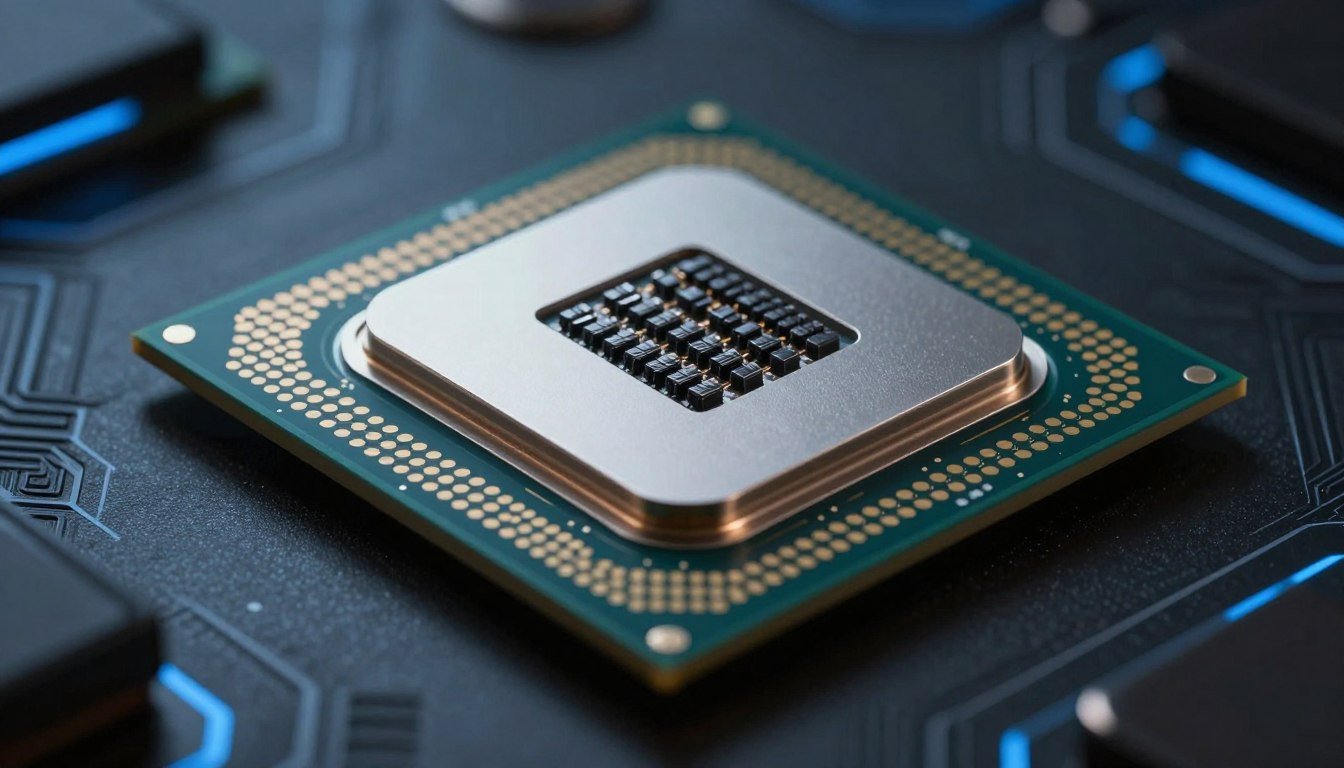
i5 vs Ryzen 5 2026: Which CPU Actually Wins When You Stop Reading Marketing Nonsense?
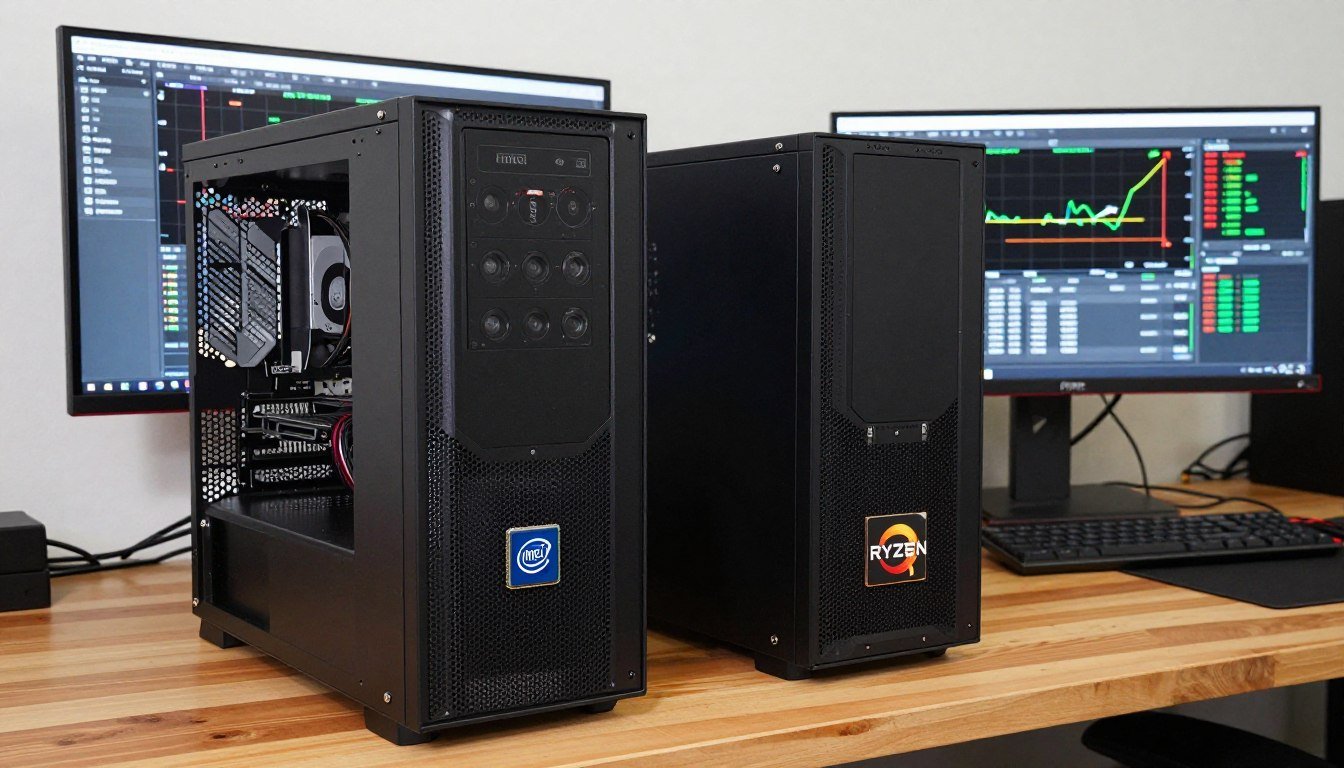
Budget PC Build 2026: How I Built a Gaming PC Without Going Broke
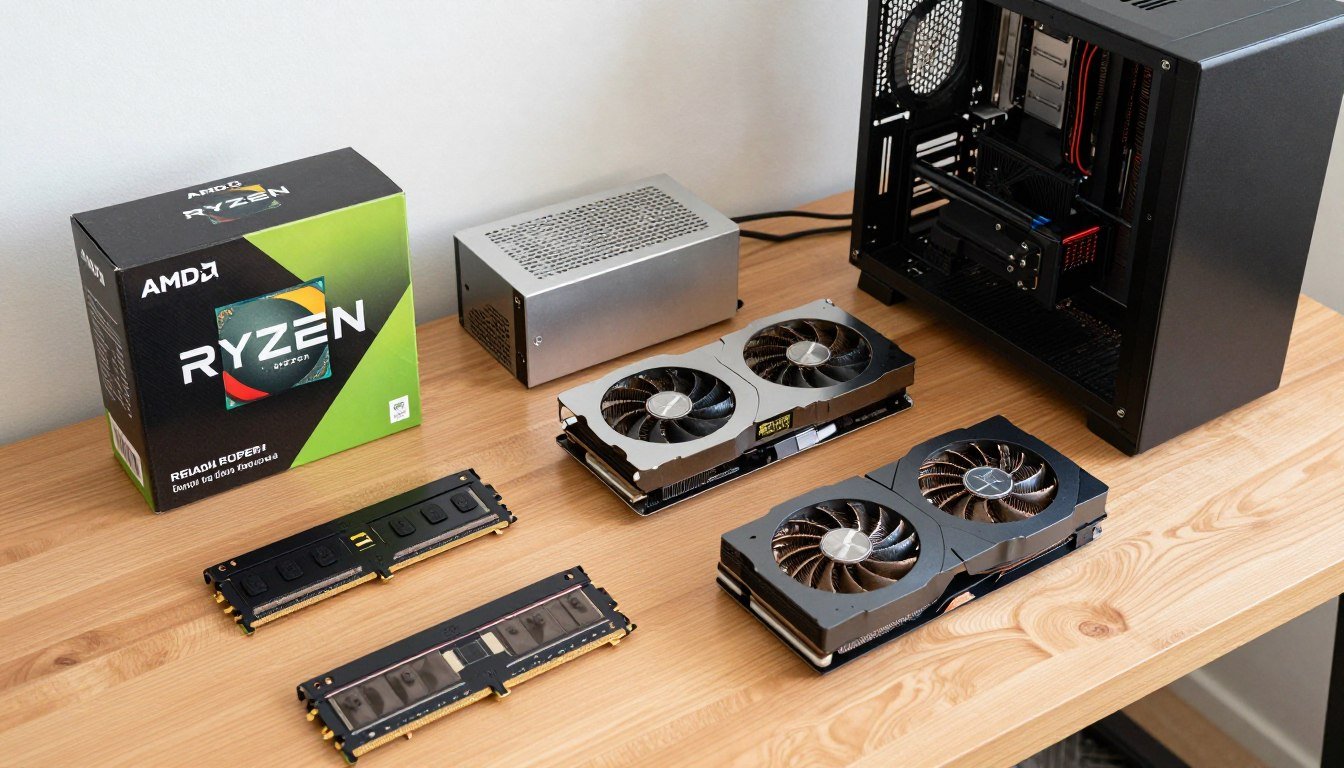
RTX 5080 Build: Here’s What Actually Matters (And What Doesn’t)
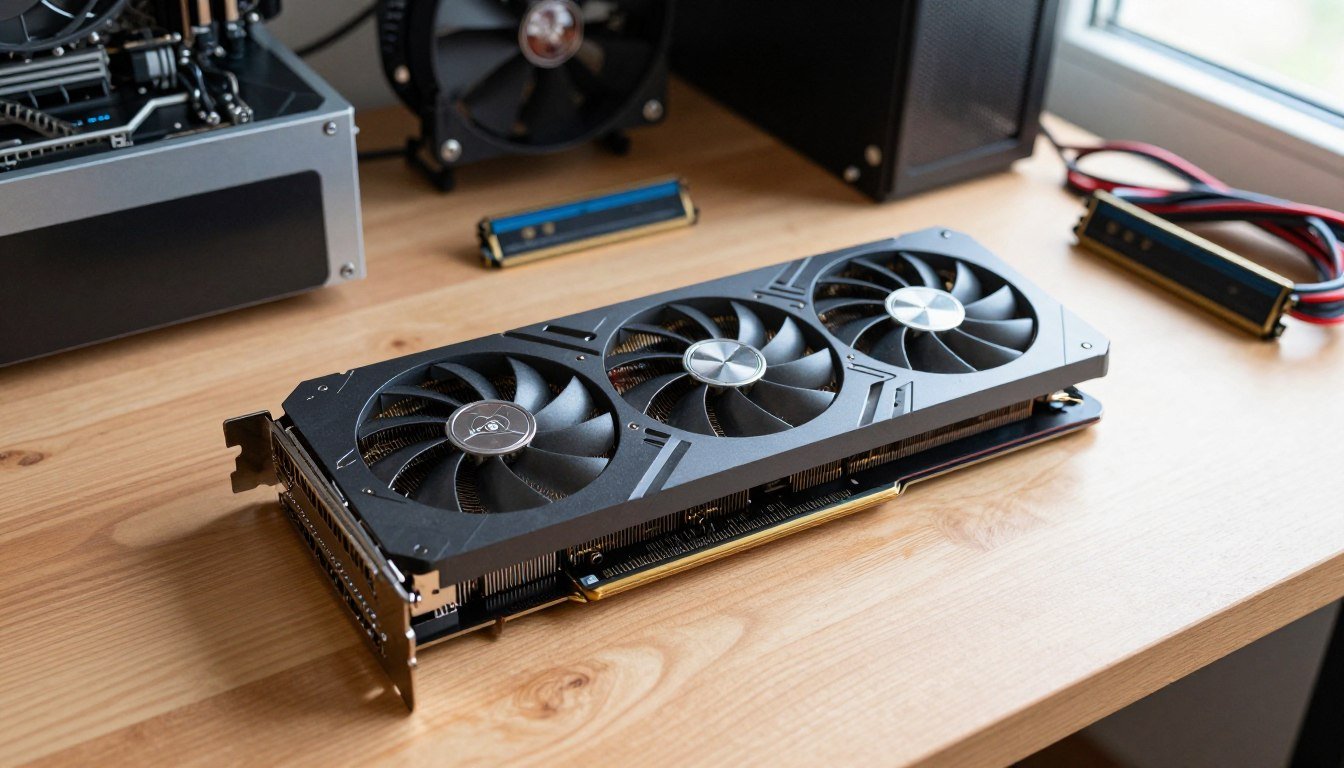
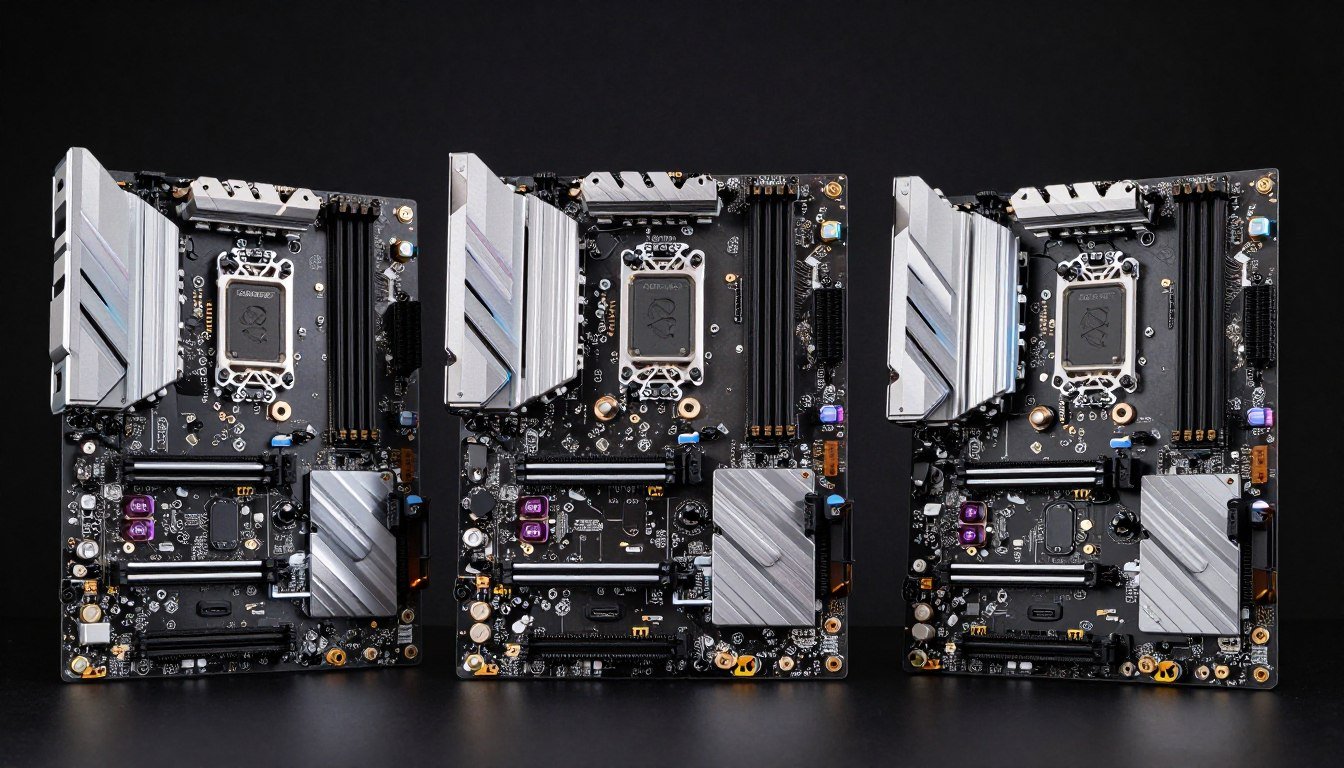
Motherboard Buying Guide: Best Z-Series Boards
The High-End Standard: Dominating with the 50-Series
If you are planning an RTX 5080 build, you are looking at the pinnacle of current consumer performance. However, a 50-series PC brings unique challenges that previous generations did not face. The sheer GPU power draw of these Blackwell-based cards has fundamentally changed how we approach case airflow and power delivery.
For a true high-end gaming setup, the focus is no longer just on the GPU. You must balance that power with a processor that won’t clip your wings. In the current market, your 2026 CPU choice for a high-end rig should almost exclusively look at high-cache models to ensure that the frame times remain consistent, even when the GPU is pushed to its absolute limit at 4K resolution.
The Mid-Range Battlefield: i5 vs. Ryzen 5
The most competitive segment of the market remains the mid-range CPU battle. For most builders, the choice between i5 vs Ryzen 5 is the most difficult one to make. In 2026, the i5 lineup has leaned heavily into hybrid architecture, offering great productivity scores, while the Ryzen 5 chips often win on pure gaming efficiency.
When making your 2026 CPU choice for a mid-range system, consider your long-term plans. The best value PC isn’t always the cheapest one today; it’s the one that allows for an upgrade path three years down the line. We are seeing that modern titles have massive multicore requirements, making the thread count of these mid-range chips more important than their advertised boost clocks.
The Death of the Quad-Core and Budget Realities
One of the most significant shifts this year is the final realization that 4-core CPUs are dead for modern gaming. Even for a cheap PC build, a quad-core processor will struggle with background OS tasks and asset streaming in open-world titles. To meet the minimum gaming specs of 2026, a 6-core/12-thread processor is the absolute baseline.
If you are working on a budget gaming PC 2026, your goal should be to find a best value PC that doesn’t cut corners on the motherboard or power supply. While you might save money on a cheap PC build by picking a last-generation GPU, don’t skimp on the foundation of the system. A solid foundation allows you to swap in a better GPU later without rebuilding the entire rig.
Memory and Storage: The 2026 Baselines
The days of 16GB being “enough” are behind us. For RAM for gaming 2026, the standard has shifted to 32GB RAM. Modern game engines and higher-resolution texture packs have increased the memory requirements significantly. Operating with less than 32GB often leads to page filing on your SSD, which introduces perceptible micro-stutter during gameplay.
In our SSD buying guide, we emphasize understanding the difference between QLC vs TLC storage. While QLC (Quad-Level Cell) drives are cheaper and great for mass storage, they can slow down significantly once their cache is full. For your boot drive and primary game library, you should look for TLC (Triple-Level Cell) NAND flash types. TLC offers better endurance and more consistent write speeds, which is vital for the heavy data-shuffling required by modern DirectStorage-enabled games.
Powering the Beast: The 1000W Shift
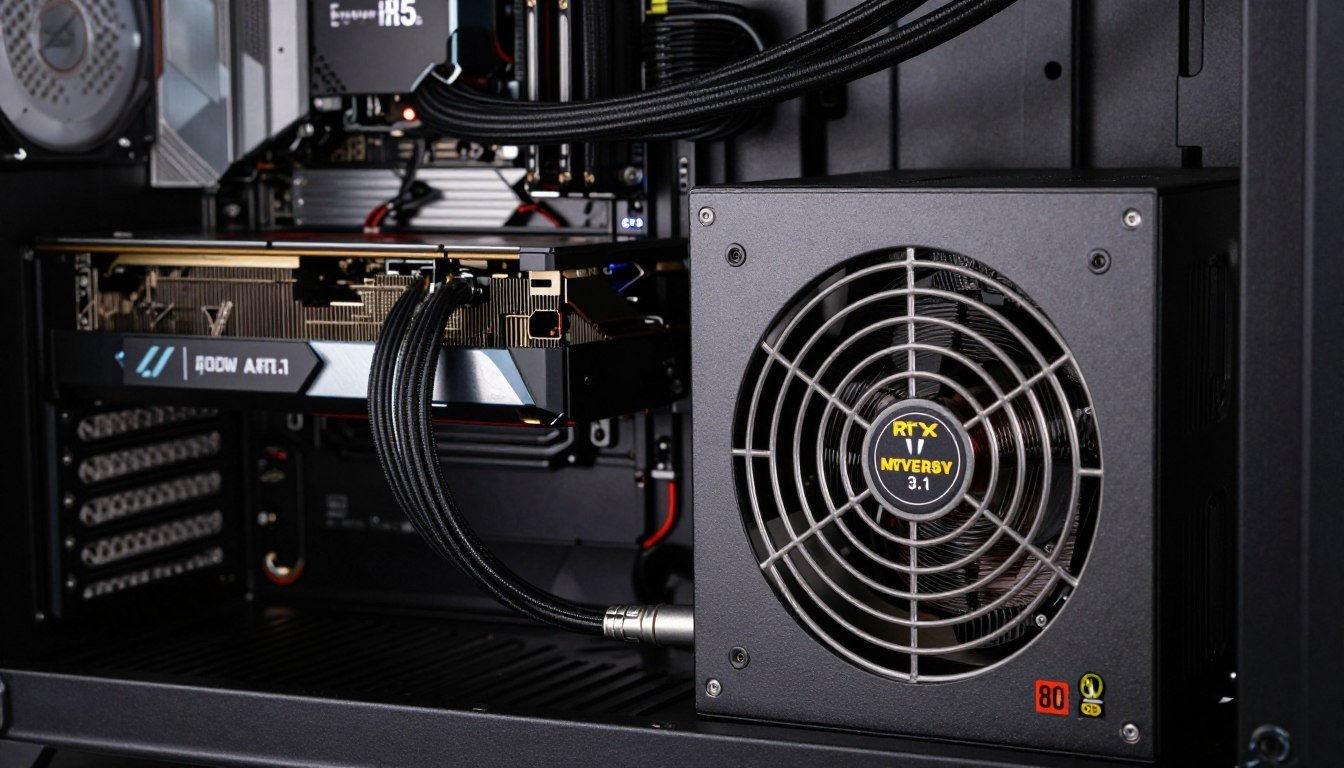
Perhaps the most controversial change in building recently is the 1000W power supply becoming a common recommendation. According to our latest PSU guide, the transient spikes in 50-series PC builds can occasionally trip the OCP (Over Current Protection) on older 750W units.
The massive GPU power draw of modern flagships means that your power supply needs more “headroom” than ever before. Investing in a high-quality 1000W power supply isn’t just about the peak wattage; it’s about having a unit that can handle the rapid fluctuations in power demand without degrading the internal components over time.
Small Form Factor: The ITX Challenge
Building a small form factor PC has never been more popular, but an ITX build in 2026 requires surgical precision. Because of the heat generated by modern high-wattage parts, SFF cooling is the primary bottleneck for these builds.
If you are going the ITX route, you must plan your airflow path before buying a single part. Many small form factor PC cases now require specific “SFF-Ready” GPUs that are thinner and shorter to accommodate the limited space. Without a dedicated strategy for SFF cooling, your high-end components will throttle within minutes of starting a game, negating the premium price you paid for that hardware.
PC Build & Buy Advice: Frequently Asked Questions
Is it still worth building a PC, or should I buy a pre-built in 2026?
Building your own still offers the best value PC experience because you control the quality of every single part—especially the PSU and Motherboard, where pre-built manufacturers often cut corners. However, with the complexity of GPU power draw and the need for specific ATX 3.1 standards, ensure you are comfortable with the technical requirements before starting.
Why is 32GB RAM now considered the minimum for gaming?
As memory requirements have grown, games are now utilizing more system memory to store assets that don’t fit in the VRAM. 32GB RAM ensures that your OS, background apps (like Discord or Chrome), and the game itself all have enough “breathing room” to prevent the system from slowing down.
In the i5 vs Ryzen 5 debate, which is better for power efficiency?
Generally, the Ryzen 5 chips remain the efficiency leaders for gaming. If you are worried about heat in a small form factor PC, Ryzen is often the safer 2026 CPU choice. The i5 chips are excellent but tend to pull more power under heavy multicore loads.
Can I use a QLC drive for my main gaming library?
You can, but it isn’t ideal. In our SSD buying guide, we recommend TLC for any drive that will see frequent writes. NAND flash types like QLC are best suited for “store and forget” data, such as movies or photos. For games that update frequently, TLC will last much longer and provide a more consistent experience.
Can I use a QLC drive for my main gaming library?
You can, but it isn’t ideal. In our SSD buying guide, we recommend TLC for any drive that will see frequent writes. NAND flash types like QLC are best suited for “store and forget” data, such as movies or photos. For games that update frequently, TLC will last much longer and provide a more consistent experience.