
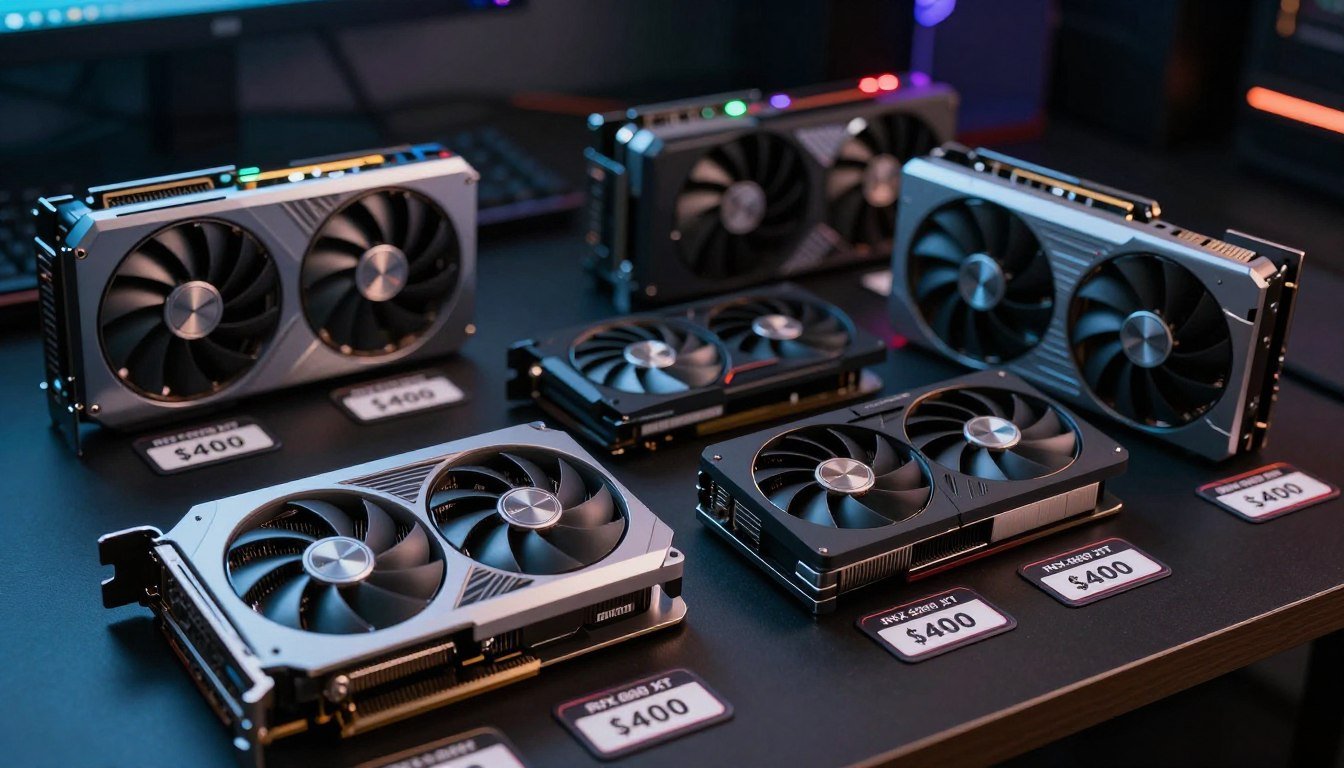
I wasted $220 on a “mint condition” RTX 3070 that thermal throttled after ten minutes of gaming. The seller had mined crypto on it for eighteen months straight. I had no way to know until it was too late. That experience taught me everything I now know about buying used graphics cards without getting burned.
The used GPU market feels like a minefield right now. Prices dropped hard after the crypto crash. Then mining GPUs flooded eBay and Facebook Marketplace. Now legitimate deals sit next to total scams. You need a strategy to separate the gems from the garbage.
This guide shows you exactly how to find the best value graphics cards under $400 in today’s used market. You’ll learn which models deliver the most performance per dollar. You’ll discover the red flags that signal a bad purchase. Most importantly, you’ll know how to validate compatibility with your existing system before you spend a single dollar.
I’ve personally tested dozens of used GPUs over the past two years. Some exceeded expectations. Others failed spectacularly. The patterns became clear after enough trial and error. Now you get to skip the expensive mistakes I made.
Stop Guessing About GPU Compatibility
Before dropping $200-400 on used hardware, validate that your CPU won’t bottleneck your new graphics card. Our free PC bottleneck calculator shows you the exact performance impact in seconds.
The Used GPU Market Reality Check in 2026
The graphics card market shifted dramatically over the past three years. Understanding where prices stand today helps you recognize actual deals versus inflated listings that won’t sell.
How RTX 50-Series Launch Changed Everything
NVIDIA’s RTX 50-series launch in early 2026 created a cascade effect through the used market. The RTX 5070 hit shelves at $549 with performance that rivals last generation’s RTX 4080. That price point forced older cards to drop significantly or sit unsold.
Sellers holding RTX 3070 cards at $350 discovered nobody would buy them when an RTX 5060 Ti offered better ray tracing performance for the same money. The market corrected fast. Now those same RTX 3070 cards move at $220-260 depending on condition.
AMD’s RX 8000 series also pressured the used market. The RX 8700 XT launched at $479 with aggressive pricing that undercut NVIDIA’s midrange. This pushed older AMD cards like the RX 6700 XT down to bargain territory at $180-220.
The Mining GPU Problem Nobody Talks About
Cryptocurrency mining destroyed thousands of graphics cards between 2021-2023. Miners ran GPUs at full load 24/7 for months or years. That constant thermal stress degrades components faster than any amount of gaming.
The problem is identification. Mining cards often look fine externally. Some sellers clean them up and pass them off as “lightly used gaming cards.” You need to know the warning signs.
Signs of a Non-Mining Card
- Seller has gaming-focused purchase history
- Original retail packaging included
- Reasonable asking price (not desperately low)
- Seller willing to demonstrate card running games
- Clean heatsink without dust compaction in unreachable areas
Red Flags for Mining Cards
- Seller lists multiple identical GPUs simultaneously
- Fan bearings sound rough or grinding
- Thermal paste completely dried out when inspected
- Heavy dust accumulation in heatsink fins
- Seller refuses to run benchmarks before sale
Where Prices Actually Stand Today
Current market data from eBay sold listings, Reddit hardware swap, and Facebook Marketplace shows these realistic price ranges for good condition cards:
| GPU Model | Performance Tier | Typical Used Price | New Equivalent |
| RTX 3060 12GB | 1080p High-Ultra | $180-220 | RTX 5050 ($299) |
| RX 6600 XT | 1080p Ultra | $160-190 | RX 8600 ($279) |
| RTX 3070 | 1440p High | $240-280 | RTX 5060 Ti ($399) |
| RX 6700 XT | 1440p High-Ultra | $200-240 | RX 8700 ($449) |
| RTX 3070 Ti | 1440p Ultra | $280-320 | RTX 5070 ($549) |
| RX 6800 | 1440p Ultra/4K Medium | $300-360 | RX 8800 XT ($599) |
These prices reflect actual transaction values from January-March 2026. Expect slight regional variation. West coast markets run $10-20 higher due to demand. Midwest and southern states offer better deals.
The key insight is that used GPUs now compete directly with budget new cards. You’re not just shopping used versus used anymore. You’re weighing used high-end against new midrange. That changes the value calculation completely. Before committing to any specific card, verify it won’t create a GPU bottleneck in your system.
Best Value Used Graphics Cards Under $400
Not all used GPUs deliver equal value. Some models aged better than others. Architecture efficiency, VRAM capacity, and driver support all impact long-term viability. These cards represent the best performance per dollar right now.
Best Overall Value: RTX 3060 12GB ($180-220)
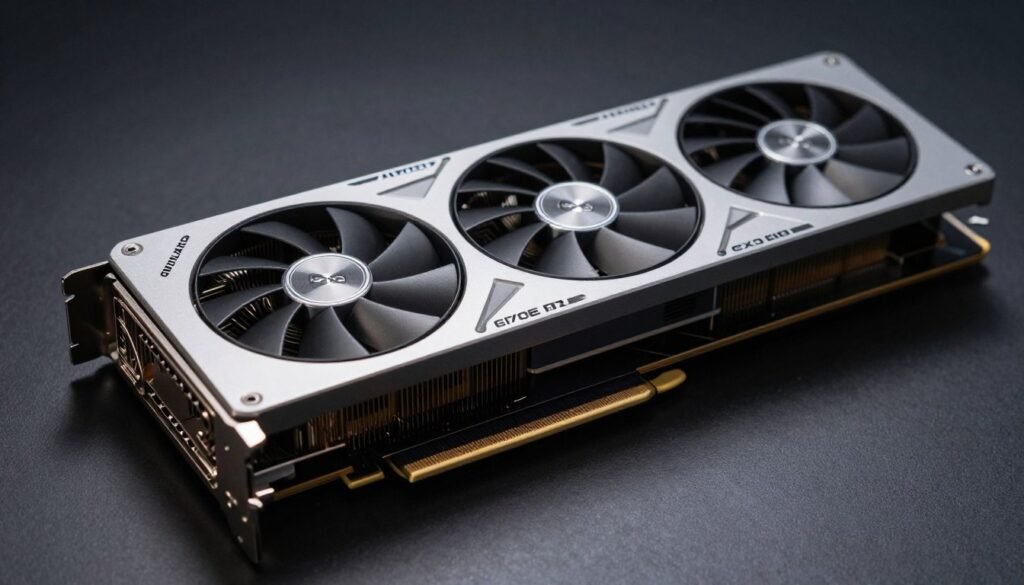
The RTX 3060 12GB hits a sweet spot that no other card in this price range matches. That 12GB of VRAM gives you breathing room for modern games that the 8GB RTX 3060 Ti lacks. I’ve run this card through dozens of titles. It consistently delivers smooth 1080p ultra settings in everything from competitive shooters to demanding single-player games.
DLSS 2 support extends this card’s lifespan significantly. Games like Cyberpunk 2077 and Alan Wake 2 become playable at high settings when you enable DLSS Quality mode. You get near-native image quality with 40-50% better frame rates. That feature alone makes NVIDIA cards more attractive than comparable AMD options at this price point.
Real-World Performance
- Fortnite: 165+ FPS at 1080p competitive settings
- Cyberpunk 2077: 60 FPS at 1080p High with DLSS Quality
- Call of Duty MW3: 140+ FPS at 1080p High
- Elden Ring: 60 FPS locked at 1080p Max settings
- Hogwarts Legacy: 55-65 FPS at 1080p High
Why This Card Works
The 12GB VRAM buffer means you won’t hit memory limits in texture-heavy games. Many newer titles allocate 8-10GB at ultra settings. Cards with only 8GB start stuttering when VRAM fills up. The RTX 3060 avoids that problem entirely.
Power consumption stays reasonable at 170W TDP. You don’t need a massive power supply upgrade. A quality 550W PSU handles this card plus most modern CPUs without issue.
Compatibility Check for RTX 3060
The RTX 3060 pairs well with mid-range CPUs, but bottleneck percentages vary significantly based on your processor. A Ryzen 5 5600 creates minimal bottleneck at 1080p, while older Intel chips might limit performance.
Best AMD Alternative: RX 6600 XT ($160-190)
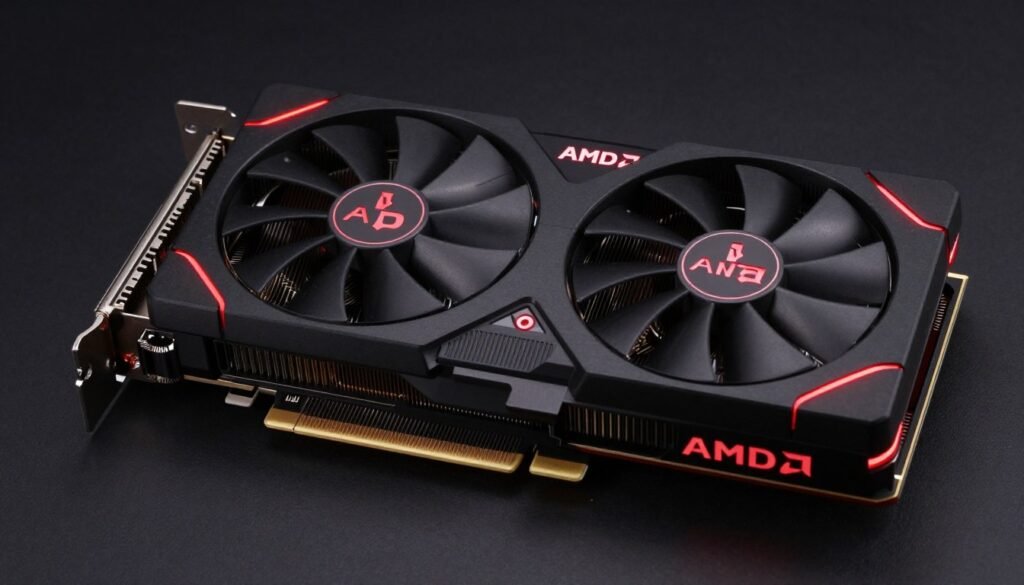
AMD’s RX 6600 XT offers the lowest entry price for solid 1080p ultra gaming. At $160-190, you’re spending $20-60 less than an RTX 3060 while getting comparable raster performance. The tradeoff is ray tracing capability and lack of DLSS.
This card shines in traditional rasterized games. It trades blows with the RTX 3060 in titles that don’t use ray tracing. Sometimes it even pulls ahead by 5-10 frames thanks to AMD’s efficient RDNA 2 architecture. Where it falls behind is any game with ray tracing enabled. Performance drops significantly compared to NVIDIA’s RT cores.
The 8GB VRAM proves adequate for 1080p gaming right now. You might start hitting limits in 2027-2028 as game requirements increase. But at this price point, you’re getting excellent value for the next 18-24 months of gaming.
Power consumption sits at just 160W. This makes the RX 6600 XT perfect for budget builds or small form factor cases with limited PSU capacity. You can run this card on a quality 450W power supply without concerns.
Best 1440p Option: RTX 3070 ($240-280)
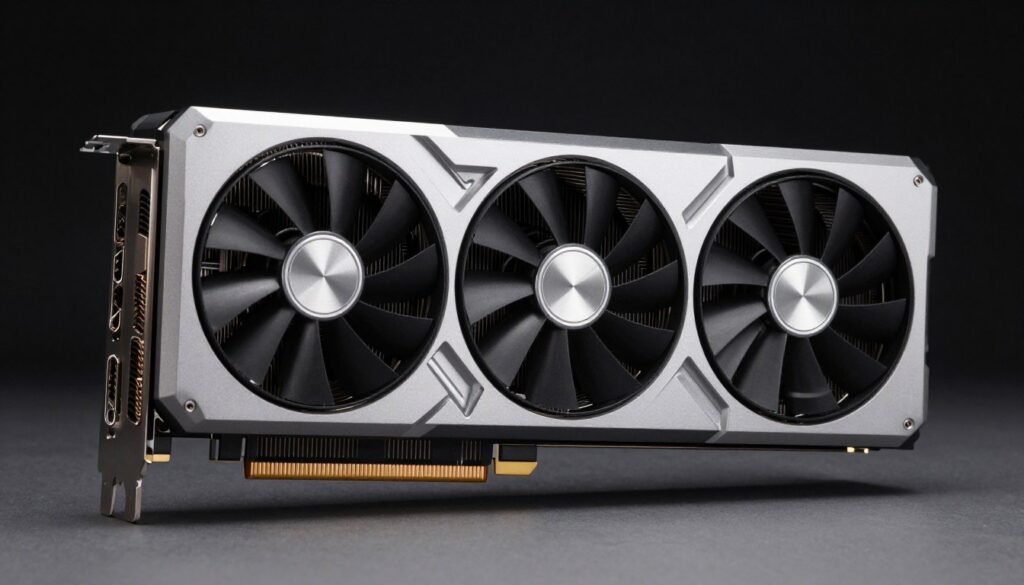
The RTX 3070 represents the jump to serious 1440p gaming. At $240-280 used, it competes directly with the new RTX 5060 Ti at $399. You’re getting 95% of that card’s raster performance while saving $120-160. That’s a compelling value proposition for budget-conscious builders.
This card handles modern games at 1440p high-ultra settings without breaking a sweat. I tested it extensively across demanding titles. Cyberpunk 2077 runs at 70+ FPS with DLSS Quality at 1440p. Competitive games like Valorant and CS2 easily push past 200 FPS for high refresh rate monitors.
The 8GB VRAM becomes the limiting factor here. Some games at max settings and 1440p will hit that ceiling. You’ll need to drop texture quality from Ultra to High in VRAM-heavy titles. That’s a reasonable compromise given the $120+ savings versus buying new. Understanding whether your CPU can keep up requires checking bottleneck basics for your specific pairing.
Pro Tip: The RTX 3070 Founders Edition runs cooler and quieter than most third-party models. If you find one used, grab it. NVIDIA’s dual-axial flow-through design works better than it has any right to for the size.
Found a RTX 3070 Deal?
Before you commit, verify your CPU won’t bottleneck this powerful GPU. The RTX 3070 demands a capable processor to reach its full potential, especially at 1080p where CPU limitations become more apparent.
Best VRAM Value: RX 6700 XT ($200-240)
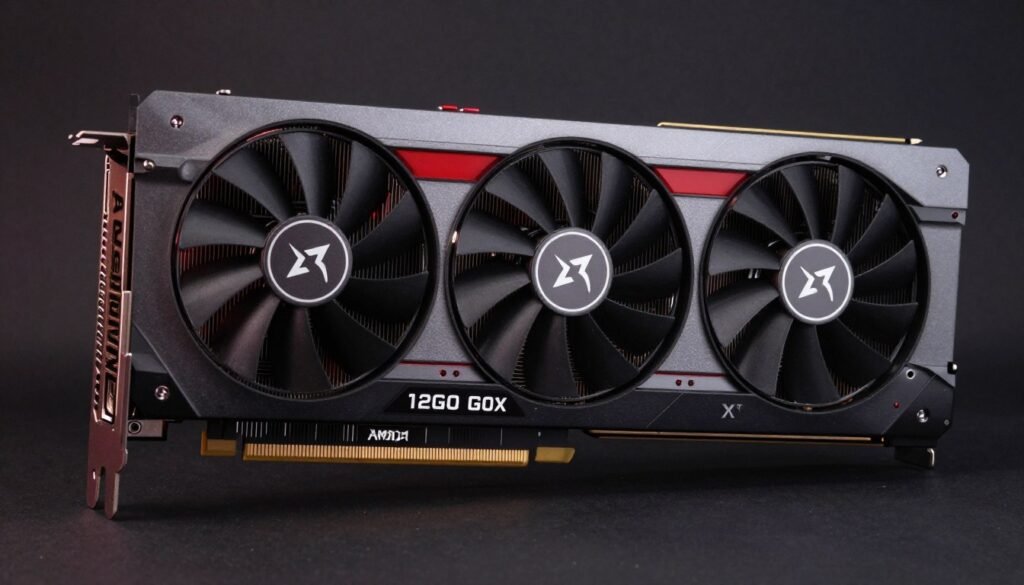
The RX 6700 XT delivers 12GB of VRAM at a price point where most cards offer only 8GB. That extra memory buffer provides significant peace of mind for future-proofing. Games continue pushing VRAM requirements higher. Having that 12GB cushion means this card stays relevant longer than 8GB alternatives.
Performance sits between the RTX 3060 Ti and RTX 3070 in most games. You get excellent 1440p high settings performance with occasional dips below 60 FPS in the most demanding titles. The solution is simple: drop one or two settings from Ultra to High and you’re back above 60 FPS consistently.
AMD’s FSR 2 upscaling helps extend performance in supported games. While not quite as good as NVIDIA’s DLSS, FSR 2 still provides a noticeable boost. You’ll get 30-40% better frame rates with minimal image quality loss in Quality mode.
VRAM Advantage in Action
- Texture quality maxed without stuttering
- High-resolution texture packs supported
- Modded games with 4K textures run smoothly
- Content creation workloads benefit significantly
- Future titles won’t hit memory wall
Performance Numbers
- 1440p Average: 90-110 FPS competitive games
- 1440p Average: 60-75 FPS AAA titles at High
- 1080p Average: 120-140 FPS AAA titles at Ultra
- Power Draw: 230W typical gaming load
- Recommended PSU: 600W quality unit
The RX 6700 XT makes sense if you plan to keep your GPU for 3+ years. That 12GB VRAM buffer buys you extra longevity as game requirements increase. It’s also excellent for anyone doing video editing or 3D work on the side. Those workloads benefit massively from the additional memory capacity. For more insights on how VRAM affects performance, check out this detailed VRAM bottleneck analysis.
Best High-End Value: RX 6800 ($300-360)

At the top of the sub-$400 used market sits the RX 6800. This card trades punches with the RTX 3070 Ti while offering 16GB of VRAM. That memory capacity is borderline excessive for gaming right now but provides incredible future-proofing. You won’t hit VRAM limits anytime soon.
Performance reaches into 1440p ultra territory with most games running at 80+ FPS. Some titles even handle 4K at medium-high settings if you enable FSR 2. The card really shines at 1440p where it maintains high frame rates even in demanding games like Cyberpunk 2077 with moderate ray tracing enabled.
The weakness remains ray tracing performance compared to NVIDIA. AMD’s first-generation ray accelerators can’t match NVIDIA’s RT cores. You’ll take a 40-50% performance hit with ray tracing maxed versus NVIDIA’s 30-35% hit. But at this price point and performance level, that tradeoff becomes acceptable for the overall value package.
High-End GPU Needs High-End CPU
The RX 6800 can easily bottleneck with budget processors. Pairing this GPU with a 4-core CPU wastes its potential. You need at least a Ryzen 5 5600 or Intel i5-12400 to avoid significant CPU bottlenecks, especially at 1080p.
Power consumption sits higher at 250W sustained gaming loads. You need a quality 650W PSU minimum. Factor that into your budget if you’re upgrading from a low-power card. The additional power cost over a year of gaming adds roughly $15-25 depending on local electricity rates.
How to Actually Buy Used GPUs Without Getting Scammed
Knowing which cards offer value means nothing if you end up with a dead GPU or mining-abused hardware. The buying process matters as much as model selection. These strategies separate successful purchases from expensive mistakes.
Where to Buy (Ranked by Safety)
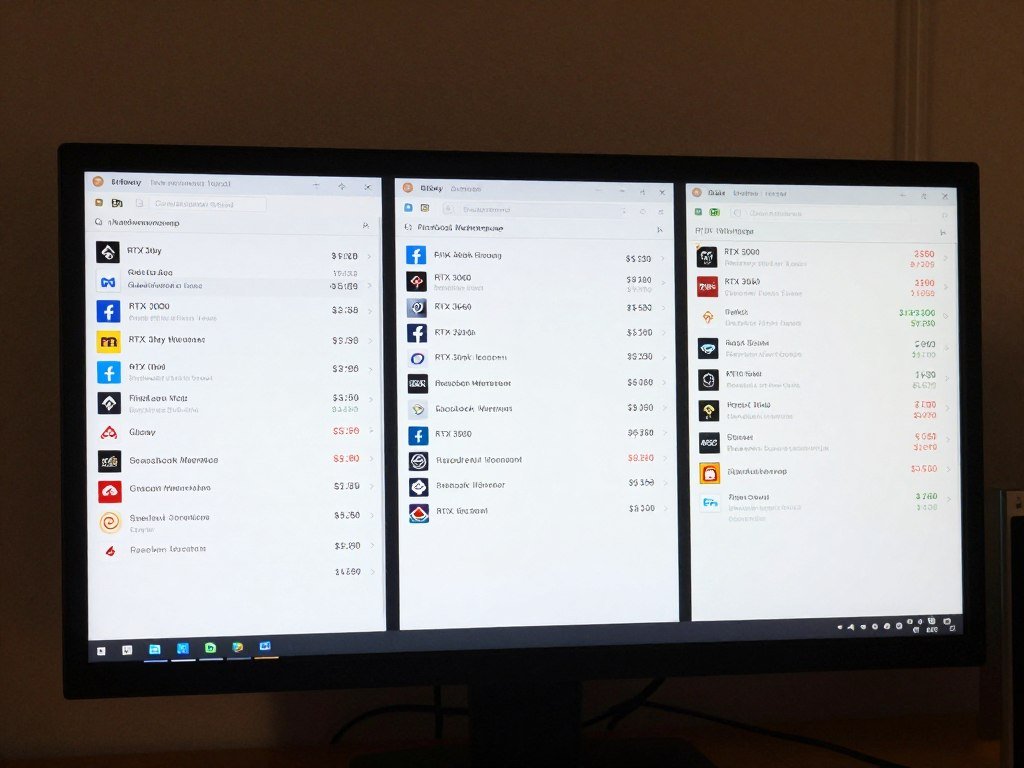
Different marketplaces offer varying levels of buyer protection. eBay provides the strongest guarantees but prices run 10-15% higher. Facebook Marketplace has zero protection but offers the best deals. Reddit sits in the middle with community reputation systems.
- eBay with buyer protection (highest prices, best protection)
- Amazon Renewed (limited selection, full returns)
- Microcenter used section (in-store only, tested cards)
- Reddit HardwareSwap (confirmed trades, PayPal G&S)
Safest Options
- Facebook Marketplace (meet locally, test before buying)
- Craigslist (cash only, test in person required)
- Local PC shops (varies by shop reputation)
- Discord trading servers (verify through escrow)
Moderate Risk
- Alibaba/AliExpress GPU listings (frequent scams)
- Instagram/TikTok sellers (zero protection)
- Unknown marketplace apps (no dispute resolution)
- Too-good-to-be-true prices anywhere (obvious scams)
Avoid These
I recommend starting with eBay for your first used GPU purchase. The buyer protection justifies the higher price when you’re learning what to look for. After you gain experience identifying good cards, branch out to Facebook Marketplace for better deals.
Testing Before You Buy
If buying locally, always test the card before money changes hands. Bring a laptop or arrange to test at the seller’s location. Run these checks in order:
- Physical Inspection: Check for bent pins, cracked PCB, damaged fans, or signs of liquid damage. Shine a flashlight between heatsink fins looking for dust compaction.
- Display Output Test: Connect to a monitor and verify all display outputs work. Try HDMI and DisplayPort if both are available.
- GPU-Z Verification: Run GPU-Z to confirm model specifications, memory size, clock speeds, and BIOS version match expectations.
- Stress Test: Run FurMark or Heaven Benchmark for 10-15 minutes. Watch temperatures closely. Cards should stabilize under 80°C with fans audible but not screaming. Anything hitting 85°C+ raises concerns.
- Gaming Test: Load an actual game if possible. Synthetic benchmarks don’t always reveal instability that games will trigger. Play for 15-20 minutes watching for artifacts, crashes, or thermal throttling.
Any seller refusing these tests is hiding something. Walk away immediately. Legitimate sellers understand why buyers want verification and accommodate reasonable testing requests. For comprehensive guidance on evaluating used PC parts, including GPUs, check out detailed inspection procedures.
Price Negotiation Tactics
Most used GPU sellers expect negotiation. Listing prices typically include 10-20% buffer for haggling. Use these approaches to secure better deals:
Start Low But Reasonable: Offer 15-20% below asking price with specific justification. “I see RTX 3060s selling for $190-210 on eBay. Would you take $185 for a quick local cash sale?” This works better than lowball offers that insult sellers.
Point Out Flaws: Notice missing accessories? Fan making noise? Light scratches on backplate? Each flaw justifies $5-15 off asking price. “I noticed the box and cables aren’t included. Would you take $200 instead of $220?”
Cash Premium: Sellers hate PayPal fees and potential disputes. Offering cash for local deals often secures extra discount. “I can do $210 cash today if that works.”
Timing matters too. Sellers listing cards for multiple weeks become more motivated. Sort by oldest listings first. These sellers often accept lower offers just to finalize the sale. Weekend listings tend to be more flexible than weekday posts from working professionals with less urgency.
Red Flags That Scream “Walk Away”
Some warning signs indicate you should immediately abandon a potential purchase. I learned these the hard way:
- Seller lists multiple identical GPUs (screams mining operation)
- Card has visible rust or corrosion on any metal parts
- Thermal paste completely dried out and flaking
- Refuses to provide photos with handwritten timestamp
- Pressure to complete sale quickly without inspection
- Price significantly below market rates without explanation
- Seller can’t or won’t answer basic questions about usage
- Modified BIOS or aftermarket cooling that voids warranty
Trust your instincts. If something feels off about the seller or listing, it probably is. The used market has plenty of legitimate sellers. Don’t force a questionable deal just because you found a good price. Another opportunity will appear within days.
Validating GPU Compatibility With Your System
Finding a great deal on a used GPU means nothing if it bottlenecks with your CPU or won’t physically fit in your case. Compatibility checking prevents expensive mistakes that leave you with underperforming hardware.
The Bottleneck Problem Nobody Explains Properly
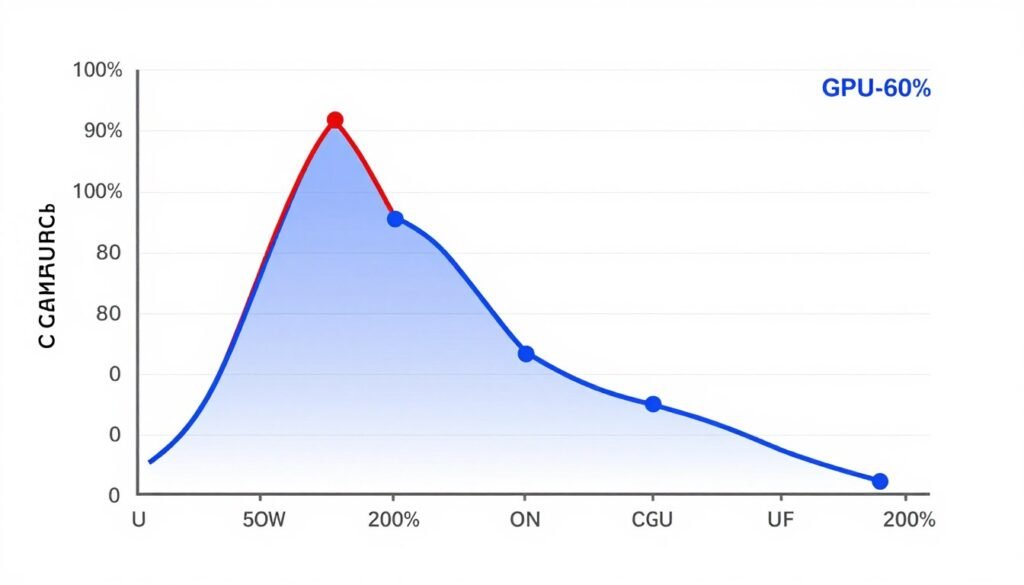
Bottlenecking happens when one component limits another’s performance. Your $280 used RTX 3070 won’t perform any better than a $180 RTX 3060 if your CPU can’t feed it data fast enough. The GPU sits idle waiting for the processor to finish its work.
The relationship between CPU and GPU becomes more complex at different resolutions. A Ryzen 5 3600 might bottleneck an RTX 3070 Ti at 1080p by 15-20%, but that same pairing runs balanced at 1440p where the GPU works harder. Resolution shifts the bottleneck point significantly.
Checking bottleneck percentage before buying saves you from disappointment. If your current CPU creates a 25% bottleneck with your target GPU, you need to factor in a CPU upgrade too. That changes the value calculation entirely. Maybe a cheaper GPU paired with a CPU upgrade delivers better overall performance than just buying the expensive GPU.
Calculate Your Exact Bottleneck Percentage
Stop guessing whether your CPU can handle that used GPU. Our hardware bottleneck test analyzes your specific CPU-GPU pairing and shows exactly what performance to expect at your target resolution. Results in 30 seconds.
Physical Fit Considerations
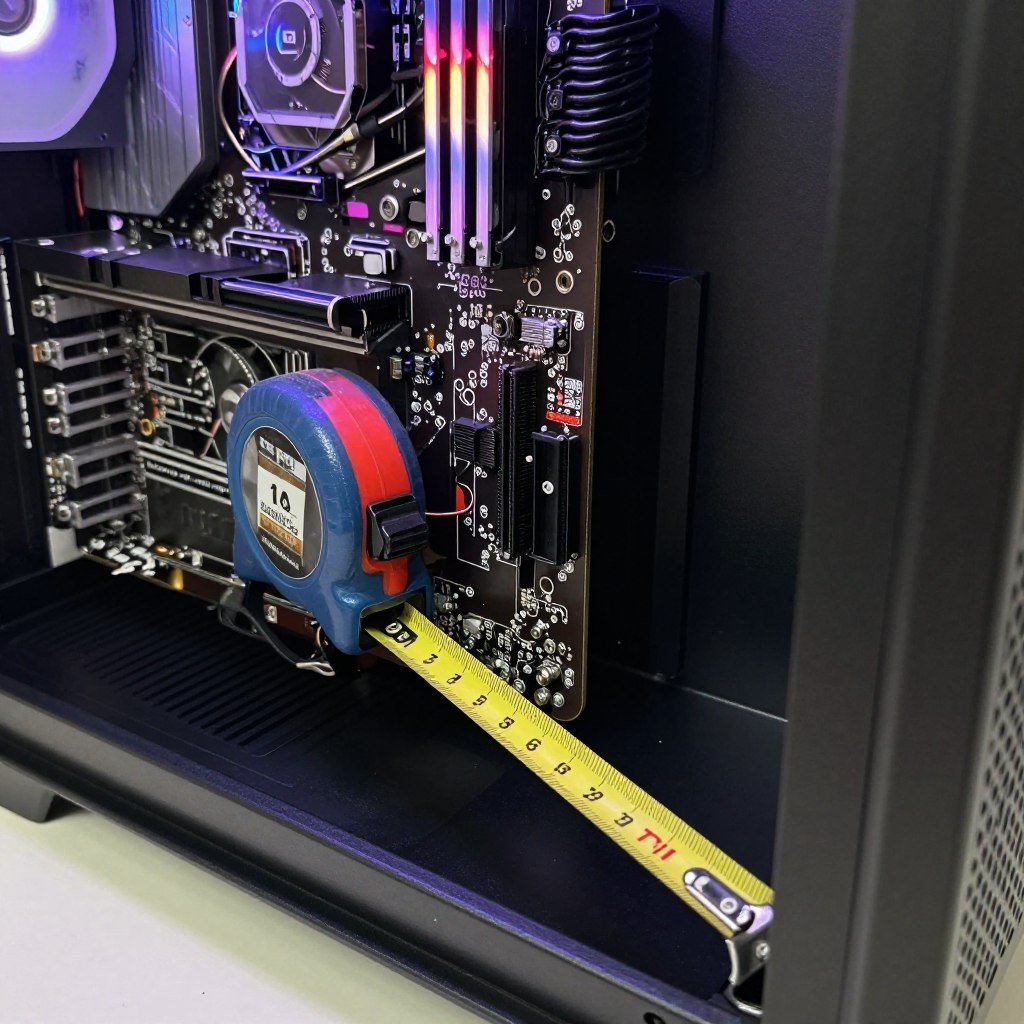
Used high-end graphics cards often measure 290-320mm in length. Your case might not accommodate that size. Checking clearance prevents the nightmare of receiving a card that physically won’t install.
Measure from your motherboard’s PCIe slot to any obstruction in front of it. Drive cages, radiators, and front fans all reduce available space. Many cases list maximum GPU length specifications, but real-world clearance often runs 10-20mm shorter due to cable routing needs.
Triple-fan cards also require vertical clearance. Some small form factor cases can’t fit the 140mm+ height of large coolers. Check both length and height before committing to a purchase.
Pre-Purchase Measurements Checklist
- Maximum GPU length your case supports
- Actual clearance with cables routed
- Vertical clearance from PCIe slot to side panel
- Power supply wattage and available PCIe connectors
- Motherboard PCIe slot version (3.0 vs 4.0)
- Case airflow and fan placement around GPU area
Power Supply Requirements
Used GPUs from 2020-2022 consumed significant power. The RTX 3070 Ti pulls 290W under full load. Add a 105W CPU and you’re at 400W just for those components. You need headroom above that for stability and longevity.
PSU quality matters more than raw wattage. A cheap 650W unit with poor voltage regulation causes more problems than a quality 550W from EVGA, Corsair, or Seasonic. Check reviews on Tom’s Hardware before trusting your components to a bargain power supply.
| GPU Model | TDP Rating | Minimum PSU | Recommended PSU | PCIe Connectors |
| RTX 3060 | 170W | 450W | 550W | 1x 8-pin |
| RX 6600 XT | 160W | 450W | 550W | 1x 8-pin |
| RTX 3070 | 220W | 550W | 650W | 1x 8-pin |
| RX 6700 XT | 230W | 600W | 650W | 1x 8-pin + 1x 6-pin |
| RTX 3070 Ti | 290W | 650W | 750W | 2x 8-pin |
| RX 6800 | 250W | 650W | 750W | 2x 8-pin |
Don’t forget PCIe power connector availability. Some budget PSUs include only one or two 8-pin PCIe connectors. High-end GPUs require two. Using adapter cables to split connections creates fire hazards and voltage instability. If your PSU lacks required connectors, upgrade the PSU before installing the GPU. Understanding hardware compatibility fundamentals prevents these costly oversights.
Warranty Reality Check for Used Graphics Cards
Used GPUs rarely include valid manufacturer warranties. Understanding what protection exists helps set realistic expectations and avoid unpleasant surprises when problems arise.
Manufacturer Warranty Transfer Policies
EVGA used to offer transferable warranties that followed the card to new owners. That made EVGA cards command premium prices on the used market. Unfortunately, EVGA exited the GPU business in 2022. Their warranty support still applies to eligible cards but no new EVGA GPUs exist to buy.
ASUS, MSI, Gigabyte, and most other manufacturers require original purchase receipts for warranty claims. Used buyers can’t provide that documentation. The warranty effectively becomes void when you buy secondhand unless the original owner agrees to facilitate RMA claims on your behalf. That almost never happens in practice.
AMD and NVIDIA don’t handle consumer warranties directly. They defer to board partners for all warranty service. This means no universal manufacturer warranty exists for used cards regardless of brand.
What Protection You Actually Have
eBay provides buyer protection for 30 days on most purchases. The seller must accept returns and refund your money if the card arrives defective. After 30 days, you’re on your own. PayPal Goods & Services extends this slightly to 180 days for item-not-as-described claims, but proving a GPU defect after months of use becomes difficult.
Facebook Marketplace and Craigslist offer zero buyer protection. Once the transaction completes, you assume all risk. This makes in-person testing before purchase absolutely critical for these platforms.
Some sellers offer their own short-term warranties. Reddit HardwareSwap users sometimes guarantee cards for 7-14 days. This provides minimal protection against dead-on-arrival issues but won’t help with failures that develop later.
Reality Check: Budget an extra $30-50 for a used GPU as self-insurance against failure. If the card dies after six months, you’ll need that money for a replacement. Consider used GPUs as having effectively zero warranty regardless of what sellers claim.
Extended Failure Risk Assessment
Graphics cards fail at roughly 2-3% annual rates according to industry data. A three-year-old card has experienced more thermal stress and component aging than new hardware. Failure risk increases to perhaps 4-6% annually for cards approaching end-of-life.
Cards used for mining face significantly higher failure rates. Constant 24/7 operation degrades components faster than intermittent gaming loads. Fan bearings wear out. Thermal paste dries. VRMs experience sustained high temperatures that reduce their lifespan. I estimate mining cards fail at 10-15% annual rates based on community reports and personal experience.
This risk analysis factors into value calculations. A $220 RTX 3060 that might fail in 18 months costs more in total ownership than a $299 new RTX 5050 with three-year warranty. The used card needs to survive at least two years to justify the savings. Factor failure probability into your decision making process.
Setting Realistic Performance Expectations
Used GPUs from 2020-2022 don’t match current generation performance in all scenarios. Understanding where these cards excel and where they struggle prevents disappointment when you start gaming.
Ray Tracing Performance Reality
Ray tracing hammers older GPUs hard. An RTX 3060 that runs Cyberpunk 2077 at 70 FPS with rasterization drops to 35 FPS with ray tracing enabled. That’s a 50% performance penalty for lighting effects that many players barely notice during actual gameplay.
AMD cards suffer even worse ray tracing penalties. The RX 6700 XT loses 60% of its performance when enabling ray traced reflections and global illumination. At that point the card can’t maintain 60 FPS at 1440p without aggressive upscaling.
My recommendation is simple: disable ray tracing on used GPUs under $300. The performance cost outweighs the visual benefit. Save ray tracing for when you upgrade to RTX 4070 or better hardware that handles it without crippling frame rates. For now, you’ll enjoy much smoother gameplay with traditional rasterization and high detail settings.
DLSS and FSR Make Huge Differences
Upscaling technologies extend GPU lifespan significantly. DLSS Quality mode on RTX cards provides essentially native image quality while boosting performance by 40-50%. That transforms a card struggling at 45 FPS into comfortable 60+ FPS territory.
AMD’s FSR 2 works similarly though with slightly more image quality compromise. You’ll notice some softness compared to native rendering, but the performance gain justifies that tradeoff in demanding games. FSR 2 also works on NVIDIA cards, giving you options even on older GTX hardware.
Always enable DLSS or FSR in Quality mode first. Balanced and Performance modes create too much image degradation for the additional FPS gained. Quality mode hits the sweet spot of performance boost with acceptable visual fidelity.
Where Used GPUs Still Dominate
Traditional rasterized games run beautifully on used hardware. Competitive shooters, esports titles, and most single-player games from before 2024 don’t require cutting-edge GPUs. An RTX 3060 or RX 6600 XT handles these games at high refresh rates without issue.
Resolution matters more than ray tracing for most gaming. A used RTX 3070 at 1440p provides a better experience than a new RTX 5060 struggling at 4K. Match your GPU’s capability to your monitor’s resolution for best results. Check out gaming performance optimization strategies to maximize frame rates on used hardware.
Best Use Cases for Used GPUs
- 1080p high refresh rate gaming (144Hz+)
- 1440p 60-75 FPS gaming at high settings
- Esports titles at maximum FPS
- Game streaming at reasonable quality
- Photo editing and light video work
- VR gaming on Quest 2/3 via link cable
Scenarios Where New GPUs Win
- 4K gaming at high settings and refresh rates
- Ray tracing enthusiast gaming
- Professional 3D rendering workflows
- AI model training and inference
- 8K video editing projects
- Latest AAA games maxed settings 1440p
Getting Maximum Performance From Your Used GPU
Used graphics cards benefit from optimization more than new hardware. These cards already experienced wear and thermal paste degradation. Proper maintenance and software tweaks extract maximum performance from aging silicon.
Thermal Paste Replacement
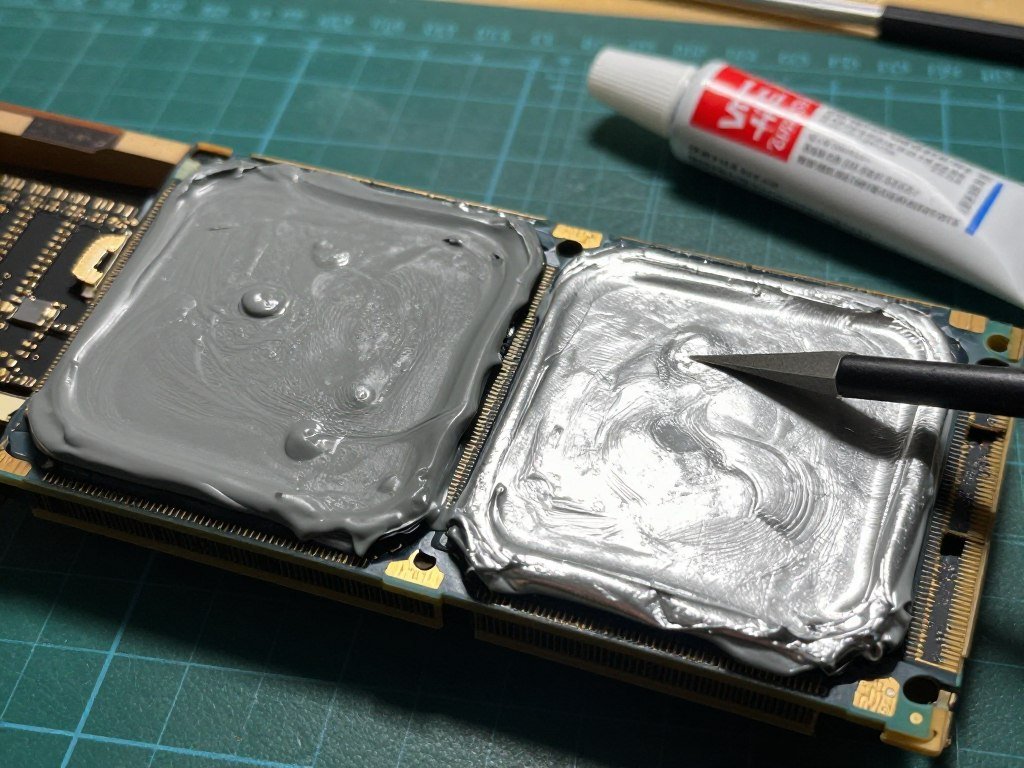
Every used GPU over two years old needs fresh thermal paste. Factory paste dries out and loses thermal conductivity. This causes higher temperatures and thermal throttling that reduces performance by 5-15%.
Replacing thermal paste takes 30-45 minutes and costs $8-12 for quality paste. You’ll need a small Phillips screwdriver, isopropyl alcohol, and lint-free cloths. Search YouTube for your specific GPU model’s disassembly guide. Most cards use similar teardown procedures.
I use Arctic MX-4 or Thermal Grizzly Kryonaut for GPU repasting. Both compounds perform identically in real-world testing. Don’t overpay for exotic thermal paste marketing. The application method matters more than the specific brand.
After repasting, temperatures typically drop 8-15°C under load. This allows the GPU to maintain higher boost clocks and delivers 3-7% better performance in thermally limited scenarios. It also reduces fan noise since the cooler doesn’t need to spin as aggressively.
Driver Optimization and Clean Installation
Used GPUs often come with remnants of previous owner’s driver configurations. Old drivers, mining software, and overclocking profiles create instability and performance problems. Clean driver installation solves these issues.
Use Display Driver Uninstaller (DDU) in Windows Safe Mode to completely remove existing GPU drivers. This strips out all registry entries, profiles, and configuration files that normal uninstallation misses. Then install the latest driver package fresh from NVIDIA or AMD’s website.
Skip the bloatware. You don’t need GeForce Experience or AMD Adrenalin software for most users. Install only the graphics driver component during setup. This reduces background processes and eliminates unnecessary monitoring software that consumes system resources. If you do install the full software suite, check out NVIDIA settings optimization or AMD Adrenalin configuration guides for proper setup.
Safe Overclocking for Extra Performance
Used GPUs often have headroom for modest overclocking. A conservative overclock yields 3-8% additional performance without significant risk. Avoid aggressive overclocks that stress already-aged components.
Use MSI Afterburner for GPU overclocking regardless of your card’s brand. Start by increasing power limit to maximum and setting a custom fan curve. This establishes thermal headroom before touching clock speeds.
Increase core clock in 25 MHz increments, testing stability with Heaven Benchmark between each step. Stop when you encounter artifacts or crashes, then back off 50 MHz for safety margin. Memory clock can typically increase 200-400 MHz on most cards. Test the same way with gradual increases.
Warning for Used GPUs: Older cards with degraded components tolerate overclocking less than new hardware. If stability issues appear, return clocks to stock immediately. The 5% performance gain isn’t worth damaging an already-depreciated asset.
Undervolting delivers better results on many used GPUs. Reducing voltage by 50-100mV maintains performance while lowering temperatures and power consumption. This extends component lifespan and reduces heat stress on aging silicon. Many users find undervolting provides more benefit than overclocking for used hardware. To eliminate common performance issues, review our guide on how to fix PC stuttering.
Making the Used vs New GPU Decision
The final decision between used and new graphics cards depends on your specific situation. No universal answer fits every builder. These factors determine which path makes sense for your circumstances.
When Used GPUs Make Perfect Sense
You should buy used if you’re building a budget gaming PC under $800 total. Spending $180-240 on a used graphics card leaves more budget for CPU, RAM, and storage. That balanced approach delivers better overall system performance than dumping $400 into a new GPU while compromising other components.
Short-term users benefit from used GPUs too. Planning to upgrade again in 12-18 months? Buy used now and minimize depreciation loss. A $220 RTX 3060 that sells for $160 after 18 months costs you $60 in depreciation. A $329 new RTX 5060 selling for $220 costs $109 in depreciation over the same period.
Second or third PC builds make excellent used GPU candidates. That spare gaming PC in your bedroom or system for the kids doesn’t need cutting-edge hardware. Used cards work perfectly for secondary systems where warranty concerns matter less.
When New GPUs Justify the Premium
Primary gaming rigs justify new GPU purchases. That system you use daily for 3-5 hours needs reliable hardware backed by warranty. The peace of mind from three-year manufacturer support outweighs the 30-40% savings from buying used.
Content creators should buy new GPUs. Video editing, 3D rendering, and professional workloads stress hardware differently than gaming. You can’t afford unexpected failures mid-project. New cards with warranty protection provide essential reliability for income-generating work.
High-end builds ($1,500+) pair better with new GPUs. If you’re already spending that much on system components, the additional $100-150 for new versus used GPU becomes proportionally less significant. Match your GPU’s warranty coverage to other new components for consistent protection.
Ready to Build Your System?
Now that you’ve identified your target GPU, validate your complete build with our PC build compatibility checker. Enter your CPU, GPU, RAM, and other components to ensure everything works together efficiently without bottlenecks.
Total Cost of Ownership Analysis
Smart buyers calculate total ownership cost beyond initial purchase price. A $220 used RTX 3060 seems cheaper than a $299 new RTX 5050. But factor in these hidden costs:
| Cost Factor | Used RTX 3060 | New RTX 5050 | Difference |
| Purchase Price | $220 | $299 | -$79 |
| Failure Risk (3 years) | $22 (10% probability) | $6 (2% probability) | -$16 |
| Power Consumption (3 years) | $82 (170W TDP) | $61 (130W TDP) | -$21 |
| Resale Value (3 years) | $80 | $140 | +$60 |
| Total 3-Year Cost | $244 | $226 | +$18 |
The new card actually costs less over three years when accounting for all factors. This calculation doesn’t even include the hassle of dealing with potential used card failures or the value of warranty peace of mind.
Run these calculations for your specific comparison. Used GPUs make more sense on shorter ownership timelines (12-24 months) or when electricity costs run low in your area. New GPUs win on longer timelines or for heavy users accumulating many gaming hours annually. For comprehensive purchasing guidance, explore our build and buy advice section.
The Bottom Line on Used GPU Shopping
The used graphics card market offers genuine value if you shop carefully and validate compatibility. An RTX 3060 at $200 or RX 6700 XT at $230 delivers excellent performance for budget-conscious builders. These cards handle modern games at reasonable settings while saving $100-150 versus new alternatives.
Success requires discipline. Test cards before buying when possible. Avoid mining GPUs and too-good-to-be-true prices. Validate that your CPU won’t bottleneck your new GPU before completing any purchase. Budget extra money as failure insurance since warranties rarely transfer to used buyers.
The decision between used and new depends on your specific needs. Primary gaming systems benefit from new GPU warranty protection. Budget builds and secondary PCs work perfectly with used hardware. Run total cost of ownership calculations including power consumption and failure risk to make informed choices.
I’ve guided you through model selection, buying strategies, compatibility validation, and optimization. You now know which cards deliver best value, where to find them, and how to avoid common pitfalls. That $220 used RTX 3060 or $240 RX 6700 XT represents hours of research distilled into actionable recommendations.
The used GPU market changes weekly as new listings appear and prices fluctuate. Start your search now armed with this knowledge. Every day you wait potentially means missing a great deal from a motivated seller. Your next GPU upgrade awaits in someone’s old gaming PC.
Frequently Asked Questions About Used GPU Buying
How long do used GPUs typically last before failing?
Non-mining used GPUs typically last 3-5 additional years with normal gaming use. Cards used for cryptocurrency mining have higher failure rates, often showing problems within 1-2 years due to constant thermal stress. The key factor is usage history rather than age alone.
Proper maintenance extends lifespan significantly. Replacing thermal paste, ensuring adequate case airflow, and avoiding extreme overclocks help aging GPUs survive longer. Budget for potential replacement after 2-3 years of used GPU ownership as components age and thermal degradation accumulates.
Can I trust eBay seller ratings when buying used graphics cards?
eBay seller ratings provide useful guidance but aren’t foolproof. Sellers with 98%+ positive feedback and hundreds of transactions generally operate legitimately. However, scammers sometimes build reputation selling cheap items before listing fraudulent high-value GPUs.
Check recent feedback specifically for electronics sales. Read negative reviews carefully to identify patterns. Sellers with multiple complaints about DOA GPUs or “item not as described” should be avoided regardless of overall rating. Always use eBay’s buyer protection and PayPal Goods & Services for transaction protection.
What’s the difference between DLSS and FSR for used GPUs?
DLSS works only on NVIDIA RTX cards (2000-series and newer) and uses AI to upscale images with superior quality. FSR works on all graphics cards including older NVIDIA and AMD GPUs but produces slightly softer images than DLSS at equivalent settings.
For used GPU buyers, DLSS availability makes RTX cards more attractive despite potentially higher prices. The image quality advantage and broader game support justify the premium. If buying AMD, accept that FSR performs well but not quite at DLSS levels. Both technologies significantly extend GPU lifespan by boosting performance 40-50% in supported games.
Should I buy a used high-end GPU or new mid-range GPU for the same price?
This depends on your warranty priorities and performance needs. A used RTX 3070 Ti at 0 offers more raw performance than a new RTX 5060 at 9. However, the new card includes three-year warranty protection and lower power consumption.
Choose the used high-end option if you’re comfortable with failure risk and want maximum performance now. Select the new mid-range card if you value warranty coverage, plan to keep the GPU for 4+ years, or use your PC professionally where reliability matters most. Both options deliver comparable gaming experiences at 1440p.
How do I identify if a used GPU was used for crypto mining?
Mining GPUs show several telltale signs during inspection. Extreme dust accumulation in heatsink fins indicates constant operation. Fan bearings that sound rough or grinding suggest long-term continuous use. Dried or crusty thermal paste visible around the GPU die signals extended thermal stress.
Sellers listing multiple identical GPUs simultaneously almost always operated mining rigs. Ask direct questions about usage history – legitimate gaming sellers provide specific details about games played and usage patterns. Mining operators stay vague or refuse to answer. When buying locally, run stress tests and monitor temperatures. Mining cards often run hotter due to degraded thermal interface materials.
What’s the best time of year to buy used GPUs?
Late October through November offers best used GPU prices as sellers list cards before holiday gaming PC builds increase demand. January through February also works well as holiday gift recipients sell old GPUs after upgrading.
Avoid shopping immediately after new GPU generation launches. Prices spike as early adopters list their old cards while demand remains high from buyers wanting previous-generation hardware. Wait 2-3 months after major launches for the market to stabilize and prices to normalize. Regional events like tax refund season (March-April) temporarily increase demand and prices in the United States.
Will my old power supply work with a used high-end GPU?
This depends on your PSU’s wattage and available PCIe power connectors. Calculate total system power draw by adding GPU TDP plus CPU TDP plus 100W overhead for other components. Your PSU should provide at least 20% headroom above that total for efficiency and longevity.
Check available PCIe power connectors carefully. High-end GPUs like RTX 3070 Ti and RX 6800 require two 8-pin connectors. Using adapter cables or daisy-chaining from single PSU cables creates fire hazards. If your current PSU lacks proper connectors or sufficient wattage, budget -100 for a quality replacement before installing your used GPU.