
Here is the frustrating reality. You drop two grand on an RTX 5090. You pair it with a Ryzen 9 9950X. You max out your RAM to DDR5-6400. Then you fire up your game, and something still feels off. The frame times stutter. The textures pop in late. Your storage speeds crawl when you are moving massive game files. The problem is not your components. The problem is how they talk to each other.
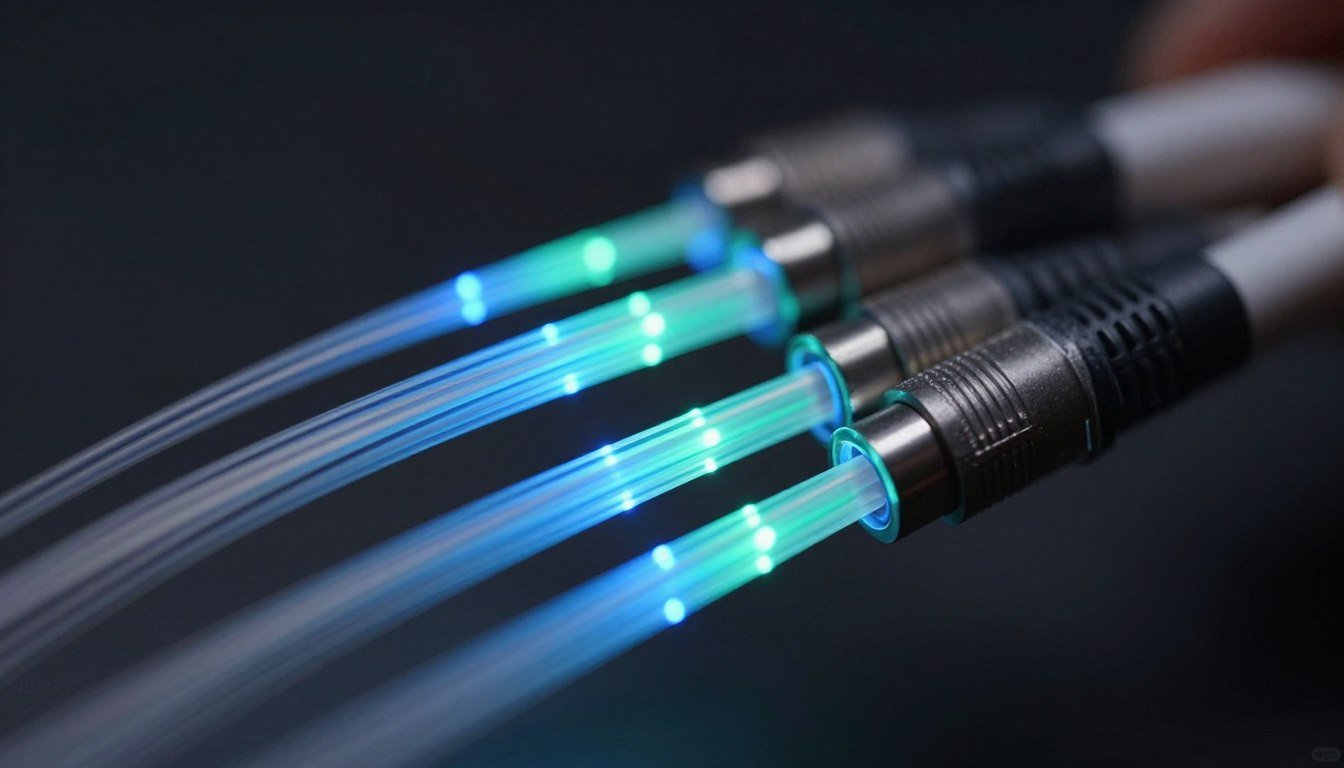
The copper wires connecting your CPU, GPU, and storage are becoming the weakest link in modern PCs. They worked fine ten years ago. But in 2026, with components pushing terabytes of data per second, copper is hitting its limits. This is where Optical Hardware Tech steps in. Optical interconnects use light instead of electricity to move data between components. Think of it like replacing a crowded two-lane road with a ten-lane highway. The speed difference is massive.
I learned this the hard way. I built a rendering workstation last year. I paired a top-tier GPU with NVMe Gen 5 storage. But moving 8K video files between drives took forever. The bottleneck was not the storage speed. It was the data pathway. The PCIe lanes were maxed out. Everything competed for bandwidth. Switching to a setup with better data pathways helped, but the real fix is coming: optical interconnects.
This guide digs into how optical interconnects work. You will learn why they matter for 2026 builds. You will see real-world use cases. You will understand the tech behind light-based data transfer. And you will figure out if optical tech is overhyped or actually worth waiting for. By the end, you will know exactly how optical hardware will change PC building in the next few years.
What Are Optical Interconnects and Why Do They Matter Now
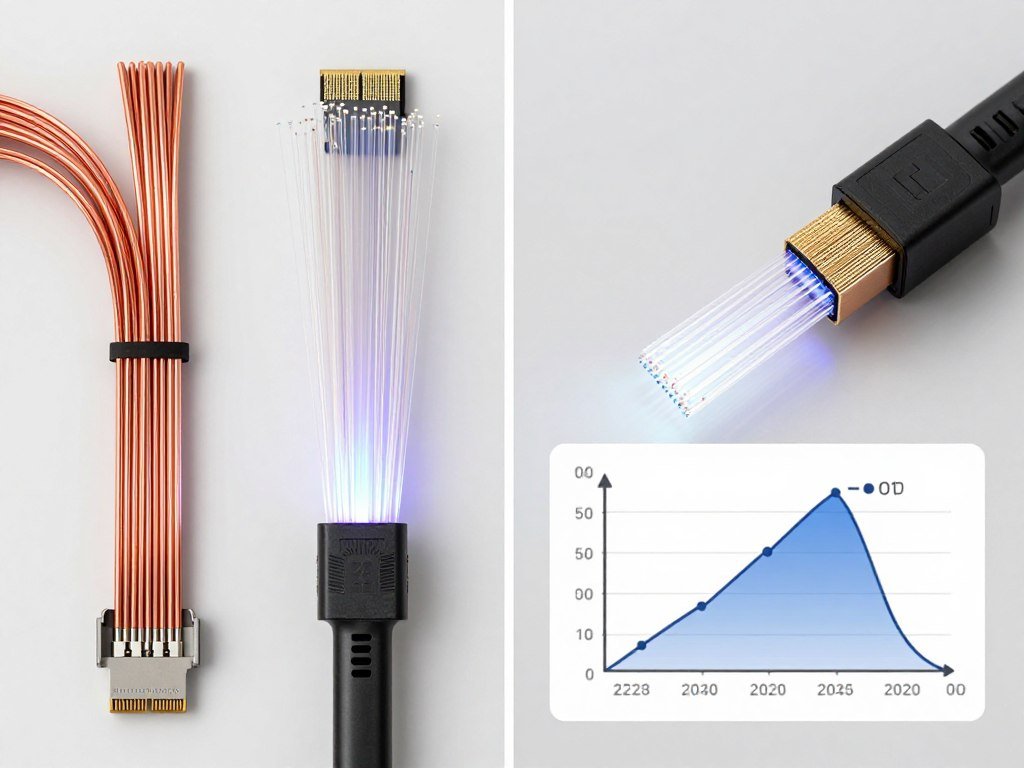
Optical interconnects use light waves to transfer data between computer components. Traditional systems use copper wires that send electrical signals. Copper works, but it has physical limits. As data speeds increase, copper requires more power, generates more heat, and eventually hits a wall where signals degrade over distance. Light does not have these problems.
Think of it this way. Imagine you are trying to send messages across a crowded room. With copper, you are shouting across the noise. Your voice gets weaker the farther it travels. With optical, you are using a laser pointer. The signal stays strong no matter the distance. Plus, light travels faster and does not create interference the way electrical signals do.
The key components in optical systems include light sources like lasers or LEDs, optical fibers that act as data highways, and photodetectors that convert light back into electrical signals. These components work together to create a system where data moves at the speed of light—literally. The refractive index of optical fibers keeps light signals contained and focused, allowing data to travel efficiently without loss.
Right now, most consumers do not have access to optical interconnects in their PCs. Data centers use them extensively. High-end servers rely on them. But consumer hardware is catching up. The RTX 50-series GPUs and next-gen AMD chipsets are pushing bandwidth demands so high that copper connections are becoming inadequate. PCIe Gen 6 and beyond will need optical solutions to avoid becoming bottlenecks themselves.
The Copper Bottleneck Problem
Your CPU and GPU exchange massive amounts of data every second. In gaming, this includes textures, geometry, physics calculations, and AI-driven rendering. With ray tracing and path tracing becoming standard, the data load is doubling every generation. Copper-based PCIe lanes handle this, but they are reaching their limit.
PCIe Gen 5 offers 32 GT/s per lane. That sounds like a lot. But when your GPU needs 16 lanes, your NVMe drives need 4 lanes each, and your peripherals share the remaining lanes, you run out fast. The system balance gets disrupted. Components wait for their turn to send data. This creates latency, stuttering, and wasted performance.
Copper also generates heat at high speeds. More heat means more cooling requirements. More cooling means more power draw. Optical interconnects eliminate this problem. Light-based systems run cooler, use less power, and scale better as speeds increase. This is why major tech companies are investing billions into optical hardware tech development.
How Light Beats Electricity
Light waves have higher bandwidth than electrical signals. Bandwidth is the amount of data you can push through a connection at once. Copper wires are like water pipes—there is only so much you can fit through before pressure builds up. Optical fibers are like wide-open channels where data flows freely without interference.
Optical systems also avoid electromagnetic interference. Copper wires pick up noise from other components. Your GPU power cables can interfere with your data cables. Optical fibers are immune to this. They carry pure light signals that do not interact with electrical fields. This makes them more reliable in high-density systems where dozens of components operate in close proximity.
Distance is another advantage. Copper loses signal strength over long runs. This is why internal PC cables are short. Optical fibers maintain signal integrity over kilometers. For consumer PCs, this means you could theoretically place your GPU in a separate enclosure away from your CPU without signal loss. External GPU setups using optical Thunderbolt connections are already testing this concept.
Identify Your Data Transfer Bottleneck
Think your GPU is bottlenecked by PCIe speeds? Modern systems with RTX 50-series cards and fast NVMe storage push copper connections to their limits. Understanding where your data pathways slow down helps you plan for optical upgrades.
How Optical Interconnects Actually Work Under the Hood
The basic principle is simple. Data starts as electrical signals in your CPU or GPU. An optical transmitter converts these electrical signals into light pulses. These pulses travel through optical fibers. At the receiving end, a photodetector converts the light back into electrical signals. The receiving component processes the data as usual.
The magic happens in how light carries information. Instead of using voltage levels like copper wires, optical systems use light intensity or wavelength modulation. A bright pulse represents a binary one. No light represents a zero. By rapidly switching light on and off, optical systems transmit billions of bits per second. Advanced techniques use different wavelengths of light simultaneously, multiplying bandwidth without adding more physical cables.
Optical Components Breakdown
The light source is typically a vertical-cavity surface-emitting laser, or VCSEL. These lasers are small, efficient, and cheap to manufacture. They emit light at specific wavelengths optimized for short-distance communication. Consumer optical interconnects will likely use 850nm or 940nm wavelengths, which balance performance and cost.
The optical fiber itself is a thin strand of glass or plastic. The core carries the light signal. The cladding layer surrounds the core and reflects light back inward using the refractive index principle. This keeps the signal contained and prevents loss. Single-mode fibers use narrow cores for long-distance, high-speed transmission. Multi-mode fibers use wider cores for shorter distances with simpler, cheaper equipment.
Photodetectors at the receiving end use semiconductors that generate electrical current when hit by light. The intensity of the light determines the current strength, which translates back into data signals. Modern photodetectors operate at incredibly high speeds, matching the gigahertz frequencies needed for real-time computing tasks.
Integrated Photonic Circuits
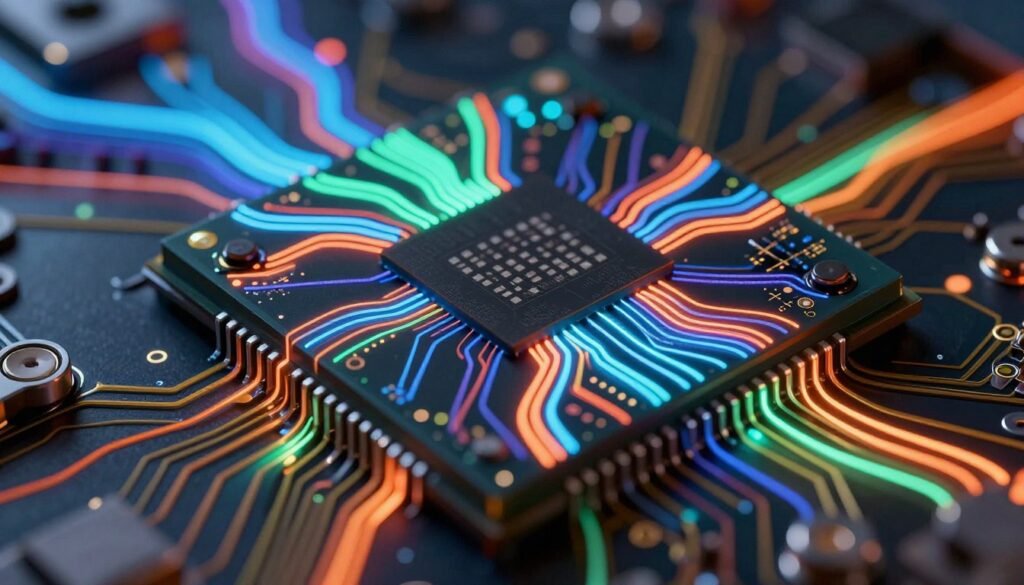
The next evolution combines optical components onto a single chip. Integrated photonic circuits merge lasers, waveguides, modulators, and detectors into one package. This is similar to how CPUs integrate billions of transistors onto a single die. Integrated photonic systems are smaller, cheaper, and more reliable than systems with discrete optical components.
Companies like Intel and IBM are developing silicon photonics platforms that integrate optical interconnects directly into processor packages. Imagine a CPU where data moves between cores using light instead of metal traces. This eliminates on-chip bottlenecks and allows for higher core counts without thermal penalties. The technology is not science fiction. It is in active development with working prototypes.
The challenge is cost. Manufacturing optical components at scale requires new fabrication techniques. Traditional semiconductor fabs are optimized for transistors, not lasers. Building the infrastructure to mass-produce photonic circuits takes time and investment. But the performance benefits are so significant that every major chip manufacturer is racing to get there first.
Quantum Optical Computing
Here is where things get wild. Optical hardware tech is not just about moving data faster. It also enables new types of computing. Quantum computation using photonic quantum circuits operates on principles of light interference and quantum superposition. Instead of bits, you have qubits represented by photons. These systems perform certain calculations exponentially faster than traditional computers.
Photonic quantum computers use optical components to manipulate light waves. A beam splitter creates quantum superposition by sending a photon down multiple paths simultaneously. Phase shifters adjust the wave properties. Photodetectors measure the final state after interference. The result is a logic gate that performs quantum logical operations.
This is not practical for gaming or everyday computing yet. But it shows the potential of light-based systems. Quantum optical solutions are already used in cryptography and simulation. As the technology matures, hybrid systems combining traditional computing with quantum optical processing might handle tasks like AI training, molecular modeling, and financial analysis orders of magnitude faster than current methods.
Copper Versus Optical: The Practical Differences That Actually Matter
Let’s cut through the hype. Copper works fine for most current builds. If you are running a mid-range system with a GPU that does not saturate PCIe Gen 4, you do not need optical interconnects. The question is not whether optical is better in theory. The question is when copper becomes the limiting factor in practice.
When Copper Is Good Enough
For gaming at 1440p or lower resolutions, copper-based PCIe connections handle the data load without issues. Even high-end GPUs like the RTX 4080 do not fully saturate PCIe Gen 4 x16 in most games. Your GPU bottleneck is more likely to be the GPU itself, not the connection.
Storage is a similar story. NVMe Gen 4 drives are fast enough for gaming and general use. The difference between Gen 4 and Gen 5 in real-world gaming load times is seconds at most. Unless you are moving huge video files or running database workloads, copper-based NVMe connections are not holding you back.
Power users doing video editing, 3D rendering, or software development still benefit from copper systems. The upgrade path to optical does not exist yet for most consumer hardware. Sticking with high-quality copper-based components makes sense until optical options become available and affordable.
When Optical Becomes Necessary
The RTX 5090 and future high-end GPUs are pushing bandwidth requirements past what PCIe Gen 5 can comfortably handle. At 4K with ray tracing and path tracing, the data exchange between CPU and GPU becomes intense. PCIe Gen 6 is coming, but copper-based Gen 6 faces significant signal integrity challenges. Optical is the cleaner solution.
Multi-GPU setups and workstation builds with multiple high-speed storage devices already hit bandwidth limits. Professional rendering rigs or AI training systems need every bit of throughput they can get. These use cases justify the cost and complexity of optical interconnects now.
Future applications we cannot fully predict yet will also drive optical adoption. As AI integration becomes standard in operating systems and applications, the background data processing load increases. Optical systems provide headroom for these unknown future demands.
Power Efficiency and Heat
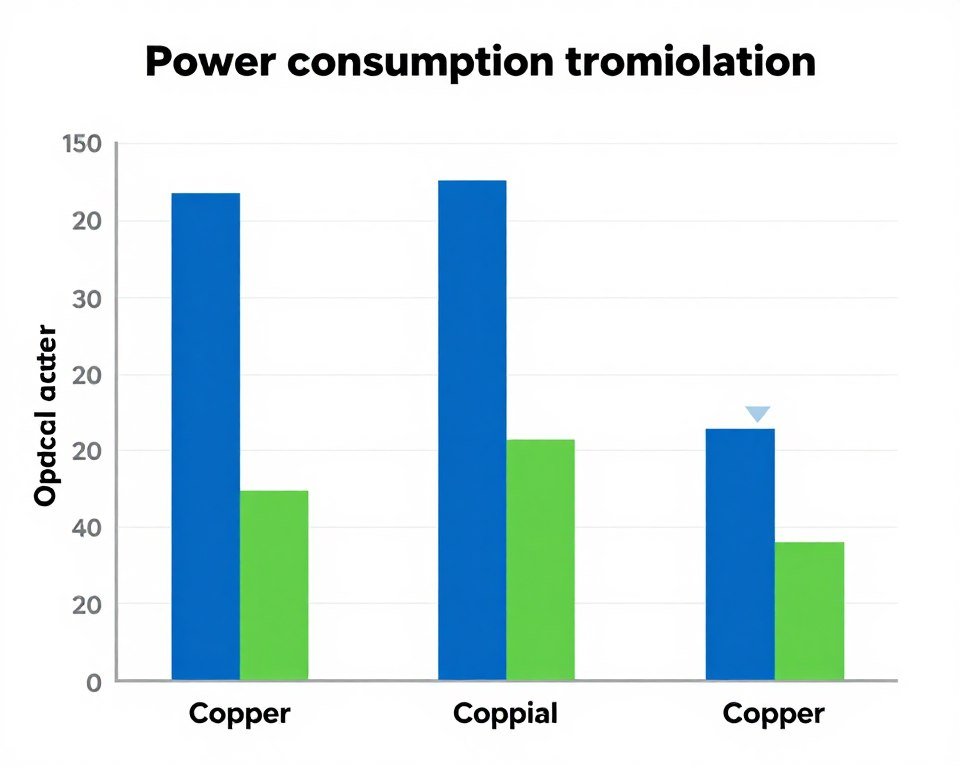
Copper systems consume more power as speeds increase. PCIe Gen 5 slots use more power than Gen 4. Gen 6 will use even more. This extra power becomes heat. More heat requires better cooling. Better cooling adds cost and noise to your system.
Optical interconnects run cooler by design. Light transmission requires less energy than pushing electrical signals through copper at high frequencies. A laser consumes a few milliwatts to transmit data that would require watts of power through copper. The power savings scale as you add more connections.
For laptops and compact builds, this matters a lot. Thermal constraints limit performance in small form factors. Switching to optical interconnects frees up thermal budget for CPU and GPU. This allows thinner designs with better performance, which is why Apple and other laptop manufacturers are investing heavily in optical tech.
Cost and Availability
Here is the honest take. Optical interconnects are expensive right now. A consumer-grade optical PCIe cable, when it becomes available, will cost significantly more than a standard copper cable. The transceivers, lasers, and photodetectors add manufacturing complexity. Early adopters will pay a premium.
Over time, costs will drop. This happens with every new technology. OLED monitors were absurdly expensive five years ago. Now they are mainstream. The same will happen with optical hardware. But if you are building a PC in 2026, do not expect budget optical options yet. Plan for copper, and upgrade to optical when the ecosystem matures.
Availability is another issue. Motherboard manufacturers need to integrate optical connectors. GPU makers need to design cards with optical support. The entire supply chain needs to align. This takes years. Intel and AMD are both developing optical interfaces for CPUs, but widespread consumer adoption is still two to three years out at minimum.
Copper vs. Optical: What Your Hardware Needs
The RTX 50-series and Ryzen 9000 CPUs push bandwidth demands higher than ever. Understanding whether your build benefits from optical tech depends on your specific use case. Check out detailed hardware analysis to see where your system stands.
Where Optical Tech Is Already Being Used (And Where It Is Overhyped)
Optical communication is not new. Data centers have used optical fibers for decades. The internet backbone runs on optical cables. Long-distance communication relies entirely on light-based transmission. What is new is bringing this technology into consumer devices and short-range interconnects.
Data Centers and Servers
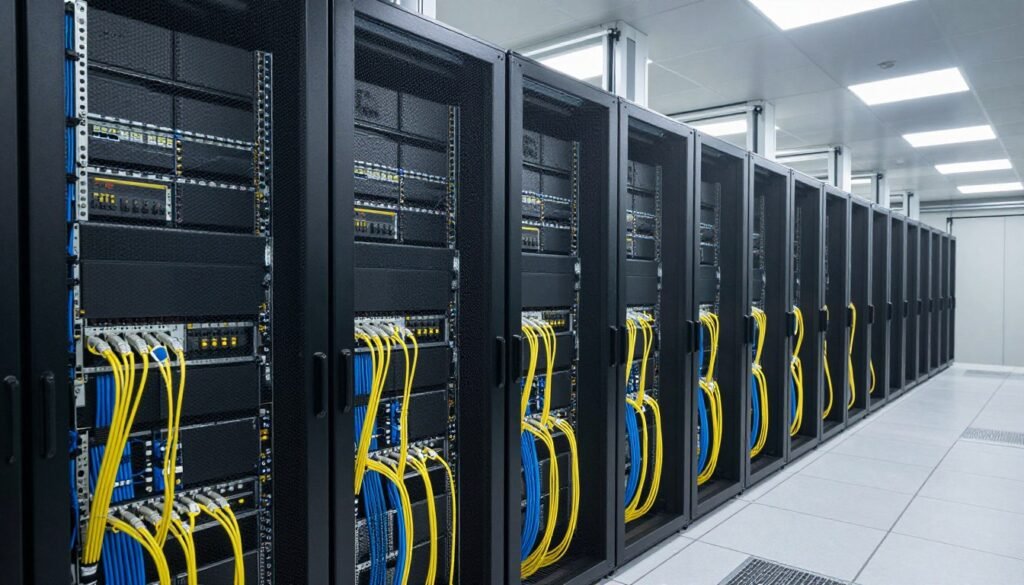
Modern data centers would not function without optical interconnects. Servers communicate using optical transceivers over distances ranging from meters to kilometers. The bandwidth demands of cloud computing, streaming services, and AI training require optical solutions. Copper simply cannot handle the data volumes at these scales.
Inside server racks, optical cables connect switches, storage arrays, and compute nodes. The higher bandwidth allows more data to move between systems simultaneously. This improves processing efficiency and reduces latency. Techniques like wavelength-division multiplexing send multiple data streams over a single fiber by using different light wavelengths. This multiplies capacity without adding physical cables.
The economics work at data center scale. A single fiber cable replacing dozens of copper cables saves rack space, cooling costs, and power. The upfront cost of optical hardware pays for itself quickly in operational savings. This is why every major cloud provider has standardized on optical interconnects for internal infrastructure.
High-Performance Computing
Supercomputers and research systems use optical interconnects to link processors, memory, and storage. The fastest supercomputers in the world rely on optical fabrics to coordinate thousands of compute nodes. Tasks like weather simulation, drug discovery, and physics modeling require massive parallel processing. Optical interconnects provide the communication backbone that makes this possible.
These systems push optical technology to its limits. They use advanced techniques like coherent optical transmission and spatial multiplexing to maximize data throughput. The methods developed for supercomputers eventually trickle down to consumer hardware. What seems exotic today becomes mainstream in five years.
Consumer Devices (The Hype Check)
Here is where the overhype starts. Marketing teams love talking about optical speeds in consumer products. Thunderbolt 5 claims optical-like speeds, but it still uses copper cables for most connections. True optical Thunderbolt exists, but it is rare and expensive. The performance improvement over high-quality copper Thunderbolt 4 is not dramatic for typical use cases.
HDMI and DisplayPort cables with optical cores exist. They solve specific problems, like running 8K signals over long distances without signal degradation. For most users with monitors within two meters of their PC, these are unnecessary. Standard copper cables work fine. You are paying extra for a solution to a problem you probably do not have.
Optical audio cables (Toslink) have been around for decades. They work well, but they have not replaced copper entirely because the benefits do not justify the cost for most home audio setups. This is the pattern to watch with optical interconnects. They will dominate in scenarios where copper fails, but they will not replace copper everywhere overnight.
Automotive and Aerospace
Modern cars use optical networks for internal communication between sensors, computers, and control systems. The automotive industry adopted optical tech early because it is immune to electromagnetic interference from engines and electrical systems. Weight savings also matter in vehicles, and optical cables weigh less than equivalent copper harnesses.
Aircraft use optical systems for similar reasons. A Boeing 787 has kilometers of optical fiber for communication and control systems. The reliability and interference immunity justify the higher cost. These industries prove optical tech is mature and production-ready. The challenge is adapting it for cost-sensitive consumer electronics.
What This Means for Your Next PC Build (The Reality Check)
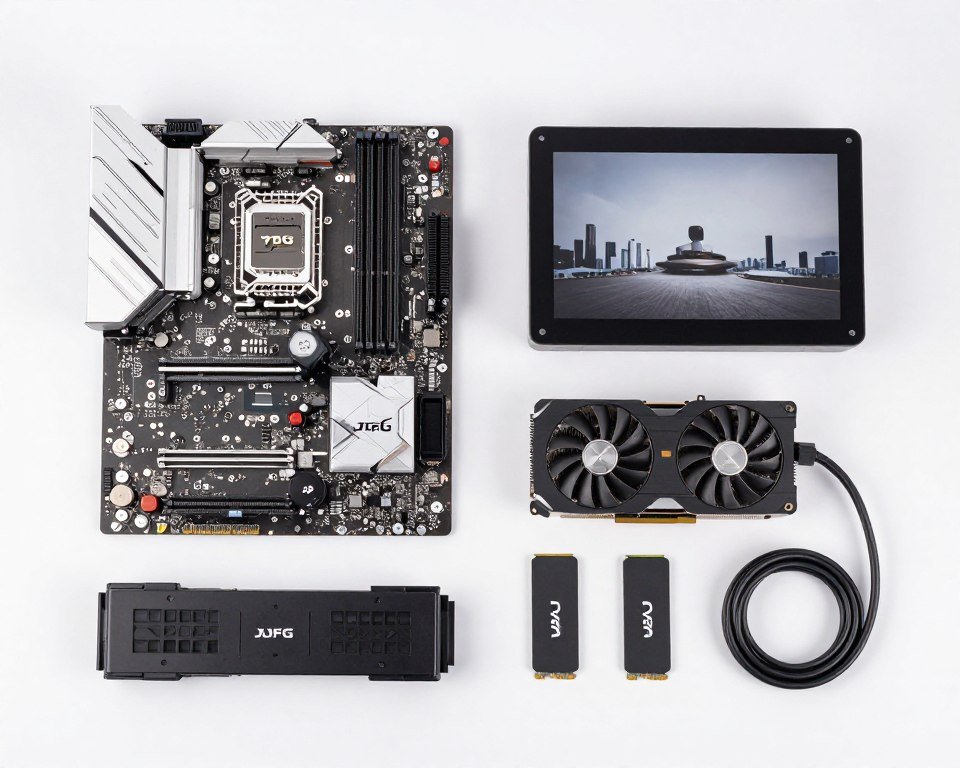
You are not building an optical-powered PC in 2026. Let’s be clear about that. Consumer motherboards with optical PCIe slots do not exist yet. GPUs with native optical support are not on the market. NVMe drives with optical interfaces are years away. If you are building a system this year, you are using copper.
But understanding optical tech helps you make smarter decisions now. When choosing a motherboard, prioritize PCIe Gen 5 support. This gives you headroom for future GPUs that will stress Gen 4 connections. When selecting storage, Gen 4 NVMe drives offer the best price-to-performance ratio. Gen 5 drives are faster but do not provide meaningful benefits in gaming yet.
Planning for Future Upgrades
The transition to optical will happen gradually. First, we will see optical cables for PCIe slots that connect external devices. GPU manufacturers might release external GPU enclosures using optical Thunderbolt connections. This allows placing the GPU farther from your main system without performance loss.
Next, motherboards will integrate optical connectors alongside copper slots. Early adopters can use optical cables for primary devices like GPUs while keeping copper for everything else. This hybrid approach lowers the barrier to entry and allows manufacturers to test the technology in real-world conditions.
Eventually, optical becomes standard. New motherboards will default to optical interconnects with copper as a legacy option. This transition will take five to ten years. Your current build does not need to plan for optical support specifically. Your next build in three to four years might offer optical as an option. The build after that will probably require it for high-end components.
What to Focus on Now
Instead of worrying about optical tech that is not here yet, optimize your current system. Focus on eliminating actual bottlenecks. Make sure your CPU and GPU are balanced for your target resolution. Check that your RAM speed matches your processor’s capabilities. Ensure your power supply handles the load without running at max capacity.
Understanding CPU bottlenecks matters more right now than planning for optical interconnects. If your CPU maxes out at 100 percent while your GPU sits at 60 percent, no amount of fancy cables will help. Fix the balance first.
Storage optimization also delivers tangible benefits today. Use NVMe for your OS and main applications. Keep bulk storage on SATA SSDs or hard drives. This tiered approach maximizes speed where it matters while keeping costs reasonable. Adding faster storage connections does not help if your applications do not use them effectively.
The Overhyped Features to Ignore
Marketing will push optical-enabled products hard over the next few years. Be skeptical. An optical HDMI cable does not make your games look better if your monitor is two feet from your PC. Optical USB hubs do not speed up your peripherals if the devices themselves are the bottleneck.
Thunderbolt 5 with optical cables is cool, but most people do not need it. If you are not using external GPUs, high-speed storage arrays, or professional video capture devices, Thunderbolt 4 over copper is plenty. The extra cost of optical does not deliver value for typical use cases.
Overclocking your RAM to slightly higher speeds matters more than having optical cables. Tuning your fan curves for better thermals impacts performance more. These are the details that actually change how your system performs daily. Optical tech will matter eventually, but not before you max out the optimization potential of copper-based systems.
Optimize Your Current Setup While You Wait
Optical interconnects are not widely available yet for consumer PCs. But you can maximize performance today by eliminating bottlenecks in your current hardware setup. Proper optimization delivers real gains now.
The Technical Challenges Optical Still Needs to Solve
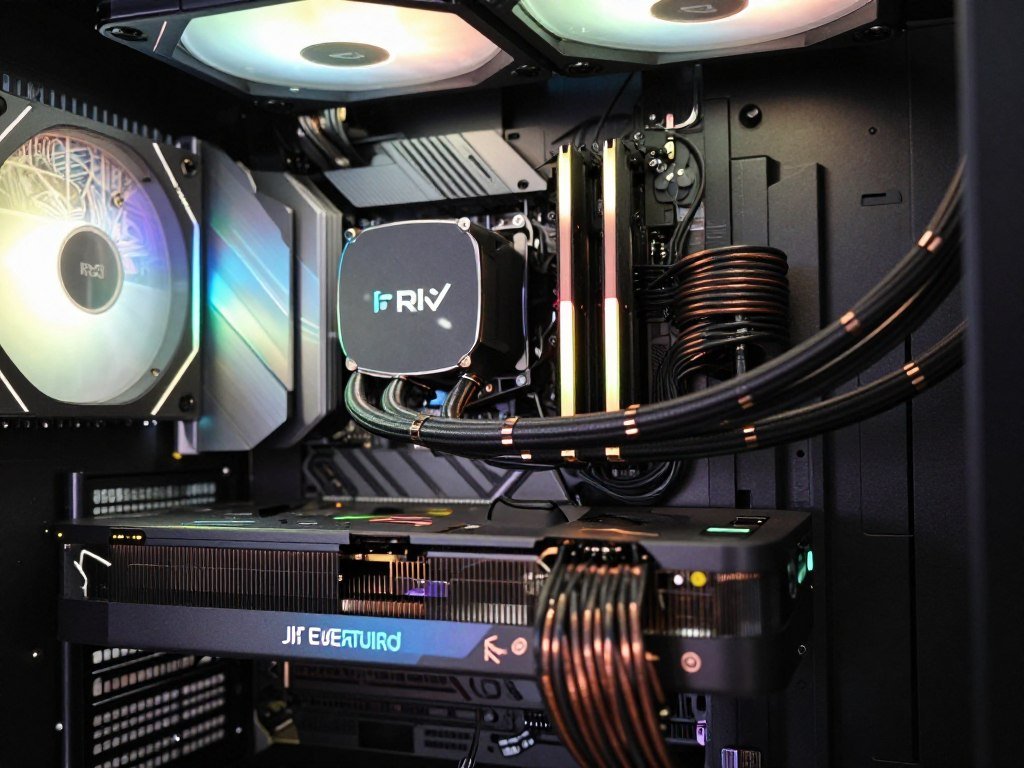
Optical hardware tech sounds perfect on paper. In practice, several challenges prevent widespread adoption. These are not insurmountable, but they explain why optical PCs are not here yet despite the technology existing for decades.
Signal Conversion Overhead
Every time data switches from electrical to optical and back, there is a conversion step. This adds latency. For short-distance connections inside a PC, copper’s direct electrical path might actually be faster than optical with conversion overhead. The benefits of optical only outweigh this overhead when distance or bandwidth demands increase significantly.
The solution is reducing or eliminating conversion steps. Integrated photonic circuits that keep data in optical form from start to finish avoid this problem. But until entire processing pipelines operate optically, conversion latency remains a concern for ultra-low-latency applications like competitive gaming or high-frequency trading systems.
Manufacturing Complexity
Building optical components requires different processes than traditional electronics. Lasers need precise alignment. Optical fibers require clean connections without contamination. Photodetectors need calibration. Each step adds cost and potential failure points.
Consumer electronics demand reliability. A copper cable either works or it does not. Optical cables are more sensitive to damage and misalignment. Bending a fiber too sharply breaks it. Dust on a connector degrades signal quality. Creating optical components robust enough for consumer use requires engineering solutions that balance performance with durability.
Heat and Power in Small Spaces
Lasers generate heat. Not much, but enough to matter in compact systems. A PC motherboard with optical transceivers for every slot needs cooling for those components. The power savings from optical transmission can be offset by the power needed for lasers and conversion electronics.
This is solvable with better thermal design and more efficient light sources. VCSEL technology keeps improving in efficiency. Cooling solutions for optical components are getting smaller. But adding thermal constraints to an already heat-sensitive environment like a PC requires careful engineering.
Standardization and Compatibility
The PC industry relies on standards. PCIe, USB, and SATA work because everyone follows the same specifications. Optical interconnects need similar standardization. Multiple competing optical standards slow adoption because manufacturers hesitate to commit to one approach that might become obsolete.
Organizations like the PCI-SIG are working on optical PCIe specifications. USB-IF is developing optical USB standards. These efforts take time. Agreement across dozens of companies with competing interests is slow. Until standards solidify, early optical products risk becoming orphaned technologies without upgrade paths.
Cost Reduction Needs
The biggest barrier is cost. Optical components cost more to manufacture than copper equivalents. A PCIe Gen 5 riser cable costs twenty dollars. An equivalent optical cable would cost ten times that at current manufacturing volumes. Mass adoption requires costs to drop to within 50 percent of copper alternatives.
Cost reduction happens through volume manufacturing and process improvements. As production scales up, component costs fall. Automated assembly reduces labor costs. Better yields from improved manufacturing processes lower waste. But reaching cost parity with copper takes years of investment and production scaling.
How Quantum Computing Connects to Optical Hardware (And Why It Matters)
Quantum computation seems like science fiction. But it is real, developing fast, and directly tied to optical hardware tech. Understanding the connection helps explain why major companies invest billions in optical research beyond just making data transfer faster.
Photonic Quantum Basics
Traditional computers use bits that are either zero or one. Quantum computers use qubits that can be both simultaneously through quantum superposition. This allows quantum systems to process multiple calculation paths at once. Certain problems that would take classical computers millions of years can be solved in minutes on quantum systems.
Photonic quantum computers use light particles (photons) as qubits. A single photon traveling through an optical circuit can represent quantum information. Optical components like beam splitters and phase shifters manipulate these photons to perform quantum logical operations. The result is a logic gate made of light.
Why use light instead of other quantum systems like superconducting qubits? Photons operate at room temperature. They do not require expensive cryogenic cooling like many quantum systems. Photons also travel at light speed and do not decohere as quickly as other quantum states. This makes photonic quantum systems more practical for integration with conventional computing.
Quantum Optical Applications
Quantum key distribution uses entangled photons to create unbreakable encryption. Financial institutions and government agencies already deploy these systems. The underlying optical hardware tech developed for quantum encryption applies directly to conventional optical interconnects.
Quantum simulation using photonic circuits models molecular behavior for drug discovery. A photonic quantum processor can simulate the quantum mechanics of complex molecules, predicting how potential drugs interact with proteins. This accelerates pharmaceutical research by eliminating failed candidates early in development.
Optimization problems in logistics, finance, and machine learning benefit from quantum approaches. Photonic quantum computers tackle these using methods like quantum annealing and variational quantum algorithms. The optical hardware developed for these systems shares components with conventional optical interconnects.
Fourier Transform and Signal Processing
Optical systems naturally perform Fourier transform operations on light signals. A Fourier transform converts time-domain signals into frequency-domain representations. This mathematical operation is fundamental to signal processing, image compression, and data analysis.
Performing Fourier transforms optically is faster and more power-efficient than doing it electronically. Applications include real-time image processing in cameras, signal analysis in communication systems, and data compression in storage devices. As optical hardware tech becomes integrated into consumer devices, these optical processing techniques will enable new features.
Imagine a smartphone camera that performs optical Fourier transform image processing before converting light to digital signals. This allows real-time video enhancement, object recognition, and scene analysis using minimal power. The processing happens in the optical domain using light waves, not through power-hungry digital processors.
Why This Matters for PCs
PC builders might not care about quantum computation directly. But the research funding quantum computing attracts accelerates optical hardware development. Breakthroughs in photonic quantum circuits translate to better optical interconnects. Advances in optical signal processing improve data transfer efficiency.
The infrastructure being built for quantum optical systems will benefit conventional computing. Manufacturing facilities that produce quantum photonic chips can also produce consumer optical interconnects. Engineering expertise developed for quantum applications transfers to practical data communication challenges.
Hybrid systems combining quantum and classical processing will eventually appear in consumer devices. AI training accelerated by quantum optical processors could run on high-end workstations. Scientific simulations using photonic quantum methods might become accessible to researchers on desktop systems. The line between quantum and conventional computing will blur as optical hardware bridges both worlds.
What You Should Actually Buy Today (The No-BS Guide)
Forget the future hype for a minute. You need to build or upgrade a PC now. Here is what matters with current technology and how to think about optical hardware as it relates to practical buying decisions in 2026.
Motherboard Selection
Buy a motherboard with plenty of PCIe Gen 5 slots. Even if you are using a Gen 4 GPU, Gen 5 support future-proofs your build. The ASRock X870E Taichi and ASUS ROG Crosshair X870E Hero both offer strong PCIe configurations with Gen 5 support for GPU and storage.
Avoid cheap boards with limited PCIe lanes. A board with only one Gen 5 x16 slot and limited Gen 4 lanes creates bottlenecks when you add multiple NVMe drives or expansion cards. Your resolution bottleneck might not be your GPU—it could be insufficient data pathways.
Do not pay extra for “optical ready” marketing unless it includes actual optical connectors. Some manufacturers advertise future optical support without concrete implementation plans. Wait for boards with physical optical ports before paying a premium.
Graphics Card Choices
The RTX 5090 pushes PCIe bandwidth hard, but it still works fine on Gen 4 x16. If you have a Gen 4 motherboard, you do not need to upgrade just for Gen 5. The performance difference is minimal in most games. Check out the RTX 5090 optimization guide for details on getting the most from this card.
For builds using RTX 5070 or AMD RX 8700 XT, PCIe Gen 4 x8 is plenty. These cards do not saturate the bandwidth. Your money is better spent on faster RAM or a better CPU than worrying about PCIe generation.
External GPU enclosures using Thunderbolt 5 are an option for laptops. Performance takes a hit compared to internal PCIe, but it is workable for portable workstations. Optical Thunderbolt cables help maintain signal quality over longer distances if you are doing unusual setups.
Storage Configuration
Gen 4 NVMe drives hit the sweet spot for price and performance. The Samsung 990 Pro and WD Black SN850X offer excellent speeds without the premium of Gen 5. For gaming, you will not notice the difference between Gen 4 and Gen 5 load times.
Use Gen 5 NVMe only if you regularly transfer large files or work with massive datasets. Video editors working with 8K footage benefit from Gen 5 speeds. Everyone else should save money and go Gen 4.
Avoid SATA SSDs for your OS drive. They are fine for bulk storage, but NVMe Gen 3 drives cost nearly the same now with much better performance. There is no reason to buy new SATA drives in 2026 unless you need to fill specific legacy slots.
Cooling and Power Considerations
Plan your cooling around actual power draw, not theoretical maximums. The RTX 5090 pulls 450 watts under full load. The Ryzen 9 9950X pulls 170 watts. Add another 100 watts for the rest of your system. Size your power supply accordingly with headroom. An 850-watt unit handles this comfortably.
Good airflow matters more than exotic cooling solutions. A well-designed case with proper intake and exhaust beats a poorly ventilated case with expensive fans. Optical interconnects will help thermal management in future builds, but today you still need solid cooling fundamentals.
Cables and Accessories
High-quality copper cables work fine for everything right now. You do not need optical HDMI cables unless your display is more than five meters from your PC. You do not need optical USB cables for peripherals. Standard cables do the job.
If you want to experiment with optical, buy an optical Thunderbolt cable for external storage or GPU enclosures. This gives you a taste of optical performance in a practical application. But do not feel pressured to replace all your cables with optical versions. It is unnecessary.
The Waiting Game
If you can wait another year, motherboard manufacturers might offer real optical PCIe support. Intel’s next-gen platform and AMD’s response will likely include optical options. But waiting means missing a year of performance from current hardware. For most people, building now with copper and upgrading specific components later makes more sense.
Watch for announcements from MSI, ASUS, and Gigabyte about optical connectors on flagship boards. When they commit to specific standards and release dates, that is your signal that optical consumer hardware is real. Until then, treat it as future tech and focus on optimizing what exists today.
When Optical Interconnects Will Actually Become Standard (My Prediction)
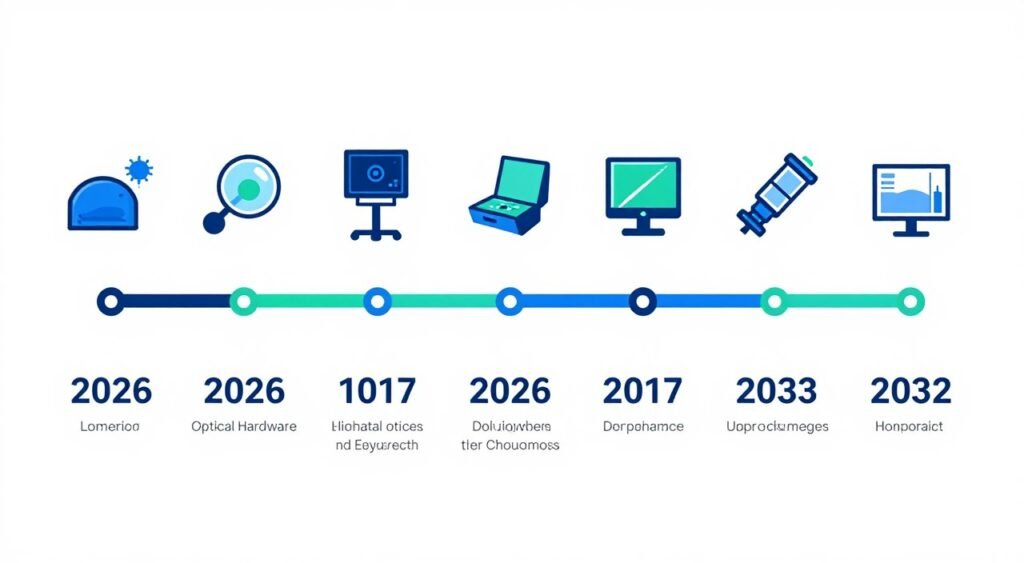
Let’s talk realistic timelines. Not marketing promises, but actual consumer availability based on current development cycles and industry patterns.
2026-2027: Early Adopter Phase
We are here now. A few flagship motherboards will offer optical PCIe slots as an option. Prices will be high. Compatibility will be limited. Early enthusiasts and professionals with specific needs will adopt optical connections for GPUs and storage.
Expect optical cables to cost three to five times more than copper equivalents. Availability will be limited to specialty retailers. Mainstream builders will stick with copper. This phase is about testing the technology in real-world conditions and gathering feedback for improvements.
2027-2028: Expansion Phase
More motherboard models will include optical support. GPU manufacturers will release cards with native optical connectors as an option alongside traditional PCIe. Hybrid systems with both copper and optical slots become common in mid-range and high-end boards.
Optical cable costs will drop to 2-3x copper prices as manufacturing scales up. Performance benefits become measurable in benchmarks for high-end components. But budget and mid-range systems will still use copper exclusively.
2028-2030: Mainstream Transition
This is when optical becomes standard for new high-end components. New GPU releases will default to optical connectors with copper as legacy support. Motherboards will prominently feature optical slots for primary devices.
Costs approach parity with premium copper cables. Availability expands to mainstream retailers. DIY builders can easily find optical components without specialty ordering. Tutorials and guides for optical system building become common.
Games and applications optimized for optical interconnects start appearing. Developers design systems assuming optical-level bandwidth for texture streaming and asset loading. This creates pressure for wider adoption as users want to run these applications at full quality.
2030-2032: Copper Becomes Legacy
New motherboards will default to optical connections with copper support relegated to backward compatibility ports. Budget systems might still use copper, but anything mid-range or higher will be optical-primary.
Prices reach parity or even drop below premium copper solutions. Manufacturing economies of scale make optical components cheaper to produce in volume. The industry transitions fully, similar to how SATA replaced IDE or USB-C is replacing USB-A.
What Could Accelerate This Timeline
A major breakthrough in integrated photonic manufacturing could speed things up by a year or two. If Intel or TSMC develops processes that make optical components as easy to manufacture as transistors, costs drop faster than predicted.
Industry standardization arriving earlier also helps. If major manufacturers agree on optical standards sooner, products hit the market faster. Competition between Intel, AMD, and NVIDIA to differentiate their platforms could drive faster adoption.
Gaming and application demands pushing copper beyond its limits would force the transition. If next-gen game engines require bandwidth that copper cannot deliver without significant compromises, the industry will move to optical out of necessity.
What Could Slow It Down
Economic factors matter. A recession or supply chain disruptions could delay investment in new manufacturing infrastructure. Companies might stick with proven copper technology longer if economic conditions make risky investments harder to justify.
Technical challenges with reliability or compatibility could slow adoption. If early optical products suffer high failure rates or compatibility issues, consumer trust takes a hit. Manufacturers would need to solve these problems before pushing optical harder.
Lack of compelling applications that require optical speeds would reduce urgency. If games and software continue running fine on copper-based systems, there is less consumer pressure to upgrade. The industry needs applications that showcase optical benefits to drive adoption.
How Optical Interconnects Will Change Gaming (The Real Impact)
Gamers care about frame rates, latency, and visual quality. Optical interconnects affect all three, but not always in ways marketing suggests. Let’s dig into the real performance implications for gaming specifically.
Texture Streaming and Asset Loading
Modern games with ray tracing and high-resolution textures stream assets constantly. The GPU requests texture data from storage or system RAM. The CPU coordinates this transfer. The speed of these transfers directly impacts how quickly textures load and how smoothly the game runs.
Games like Unreal Engine 5 titles stress data pathways hard. Check the UE5 performance guide for details on how bandwidth affects these games. Optical interconnects provide more headroom for asset streaming, reducing texture pop-in and stutter during scene transitions.
The benefit scales with resolution and quality settings. At 1080p medium settings, copper connections handle the load fine. At 4K with ultra settings and ray tracing, bandwidth becomes a constraint. Optical interconnects eliminate this bottleneck, allowing textures to stream faster and more smoothly.
Multi-GPU and DirectStorage
Multi-GPU gaming is mostly dead, but DirectStorage technology brings similar concepts to single-GPU systems. DirectStorage allows the GPU to directly access storage without CPU overhead. This requires high bandwidth between storage and GPU.
Optical interconnects make DirectStorage more effective. Faster data pathways mean larger textures can load directly to VRAM without compression or CPU processing. This reduces load times and improves in-game asset quality. Games designed for DirectStorage will benefit noticeably from optical connections.
Latency Considerations
Optical interconnects do not automatically reduce latency. In fact, signal conversion between electrical and optical can add microseconds of delay. For competitive gaming where every millisecond matters, this is a potential concern.
However, the latency added by optical conversion is negligible compared to other factors like monitor response time, network ping, or GPU render time. A microsecond of conversion latency is invisible compared to the 5-15 milliseconds of monitor input lag or 20-60 milliseconds of network latency in online games.
The real latency benefit of optical comes from avoiding congestion. With copper, if multiple devices fight for bandwidth, queuing delays add latency. Optical’s higher bandwidth means less congestion and more consistent frame times. Smoother frame pacing feels more responsive even if absolute latency is similar.
Future Game Design Changes
Game developers design around hardware limitations. Current games assume PCIe Gen 4 bandwidth. Future games might assume optical-level bandwidth, allowing larger open worlds, more detailed textures, and more complex real-time effects.
Imagine a game streaming 16K textures in real time based on camera position. Or a world where every object has physically accurate materials loaded on demand. These scenarios require bandwidth beyond what copper provides. Optical interconnects enable developers to push boundaries without worrying about data transfer becoming the bottleneck.
AI-driven game elements will also benefit. Real-time AI upscaling, procedural generation, and dynamic difficulty adjustment all require data exchange between CPU, GPU, and system memory. Optical bandwidth supports these advanced features without compromising performance.
VR and High-Refresh Gaming
VR headsets demand high frame rates and low latency. Rendering for VR requires processing two viewpoints simultaneously at high refresh rates. This doubles the data exchange between CPU and GPU compared to traditional gaming.
High-refresh monitors at 360Hz or 480Hz push similar bandwidth demands. Maintaining high frame rates requires fast data transfer between system components. Optical interconnects provide the headroom needed for these demanding scenarios without performance compromises.
Wireless VR headsets using optical transmission for video and tracking data are in development. These eliminate cable tethers while maintaining the data rates needed for high-quality VR. The optical communication techniques developed for PC interconnects directly apply to wireless VR solutions.

Beyond Gaming: Where Optical Tech Actually Delivers Value Now
Gamers dominate PC hardware discussions, but professional workloads often benefit more from optical interconnects. Video editors, 3D artists, developers, and data scientists face different bottlenecks than gamers.
Video Editing and Content Creation
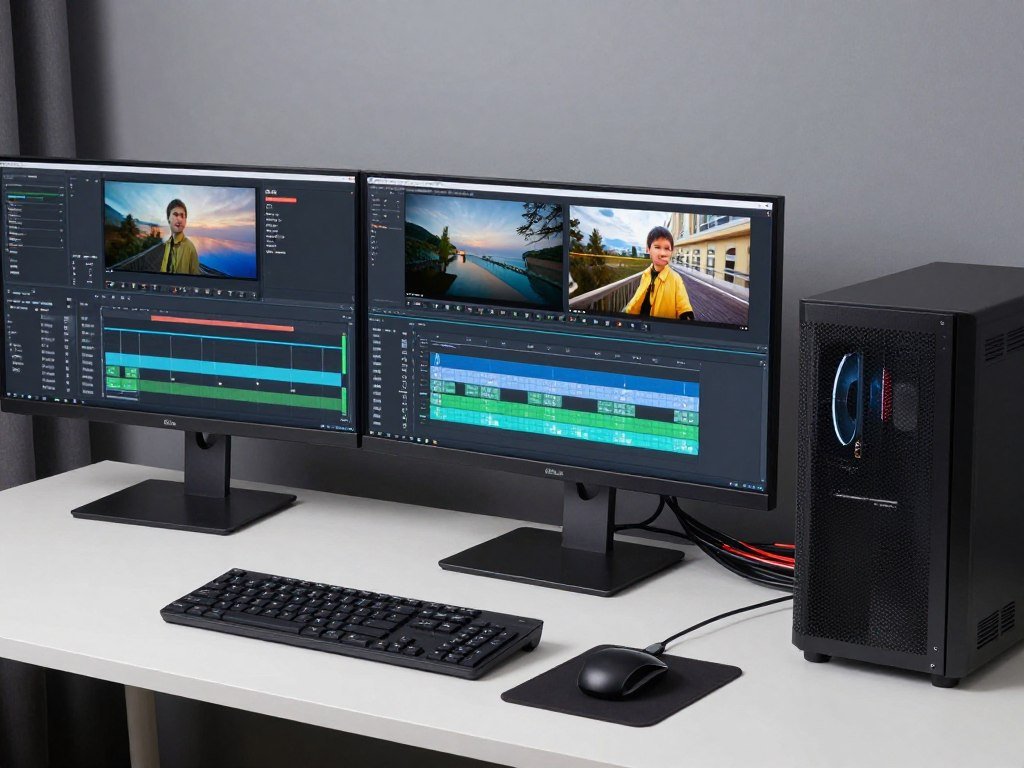
Editing 8K video requires moving massive files between storage, system RAM, and GPU VRAM for effects processing. A single minute of RAW 8K footage can be 100GB or more. Scrubbing through timelines, applying effects, and rendering requires constant data transfer.
Optical interconnects speed up every step of this workflow. Loading footage from storage happens faster. Applying GPU-accelerated effects has less latency. Exporting final renders writes data to storage at full speed without bottlenecks. The time saved per project justifies the cost of optical hardware for professionals.
Multi-camera workflows benefit even more. Editing synchronized footage from 4-8 cameras simultaneously requires streaming multiple 4K or 8K files at once. Copper-based systems struggle with this data load. Optical systems handle it smoothly without dropped frames or stuttering.
3D Rendering and Animation
Rendering complex 3D scenes requires exchanging geometry data, textures, and render settings between CPU, GPU, and storage. Large projects with millions of polygons and high-resolution textures stress data pathways.
GPU rendering in Blender, Cinema 4D, or Unreal Engine sees clear benefits from optical interconnects. Faster data transfer between system RAM and VRAM reduces render setup time. Larger scenes fit in memory without swapping to storage. The result is faster iteration and shorter project timelines.
Machine Learning and AI Training
Training neural networks requires feeding massive datasets to GPUs repeatedly. Dataset sizes often exceed VRAM capacity, requiring streaming from system RAM or storage. The bandwidth between these components determines training speed.
Optical interconnects allow larger batch sizes and faster training iterations. Models that took hours to train on copper-based systems might train in minutes with optical connections. For research or production work where iteration speed matters, this is a game-changer.
Database and Development Work
Developers working with large databases, compiling huge codebases, or running virtual machines benefit from fast storage access. Optical connections between NVMe drives and the CPU reduce compile times and database query latency.
The effect compounds with multiple simultaneous tasks. Running a development environment with database, IDE, build tools, and testing frameworks simultaneously creates high I/O demand. Optical interconnects provide the bandwidth needed to keep everything responsive.
The Power Efficiency Story Nobody Talks About
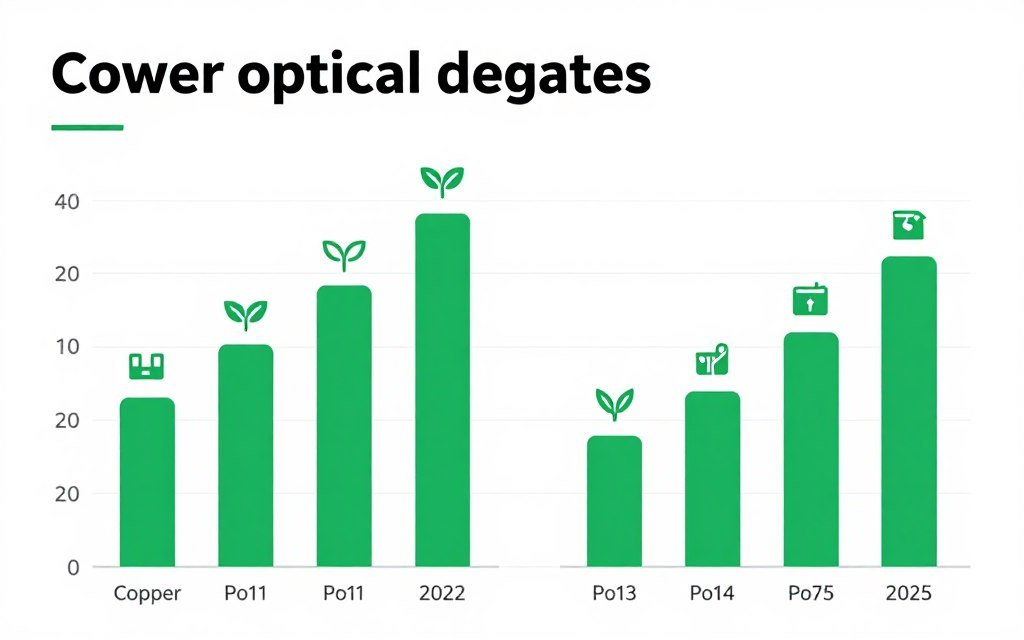
Optical hardware tech is not just about speed. Power consumption and environmental impact matter more as data center growth and PC usage increase globally. Light-based data transfer uses less energy than copper at high speeds.
Power Consumption Comparison
Transmitting data through copper at multi-gigabit speeds requires driving electrical signals through resistance. More resistance means more power wasted as heat. As speeds increase, power consumption rises exponentially.
Optical transmission uses lasers that consume a few milliwatts regardless of transmission speed. The power per bit transferred is orders of magnitude lower than copper at high speeds. For a single PC, this saves a few watts. For a data center with thousands of servers, this saves megawatts.
Think of it like this. Copper is like shouting across a crowded room—you need more energy to be heard over increasing noise. Optical is like using a focused beam—the energy required stays constant regardless of distance or surrounding interference.
Heat Management Benefits
Every watt of power consumed becomes heat that needs removal. Copper-based high-speed connections generate significant heat. This requires additional cooling, which consumes more power. It’s a negative feedback loop.
Optical systems run cooler. Less heat means less cooling needed. This saves power twice—once from lower transmission power and again from reduced cooling requirements. In compact systems like laptops or small form factor PCs, thermal constraints limit performance. Switching to optical frees up thermal budget for CPU and GPU.
Manufacturing and Lifecycle Impact
Mining copper requires significant energy and environmental disruption. Manufacturing copper cables involves refining, drawing, and coating processes that consume resources. Optical fibers use silica (sand) as the primary material—far more abundant and less environmentally damaging to extract.
The lifecycle energy cost of optical cables is lower than copper when accounting for manufacturing, usage, and disposal. Glass optical fibers are recyclable. Copper cables contain mixed materials that complicate recycling. As the industry focuses on sustainability, these factors will drive optical adoption.
Grid Impact at Scale
PC gaming and computing is a small part of global energy use, but data centers are substantial. Moving these facilities to optical interconnects reduces global power consumption measurably. The techniques developed for data centers will eventually benefit consumer PCs.
If every data center transitioned to optical, power savings would be equivalent to taking millions of cars off the road. As renewable energy becomes standard, reducing total power demand through efficiency improvements like optical interconnects helps balance supply and demand.
Busting Common Myths About Optical Hardware Tech
Marketing hype creates misconceptions. Let’s clear up the most common myths about optical interconnects and separate reality from fiction.
Myth: Optical Is Always Faster Than Copper
Not true. For very short distances with low bandwidth requirements, copper is actually faster because it avoids signal conversion. Optical only wins when distance increases or bandwidth demands exceed copper’s capabilities. A one-meter PCIe copper cable is fine. A ten-meter cable needs optical to maintain signal quality.
The conversion between electrical and optical adds microseconds of latency. For ultra-low-latency applications within a single PC case, this can make optical slower than direct copper connections. The benefits of optical appear when you need bandwidth or distance that copper cannot provide.
Myth: You Need Optical Cables to Max Out Your GPU
Wrong. Current GPUs do not saturate PCIe Gen 4 x16 in most real-world applications. Even the RTX 5090 works fine on Gen 4 copper. You do not need optical cables to get full GPU performance unless you are doing very specific professional workloads that constantly move large datasets.
Future GPUs might require optical, but we are not there yet. If you are gaming, your GPU is the bottleneck, not the cable connecting it. Focus on GPU choice, not cable technology.
Myth: Optical Cables Are Fragile and Break Easily
Consumer optical cables are designed to be durable. While optical fibers can break if bent too sharply, modern cables include protective layers and strain relief. Properly designed optical cables are no more fragile than quality copper cables.
Industrial and data center optical cables handle constant use for years. The same engineering applies to consumer products. Yes, you should not tie optical cables in tight knots, but normal use poses no risk of damage.
Myth: Optical Tech Is Only for Professionals
This is changing fast. Optical was professional-only for decades, but consumer adoption is beginning. Thunderbolt uses optical components. USB4 has optical options. PCIe optical interconnects are coming to consumer motherboards.
The technology is mature and production-ready. The barrier is not capability but cost and standardization. As manufacturing scales, optical becomes accessible to everyone, not just professionals with large budgets.
Myth: Optical Eliminates All Bottlenecks
Optical interconnects solve data transfer bottlenecks specifically. They do not fix CPU limitations, GPU performance, or software inefficiency. Your PC is a system with many potential bottlenecks. Optical helps with one specific area—data communication between components.
If your CPU is weak, optical cables will not help. If your software is poorly optimized, optical cables will not fix it. Understanding bottleneck percentage helps identify where your actual limitations are.
Myth: Optical Uses Dangerous Lasers
Consumer optical interconnects use low-power, eye-safe lasers. These are Class 1 laser products—the same safety rating as barcode scanners and CD players. You would need to stare directly into an exposed fiber end for extended periods to risk eye damage, and even then, the risk is minimal.
Optical cables include safety features like automatic shutoff when disconnected. The laser turns off immediately if the connection is broken. This prevents any exposure to the light source. Using optical cables is as safe as using any other PC component.

The Bottom Line: What You Should Do Right Now
Optical hardware tech is real, coming soon, and will eventually become standard. But “eventually” means three to five years for widespread consumer adoption. Here is the practical action plan based on where you are with your PC.
If You Are Building New in 2026
Build with copper and plan for optical later. Choose a motherboard with strong PCIe Gen 5 support. Buy a GPU that fits your needs now without waiting for optical versions. Use Gen 4 NVMe storage unless you have specific workload reasons for Gen 5.
Focus on balance. Make sure your CPU and GPU are matched for your target resolution and use case. Check that your power supply has headroom. Ensure your cooling solution handles the components you chose. These fundamentals matter more than having the latest cable technology.
If You Built Recently
Your system is fine for years. Do not feel pressured to upgrade just because optical tech exists. The performance you have now will not suddenly become obsolete when optical becomes available. Copper-based systems will remain viable throughout the optical transition period.
Plan your next upgrade cycle for 2028-2029 when optical becomes more mainstream. By then, motherboards with optical support will be common, GPUs will have native optical connectors, and costs will be reasonable. Early adopter pain points will be solved.
If You Are a Professional With Specific Needs
Evaluate optical options now if your workflow has clear bandwidth bottlenecks. Video editors moving massive files, 3D artists rendering complex scenes, or data scientists training models might benefit from early optical adoption despite higher costs.
Calculate the time savings and project throughput improvements. If optical interconnects save you hours per week, the premium cost is justified. For professionals, time is money—faster tools pay for themselves quickly.
Learning Resources and Tools
Understanding bottlenecks helps you make smart upgrade decisions. The reality is that most PC performance issues come from imbalanced component choices, not insufficient cable bandwidth. Before spending money on optical hardware, identify where your actual limitations are.
Ready to Optimize Your Build?
Optical interconnects are coming, but they are not here yet for most consumer builds. While you wait, use these tools and guides to maximize performance from your current hardware. Understanding your system’s balance helps you plan upgrades smarter and avoid wasting money on components that will not help.
Future-Proofing Strategy
The best future-proofing is not buying the latest tech early. It is buying balanced components that meet your needs today with clear upgrade paths tomorrow. A well-balanced copper-based system from 2026 will outperform a poorly balanced optical system from 2028.
When optical motherboards and GPUs launch, watch for second-generation products. First-generation optical consumer hardware will have compatibility issues and limited support. Second-gen products benefit from lessons learned and improved ecosystem support.
Monitor announcements from Intel, AMD, and major motherboard manufacturers. When they commit to specific optical standards with firm release dates and pricing, that is your signal to plan optical into your next build. Until then, copper remains the smart choice for most builders.
Final Thoughts on Optical Interconnects
Optical Hardware Tech represents a genuine leap forward in PC architecture. Light-based data transfer solves real problems that copper cannot address at future speeds and bandwidth demands. This is not hype—the technology works and delivers measurable benefits.
But timing matters. Building a PC today with optical components means paying early adopter prices for limited benefits. The ecosystem is not ready. Software is not optimized for optical speeds. Most applications do not yet push bandwidth beyond copper’s capabilities.
The smart move is understanding the technology now and planning for optical in your future builds. Watch the market. Learn about bottlenecks. Optimize your current system. When optical becomes mainstream in 2028-2030, you will know exactly what you need and why.
The transition from copper to optical will happen gradually, like every major PC technology shift before it. Early adopters will experiment and find issues. Manufacturers will iterate and improve. Costs will drop. Standards will solidify. Eventually, optical will be as common as NVMe drives or USB-C ports are today.
In the meantime, focus on building balanced systems that meet your needs without overspending on technology that is not ready yet. The future is optical, but the present still runs very well on copper. Build smart, stay informed, and upgrade when it actually makes sense for your specific situation. That is how you stay ahead without wasting money chasing every new technology announcement.