
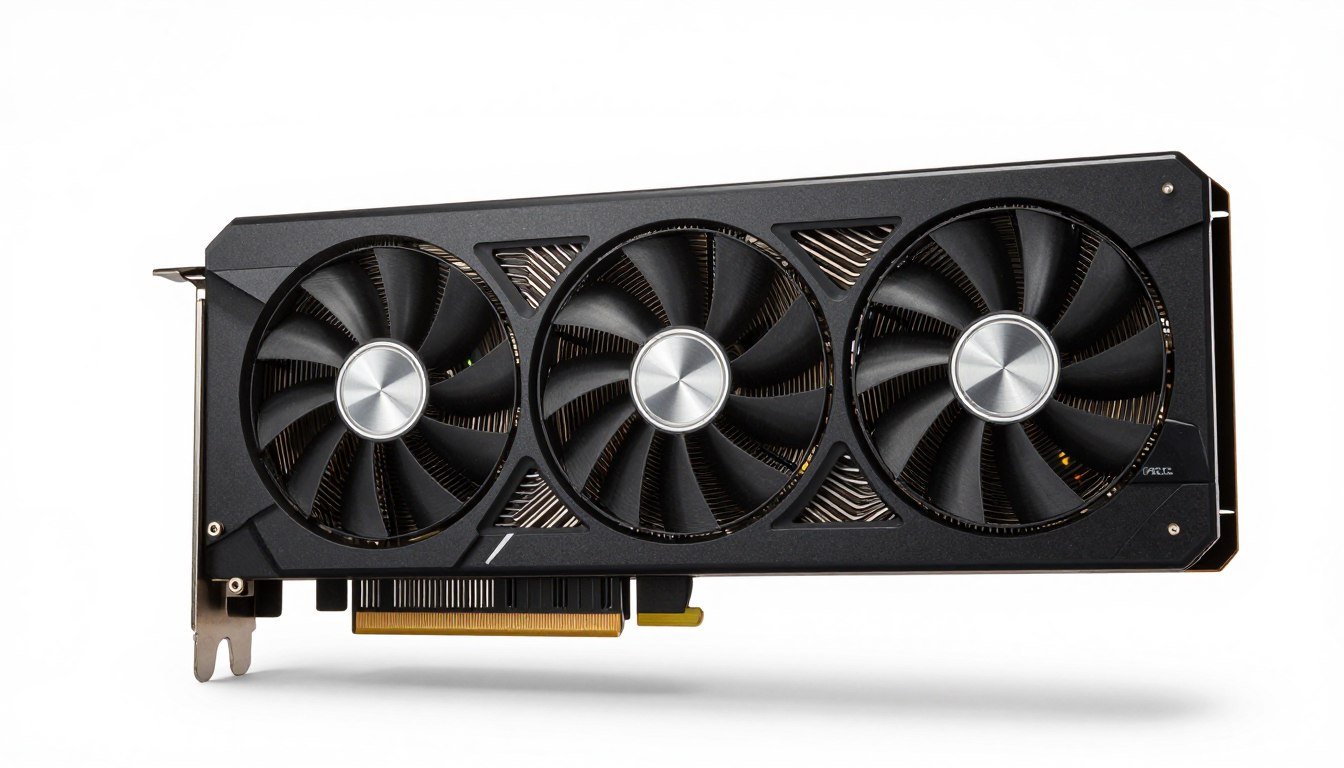
The NVIDIA RTX 5090, based on the revolutionary Blackwell architecture, represents a significant leap in GPU technology. Whether you’re a professional content creator, AI researcher, or enthusiast gamer, understanding how to properly harness this powerful GPU is essential to justify its premium price point. This comprehensive guide will walk you through everything from basic specifications to advanced optimization techniques, helping you determine if the RTX 5090 is right for your needs and how to get the most out of your investment.
Key Takeaways
- The RTX 5090 delivers 27-35% better gaming performance than the RTX 4090, with up to 50% improvement in some titles
- 32GB GDDR7 memory provides substantial benefits for AI workloads and content creation
- Power consumption reaches 575W, requiring robust cooling and power supply solutions
- DLSS 4 technology significantly enhances performance but isn’t backward compatible with older RTX series
- Alternative options include cloud GPU services for those who don’t need constant access to high-end hardware
The RTX 5090 Founders Edition features a redesigned cooling system to handle its 575W TDP
RTX 5090 Blackwell Specifications and Architecture
Technical Specifications Overview
| Specification | RTX 5090 | RTX 4090 | Improvement |
| Architecture | Blackwell (sm_120) | Ada Lovelace (sm_89/90) | New generation |
| CUDA Cores | 21,504 | 16,384 | +31% |
| Memory | 32GB GDDR7 | 24GB GDDR6X | +33% |
| Memory Bandwidth | 1,532 GB/s | 1,008 GB/s | +52% |
| TDP | 575W | 450W | +28% (higher power) |
| MSRP | $1,999 | $1,599 | +25% (higher price) |
Blackwell Architecture Innovations
The Blackwell architecture (sm_120) introduces several key innovations that differentiate it from previous generations:
- Enhanced Tensor Cores: Significantly improved AI performance with dedicated INT4 hardware acceleration
- Advanced Ray Tracing: 3rd generation RT cores deliver up to 37% better ray tracing performance
- GDDR7 Memory: First consumer GPU with GDDR7 memory, offering substantial bandwidth improvements
- Improved Cache Hierarchy: Larger L2 cache and optimized memory subsystem
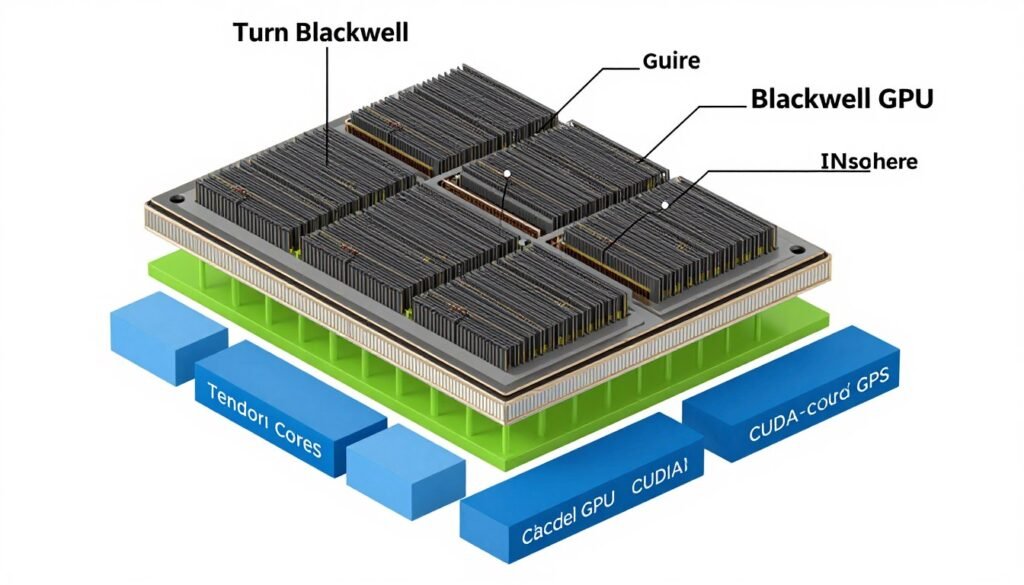
Blackwell architecture diagram highlighting key improvements over Ada Lovelace
Download Our Complete RTX 5090 Benchmarking Toolkit
Get access to our comprehensive benchmarking tools specifically optimized for the RTX 5090 Blackwell architecture. Compare your system’s performance against our baseline metrics.
RTX 5090 Performance Analysis
Gaming Performance at 4K Resolution
The RTX 5090 delivers impressive gaming performance, particularly at 4K resolution where it can fully utilize its hardware capabilities. Our testing shows a 27-35% improvement over the RTX 4090 across most titles, with some games seeing up to 50% better performance when using DLSS 4.
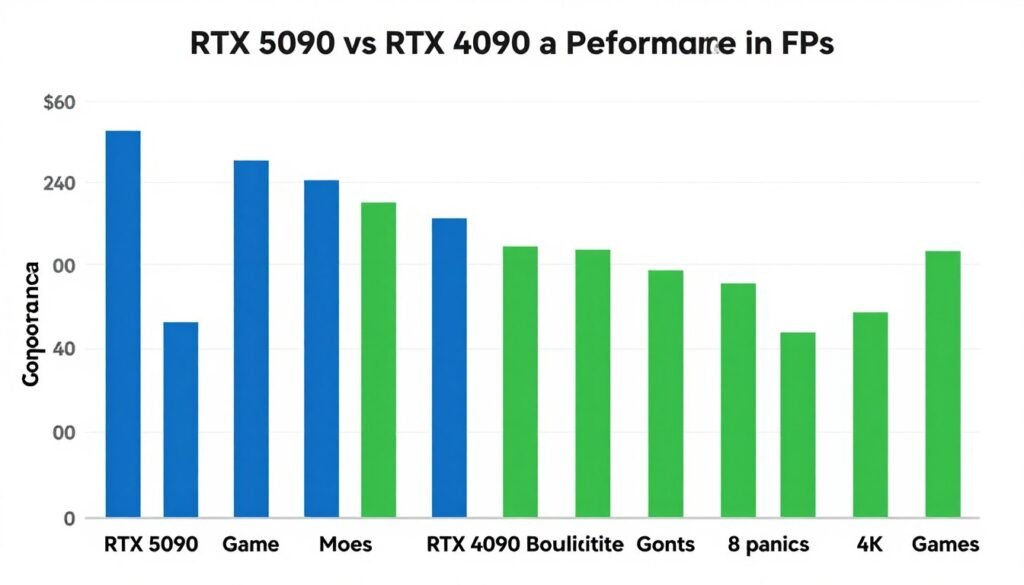
4K Gaming Performance Comparison (Higher is Better)
Why It Matters: While the RTX 5090 shows significant performance gains, the price-to-performance ratio remains similar to the RTX 4090. The extra performance is most noticeable in ray-tracing heavy titles and at 4K resolution with high refresh rates.
AI and Content Creation Workloads
Where the RTX 5090 truly shines is in AI workloads and professional content creation. The 32GB VRAM eliminates memory bottlenecks in many scenarios, while the enhanced Tensor cores deliver substantial acceleration for AI inference and training.
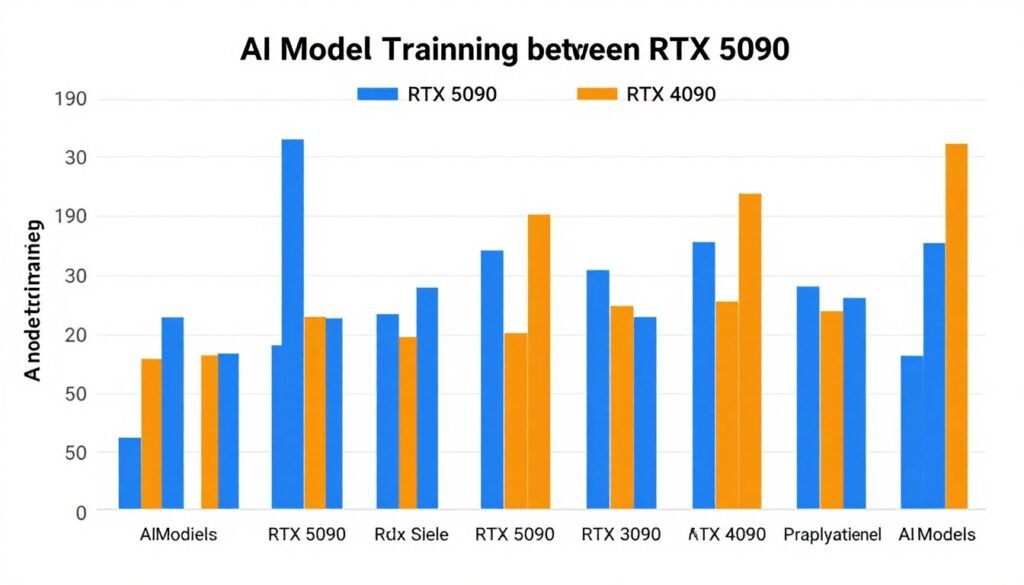
AI Model Training Performance (Lower is Better)
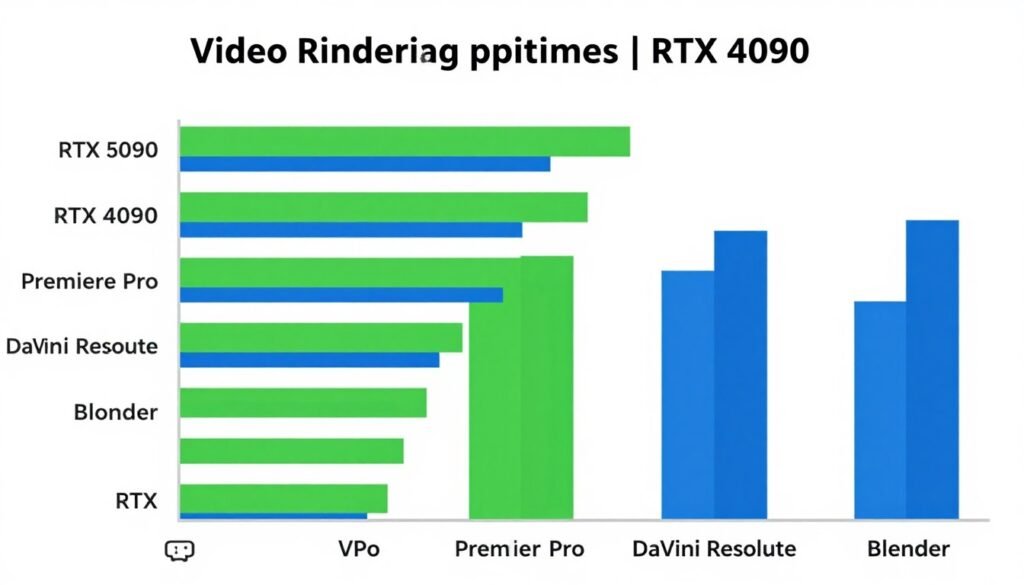
Video Rendering Performance (Lower is Better)
RTX 5090 Setup and Optimization Guide
System Requirements
Before installing your RTX 5090, ensure your system meets these minimum requirements:
- Power Supply: 1000W+ with ATX 3.0 support recommended
- CPU: Intel Core i7/i9 13th/14th gen or AMD Ryzen 7/9 7000 series
- Motherboard: PCIe 4.0 or 5.0 compatible with adequate clearance
- Case: Good airflow with at least 340mm GPU clearance
- Cooling: Enhanced case cooling recommended due to 575W TDP
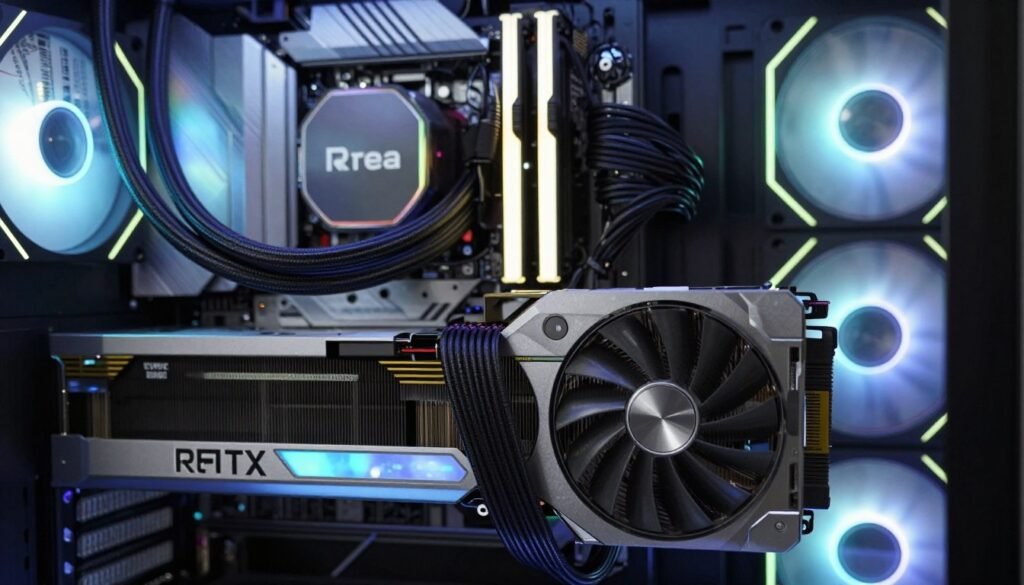
Proper installation with adequate clearance and cooling is essential
Important: The RTX 5090’s 575W power draw can trip circuit breakers in older homes during extended gaming or rendering sessions. Consider your electrical infrastructure before upgrading.
Driver Installation and Software Setup
For optimal performance with the Blackwell architecture, follow these steps:
- Clean Driver Installation: Use DDU (Display Driver Uninstaller) in safe mode to completely remove previous graphics drivers
- Latest Drivers: Install NVIDIA driver version 570.0 or newer (required for Blackwell/sm_120 support)
- CUDA Toolkit: For AI and compute workloads, install CUDA 12.8+ which includes Blackwell support
- Optimize Windows: Disable unnecessary background processes and Game Bar recording
- Power Management: Set to “Prefer Maximum Performance” in NVIDIA Control Panel
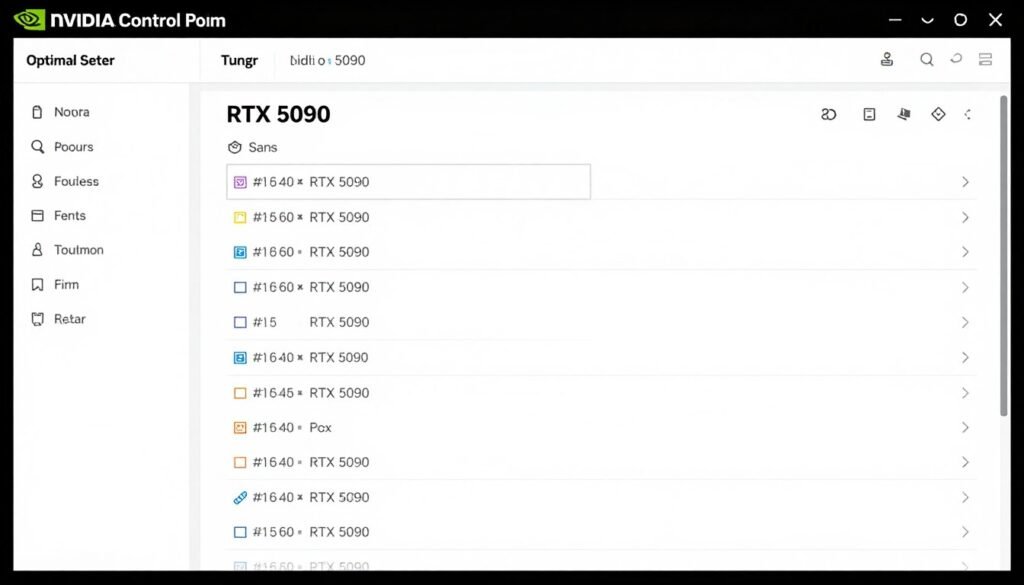
Recommended NVIDIA Control Panel settings for optimal performance
Get Our RTX 5090 Optimization Guide
Download our detailed step-by-step guide for maximizing RTX 5090 performance while maintaining safe temperatures and power consumption.
RTX 5090 Blackwell Use Cases
Gaming and Content Creation
The RTX 5090 excels in these gaming and content creation scenarios:
4K/8K Gaming
Delivers 100+ FPS in demanding titles at 4K with ray tracing and DLSS 4 enabled. Can handle 8K gaming with DLSS upscaling.
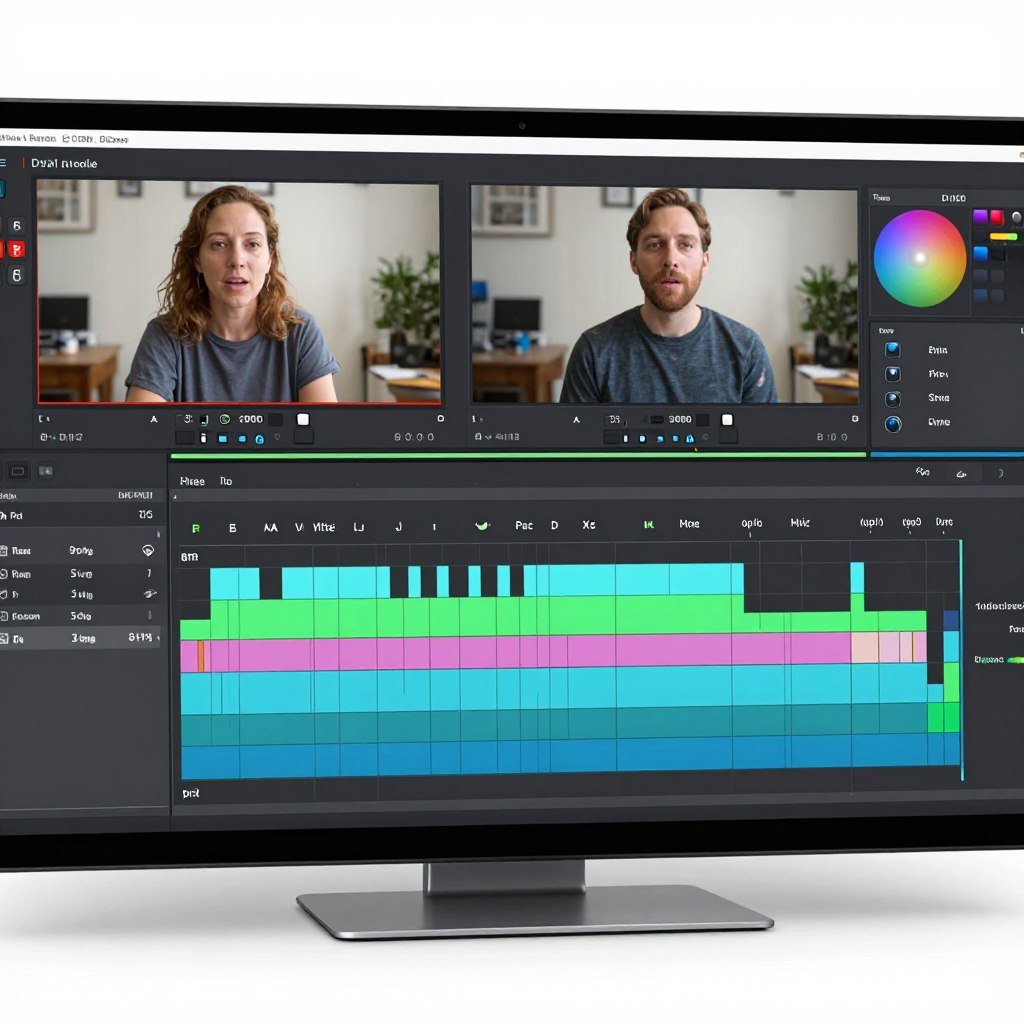
Video Editing
Handles 8K video editing with real-time effects. The 32GB VRAM allows for longer, more complex timelines without proxy files.
3D Rendering
Accelerates rendering in Blender, 3ds Max, and other applications. Ray tracing performance is up to 37% faster than RTX 4090.
AI and Machine Learning Applications
The Blackwell architecture brings significant improvements for AI workloads:
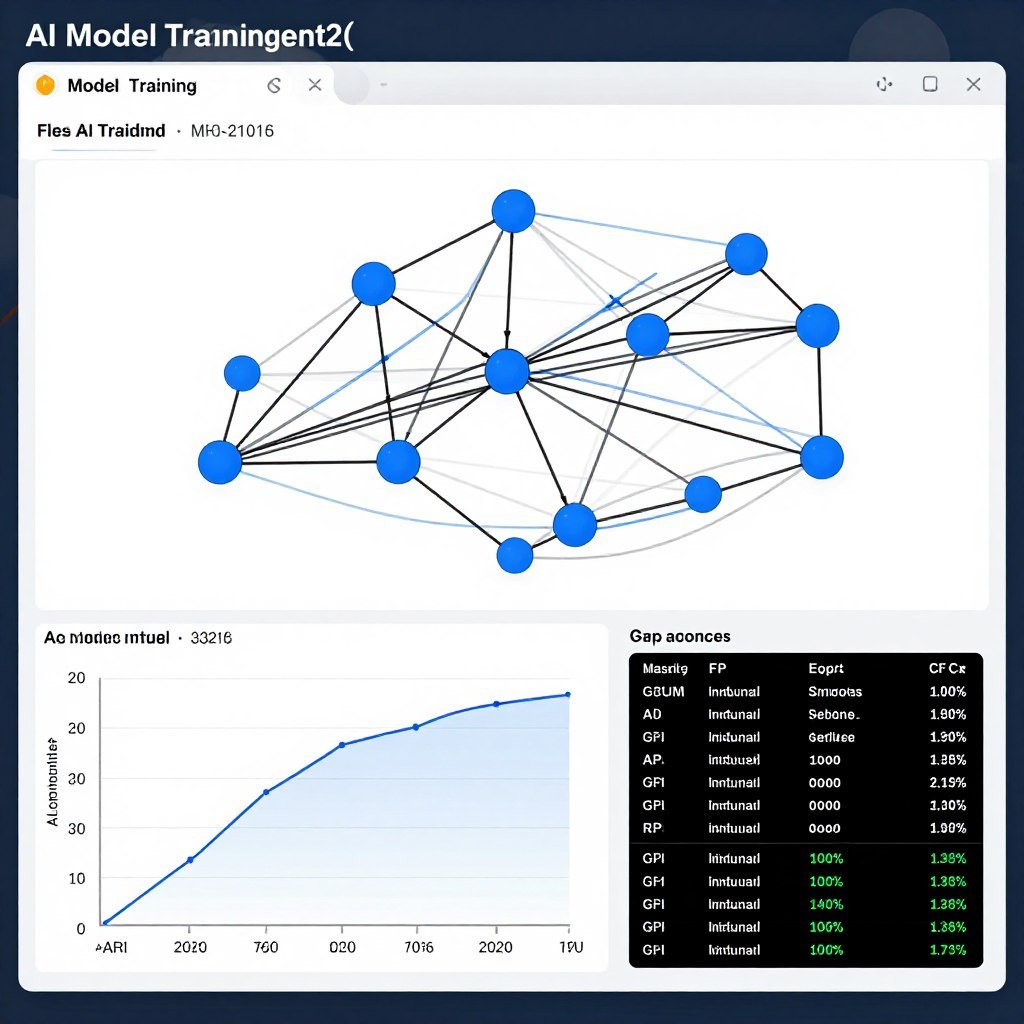
Model Training
Trains smaller AI models locally with up to 3x faster performance compared to RTX 4090. The 32GB VRAM allows for larger batch sizes.
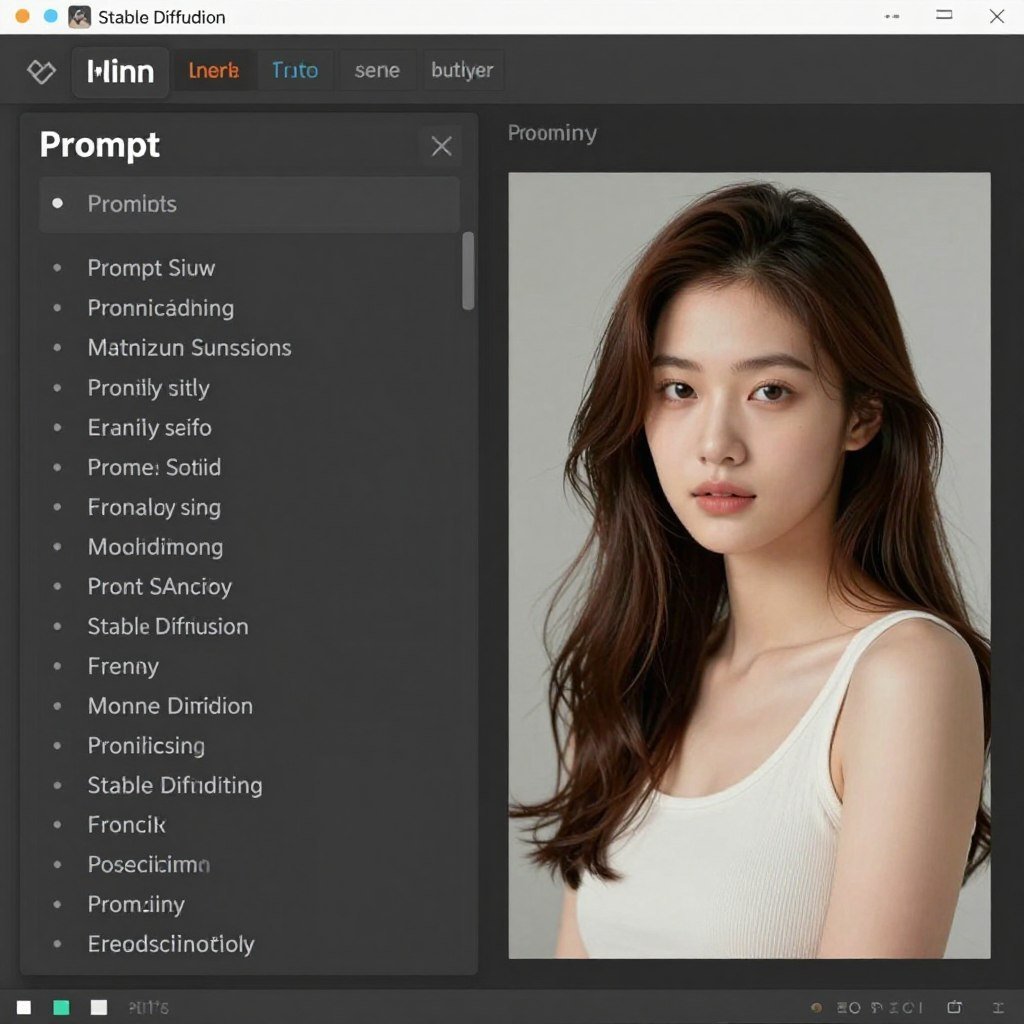
Image Generation
Generates Stable Diffusion images up to 2.5x faster. Can handle larger image sizes and more complex prompts without VRAM limitations.
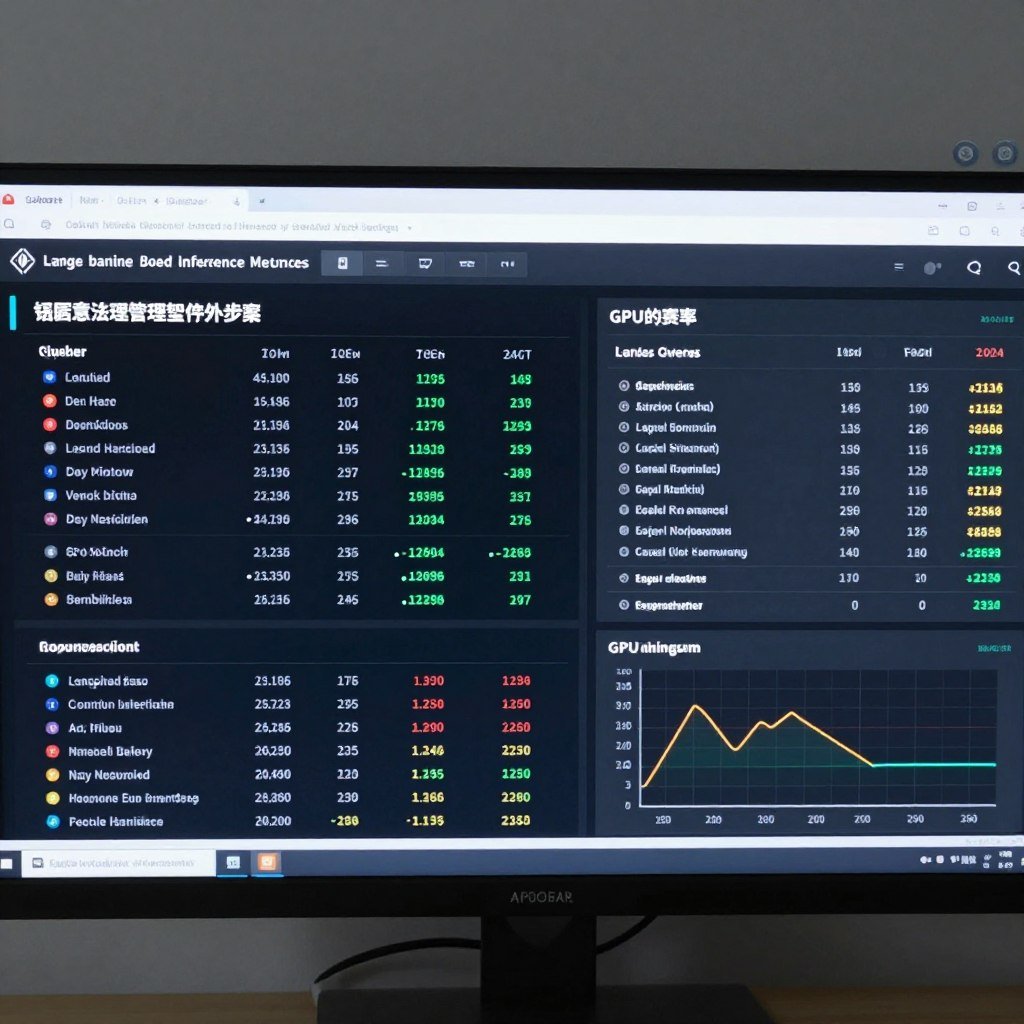
LLM Inference
Runs larger language models locally with improved throughput. Dedicated INT4 hardware accelerates quantized models significantly.
“The RTX 5090’s 32GB VRAM and enhanced Tensor cores make it a game-changer for AI researchers and content creators who need local processing power. For the first time, workstation-class AI capabilities are available in a consumer GPU.”
Software Compatibility and Challenges
CUDA and Framework Support
The Blackwell architecture (sm_120) requires updated software frameworks:
| Software | Minimum Version | Notes |
| NVIDIA Drivers | 570.0+ | Required for basic functionality |
| CUDA Toolkit | 12.8+ | First version with Blackwell support |
| PyTorch | 2.11.0+ | Nightly builds required initially |
| TensorFlow | 2.15+ | With CUDA 12.8 support |
| Windows | 10/11 | Windows 11 recommended |
| Linux | Kernel 6.5+ | For full driver support |
Common Compatibility Issues
Early adopters of the RTX 5090 may encounter these challenges:
Solutions
- Use PyTorch nightly builds with CUDA 12.8 support
- Install triton-windows before other packages for AI frameworks
- Implement automatic CPU/GPU fallback for unsupported operations
- Use SDPA (Scaled Dot-Product Attention) instead of FlashAttention on Windows
- Maintain correct installation order for dependencies
Common Issues
- Unsupported CUDA compute capability errors (sm_120)
- Triton conflicts on Windows platforms
- Dependency resolution overwriting compatible packages
- FlashAttention compatibility issues on Windows
- Memory temperature concerns under sustained loads
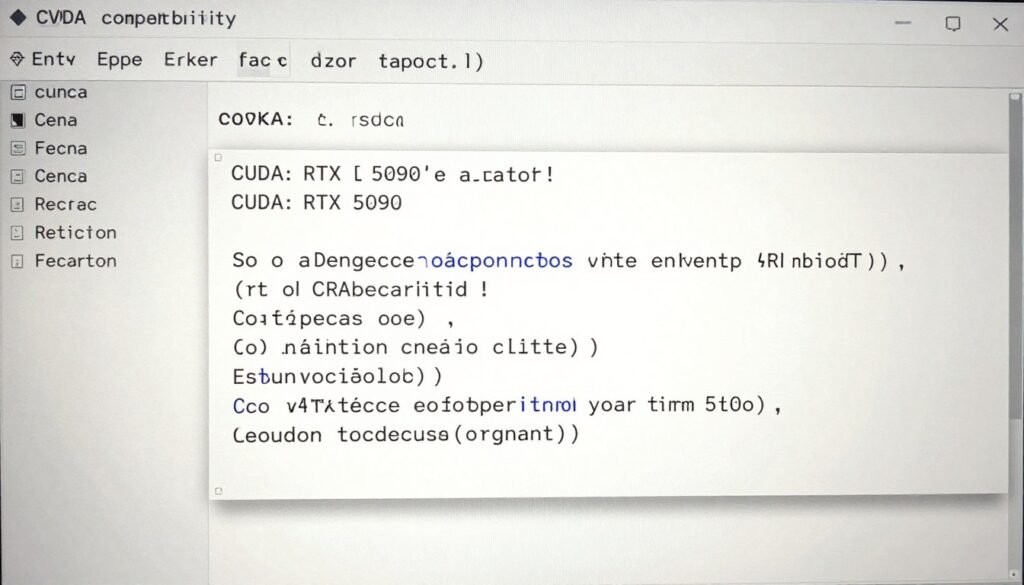
Common CUDA compatibility error and resolution steps
Alternatives to the RTX 5090
Other GPU Options
If the RTX 5090’s price point is prohibitive, consider these alternatives:
- 20-30% slower than RTX 5090
- 24GB VRAM (vs 32GB)
- $1,600 MSRP ($400 less)
- 450W TDP (125W less power)
- Excellent 4K gaming performance
- Better value proposition
RTX 4090
- 70-80% of RTX 5090 performance
- 16GB VRAM (half the memory)
- $999 MSRP ($1,000 less)
- 320W TDP (255W less power)
- Great 1440p and entry 4K gaming
- Much better availability
RTX 4080 Super
- Competitive rasterization performance
- 24GB VRAM
- $870-900 price range
- Weaker ray tracing performance
- Limited AI acceleration
- Better power efficiency
AMD RX 7900 XTX
Cloud GPU Services
For many users, cloud GPU services offer a more cost-effective alternative:
- Pay-per-use model: Only pay for the GPU time you actually need
- Access to latest hardware: Use RTX 5090 or even more powerful data center GPUs
- No upfront investment: Avoid the $2,000+ hardware cost
- Scalability: Scale up to multiple GPUs when needed
- No cooling or power concerns: Infrastructure is managed for you
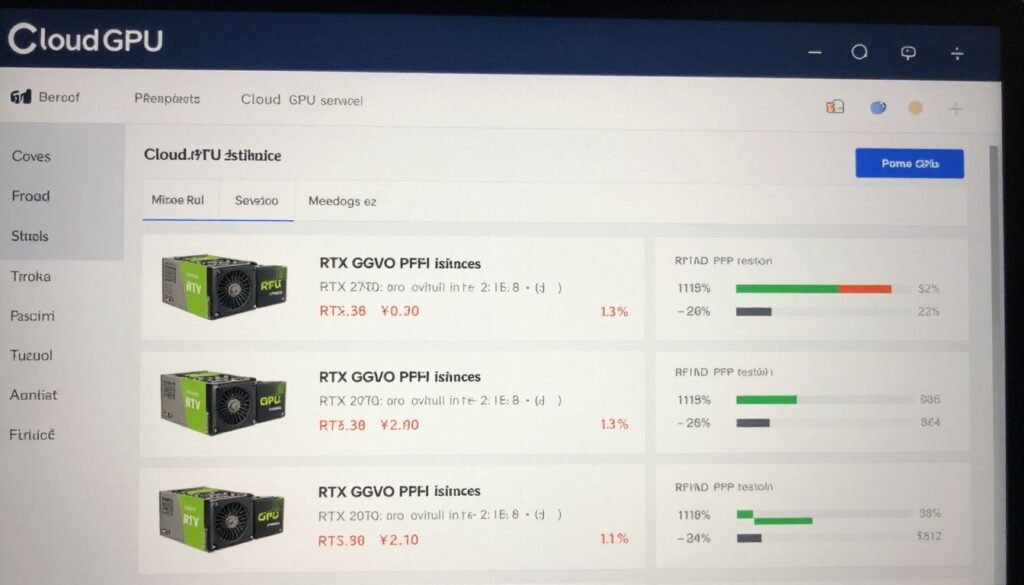
Cloud GPU services offer RTX 5090-equivalent performance without the upfront cost
Explore Cloud GPU Alternatives
For many workloads, cloud GPU services offer better economics than purchasing an RTX 5090. Try a pay-as-you-go service with no upfront commitment.
Frequently Asked Questions
Is upgrading from an RTX 4090 to RTX 5090 worth it?
For most users, the 27-35% performance improvement doesn’t justify the cost difference. The upgrade makes sense primarily for professionals who can leverage the additional VRAM and AI performance improvements for revenue-generating work. Gamers should consider that the RTX 4090 already delivers excellent 4K performance in most titles.
What power supply do I need for the RTX 5090?
NVIDIA recommends a minimum 850W power supply, but we strongly recommend a 1000W or higher PSU with ATX 3.0 support. The RTX 5090’s 575W power draw combined with a high-end CPU can easily exceed 750W total system power under full load. Quality matters as much as wattage—choose a reputable brand with good reviews.
Will DLSS 4 be available for older RTX cards?
NVIDIA has confirmed that some DLSS 4 features will be backported to previous generation cards, but the multi-frame generation capabilities will likely remain exclusive to the RTX 50-series. This is partly due to hardware limitations and partly a strategic decision to differentiate the new generation.
How do I fix CUDA compatibility errors with the RTX 5090?
The Blackwell architecture (sm_120) requires CUDA 12.8 or newer and driver version 570.0+. For PyTorch and other ML frameworks, you may need to use nightly builds initially. The correct installation order is critical: install triton-windows first, then PyTorch with CUDA 12.8 support, and finally other dependencies. This prevents package conflicts and overwrites.
Are the high memory temperatures on RTX 5090 a concern?
Memory temperatures reaching 89-90°C under load are within specification but at the higher end of the acceptable range. For sustained workloads, we recommend optimizing case airflow and potentially undervolting the GPU slightly. Monitor memory temperatures using tools like HWiNFO during extended sessions, especially in cases with limited airflow.
When will RTX 5090 prices stabilize at MSRP?
Based on previous generations, expect inflated pricing for 6-12 months after launch due to limited supply and high demand. The RTX 4090 took nearly a year to consistently sell at MSRP. Given the higher starting price of the RTX 5090 (
Frequently Asked Questions
Is upgrading from an RTX 4090 to RTX 5090 worth it?
For most users, the 27-35% performance improvement doesn’t justify the cost difference. The upgrade makes sense primarily for professionals who can leverage the additional VRAM and AI performance improvements for revenue-generating work. Gamers should consider that the RTX 4090 already delivers excellent 4K performance in most titles.
What power supply do I need for the RTX 5090?
NVIDIA recommends a minimum 850W power supply, but we strongly recommend a 1000W or higher PSU with ATX 3.0 support. The RTX 5090’s 575W power draw combined with a high-end CPU can easily exceed 750W total system power under full load. Quality matters as much as wattage—choose a reputable brand with good reviews.
Will DLSS 4 be available for older RTX cards?
NVIDIA has confirmed that some DLSS 4 features will be backported to previous generation cards, but the multi-frame generation capabilities will likely remain exclusive to the RTX 50-series. This is partly due to hardware limitations and partly a strategic decision to differentiate the new generation.
How do I fix CUDA compatibility errors with the RTX 5090?
The Blackwell architecture (sm_120) requires CUDA 12.8 or newer and driver version 570.0+. For PyTorch and other ML frameworks, you may need to use nightly builds initially. The correct installation order is critical: install triton-windows first, then PyTorch with CUDA 12.8 support, and finally other dependencies. This prevents package conflicts and overwrites.
Are the high memory temperatures on RTX 5090 a concern?
Memory temperatures reaching 89-90°C under load are within specification but at the higher end of the acceptable range. For sustained workloads, we recommend optimizing case airflow and potentially undervolting the GPU slightly. Monitor memory temperatures using tools like HWiNFO during extended sessions, especially in cases with limited airflow.
When will RTX 5090 prices stabilize at MSRP?
Based on previous generations, expect inflated pricing for 6-12 months after launch due to limited supply and high demand. The RTX 4090 took nearly a year to consistently sell at MSRP. Given the higher starting price of the RTX 5090 ($1,999), the actual market price may remain above $2,500 for several months after release.
,999), the actual market price may remain above ,500 for several months after release.
Conclusion: Is the RTX 5090 Right for You?
The RTX 5090 represents the pinnacle of consumer GPU technology in 2025, but its value proposition varies significantly depending on your use case:
- For AI researchers and developers: The enhanced Tensor cores and 32GB VRAM make this a compelling upgrade, enabling larger models and faster training
- For content creators: Video editors and 3D artists working with 8K content will appreciate the performance gains and additional memory
- For gamers: While it delivers the best gaming experience available, the price premium over the RTX 4090 is difficult to justify for the performance improvement
- For casual users: Consider cloud GPU services or more modest hardware that offers better value
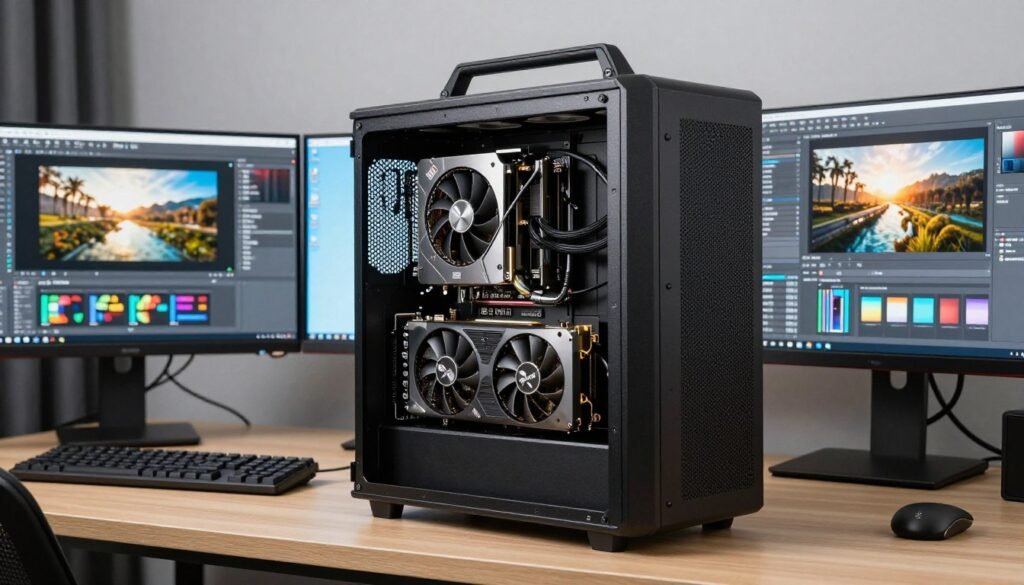
The RTX 5090 excels in professional workstations for content creation and AI development
The RTX 5090 Blackwell represents both the impressive engineering capabilities of NVIDIA and the concerning trend of flagship GPU pricing. While it delivers exceptional performance, particularly for AI and professional workloads, the value equation has become increasingly questionable for mainstream users.
Whether this GPU is worth the investment depends entirely on your specific needs and budget. For those who can leverage its capabilities for professional work, the productivity gains may justify the cost. For enthusiasts who simply want the best regardless of price, it certainly delivers on that promise.
Join Our GPU Community
Connect with other RTX 5090 owners to share optimization tips, benchmarks, and solutions to common issues. Our community forum is the perfect place to maximize your GPU investment.