How RAM Works: A Simple Guide to Computer Memory
Ever wondered why your computer slows down when you open many tabs? It’s not always the internet. The real problem is inside your computer.
This key part is like your computer’s short-term memory. It lets your processor get data fast, so apps run smoothly.
Learning how RAM works helps improve your computer’s speed. It manages tasks quickly, keeping your digital life fast. We’ll see why this memory is so important for today’s users.
Key Takeaways
- Memory acts as a high-speed workspace for your computer’s processor.
- It allows for the quick retrieval of data needed for active applications.
- Insufficient memory leads to noticeable system lag and performance drops.
- This hardware is volatile, meaning it clears when you power down.
- Upgrading your memory is one of the most effective ways to boost speed.
What is RAM and Why is it Important?
Think of RAM as the digital workspace where our active tasks live. Unlike hard drives, it’s a high-speed area for what we’re doing now.
Definition of RAM
RAM stands for Random Access Memory. It’s our computer’s short-term memory. It clears its contents when we turn off our machines.
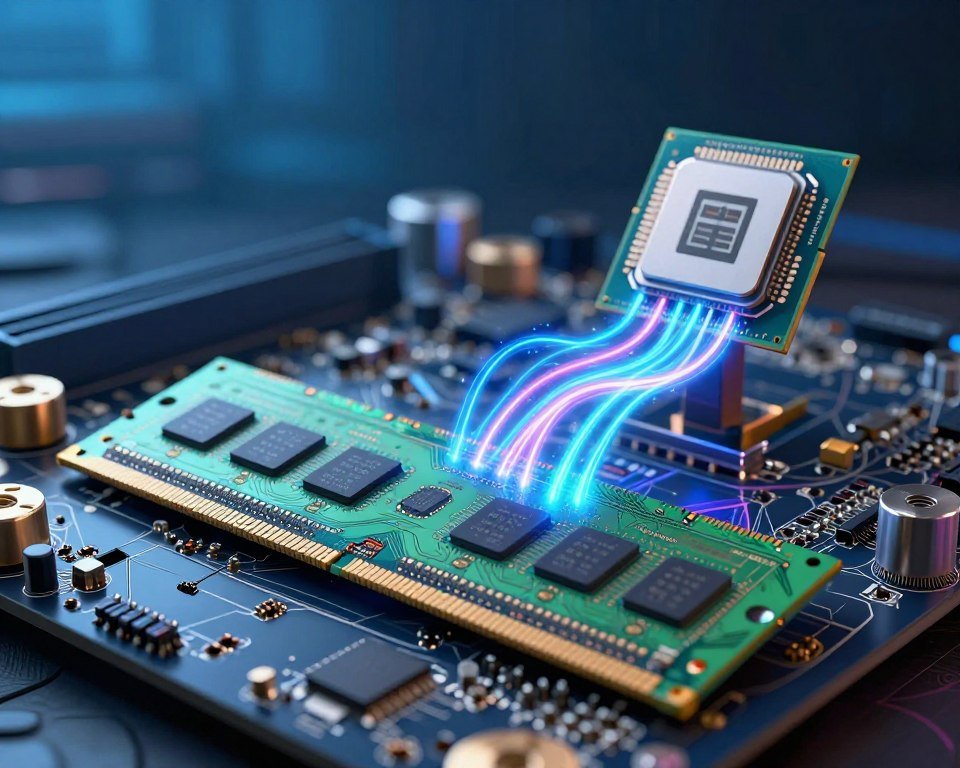
RAM is seen as thin, rectangular memory sticks that fit into our motherboards. They’re made for quick data access, so our processors don’t wait.
Function of RAM in Computers
RAM’s main job is to connect our storage devices to the CPU. When we start a program, it moves data from the slow storage to the fast RAM.
This makes the CPU get instructions quickly. Without RAM, computers would struggle with even simple tasks because they rely on slower storage.
The Role of RAM in Performance
Enough RAM makes computing smooth. It lets our systems handle multitasking easily.
Not enough RAM causes lag because the computer swaps data to the hard drive. To keep our systems running well, we need enough RAM for:
- Faster application loading times.
- Seamless multitasking between tasks.
- Less system crashes due to memory issues.
- Smarter performance during demanding tasks like video editing.
The Different Types of RAM
Exploring memory evolution shows why our computers work today. Engineers have made various designs to balance speed, cost, and power. Understanding these designs helps us appreciate our daily tasks’ hardware.
Dynamic RAM (DRAM)
Dynamic RAM, or DRAM, is common in our computers. It stores data in separate capacitors in an integrated circuit. These capacitors leak charge, so data must be refreshed thousands of times per second.
- It is highly cost-effective for large capacities.
- It requires constant power to maintain data integrity.
- It serves as the primary system memory for most devices.
Static RAM (SRAM)
Static RAM, or SRAM, doesn’t need refreshing to hold data. It uses flip-flop circuits to store each bit, making it faster than DRAM. But, it’s more expensive to produce in large quantities.
SRAM is used in small amounts due to its high speed and cost. It’s mainly found in CPU cache memory, where fast access is key for processor performance.
Synchronous vs. Asynchronous RAM
Memory communication with the processor has evolved. Older systems used Asynchronous RAM, which worked independently of the system clock. This caused delays and inefficiencies during data transfers.
Now, modern computers use Synchronous DRAM (SDRAM), which syncs with the CPU clock speed. This leads to smoother performance. The move from DDR4 vs DDR5 shows how synchronous standards have increased bandwidth.
| Feature | DRAM | SRAM |
|---|---|---|
| Speed | Moderate | Very Fast |
| Cost | Low | High |
| Usage | System Memory | CPU Cache |
Choosing between memory standards depends on our hardware needs. While DDR4 vs DDR5 is the latest leap, DRAM and SRAM are the core of computing.
How RAM Interacts with Other Components
Think of your computer as a busy office. Memory is the central hub for all tasks. When we multitask, memory keeps everything running smoothly.
It acts as a bridge between different parts of our hardware. This lets them communicate effectively.
Connection to the CPU
The Central Processing Unit (CPU) is the brain of our computer. It can’t work alone. It needs a constant stream of data to execute instructions.
Memory holds active data, so the processor never waits for information. When we open applications, data is loaded in units of GB to keep the CPU fed.
If this connection is too slow, we experience lag or system freezes. A well-balanced system ensures the speed of our memory matches the processing power of our CPU.
Relationship with Storage Devices
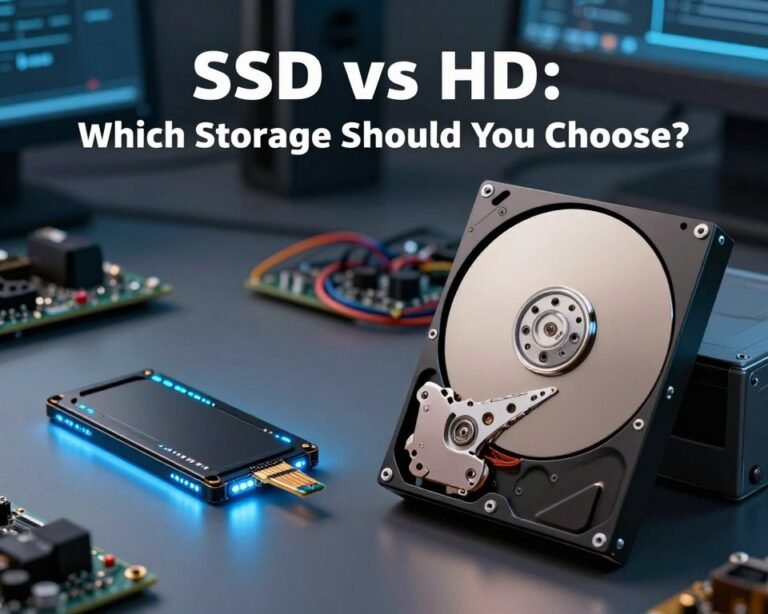
Storage devices like SSDs and hard drives are great for keeping files safe. But they are much slower than our system memory. RAM acts as a high-speed buffer between these slow storage drives and the fast CPU.
When we launch a program, the computer moves the necessary files from the storage drive into the memory. This process allows for near-instant access to our files and programs.
Without this buffer, our computers would feel sluggish every time we tried to open a simple document. We rely on this interaction to maintain a smooth workflow throughout the day.
RAM and Graphics Processing
Graphics processing is another area where memory plays a vital role. While dedicated graphics cards have their own memory, they often share resources with our system memory during intense tasks. This is true for integrated graphics found in many laptops.
Efficient memory management is essential for several reasons:
- Gaming: High-resolution textures require quick access to large amounts of data.
- Video Editing: Rendering complex projects demands significant memory bandwidth.
- Multitasking: Running a game while streaming or chatting requires extra headroom.
Having enough GB of memory allows our system to handle these demanding tasks without crashing. By managing these resources well, we ensure that our computer remains responsive even under heavy workloads.
Understanding RAM Speed and Capacity
To optimize our system, we need to know how much data we can hold and how fast we can access it. These two factors are key to handling complex software and multitasking. By understanding them, we can make smart choices about upgrading our hardware.
What is RAM Speed?
Speed refers to the memory’s frequency, in Megahertz (MHz) or Megatransfers per second (MT/s). It shows how quickly the memory can process requests from the processor. A higher frequency means faster data transfer, which is crucial for gaming or video editing.
But, we also need to think about latency. Latency is the delay between a command and its execution. Sometimes, a module with lower frequency but tighter latency timings can perform better than a faster-looking one. It’s all about finding the right balance between speed and responsiveness.
How Capacity Affects Performance
The capacity, in GB, shows how many apps we can run at once without slowing down. If we run out of memory, our system uses the storage drive as a temporary buffer, which is slow. Having enough GB keeps our operating system and active programs running smoothly.
For most users, 16GB is enough for general productivity and light gaming. But, for professional creative work or running virtual machines, 32GB or more is needed for a smooth experience. More memory doesn’t make a computer faster, but it prevents it from getting slow under heavy loads.
Finding the Right Balance
Finding the perfect configuration depends on our specific workflows. We don’t always need the most expensive, high-frequency modules. Instead, we should focus on stability and enough memory for our software.
When choosing your next memory upgrade, consider these factors:
- Workload intensity: Heavy multitasking needs more GB.
- CPU compatibility: Make sure your processor supports the memory speed you choose.
- Budget allocation: Spend on capacity first, then on higher frequency if you can.
- Future-proofing: Think about the software needs for the next few years.
By focusing on these metrics, we can keep our system efficient for years. Matching our hardware to our needs is the best way to get value from our investment.
How Will DDR6 RAM Improve Computer Memory Performance Compared to Current RAM?
The upcoming ddr6 ram release date promises a significant leap in computer memory performance. With increased bandwidth and faster data transfer rates, DDR6 will enhance multitasking and gaming experiences. This cutting-edge technology ensures smoother operations, reduced latency, and greater efficiency, making it a game-changer for high-performance computing.
Upgrading Our RAM: Tips and Considerations
Refreshing an old computer often starts with simple hardware changes. By focusing on key components, we can make our machines run better.
Signs We Need More RAM
Our system slows down when we have many tabs open or when software takes too long. If it freezes often or takes ages to do simple tasks, it’s time for more RAM.
Choosing the Right RAM Module
When looking for upgrades, compatibility is key. We should check our motherboard manual or use tools from Crucial or Corsair to find the right fit. Matching voltage and frequency ensures our new RAM works best with our setup.
Installation Process and Best Practices
When opening our computer, safety is first. We must turn it off completely and ground ourselves to avoid static damage. Then, we insert the modules firmly into the slots until they click.
Choosing high-quality RAM makes a big difference in our daily use. It boosts speed and multitasking. These upgrades help our devices last longer, giving us smooth performance for years.
FAQ
What exactly is RAM and why is it essential for our computers?
RAM is like our computer’s short-term memory. It’s a fast workspace where our processor finds data quickly. Without enough RAM, our computer slows down because it has to fetch data from slower drives.
This makes multitasking hard. But with enough RAM, we can run many apps at once smoothly.
What is the main difference when comparing DDR4 vs DDR5?
DDR4 vs DDR5 is a big leap in speed and efficiency. DDR5 is almost twice as fast as DDR4. It’s great for heavy tasks, but you need a special motherboard to use it.
How many GB of RAM do we really need for modern tasks?
The right amount of RAM depends on what we do. For basic tasks, 8GB is enough. But for heavy tasks, like using Adobe Creative Cloud, 16GB or 32GB is better.
More RAM means our system can handle lots of tasks without slowing down.
What are memory sticks and how do they work?
Memory sticks, or DIMMs, are the physical parts we plug into our motherboard. Brands like Corsair and Kingston make these. They help our CPU get the data it needs fast.
How does RAM speed impact our gaming and productivity?
RAM speed affects how fast data moves between memory and CPU. Faster RAM means better gaming and productivity. It helps us render videos and compile code quicker.
Can we upgrade the RAM in our laptops and desktops easily?
Upgrading RAM in desktops is easy. Just click in new modules. Laptops are trickier, depending on the brand. Always check your specs before buying new RAM.
Why is my computer slowing down even if I have plenty of storage space?
Storage space is for long-term files, but RAM is for active work. If RAM is low, our computer slows down. Adding more RAM can speed up an old computer.