When GPU Bottlenecks Really Impact Your PC
It’s likely that the GPU is impeding performance if you’ve ever thought your computer should be faster than what’s displayed on the screen. Understanding bottlenecks is more than just “tech talk” in 2025, as games are pushing higher visuals and developers are relying more than ever on GPU-accelerated apps. It has a direct impact on how seamless your experience is.
What a GPU Bottleneck Actually Means
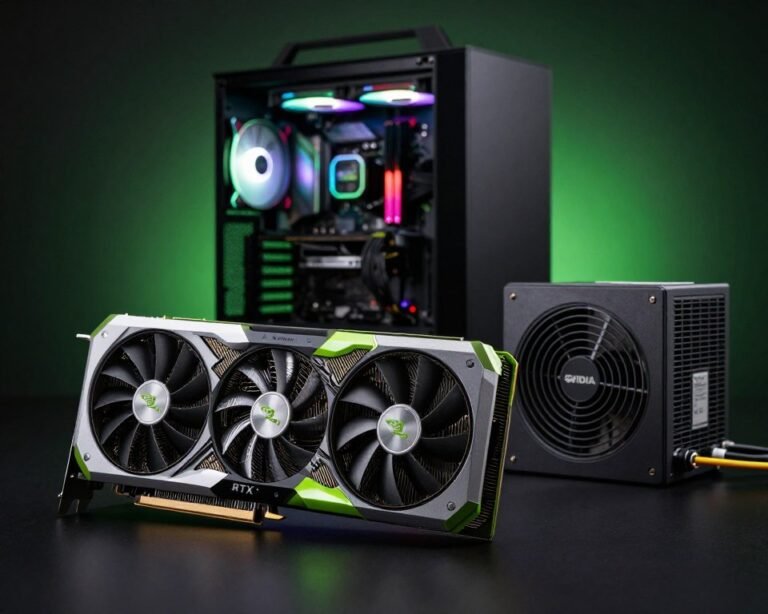
A GPU bottleneck develops when your graphics card achieves 100% usage while the rest of your system still has room to breathe. Uneven frame speed, dips during hectic moments, or games that feel “heavier” than anticipated are some ways to spot it.
It’s not always a terrible thing. A healthy system should really put a lot of strain on the GPU, but issues arise when the GPU is the only part operating while the rest of the system waits for it to catch up.
Signs Your GPU Is Limiting Performance
You’ll usually spot a GPU bottleneck through a few practical hints:
• Your CPU usage is low while the GPU is maxed out.
If your CPU sits at 30–50% while the GPU is pegged at 100%, the graphics card is the clear choke point.
• Lowering graphics settings barely improves FPS.
When a system is GPU-bound, small or major visual adjustments make almost no difference.
• Heavy stutters during intense scenes.
Explosions, shadows, big open worlds—these moments reveal when the GPU is struggling to keep pace.
Why GPU Bottlenecks Are More Common in 2025
Modern titles lean heavily into ray tracing, AI-augmented textures, and massive world streaming. Even mid-range CPUs can stay ahead, but GPUs often hit their limit much faster.
Creators feel it, too. Video editing, 3D rendering, and AI tools rely on VRAM and GPU cores. If your GPU’s resources fill up, everything slows—even if your CPU is barely sweating.
When a GPU Bottleneck Actually Matters
A bottleneck affects you only when it limits what you’re trying to achieve:
• High-refresh gaming:
If you’re aiming for 144–240 FPS, the GPU becomes critical. A weak card will cap your performance far below your monitor’s capability.
• Demanding creators:
If your workflow includes real-time previews, motion graphics, or GPU-accelerated timelines, an undersized GPU wastes your time with unnecessary slowdowns.
• VR and high-resolution monitors:
4K, ultrawide, and VR headsets require multiple times the pixel workload. A bottleneck here becomes impossible to ignore.
How to Fix or Reduce GPU Bottlenecks
You don’t always need expensive upgrades. Start with these practical adjustments:
1. Tune in-game resolution and render scale.
Dropping resolution has the biggest impact on GPU load, far more than texture tweaks.
2. Disable heavy visual features you don’t value.
Ray tracing, motion blur, and high-end shadows often deliver minimal real visual gain for massive performance cost.
3. Make sure the GPU isn’t heat-throttling.
A clogged cooler or bad airflow can silently eat 10–20% of your performance.
4. Match the GPU to your monitor.
Buying a 4K monitor while running a low-tier GPU guarantees bottlenecks from day one.
If you consistently run into GPU limits after optimizing, that’s when an upgrade becomes the smartest move.
Final Thoughts
A GPU bottleneck is just your system alerting you to the actual limit, so you shouldn’t be alarmed. You may make focused adjustments that immediately enhance your gaming, creative, or daily productivity once you know what’s impeding your performance.
Focus on what you want your PC to do, and let that guide your improvements. When your system is balanced, everything seems smoother, faster, and far more enjoyable.