Graphics Card Explained: What Does a GPU Actually Do?
Ever wondered how your computer turns code into amazing, high-definition worlds? The central processor handles your operating system. But, there’s a specialized hero behind the scenes, managing every pixel.
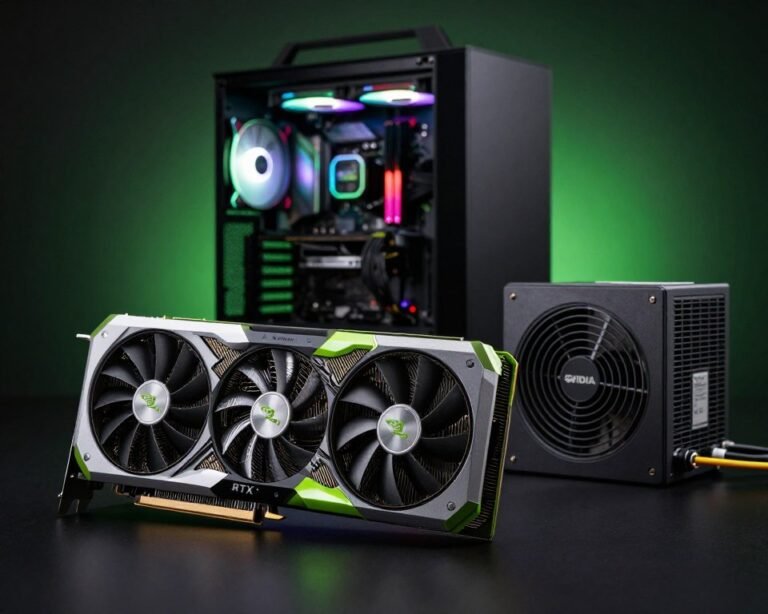
Understanding a Graphics Card Explained is key for anyone into modern computing. This piece of hardware, called a GPU, is the engine for all visual data. Without it, games, creative software, and high-resolution videos wouldn’t work well.
We think explaining this tech is the first step to mastering your digital world. By exploring how these parts process info, we see the incredible speed and efficiency of today’s machines. Let’s explore how your hardware brings images to life.
Key Takeaways
- The GPU is essential for rendering high-quality images and video.
- It offloads complex visual calculations from the main processor.
- Modern computing relies on these units for gaming and creative work.
- Understanding hardware helps you make better upgrade decisions.
- Visual performance is the primary function of this powerful component.
What is a Graphics Card?
Every smooth image and bright color on our screens is thanks to a complex piece of tech. These devices handle the tough tasks of modern digital life. This includes everything from editing high-definition videos to playing immersive games.
At its core, this hardware is a translator between our software and screens. It manages visual data, keeping our systems fast and efficient during tough tasks.
Definition and Purpose
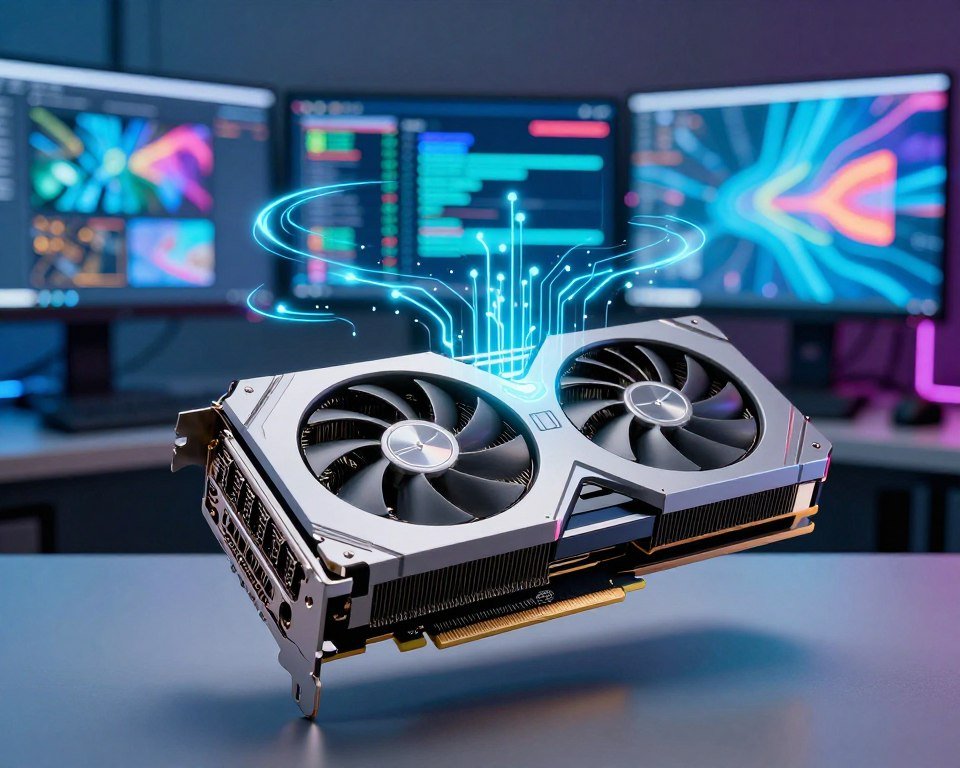
A graphics card is a special electronic circuit. It changes memory to speed up image creation in a frame buffer. Its main job is to take over graphical tasks from the CPU, making systems more efficient.
When we use complex apps, the CPU gets too busy with image rendering. By giving these tasks to the graphics card, systems can handle higher resolutions and faster frames without lag.
“The graphics card is the engine of the visual experience, transforming raw data into the vibrant realities we interact with every day.”
Key Components
To grasp how these cards work, we need to look at their physical design. Each card is a work of art, made up of several key parts that work together.
The essential parts of any modern graphics card are:
- The GPU Chip: This is the “brain” of the card, doing the complex math for image rendering.
- Printed Circuit Board (PCB): This is the base, holding all the electrical parts and data paths.
- Power Delivery System: These parts, like capacitors and voltage regulators, make sure the GPU gets the right power.
- Video Memory (VRAM): This memory holds the textures and data for quick image processing.
Knowing about these parts helps us see how they support our daily visual tasks. Whether we’re making 3D models or just browsing, these components work hard to keep our digital world clear and smooth.
How Does a GPU Work?
A GPU is like a super-fast engine that turns raw data into the colorful pictures we see. It’s amazing how complex calculations happen in our computers when we play games or edit videos. By handling these tasks, the graphics card keeps our system smooth and fast.
The Rendering Process
The Rendering process is key to what we see. It takes math models and textures and turns them into images on our screens. This involves quick calculations for light, shadow, and color for every pixel.
Efficiency is key in this stage. The GPU breaks down scenes into smaller tasks it can handle at once. This is why GPUs are much faster at graphics than CPUs.
Role of VRAM
The card needs its own storage to keep up with the processor. This is where VRAM, or Video Random Access Memory, comes in. It’s a fast buffer for textures, geometry data, and frame buffers for smooth visuals.
Without enough VRAM, the GPU would slow down. This could cause stuttering or dropped frames in games. Having enough VRAM means our high-resolution textures load quickly, giving us a smooth experience.
Difference Between Integrated and Dedicated GPUs
We find two main types of graphics hardware: integrated and dedicated GPUs. Integrated GPUs are built into the processor and share system memory. Dedicated GPUs are separate and have their own memory and resources.
| Feature | Integrated GPU | Dedicated GPU |
|---|---|---|
| Memory Source | Shared System RAM | Independent VRAM |
| Performance | Basic Tasks | High-End Gaming/Work |
| Power Usage | Low Efficiency | High Performance |
| Cost | Budget-Friendly | Premium Investment |
Our choice between integrated and dedicated GPUs depends on our needs. Integrated GPUs are good for light tasks. But for demanding tasks like 3D Rendering or gaming, a dedicated card is needed for top performance.
Types of Graphics Cards
Choosing the right GPU is all about matching hardware with our daily use. By categorizing these components, we can see how they affect the Video Quality we enjoy every day.
Gaming GPUs
Gaming cards focus on speed and smooth performance. They aim to deliver visual immersion, making games look great with detailed textures and lighting.
Looking for a gaming GPU means seeking high clock speeds and lots of memory. This ensures top-notch Video Quality for playing games at their best settings.
Professional GPUs
Professional-grade cards are all about stability and precision. They’re designed for tasks like 3D rendering and video editing, not just fast frame rates.
These cards are often certified for specific software, keeping Video Quality consistent over long projects. For professionals, reliability is key, not flashy gaming features.
Integrated GPUs
Integrated graphics are built into the computer’s processor. They’re great for casual users who just need to browse the web, edit documents, or stream media.
Though not as powerful as dedicated cards, they’re very energy-efficient and affordable. They offer good Video Quality for everyday tasks without the need for a powerful graphics card.
| GPU Category | Primary Focus | Best For |
|---|---|---|
| Gaming | High Frame Rates | AAA Gaming |
| Professional | Precision & Stability | 3D Rendering |
| Integrated | Efficiency | Office Work |
Key Features to Consider
To get the most from our PC, we need to know what really matters. It’s not just about the brand name. The real power is in the technical details. By looking at specific data, we can make sure our hardware fits our needs.
Clock Speed and Performance
Clock speed shows how fast our graphics card’s processor works. A higher speed means smoother Frame Rate. This is key for smooth motion in games.
When we push our hardware to the limit, this speed is what drives our visuals.
Memory Bandwidth
Memory bandwidth is how fast data moves between the GPU and its memory. It’s critical for high-resolution games and complex textures. A wider bandwidth keeps the Frame Rate stable, even in intense scenes.
Cooling Solutions
Even the most powerful cards can’t handle too much heat. Good cooling, like high-quality fans and large heat sinks, is essential. Without it, our card might slow down to avoid damage from heat.
When choosing, remember these key points:
- Clock Speed: Higher numbers mean more power.
- Memory Bandwidth: It should handle high-resolution textures well.
- Cooling Efficiency: Look for strong fan designs to avoid performance drops.
Choosing the Right Graphics Card for Us
Choosing the right GPU upgrade starts with knowing how we use our computers. With so many options, it’s easy to get lost in technical details. Taking a moment to pause and reflect on our needs will save us time and money.
Identifying Our Needs
Before we look at prices, we need to know our primary use. If we just browse the web or watch videos, a basic card is enough. But if we’re passionate gamers or video editors, we need more power and memory.
Let’s ask ourselves a few questions to narrow down our choices:
- Do we play games at 1080p, 1440p, or 4K resolution?
- Are we using software that relies heavily on GPU acceleration, such as 3D rendering tools?
- How much space do we have in our computer case for a new card?
Budget Considerations
Finding the right balance between budget and performance is key. It’s tempting to go for the latest models, but mid-range cards often offer the best value. They provide great performance for the average user without breaking the bank.
We should also think about the costs beyond the GPU. A high-end card might need a more powerful PSU. Planning our budget for these upgrades helps avoid surprises later.
Future-proofing
Buying hardware that lasts for years is wise. It doesn’t mean spending the most on the latest model. Instead, choose a card with enough VRAM and modern architecture for future software demands.
Look for support for the latest graphics APIs and efficient cooling. A card that meets our current needs but is slightly ahead will keep our system up-to-date. This approach provides peace of mind, knowing our investment will last.
Popular Graphics Card Brands and Models
Choosing the right hardware is all about knowing what’s out there. The debate between NVIDIA and AMD is key in making our next choice.
GeForce Power
NVIDIA GeForce cards are at the top with their ray tracing and deep learning. They offer the best performance for those who want the latest in visuals.
Radeon Value
AMD Radeon cards give great frame rates but cost less. They’re perfect for gamers who want high performance without spending too much.
Custom Solutions
Brands like ASUS, MSI, and Gigabyte add their own twist to these cards. They focus on keeping our systems cool and quiet, even when they’re working hard. We’re ready to compare NVIDIA and AMD to find the perfect match for us. This way, we can build a machine that meets our needs for years.
FAQ
What is the primary role of a graphics card in our daily computing?
A graphics card, or GPU, is key for all visual data on our screens. It handles the complex math needed for Rendering images. This lets our central processor focus on other tasks.
By doing this, we get better efficiency and a smoother experience. This is true whether we’re browsing the web or editing photos.
Why is VRAM such a critical component for our GPU’s performance?
VRAM (Video Random Access Memory) is a high-speed storage area for our graphics card. It holds data like textures and 3D models that our GPU needs quickly. More VRAM means we can handle more complex visuals without stuttering.
This is key for keeping Video Quality and performance high in modern apps.
How do clock speed and memory bandwidth impact our Frame Rate?
Clock speed shows how fast the GPU chip can process instructions. Memory bandwidth shows how quickly data moves between the GPU and its memory. Together, they boost our Frame Rate.
A higher Frame Rate means smoother motion in games and software. It prevents the “choppiness” when hardware can’t keep up.
When comparing NVIDIA vs AMD, which brand should we choose for our next build?
Both brands offer amazing tech, so it depends on our goals and budget. NVIDIA GeForce cards lead with features like DLSS and ray-tracing. They’re great for enthusiasts and streamers.
AMD Radeon GPUs offer great value and raw performance. We should check benchmarks for our favorite games or apps to decide.
What is the difference between integrated and dedicated graphics for our workflow?
Integrated graphics are built into our computer’s processor and share RAM. They’re good for basic tasks and streaming. But for high-end gaming or creative work, we need a dedicated graphics card.
Dedicated GPUs from NVIDIA and AMD have their own processors and VRAM. They provide the power needed for demanding tasks without slowing down our system.
Why should we care about the cooling solution on our graphics card?
High-performance Rendering generates a lot of heat. If our card gets too hot, it will slow down to protect itself. This causes our Frame Rate to drop.
Choosing cards with good cooling solutions keeps our system cool. This ensures it performs at its best during long use.
How does our choice of GPU affect the Video Quality of our creative projects?
For video editing or 3D design, the GPU affects how well our software displays high-definition content. A strong GPU lets us preview our work in real-time with top Video Quality.
Professional-grade cards like the NVIDIA RTX or AMD Radeon Pro series are best for these tasks. They’re made for stability and precision in creative environments.