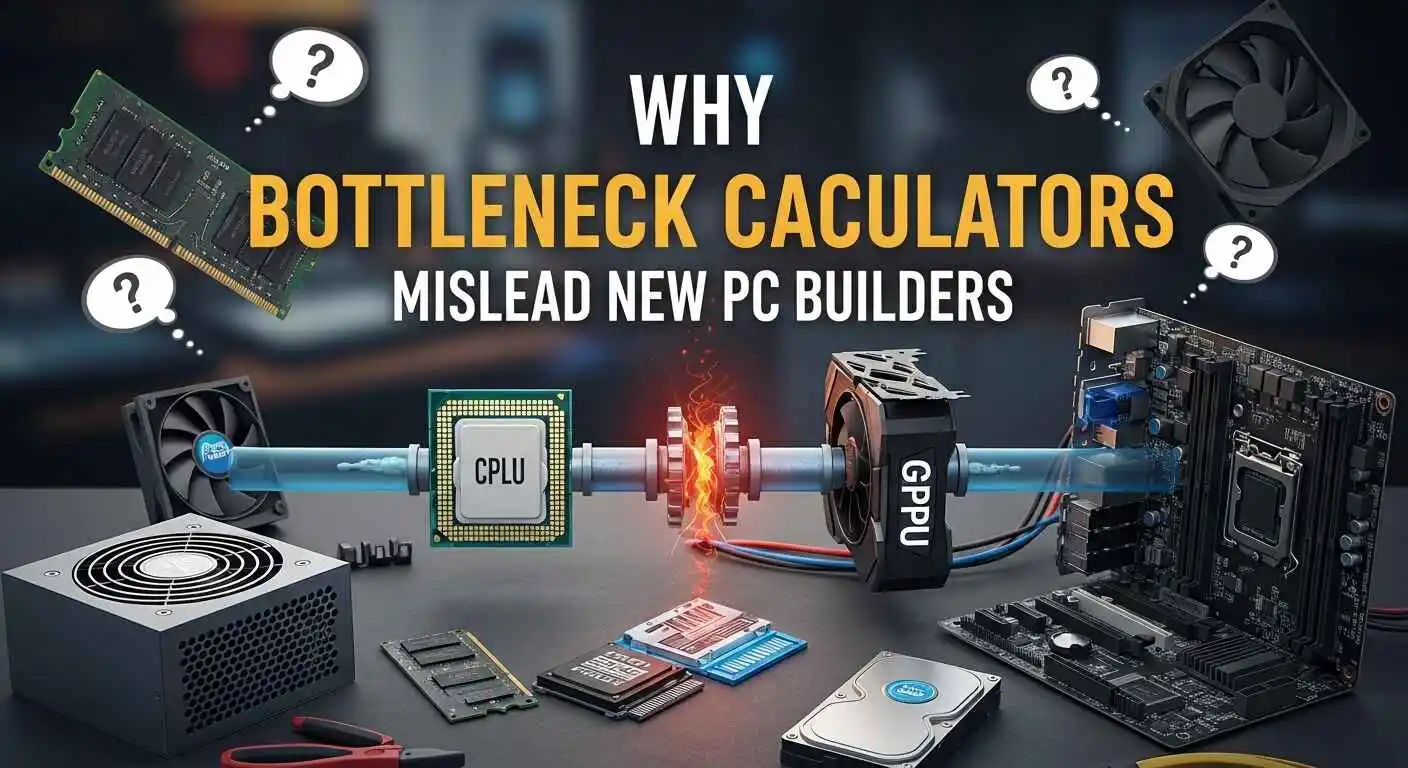
Why Bottleneck Calculators Mislead New PC Builders
If you’re new to PC construction, you’ve undoubtedly encountered the well-known “bottleneck calculators.” They promise speedy answers, crisp percentages, and an instant assessment on whether your parts are “balanced.”
But here’s the fact seasoned builders soon learn: those calculators oversimplify something considerably more intricate, and trusting them blindly might lead you into unnecessary upgrades—or worse, incorrect decisions.
Why Bottleneck Calculators Feel Convincing (But Fall Short)
At a glance, the premise makes sense. The tool displays a tidy little figure when you enter your CPU, GPU, and possibly some RAM information.
The difficulty is that PC performance doesn’t function on neat small numbers. The game engine, settings, resolution, background duties, actual workload, and even how effectively your components cool themselves under strain all play a role.
None of that can be accounted for by a calculation.
So the results often provoke the false panic: “My GPU is bottlenecking!” or “My CPU is too weak!” when, in fact, your build might be just fine.
Real PC Bottlenecks Don’t Follow a Formula
When you’ve developed and tuned enough systems, you find patterns that no online calculator captures.
For example, a mid-range CPU paired with a good GPU runs brilliantly at 1440p or 4K, because the workload shifts toward the graphics card. That coupling might be flagged by a calculator as a “huge bottleneck,” disregarding the behavior of actual games.
The reverse is also true. A calculator might suggest a pair is “balanced,” however the system stutters because the user is streaming, running mods, or playing a CPU-heavy title like Cities: Skylines or Escape from Tarkov.
Real performance depends on context, not static stats.
Where Bottleneck Calculators Really Mislead You
There are a few pain points I see all the time from new builders:
1. They treat every game the same.
Strategy games, shooters, and open-world titles have completely different demands.
2. They ignore resolution and refresh rate.
Your monitor plays a massive role in how your hardware behaves.
3. They assume perfect component utilization.
Thermals, background apps, and even power limits can change everything.
4. They push unnecessary upgrades.
I’ve seen people replace perfectly capable CPUs because a calculator showed “20% bottleneck,” even though their games ran flawlessly.
A Better Way to Judge Your PC’s Performance
Instead of relying on bottleneck percentages, focus on real-world indicators that matter:
• Watch your in-game CPU and GPU usage
If one is pegged at 100% consistently while the other sits low, that’s a real bottleneck.
• Pay attention to frame-time spikes
Smoothness matters more than average FPS.
• Tune your settings based on workload
Sometimes a tiny tweak—like lowering shadows or reducing draw distance—fixes what a “bottleneck” calculator flagged as a major issue.
• Consider your goals
High FPS gaming, streaming, editing, or casual play each place different demands on your build.
The Goal Isn’t “Zero Bottleneck”—It’s a Balanced Experience
Every system has some form of bottleneck. That’s normal. The goal is to make sure the limitations don’t affect what you want to do.
Once you understand your workload and how your components share the load, you’ll make smarter decisions than any calculator could ever suggest.
Last Words
Bottleneck calculators aren’t useless—they’re just too simple for something as dynamic as PC performance.
When you make decisions based on real data and real behavior, your build lasts longer, performs better, and stays aligned with your goals.
Trust the experience you gain, not the percentages a tool spits out.