
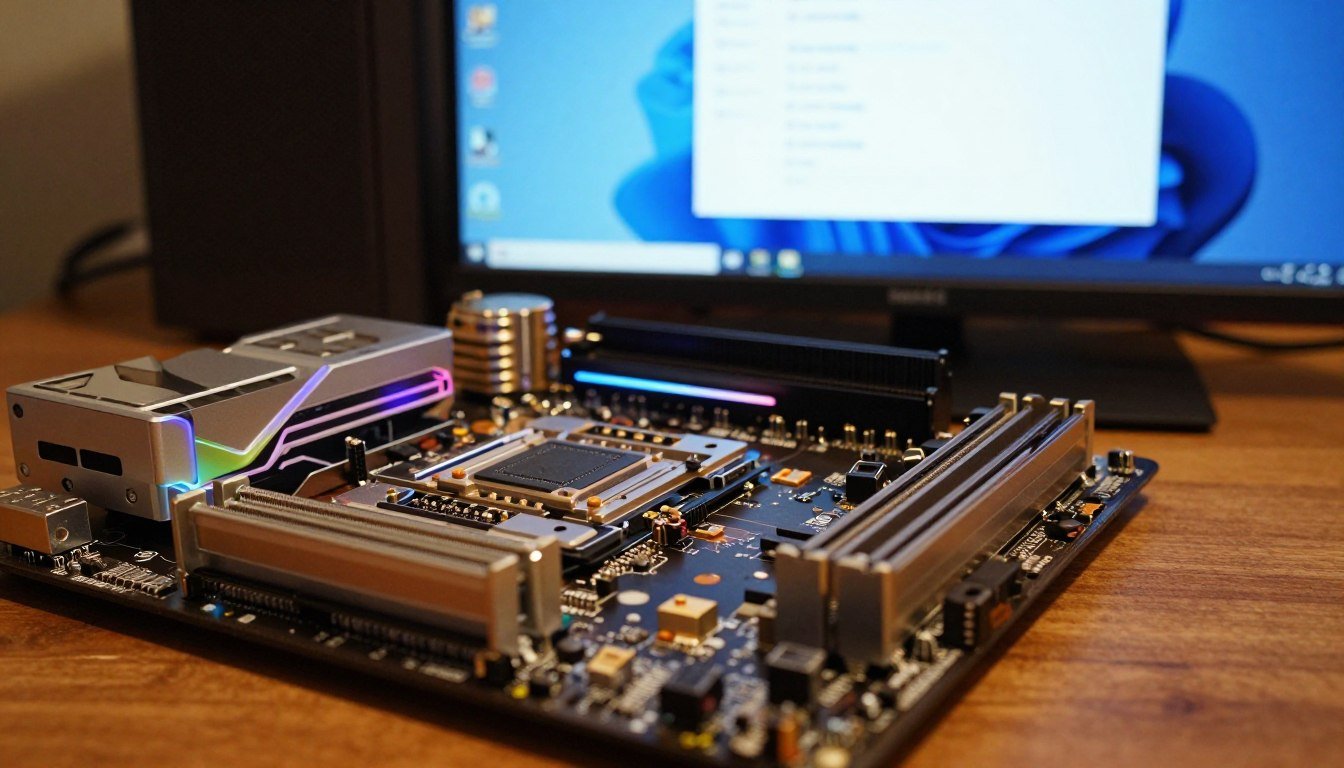
Your GPU drivers are up to date. Windows Update says everything is fine. Yet your USB devices randomly disconnect. Your M.2 SSD runs slower than advertised. Games stutter for no clear reason.
I ignored chipset drivers for three builds. Cost me weeks of troubleshooting random crashes that vanished the moment I installed proper chipset software. The reality is most PC builders treat chipset drivers like an afterthought. They rush to install GPU drivers and call it done.
This guide shows you why chipset drivers actually control more of your system than GPU software ever will. You’ll learn what chipset drivers do, why Windows generic versions cause problems, and how to install the right ones for AMD and Intel platforms. We’re talking AM5, LGA1851, and even older boards that still need proper driver support in 2026.
No marketing talk. Just the technical reality of why your motherboard’s chipset needs dedicated attention, and what happens when you skip this step.
What Chipset Drivers Actually Control on Your Motherboard
Think of your chipset as a traffic controller. Your CPU talks to your GPU, your storage, your USB devices, and everything else through the chipset. Generic Windows drivers treat this like a two-lane road. Proper chipset drivers open up a multi-lane highway.
The chipset manages data flow between components. When you install a game from your M.2 drive while Discord runs and your mouse sends input, the chipset coordinates all that traffic. Bad drivers create bottlenecks that slow everything down.
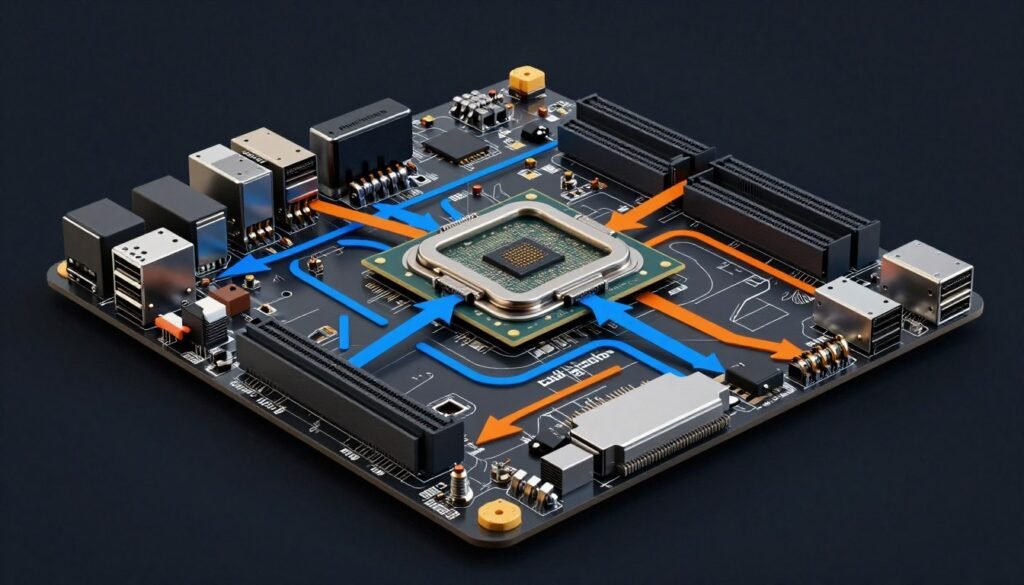
Modern chipsets handle PCIe lane distribution. Your RTX 5090 needs those lanes running at full speed. Your Gen5 SSD needs dedicated lanes. USB4 ports need bandwidth. The chipset driver tells your operating system how to manage these connections properly.
On AMD systems, the chipset also controls communication between CPU cores. Ryzen 9000 series chips use chiplet architecture. The chipset driver includes software that helps Windows schedule tasks across cores efficiently. Without proper drivers, Windows treats your high-performance cores the same as efficiency cores.
For a deeper understanding of how component communication affects performance, check out our component communication guide. It explains why proper chipset drivers matter for system balance.
USB Controller Management
Your motherboard has multiple USB controllers. Some connect directly to the CPU. Others route through the chipset. Generic drivers don’t distinguish between them. You might plug your high-speed external SSD into a chipset-connected port thinking it’s CPU-direct.
Proper chipset drivers include USB controller software that manages power delivery and bandwidth allocation. This fixes the random disconnects people blame on “cheap cables” when the real problem is driver-level power management.
Storage Interface Optimization
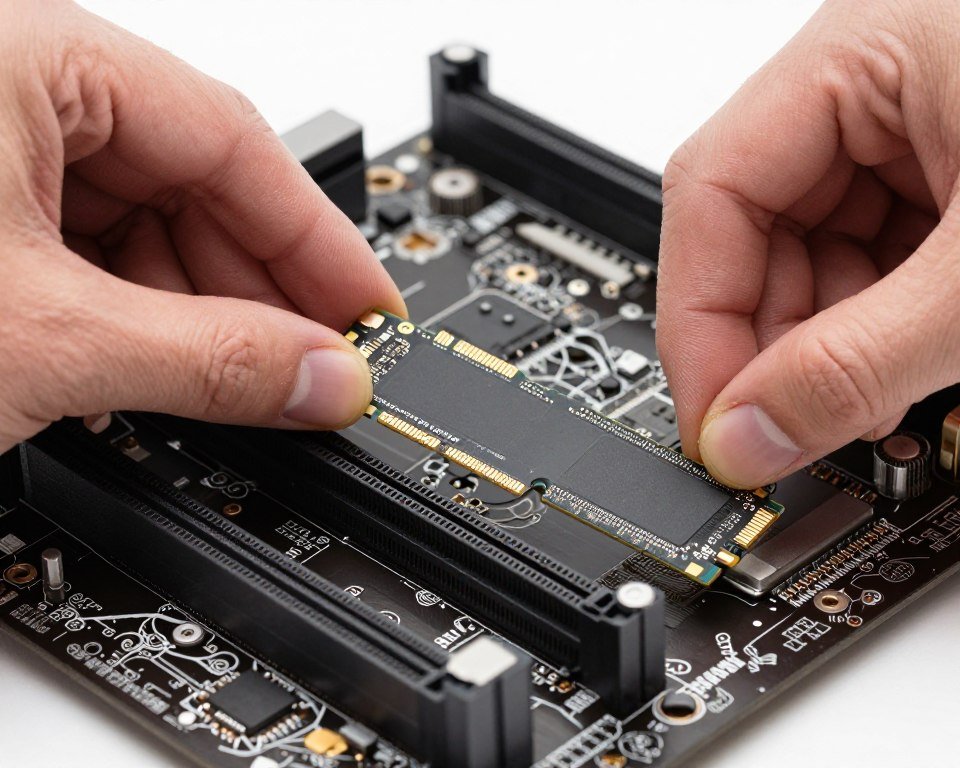
NVMe drives communicate through PCIe lanes. SATA drives use different controllers. The chipset manages both. Windows knows how to make them work, but chipset drivers add optimizations for specific motherboard layouts.
AMD X870 boards split M.2 slots between CPU-connected and chipset-connected lanes. The chipset driver helps the operating system understand this layout. Without it, you might install your boot drive on a slower chipset lane instead of the faster CPU-direct slot.
Wondering If Chipset Drivers Are Causing Your Performance Issues?
Before updating drivers, check if your current setup has hidden bottlenecks. Our calculator analyzes your specific hardware combination and shows where problems actually exist.
Why Windows Generic Drivers Create Problems You Don’t See
Windows installs basic chipset drivers automatically. They make your PC boot and run. But generic drivers use conservative settings that prioritize compatibility over performance. Your system works, just not as well as it should.
The biggest issue is power management. Generic drivers keep USB ports and PCIe lanes in lower power states to save energy. Great for laptops. Terrible for desktop gaming PCs where you want maximum performance all the time.
I’ve seen systems where USB devices work fine until you start a game. Then the mouse stutters or the headset crackles. The generic driver reduces USB controller power during high CPU load. Manufacturer chipset drivers include settings that prevent this power throttling.
Performance Table Comparison
| Feature | Windows Generic Driver | Manufacturer Chipset Driver |
| PCIe Lane Management | Basic allocation | Optimized distribution |
| USB Power States | Aggressive power saving | Performance-first mode |
| CPU Core Scheduling | Standard Windows scheduler | Architecture-aware optimization |
| M.2 Slot Configuration | Auto-detect only | Motherboard-specific layout |
| Update Frequency | Windows Update schedule | Manufacturer release cycle |
Generic drivers also miss motherboard-specific features. High-end boards include additional controllers for extra M.2 slots or USB ports. Windows doesn’t know these exist without proper software. You might have ports that simply don’t work at full speed.
For more on how software bottlenecks affect overall performance, including driver-level issues, our knowledge base has detailed breakdowns.
The Windows Update Problem
Windows Update does install chipset drivers sometimes. But they’re often months or years old. Chipset manufacturers release updates that fix bugs and add support for new hardware. Windows Update doesn’t prioritize these.
AMD released chipset driver updates specifically for Ryzen 9000 series launch. These updates improved core-to-core communication and fixed USB connectivity issues. Windows Update took four months to include these fixes. If you built a Ryzen 9 9800X3D system in late 2025, you needed manual driver installation.
Intel’s situation is similar. LGA1851 Z890 boards had early BIOS and chipset driver issues that Intel patched quickly. Windows Update lagged behind by weeks. Early adopters who relied on automatic updates had problems that manual installation would have prevented.
How to Actually Install Chipset Drivers the Right Way
Installing chipset drivers isn’t complicated, but the process differs between AMD and Intel. Both manufacturers package their drivers differently, and both require specific installation steps for best results.
AMD Chipset Driver Installation
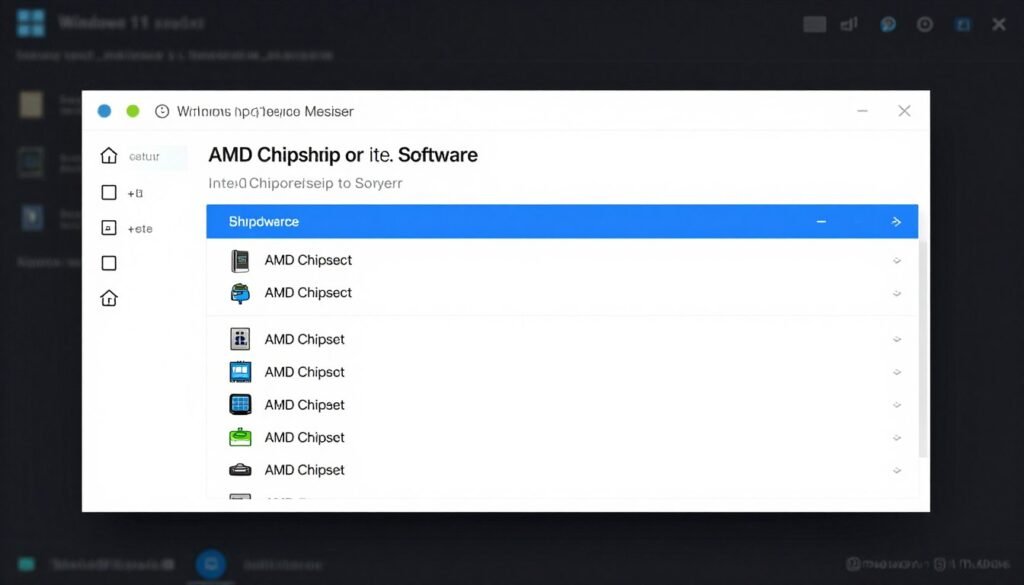
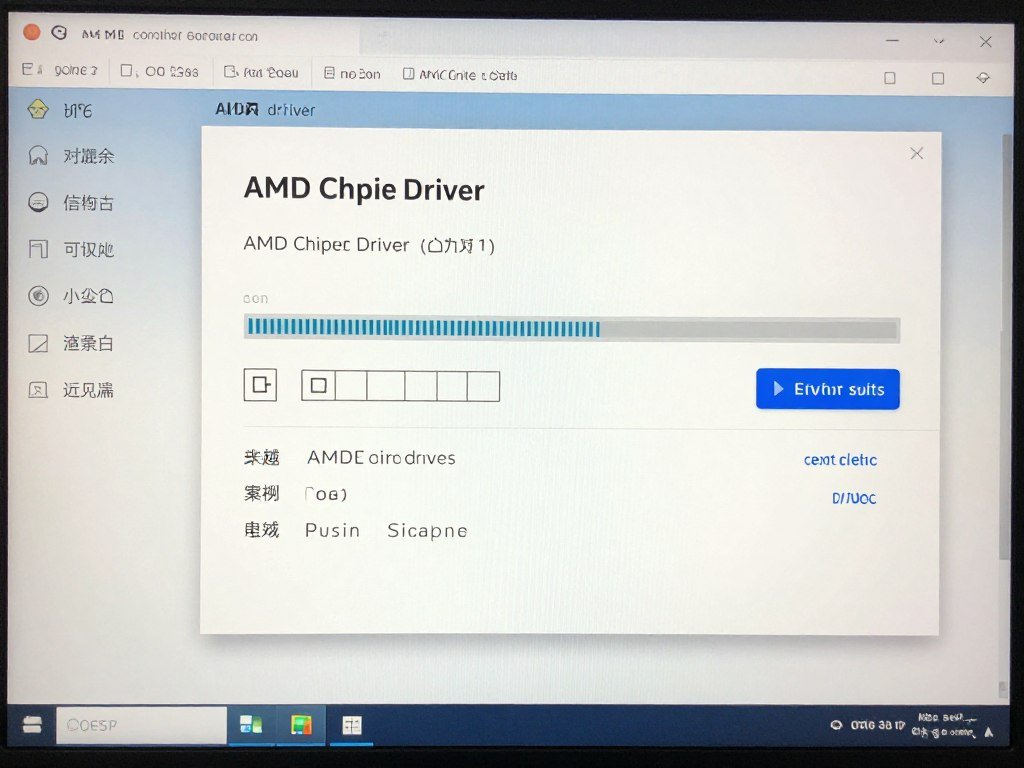
AMD packages chipset drivers as a single installer that includes multiple components. You don’t install them all separately. The package includes USB drivers, chipset drivers, and AMD Ryzen power management software.
Start by visiting the official AMD support page. Don’t use third-party driver sites. Download the latest chipset driver package for your motherboard’s chipset type. AM5 boards use different packages than AM4 boards.
Installation Steps
- Close all running programs
- Run the installer as administrator
- Select “Full Install” when prompted
- Let the installer complete all components
- Restart when prompted
- Verify installation in Device Manager
What Gets Installed
- AMD Chipset drivers for motherboard
- USB 3.0 and USB 3.1 drivers
- AMD Ryzen Balanced power plan
- Processor performance boost drivers
- GPIO and I2C controller drivers
The AMD Ryzen Balanced power plan is important. This power profile tells Windows how to manage CPU boost clocks properly. Without it, Windows uses generic power settings that don’t understand how AMD’s boost algorithm works.
Intel Chipset Driver Installation
Intel’s process is simpler but less unified. Intel provides chipset drivers through their Driver & Support Assistant software, or as direct downloads from motherboard manufacturer websites.
For modern systems, go to Intel’s driver detection page. The tool scans your system and recommends appropriate drivers. Alternatively, download directly from your motherboard manufacturer’s support page.
The Intel chipset driver installation is more straightforward than AMD’s. The package primarily updates chipset INF files that tell Windows how to identify and manage your motherboard’s components. It doesn’t include as many additional utilities.
After installation, verify everything worked by checking Device Manager. Look under “System devices” for entries labeled with your chipset name (like “Intel Z890 Chipset” or “AMD X870 Chipset”). If you see generic “PCI Device” entries, something didn’t install correctly.
Understanding chipset compatibility is crucial. Our guide on motherboard chipset differences explains why B-series and Z-series boards need different driver approaches.
Quick Tip: Update Order Matters
Install chipset drivers before GPU drivers on fresh Windows installations. The chipset driver configures PCIe lanes that your GPU uses. Installing GPU drivers first can cause Windows to lock in suboptimal PCIe settings that the chipset driver can’t override later.
Common Problems Chipset Drivers Actually Fix
Certain issues point directly to chipset driver problems. If you experience these specific symptoms, outdated or missing chipset drivers are probably the cause.
USB Device Disconnects
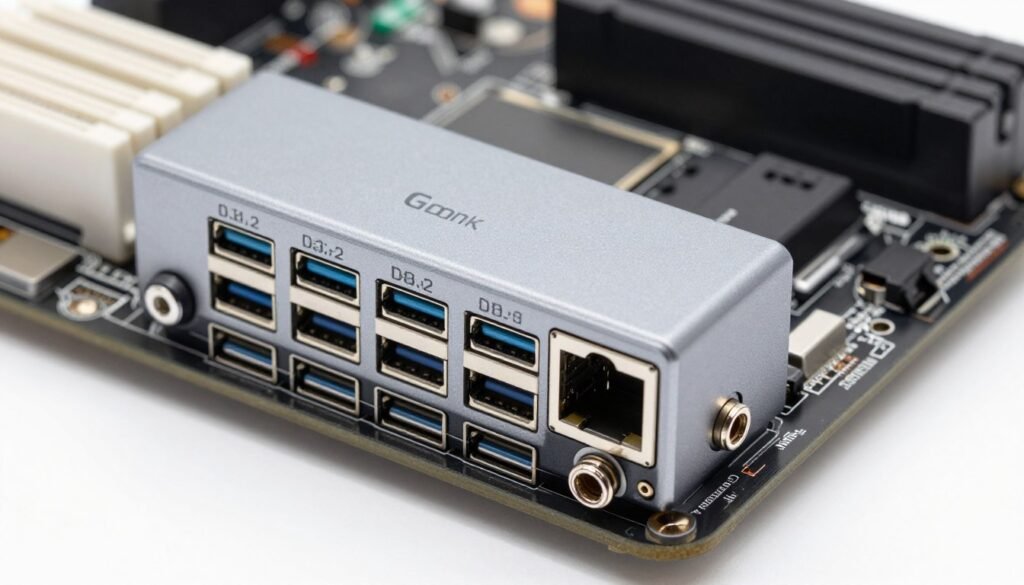
Random USB disconnects happen when the chipset driver doesn’t manage power states properly. Your mouse works fine until you launch a game. Then it stutters or disconnects completely. Or your external drive randomly unmounts during file transfers.
This occurs because generic Windows drivers use aggressive USB power management. When system load increases, Windows reduces power to USB controllers to free up resources. Proper chipset drivers include settings that prevent USB power throttling during high load.
M.2 SSD Performance Issues
Your Gen4 NVMe drive should hit 7000 MB/s reads. Crystal Disk Mark shows 3500 MB/s. You’re getting Gen3 speeds on a Gen4 drive. This happens when the chipset driver doesn’t properly configure PCIe lane speeds.
Motherboards split M.2 slots between CPU-connected and chipset-connected lanes. The fastest slot usually connects directly to the CPU. Without proper chipset drivers, Windows might not recognize which slot is which. You could install your boot drive in a slower chipset lane without realizing it.
Check our SSD bottleneck guide for more on storage performance issues that drivers can cause.
Frame Time Inconsistency in Games
Your FPS counter shows 120 FPS. But the game feels choppy. Frame time graphs show huge spikes. This isn’t a GPU problem. It’s often caused by poor CPU core scheduling that chipset drivers help manage.
AMD Ryzen processors especially benefit from proper chipset drivers. The AMD Ryzen Balanced power plan tells Windows which cores to prioritize. Without it, Windows might schedule game threads on efficiency cores instead of performance cores. This creates stuttering that GPU driver updates can’t fix.
Modern games stress system communication, not just raw GPU power. Our PC stutter fix guide covers how chipset drivers interact with other system components to affect gaming smoothness.
Audio Crackling During Gaming
Audio pops or crackles when GPU load spikes. This points to PCIe lane management issues. Your sound card or motherboard audio chip shares bandwidth with other devices. Poor chipset driver configuration can cause audio interruptions when other components demand bandwidth suddenly.
Proper chipset drivers reserve bandwidth for audio devices to prevent starvation during high load. Generic drivers treat all PCIe devices equally, which causes lower-priority devices like audio to glitch when the GPU demands maximum bandwidth.
Fixed Your Chipset Drivers? Optimize Everything Else
Chipset drivers are just one piece of system optimization. Get the complete picture of what’s slowing down your PC and what changes actually matter.
Chipset Drivers vs GPU Drivers: What Actually Matters More
GPU drivers get all the attention because they directly affect frame rates. New game releases often come with day-one GPU driver updates. Chipset drivers don’t have that same visibility. But they affect more of your system than GPU drivers ever will.
GPU drivers control one component. The graphics card. Chipset drivers control communication between everything else. Your CPU, your storage, your USB devices, your network adapter, your audio. All of that routes through the chipset.
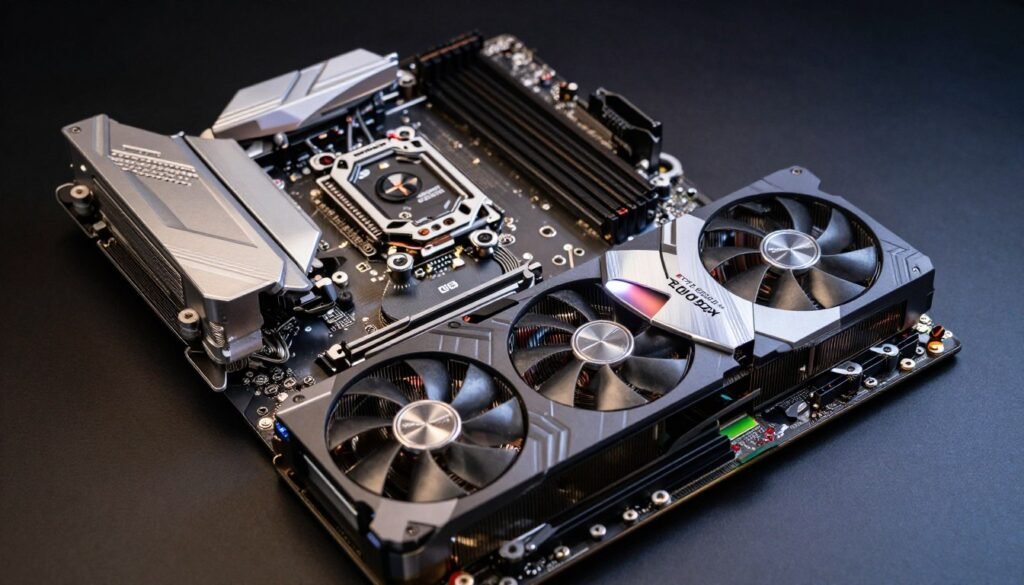
Here’s the reality nobody talks about. Outdated GPU drivers might cost you 5-10 FPS in specific games. Outdated chipset drivers can cause system instability that ruins gaming entirely. Random crashes beat slightly lower frame rates every time.
Performance Impact Comparison
GPU driver updates target specific rendering optimizations. A new driver might improve ray tracing performance in one game. Or fix a bug causing crashes in another. The performance change is usually game-specific and measurable in benchmarks.
Chipset driver impact is harder to measure but more fundamental. Proper chipset drivers don’t boost FPS directly. They prevent bottlenecks that limit overall system performance. Think of it like road infrastructure. GPU drivers are like adding faster cars. Chipset drivers are like fixing traffic lights and expanding highways.
For detailed analysis of how different components affect performance, see our bottleneck basics section. Understanding where your system actually bottlenecks matters more than chasing driver updates blindly.
Update Priority for New Builds
When you build a new PC, install drivers in this order. Chipset drivers first. This configures the motherboard and PCIe lanes properly. Then GPU drivers. This ensures your graphics card uses the lanes the chipset driver just configured. Then everything else.
Reversing this order can cause issues. Installing GPU drivers before chipset drivers locks in Windows-detected PCIe settings. The chipset driver might not be able to override these settings without a reinstall. You’ll end up with suboptimal configurations that require troubleshooting later.
The Intel vs AMD comparison shows how different platforms handle chipset driver updates. AMD tends to bundle more utilities with their chipset packages. Intel keeps theirs simpler.
2026 Platform-Specific Chipset Driver Considerations
New platforms in 2026 require extra attention to chipset drivers. AM5 and LGA1851 systems have specific quirks that generic Windows drivers handle poorly.
AMD AM5 Platform Updates
AMD’s AM5 platform uses DDR5 exclusively and supports PCIe 5.0. The chipset driver package includes EXPO memory profile support. This is AMD’s version of XMP for DDR5 RAM. Without the chipset driver, Windows won’t recognize EXPO profiles in BIOS.
Ryzen 9000 series processors also benefit from updated chipset drivers that improve core-to-core latency. These CPUs use a refined chiplet design where proper driver support measurably affects performance. Early AM5 chipset drivers didn’t optimize for Ryzen 9000 architecture. Updates released in late 2025 fixed this.
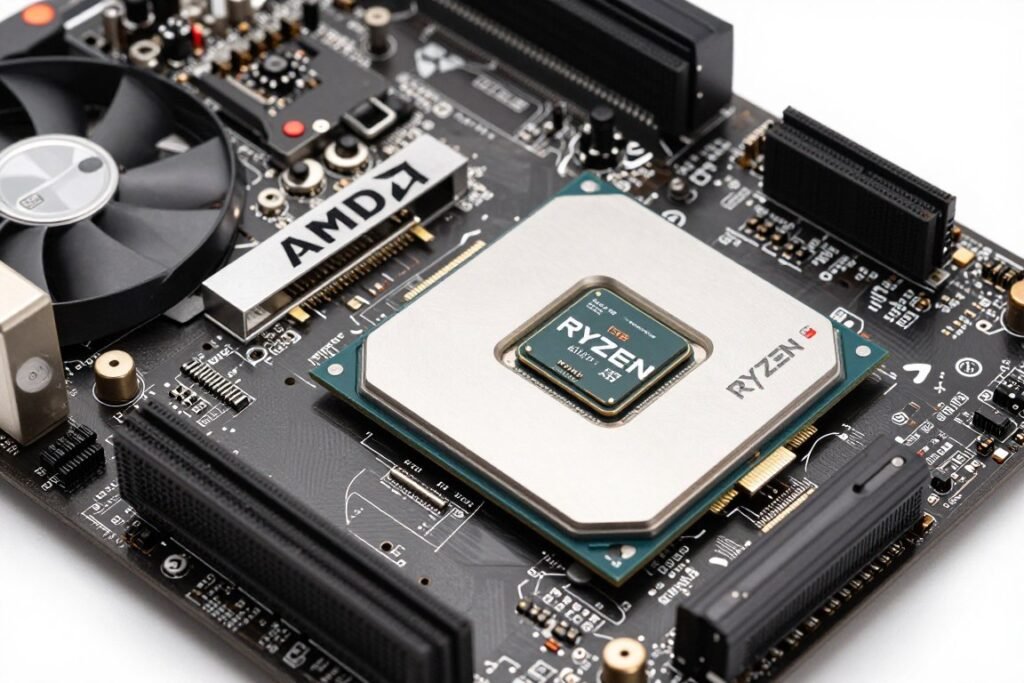
For AM5 builders, our Ryzen 9800X3D analysis covers how chipset drivers interact with 3D V-Cache technology specifically.
Intel LGA1851 and Z890 Chipsets
Intel’s newest platform introduced with Arrow Lake processors has different chipset driver requirements. Z890 boards support DDR5-6400+ natively, but proper memory training requires updated chipset drivers.
Early LGA1851 systems had USB4 compatibility issues that chipset driver updates resolved. If you have a Z890 board with USB4 ports, you need chipset drivers from Q4 2025 or later. Earlier versions don’t properly configure the USB4 controller.
Intel also changed how they package chipset drivers for this generation. Previous generations used INF-only updates. Z890 chipset packages include additional utilities for power management and thermal monitoring. Make sure you download the full package, not just the legacy INF files.
Older Platform Maintenance
Just because your platform is a few years old doesn’t mean chipset driver updates stopped. AMD still releases chipset driver updates for X570 and B550 boards. Intel updates Z690 and Z790 chipset drivers regularly.
Check manufacturer websites quarterly even on older systems. Bug fixes and Windows 11 compatibility updates continue for several years. I’ve seen B550 boards receive chipset driver updates in 2026 that fix Windows 11 24H2 compatibility issues.
Platform Compatibility Note: Always verify chipset driver compatibility with your specific motherboard model. Some manufacturers customize driver packages with board-specific features. Using generic AMD or Intel drivers instead of manufacturer-modified versions can disable certain motherboard features.
The Bottom Line
Chipset drivers control system communication that GPU drivers never touch. Your USB ports, your M.2 drives, your CPU core scheduling, and your PCIe lane distribution all depend on proper chipset software. Windows generic drivers work, but they use conservative settings that create bottlenecks you don’t notice until you fix them.
Install chipset drivers before GPU drivers on new builds. Update chipset drivers quarterly, not just when problems appear. Check manufacturer websites directly instead of relying on Windows Update. These simple changes prevent issues that cost hours of troubleshooting later.
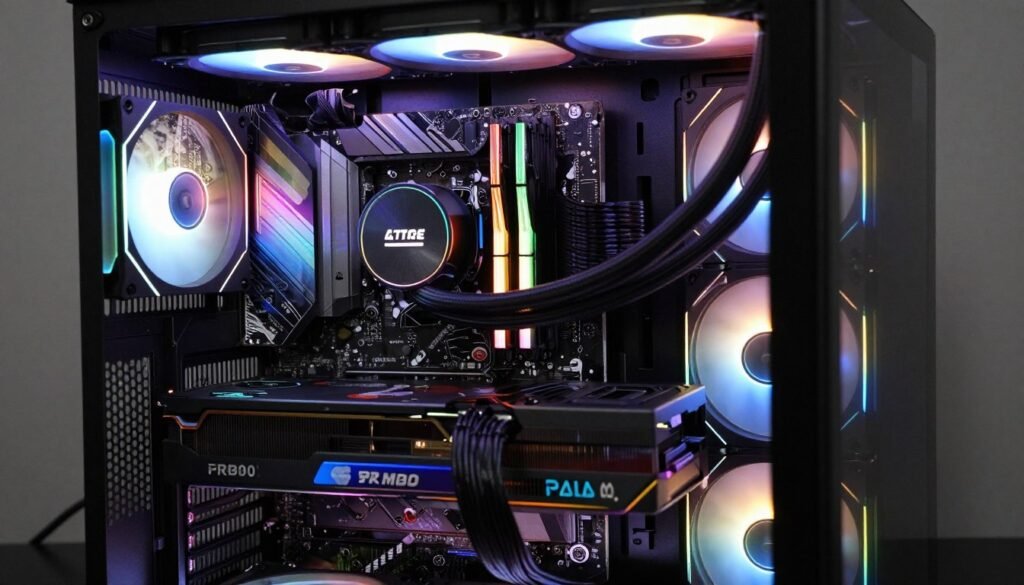
The reality is most PC performance issues trace back to system bottlenecks, not individual component problems. Proper chipset drivers eliminate one major bottleneck category. Combined with correct BIOS settings, good airflow, and appropriate component pairing, you get a system that actually performs how the specs suggest it should.
For comprehensive PC build compatibility checking and hardware bottleneck testing, use tools designed for modern hardware. The bottleneck calculator 2026 version accounts for new platform architectures that older tools miss. Check your CPU GPU bottleneck ratio before and after updating chipset drivers to see measurable system balance improvements.
Stop treating chipset drivers like optional software. They’re fundamental system configuration that affects everything else you install. Get them right first, and the rest of your optimization work actually matters.
Hardware Deep Dives
Understand how components interact and affect overall performance beyond simple specs.
Gaming Performance Optimization
Maximize frame rates and minimize stuttering across different game engines and genres.
Build Planning Resources
Make informed decisions on component selection and compatibility for your specific needs.