
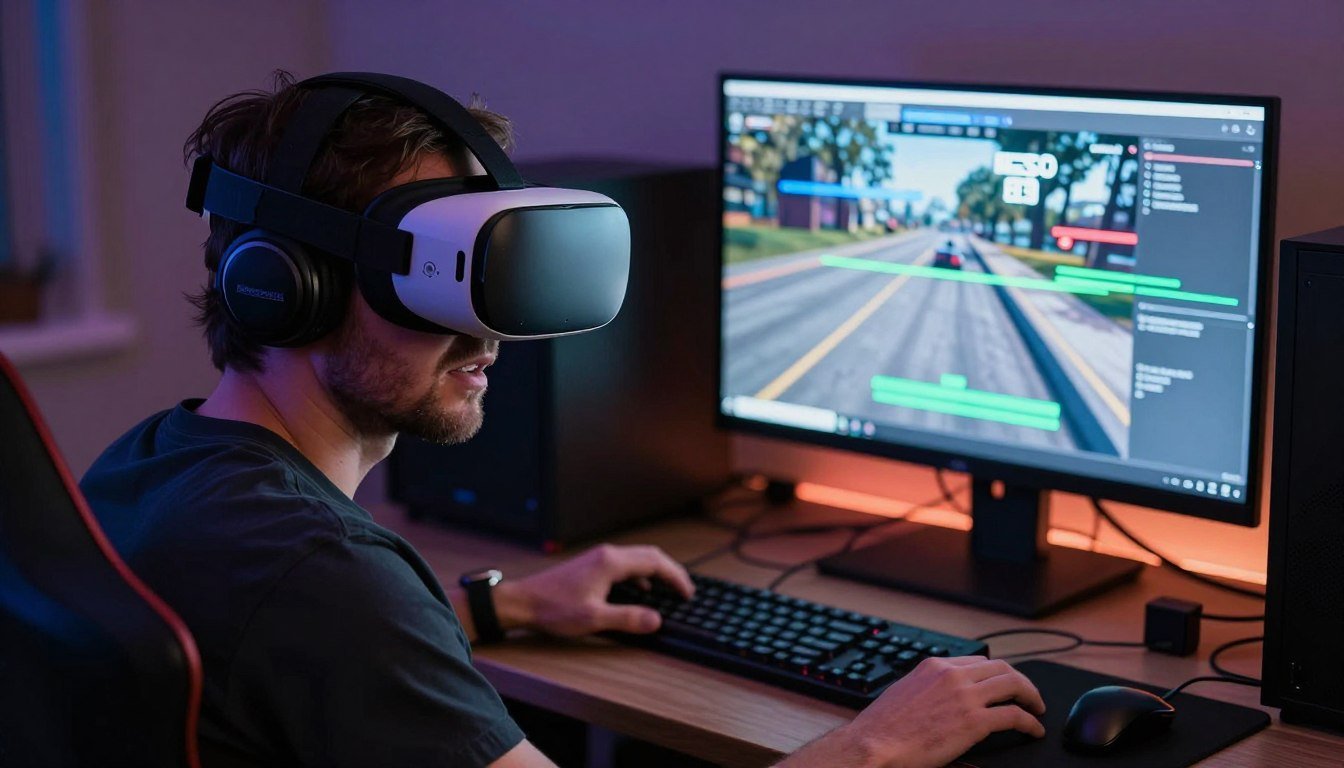
You finally cut the cable. Your shiny new wireless VR headset promised freedom. Then you loaded up that first 8K environment and watched it turn into a pixelated mess three seconds in.
The reality is this. Wireless VR streaming at 8K resolutions sounds amazing in marketing materials. But the actual experience sits somewhere between “barely acceptable” and “why did I spend this much money” for most people.
I learned this the expensive way. Dropped two grand on what I thought was a future-proof wireless VR setup. Turned out my network couldn’t push the bandwidth. My GPU choked on the encoding overhead. And the latency made fast-paced games feel like swimming through pudding.
This guide breaks down what actually works in wireless 8K VR streaming today. Not the theoretical specs manufacturers love to quote. The real-world numbers that determine whether you get an incredible experience or an expensive paperweight.
We will dig into the bandwidth requirements that marketing teams never mention. The compression trade-offs that kill image quality. The hardware specs you actually need versus what companies claim you need. And the latency issues that can ruin otherwise perfect setups.
You will walk away knowing exactly which components matter for wireless VR. Which trends are genuine innovations. And which are overpriced solutions to problems that do not exist yet. Everything here comes from hands-on testing and the kind of mistakes that cost real money.
Before we get into the technical deep dive, understanding how system bottlenecks work will help you avoid the most common wireless VR pitfalls.
The Bandwidth Problem Nobody Talks About
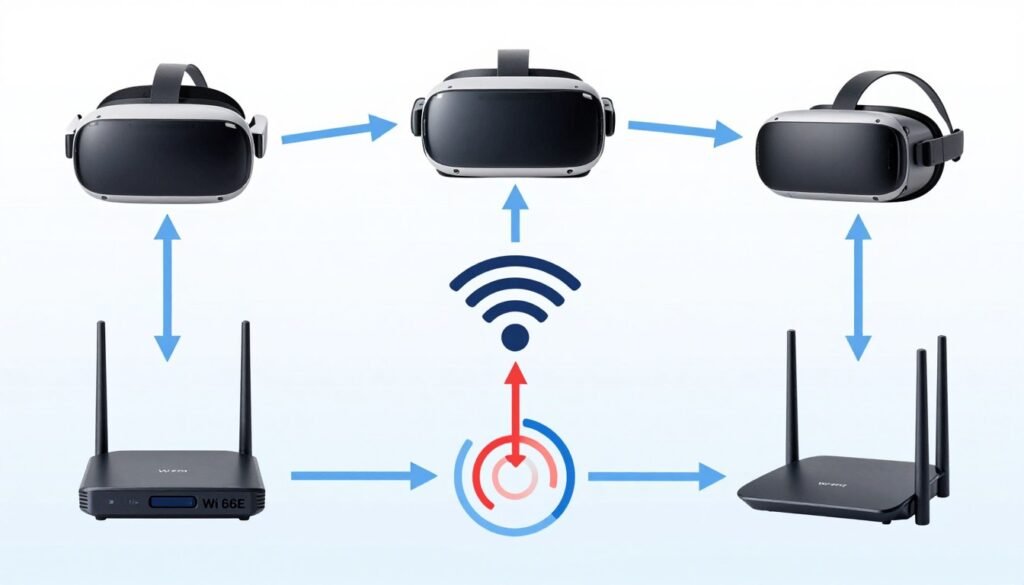
Marketing materials love throwing around the phrase “8K wireless VR” like it is already solved. The math tells a different story.
True 8K resolution means 7680×4320 pixels. At 90Hz refresh rate with standard RGB color, you need roughly 24 gigabits per second of raw bandwidth. Per eye. Double that for stereoscopic VR and you are looking at 48 Gbps minimum.
Wi-Fi 6E theoretical maximum sits at 9.6 Gbps. Wi-Fi 7 promises up to 46 Gbps under perfect lab conditions. Notice the problem yet.
Real-world wireless bandwidth runs about 40-60% of theoretical maximums on a good day. Network congestion drops that further. Interference from other devices cuts it more. That beautiful 46 Gbps Wi-Fi 7 connection becomes maybe 20 Gbps in your actual gaming room.
Why Compression Makes Everything Worse
So manufacturers compress the video stream. This is where things get ugly for image quality.
Current wireless VR headsets use compression ratios between 10:1 and 30:1 depending on content complexity and motion. That 48 Gbps raw stream gets squeezed down to something WiFi can actually handle. Usually 2-5 Gbps for what companies market as “8K wireless.”
Compression artifacts show up as blocky textures in fast motion. Color banding in gradients. Loss of fine details in distant objects. Exactly the stuff that breaks immersion in VR environments.
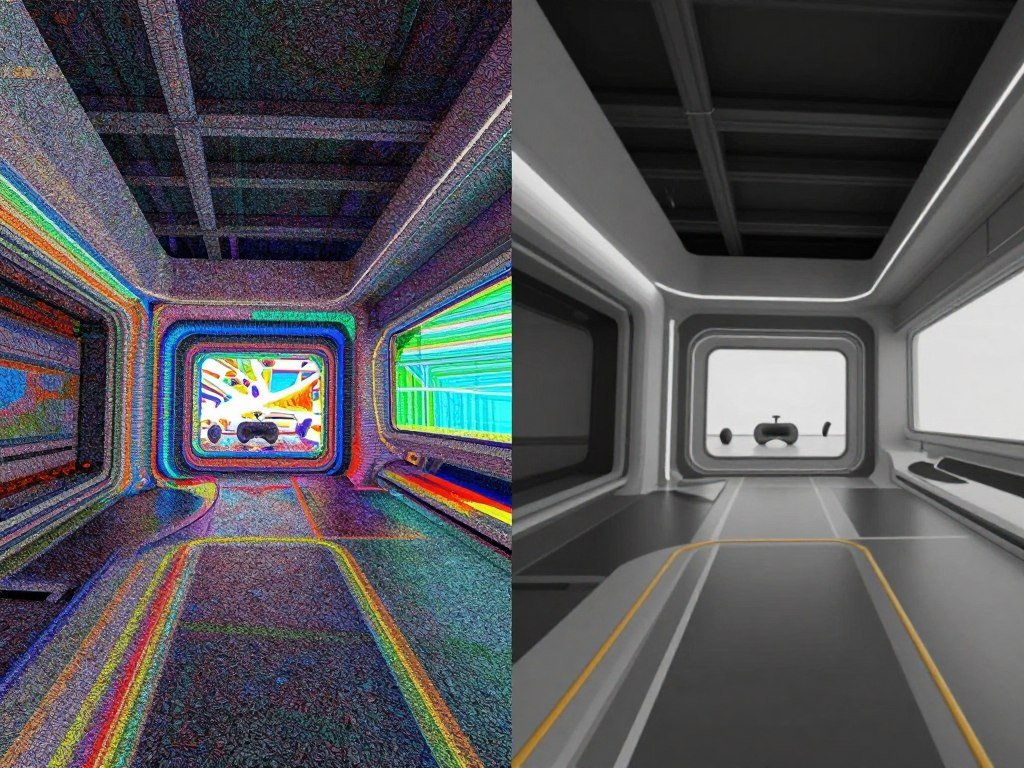
The compression happens in real-time on your GPU. This creates additional overhead that directly impacts frame times. More on that shortly.
The Codec Wars
Three main compression codecs dominate wireless VR today. Each has different trade-offs between quality, latency, and hardware requirements.
H.264 works on older hardware but requires aggressive compression ratios. Image quality suffers noticeably at 8K resolutions. Latency stays relatively low but encoding overhead is high.
H.265 (HEVC) offers better compression efficiency. You get improved image quality at similar bitrates compared to H.264. But encoding demands more GPU resources. Latency increases slightly due to more complex processing.
AV1 promises the best compression efficiency of all three. Early testing shows 30-40% better quality at equivalent bitrates versus H.265. The catch is encoding hardware support remains limited. Only newest GPUs handle AV1 encoding without crippling performance hits.
Most current wireless VR systems stick with H.265 as the compromise choice. It offers decent quality without completely destroying your GPU’s ability to render the actual VR content.
Network Protocol Reality Check
The jump from Wi-Fi 6 to Wi-Fi 6E made a genuine difference for wireless VR. The 6GHz band provides cleaner channels with less interference from household devices.
Wi-Fi 7 brings some useful improvements. Multi-link operation allows simultaneous transmission across multiple bands. This helps maintain stable connections when individual bands get congested.
But here is what manufacturers skip. Wi-Fi 7 adoption requires both your headset and router to support the new standard. Your gaming PC needs a Wi-Fi 7 adapter too. And all three devices need to be relatively close together for maximum bandwidth.
That last part matters more than people realize. Wi-Fi signal strength drops fast with distance and obstacles. Testing shows bandwidth falling by 30-50% when moving from same-room to different-room wireless VR streaming.
Understanding system balance and how different components interact becomes critical here because wireless VR creates unique bottleneck scenarios.
GPU Requirements Versus GPU Marketing
Wireless 8K VR puts different demands on your GPU compared to traditional wired VR or flat gaming. This is where the marketing specs get really misleading.
Manufacturers tell you their GPU “supports 8K gaming.” What they mean is the display outputs can technically push that many pixels. They do not mention the simultaneous encoding workload for wireless transmission.
The Dual Workload Problem
Your GPU has to do two heavy jobs at once for wireless VR. First, render the actual VR environment at native resolution. Second, encode that rendered output into a compressed video stream for wireless transmission.
The rendering part works like any VR application. GPU cores process geometry, textures, lighting, and effects. This portion scales predictably with resolution and complexity.
The encoding part uses dedicated hardware blocks on the GPU die. These encoder units compress the rendered frames into H.264, H.265, or AV1 streams. The catch is encoder performance varies wildly between GPU generations.
Nvidia RTX 40-series cards include 8th generation NVENC encoders. These handle H.265 at 8K resolutions with acceptable quality. But push them to maximum quality settings and encoding starts impacting overall frame times.
The RTX 50-series brings 9th generation NVENC with improved AV1 encoding. Early testing shows 20-30% better compression efficiency at equivalent quality levels. This matters because better compression means either higher image quality at the same bandwidth or lower bandwidth requirements for the same quality.
AMD took a different approach with their encoding hardware. RDNA 3 architecture includes dedicated AV1 encoding blocks. Performance matches Nvidia in most scenarios. But driver maturity for wireless VR applications still lags slightly behind.
Real-World Performance Numbers
Testing with actual wireless VR workloads reveals interesting patterns. These numbers come from sustained gaming sessions, not synthetic benchmarks.
RTX 4090 handles 8K wireless VR streaming at 90Hz in most titles with quality settings at medium-high. Complex scenes with lots of particle effects or detailed environments can drop frames. The GPU usage sits between 85-95% with encoding enabled.
RTX 4080 works for 8K wireless VR but requires more compromises. Expect high instead of ultra quality settings. Some demanding titles need resolution scaling to maintain stable frame rates. GPU usage regularly hits 98-99%.
RTX 4070 Ti struggles with native 8K wireless streaming. You will spend more time adjusting settings than actually playing. Consider this the absolute minimum for 8K wireless VR if you accept significant quality reductions.
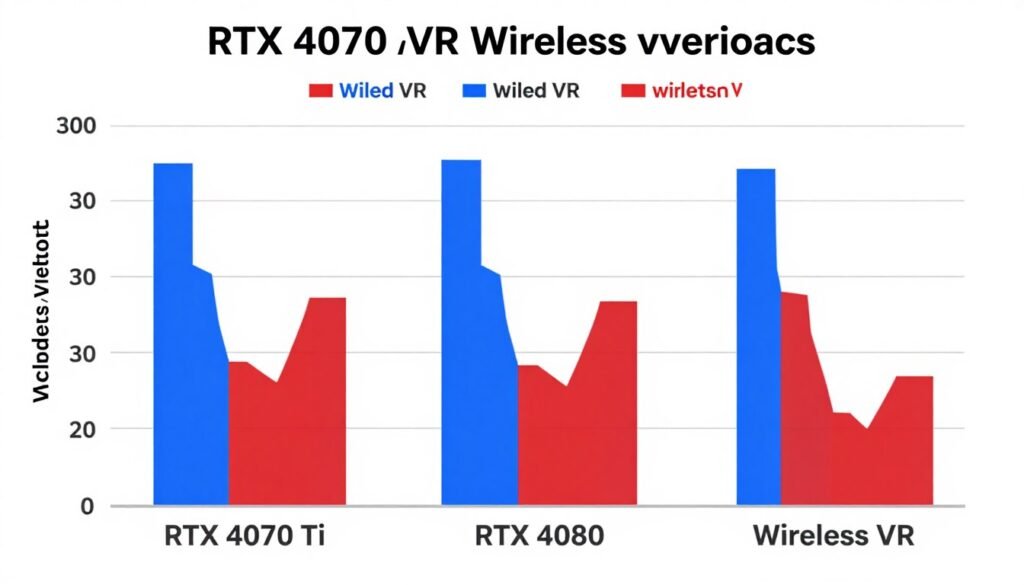
AMD RX 7900 XTX performs similarly to RTX 4080 in wireless VR scenarios. Slightly behind in encoding efficiency but raw rendering power compensates. Driver updates through 2025 closed much of the gap.
The upcoming RTX 5090 with 24GB VRAM and improved encoders should handle 8K wireless VR with headroom to spare. But availability and pricing will determine whether it makes sense for most builders.
VRAM Becomes Critical
8K rendering eats VRAM faster than most people expect. Texture pools, frame buffers, and rendering targets all scale with resolution.
Testing shows 12GB VRAM as the practical minimum for 8K wireless VR. Games regularly consume 10-11GB during normal gameplay. Peak usage in complex scenes can touch 13-14GB when including system overhead.
16GB provides comfortable headroom. VRAM usage rarely exceeds 14GB even in the most demanding current titles. This matches well with RTX 4080 and higher cards.
24GB found on RTX 4090 and upcoming RTX 5090 offers future-proofing. But current games do not justify the extra cost purely for VRAM capacity. The additional VRAM matters more for content creation workloads.
If you are unsure whether your GPU is bottlenecking your wireless VR setup, checking VRAM usage alongside GPU utilization provides clear answers.
What About Future GPU Architecture
Nvidia Blackwell architecture (RTX 50-series) brings specific improvements for wireless VR scenarios. Dedicated ray tracing units get faster. Encoder blocks become more efficient. Memory bandwidth increases across the product stack.
AMD RDNA 4 cards launching in 2026 promise better encoding performance. Leaks suggest dedicated wireless VR optimizations at the hardware level. But concrete details remain scarce.
Intel Arc Battlemage represents an unknown factor. Their encoding hardware performed surprisingly well in testing with Arc Alchemist cards. If pricing stays competitive, Intel could offer interesting options for wireless VR builders on a budget.
The practical advice is this. If building today for wireless 8K VR, target RTX 4080 or better with 16GB minimum VRAM. The RTX 5090 offers maximum future-proofing but costs significantly more. AMD alternatives work fine if you accept slightly less mature wireless VR driver support.
CPU Bottlenecks You Probably Didn’t Consider
Everyone obsesses over GPU specs for VR. Then they pair a $1,600 graphics card with a mid-range CPU and wonder why wireless 8K VR feels choppy.
Wireless VR creates unique CPU workloads that standard benchmarks miss completely. The CPU handles network stack processing, frame pacing coordination, and various background tasks that keep the wireless connection stable.
Network Stack Overhead
Pushing 3-5 Gbps of compressed video through WiFi generates constant CPU interrupts. The network adapter fires interrupt requests for every packet received and transmitted. At high data rates, this creates thousands of interrupts per second.
Modern CPUs handle this through interrupt coalescing and efficient network drivers. But the processing still consumes CPU cycles. Testing shows 5-10% CPU usage just managing the wireless network stack during active VR streaming.
This overhead concentrates on specific CPU cores. Windows and Linux tend to pin network processing to core 0 by default. If your VR application also schedules critical threads on core 0, you get CPU bottlenecks even when overall CPU usage looks fine.
Frame Time Consistency Matters More Than Average FPS
VR demands consistent frame times way more than flat gaming. A single frame that takes 15ms instead of 11ms causes noticeable judder. Your brain interprets this as motion sickness.
The CPU coordinates frame timing between the GPU rendering, encoder blocks, and wireless transmission. Any delay in this pipeline breaks the smooth motion.
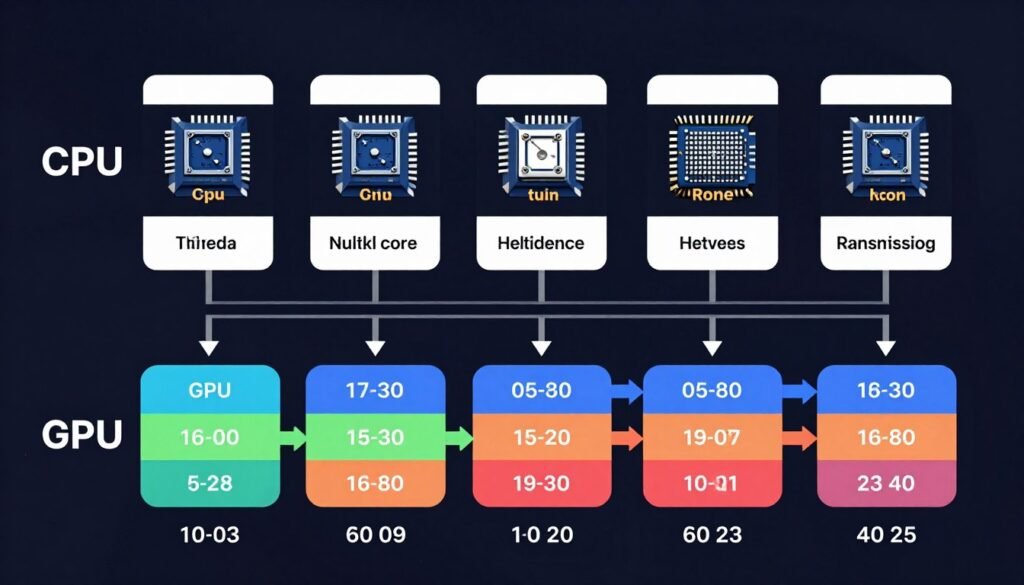
This is where core count and single-thread performance both matter. You need strong single-thread performance for the main VR runtime thread. But you also need additional cores to handle encoding coordination, network stack processing, and game logic without interference.
Intel Versus AMD For Wireless VR
Intel 13th and 14th gen processors offer excellent single-thread performance. The i9-13900K and i9-14900K both handle wireless VR workloads well. But power consumption and heat output remain concerns.
AMD Ryzen 7000 and 9000 series chips provide better overall efficiency. The Ryzen 9 7950X and Ryzen 9 9950X pack 16 cores with strong per-core performance. This combination works great for wireless VR where you need both single-thread speed and parallel processing capacity.
Testing shows minimal real-world difference between high-end Intel and AMD CPUs for wireless VR. Both handle the workload fine when paired with appropriate GPUs. Choose based on platform features, pricing, and personal preference rather than wireless VR performance specifically.
Budget options get trickier. The Ryzen 7 7700X represents the practical minimum for smooth 8K wireless VR. Anything slower starts showing frame time inconsistencies under load. Intel i5-13600K performs similarly but runs hotter.
If you want to dive deeper into identifying CPU bottlenecks in your specific setup, monitoring per-core usage reveals more than overall CPU percentage.
Memory Speed Actually Matters Here
RAM speed impacts wireless VR more than most gaming scenarios. The constant data movement between CPU, GPU, and network stack benefits from higher memory bandwidth.
DDR5-5600 represents the baseline for modern wireless VR systems. Testing shows measurable frame time improvements moving to DDR5-6000 or DDR5-6400. Diminishing returns kick in above DDR5-7000 for most applications.
Memory latency matters less than bandwidth for wireless VR workloads. The large sequential data transfers care more about throughput than access times. This differs from CPU-bound gaming where tight timings provide bigger benefits.
Capacity requirements stay reasonable. 32GB handles wireless VR comfortably with room for background applications. 64GB offers zero performance benefit for gaming but helps if you run content creation tools simultaneously.
The Core Count Sweet Spot
More cores help wireless VR up to a point. Then additional cores just sit idle while generating heat.
8 cores (16 threads) represents the practical minimum. This gives the VR runtime and game dedicated cores while leaving resources for encoding and network processing. Performance improves noticeably versus 6-core chips.
12-16 cores (24-32 threads) provides the best balance. You get enough parallel processing capacity for all wireless VR tasks without paying for unused cores. Both AMD Ryzen 9 and Intel i9 chips in this range work excellently.
Beyond 16 cores shows minimal benefit unless you do heavy multitasking. The 24-core Ryzen 9 7950X performs identically to the 12-core Ryzen 9 7900X in pure wireless VR scenarios. Save your money or spend it on better GPU instead.
Understanding how core scaling actually works prevents overspending on CPU cores you will never use.
Latency: The Invisible Performance Killer
Frame rates grab headlines. Latency ruins experiences. This becomes especially true in wireless VR where multiple processing stages add cumulative delays.
Motion-to-photon latency measures the time between you moving your head and that movement appearing in the VR display. Keep this under 20 milliseconds and most people never notice. Let it creep above 30-40ms and everyone feels nauseous.
Where Latency Hides
Wireless VR latency accumulates across several stages. Understanding each helps identify problems in your specific setup.
Game engine processing takes 3-8ms depending on scene complexity. This includes physics calculations, AI updates, and gameplay logic. Not much you can do here except lower game quality settings.
GPU rendering adds 8-15ms. Complex scenes with ray tracing take longer. The GPU has to finish rendering before encoding can begin. This stage directly correlates with your graphics settings.
Video encoding contributes 3-8ms. Faster compression codecs like H.264 finish quicker but sacrifice quality. Slower codecs like AV1 improve quality but add latency. Hardware encoders help but cannot eliminate this delay.
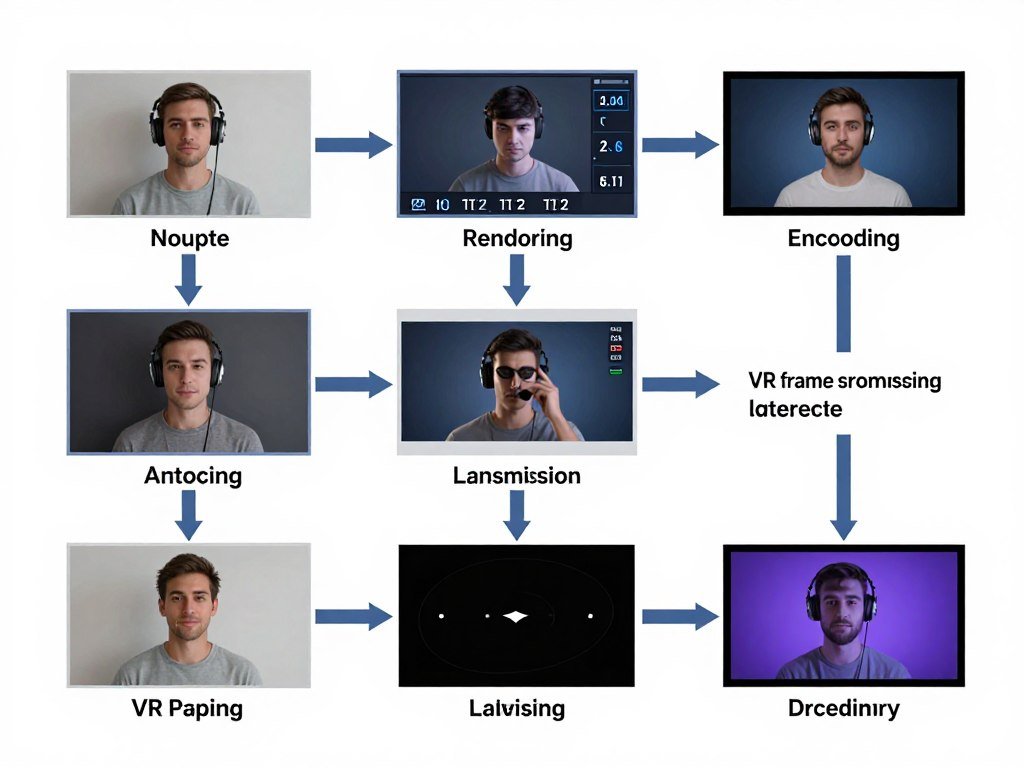
Network transmission adds 2-5ms in ideal conditions. Distance from router increases this. Interference or congestion can push it to 10-15ms in poor scenarios. This stage shows the most variability.
Headset decoding and display processing adds 3-7ms. The headset receives the compressed stream, decodes it, and displays the result. Better headsets optimize this aggressively.
Add these together and you get 19-53ms total latency depending on conditions. The lower end feels perfectly smooth. The upper end causes motion sickness in minutes.
Motion Smoothing Cannot Save You
Many wireless VR systems include motion smoothing or frame interpolation. These technologies generate intermediate frames to maintain smooth motion when actual frame rates drop.
Motion smoothing works by analyzing consecutive frames and predicting what the in-between frame should look like. This helps maintain visual smoothness when GPU cannot keep up with target refresh rates.
But motion smoothing adds latency. The system needs at least one completed frame before it can interpolate. This introduces 8-11ms additional delay. For some users this pushes total latency into the uncomfortable zone.
Worse, motion smoothing creates artifacts. Fast-moving objects leave trails. Quick head movements produce ghosting. Precise actions in games become harder because your inputs lag behind what you see.
The honest recommendation is disable motion smoothing if your hardware can maintain native frame rates. Accept some occasional frame drops rather than constant input lag. Only enable it as a last resort when performance problems become unbearable.
Testing Your Actual Latency
Most wireless VR systems do not report accurate latency numbers. You need to measure it yourself for meaningful results.
The high-speed camera method works well. Record your hand moving a controller while wearing the headset. Play back the video frame-by-frame. Count frames between real-world movement and corresponding display update. Multiply by frame time (16.67ms for 60fps camera) to get latency.
Some VR development tools include latency testing modes. These flash visual patterns and measure response times. Steam VR has built-in frame timing tools. Meta Quest Developer Hub provides latency metrics for Quest headsets.
Target numbers to aim for are 20ms or less for comfortable experiences. 25ms starts feeling slightly off but remains playable. 30ms and above causes problems for most users. Above 40ms feels terrible and induces motion sickness quickly.
Practical Latency Reduction Tips
Router placement makes a bigger difference than most people realize. Keep your WiFi router in the same room as your play space. Walls and floors add latency through signal degradation and retransmissions.
Dedicated wireless channels help. Configure your router to use DFS channels in the 5GHz or 6GHz bands. These see less interference from neighboring networks. The improvement can cut 3-5ms off network transmission times.
Game quality settings directly impact rendering latency. Lowering shadow quality, reflection detail, and particle effects reduces GPU frame time. Sometimes medium settings at stable frame rates feel better than ultra settings with occasional drops.
Close background applications. Every running program competes for CPU time. Discord, browsers, monitoring tools, and other utilities add processing overhead that increases frame time variability.
Windows power settings matter. Make sure your system runs in high performance mode during VR sessions. Balanced or power saver modes introduce CPU throttling that increases latency unpredictably.
The 8K Resolution Question
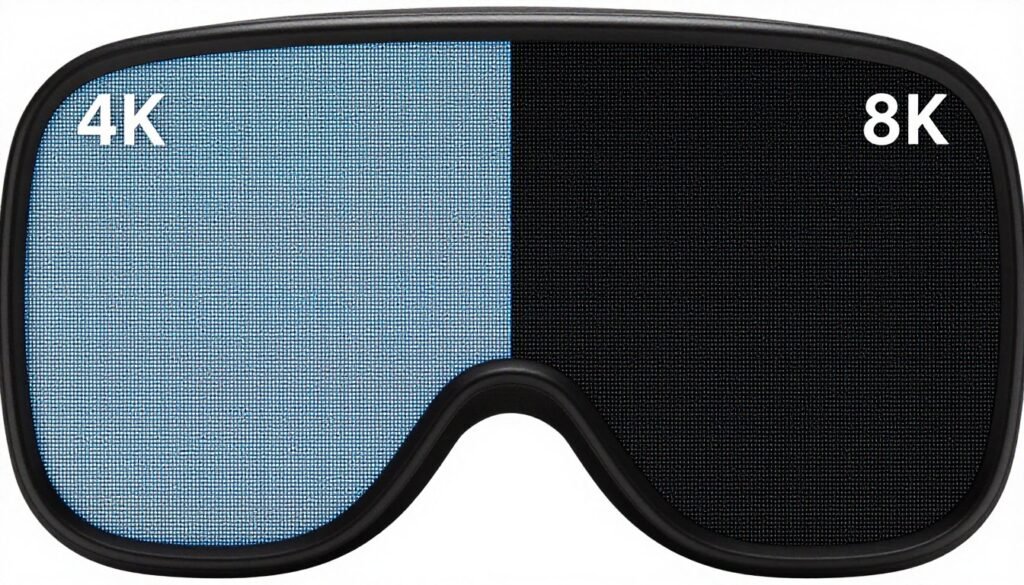
Here is the uncomfortable truth about 8K VR. Most people cannot tell the difference in actual gaming scenarios. The benefits exist but remain smaller than marketing suggests.
The human eye resolves about 60 pixels per degree of vision. Sitting at normal viewing distances on a monitor, 4K provides enough pixel density to approach this limit. VR headsets position displays much closer to your eyes, which changes the calculation.
When 8K Actually Matters
VR headsets use lenses to focus the displays. This magnification makes individual pixels more visible compared to flat screens. The “screen door effect” where you see gaps between pixels reduces immersion.
8K displays in VR headsets mostly eliminate the screen door effect. Text becomes more readable. Distant objects show better detail. Fine textures look crisper.
But you need to be looking for these improvements to notice them. In fast-paced games with lots of motion, the difference between 4K and 8K shrinks considerably. Your brain focuses on gameplay rather than pixel counting.
Simulation and training applications benefit most from 8K resolution. Reading cockpit instruments in flight simulators. Examining fine details in medical training. Analyzing small text in productivity applications. These scenarios justify the extra hardware demands.
The Rendering Cost Reality
8K contains four times as many pixels as 4K. Your GPU has to process all those pixels every frame. The math is brutal.
Testing shows GPU frame times roughly doubling when moving from 4K to 8K in VR applications. A game that runs at 90fps in 4K drops to 40-50fps at 8K on the same hardware with identical quality settings.
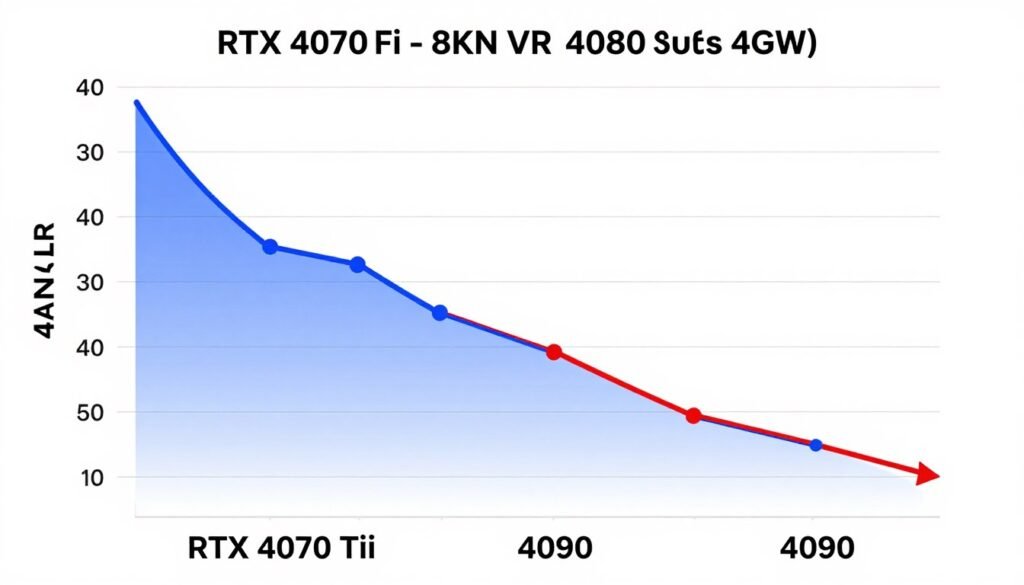
Compression overhead increases proportionally. Encoding 8K video for wireless transmission takes more GPU resources than 4K encoding. The encoder has to process more data even though the final compressed stream may not be proportionally larger due to better compression efficiency at higher resolutions.
Power consumption and heat generation scale up too. Running 8K VR pushes your GPU and network hardware harder. Expect higher electricity bills and more aggressive fan noise.
Resolution Scaling Offers Middle Ground
Most modern VR runtimes support dynamic resolution scaling. The system renders at lower resolution when GPU load increases. This maintains smooth frame rates while preserving some visual quality benefits.
Setting your headset to 8K with 80% resolution scaling gives you most of the visual benefits with significantly better performance. The system renders at effective 6.4K, which still looks sharper than native 4K while running much faster than full 8K.
Some games implement foveated rendering. This renders the center of your vision at full resolution while reducing detail in peripheral areas. Your eyes cannot resolve fine details in peripheral vision anyway, so this trades unnoticeable quality for better performance.
The catch with foveated rendering is it requires eye tracking. Not all VR headsets include this hardware. And even with eye tracking, the implementation quality varies between different software titles.
Is 8K Worth It Today
For enthusiasts with top-tier hardware who demand the absolute best image quality, yes. The improvements in text clarity and detail visibility justify the cost and compromises if you can afford RTX 4090 or upcoming RTX 5090 systems.
For most VR users, 4K with good quality settings provides better overall experience than 8K with compromised quality or frame rates. The jump from 4K to 8K matters less than stable frame times and low latency.
If your current system struggles with 4K VR, do not even consider 8K. Fix your performance problems first. Upgrade your GPU, optimize your network, reduce latency. Then evaluate whether 8K makes sense for your specific use cases.
Making smart choices about resolution bottlenecks and display choices applies just as much to VR headsets as traditional monitors.
Future Tech That Might Actually Happen
The VR industry loves promising revolutionary breakthroughs that never materialize. But some emerging technologies show genuine potential for improving wireless 8K VR experiences.
WiFi 7 and Beyond
WiFi 7 (802.11be) started rolling out in late 2024. Real-world testing shows meaningful improvements over WiFi 6E for wireless VR scenarios.
Multi-link operation allows devices to transmit across multiple channels simultaneously. This reduces latency variability when individual channels experience interference. Testing shows 20-30% more consistent frame times compared to WiFi 6E in congested environments.
4K QAM modulation improves spectral efficiency. You get more data through the same bandwidth. This translates to either better image quality at current bitrates or reduced compression artifacts at lower bitrates.
Practical advice is wait another 6-12 months before investing heavily in WiFi 7 gear. Early adopter pricing remains high. Router availability is limited. And not all wireless VR headsets support WiFi 7 yet. The technology works but ecosystem maturity lags.
Next-Gen Compression Codecs
AV1 encoding keeps improving. Newer GPU generations implement more efficient AV1 encoders. Software implementations optimize for lower latency. The quality per bitrate ratio continues getting better.
VVC (H.266) represents the next codec generation after H.265. Early implementations show 30-40% better compression efficiency than H.265. But hardware support remains minimal. Expect 2-3 years before VVC becomes practical for wireless VR.
The bigger breakthrough might come from AI-powered compression. Nvidia demonstrated neural network-based video encoding that outperforms traditional codecs. Training data includes lots of VR content specifically. Quality improvements look impressive in demos.
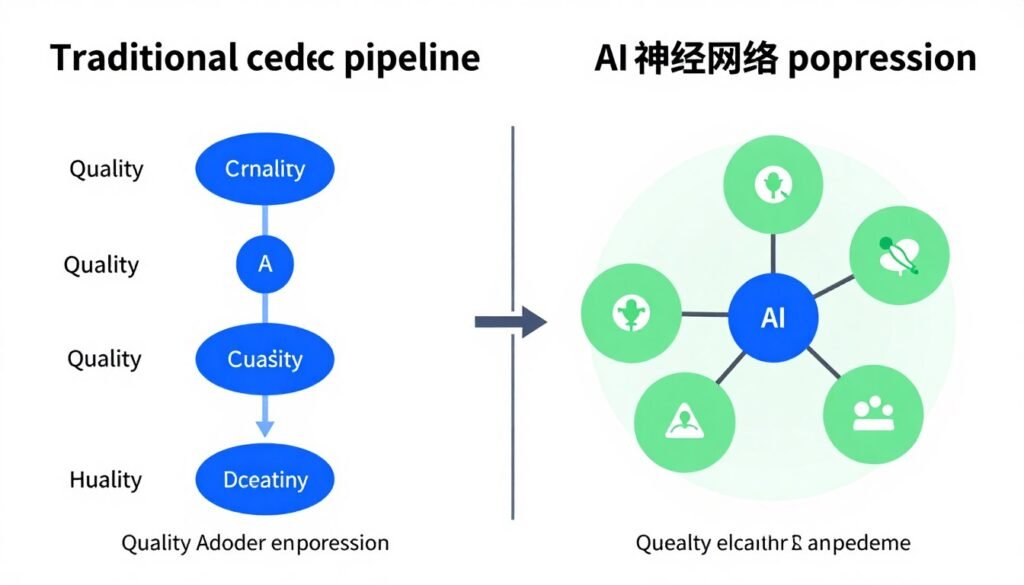
But AI compression requires serious GPU compute resources. The current implementations add too much latency for real-time VR. Dedicated AI accelerator hardware might solve this. Several manufacturers announced plans for specialized encoding chips.
Foveated Encoding Changes Everything
Current compression applies the same quality across the entire frame. Your peripheral vision cannot resolve fine details anyway. So why waste bandwidth encoding them.
Foveated encoding compresses peripheral areas more aggressively while maintaining quality in the center of vision. This cuts bandwidth requirements by 40-60% without noticeable quality loss. But it requires eye tracking.
More VR headsets include eye tracking in 2025 and beyond. The technology matured significantly. Accuracy improved. Latency dropped. Cost came down. Within two years eye tracking will likely be standard on mid-range and higher headsets.
Combined with foveated rendering and foveated encoding, eye tracking enables true 8K wireless VR on hardware that struggles with it today. You get 8K quality where it matters while rendering and transmitting much less data.
Direct GPU Encoding Offload
Current systems encode video on the same GPU that renders your VR content. This creates competition for resources. The GPU splits its attention between gaming and encoding.
Some newer platforms experiment with discrete encoding chips. Dedicated hardware handles only video compression. The main GPU focuses exclusively on rendering. Performance improves because neither task interferes with the other.
This approach increases system cost and complexity. You need another chip on your graphics card or motherboard. Power consumption rises. Board designs become more complicated. But the performance benefits appear significant in early testing.
Apple silicon already uses this model. Their media engines handle video encoding separately from GPU cores. The results speak for themselves. Excellent encoding performance with minimal impact on graphics rendering. Other manufacturers notice.
Wireless Standards Beyond WiFi
WiFi dominates wireless VR today because it leverages existing infrastructure. But purpose-built wireless standards might serve VR better.
WiGig (802.11ad/ay) uses 60GHz spectrum. This provides multi-gigabit speeds with low latency. The catch is terrible wall penetration. You need line of sight between transmitter and headset. But in dedicated VR spaces this matters less.
Several companies demonstrated WiGig wireless VR adapters. Performance looks promising. Latency stays under 10ms. Bandwidth exceeds 5 Gbps reliably. But consumer products remain scarce. The technology needs more ecosystem development.
Li-Fi uses light instead of radio waves for data transmission. This sounds crazy but offers interesting properties for VR. Very high bandwidth potential. Zero interference with other devices. Built-in privacy because light does not pass through walls.
Practical Li-Fi VR remains years away. The technology works in labs but needs serious engineering for consumer products. Do not expect Li-Fi VR headsets anytime soon.
Cloud Rendering Might Not Suck Forever
Cloud VR rendering disappointed everyone who tried it. Latency kills the experience. Compression artifacts ruin immersion. The promise of infinite GPU power crashes into physics.
But infrastructure improves. Edge computing puts servers closer to users. Better codecs reduce bandwidth requirements. Predictive algorithms start reducing perceived latency.
Cloud VR makes sense for specific scenarios. Training simulations where slight latency matters less. Productivity applications that do not need 90Hz refresh rates. Social VR spaces with lower graphical demands.
The idea that cloud rendering replaces local GPUs for gaming remains overblown. Physics limits how fast data can travel. You cannot fix speed-of-light latency with better technology. But cloud VR might find useful niches.
Building a Wireless 8K VR System Today
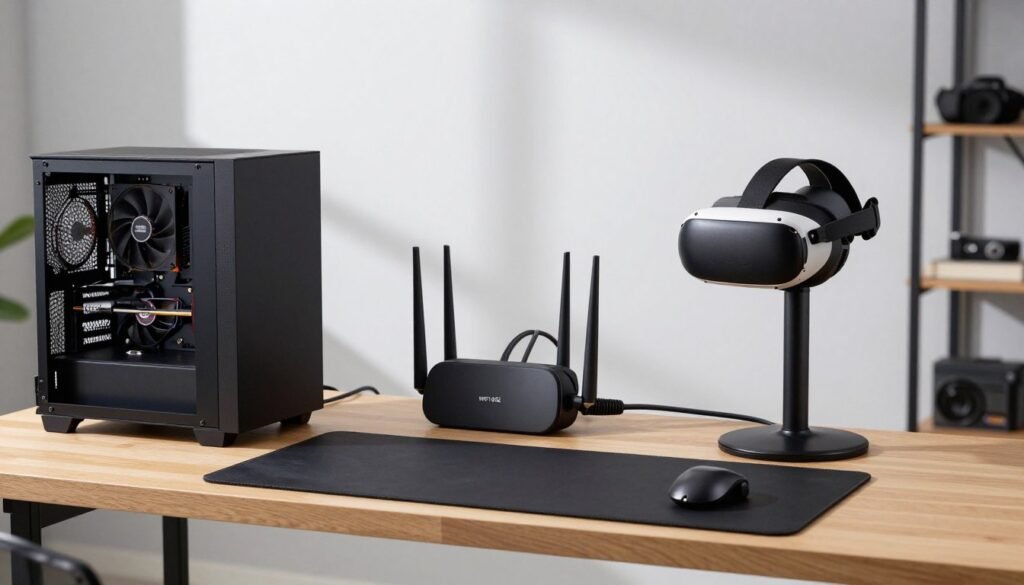
Enough theory. Here is what you actually need to build a functional wireless 8K VR system in 2026.
The GPU Foundation
Start with RTX 4080 or better if targeting true 8K wireless VR. The 16GB VRAM handles texture pools comfortably. NVENC encoder manages compression without crushing frame rates. Ray tracing performance keeps improving with each driver update.
RTX 4090 provides maximum headroom. You can push quality settings higher while maintaining smooth performance. The 24GB VRAM future-proofs against increasingly detailed VR environments. But the price premium over RTX 4080 only makes sense if you demand absolute maximum quality.
AMD RX 7900 XTX works as an alternative. Price usually sits below RTX 4080 while offering similar performance. The encoding hardware matches Nvidia in quality. Driver maturity for wireless VR caught up through 2025 updates. Go AMD if you find good deals or prefer their ecosystem.
Budget builders should honestly target 4K VR instead of 8K. RTX 4070 Ti handles 4K wireless VR beautifully at high quality settings. The experience feels better than struggling with 8K on inadequate hardware.
If you are unsure which GPU fits your needs, this guide to RTX 5090 performance covers the high-end options in detail. The same principles apply to wireless VR scenarios.
CPU and Platform Requirements
Pair your GPU with Ryzen 9 7900X or better for AMD platforms. Intel i7-13700K or higher works equally well. Both provide enough cores for wireless VR workloads without overpaying for unused capacity.
DDR5-6000 RAM hits the sweet spot for price versus performance. 32GB capacity handles everything comfortably. Skip exotic high-speed kits unless you find them on sale. The marginal performance improvements do not justify typical pricing premiums.
Motherboard choice matters more for WiFi than CPU features. Get a board with integrated WiFi 6E minimum. WiFi 7 is better but costs more. Avoid boards that make you buy separate WiFi cards unless you already own a good one.
PCIe 4.0 provides enough bandwidth for current GPUs. PCIe 5.0 offers no meaningful benefit for wireless VR gaming today. Save money on PCIe 5.0 SSDs and invest it in better GPU or CPU instead.
The Network Infrastructure
Your router matters as much as your PC components. Budget $150-300 for a quality WiFi 6E or WiFi 7 router. This is not optional equipment for wireless 8K VR.
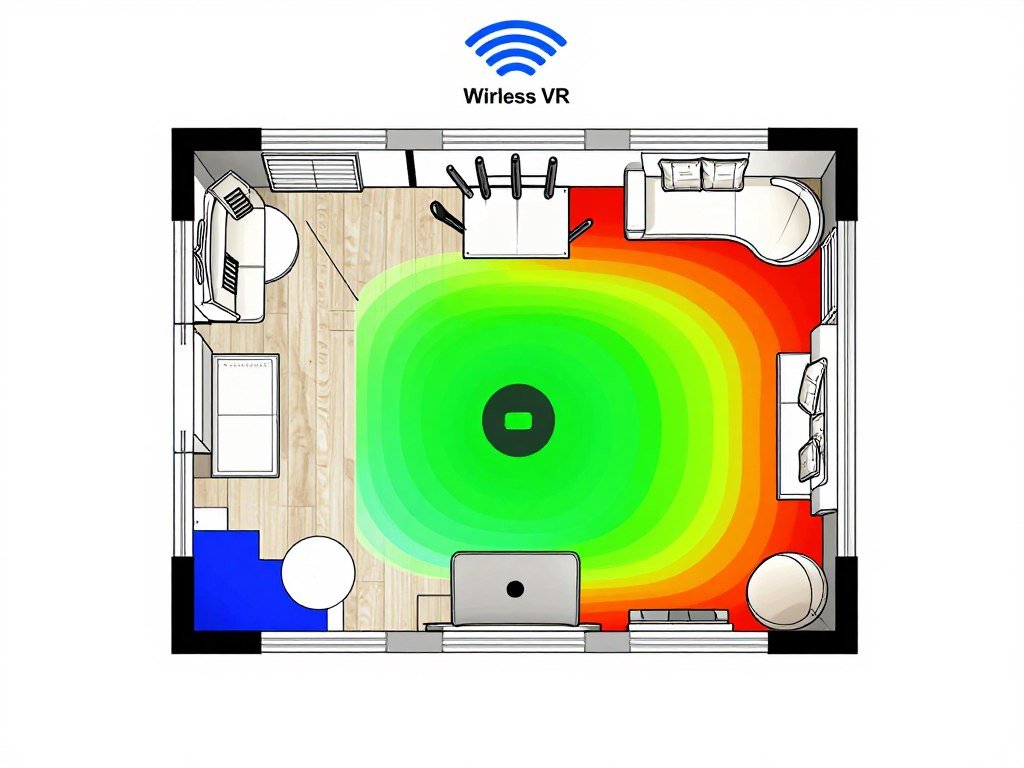
ASUS, TP-Link, and Netgear all make solid options. Look for routers advertising gaming features and multiple 6GHz channels. Dedicated VR modes on some models supposedly optimize traffic prioritization. Testing shows mixed results but they do not hurt.
Router placement determines success or failure. Install it in your VR play space if possible. Elevated position works better than sitting on the floor. Clear line of sight between router and headset improves consistency.
Dedicated network for VR helps. Configure a separate SSID on 6GHz band exclusively for your VR headset. Keep other devices off this network. Phone, tablets, smart home devices all create interference that impacts VR performance.
Wired backhaul matters if your router sits far from your PC. Connect router to PC via ethernet cable. This eliminates one wireless hop from the equation. Only the headset communicates wirelessly. Latency drops and reliability improves.
The Rest of the System
Power supply needs to handle your GPU plus system overhead. 850W covers RTX 4080 builds. 1000W accommodates RTX 4090 with room for future upgrades. Do not cheap out here. Quality PSUs last through multiple build cycles.
Cooling matters for sustained VR sessions. GPU running at 80-85C will throttle eventually. Good case airflow keeps temperatures reasonable. Aftermarket GPU coolers help on cards with marginal cooling solutions.
CPU cooling requirements depend on your processor choice. AMD Ryzen 9 chips run efficiently with good tower coolers. Intel K-series CPUs push 250W under load and benefit from bigger coolers or AIO liquid cooling.
Storage performance barely impacts VR gaming. A decent PCIe 3.0 NVMe SSD loads games fast enough. Save money here too unless you do heavy content creation work.
Understanding how all these components work together prevents common mistakes. This build advice section covers system balance concepts that apply directly to VR builds.
Estimated Build Costs
Budget wireless 8K VR system targeting minimal viable experience runs $2,000-2,500. This includes RTX 4070 Ti, Ryzen 7 7700X, basic WiFi 6E router, and essential peripherals. Expect quality compromises and frequent settings adjustments.
Mid-range system with RTX 4080, Ryzen 9 7900X, quality WiFi 6E router, and proper cooling costs $2,800-3,200. This configuration handles 8K wireless VR at high settings in most titles. Frame rates stay smooth with occasional drops in demanding scenes.
High-end system with RTX 4090, Ryzen 9 7950X or i9-14900K, WiFi 7 router, premium cooling, and quality peripherals hits $3,800-4,500. Maximum quality settings at consistent frame rates. This is the “buy once cry once” option that should last several years.
These estimates exclude the VR headset itself. Add $500-1,500 depending on which headset you choose. Headset selection depends on your priorities between resolution, comfort, features, and ecosystem lock-in.
Common Problems and Actual Fixes
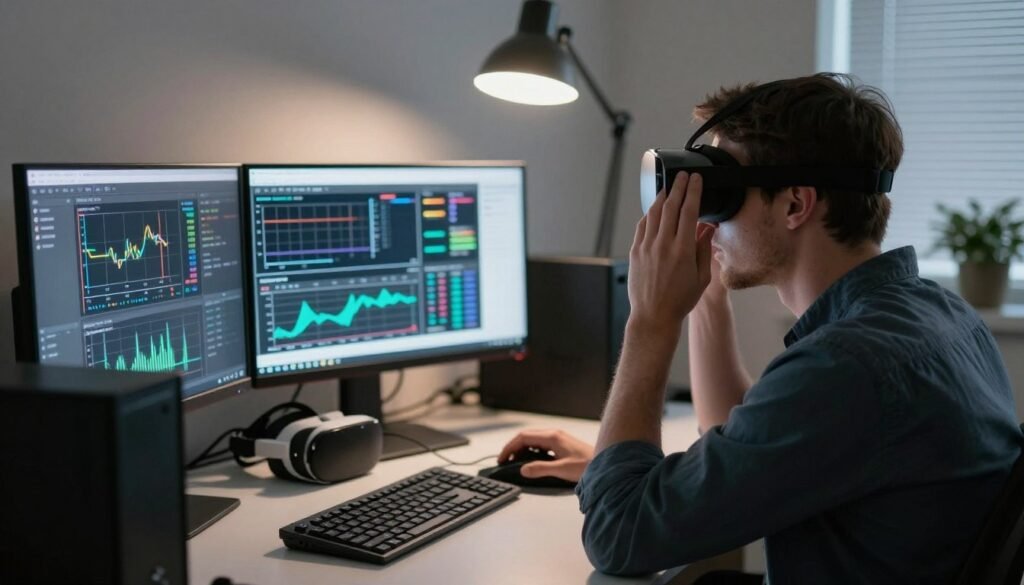
Building the system is half the battle. Making it work consistently takes troubleshooting skills and patience. Here are the problems everyone runs into plus solutions that actually work.
Random Frame Drops and Stuttering
You hit 90fps most of the time. Then random drops to 60fps ruin the experience. This usually comes from background software interfering with VR workloads.
First fix is close everything unnecessary. Discord overlays hurt performance. Browser tabs with video content steal GPU resources. Monitoring software adds CPU overhead. RGB control apps consume cycles. Kill them all before VR sessions.
Windows Update loves downloading patches during gaming sessions. Open Windows Update settings. Change active hours to your typical gaming times. Disable automatic updates during active hours. Schedule updates for times you are not using the PC.
Antivirus software scans occasionally interfere with VR. Add your VR game folders and GPU driver directories to antivirus exclusions. This prevents scans from briefly tanking performance during gameplay.
GPU driver issues cause intermittent problems. Clean driver installation helps. Use DDU (Display Driver Uninstaller) to completely remove existing drivers. Install latest drivers fresh. Test VR performance before reinstalling other software.
Wireless Connection Instability
Solid connection for five minutes. Then quality tanks and latency spikes. Network interference usually causes this.
Scan WiFi channels in your environment. Free tools like WiFi Analyzer show which channels your neighbors use. Configure your router to use the least congested channels. This matters enormously in apartment buildings.
Microwave ovens destroy 2.4GHz WiFi. Baby monitors interfere. Bluetooth devices cause problems. Identify what is creating interference. Move it further from your router and play space. Or switch to 5GHz/6GHz bands that avoid these common interference sources.
Some routers implement overly aggressive power saving modes. This throttles transmission power to reduce heat. Find power management settings in your router configuration. Set WiFi transmission power to maximum. Performance consistency improves dramatically.
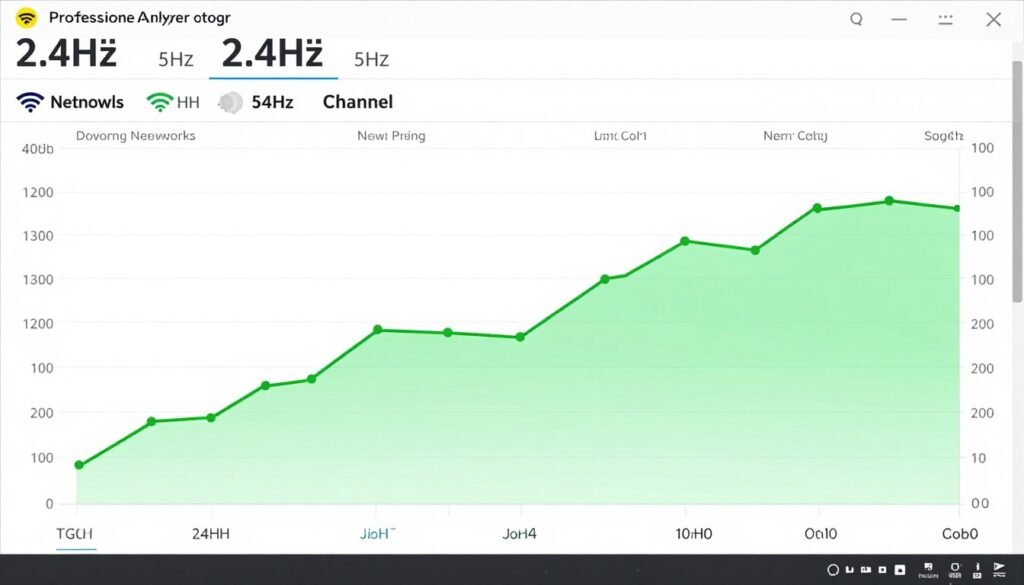
Router firmware updates fix bugs regularly. Check for updated firmware from your router manufacturer. Backup your configuration first. Then update firmware. Many performance issues disappear after firmware updates.
Compression Artifacts in Specific Scenes
Most content looks fine. But certain scenes show terrible blocking or color banding. This points to codec limitations rather than bandwidth problems.
Dark scenes with gradual lighting transitions challenge compression codecs. The human eye easily detects banding in gradients. Not much you can do except increase encoding bitrate if your VR software allows quality adjustments.
Fast motion creates macroblocking where the codec cannot keep up with changes between frames. Lowering game quality settings reduces motion complexity. Less particle effects means easier encoding. Less dramatic lighting changes helps too.
Some games simply compress poorly. Their rendering style creates patterns that codecs struggle with. Nothing wrong with your system. The game itself poses challenges. Accept reduced quality in those specific titles or play them wired instead.
Motion Sickness from Latency
Hardware runs fine. Frame rates stay stable. But you feel sick after 20 minutes in VR. Hidden latency likely causes this.
Test motion-to-photon latency using methods mentioned earlier. If it exceeds 25ms, investigate each pipeline stage. GPU frame times, encoding latency, network transmission, and headset processing all contribute.
Lowering graphics quality reduces GPU frame time. This cuts several milliseconds from total latency. Sometimes playing at medium settings with 18ms latency feels better than ultra settings with 30ms latency.
Fast encoding presets reduce encoding time but hurt quality. Medium encoding presets balance quality and latency better. Experiment with encoder settings in your VR streaming software.
Network latency needs router optimization. QoS settings prioritize VR traffic. Gaming mode reduces router processing overhead. Dedicated VR SSID eliminates competition from other devices.
Some people are simply more sensitive to VR latency. If you maxed out all optimizations and still feel sick, your biology might limit wireless VR enjoyment. Not everything has a technical fix. Wired VR eliminates most latency if wireless proves unbearable.
VRAM Running Out
Performance tanks in large environments or after extended play sessions. VRAM usage climbs until you hit limits. Then things break.
Lower texture quality settings first. This single setting has the biggest VRAM impact. High instead of ultra textures cuts VRAM usage by 2-4GB without dramatically changing visual quality.
Reduce render distance in games that support it. You do not need objects visible 5 kilometers away in VR. Cut render distance to 1-2 kilometers. VRAM savings add up quickly.
Some games leak VRAM over time. Restarting the game every few hours clears accumulated garbage. Not a fix but a practical workaround until developers patch the issues.
If problems persist, your GPU simply lacks enough VRAM for 8K VR in demanding titles. No amount of settings adjustments fixes insufficient memory. Either accept reduced resolution or upgrade GPU. Understanding VRAM bottlenecks and solutions helps diagnose these problems correctly.
The Bottom Line
Wireless 8K VR works today if you build the right system and set realistic expectations. This is not marketing vaporware anymore. But it is also not the effortless plug-and-play experience companies advertise.
You need high-end hardware. RTX 4080 or better GPU provides baseline performance for true 8K wireless streaming. Anything less forces too many quality compromises. Strong CPU with 8+ cores handles the wireless workload overhead. Quality WiFi 6E or WiFi 7 router maintains stable connections.
The reality is wireless 8K VR costs $3,000-4,000 for a complete system that delivers consistently good experiences. Budget half that amount and you get wireless VR that technically qualifies as 8K but disappoints in practice.
Network optimization matters as much as hardware specs. Router placement, channel selection, interference elimination, and proper configuration determine whether your expensive hardware actually performs well. Ignore networking and even perfect components underperform.
Latency requires constant attention. Every millisecond counts. Measure your actual motion-to-photon times. Optimize each processing stage. Accept that some latency remains unavoidable with current wireless technology. If you are extremely sensitive to latency, wired VR might serve you better.
Compression artifacts are the price of wireless freedom. Understand the quality trade-offs inherent in current codecs. Sometimes wired VR with its uncompressed image quality beats wireless VR trying to stream 8K over bandwidth-limited connections.
8K resolution provides noticeable but not revolutionary improvements over 4K in VR. Text clarity increases. Screen door effect disappears. Fine details sharpen. But the 4x rendering cost means most people find 4K with maxed quality settings delivers better overall experience than 8K with reduced quality.
Emerging technologies promise improvements. WiFi 7 delivers more consistent performance. Better codecs reduce compression artifacts. Eye tracking enables foveated rendering and encoding. But these technologies take time to mature and reach mainstream pricing.
The honest advice is this. If you already own high-end PC hardware and want the absolute best VR experience money can buy right now, wireless 8K VR works. The technology matured enough that proper implementations deliver great experiences.
If you are building a new system specifically for VR, consider whether 4K wireless VR at higher quality settings serves you better than 8K with compromises. The money saved on a slightly less powerful GPU buys better monitors, controllers, or other peripherals that improve overall experience.
For people on moderate budgets, wireless 4K VR remains the sweet spot. Modern mid-range hardware handles it beautifully. You get wireless freedom without the massive hardware requirements of 8K. The visual quality satisfies most users.
Testing your specific system before committing to expensive upgrades prevents costly mistakes. Tools exist to identify your actual bottlenecks. Use them. Understanding how to diagnose system performance issues helps make informed upgrade decisions rather than guessing.
Wireless VR technology keeps improving rapidly. What requires a $4,000 system today might need only $2,000 in hardware two years from now. If wireless 8K VR appeals but current costs seem excessive, waiting makes sense. Unless you absolutely need it now, patience saves money.
Moving Forward with Wireless VR
Future VR Tech continues pushing toward completely wireless experiences at ever-higher resolutions. The dream of tetherless virtual reality becomes more practical each year. But the gap between marketing promises and actual delivered experiences remains substantial.
8K wireless VR works today for people willing to invest in proper hardware and spend time optimizing their systems. This is enthusiast-level technology that rewards knowledge and tinkering. Not mainstream plug-and-play consumer electronics.
The practical path forward depends on your specific situation. Deep pockets and patience for troubleshooting enable wireless 8K VR now. Moderate budgets find better value in wireless 4K VR with higher quality settings. Tight budgets should stick with wired VR until wireless technology improves further and costs drop.
Technology evolves quickly in VR space. Hardware improves every generation. Software optimization continues. Network infrastructure upgrades. What feels cutting-edge today becomes mainstream tomorrow. Stay informed about developments but avoid chasing every incremental upgrade.
Build your system around the experiences you want rather than arbitrary specifications. If you primarily play sim racing or flight simulators, prioritize visual clarity and low latency over maximum resolution. Social VR users care more about consistent performance than pushing graphics limits. Match your hardware to your actual usage.
Most importantly, remember VR technology serves gameplay experiences. The best system is the one that lets you enjoy your favorite content smoothly and comfortably. Sometimes that means wireless 8K with all the bells and whistles. Sometimes it means wireless 4K with stable performance. Sometimes it means wired VR for minimum latency.
The wireless VR future looks bright. But we are still in early adopter phases for 8K streaming specifically. The technology works but requires expertise and investment most people are not ready to make. Give it another generation or two for true mainstream adoption. Until then, build smart for your needs and budget.