
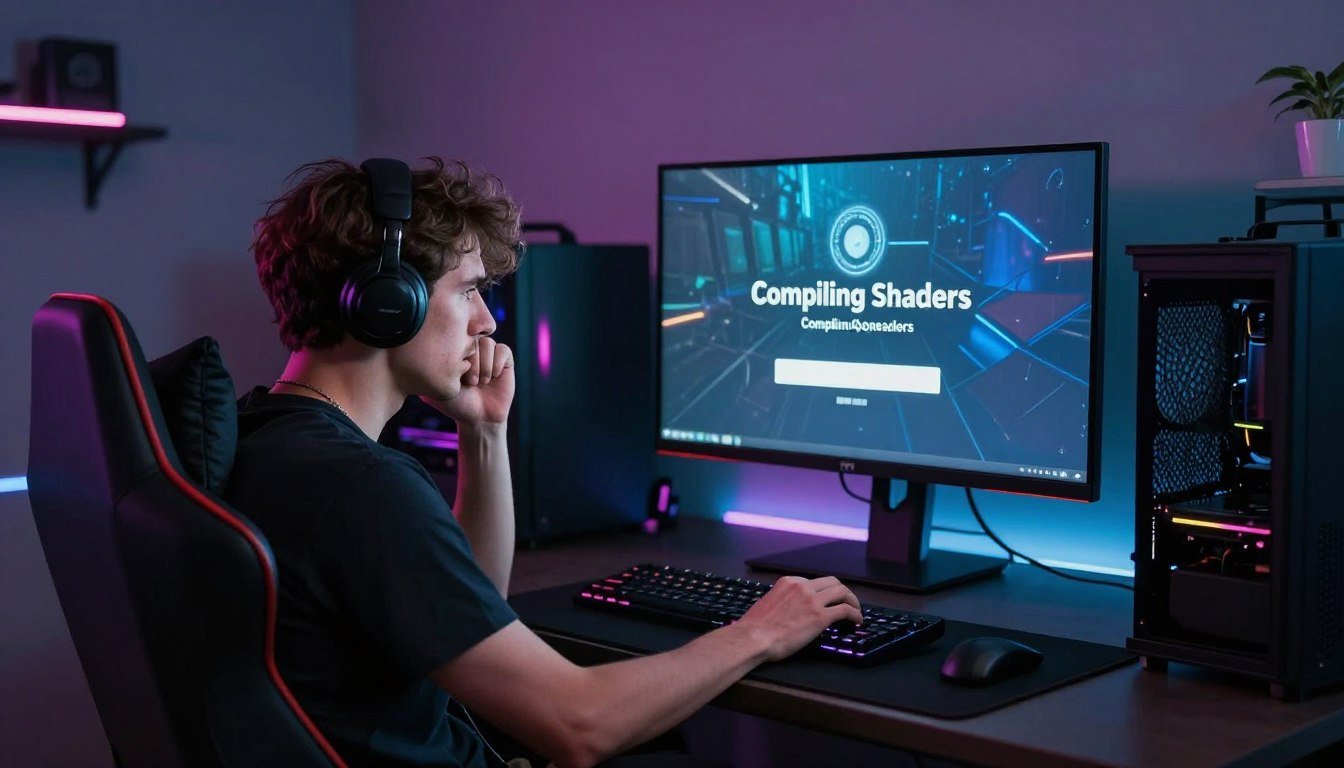
I spent forty minutes staring at a “Compiling Shaders” screen last week. My brand-new RTX 5080 just sat there, doing… something. Then the game finally loaded, and I got hit with micro-stutters every time I entered a new area. Sound familiar?
Shader compilation has become the worst part of PC gaming. It’s that thing your GPU is supposedly doing while you watch progress bars creep forward. But here’s what nobody tells you: most of that time is wasted. Most of those stutters are preventable. And a lot of it comes down to how games handle shaders on PC versus consoles.
This guide breaks down exactly what shader compilation is, why it makes your games stutter, and the actual fixes that work. No marketing fluff. Just the reality of shader compilation in 2026 and what you can do about it.
I’ve tested these fixes on multiple systems with different hardware configurations. Some work universally. Some depend on your specific setup. Let’s dig into the problem first, then fix it.
What Is Shader Compilation and Why Does It Exist
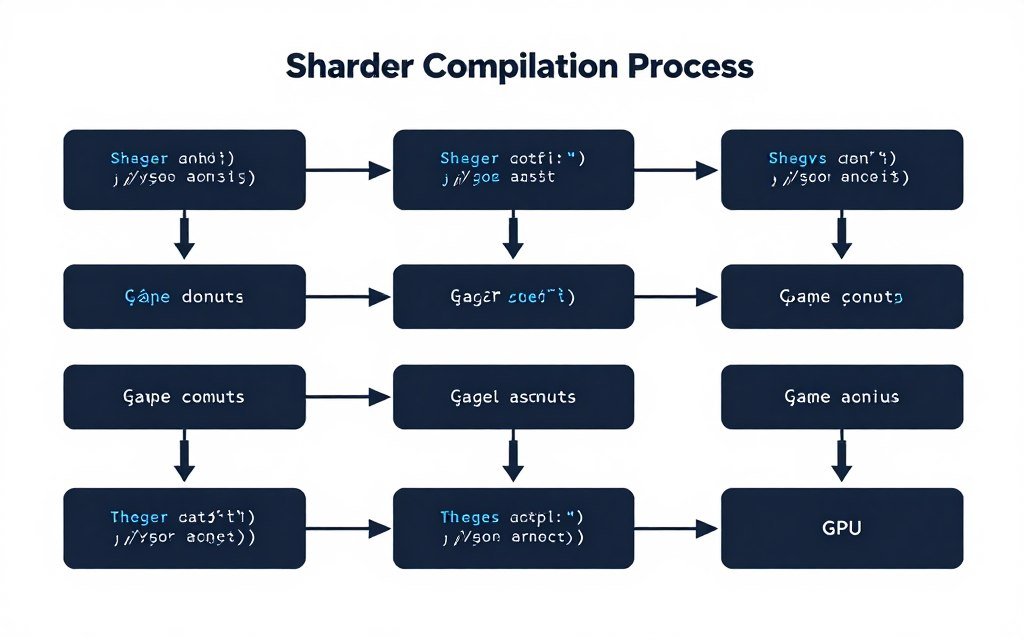
Shaders are small programs that tell your GPU how to render graphics. Think of them like recipes for drawing specific things on screen. Every texture, every lighting effect, every shadow needs a shader to work.
The problem starts with how these recipes get written. Game developers create shaders in a high-level language that makes sense to humans. But your GPU doesn’t speak that language. It needs those instructions translated into something it can actually execute.
That translation process is shader compilation. Your system takes the developer’s code and converts it into GPU-specific instructions. It’s like translating a cookbook from English into a language your kitchen appliances understand.
Why Consoles Don’t Have This Problem
On consoles, developers compile shaders once. Every PlayStation 5 has the same GPU. Every Xbox Series X runs identical hardware. Developers know exactly what they’re working with.
They compile all shaders during game development, package them up, and ship them with the game. When you load the game on your console, those shaders are ready to go. No compilation needed. No loading screen. No stuttering.
PC gaming is different. You might have an NVIDIA RTX 5090, an AMD RX 8800 XT, or an Intel Arc B580. Each GPU needs shaders compiled specifically for its architecture. Developers can’t pre-compile for every possible hardware combination.
The Two Types of Shader Compilation
Pre-compilation happens before you start playing. That’s the “Compiling Shaders” loading screen everyone hates. Games try to compile common shaders upfront so they’re ready when needed.
Runtime compilation happens during gameplay. When you enter a new area or trigger a new visual effect, the game compiles shaders on the fly. This is what causes those annoying micro-stutters every time something new appears on screen.
Unreal Engine 5 games are particularly bad at this. The engine introduced new features like Nanite and Lumen that generate tons of shader variations. More variations mean more compilation, which means more stuttering. Check out our detailed guide on UE5 performance issues if you want the technical breakdown.
Is Your Hardware Actually the Problem?
Before you blame the game or your GPU, check if system bottlenecks are making shader compilation worse. Our calculator shows you exactly where your hardware struggles.
Why Shader Compilation Causes Stuttering in Some Games
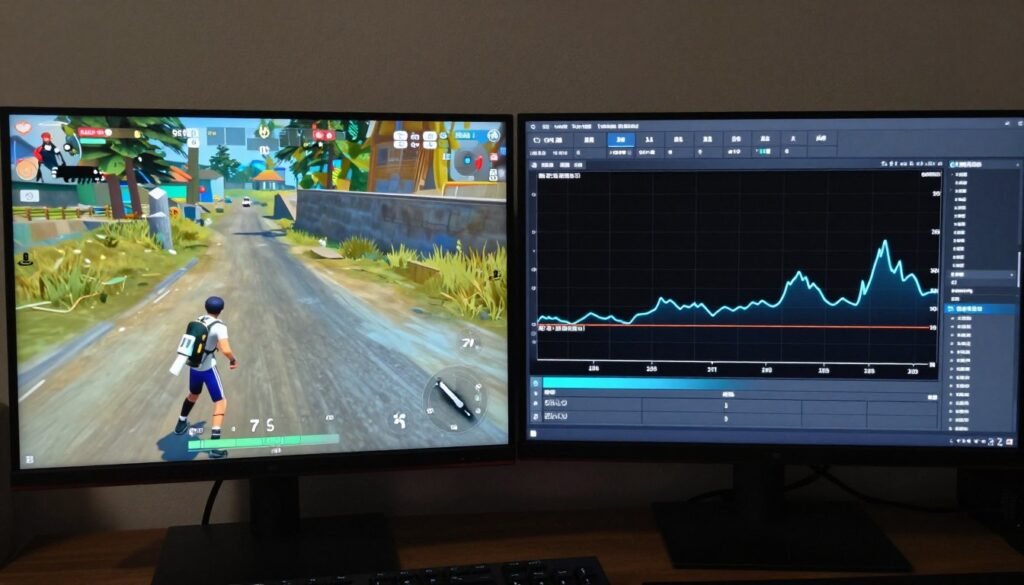
Stuttering happens when your GPU stops rendering frames to compile shaders instead. Your game is running at 120 FPS, then suddenly drops to zero for a fraction of a second. That freeze is shader compilation.
The worst part is how unpredictable it feels. You’re playing smoothly, then you round a corner and the game hitches. New enemy type appears? Hitch. Different lighting condition? Hitch. It’s not consistent frame drops—it’s these random micro-freezes that wreck your gaming experience.
This happens because developers chose convenience over performance. Pre-compiling every shader takes time and increases game download sizes. So they compile shaders as needed during gameplay instead.
The PSO Cache Problem
Your system saves compiled shaders in something called a Pipeline State Object cache, or PSO cache. Think of it as a library of pre-translated recipes. Once a shader is compiled, it gets saved so the game doesn’t need to compile it again.
The issue is that PSO cache builds up over time. The first time you play a level, you’ll get stutters as shaders compile. The second time through that same level, it should be smooth because the shaders are cached.
But that means your first playthrough is always going to stutter. And if the game updates, or your drivers update, that cache might get invalidated. Then you’re back to square one, recompiling everything.
CPU vs GPU Bottlenecks During Compilation
Shader compilation is mostly a CPU task, not a GPU task. Your processor does the heavy lifting of translating shader code. This is why some people with powerful GPUs still get compilation stutters—their CPU is the bottleneck.
If you’re running an older quad-core CPU with a modern GPU, shader compilation will take longer. The game is waiting for your CPU to finish compiling before your GPU can use those shaders. Understanding CPU bottlenecks helps explain why this happens.
Modern CPUs with more cores handle shader compilation better. A Ryzen 9 9950X or Intel Core i9-14900K compiles shaders significantly faster than older processors. But even with top-end hardware, poorly optimized games will still stutter.
Which Games Have the Worst Shader Compilation Issues

Not all games handle shader compilation poorly. Some developers put in the time to pre-compile shaders properly. Others just ship the game and let players deal with the stuttering.
Unreal Engine 5 titles are consistently the worst offenders. The Callisto Protocol, Remnant II, and Immortals of Aveum all launched with terrible shader compilation stuttering. Epic’s new rendering features generate massive amounts of shader variations that need compiling.
DirectX 12 games also tend to have more shader compilation issues than DirectX 11 games. DX12 gives developers more control over the graphics pipeline, but it also puts more responsibility on them to handle shader compilation correctly. Many developers don’t bother.
Games That Actually Fixed the Problem
Some developers figured it out. Doom Eternal compiles shaders upfront and handles runtime compilation smoothly. You might wait a minute during the initial load, but gameplay is stutter-free.
Horizon Zero Dawn had shader compilation stuttering at launch. Guerrilla Games patched it by implementing better pre-compilation. The game now compiles most shaders before you start playing, reducing runtime stutters significantly.
This proves the problem is solvable. Developers just need to prioritize it. But that takes time and resources, and most publishers would rather ship the game now and maybe fix it later.
How Your Hardware Actually Impacts Shader Compilation Time

Your CPU matters more than your GPU for shader compilation speed. A faster processor with more cores compiles shaders quicker, reducing both loading times and runtime stutters.
AMD’s Ryzen 9000 series and Intel’s latest Core processors handle shader compilation significantly better than older CPUs. If you’re still running a quad-core processor from five years ago, that’s likely your main bottleneck during compilation.
But throwing money at a new CPU won’t fix everything. Poorly optimized games will still stutter regardless of your hardware. You can reduce the severity and frequency, but you can’t eliminate it entirely if the game doesn’t handle shaders properly.
RAM Speed and Capacity Considerations
Shader compilation uses system RAM temporarily. Faster RAM with lower latency helps, but the impact is smaller than CPU speed. Going from 16GB to 32GB makes no difference if you’re not running out of memory during compilation.
What matters more is whether you’re running other programs in the background. Browser tabs, Discord, streaming software—these all compete for CPU resources during shader compilation. Close unnecessary programs before gaming to speed up compilation.
Storage Speed Won’t Fix Stuttering
Some people think upgrading to a faster SSD will reduce shader compilation stuttering. It won’t. Shader compilation happens in RAM and on the CPU. Storage speed only affects how quickly the game loads shader files from disk initially.
A faster NVMe SSD might reduce that initial “Compiling Shaders” loading screen by a few seconds. But once you’re in-game, storage speed has zero impact on runtime shader compilation stutters.
If you want to understand how different components affect gaming performance, our guide on system balance explains which upgrades actually matter.
How to Actually Fix Shader Compilation Stuttering
Now let’s talk about real fixes. Some of these work universally. Others depend on your specific hardware and the games you play. I’ve tested all of these on multiple systems, so I know what actually works versus what’s just internet advice.
Let Games Pre-Compile Shaders Completely
This sounds obvious, but most people skip it. When a game shows that “Compiling Shaders” loading screen, let it finish completely. Don’t Alt+Tab, don’t start the game before it’s done, just wait.
Some games give you a progress bar. Others just say “Compiling Shaders” with no indication of progress. Wait at least five minutes. Ten minutes for Unreal Engine 5 games. Your first session will take longer, but subsequent sessions will be much smoother.
If you keep interrupting the process, the game never builds a complete shader cache. You’ll get stuttering every time you play because it’s always trying to catch up on compilation.
Increase Your Shader Cache Size
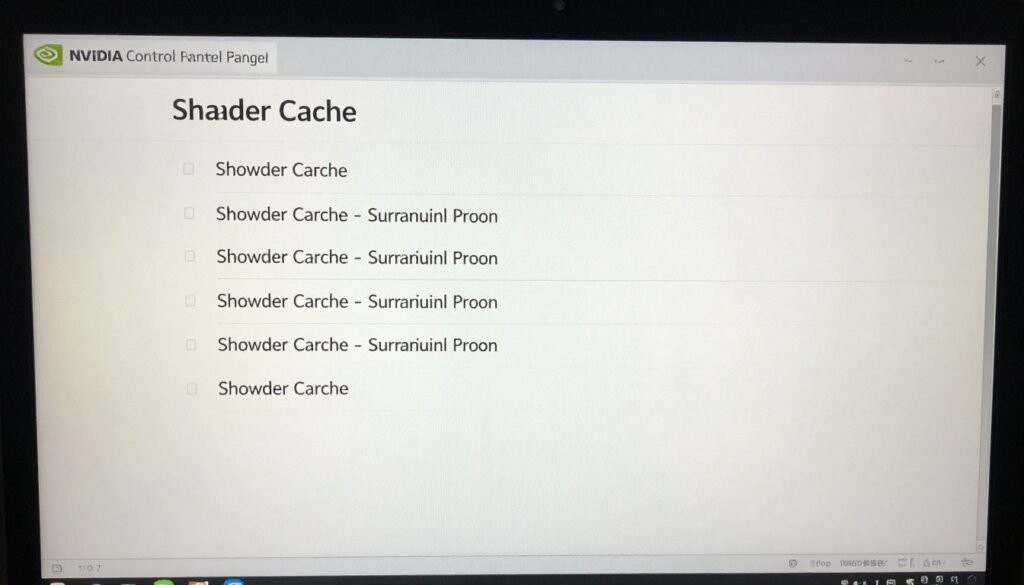
NVIDIA and AMD GPUs have shader cache size limits in their drivers. The default size is often too small for modern games with thousands of shader variations.
For NVIDIA cards, open NVIDIA Control Panel, go to Manage 3D Settings, find “Shader Cache Size” and set it to at least 10GB. For AMD cards, open AMD Software, go to Gaming > Graphics, find “Shader Cache” and enable it with maximum size.
This gives games more room to store compiled shaders. Once your cache is full, the driver starts deleting old shaders to make room for new ones. A larger cache means less deletion and recompilation. Our detailed guide on shader cache management covers this in more depth.
Keep Your GPU Drivers Updated
Driver updates often include shader compilation optimizations. NVIDIA and AMD regularly release day-one game drivers that include pre-compiled shader cache files for new releases.
These driver-level shader caches can dramatically reduce compilation time and stuttering for supported games. But you only get them if you keep your drivers updated. Install new drivers within a week of major game releases for the best results.
That said, don’t blindly install every driver update immediately. Sometimes new drivers introduce new issues. Wait a few days, check user reports, then update if the driver seems stable.
Delete Your Shader Cache When Things Break
Sometimes shader cache gets corrupted. You’ll know this is happening if a game that previously ran smoothly suddenly starts stuttering again. The fix is to delete your shader cache and let it rebuild.
For NVIDIA, the cache is usually at C:\ProgramData\NVIDIA Corporation\NV_Cache. For AMD, it’s at C:\Users\[YourName]\AppData\Local\AMD. Delete everything in these folders (with the game closed), then launch the game and let it recompile.
This sounds counterproductive—you’re deleting all that compiled shader data. But a corrupted cache causes more stuttering than no cache at all. Fresh compilation from scratch solves weird stuttering issues that driver updates or game patches introduce.
Game-Specific Launch Options
Some games have launch options that improve shader compilation behavior. For Steam games, right-click the game, go to Properties, and enter launch options.
Unreal Engine games sometimes respond well to “-dx12” or “-dx11” flags to force a specific DirectX version. Some DX12 games stutter less when forced to run DX11, though you lose some visual features.
Other useful flags include “-nothreadtimeout” to prevent shader compilation timeouts and “-nosplash” to skip intro videos and get to the game faster. These don’t always work, but they’re worth trying if a specific game stutters constantly.
For broader performance optimization strategies, check out our guide on how to fix PC stuttering across multiple games.
What Game Developers Should Actually Do About This
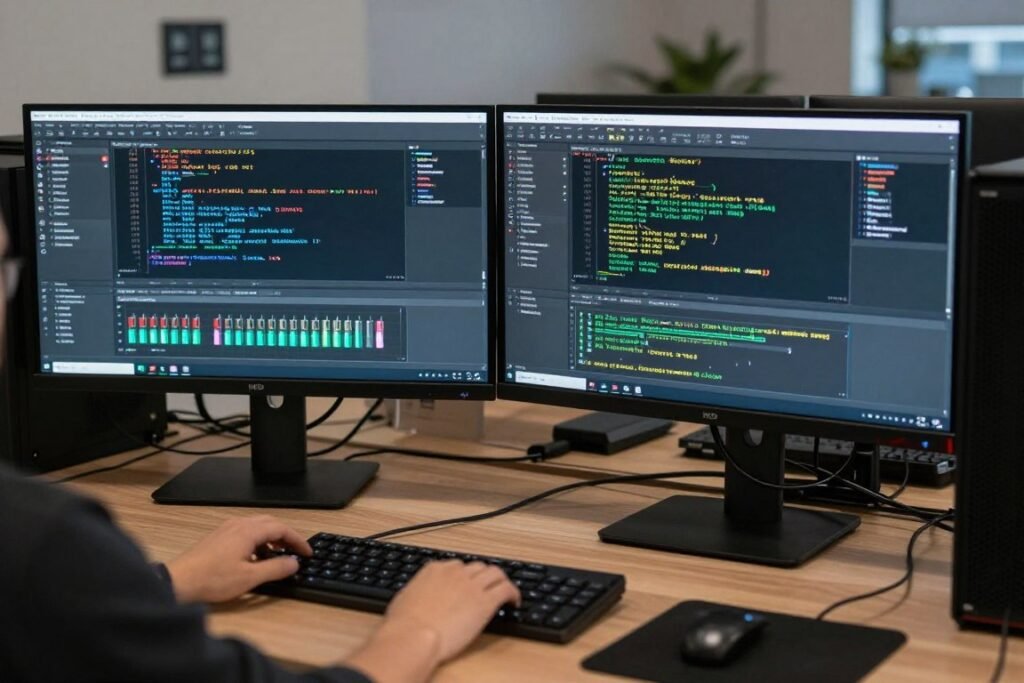
This problem isn’t entirely on players to solve. Developers have tools and techniques to eliminate most shader compilation stuttering. They just need to use them.
The best solution is comprehensive pre-compilation. Compile every shader the game might possibly need before gameplay starts. Yes, this creates a longer initial loading screen. But gamers will take a five-minute wait over constant stuttering any day.
Doom Eternal did this right. You wait during the initial load, then gameplay is completely stutter-free. No runtime compilation. No micro-freezes. Just smooth performance from start to finish.
Pipeline State Object Pre-Warming
PSO pre-warming is a technique where games compile shaders in the background during less intensive moments. Loading screens, cutscenes, menu screens—any time the GPU isn’t fully utilized.
This spreads out shader compilation over time instead of hitting you with everything at once. You might get minor stutters during a loading screen cutscene, but gameplay itself stays smooth.
More developers are implementing this in patches after launch. The Callisto Protocol added PSO pre-warming months after release, significantly reducing stuttering. But it should have been there from day one.
Better Cache Management
Games need to handle shader cache updates intelligently. When a patch changes shaders, invalidate only the affected shaders, not the entire cache. Preserve as much of the player’s existing cache as possible.
Some games nuke the entire cache with every update, forcing players to recompile everything from scratch. That’s lazy implementation. Good cache management preserves player experience across updates.
How to Test If Shader Compilation Is Your Actual Problem

Not every stutter is shader compilation. Sometimes it’s your GPU being too slow. Sometimes it’s CPU bottlenecks. Sometimes it’s just poor game optimization. You need to test systematically to identify the real cause.
Use MSI Afterburner or RTSS to display frame time graphs during gameplay. Shader compilation stutters show up as massive frame time spikes—single frames taking 100ms or more when everything else is 8-16ms.
If you see consistent frame time spikes when entering new areas or encountering new visual effects, that’s shader compilation. If your frame times are just generally high and inconsistent, that’s a different problem.
The Second Playthrough Test
Here’s a simple way to test: play through the same area twice. If the first time through has stuttering but the second time is smooth, that’s shader compilation building your cache.
If both playthroughs stutter equally, your system has other bottlenecks. Your GPU might not be powerful enough for your settings. Your CPU might be maxed out. Or the game might just run poorly on all hardware.
Understanding whether you have hardware bottlenecks or software issues is critical. Our GPU bottleneck guide helps you figure out which component is actually limiting performance.
Get a Complete System Performance Analysis
Stop guessing whether shader compilation or hardware bottlenecks are causing your stuttering. Our calculator analyzes your entire system and shows exactly where the problems are.
The Future of Shader Compilation in PC Gaming

The industry is slowly acknowledging this problem. New APIs and techniques are in development to reduce shader compilation stuttering. But widespread adoption takes years.
Microsoft’s DirectX 12 Ultimate includes features for better shader pre-compilation. Vulkan has similar capabilities. But developers need to actually implement these features, and many don’t because it takes extra development time.
Some game engines are building shader compilation tools directly into their workflows. Unreal Engine 5.3 added better PSO pre-warming support. Unity is working on similar features. These improvements help, but they’re not automatic—developers still need to configure and test them properly.
Cloud Compilation Services
One potential future solution is cloud-based shader compilation. Instead of your CPU compiling shaders locally, game services could compile them on remote servers and download the results to your system.
This would eliminate local compilation time entirely. You’d download pre-compiled shaders for your specific GPU model, then load the game with zero compilation delay. Several game publishers are experimenting with this approach.
The problem is infrastructure. You need massive server farms to compile shaders for millions of different hardware combinations. And you need fast internet to download those compiled shaders quickly. It’s not a near-term solution for most players.
The Bottom Line on Shader Compilation Stuttering
Shader compilation stuttering is fixable, but the fix requires effort from both players and developers. You can reduce the problem with driver updates, proper cache management, and letting games pre-compile fully. But you can’t eliminate it entirely if developers don’t implement proper shader handling.
The best thing you can do is be patient with that initial “Compiling Shaders” screen. Let it complete fully. Increase your shader cache size. Keep drivers updated. These steps reduce stuttering significantly for most games.
For games that stutter constantly despite these fixes, the problem is on the developer’s end. No amount of hardware upgrades or settings tweaks will fix poor shader compilation implementation. Vote with your wallet—support developers who take PC optimization seriously.
Understanding your system’s overall balance helps too. Sometimes what feels like shader compilation stuttering is actually a CPU or GPU bottleneck. Knowing which components limit your performance helps you make better upgrade decisions. Check out our knowledge base for more guides on PC performance optimization.
Shader compilation will remain a PC gaming issue for the foreseeable future. But as more developers implement proper pre-compilation and better cache management, the problem will gradually diminish. Until then, we’re stuck with those annoying loading screens and occasional stutters.
The reality is this: shader compilation exists because PC hardware varies so much. Consoles have it easy with standardized hardware. We get hardware choice and upgrade flexibility, but we pay for it with compilation overhead. That trade-off isn’t changing anytime soon.