
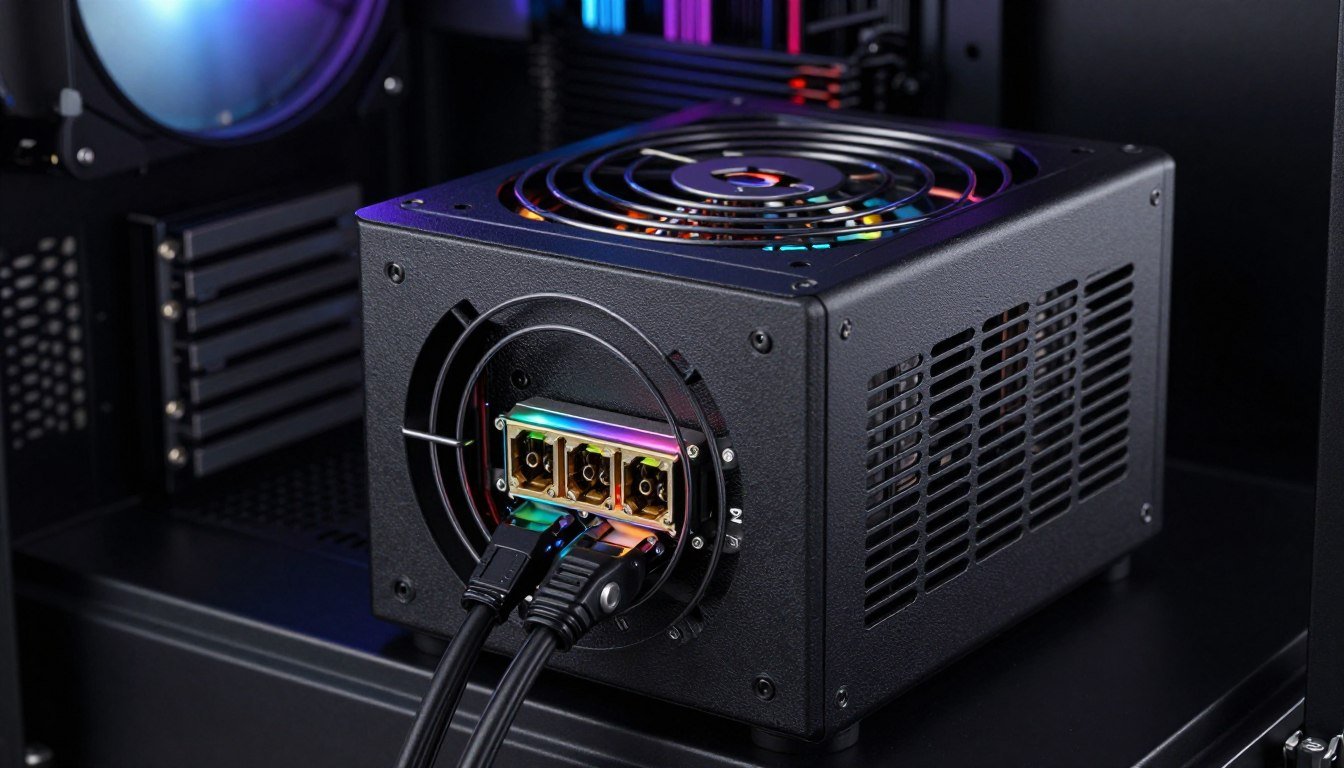
Let me tell you about the day I almost fried a brand-new RTX 4090. I was using an older ATX 2.0 PSU with one of those sketchy adapter cables everyone warned about. The system posted, benchmarks ran fine for about twenty minutes, then I heard a pop. The 12VHPWR connector had started melting.
That was my wake-up call. The cable didn’t fail completely, but the burn marks told me everything I needed to know.
This guide breaks down exactly what ATX 3.1 PSU standards actually mean for your build. You’ll learn why the new 12V-2×6 cable fixes the melting connector problem. We’ll dig into when you actually need an ATX 3.1 power supply versus when your current PSU works just fine.
I’ll show you the real-world compatibility issues nobody talks about until it’s too late. By the end, you’ll know exactly which ATX 3.1 PSU makes sense for your specific build and budget.
What ATX 3.1 Actually Changes (And Why It Matters)
The ATX 3.1 standard isn’t just another version number bump. It’s a direct response to the cable melting disasters that plagued early RTX 4090 adopters.
Think of power delivery like water flowing through pipes. The old 12VHPWR connector was like forcing too much water through a pipe with weak connection points. When those connections loosened even slightly, resistance built up. That resistance created heat. Heat melted plastic.
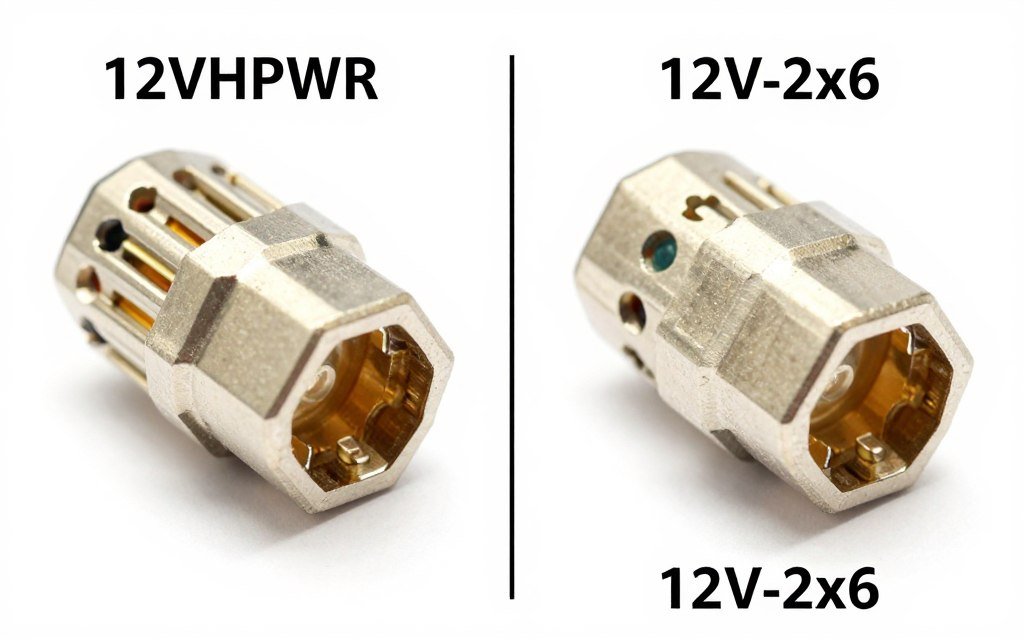
ATX 3.1 fixes this with the 12V-2×6 connector. It uses longer sense pins that make contact before the main power pins. This means the connector knows it’s seated properly before electricity starts flowing.
The Technical Improvements That Actually Matter
The 12V-2×6 cable includes several design changes. The sense pins are 0.85mm longer than the old connector. That doesn’t sound like much until you realize it’s the difference between detecting an incomplete connection and not.
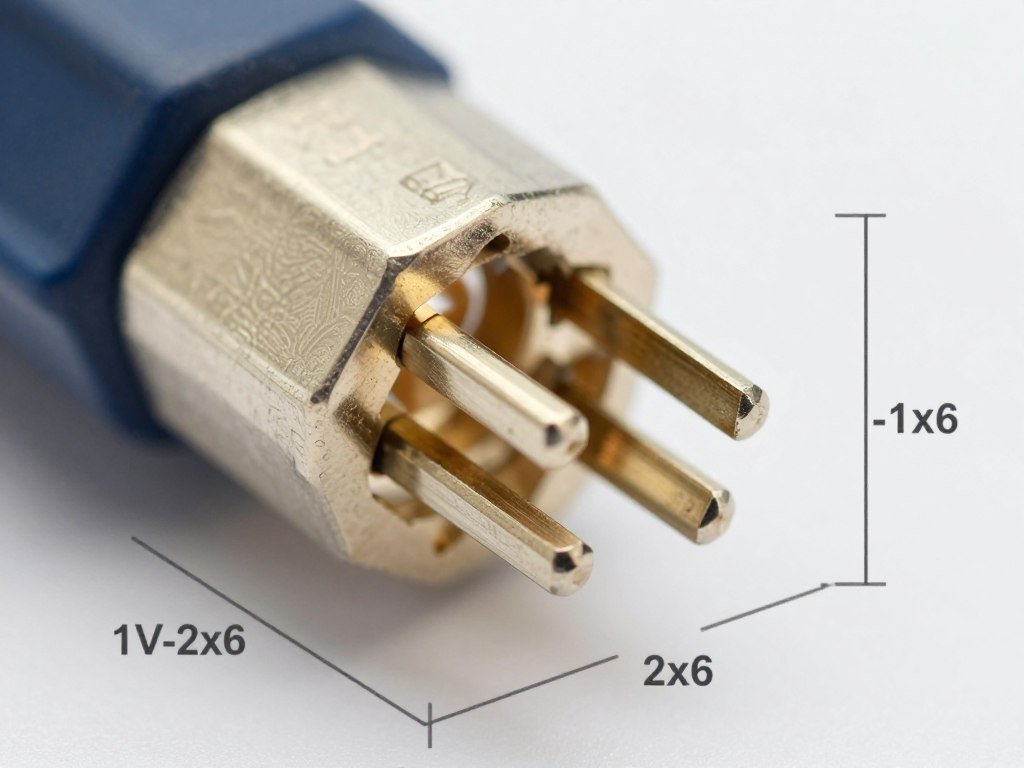
The connector housing also received reinforcement. The plastic shell is thicker around the pin area. This reduces flex when you’re plugging and unplugging cables during builds.
Power delivery stayed the same at 600 watts maximum. But the safety margins improved significantly. The connector can handle transient power spikes better without creating hotspots.
Check Your System’s Power Balance
Before upgrading your PSU, see if power delivery is actually bottlenecking your build. Our calculator shows you exactly where your system needs attention.
Backward Compatibility Reality Check
Here’s where it gets practical. An ATX 3.1 PSU with native 12V-2×6 cable works with older graphics cards. You’ll just use the standard PCIe power cables that come with every modular power supply.
But an old ATX 2.0 or 3.0 PSU doesn’t safely power new RTX 50-series cards. Sure, you can use adapters. I don’t recommend it after my near-disaster experience.
The adapter cables bundle multiple 8-pin PCIe connectors into one 12VHPWR plug. That’s four separate power rails converging at one point. If any rail delivers uneven power, the connector handles that stress poorly.
The 12V-2×6 Cable: More Than Just a New Connector
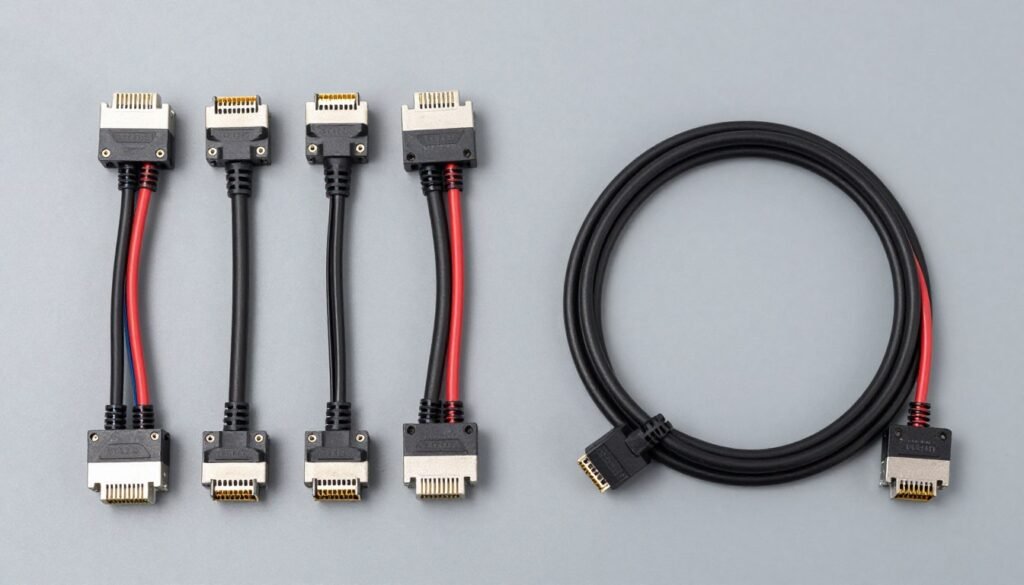
The difference between 12VHPWR and 12V-2×6 seems minor on paper. Both deliver up to 600 watts. Both use similar pin layouts. But those extended sense pins change everything about safety.
How Sense Pins Prevent Cable Failures
Imagine trying to plug in a USB cable in the dark. You might think it’s connected when it’s actually only halfway inserted. That partial connection creates resistance. Resistance generates heat.
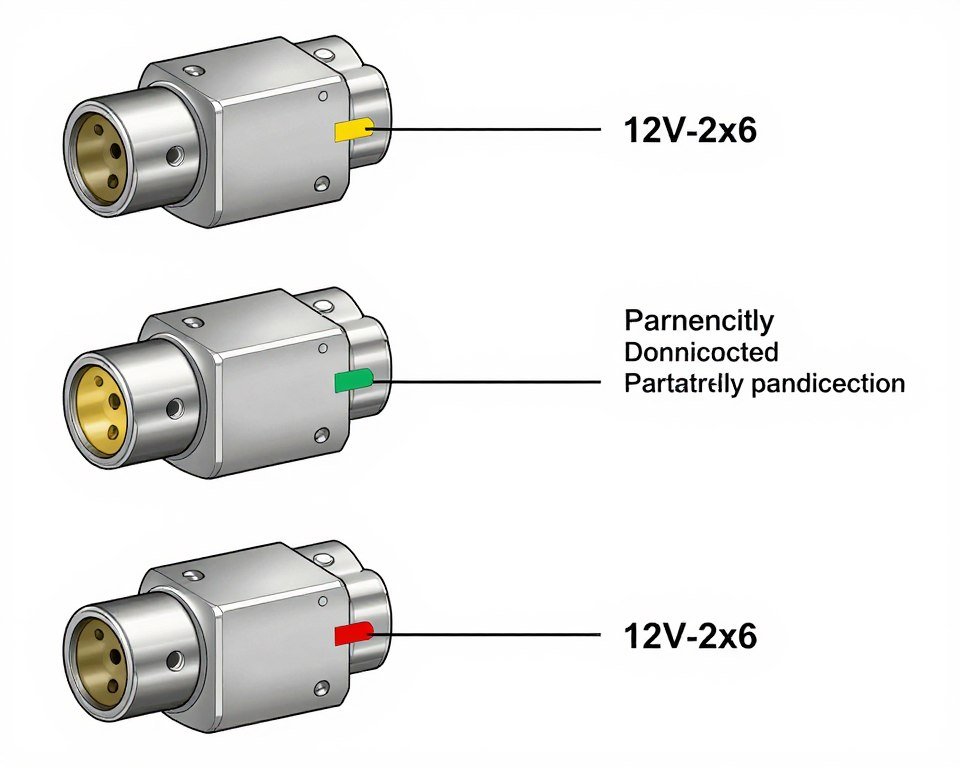
The 12V-2×6 connector eliminates this guessing game. Those longer sense pins make contact first. They tell the GPU whether the connection is complete before full power flows. If the connector isn’t fully seated, the card knows. It either won’t boot or will limit power draw.
This is crucial for high-power GPUs like the RTX 5090. These cards can pull sudden power spikes reaching 600 watts in milliseconds. A partially connected cable can’t handle those transient loads safely.
Real-World Cable Management Benefits
The reinforced connector housing makes cable routing easier. I’ve built systems with both connector types. The old 12VHPWR cables felt fragile when bending them around tight corners.
The 12V-2×6 cable handles stress better. You can route it through tighter spaces without worrying about putting strain on the connection point. This matters in compact cases where every millimeter counts.
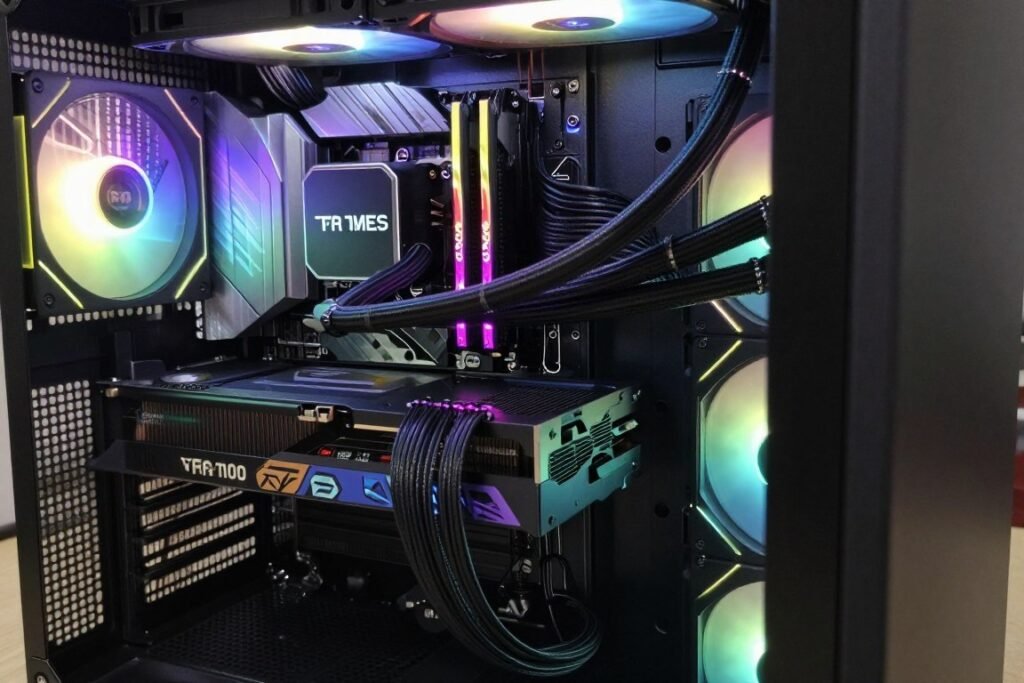
The cable itself uses higher quality conductors. Most ATX 3.1 PSU manufacturers spec 16AWG wire or thicker for the 12V-2×6 cable. Some older adapter cables used 18AWG. Thicker wire means less resistance over distance.
12V-2×6 Advantages
- Extended sense pins prevent partial connections
- Reinforced housing reduces physical stress
- Native PSU integration eliminates adapters
- Better handling of transient power spikes
- Improved cable management flexibility
- Higher quality conductor specifications
Adapter Cable Risks
- Multiple power rails create uneven loads
- Additional connection points increase resistance
- No sense pin protection on PSU side
- Potential compatibility issues with older PSUs
- Extra cable bulk complicates routing
- Warranty concerns with third-party adapters
Do You Actually Need ATX 3.1 for Your Build?
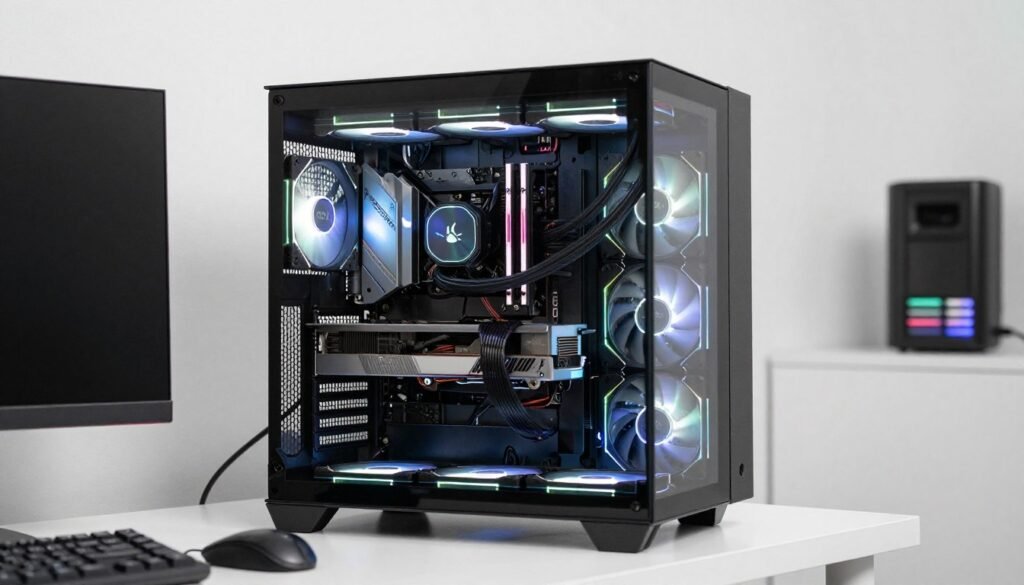
Not every build needs an ATX 3.1 power supply. That’s the honest answer nobody wants to admit because PSU manufacturers want you buying new hardware.
When ATX 3.1 Is Actually Necessary
You need an ATX 3.1 PSU with native 12V-2×6 cable in these specific situations. First, if you’re running an RTX 5090 or planning to upgrade to one. These cards officially require the new connector standard.
Second, if you’re building with an RTX 5080 and want the cleanest possible power delivery. Yes, you can technically use adapters. But why introduce potential failure points on a $1000+ graphics card?
Third, if you’re planning a build that will last through the next 3-4 GPU upgrade cycles. ATX 3.1 is the current standard. Future high-end cards will expect it. Check our hardware guides for detailed GPU power requirement breakdowns.
When Your Current PSU Works Fine
Running an RTX 4070 or lower? Your existing ATX 2.0 PSU probably handles it perfectly. These cards use traditional 8-pin PCIe connectors. There’s literally no benefit to ATX 3.1 in this scenario.
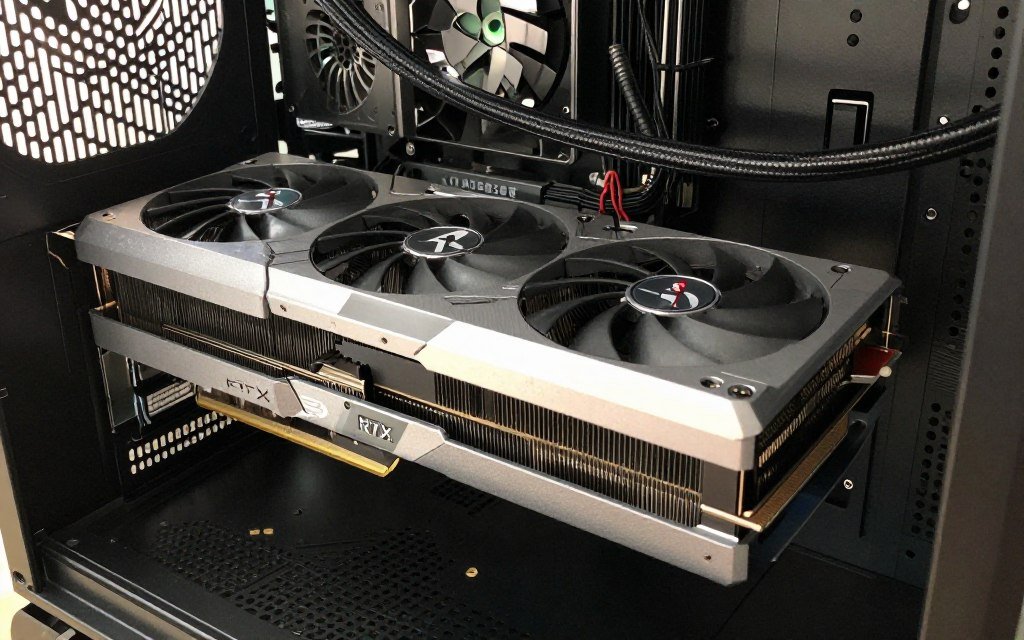
Building a mid-range system with an RX 8800 XT? AMD’s current cards don’t use 12V-2×6 connectors at all. Save your money. Spend it on better components elsewhere in the build.
Using an RTX 4080 or 4090 with adapter cables that have worked reliably for months? If it’s not broken, you probably don’t need to fix it. The risk exists, but if your cables are properly seated and you’re not experiencing thermal issues, immediate replacement isn’t critical.
| GPU Model | Power Draw | Connector Type | ATX 3.1 Necessary? |
| RTX 5090 | 575W | 12V-2×6 | Yes |
| RTX 5080 | 360W | 12V-2×6 | Recommended |
| RTX 4090 | 450W | 12VHPWR | Upgrade advised |
| RTX 4080 | 320W | 12VHPWR | Optional |
| RTX 4070 | 200W | 8-pin PCIe | No |
| RX 8800 XT | 315W | 8-pin PCIe | No |
The Transient Power Spike Factor
Here’s what most guides ignore. Peak power draw specifications don’t tell the complete story. GPUs pull sudden power spikes that can exceed their rated TDP by 50% or more for milliseconds.
An RTX 5090 rated at 575 watts can briefly spike to 850+ watts during intensive ray tracing workloads. Your PSU needs to handle these transient loads without voltage drooping. Learn how ray tracing affects power requirements.
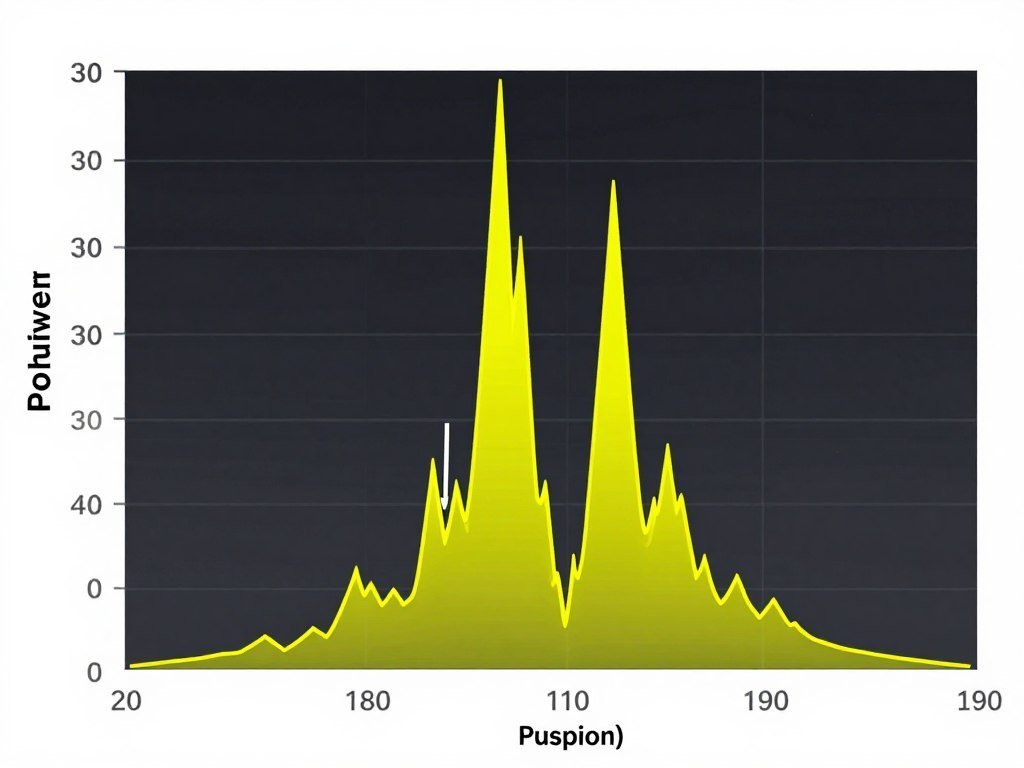
ATX 3.1 PSUs are designed and tested specifically for handling these microsecond power demands. They use higher quality capacitors that store energy for instant delivery. Older PSUs might technically provide enough sustained wattage but struggle with instant power demands.
What to Actually Look For in an ATX 3.1 PSU
The market is flooded with ATX 3.1 PSU options now. Some are genuinely excellent. Others slap a 12V-2×6 cable on a mediocre design and call it a day.
Wattage Calculation That Makes Sense
Don’t just add up component TDP numbers and call it done. That’s how you end up with an underpowered system or massive overkill.
Take your GPU’s peak power draw. Add your CPU’s maximum consumption. For an RTX 5090 and Ryzen 9 9950X, that’s roughly 575W plus 230W. You’re at 805 watts before considering anything else.
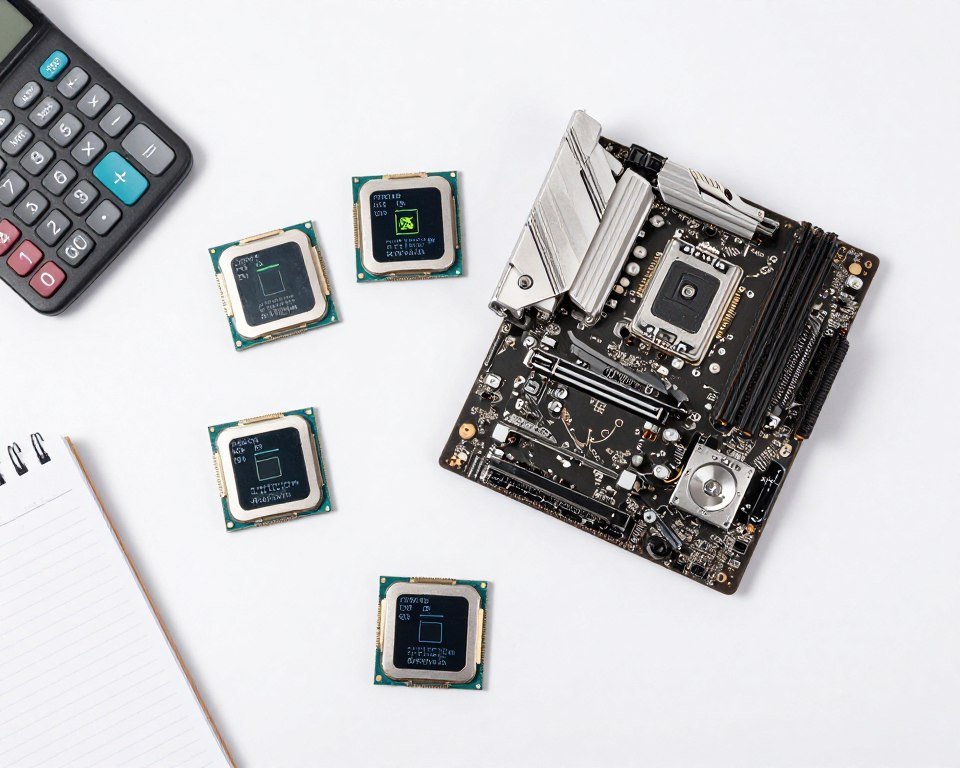
Add 100-150 watts for everything else. Motherboard, RAM, storage, fans, RGB lighting, and USB peripherals all draw power. You’re now looking at 950 watts of theoretical maximum draw.
I recommend a 1000W ATX 3.1 PSU for this build. That gives you comfortable headroom for transient spikes without running the PSU at maximum capacity constantly. PSUs run most efficiently at 50-80% load. Our complete PSU buying guide covers the math in detail.
Efficiency Ratings: What’s Worth Paying For
80 Plus certification levels matter, but not the way marketing departments want you to think. The difference between Gold and Platinum certification is usually 2-3% efficiency at typical loads.
That efficiency difference translates to maybe $15 per year in electricity costs for a system running 8 hours daily. If the Platinum PSU costs $50 more than Gold, you’re looking at over three years to break even.
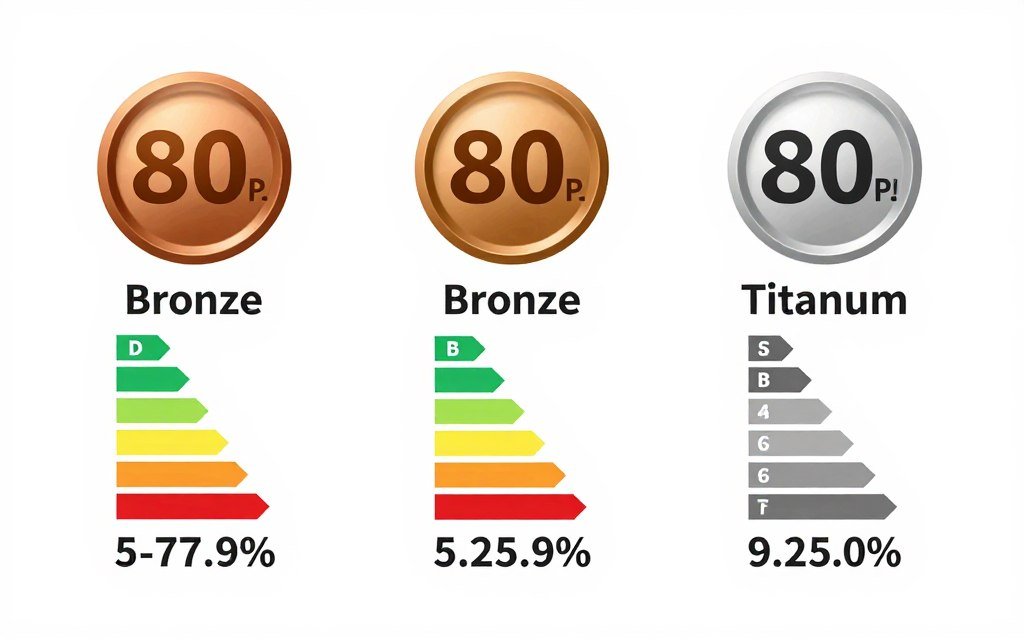
Buy Gold certification as the baseline for ATX 3.1 PSU purchases. It’s the sweet spot for quality components and reasonable pricing. Platinum makes sense if you’re building a system that runs 24/7. Titanium is overkill for gaming builds.
Modular Cables: Fully vs Semi-Modular
Fully modular PSUs let you detach every cable including the 24-pin motherboard connector. Semi-modular keeps the essential cables permanently attached.
I prefer fully modular for cleaner builds. You only install the cables you actually need. This matters more in compact cases where extra cables create airflow restrictions.
The price difference is usually $20-30. Worth it if you care about aesthetics and cable management. Not worth it if you’re just trying to get a system running on a budget. See our budget build strategies for prioritizing spending.
Cable Quality and Length
This is where many ATX 3.1 PSU brands cut corners. Check the actual gauge of the cables. The 12V-2×6 cable should be 16AWG minimum. Some budget units use 18AWG which increases resistance over longer cable runs.
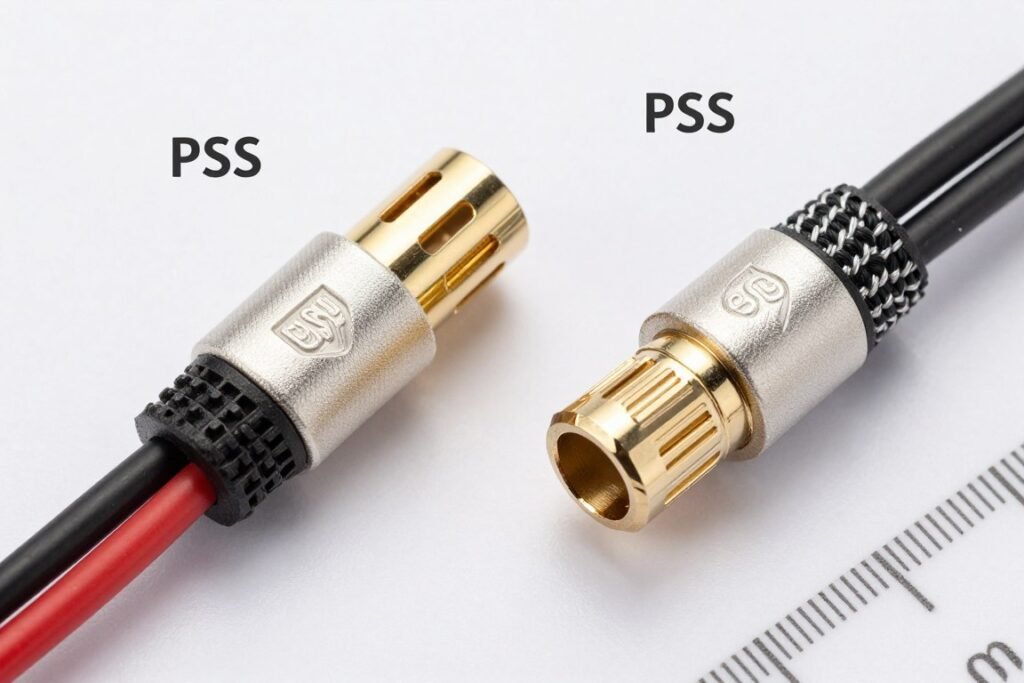
Cable length matters for larger cases. Most PSU cables are around 600mm for PCIe connectors. If you’re building in a full tower case with the PSU mounted at the bottom, you might need 700-800mm cables to reach the GPU mounted at the top.
Quality brands like Corsair, Seasonic, and be quiet! include longer cables standard. Budget brands sometimes force you to buy extension cables separately.
Calculate Your Exact Wattage Needs
Avoid overspending on excessive wattage or undersizing your PSU. See exactly what your specific component combination requires.
ATX 3.1 PSUs I’d Actually Buy
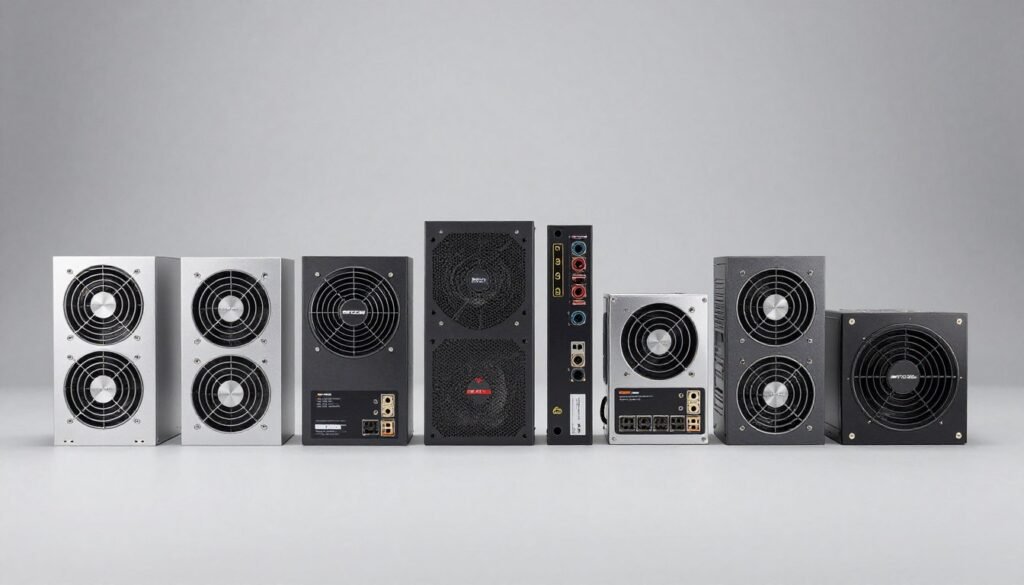
I’m not going to list twenty options with vague descriptions. Here are four ATX 3.1 PSU models I’ve either used personally or would recommend based on component quality and real-world testing.
Corsair RM1000x Shift (1000W)
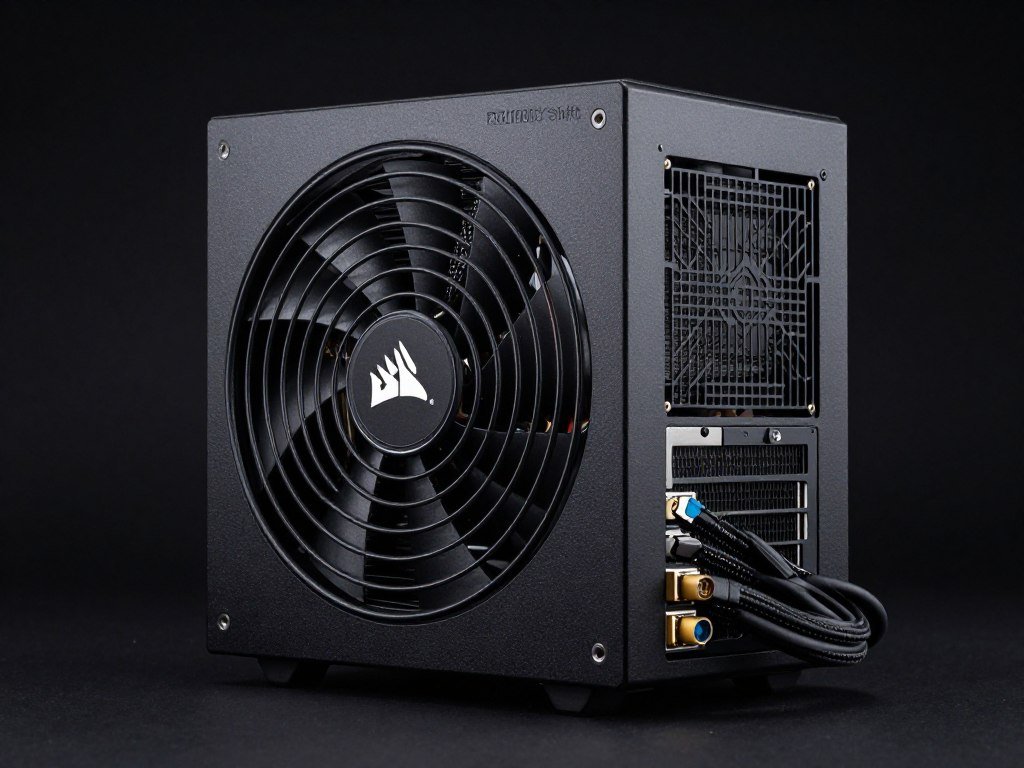
This is my go-to recommendation for RTX 5090 builds. The 1000 watt capacity handles transient spikes comfortably. Corsair includes a native 12V-2×6 cable that’s actually long enough for full tower cases.
The PSU uses Japanese capacitors rated for 105°C operation. That’s important for longevity if you live in hot climates or push your system hard. The fluid dynamic bearing fan only spins up under heavy load.
Cable quality is excellent. Fully modular design with thick gauge wiring throughout. The 10-year warranty backs up the build quality. Street price usually sits around $190-210.
Best for: High-end builds with RTX 5090 or dual GPU configurations
MSI MAG A850GL (850W)
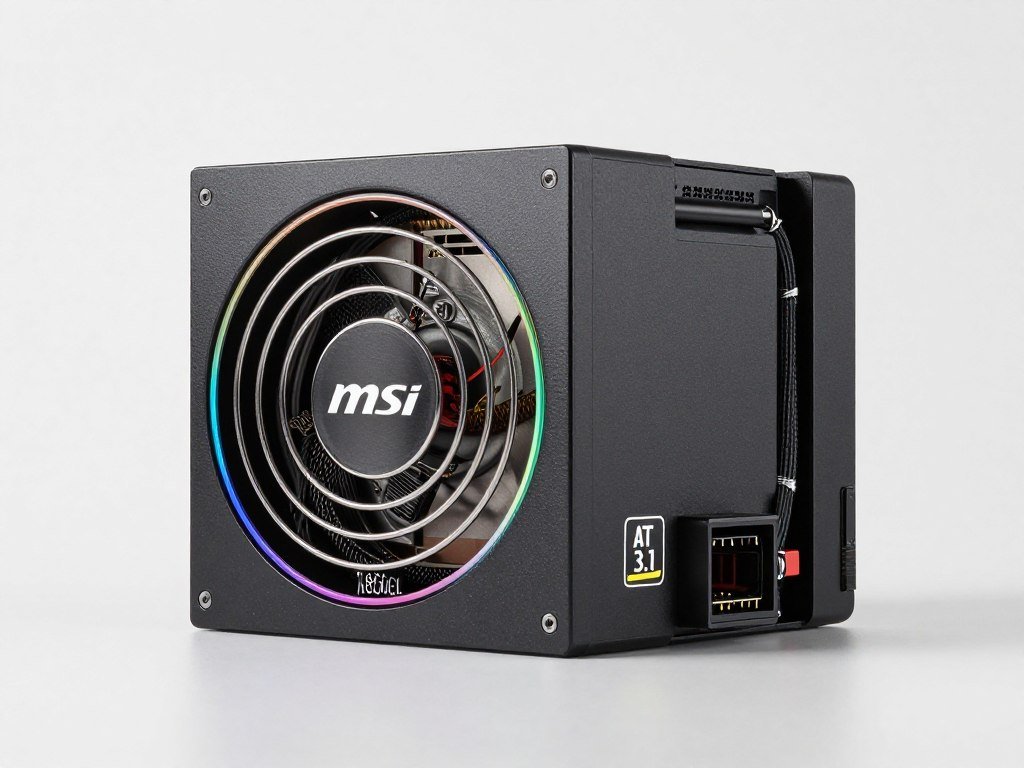
MSI’s entry in the ATX 3.1 market hits a sweet spot for mid-to-high builds. The 850 watt rating works perfectly for RTX 5080 systems or any build without flagship GPUs.
What impressed me most was the cable management kit MSU includes. You get actual cable combs and velcro straps in the box. Small detail, but it shows attention to the complete build experience.
The fan uses fluid dynamic bearing design. It’s silent under normal gaming loads. Only when pulling 700+ watts did I notice any noise. 80 Plus Gold efficiency keeps electricity costs reasonable.
Best for: RTX 5080 or RX 8800 XT builds focused on value
be quiet! Dark Power 13 (1000W)
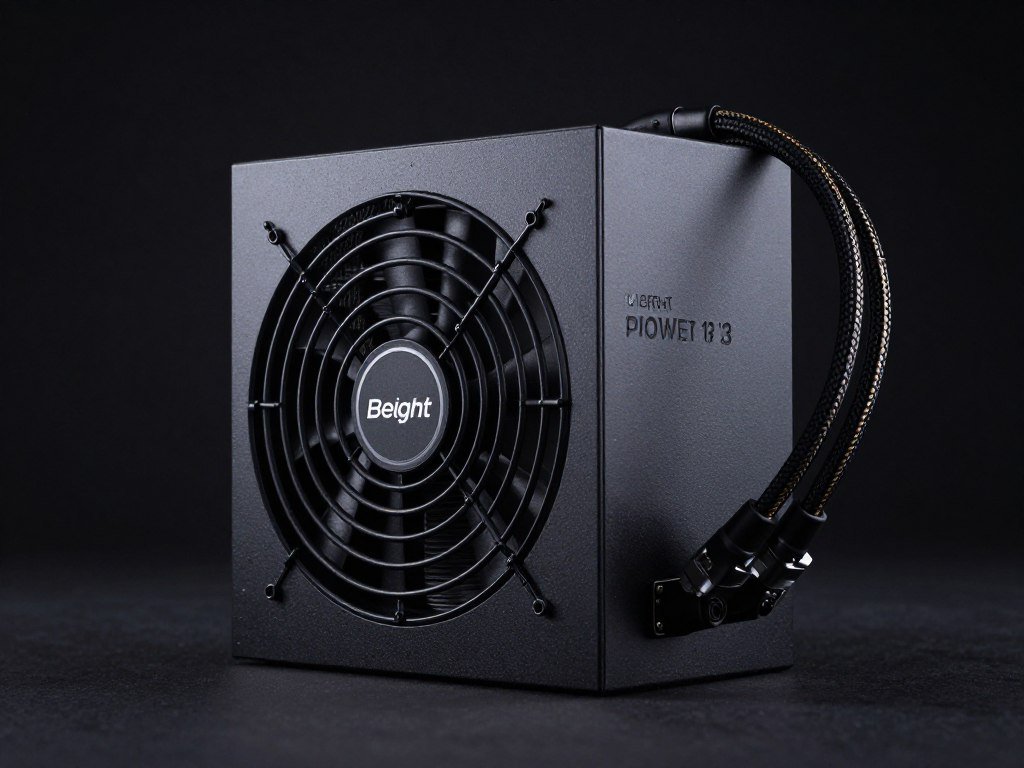
If noise levels matter to you more than saving $50, this is the ATX 3.1 PSU to buy. be quiet! built their reputation on silent operation. The Dark Power 13 delivers on that promise.
The fan doesn’t spin at all under 300 watts of load. When it does engage, it’s barely audible even at full system load. I measured 23 dBA at one meter distance during stress testing. That’s quieter than ambient room noise for most people.
Build quality feels premium. The PSU is noticeably heavier than competitors due to larger heatsinks and higher quality transformers. Fully modular with excellent cables. 12-year warranty.
Best for: Quiet-focused builds, workstations, living room PCs
Thermaltake Toughpower GF3 (850W)
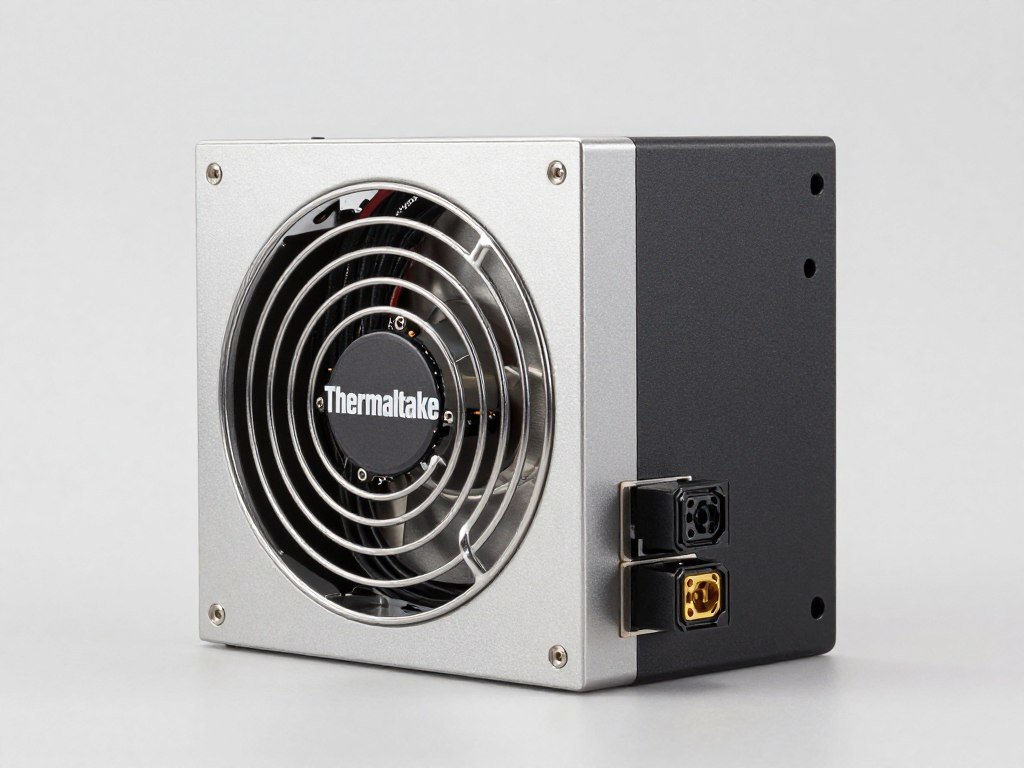
The budget pick that doesn’t sacrifice safety. Thermaltake priced this aggressively at around $120-130 for 850 watts. That’s remarkable considering you get a native ATX 3.1 design with proper 12V-2×6 cable.
Cable quality isn’t as premium as Corsair or be quiet!. But they’re adequate for most builds. The 16AWG gauge on the GPU cable is what matters. Fan noise is average – noticeable under load but not obnoxious.
This is the PSU I’d buy for a budget RTX 5080 build where every dollar counts. The 5-year warranty is shorter than premium options. But the price difference buys you better RAM or storage elsewhere in your build.
Best for: Budget-conscious builds with modern GPUs
What About Used ATX 3.1 PSUs?
I generally avoid buying used PSUs. You have no idea how hard the previous owner ran the unit. PSU capacitors degrade over time. A five-year-old unit might have lost significant capacity even if it never failed.
If you do buy used, only consider units that are less than two years old. Verify the original purchase date through the seller. Make sure the warranty is transferable. Test it thoroughly with stress testing software before trusting it with expensive components.
Installing Your ATX 3.1 PSU Without Making My Mistakes
I’ve installed probably 50+ PSUs at this point. I still occasionally do something stupid. Here’s what I’ve learned the hard way so you don’t have to.
Cable Management Matters More Than You Think
Route the 12V-2×6 cable before installing your GPU. Seriously. Trying to snake that stiff cable behind a mounted graphics card is miserable. Ask me how I know.
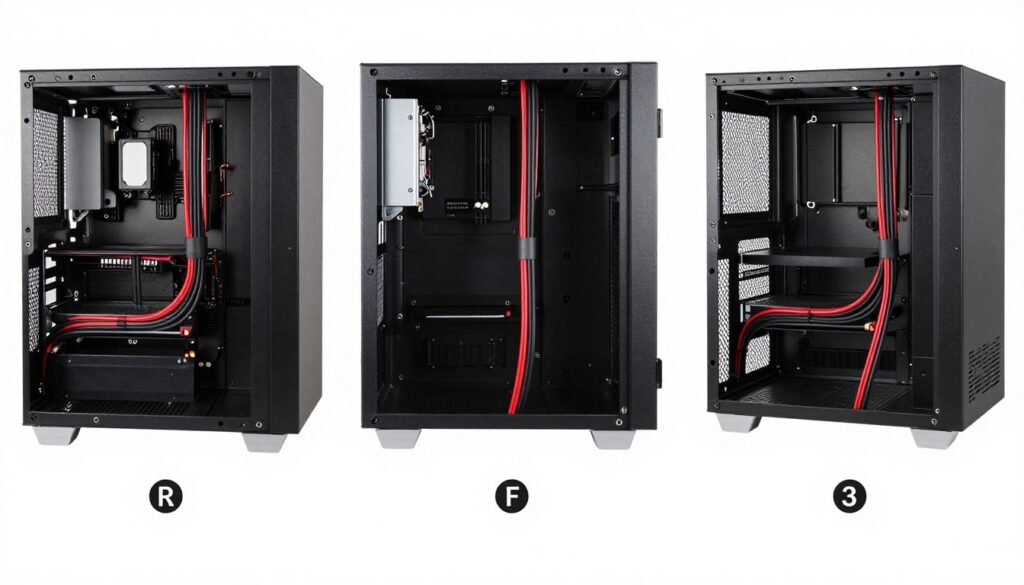
Most modern cases have cable routing channels behind the motherboard tray. Use them. The 12V-2×6 cable should have minimal bends and zero tight corners. Any sharp bends create stress points that can affect long-term reliability.
Leave some slack in the cable near the GPU connection point. You might need to remove the GPU for troubleshooting or upgrades. Having slack makes this easier without putting strain on the connector.
The Right Way to Connect 12V-2×6 Cables
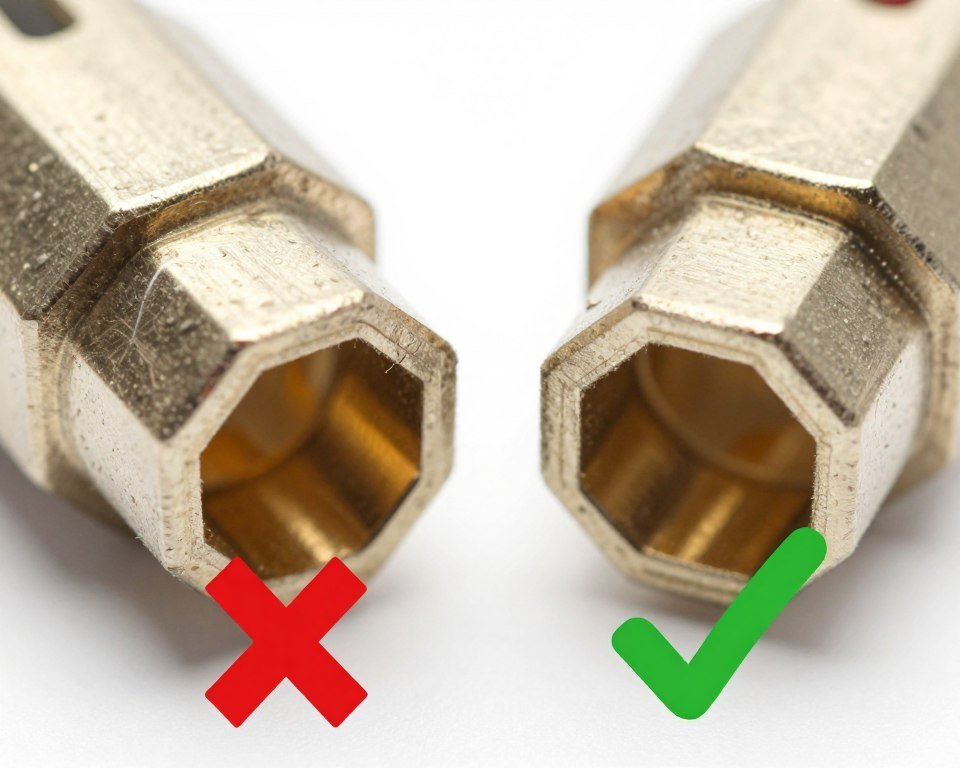
This seems obvious but apparently it’s not. Push the connector in until you feel and hear a click. That click is the retention mechanism engaging. Without it, the connector isn’t fully seated.
Don’t force it. If the connector isn’t sliding in smoothly, you might have it slightly angled. Pull it out and try again. The connector should slide in with firm but not excessive pressure.
After connecting, gently tug on the cable. The connector should stay firmly attached. If it pulls out easily, you didn’t seat it properly. This is exactly the failure mode that causes melting.
Common ATX 3.1 Compatibility Gotchas
Some older cases have PSU shrouds that block access to certain modular cable ports. I ran into this building a system in a 2020-era Fractal case. The solution was removing the shroud entirely.
Make sure your case actually accommodates the PSU length. ATX 3.1 PSUs are standard 150mm depth. But some high-wattage models like the Corsair HX1500i stretch to 200mm. Measure your case before buying.
Check motherboard clearance for bottom-mounted PSUs. Some boards with bottom-mounted M.2 slots can interfere with PSU fan clearance. This is rare but I’ve seen it twice now.
Pro tip: Before closing up your case, run a stress test while monitoring temperatures. Use something like FurMark for GPU stress and Prime95 for CPU. Watch PSU fan behavior and listen for any unusual coil whine. Better to discover issues during the build than after everything is closed up. Learn proper stress testing procedures.
How to Know If Your ATX 3.1 PSU Is Actually Working Right
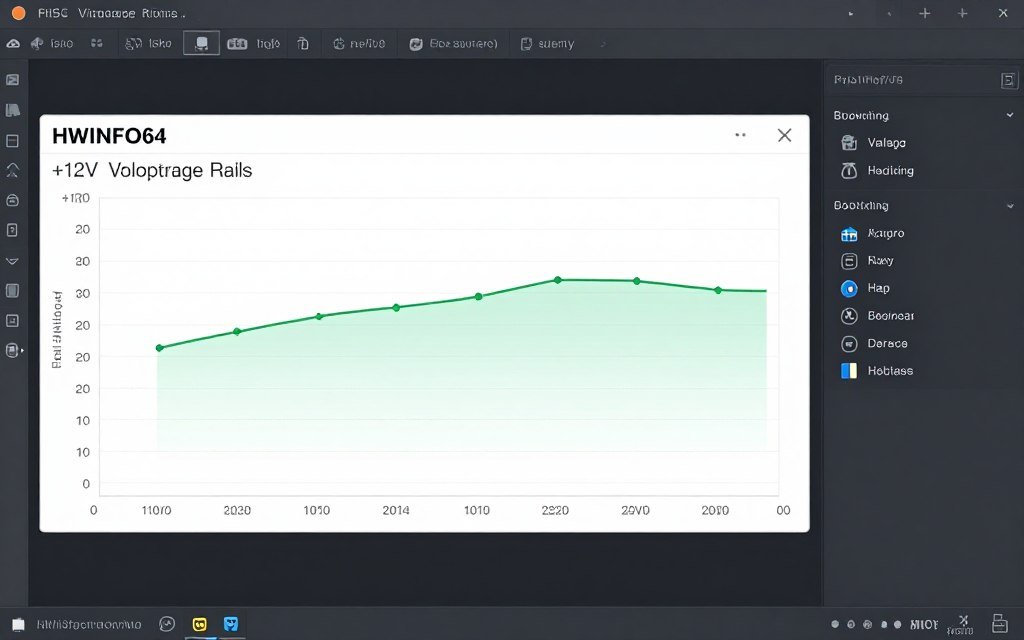
Just because your system boots doesn’t mean your PSU is delivering clean power. Voltage regulation matters. Poor power delivery causes system instability that’s hard to diagnose.
Monitoring Software That Actually Helps
Install HWiNFO64 immediately after building your system. It monitors voltage rails in real-time. You want to see the 12V rail staying between 11.8V and 12.2V under load.
Any voltage dip below 11.5V or spike above 12.5V indicates a problem. This could be the PSU struggling with transient loads. Or it might be a motherboard VRM issue. But it needs investigation.
Watch the 12V rail specifically during GPU-intensive workloads. Launch a demanding game or benchmark. The voltage should remain stable. Fluctuations of more than 0.3V during load changes suggest inadequate PSU capacity.
Real-World Load Testing
Synthetic benchmarks don’t always trigger the same power behavior as actual gaming. I test with Cyberpunk 2077 path tracing maxed out. It’s one of the most power-hungry scenarios currently available.
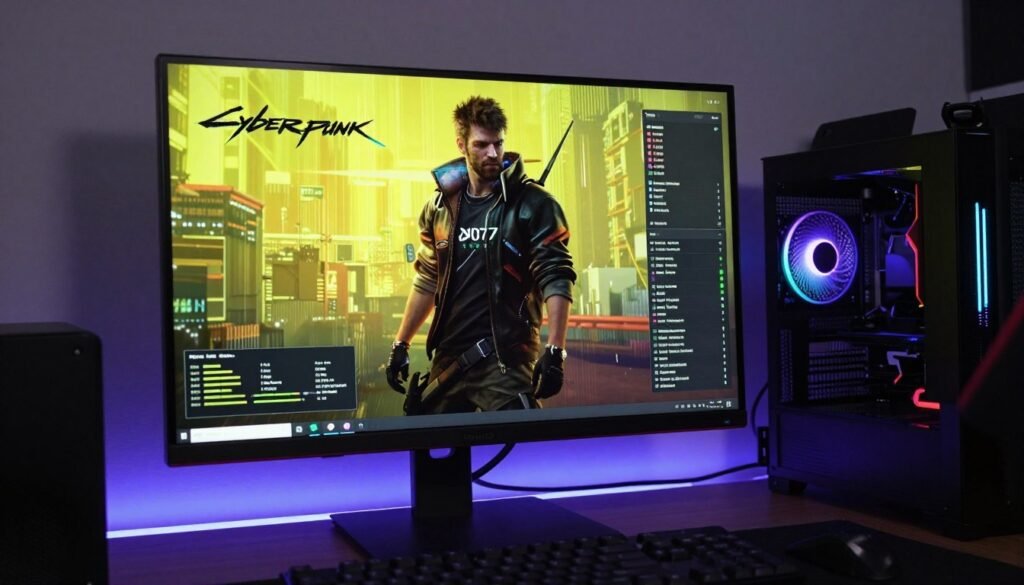
Run this for at least 30 minutes. Monitor your PSU fan noise. If it sounds like a jet engine constantly, you might have undersized your wattage. The fan shouldn’t need to run at maximum speed during normal gaming.
Check GPU power limit throttling in MSI Afterburner or GPU-Z. If your card is hitting power limits constantly, you’re likely at or near your PSU’s capacity. This is especially important for RTX 5090 builds where transient power spikes are massive. See our RTX 5090 optimization guide.
Temperature Monitoring for PSU Health
Most ATX 3.1 PSUs don’t have temperature sensors you can monitor directly. But you can estimate PSU stress by case temperature near the PSU location.
Place a thermometer near the PSU exhaust fan during load testing. If air coming out exceeds 45°C, your PSU is working hard. This isn’t necessarily bad. But it means you’re probably running at 70%+ capacity.
Lower temperatures suggest you have adequate headroom. My Corsair RM1000x running a 400-watt total system load barely gets warm. That’s ideal for longevity.
Is ATX 3.1 the Last Standard You’ll Need?
Probably not. But it should last you through at least 2-3 GPU generations. That’s about as future-proof as PC building gets.
What Comes After ATX 3.1
The ATX specification working group is already discussing ATX 4.0. Early proposals focus on higher voltage rails for AI accelerators and even more robust transient handling.
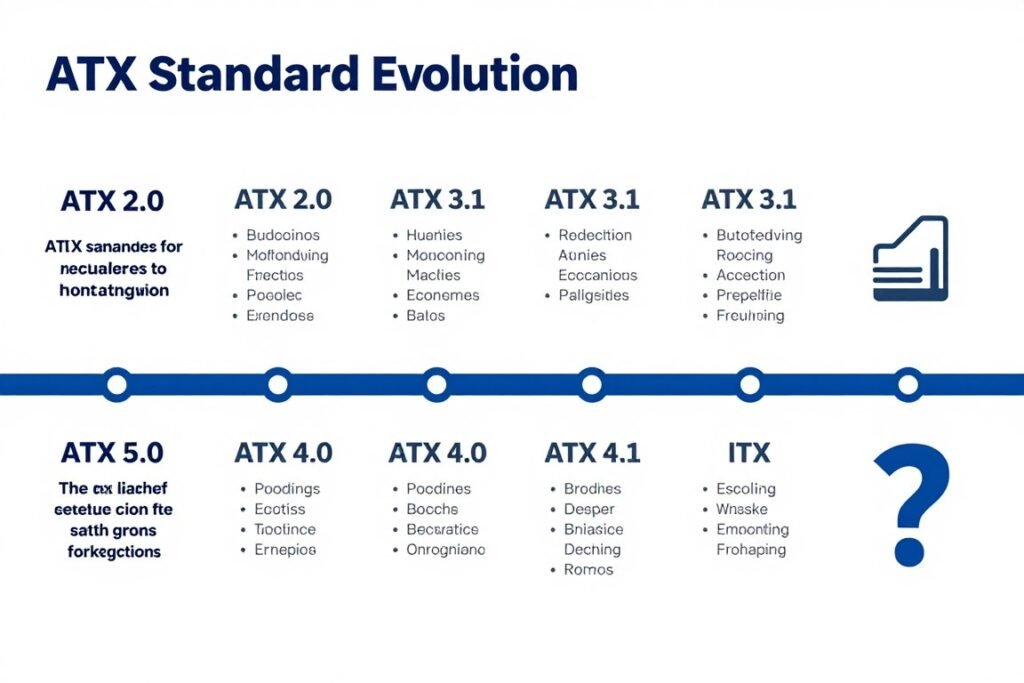
But standards take years to finalize and reach market adoption. ATX 3.1 was published in 2024. We’re just now seeing widespread availability in 2026. ATX 4.0 probably won’t meaningfully impact the consumer market until 2028-2029.
Your ATX 3.1 PSU will handle any consumer graphics card released through at least 2027. After that, connector standards might evolve. But the PSU itself will still deliver power fine.
Wattage Trends to Watch
GPU power consumption keeps climbing. The RTX 5090 at 575 watts is insane compared to the RTX 2080 Ti at 250 watts just five years ago. This trend won’t continue indefinitely though.
Physics and thermal limits are catching up with chip designers. We’re reaching the point where additional power doesn’t translate to proportional performance gains. I expect flagship GPU power consumption to plateau around 600-650 watts maximum.
That means a quality 1000-1200W ATX 3.1 PSU should remain relevant for a very long time. Unless you plan on running dual GPUs. And honestly, dual GPU support is effectively dead for gaming. Read about GPU architecture trends.
Plan Your Complete Build Balance
Your PSU is just one component in the power delivery chain. Make sure your entire system is properly balanced to avoid bottlenecks and maximize performance.
Fixing ATX 3.1 PSU Problems I’ve Actually Encountered
Even quality PSUs can have issues. Here are the problems I’ve dealt with and how to fix them.
System Won’t POST After ATX 3.1 PSU Installation
First thing to check: did you connect both the 24-pin motherboard connector AND the 8-pin CPU power? I’ve embarrassingly forgotten the CPU power cable twice.
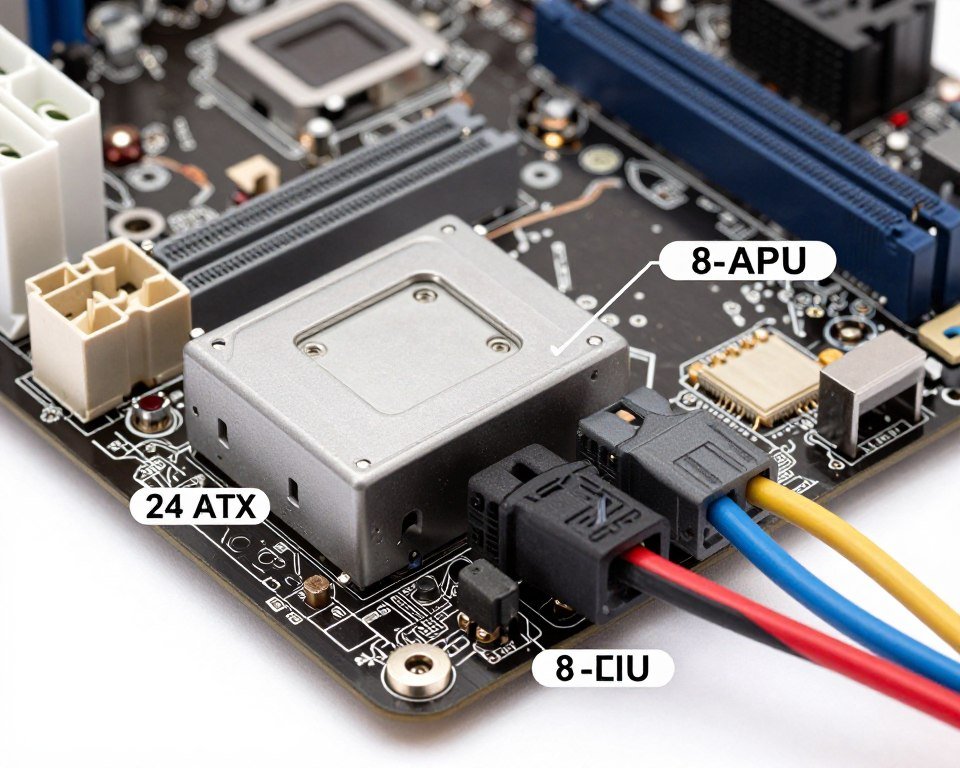
Second: make sure the PSU power switch on the back is flipped to the ON position. This sounds stupid but it happens more than you’d think.
Third: try reseating the RAM. Sometimes the power interruption during PSU swapping causes the motherboard to get confused about RAM training. Remove and reinstall all RAM sticks.
GPU Not Getting Full Power
If your GPU is power limiting during games despite having an adequate ATX 3.1 PSU, check the 12V-2×6 connection. Pull the connector out completely. Inspect the pins for any visible damage or discoloration.
Clean the connector with isopropyl alcohol if you see any residue. Let it dry completely. Reconnect with firm pressure until you hear the retention click.
Still having issues? Try a different PCIe slot if your motherboard has multiple x16 slots. Sometimes a faulty motherboard PCIe slot can cause power delivery problems even though the PSU is fine.
Coil Whine From PSU
Coil whine is that high-pitched squealing noise some PSUs make under load. It’s caused by electromagnetic vibration of inductors. Technically not a defect, but it’s annoying.
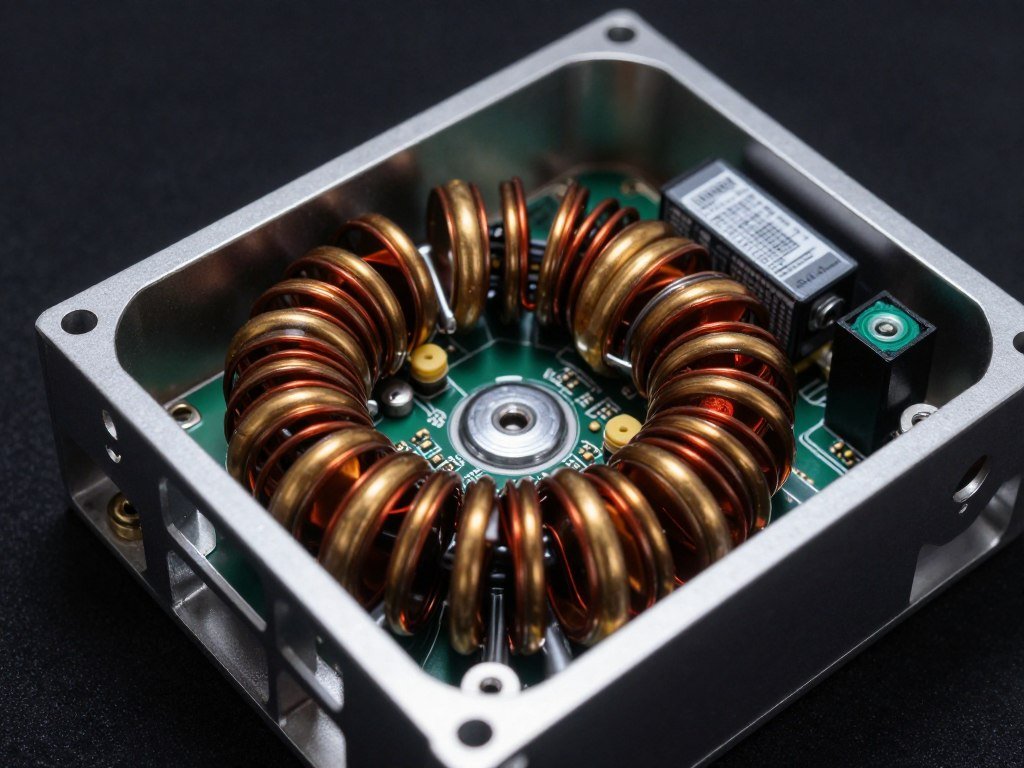
Some ATX 3.1 PSU models are more prone to coil whine than others. The be quiet! Dark Power 13 uses inductor coating that reduces this. Budget PSUs often skip this cost-saving measure.
If coil whine bothers you, there’s not much you can do except RMA the unit and hope the replacement is better. Or buy a different model known for quiet operation. This is why I always recommend buying from retailers with good return policies.
Unexpected Shutdowns Under Load
If your system shuts down during intensive gaming, that’s the PSU’s over-current protection triggering. This means you’re hitting the PSU’s maximum capacity.
You have three options. First, reduce power limits on your GPU slightly. A 5% power limit reduction barely affects performance but reduces peak power draw significantly.
Second, improve case cooling. Better airflow helps your PSU run more efficiently. Hot PSUs can’t deliver their rated wattage as effectively.
Third, upgrade to higher wattage. If you’re running an 850W PSU with an RTX 5090, you probably need that 1000W unit. Learn about system power balance.
The Bottom Line on ATX 3.1 PSUs
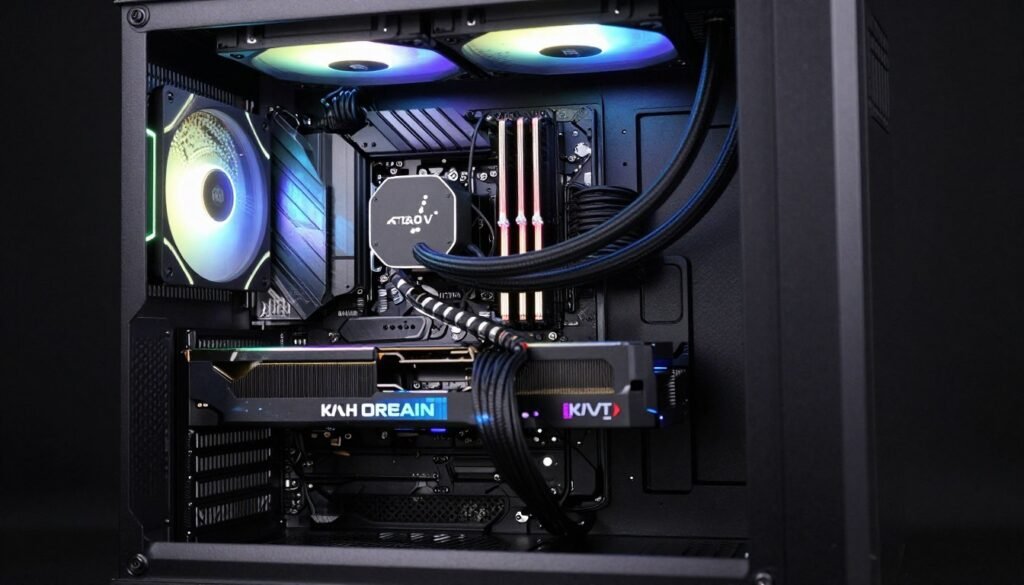
ATX 3.1 PSUs with native 12V-2×6 cables fix a real problem. The melting connector issue wasn’t just bad press. It was a genuine safety concern that affected thousands of builds.
Do you need to rush out and buy one? Depends entirely on your current hardware and upgrade plans. Running RTX 5090 or planning to? Yes, absolutely get an ATX 3.1 PSU. Using older GPUs or mid-range cards? Your current PSU is probably fine.
The 12V-2×6 connector’s extended sense pins provide genuine protection. This isn’t just a marketing gimmick. The safety improvements matter when you’re pushing 600 watts through a single connector.
When shopping for an ATX 3.1 PSU, focus on these priorities. Get adequate wattage with headroom for transient spikes. Choose 80 Plus Gold as the efficiency baseline. Pick fully modular if cable management matters to you. Verify the 12V-2×6 cable is actually 16AWG or thicker.
Avoid extreme budget options. Your PSU protects every component in your build. It’s not the place to save $30 by buying an unknown brand. Stick with established manufacturers that have actual reputations to protect.
Install it correctly. Route cables before mounting your GPU. Ensure the 12V-2×6 connector clicks into place. Test under load and monitor voltage stability. These simple steps prevent the majority of PSU-related issues.
Optimize Your Complete PC Build
Your PSU choice is just the foundation. Make sure every component in your build works together efficiently. Check for bottlenecks, compatibility issues, and performance optimization opportunities.
The ATX 3.1 standard represents a meaningful improvement in PC power delivery. It’s not revolutionary. But it solves actual problems that affected real users. That’s what good standards do.
Now you know exactly what ATX 3.1 PSU technology actually delivers. You understand when you need it and when you don’t. You can make an informed decision based on your specific build requirements instead of marketing hype.
Build smart. Don’t overspend on features you don’t need. But don’t cheap out on the one component that protects everything else in your system. Find that balance, and your build will serve you well for years.