
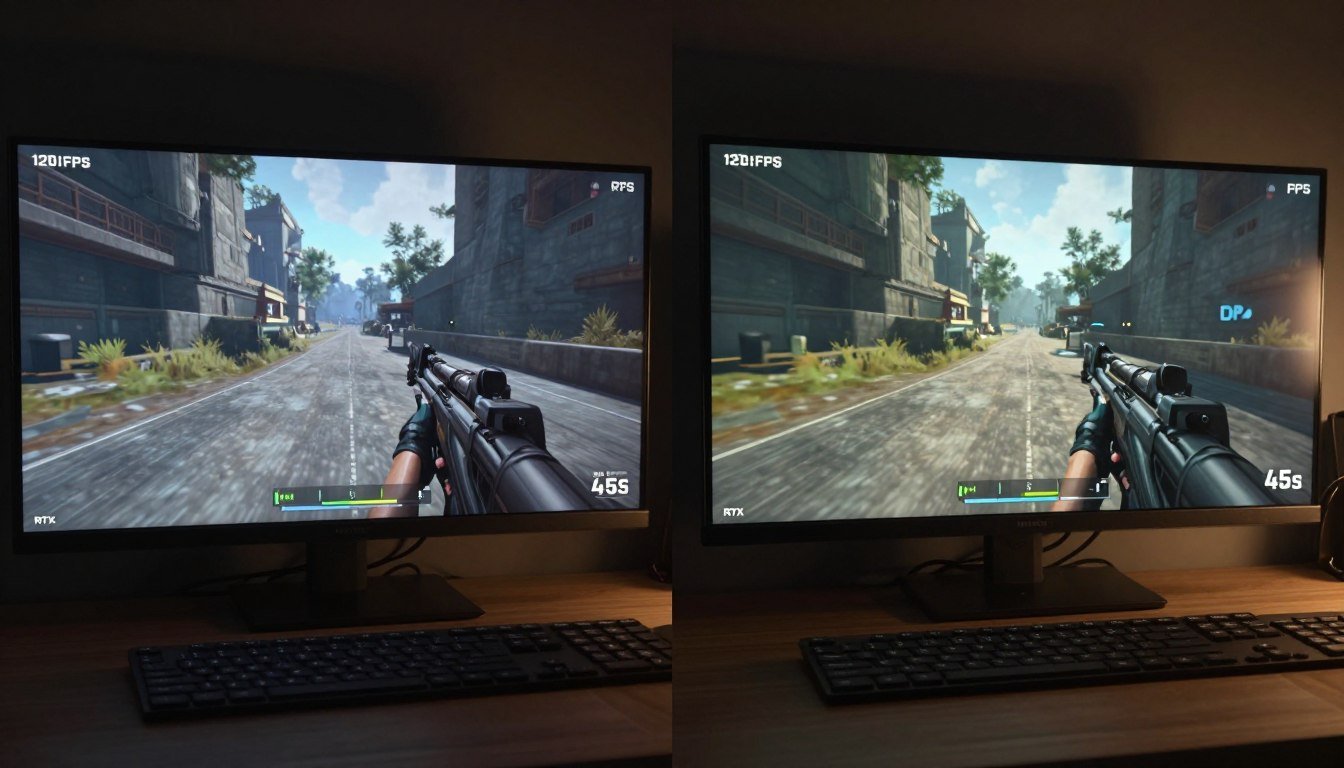
You just dropped serious cash on a new GPU. You fire up your favorite game, crank ray tracing to ultra, and watch your silky-smooth 120 FPS turn into a slideshow. Sound familiar?
I’ve been there. Last year, I upgraded to what I thought was a beast of a system. Everything ran perfect until I enabled ray tracing in Cyberpunk 2077. My frames dropped harder than my jaw when I saw the price tag on that RTX card.
Here’s what this guide actually delivers. No marketing fluff about how ray tracing is the future. Instead, you’re getting the hard numbers on why ray tracing murders your performance, exactly how the calculation load breaks down, and what you can realistically do about it. We’ll dig into the physics behind ray tracing, show you where your hardware is actually struggling, and give you actionable fixes that don’t involve another $1,500 upgrade.
Quick Reality Check: Before we go deep, run your system through a bottleneck analysis. Sometimes ray tracing isn’t your only problem. Trust me, I learned this the hard way.
What Ray Tracing Actually Does to Your GPU
Ray tracing isn’t magic. It’s brute-force physics simulation that traces light rays backward from your camera through every pixel on your screen. Each ray bounces around your game world until it hits a light source or gets absorbed. That’s the calculation load we’re talking about.
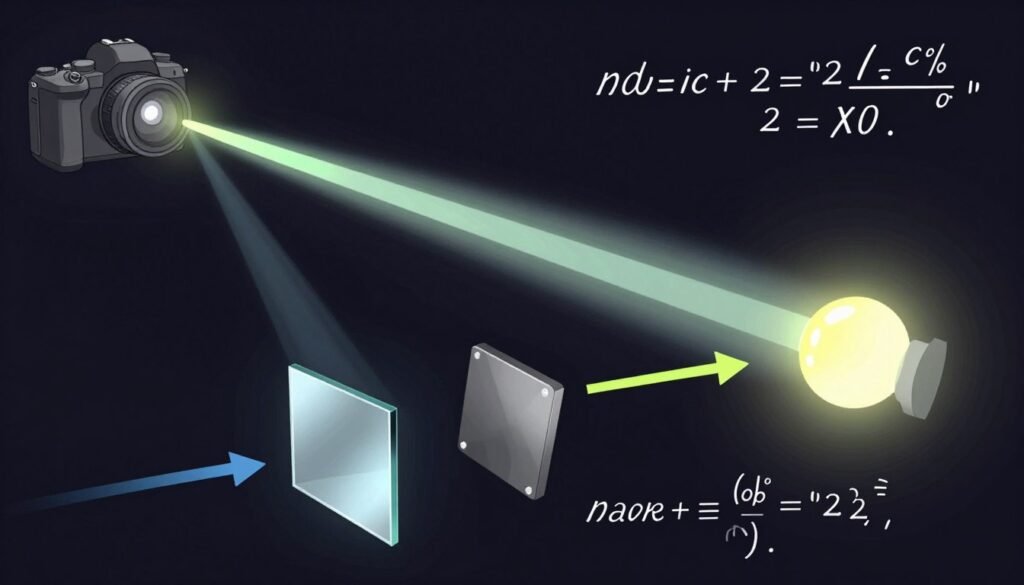
Traditional rasterization renders what you see directly. Ray tracing simulates actual light behavior. Every reflection, shadow, and lighting effect requires separate calculations. More rays equal more work for your graphics card.
The reality is harsh. A single 4K frame with full ray tracing can require tracing billions of rays. Your GPU needs to calculate where each ray goes, what it hits, how it bounces, and what color it becomes. This happens 60 times per second if you’re lucky.
The Three Main Calculation Types
Ray Generation
Your GPU shoots rays from the camera through each pixel. At 4K resolution, that’s over 8 million rays per frame minimum. This is where the calculation load starts.
Modern GPUs use dedicated RT cores for this, but even specialized hardware gets overwhelmed. The scene complexity matters more than you think.
Intersection Testing
Each ray needs to check if it hits any objects in your scene. Complex scenes with thousands of objects multiply this workload exponentially. Games with detailed environments absolutely crush performance here.
This is where proper system balance becomes critical for ray tracing performance.
Shading and Bounces
After intersection, your GPU calculates the lighting effect. Reflective surfaces bounce rays to new directions. Each bounce requires another full calculation cycle. Most games limit bounces to 2-4 to stay playable.
Why Game Developers Care About Ray Tracing
Game developers aren’t adding ray tracing to torture your hardware. The lighting quality difference is legitimately massive. Traditional lighting requires artists to manually place lights and bake illumination into textures. Ray tracing handles this automatically with physically accurate results.
Global illumination from ray tracing means light bounces naturally between surfaces. A red wall actually tints nearby objects red. Shadows appear exactly where physics says they should. Reflections show the actual scene, not a pre-rendered approximation.
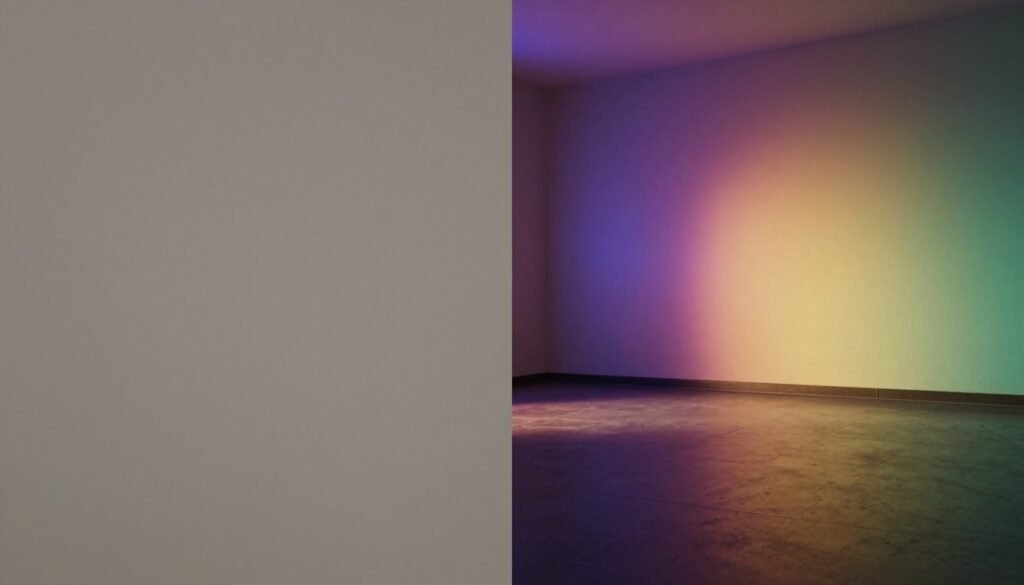
The catch? These effects create insane calculation demands. Every reflective surface, every shadow-casting object, every light source multiplies the ray tracing impact on your frame rate. Developers now design games around ray tracing capabilities, which means older hardware struggles even more.
Where Your Hardware Actually Breaks Down
Let’s talk numbers. Not marketing numbers, but real-world performance data that explains why your expensive GPU suddenly feels inadequate.
The GPU Load Distribution
Ray tracing shifts almost all graphics work to your GPU. In traditional rendering, your CPU handles game logic while your GPU renders frames. With ray tracing enabled, GPU utilization typically jumps from 70-80% to constant 99%. Your graphics card is literally maxed out every second.
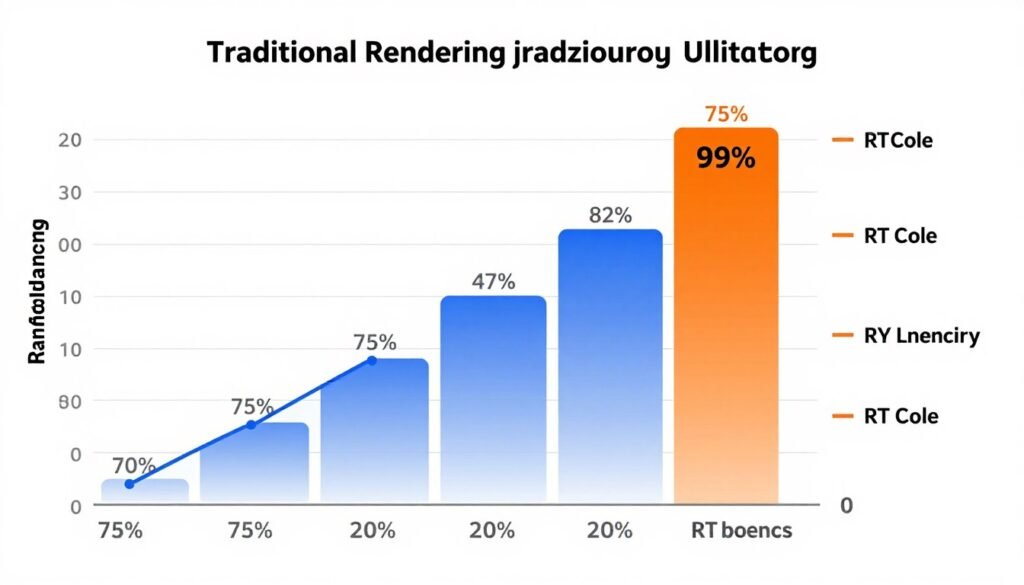
This creates a specific bottleneck pattern. Your GPU becomes the limiting factor regardless of how powerful your CPU is. I’ve seen systems with a Ryzen 9 9950X paired with an RTX 4070 struggle in ray traced games because the GPU simply can’t keep up with the calculation demands.
Reality Check: If you’re experiencing stuttering with ray tracing enabled, check for GPU bottlenecks first. Most ray tracing performance issues stem from GPU limitations, not CPU problems.
Memory Bandwidth Becomes Critical
Ray tracing absolutely hammers your VRAM. The GPU needs to access scene geometry data constantly as rays bounce around. Each intersection test requires reading object data from video memory. More complex scenes mean more memory access, which creates another performance bottleneck.
Games like Cyberpunk 2077 with ray tracing enabled can use over 12GB of VRAM at 4K resolution. The RTX 5090 comes with 24GB specifically because ray tracing demands this much memory bandwidth. Lower-end cards with 8GB or less start swapping to system RAM, which tanks your frame rate instantly.
| Resolution | Ray Tracing Quality | VRAM Usage | Memory Bandwidth Impact |
| 1080p | Medium | 6-8 GB | Moderate |
| 1440p | High | 8-10 GB | Heavy |
| 4K | Ultra | 12-16 GB | Extreme |
| 4K | Ultra + Path Tracing | 16-20 GB | Maximum |
Understanding VRAM bottlenecks is essential when dealing with ray tracing impact. Your GPU might have the processing power but lacks the memory bandwidth to feed data fast enough.
RT Core Utilization and Limits
Modern GPUs include dedicated ray tracing cores. Nvidia calls them RT cores, AMD uses Ray Accelerators. These specialized processors handle the intersection testing we talked about earlier. But here’s the thing nobody mentions: RT cores can still max out.
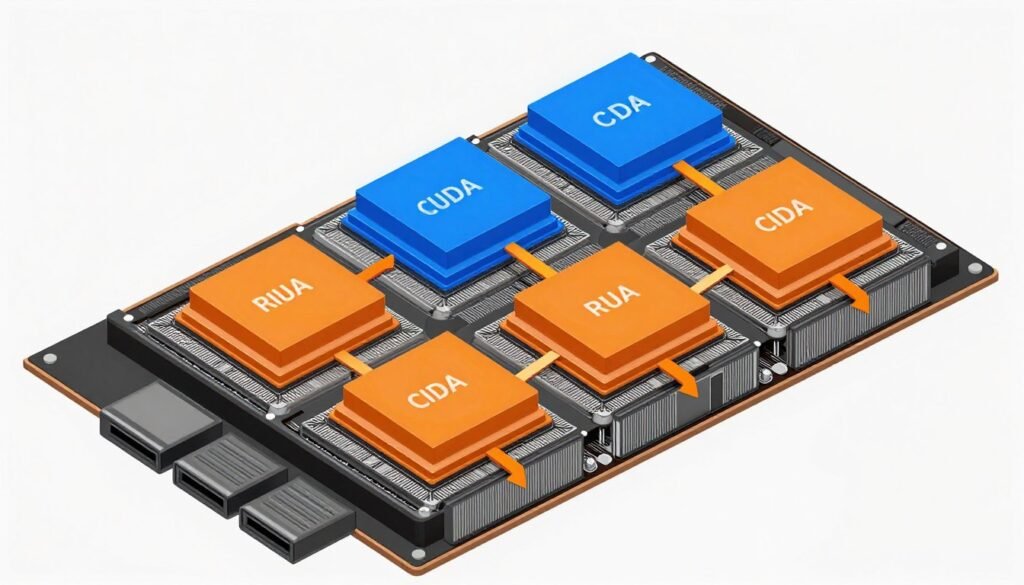
The RTX 5090 has significantly more RT cores than previous generations, but demanding games still push them to their limits. Each ray bounce requires RT core processing time. Complex scenes with multiple reflective surfaces create processing queues. Your GPU starts dropping frames when RT cores can’t keep pace with the calculation demands.
The Resolution Factor Nobody Talks About
Resolution multiplies ray tracing impact exponentially. Doubling your resolution from 1080p to 4K quadruples the number of pixels, which means four times as many rays to trace. The calculation load doesn’t scale linearly.
This is where resolution bottlenecks become obvious. A GPU that handles ray tracing fine at 1080p might struggle at 1440p and completely choke at 4K. The math is brutal and unavoidable.
Not All Ray Tracing Hits Performance Equally
Game developers implement ray tracing in different ways. Understanding these techniques helps you make smarter graphics settings choices.
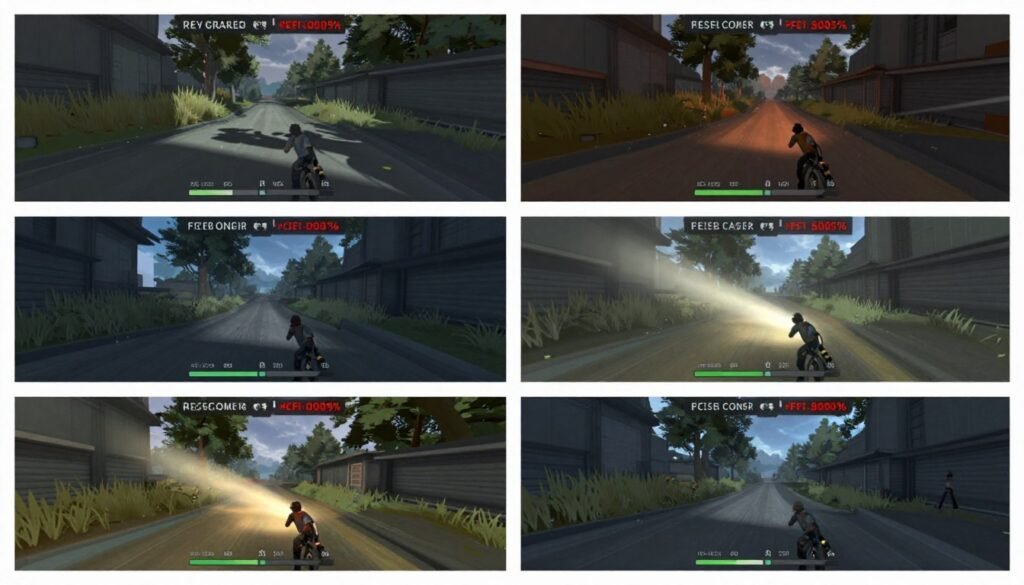
Ray Traced Shadows
The lightest ray tracing implementation traces rays from objects to light sources for shadows. This creates physically accurate shadow shapes and softness. Performance impact is moderate because you’re only tracing specific rays for shadow calculations.
Most games offer ray traced shadows as the first ray tracing option. You typically lose 15-25% performance compared to traditional shadow mapping. The visual quality improvement is noticeable but not transformative.
Ray Traced Reflections
Reflections require tracing rays from reflective surfaces into the scene. Water, mirrors, and shiny objects now show accurate reflections instead of screen-space approximations. The calculation load is heavier than shadows because each reflective pixel needs its own ray trace.
Games with lots of reflective surfaces suffer worse performance hits. An indoor scene with minimal reflections might drop your frames by 20%. An outdoor scene with wet streets and glass buildings can cost 40% or more. The ray tracing impact scales with how much reflective surface area appears on screen.
Ray Traced Global Illumination
This is where things get expensive. Global illumination simulates light bouncing between all surfaces in your scene. That red wall actually casts red light on nearby objects. Shadows receive colored light from surrounding surfaces. The lighting becomes fully dynamic and physically accurate.
The calculation demands are massive. Your GPU needs to trace multiple light bounces for every pixel. Performance typically drops 40-60% compared to traditional lighting. Games like Metro Exodus Enhanced Edition use this technique exclusively, which explains why they need powerful hardware.
Full Path Tracing
Path tracing is ray tracing on steroids. Instead of selective ray tracing for specific effects, path tracing simulates all light transport. Every pixel gets multiple rays that bounce around until they find light sources. This creates the most realistic lighting possible but murders performance.
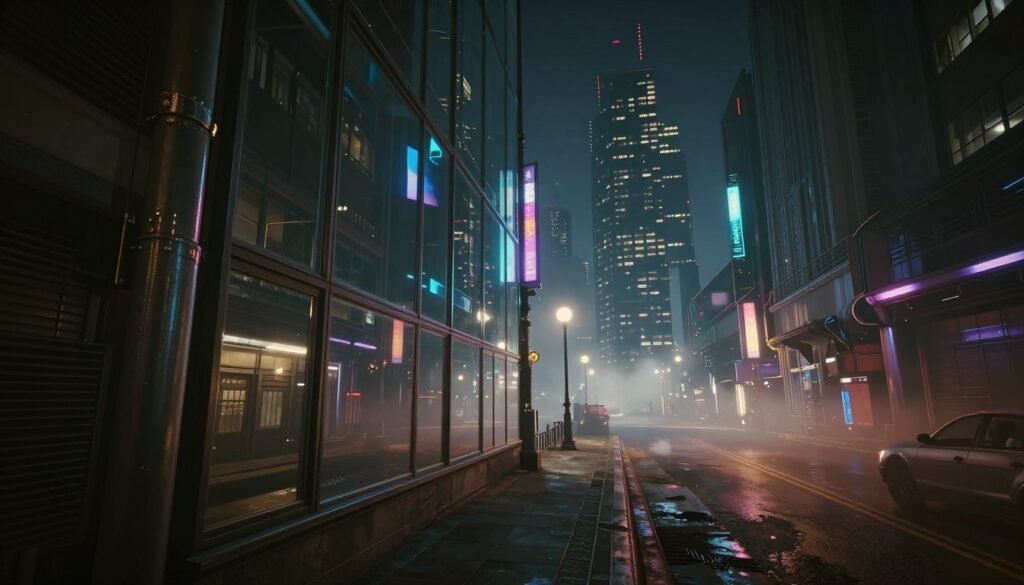
Cyberpunk 2077’s path tracing mode drops frame rates by 60-70% compared to standard rasterization. Even the RTX 5090 needs DLSS help to stay playable. The visual quality is insane, but the calculation load is equally insane.
Ray Tracing Benefits
- Physically accurate lighting eliminates visual artifacts
- Reflections and shadows behave realistically
- Global illumination creates natural color bleeding
- Developers spend less time on manual light placement
- Visual quality approaches cinematic rendering
Ray Tracing Costs
- Massive performance hit on all current hardware
- Requires expensive high-end GPUs for playable framerates
- VRAM usage spikes significantly
- Older GPUs become obsolete quickly
- Power consumption increases substantially
What Hardware Actually Handles Ray Tracing Well
Let’s cut through the marketing and talk about real-world hardware requirements for ray tracing performance.
The RTX 50-Series Reality
Nvidia’s RTX 5090 represents the current pinnacle of ray tracing hardware. It features 4th generation RT cores with significantly improved ray tracing performance. But even this beast can’t run all games at 4K with maximum ray tracing settings without help from DLSS.
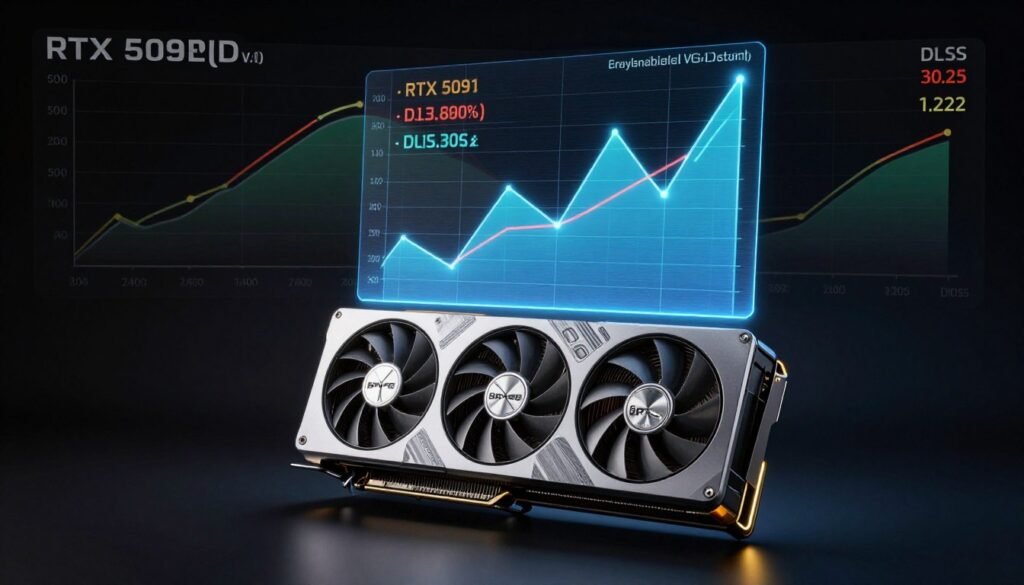
The RTX 5080 sits at a more reasonable price point but sacrifices about 25% ray tracing performance. For 1440p gaming with ray tracing, it’s solid. For 4K path tracing, it struggles without aggressive upscaling. Understanding your target resolution is critical before choosing hardware.
The RTX 5070 and below start showing serious limitations with ray tracing enabled. These cards handle selective ray tracing effects fine but choke on full global illumination or path tracing. They’re designed for 1080p ray tracing, not higher resolutions.
Check out our detailed RTX 5090 optimization guide for specific configuration recommendations that reduce ray tracing impact without sacrificing too much visual quality.
AMD’s Ray Tracing Situation
AMD’s RDNA 4 architecture improved ray tracing performance significantly over previous generations. The RX 9070 XT competes with Nvidia’s mid-range offerings in ray tracing workloads. But AMD still trails Nvidia in pure ray tracing performance per dollar.
AMD cards handle selective ray tracing effects reasonably well. Ray traced shadows and reflections work fine. Full path tracing remains Nvidia territory for now. AMD focuses on rasterization performance, which makes their cards better values if you don’t obsess over ray tracing.
CPU Requirements for Ray Tracing
Here’s something that surprises people: your CPU still matters for ray tracing, just not how you think. The GPU handles ray calculations, but your CPU manages the scene and feeds data to the graphics card. A weak CPU creates frame pacing issues even with a powerful GPU.
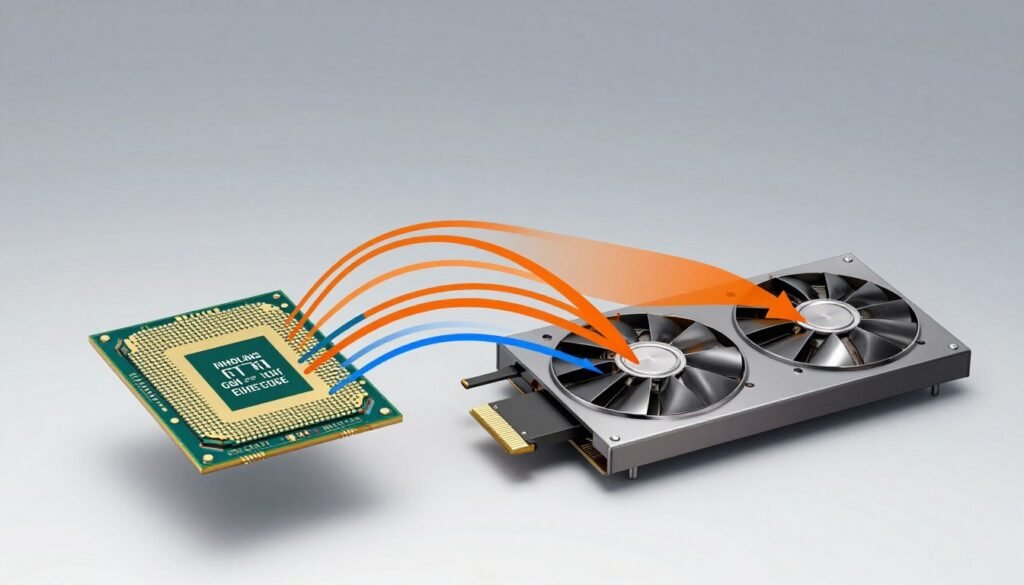
The Ryzen 9 9950X and Intel Core i9-14900K represent current top-end CPU performance. For ray tracing specifically, you don’t need this much CPU power. A Ryzen 7 9700X or i7-14700K provides sufficient performance to avoid CPU bottlenecks in most ray traced games.
The Intel versus AMD choice matters less for ray tracing than for traditional gaming. Focus your budget on GPU performance rather than maxing out your CPU.
Find Your Perfect Hardware Balance
Ray tracing performance depends on balanced component selection. Before buying new hardware, analyze your current system’s bottlenecks to identify the real limitation holding back your performance.
The VRAM Question
Ray tracing demands serious video memory. 8GB is the absolute minimum for 1080p ray tracing. 12GB works for 1440p with most games. 16GB or more becomes necessary for 4K ray tracing or path tracing at any resolution.
Budget GPUs with insufficient VRAM create stuttering nightmares when ray tracing is enabled. The GPU runs out of video memory and starts swapping to system RAM, which absolutely destroys frame times. This is worse than low frame rates because the stuttering makes games unplayable.
Actually Useful Ways to Improve Ray Tracing Performance
You can’t eliminate ray tracing’s performance impact, but you can manage it intelligently. These strategies actually work without requiring hardware upgrades.
Selective Ray Tracing Settings
Most games let you enable ray tracing for specific effects. You don’t need to run everything maxed out. Ray traced shadows provide good visual improvement with moderate performance cost. Ray traced reflections matter most in scenes with lots of reflective surfaces. Global illumination creates the biggest visual difference but costs the most performance.
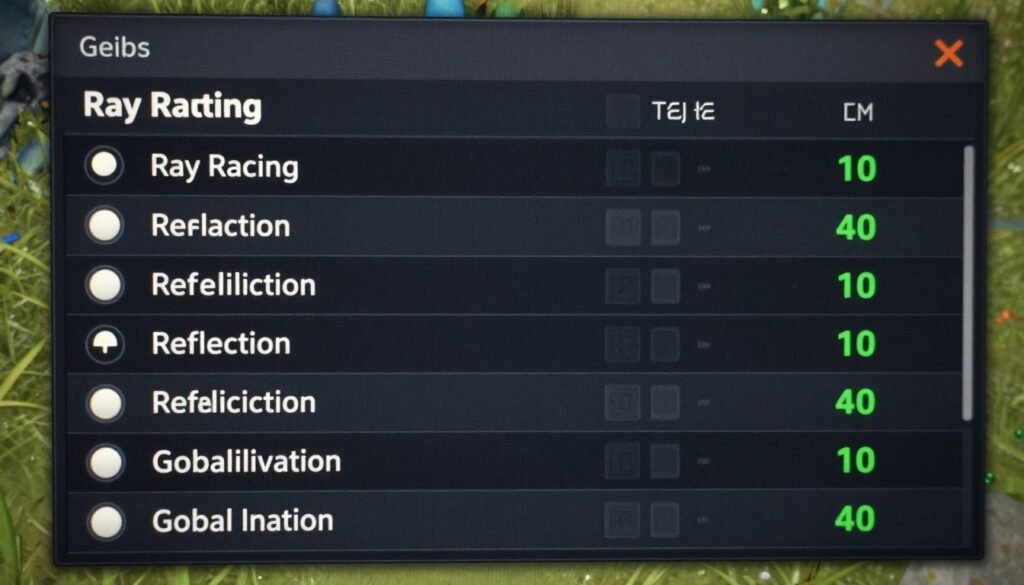
My typical configuration: ray traced shadows on high, reflections on medium, global illumination off unless the game absolutely requires it for proper lighting. This cuts ray tracing impact by 30-40% while keeping most visual improvements.
Resolution and Upscaling Balance
Running lower resolution with upscaling beats native resolution with ray tracing disabled. DLSS Quality mode on an RTX card looks nearly identical to native resolution but provides 40-50% more performance. AMD’s FSR works similarly, though the quality isn’t quite as good.
For 4K gaming with ray tracing, DLSS Performance mode or even Ultra Performance mode becomes necessary on anything below an RTX 5090. You’re rendering at 1080p and upscaling to 4K, but the ray traced lighting effects remain impressive. The visual quality still beats native 4K without ray tracing.
Watch Out: Aggressive upscaling creates artifacts in motion and fine details. Test different DLSS/FSR modes to find the best balance for your visual preferences. Performance mode works great for fast-paced games where you won’t notice subtle quality differences.
Game-Specific Optimization
Different game engines handle ray tracing differently. Unreal Engine 5 games have specific optimization requirements that differ from games using proprietary engines. Some games benefit from specific Windows settings or driver tweaks.
If you’re struggling with UE5 ray tracing performance, check this detailed UE5 optimization guide that covers engine-specific fixes for better ray tracing performance.
The Frame Generation Debate
Nvidia’s DLSS 3 Frame Generation and AMD’s FSR 3 create artificial frames between real rendered frames. This doubles or triples your displayed frame rate but doesn’t actually improve GPU performance. You’re seeing smoother motion without reducing the calculation load.
Frame generation helps ray tracing feel more playable. A game running at 40 FPS native becomes 80 FPS with frame generation. The input latency stays at 40 FPS levels, but the motion appears smoother. Some people love it, others find the artifacts distracting.
System-Wide Optimization
Ray tracing performance benefits from general system optimization. Background applications consuming GPU resources hurt ray tracing performance more than traditional gaming. Windows power settings matter because ray tracing needs sustained maximum GPU performance.
Close unnecessary background applications before gaming. Set Windows to High Performance power mode. Update your GPU drivers regularly because manufacturers continuously improve ray tracing optimization. These simple steps improve ray tracing impact by 5-10%, which might be enough to hit your target frame rate.
Essential Optimizations
- Enable selective ray tracing effects, not all simultaneously
- Use DLSS Quality or FSR Quality mode at minimum
- Lower ray bounce counts if games allow this setting
- Reduce traditional graphics settings to free GPU resources
- Keep GPU drivers updated for latest ray tracing improvements
Advanced Tweaks
- Test different DLSS/FSR modes for your specific game
- Adjust ray tracing quality settings per effect type
- Monitor VRAM usage and reduce texture quality if needed
- Consider frame generation for competitive performance boost
- Fine-tune game-specific config files when available
Comprehensive PC optimization strategies make a noticeable difference when dealing with demanding ray tracing workloads. Small improvements add up to significantly better performance.
Where Ray Tracing Technology Is Actually Heading
The ray tracing impact on performance will decrease over time, but not as quickly as marketing suggests. Hardware improvements help, but the calculation demands remain massive.
Next-Generation Hardware Promises
GPU manufacturers promise significant ray tracing performance improvements with each new generation. The RTX 5090 delivers roughly 2x the ray tracing performance of the RTX 4090. The RTX 6000 series will likely continue this trend. But game developers keep pushing ray tracing complexity higher, which partially negates hardware improvements.
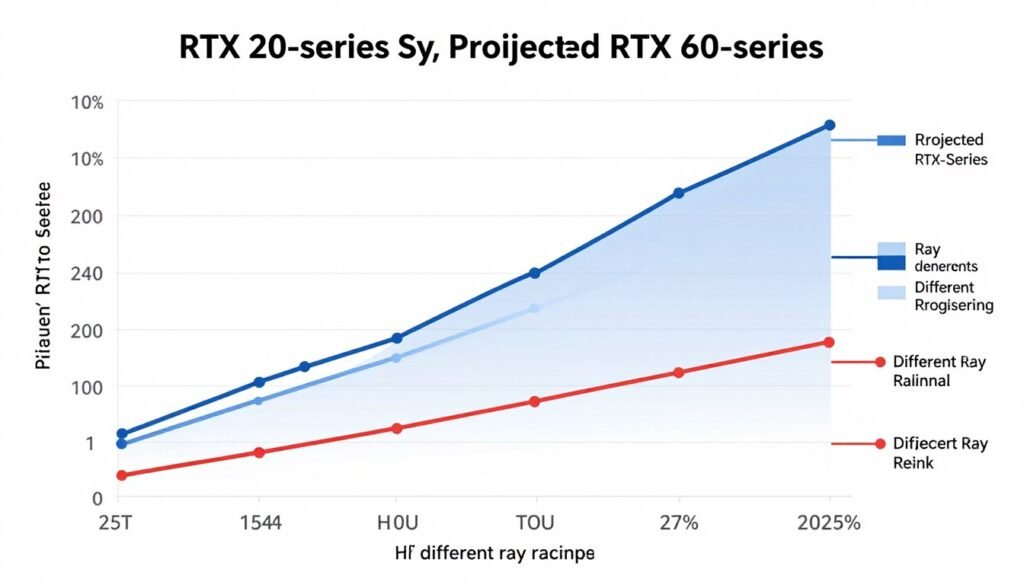
AMD continues closing the ray tracing performance gap with Nvidia. Future RDNA architectures should reach performance parity in most ray tracing workloads. Competition benefits consumers through better price-to-performance ratios across all market segments.
Software and Algorithm Improvements
Game developers are learning to implement ray tracing more efficiently. Early ray traced games used brute-force approaches that wasted GPU resources. Modern implementations use hybrid rendering that combines ray tracing with traditional techniques intelligently.
Denoising algorithms improved dramatically, which means games need fewer rays per pixel to achieve clean image quality. Machine learning helps predict where ray tracing provides the most visual benefit, allowing games to trace rays selectively. These software improvements reduce calculation demands without hardware changes.
The Path Tracing Future
Path tracing represents the end goal for real-time rendering. Once hardware reaches sufficient performance levels, path tracing will replace all traditional rendering techniques. We’re probably 5-10 years away from mainstream path tracing at acceptable frame rates.
Current path tracing implementations require top-end hardware even at 1080p resolution. Future optimizations and hardware improvements will bring path tracing to mid-range systems. When this happens, the visual quality leap will be more significant than the jump from software to hardware accelerated graphics.
Console Impact on Development
PlayStation 5 and Xbox Series X support ray tracing, which pushes game developers to implement it more widely. Console hardware limitations mean developers must optimize ray tracing implementations carefully. These optimizations benefit PC gamers because multiplatform games run more efficiently.
Console ray tracing capabilities lag significantly behind high-end PC hardware. This creates a performance ceiling that helps mid-range PC hardware remain competitive. Games designed for console ray tracing hardware rarely push PC GPUs to their absolute limits.
Making Smart Decisions About Ray Tracing
Should you care about ray tracing? It depends entirely on your priorities and budget.
When Ray Tracing Makes Sense
If you’re building a high-end system and play games that showcase ray tracing well, it’s worth the investment. Games like Cyberpunk 2077, Metro Exodus Enhanced Edition, and Spider-Man with path tracing look genuinely better with ray tracing enabled. The visual improvement justifies the performance cost if you have the hardware.
Ray tracing matters more in slower-paced games where you notice lighting details. Racing games, adventure games, and atmospheric horror games benefit most from ray traced lighting. Fast-paced competitive shooters see less benefit because you’re focused on gameplay, not reflections.
When to Skip Ray Tracing
Budget-conscious builders should prioritize raw rasterization performance over ray tracing capabilities. A GPU that delivers 20% better traditional performance beats a slightly more expensive card with ray tracing if you’re primarily playing esports titles or older games.
If your target resolution is 1080p and you play competitive games, ray tracing provides minimal benefit. Invest in higher refresh rate monitors and GPUs that maximize traditional frame rates instead. The competitive advantage from 240 FPS beats the visual quality from 120 FPS with ray tracing.
The Upgrade Decision
Don’t upgrade specifically for ray tracing unless your current GPU can’t handle games at your preferred settings without ray tracing enabled. Ray tracing remains a bonus feature, not a requirement. Most games still look excellent with traditional rendering and maximum traditional graphics settings.
If you’re considering an upgrade, analyze your complete system first. Sometimes CPU bottlenecks or insufficient RAM cause performance issues that get wrongly blamed on GPU limitations. Run a thorough bottleneck analysis before spending money on new hardware.
Optimize Before You Upgrade
Most ray tracing performance problems have solutions that don’t require new hardware. Check your system’s actual bottlenecks, optimize your game settings, and verify your hardware is performing as expected before considering expensive upgrades.
The Practical Approach
Buy the best GPU you can reasonably afford for your target resolution and refresh rate. If that GPU happens to have strong ray tracing capabilities, great. If not, you’ll still enjoy excellent gaming experiences with traditional rendering. Ray tracing is rapidly becoming standard, but traditional rendering isn’t going anywhere soon.
Consider ray tracing performance as one factor among many. Memory capacity, power efficiency, and driver quality matter just as much for overall gaming satisfaction. Don’t let ray tracing marketing override practical considerations about what actually matters for your specific use case.
The Bottom Line
Ray tracing impact on performance is massive and unavoidable with current technology. The calculation loads required for physically accurate lighting simulation push even high-end GPUs to their limits. Understanding why this happens helps you make informed decisions about hardware, game settings, and whether ray tracing matters for your specific gaming needs.
The technology will improve. Hardware gets faster, software becomes more efficient, and game developers learn better implementation techniques. But for now, ray tracing remains a premium feature that requires premium hardware to enjoy properly. Budget accordingly and optimize intelligently to get the best possible experience from your current system.
Focus on what matters most for your gaming experience. If visual fidelity tops your priority list and you have the budget for high-end hardware, ray tracing delivers genuinely impressive results. If smooth frame rates and competitive performance matter more, traditional rendering still works perfectly fine. There’s no wrong choice, just different preferences and priorities.
What’s the weirdest performance issue you’ve ever run into?