
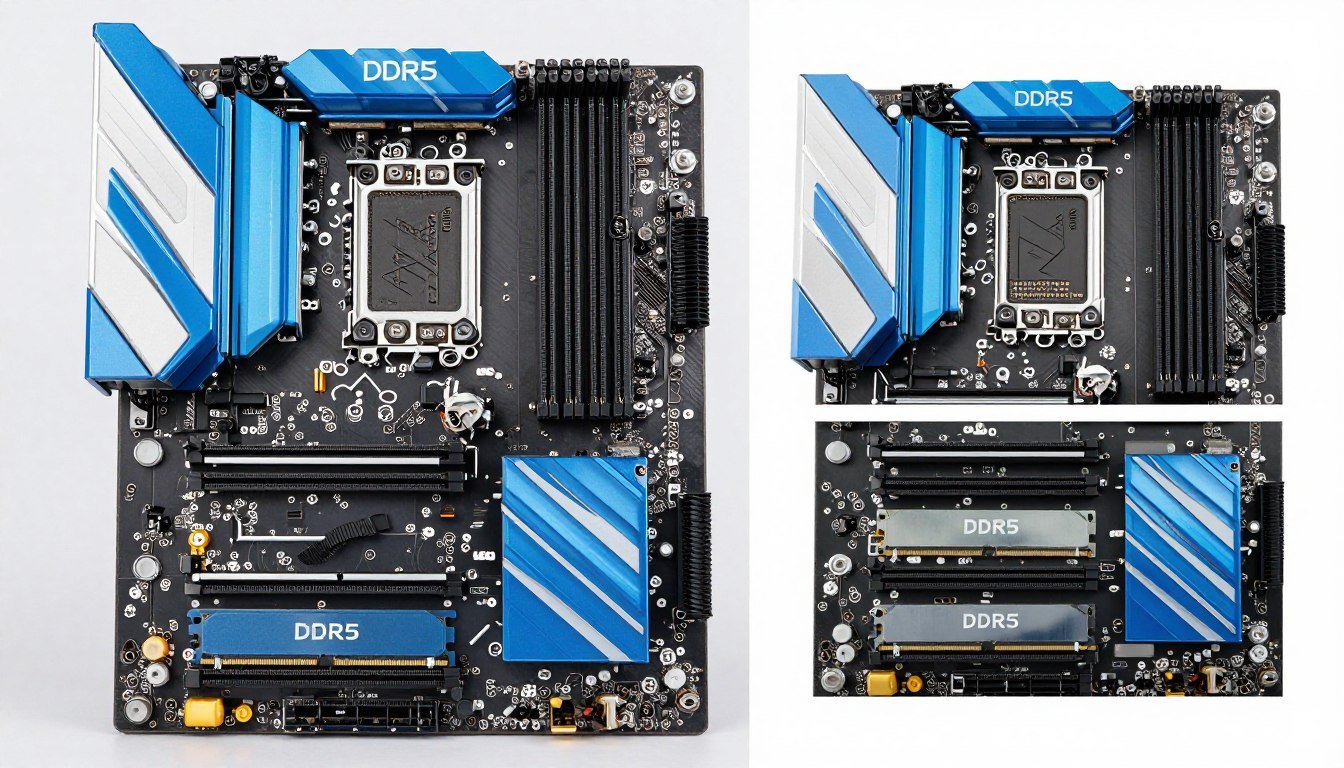
Three months ago, I watched a buddy spend two hours troubleshooting why his brand new 64GB RAM kit was performing worse than his old 32GB setup. The problem? He installed four 16GB modules in single-channel mode instead of proper dual-channel config. His expensive upgrade actually made things slower.
This happens more than you think. RAM channel config is one of those topics where everyone assumes they understand it until they actually have to install memory modules. Then the motherboard manual shows diagrams that look like a puzzle, and suddenly you’re second-guessing which slots to use.
Here’s what this guide fixes: You’ll learn exactly how dual-channel and quad-channel memory work, when each config makes sense, and how to set up your system for peak performance. No marketing nonsense about speeds and feeds. Just practical info that helps you avoid expensive mistakes.
We’ll cover real-world performance differences, compatibility issues with current hardware like Ryzen 9000 and Intel’s latest chips, and the setup mistakes that kill performance. By the end, you’ll know whether your system needs dual or quad-channel RAM and how to configure it correctly.
What RAM Channel Config Actually Means for Your System
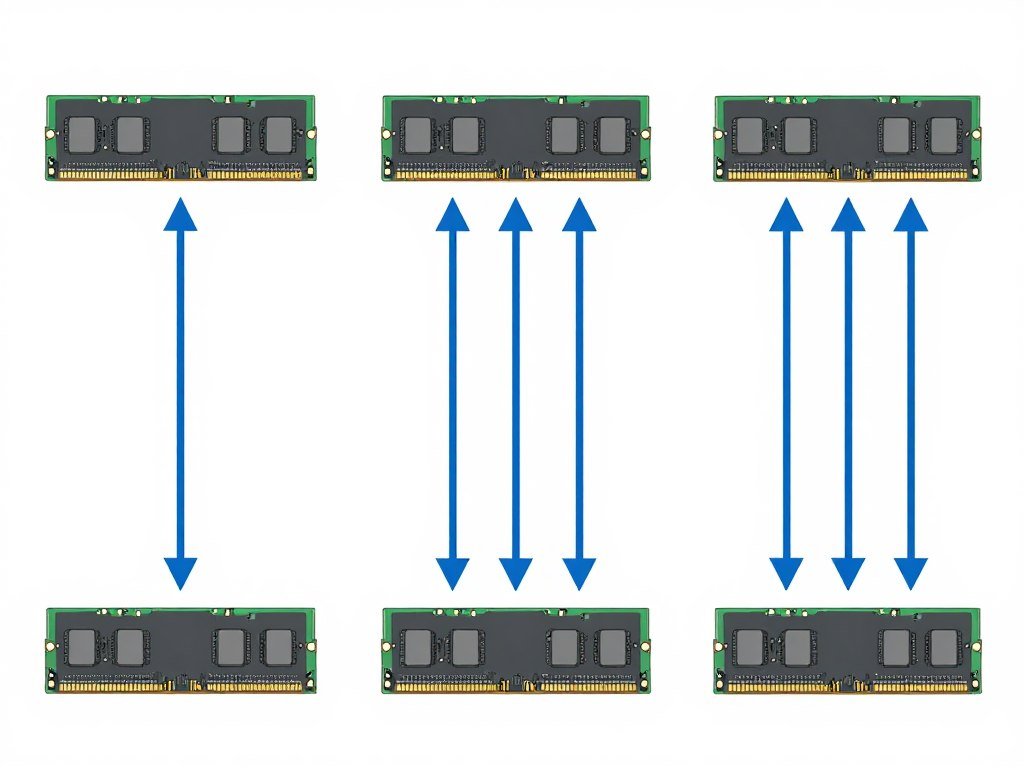
Think of RAM channels like highway lanes. A single memory module uses one 64-bit data path to communicate with your processor. That’s single-channel mode, like a one-lane road. All your data has to squeeze through that single path.
Dual-channel RAM opens a second lane. When you install two memory modules in the correct slots, your motherboard creates two separate 64-bit paths. Now your CPU can pull data from both modules at the same time. The total bandwidth doubles from 64-bit to 128-bit wide.
Quad-channel goes further with four separate 64-bit paths for a total 256-bit wide connection. But here’s the catch: your motherboard and processor both need to support it. Most mainstream desktop systems cap at dual-channel. Quad-channel typically shows up in workstation and server platforms.
The memory slots on your motherboard have a specific order. Most dual-channel boards mark the slots A1, A2, B1, B2. To enable dual-channel mode, you typically install memory modules in slots A2 and B2 first. Your motherboard manual shows the exact configuration because manufacturers vary.
Channel configuration isn’t just about having multiple memory modules installed. You can have four modules running in dual-channel mode. The key is how the memory controller on your CPU groups those modules together. Two modules per channel in dual-channel mode, or four modules across four channels in quad-channel mode.
Is Your RAM Configuration Causing Performance Issues?
Before upgrading or reconfiguring your memory, check if your current setup is creating bottlenecks elsewhere in your system. Our calculator shows real-world performance impact.
Memory speed specifications like DDR4-3200 or DDR5-6000 are separate from channel configuration. You can run slow RAM in dual-channel or fast RAM in single-channel. Speed measures how quickly data moves. Channels measure how many paths that data can use simultaneously. Both matter for system performance.
Dual-Channel RAM: The Sweet Spot for Most Builds
Dual-channel memory is the standard configuration for mainstream computing in 2026. Every current desktop platform from Intel and AMD supports it: Ryzen 9000 series, Intel Core processors, even budget chips. Two memory modules in the correct slots give you doubled memory bandwidth compared to single-channel operation.
The performance gain isn’t theoretical. In gaming, dual-channel RAM typically delivers 10-20% higher framerates compared to single-channel at the same speed and capacity. Memory-intensive tasks like video editing see even bigger improvements. Games built on Unreal Engine 5 depend heavily on fast memory access for texture streaming and world data.
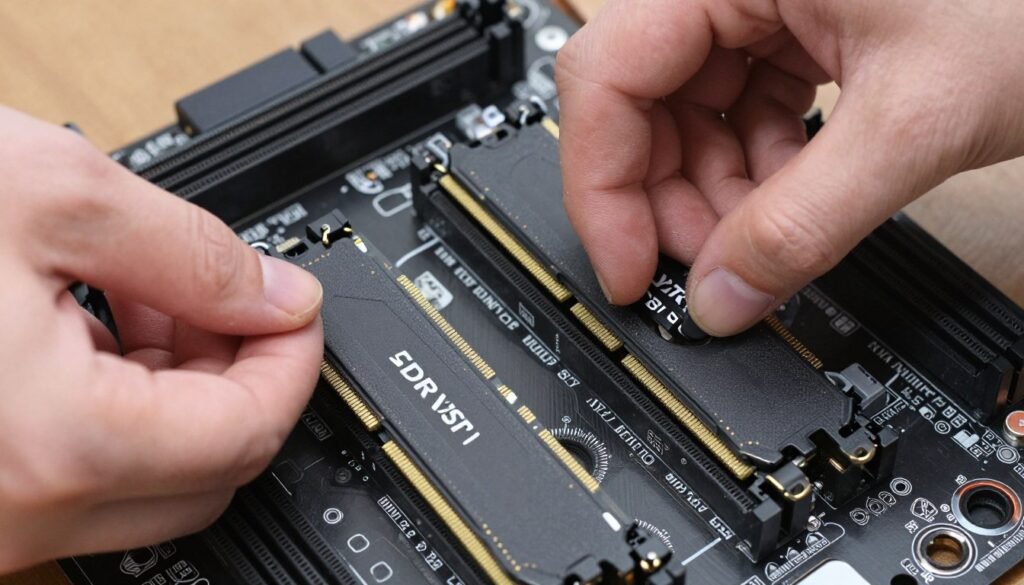
Most gaming motherboards support two to four memory slots total. With two slots, both sticks automatically run in dual-channel mode when properly installed. Four-slot boards require you to use alternating slots for dual-channel. Skip slots create the two separate channels your CPU needs.
Here’s where builders make mistakes: filling all four slots doesn’t give you quad-channel on a dual-channel platform. You get dual-channel mode with two modules per channel. This works fine, but running four modules can sometimes limit your maximum memory speed compared to using just two modules.
Capacity planning matters. Two 16GB modules give you 32GB total in dual-channel mode. Four 8GB modules also provide 32GB in dual-channel, but the memory controller works harder managing four physical modules. For pure performance, two larger modules beat four smaller ones at the same total capacity.
Dual-Channel Configuration Checklist
- Verify motherboard supports dual-channel (check specifications)
- Purchase matching memory modules (same speed, timings, capacity)
- Consult motherboard manual for correct slot placement
- Typically use slots A2 and B2 for two modules
- Enable XMP/EXPO profile in BIOS after installation
- Run memory test to verify stability
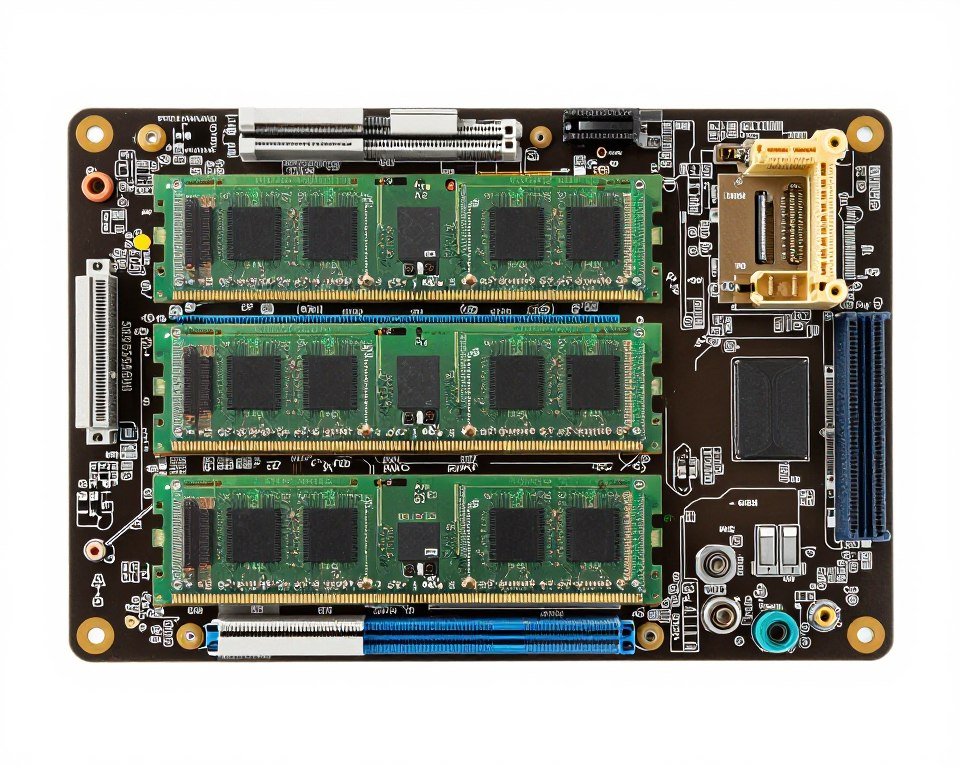
The compatibility factor makes dual-channel attractive. You don’t need expensive workstation hardware. Standard consumer motherboards and processors handle it. Memory kits sold as “dual-channel kits” are just two matched modules packaged together. You’re paying for guaranteed compatibility, not special dual-channel technology.
Speed optimization in dual-channel setups involves finding the sweet spot between memory frequency and timing. Higher frequency isn’t always better if it requires looser timings. For Ryzen 9000 systems, DDR5-6000 with tight timings often performs better than DDR5-6400 with relaxed timings. Intel systems are less picky but still benefit from balanced specifications.
Understanding system balance helps you see how RAM channel config fits into overall system performance. Fast dual-channel memory won’t fix a weak CPU, but slow single-channel RAM will hold back even powerful processors.
Quad-Channel RAM: When Four Channels Actually Matter
Quad-channel memory requires specific hardware. Your processor needs a quad-channel memory controller, and your motherboard needs to support it with eight memory slots arranged in four pairs. This configuration exists mainly in high-end desktop (HEDT) and workstation platforms.
AMD’s Ryzen Threadripper processors support quad-channel memory. Intel’s Core X-series used to offer it, though they’ve mostly moved away from the HEDT market. Some server processors support even wider configurations like six-channel or eight-channel memory.
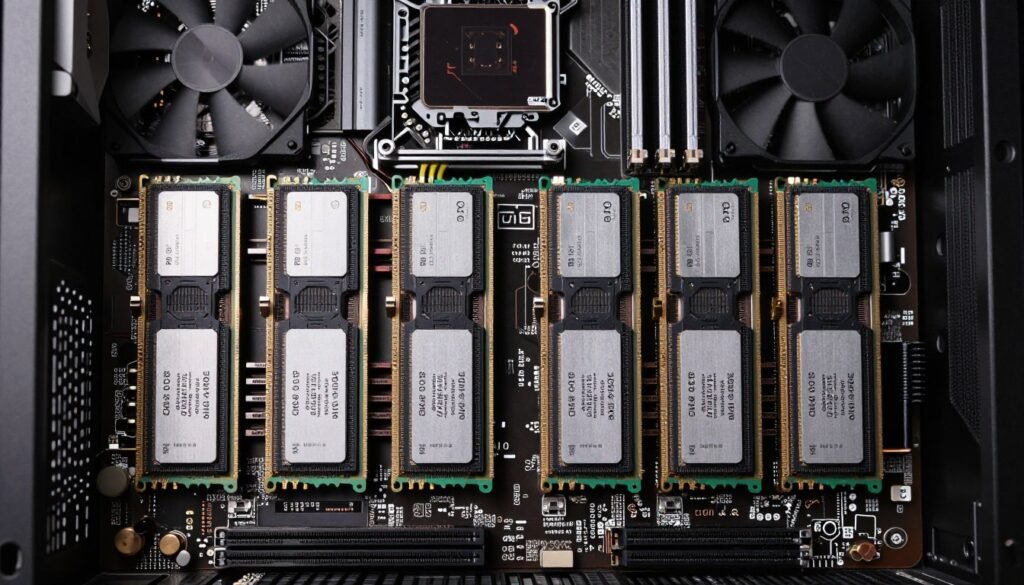
The bandwidth advantage is real for specific workloads. Quad-channel provides twice the memory bandwidth of dual-channel. Tasks that constantly read and write large datasets benefit: 3D rendering, video encoding, scientific computing, and professional content creation.
Gaming sees minimal benefit from quad-channel versus dual-channel. Most games don’t stress memory bandwidth enough to notice the difference. You might see 2-3% higher framerates at best. The performance gap closes further at higher resolutions where the GPU becomes the bottleneck.
Cost considerations matter significantly. Quad-channel capable systems cost substantially more. Threadripper processors start around $1500. Compatible motherboards run $500-800. You need four matched memory modules, increasing the total memory cost. The platform makes sense for professional workflows that justify the investment.
Quad-Channel Benefits
- Double the memory bandwidth of dual-channel
- Superior performance in memory-intensive professional tasks
- Better scaling with highly threaded workloads
- Support for massive RAM capacities (256GB+)
- Reduced memory access latency in parallel operations
Quad-Channel Drawbacks
- Requires expensive workstation-class hardware
- Minimal gaming performance advantage over dual-channel
- Higher power consumption
- Limited motherboard and CPU options
- Need to purchase four matched modules
Installation follows similar principles to dual-channel but across four slot pairs. Workstation boards typically label slots as A1, A2, B1, B2, C1, C2, D1, D2. For quad-channel, you install modules in slots A1, B1, C1, D1 first. The manual specifies exact configuration since manufacturers differ.
Memory speed limitations can appear with quad-channel configurations. Running four modules stresses the memory controller more than two modules. Maximum stable frequency often drops when populating all four channels compared to using just two channels with two modules each.
For most PC builders, quad-channel remains overkill. The platform cost doesn’t justify the performance gain unless your workflow specifically demands maximum memory bandwidth. Video editors working with 8K footage or 3D artists rendering complex scenes see real benefits. Gamers and general users don’t.
Real-World Performance: The Numbers That Actually Matter
Benchmark results show clear patterns across different configurations. Single-channel RAM creates significant performance penalties. Moving from single to dual-channel typically boosts gaming performance by 15-25% depending on the title and resolution.
Memory-sensitive games show the biggest gaps. Titles using Unreal Engine 5 rely heavily on fast memory for virtual texture streaming. Games like Fortnite, Hogwarts Legacy, and upcoming releases benefit substantially from dual-channel memory bandwidth. Older games or less demanding titles show smaller differences.
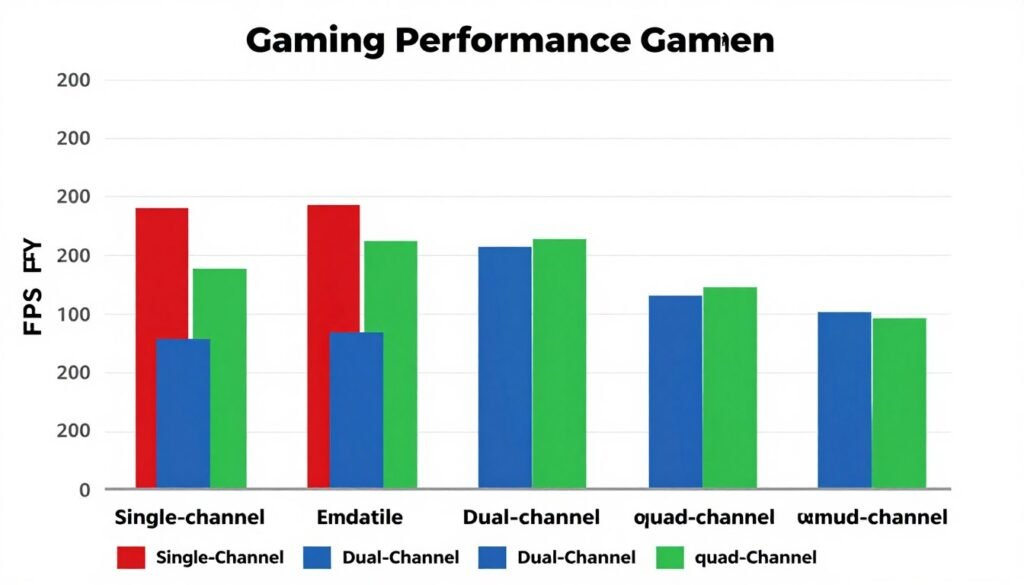
Content creation workloads scale differently. Video encoding in applications like DaVinci Resolve or Adobe Premiere Pro shows 20-30% faster render times moving from single to dual-channel. Quad-channel provides another 15-20% improvement over dual-channel for these specific tasks.
The resolution factor changes everything. At 1080p gaming, the CPU and memory system do more work. Performance differences between configurations appear larger. At 4K resolution, the GPU handles most processing. Memory configuration impact shrinks to 5-10% or less because the graphics card becomes the limiting factor.
| Configuration | Gaming (1080p) | Gaming (4K) | Video Encoding | 3D Rendering |
| Single-Channel | Baseline (100%) | Baseline (100%) | Baseline (100%) | Baseline (100%) |
| Dual-Channel | +18-25% | +8-12% | +25-30% | +20-25% |
| Quad-Channel | +20-27% | +10-14% | +40-45% | +35-40% |
Speed versus channels creates interesting comparisons. Fast single-channel memory (DDR5-6400) still loses to slower dual-channel memory (DDR5-5200) in most scenarios. Bandwidth from multiple channels matters more than raw frequency for typical workloads.
Frame time consistency improves with proper channel configuration. Single-channel setups create stuttering in memory-intensive moments. Dual-channel smooths out these spikes. Quad-channel makes little additional difference for frame timing unless you’re running extreme multi-tasking scenarios.
The cost-per-performance calculation heavily favors dual-channel for most users. The minimal gaming improvement from quad-channel doesn’t justify the platform cost increase. Content creators might see different math depending on how much time they spend rendering versus gaming.
See How RAM Config Affects Your Specific Setup
Performance varies based on your complete system configuration. Check whether your CPU and GPU pairing matches your memory bandwidth capabilities.
Monitoring actual memory usage reveals another truth. Most gaming systems rarely exceed 50% of available dual-channel bandwidth during gameplay. The headroom exists for background tasks and system overhead. Quad-channel provides bandwidth that typical gaming workloads simply don’t utilize.
Professional applications tell a different story. When working with uncompressed 4K video or complex 3D scenes with millions of polygons, memory bandwidth becomes critical. These workflows saturate dual-channel bandwidth and benefit measurably from quad-channel configurations.
Hardware Compatibility: What Your System Actually Supports
Your motherboard determines maximum channel support. The chipset and physical layout dictate whether you get single, dual, or quad-channel capability. Most consumer motherboards top out at dual-channel with two or four memory slots total.
Intel’s current mainstream platforms (LGA1700 for 12th-14th gen, upcoming LGA1851) support dual-channel memory. AMD’s AM5 socket for Ryzen 7000 and 9000 series processors also runs dual-channel. Both platforms handle DDR5 memory with speeds up to DDR5-5600 officially, though many boards support higher speeds through overclocking.
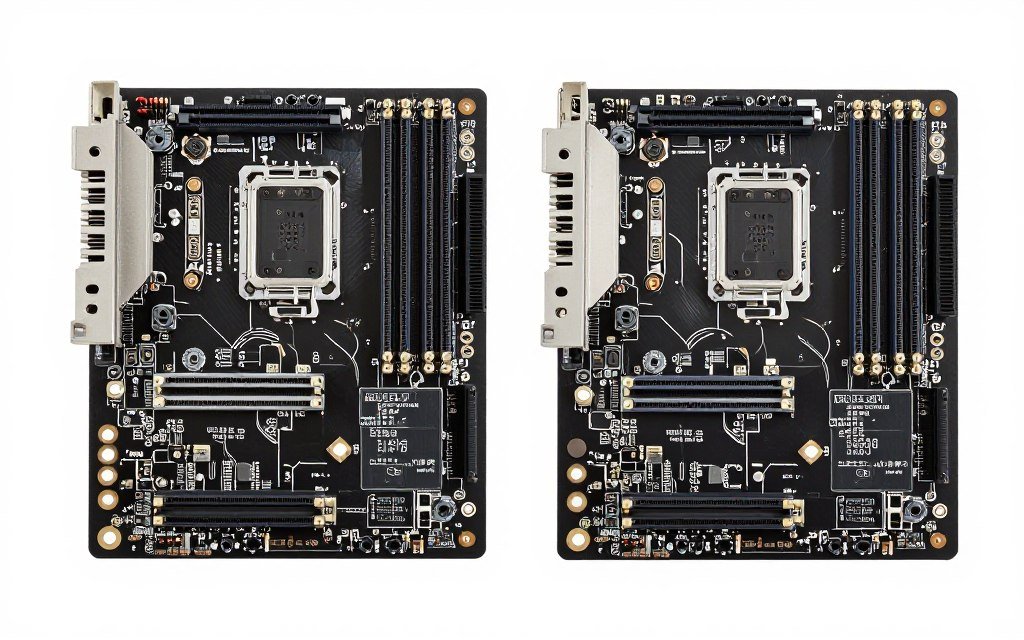
Quad-channel requires stepping up to workstation platforms. AMD’s TRX40 and WRX80 chipsets for Threadripper processors support quad-channel. These boards feature eight memory slots arranged in four pairs. Intel’s older X299 platform offered quad-channel but has largely been discontinued.
Processor memory controllers matter as much as motherboards. A dual-channel board with a quad-channel CPU won’t give you quad-channel operation. Both components need matching capability. Check your CPU specifications for supported memory channels before buying memory or motherboards.
Memory module compatibility adds another layer. Modern systems use DDR4 or DDR5 depending on platform. Intel’s 12th gen and newer support both depending on motherboard choice. AMD’s Ryzen 7000 and 9000 series exclusively use DDR5. You can’t mix DDR4 and DDR5 on the same system.
Dual-Channel Platforms (Consumer)
- Intel LGA1700 (12th-14th gen Core)
- Intel LGA1851 (15th gen Core, upcoming)
- AMD AM5 (Ryzen 7000/9000 series)
- AMD AM4 (Ryzen 5000 and earlier)
- Most laptop platforms
- Budget and mainstream motherboards
Quad-Channel Platforms (Workstation)
- AMD TRX40 (Ryzen Threadripper 3000)
- AMD WRX80 (Ryzen Threadripper PRO 5000)
- Intel X299 (Core X-series, discontinued)
- Server platforms (Epyc, Xeon)
- HEDT motherboards ($500+)
- Limited availability and support
Memory speed support varies by platform and configuration. Running two modules typically allows higher speeds than four modules. AMD’s Ryzen 9000 series handles DDR5-6000 easily with two modules but might require reducing to DDR5-5600 with four modules installed.
Checking Intel vs AMD platform differences helps understand memory controller capabilities. Intel systems traditionally handled memory overclocking more flexibly. AMD systems became more competitive with Ryzen 7000 and beyond, especially with DDR5.
Laptop systems mostly use dual-channel configurations with two memory slots. Some ultraportable laptops solder memory directly to the motherboard, making upgrades impossible. Gaming laptops typically provide two accessible SODIMM slots for dual-channel operation. Quad-channel laptops are extremely rare and limited to mobile workstation models.
Future platforms will continue emphasizing dual-channel for mainstream users. Intel’s upcoming Arrow Lake and AMD’s future Ryzen generations stick with dual-channel DDR5. Quad-channel remains relegated to professional workstation segments where the cost and complexity make sense.
Setup Optimization: Getting Maximum Performance from Your Configuration
Proper installation starts with understanding your motherboard’s slot configuration. The manual shows exactly which slots to populate for dual-channel operation. Most boards use A2 and B2 for two modules, but some manufacturers vary this layout.
Matched memory modules provide best results. Buy RAM kits sold together rather than mixing individual sticks. Manufacturers test and bin modules together for compatibility. Mixing different brands, speeds, or timings can cause stability issues or force the system to run at the slowest module’s specifications.
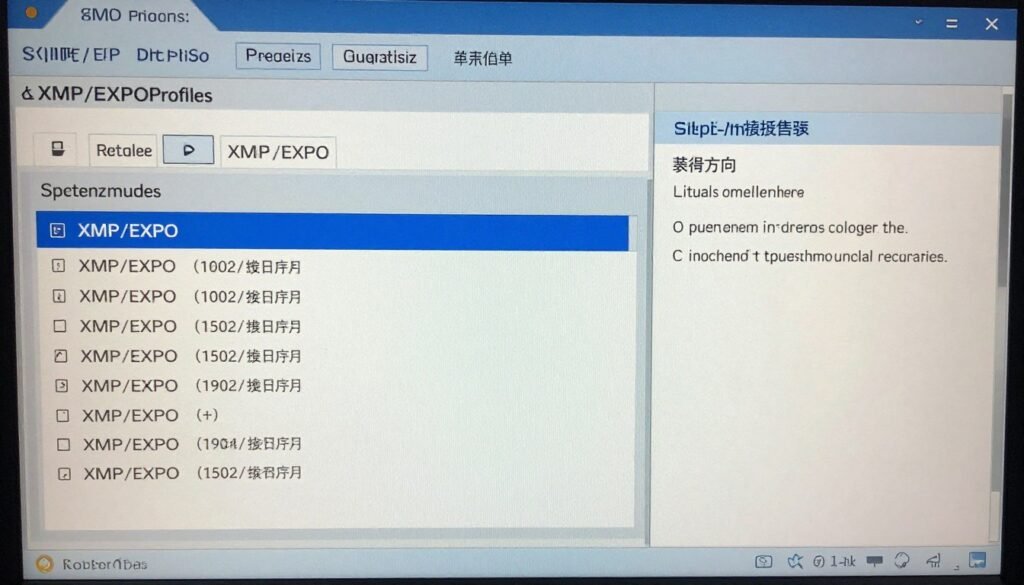
BIOS configuration enables full performance. After installing memory modules, boot into BIOS and enable XMP (Intel) or EXPO (AMD) profiles. These profiles automatically configure speed, timings, and voltage to manufacturer specifications. Without enabling these profiles, your expensive high-speed RAM runs at basic JEDEC speeds.
Testing stability matters after configuration. Run memory stress tests like MemTest86 or Windows Memory Diagnostic. These tools verify your memory operates correctly at configured speeds. Errors indicate potential incompatibility or the need to adjust settings.
Quick Setup Optimization Steps
- Consult motherboard manual for correct slot configuration
- Install matched memory modules in specified slots
- Power on system and enter BIOS (usually DEL or F2 key)
- Enable XMP/EXPO profile in memory settings
- Save changes and boot to operating system
- Verify configuration in Task Manager (Performance > Memory)
- Run stability test for 30-60 minutes
- Monitor system for crashes or errors during first week
Timing adjustments can squeeze extra performance. Advanced users tweak memory timings manually for lower latency. Primary timings (CAS Latency, tRCD, tRP, tRAS) have the biggest impact. Tightening these values by one or two steps can improve performance 2-5% if your modules are capable and stable.
Memory voltage affects stability at higher speeds. Most DDR5 runs at 1.1V stock with XMP profiles going to 1.25-1.35V. Higher voltages enable faster speeds but generate more heat. Ensure adequate case airflow around memory modules, especially when overclocking or running high-performance kits.
Understanding overall PC optimization shows how memory configuration fits into system-wide tuning. Fast memory helps, but balanced component selection matters more than any single upgrade.
Common mistakes to avoid include: mixing memory from different kits, installing modules in wrong slots, forgetting to enable XMP/EXPO, running mismatched capacities, and ignoring stability testing. Each of these issues can reduce performance or cause system instability.
Software monitoring tools verify proper operation. CPU-Z shows memory configuration, speeds, and timings. Task Manager’s Performance tab displays total capacity and speed. These tools confirm dual-channel mode is active and memory runs at intended specifications.
For users wanting deeper optimization, AMD RAM tuning guides provide platform-specific advice. Ryzen systems particularly benefit from memory optimization due to their architecture’s sensitivity to memory performance.
Upgrade Paths: When to Add More Channels or Capacity
Current single-channel users see the biggest gains upgrading to dual-channel. This means adding a second matched module in the correct slot. Performance improves immediately across gaming and productivity tasks. The cost is reasonable—just one additional memory module.
Users already running dual-channel need to evaluate whether more capacity or faster speed matters. Adding more RAM only helps if you regularly max out current capacity. Check Task Manager during typical use. If memory usage stays below 80%, more capacity won’t improve performance.
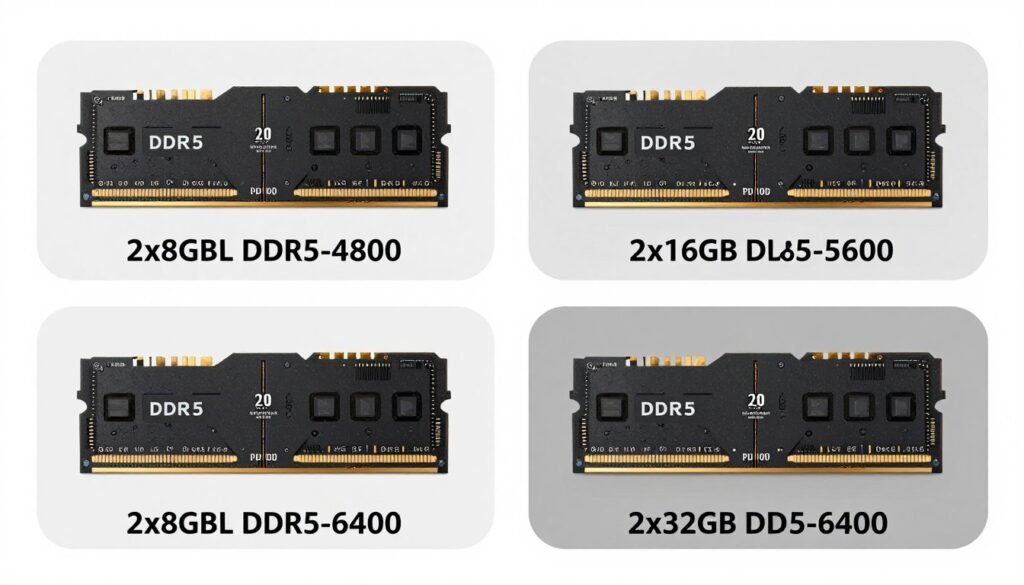
Speed upgrades make sense when moving platforms. Upgrading from DDR4 to DDR5 requires new motherboard and CPU. This platform upgrade naturally brings dual-channel DDR5. The combined improvement from newer CPU architecture plus faster memory provides significant performance gains.
Capacity requirements grow slowly for most users. 16GB remains adequate for gaming in 2026. Content creators benefit from 32GB. Professional workflows using virtual machines or heavy multitasking justify 64GB. Going beyond 64GB only makes sense for specialized workstation tasks.
Dual to quad-channel upgrades rarely make sense for existing systems. You can’t upgrade a dual-channel system to quad-channel without replacing the motherboard and CPU. The platform change costs $1000+ minimum. Better to optimize current dual-channel setup or save money for a complete system refresh.
Gaming Focus Build
Optimal configuration: 2x16GB DDR5-6000 dual-channel
- Sufficient capacity for modern gaming
- High speed benefits CPU-intensive titles
- Cost-effective performance
- Easy future capacity expansion
Content Creation Build
Optimal configuration: 2x32GB DDR5-5600 dual-channel
- 64GB capacity for editing and rendering
- Balanced speed and capacity
- Stable for long workstation sessions
- Room for background applications
Workstation Build
Consider platform: 4x32GB DDR5-4800 quad-channel
- 128GB for professional workflows
- Maximum memory bandwidth
- Threadripper or Xeon platform
- Professional application optimization
Timing your upgrade matters. New DDR5 platforms launched in late 2021 had stability issues and high costs. By 2026, DDR5 has matured with better pricing and reliability. Waiting for platform maturity saves money and headaches.
Budget allocation should prioritize CPU and GPU over excessive RAM. A system with a mid-range CPU, strong GPU, and standard dual-channel memory outperforms a system with a weak CPU, weak GPU, and fancy quad-channel RAM. Balance matters more than any single component.
Future-proofing through memory upgrades has limits. Buying a motherboard with four slots even if you start with two modules makes sense. Planning to upgrade from dual to quad-channel on a consumer platform doesn’t make sense—the platform simply doesn’t support it.
Used market considerations affect upgrade planning. Selling old RAM to fund new modules offsets costs. DDR4 memory holds value reasonably well. DDR5 prices continue dropping as production scales up. Timing upgrades around price drops maximizes value.
Common Configuration Mistakes That Kill Performance
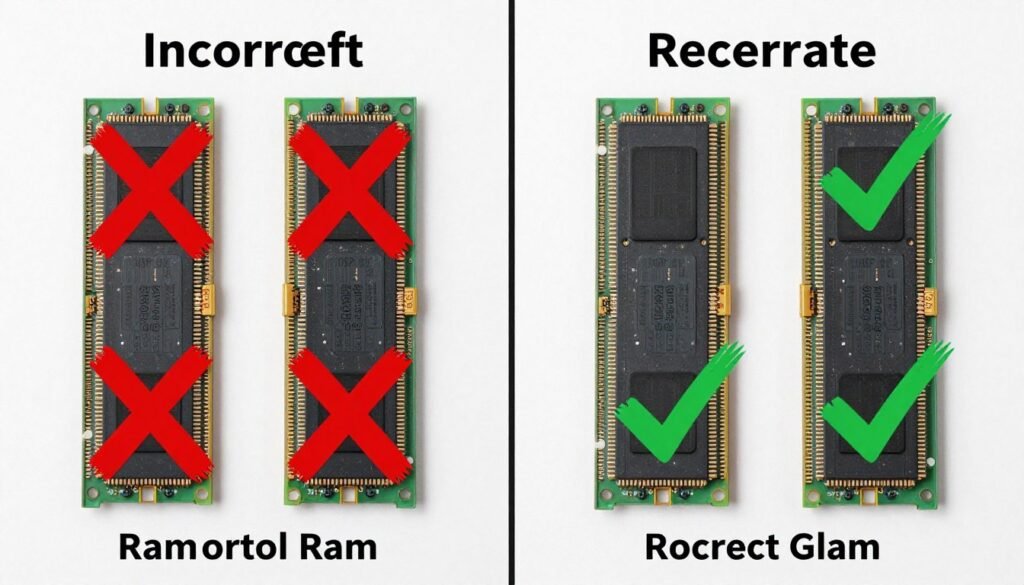
The single biggest mistake: installing memory modules in the wrong slots. A surprising number of builders put two modules in adjacent slots, creating single-channel operation. Always skip a slot between modules for dual-channel on four-slot boards.
Mixing memory modules causes problems. Different speeds force the system to run everything at the slowest speed. Different capacities work but reduce efficiency. Mismatched brands or timings create stability issues. Buy matched kits for hassle-free operation.
Forgetting BIOS configuration wastes money. High-speed RAM runs at basic JEDEC speeds without enabling XMP or EXPO profiles. Your DDR5-6000 kit operates at DDR5-4800 or slower. Performance sits on the table unused until you configure BIOS properly.
Overloading memory controllers happens when people assume four modules always beat two. Stability decreases and maximum speed drops with four modules populated. For pure performance, two large modules often beat four smaller modules at the same total capacity.
Capacity mismatches create inefficiencies. Installing a 16GB module and an 8GB module works but the system can only run 16GB (8GB from each module) in dual-channel mode. The extra 8GB from the larger module runs in single-channel, reducing overall performance.
Critical Installation Errors to Avoid
- Installing two modules in adjacent slots (creates single-channel)
- Mixing RAM from different kits or manufacturers
- Not enabling XMP/EXPO profiles in BIOS
- Using mismatched capacities between channels
- Exceeding motherboard’s maximum supported speed
- Installing modules without proper seating (partial insertion)
- Ignoring motherboard manual slot recommendations
- Assuming four slots always means quad-channel support
Speed assumptions cause issues. Buying the fastest RAM available doesn’t guarantee it runs at rated speed. Check your motherboard’s qualified vendor list (QVL) for tested memory. Non-QVL memory might work but could require manual tuning or run at reduced speeds.
Ignoring system balance creates problems. Pairing slow RAM with a fast CPU creates bottlenecks. Pairing super-fast RAM with a weak CPU wastes money. Understanding CPU bottleneck dynamics helps avoid mismatched components.
Physical installation mistakes include: not pushing modules fully into slots, forgetting to lock retention clips, installing modules in the wrong orientation, and applying uneven pressure during installation. These cause boot failures or intermittent stability issues.
Heat management gets overlooked. High-performance memory generates heat during operation. Installing RAM under large CPU coolers can trap heat. Ensure adequate airflow around memory modules. Remove decorative heat spreaders if they interfere with cooler clearance—memory function matters more than aesthetics.
Software configuration errors compound hardware issues. Running 32-bit Windows limits usable RAM to 4GB regardless of installed capacity. Not updating BIOS can cause compatibility issues with newer memory. Checking Windows optimization settings ensures software doesn’t waste hardware capability.
Future Memory Technology: What’s Coming Next
DDR5 memory continues evolving through 2026 and beyond. Current speeds top out around DDR5-6400 for mainstream kits with enthusiast modules reaching DDR5-8000+. Future JEDEC standards will push official specifications higher, making faster speeds more stable and affordable.
Channel architecture might expand for consumer platforms eventually. Intel and AMD could introduce native quad-channel support to mainstream desktop processors. This transition would require significant changes to CPU design and motherboard layouts. Don’t expect it before 2027-2028 at earliest.
On-package memory represents another direction. Some processors integrate memory directly on the CPU package for ultimate performance. Apple’s M-series chips use this approach. Desktop PCs might adopt similar designs for specialized applications, though upgradability would disappear.
CXL (Compute Express Link) memory expansion could change capacity paradigms. This technology allows adding memory modules over PCIe connections. Servers already use CXL for massive memory pools. Consumer applications might follow if the technology matures and costs decrease.
3D stacked memory offers another evolutionary path. Stacking memory dies vertically increases density without expanding physical dimensions. Samsung and SK Hynix develop 3D DRAM technology. Consumer products using these advances should appear within two to three years.
Emerging Memory Technologies
Several technologies compete for future adoption in consumer systems. DDR6 development progresses but won’t reach consumers until 2028 or later. LPDDR5X serves laptop and mobile devices with power efficiency focus. HBM (High Bandwidth Memory) remains in graphics cards and accelerators. GDDR7 launches in 2026 graphics cards, showing what’s possible for bandwidth. Each technology targets specific use cases rather than replacing DDR5 entirely.
Platform integration tightens between CPU, memory, and other components. Future systems might optimize memory channels dynamically based on workload. Idle channels could power down to save energy. Active workloads could boost frequency temporarily for peak performance.
Capacity growth continues its historical trend. 128GB becomes mainstream for enthusiasts. 256GB drops to prosumer pricing. Server systems push terabyte capacities. These increases enable new computing paradigms with massive in-memory databases and datasets.
Understanding emerging tech trends helps plan upgrade timing. Buying current technology makes sense when you need it now. Waiting for future tech makes sense if current hardware meets your needs and significant advances approach within a year.
Cost trends favor consumers long-term. Memory manufacturing scales up continuously. Competition between Samsung, Micron, and SK Hynix keeps prices competitive. Economic cycles cause temporary price spikes, but the overall trend points toward more capacity and speed for less money over time.
The Bottom Line on RAM Channel Configuration
Dual-channel memory is the practical choice for most PC builders in 2026. The performance gain over single-channel is substantial and consistent across gaming and productivity. Quad-channel requires expensive workstation hardware that only makes sense for specific professional workflows.
Installation correctness matters more than exotic specifications. Properly configured dual-channel DDR5-5600 beats incorrectly installed DDR5-7200 every time. Follow your motherboard manual, enable XMP/EXPO profiles, and verify dual-channel operation.
Capacity planning should match actual usage. Gaming systems work well with 32GB. Content creation benefits from 64GB. Most users don’t need more than that. Buying excessive capacity wastes money better spent on CPU or GPU upgrades.
Speed specifications exist in context. Faster memory helps but doesn’t overcome weak processors or slow graphics cards. System balance matters more than any single component’s specifications. Check overall component compatibility before obsessing over memory speeds.
Optimize Your Complete System Configuration
Memory configuration is just one piece of system performance. Verify your CPU, GPU, and RAM work together without creating bottlenecks elsewhere. Our calculator shows exactly where your system’s weaknesses and strengths lie.
Upgrade timing depends on actual bottlenecks. Don’t upgrade memory because you can. Upgrade when you hit capacity limits or move to a new platform. Monitor actual memory usage and performance to identify real needs versus imagined improvements.
Future-proofing has limits. Buy hardware for current and near-term needs. Technology advances make long-term future-proofing impossible. A well-balanced system bought today serves better than an unbalanced system bought hoping for future needs.
The reality is that most PC builders overthink memory configuration. Dual-channel operation with decent speed (DDR5-5600 or better) and sufficient capacity (32GB for gaming, 64GB for creation) handles everything the vast majority of users throw at systems. Focus energy on balanced component selection rather than chasing extreme memory specifications.
Testing and verification complete the process. After configuring memory, run stability tests and monitor performance. Real-world results matter more than theoretical specifications. A stable system that performs well beats an unstable system with impressive paper specs.
For users building new systems or upgrading existing ones, the path forward is clear: implement proper dual-channel configuration with modern DDR5 memory matched to your platform’s capabilities. This gives you the performance foundation for excellent gaming and productivity without the cost and complexity of workstation-class hardware.