
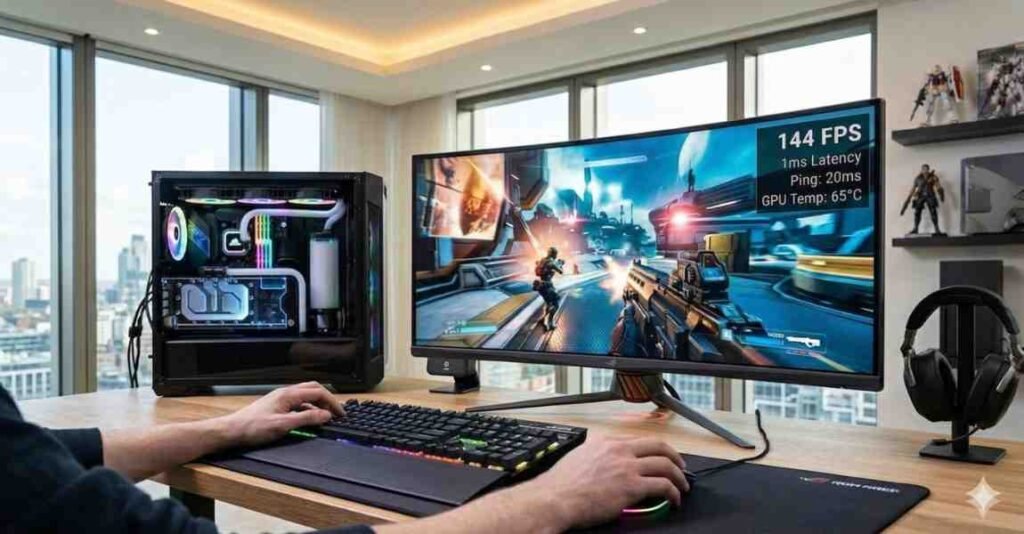
Every modern engine utilizes resources differently, which is why we dedicated a section to Gaming Performance. From Unreal Engine 5’s Nanite to high-refresh esports titles, your gpu calculator results will vary based on the software you run. We provide resolution-specific tuning that works alongside our PC optimization tips to ensure your frame times stay consistent. If you aren’t sure why your FPS is dropping in 4K, visit our Knowledge Base for a full breakdown. Use our precision pc bottleneck calculator to see if a simple settings change can fix your hardware imbalance without needing a costly upgrade.
Explore More Topics About Gaming Performance
UE5 Nanite & Lumen: The Technologies Changing How We Make Games
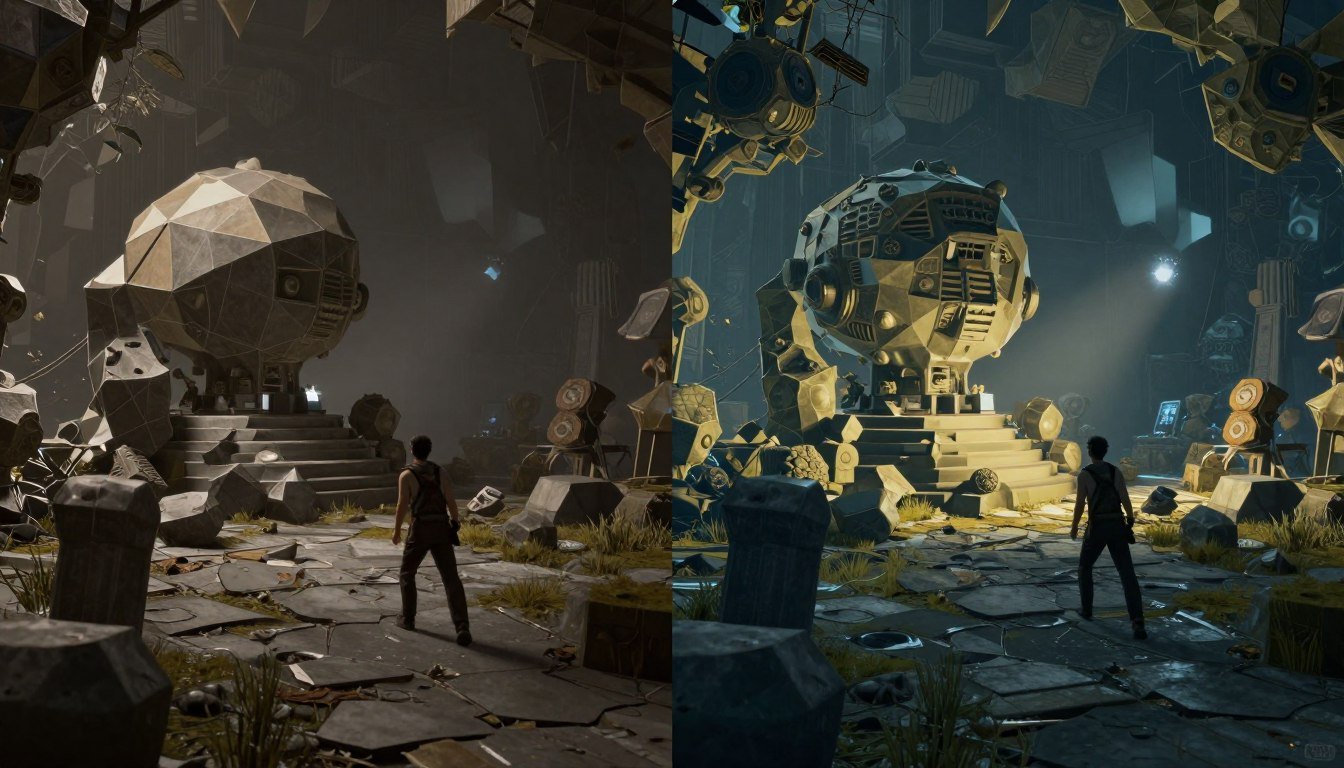
Cyberpunk 2077 Path Tracing Bottleneck: What’s Really Slowing You Down
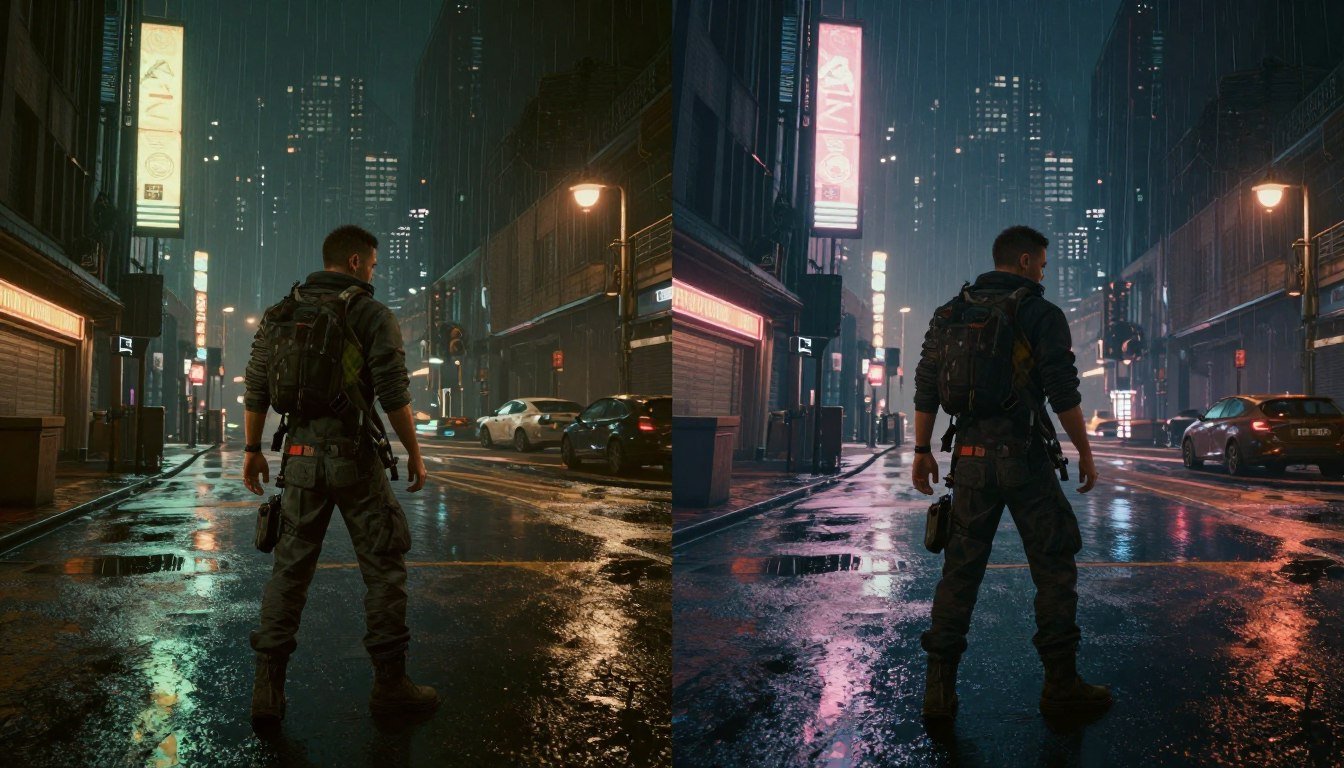
Valorant CS2 500 FPS Esports CPU Performance: The Complete Guide
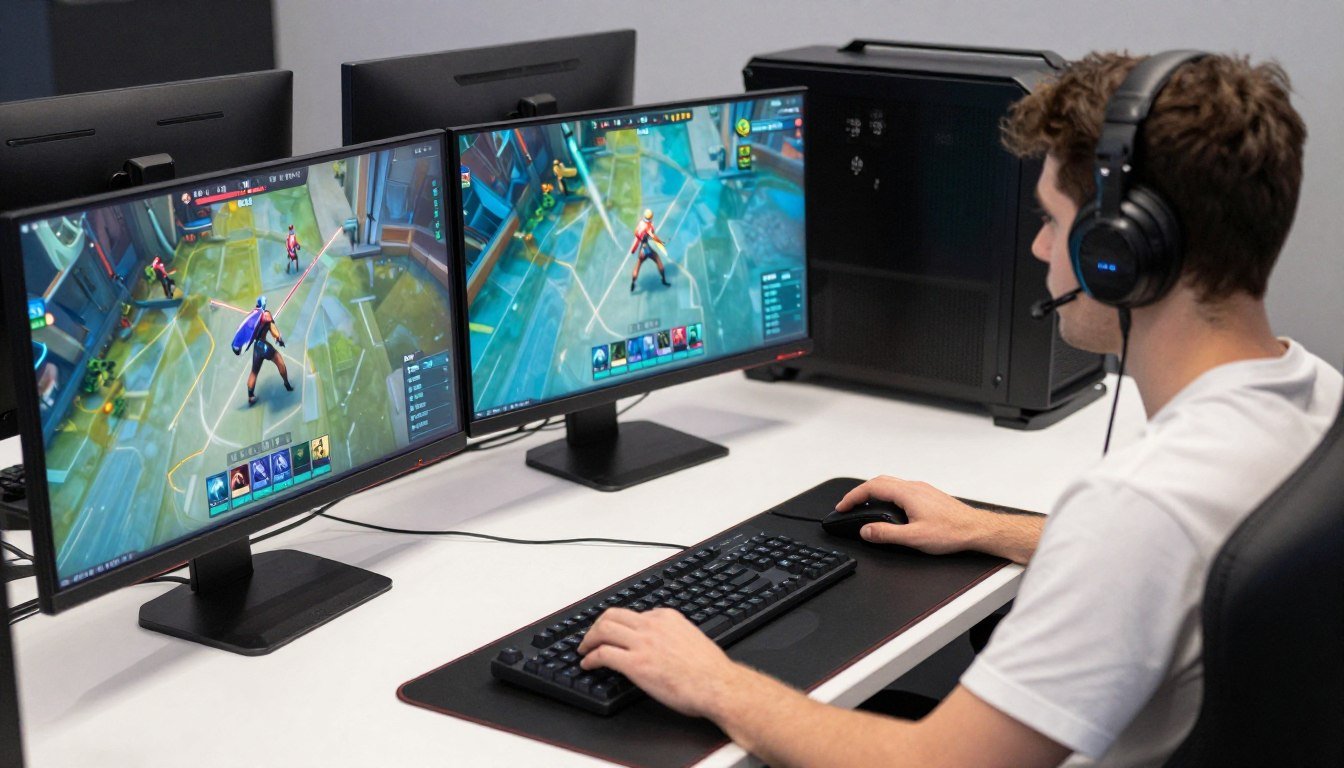
Esports CPU Performance: What Actually Matters in Competitive Gaming (2026 Reality Check)
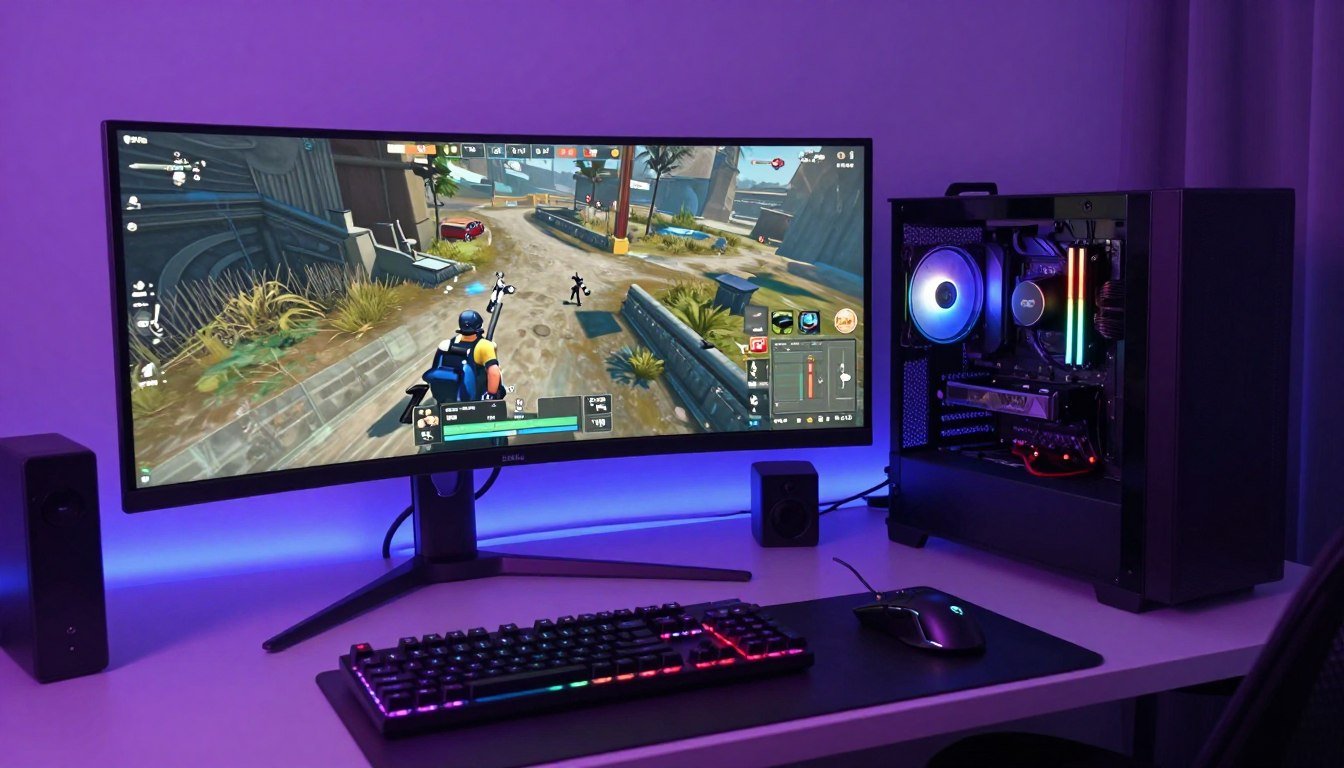
Cyberpunk 2077 Bottleneck: Why Your CPU Is Screaming and How to Fix It
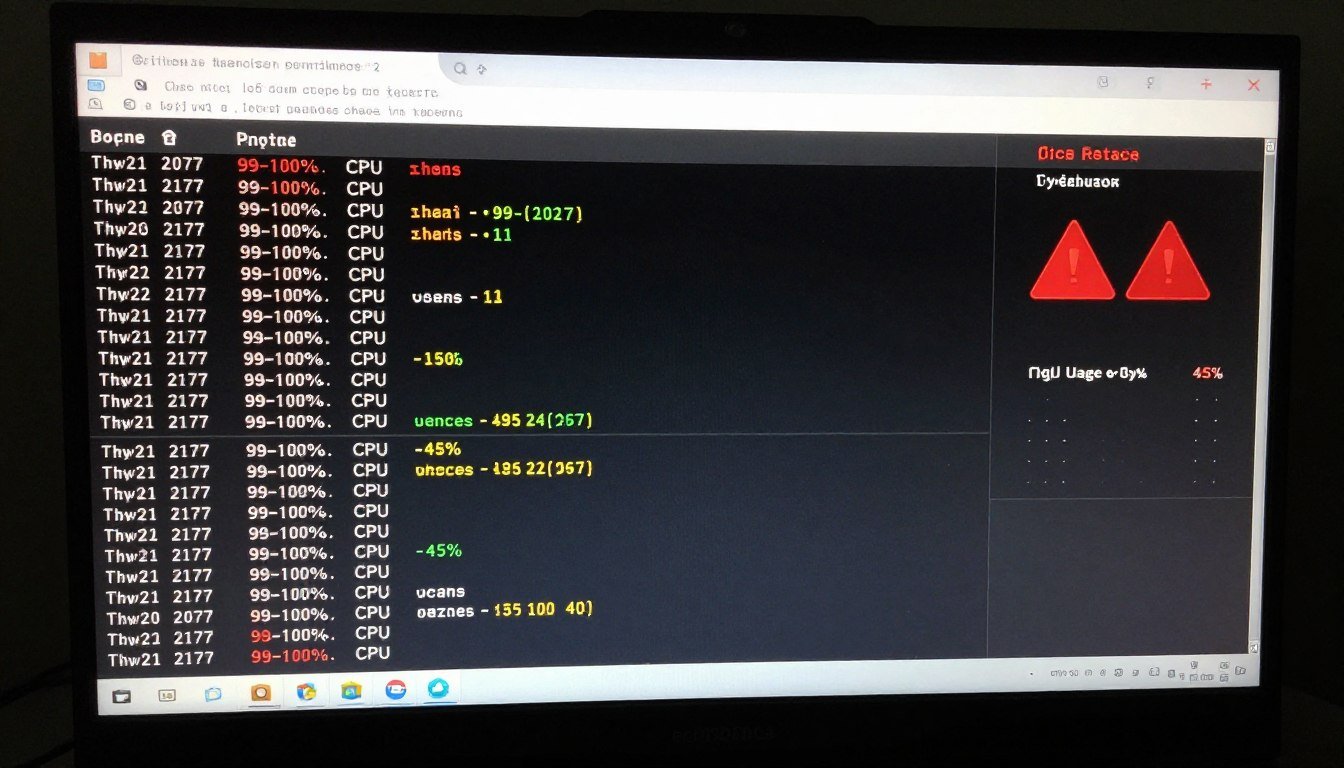
UE5 Performance: Why Your PC is Struggling (And What Actually Fixes It)
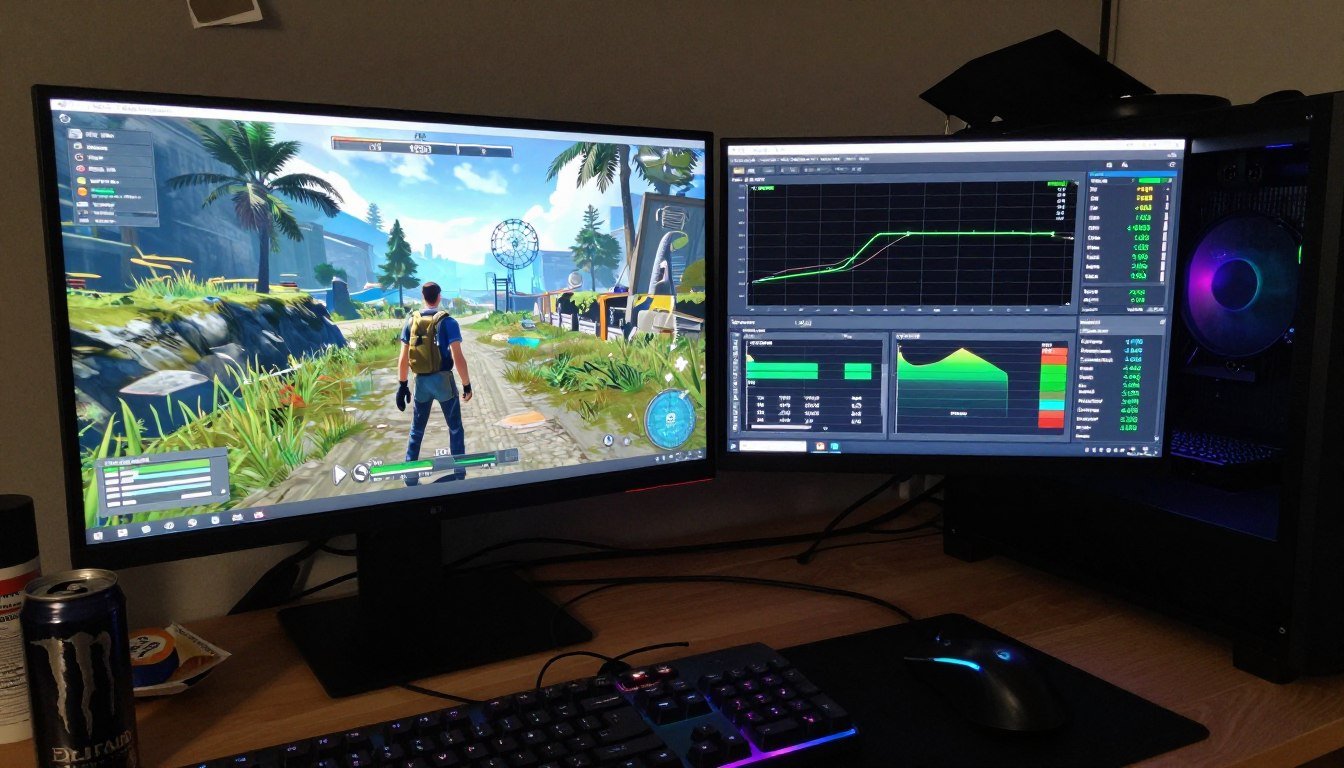
Resolution Bottleneck: Why Your Monitor Choice Tanks Gaming Performance
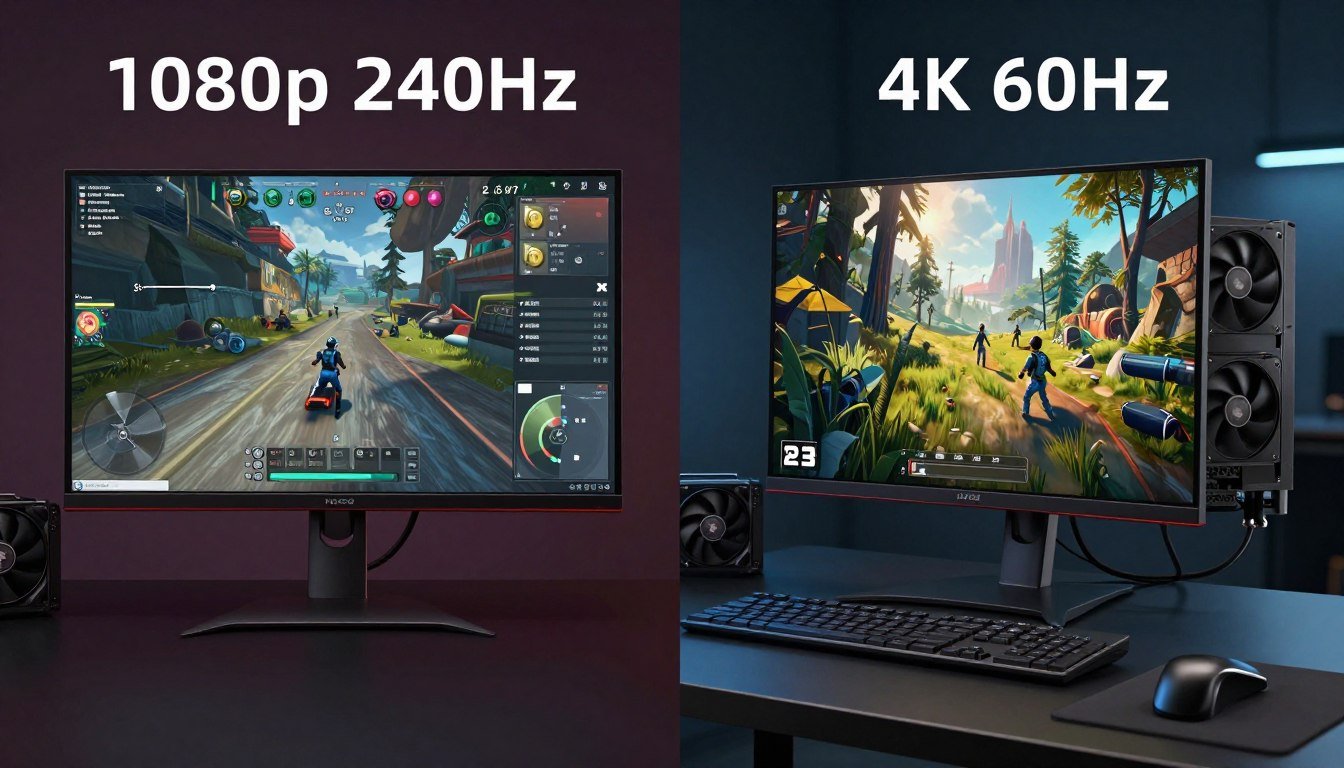
Ray Tracing Impact: The Real Story Behind Your Tanking Frame Rates
Ultrawide Gaming: Extra Pixel Load on GPUs
GTA VI Hardware Prep: Avoiding the Launch Bottleneck Requirements
Starfield Bottleneck: FSR 3 vs. Native Performance – What Actually Works in 2026
Frame Time Consistency: Why Your Game Feels Terrible Even at 60 FPS
Simulation CPU Demand: Why Cities Skylines II is Crushing Your CPU (And What Actually Fixes It)
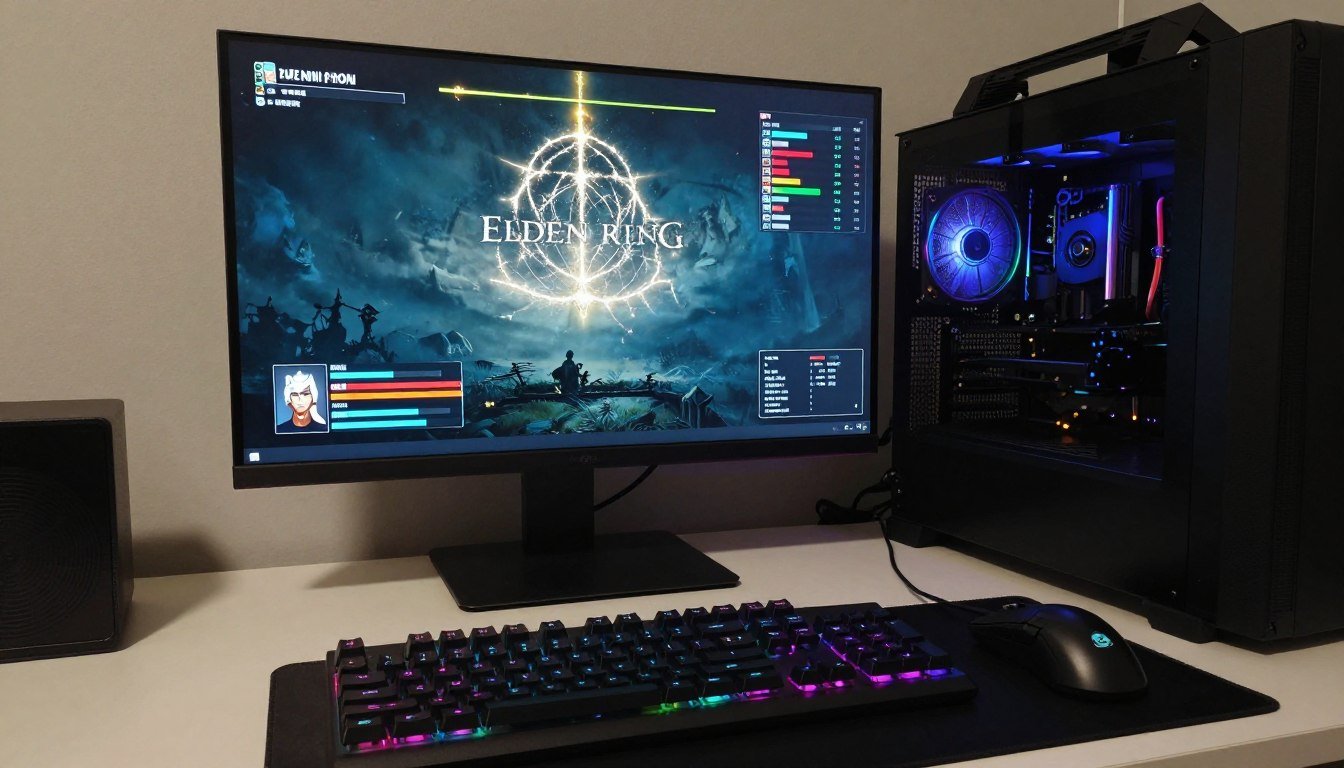
Elden Ring PC Fix: Solving Frame Drops and Engine Stutter
Shader Compilation: Why Some Games Stutter Forever and How to Actually Fix It
Shader Compilation: Why Some Games Stutter Forever
Frame Generation Impact: DLSS 4.0 vs FSR 4 Latency Analysis
Direct Storage Gaming: Testing Real-World Load Times in 2026
VR Headset Demands: Managing Dual-Display Rendering Guide
FOV Performance Hit: How Wide View Increases Draw Calls
Path Tracing Future: Is Native Rendering Dead?
Elden Ring PC Fix: Stop Stuttering and Frame Drops Now
The Unreal Engine 5 Revolution
The transition to Unreal Engine 5 has fundamentally changed how hardware is utilized. Unlike previous generations that relied on LOD (Level of Detail) swaps, UE5 tech introduces Nanite, a virtualized geometry system that allows for cinematic-quality assets with billions of polygons. This shift moves the pressure from traditional geometry pipelines to high-speed storage and memory bandwidth.
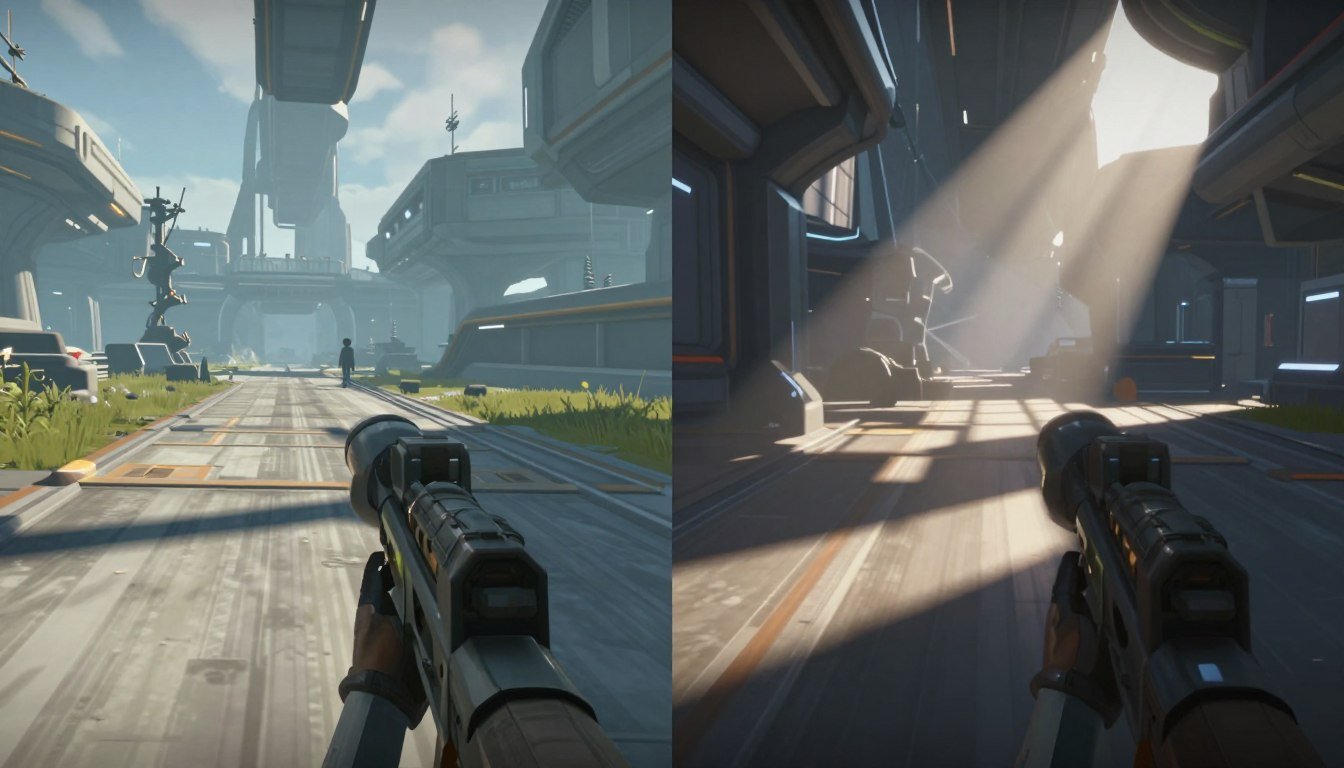
Alongside geometry, Lumen provides dynamic global illumination and reflections. While Lumen creates breathtaking visuals, it is extremely demanding on the GPU. When these two systems work together, they can easily create a graphics bottleneck if your card doesn’t have the specialized cores required to handle real-time lighting calculations alongside massive asset streaming.
Pushing the Visual Envelope: Path Tracing and Cyberpunk 2077
Cyberpunk 2077 remains the “gold standard” for testing the absolute limits of PC hardware. With the introduction of Path Tracing, the game moves beyond standard ray tracing to simulate light paths throughout the entire scene. This creates a massive graphics bottleneck that even the most powerful cards struggle with at native resolutions.
When analyzing Cyberpunk 2077 Bottleneck scenarios, we often look at the trade-offs between native rendering vs upscaling. While enthusiasts often prefer native, the complexity of path tracing in the Overdrive mode makes technologies like DLSS 4.0 or FSR 4 essential to maintain playable frame rates. The future of graphics is clearly leaning toward this AI-driven reconstruction to bridge the gap between hardware capability and developer vision.
Esports and Competitive CPU Demands
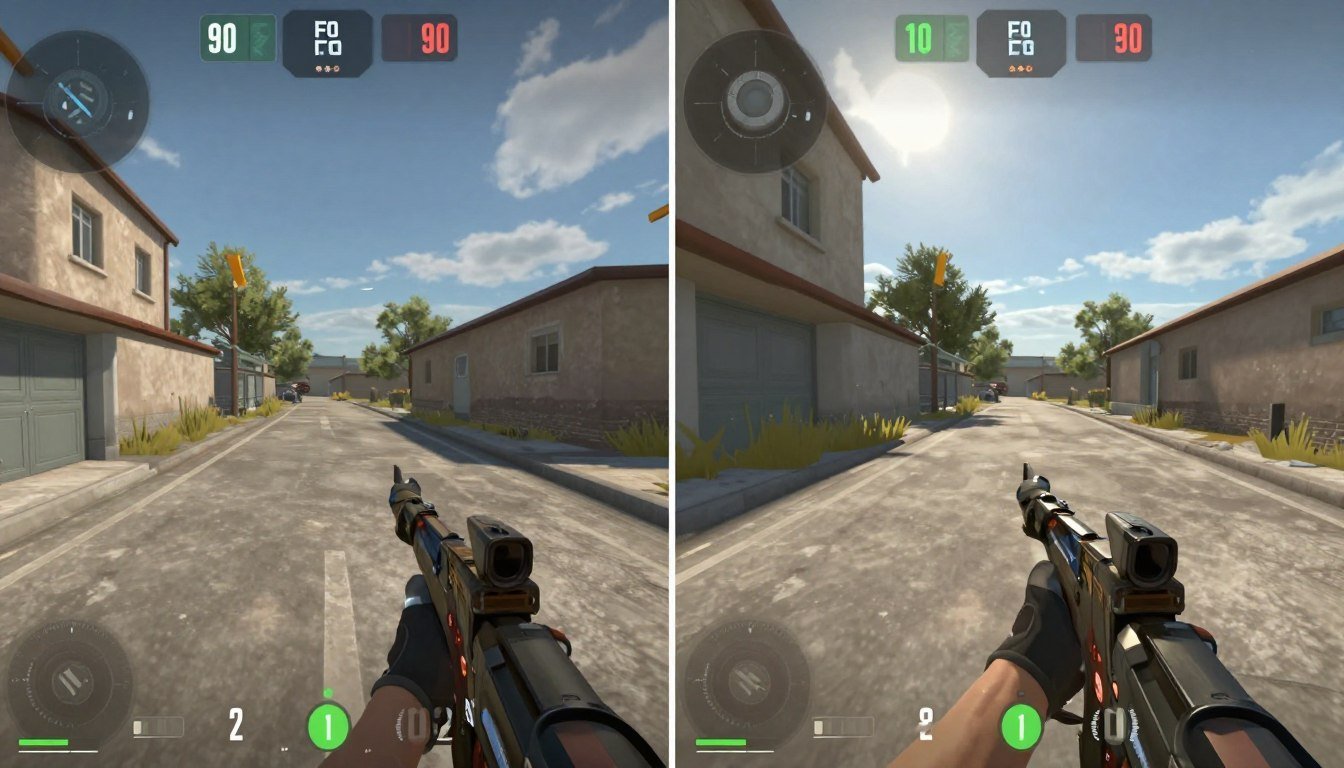
On the opposite end of the spectrum, games like Valorant and CS2 prioritize frame rate over fidelity. Achieving Valorant FPS in the 500+ range requires more than just a fast GPU; it is almost entirely dependent on esports CPU performance. In these titles, the GPU often sits at low utilization while the processor handles the massive logic load of high-tick-rate servers.
When testing CS2 FPS, we see that even mid-range GPUs can handle the visual load, but a hardware bottleneck occurs if the CPU cannot feed instructions fast enough. For competitive players, minimizing frame generation latency is more important than visual flair. This is why many pros avoid frame interpolation and stick to native vs upscaled settings that prioritize raw responsiveness.
The Resolution and Hardware Wall: GTA VI Prep
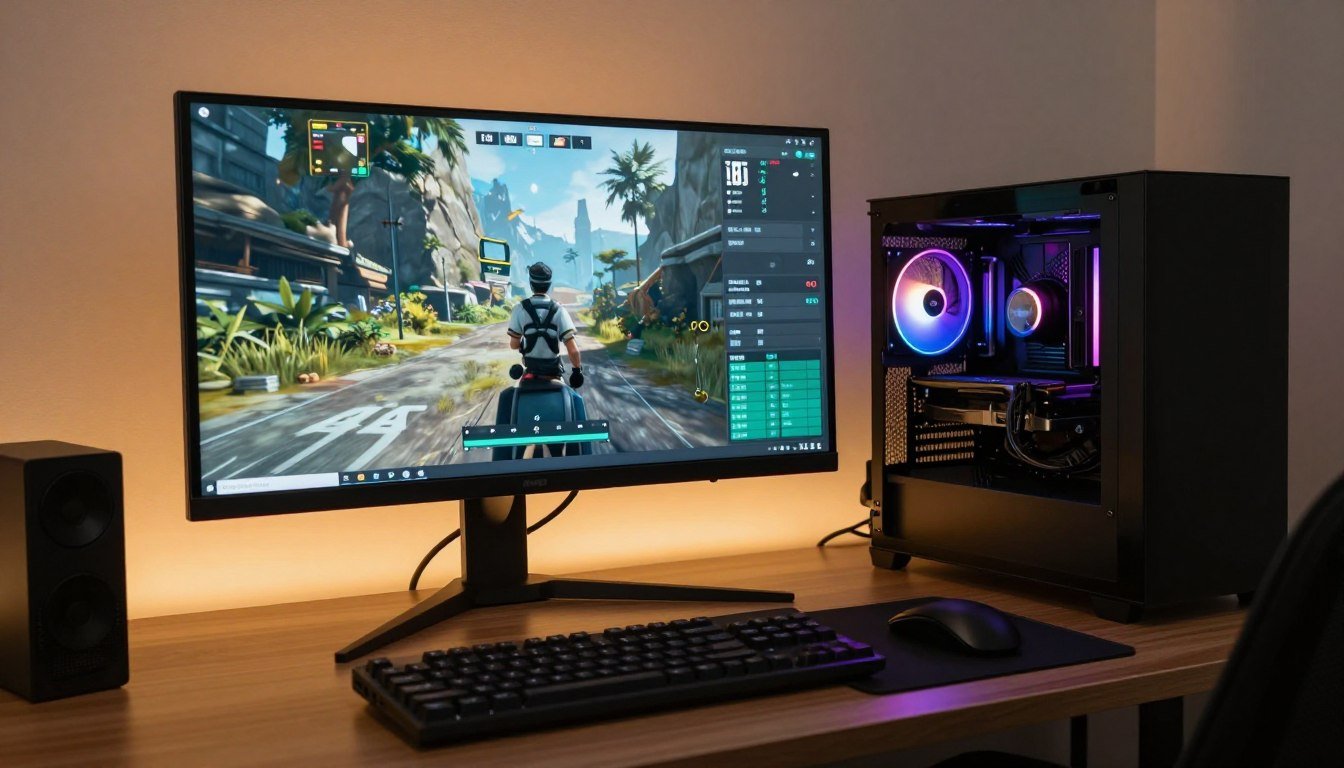
As we look toward the future, GTA 6 PC prep is the primary concern for most builders. Based on the leaked technical data and current console performance, the GTA VI system requirements are expected to be the most demanding in history. To avoid a launch bottleneck, users need to consider their monitor impact early.
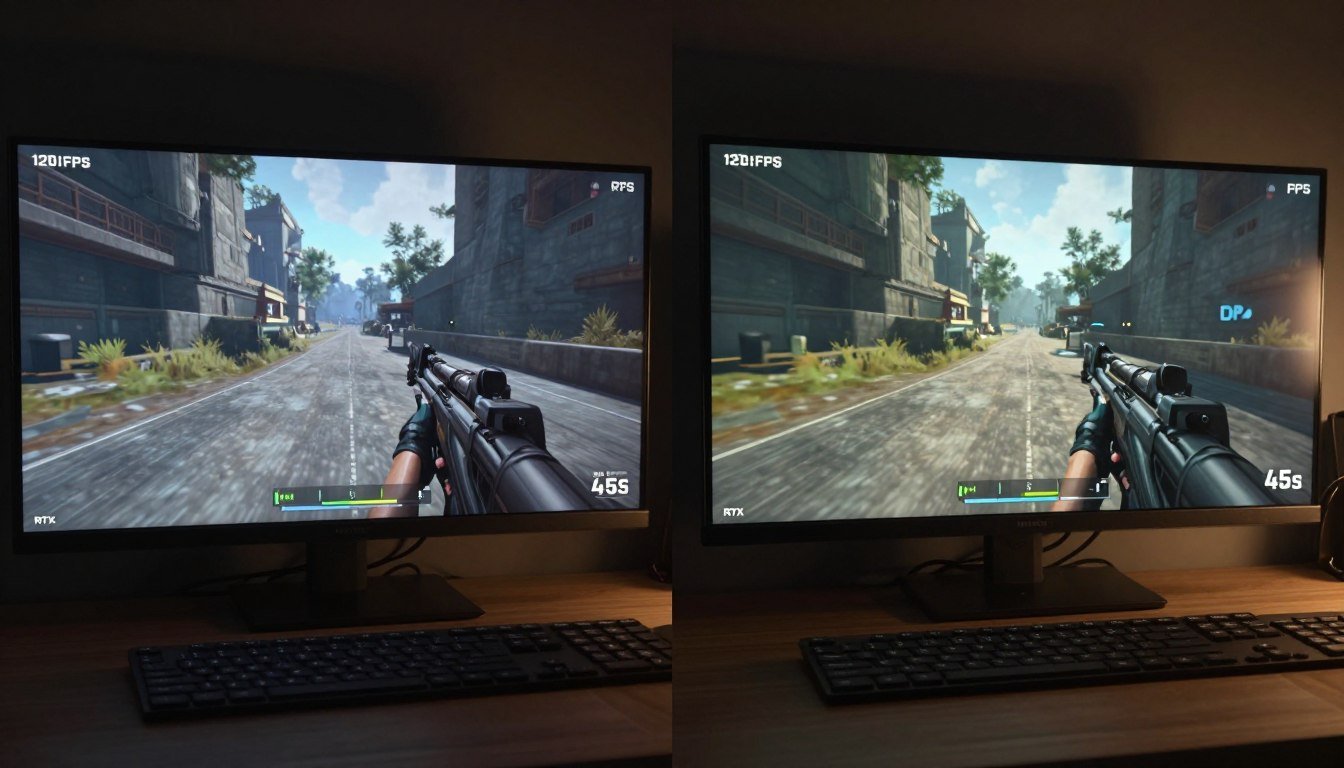
A common mistake is pairing a high-resolution panel with a mid-range card, leading to a resolution bottleneck. Our testing shows a significant performance delta in 4K vs 1440p performance benchmarks. At 4K, the pixel count is four times that of 1080p, placing an immense load on the GPU’s rasterization units and VRAM. If you are preparing for next-gen titles, choosing a resolution that matches your GPU’s tier is the most effective way to ensure longevity.
Simulation Complexity: Cities Skylines 2 and CPU Heavy Games
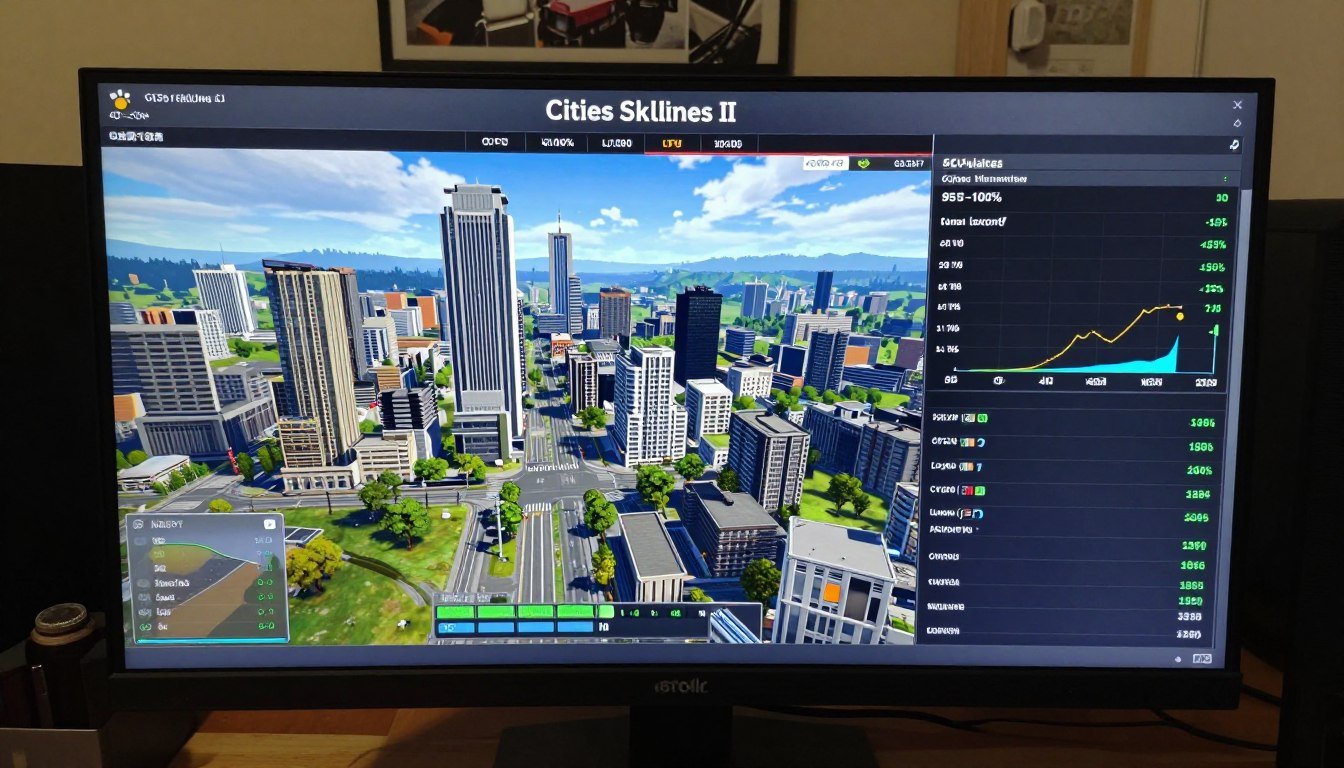
Not all performance issues are graphical. Simulation game performance, particularly in titles like Cities Skylines 2, is notoriously difficult to optimize. These are CPU heavy games where the bottleneck isn’t the number of pixels on the screen, but the millions of individual AI agents being calculated every second.
In Cities Skylines II, the Cities Skylines 2 CPU load can cause even the most advanced 16-core processors to struggle as the city grows. This is a “logic bottleneck” that no amount of GPU power can fix. For players of simulation titles, the focus should always be on high-IPC (Instructions Per Clock) processors and fast system memory to handle the massive data throughput.
Technical Hurdles: Shader Compilation and PC Port Issues
One of the most frustrating aspects of modern gaming is stuttering in games caused by shader compilation. This occurs when the GPU has to translate the game’s code into a format the hardware can understand in real-time. Many PC port issues stem from developers failing to include a pre-compilation step, leading to “compilation stutters” the first time an effect appears on screen.
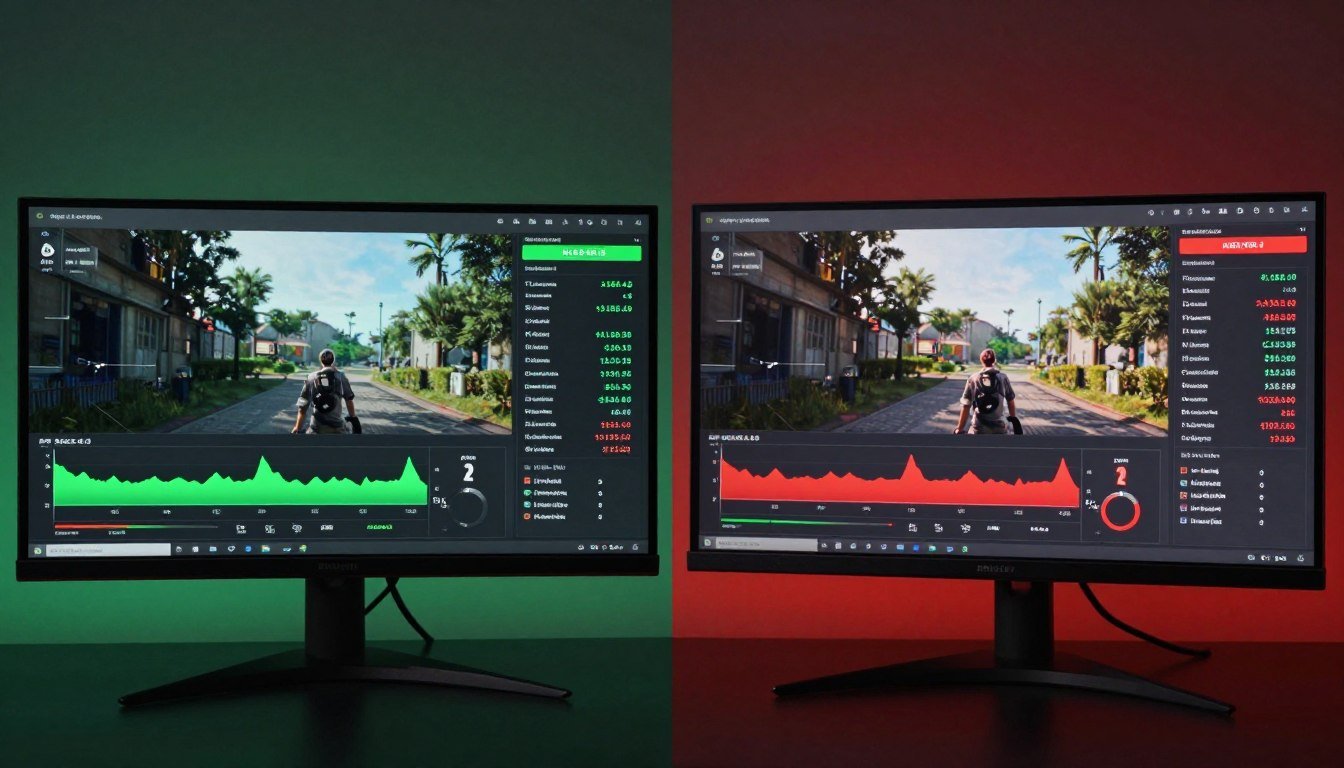
Furthermore, UE5 performance is often impacted by how the engine handles Direct Storage and asset decompression. With SSD gaming tech, we can drastically reduce game load times, but if the software isn’t optimized to use Direct Storage, the CPU still has to do the heavy lifting of decompressing files, which can cause frame drops during fast traversal.
Next-Gen Upscaling: DLSS 4.0 and FSR 4
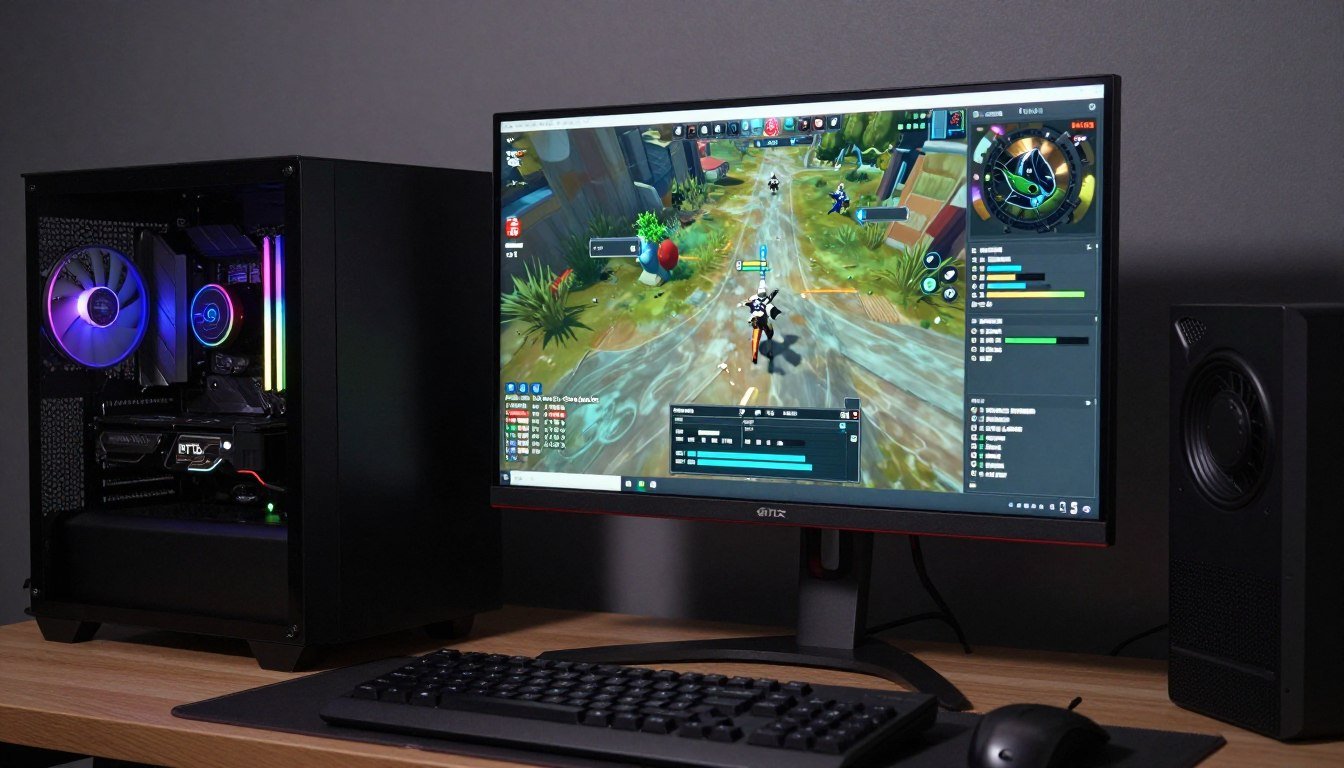
To combat the rising hardware demands, DLSS 4.0 and FSR 4 have become foundational to the gaming experience. While FSR 3 introduced frame generation to a wider audience, the newer versions focus heavily on reducing frame generation latency.
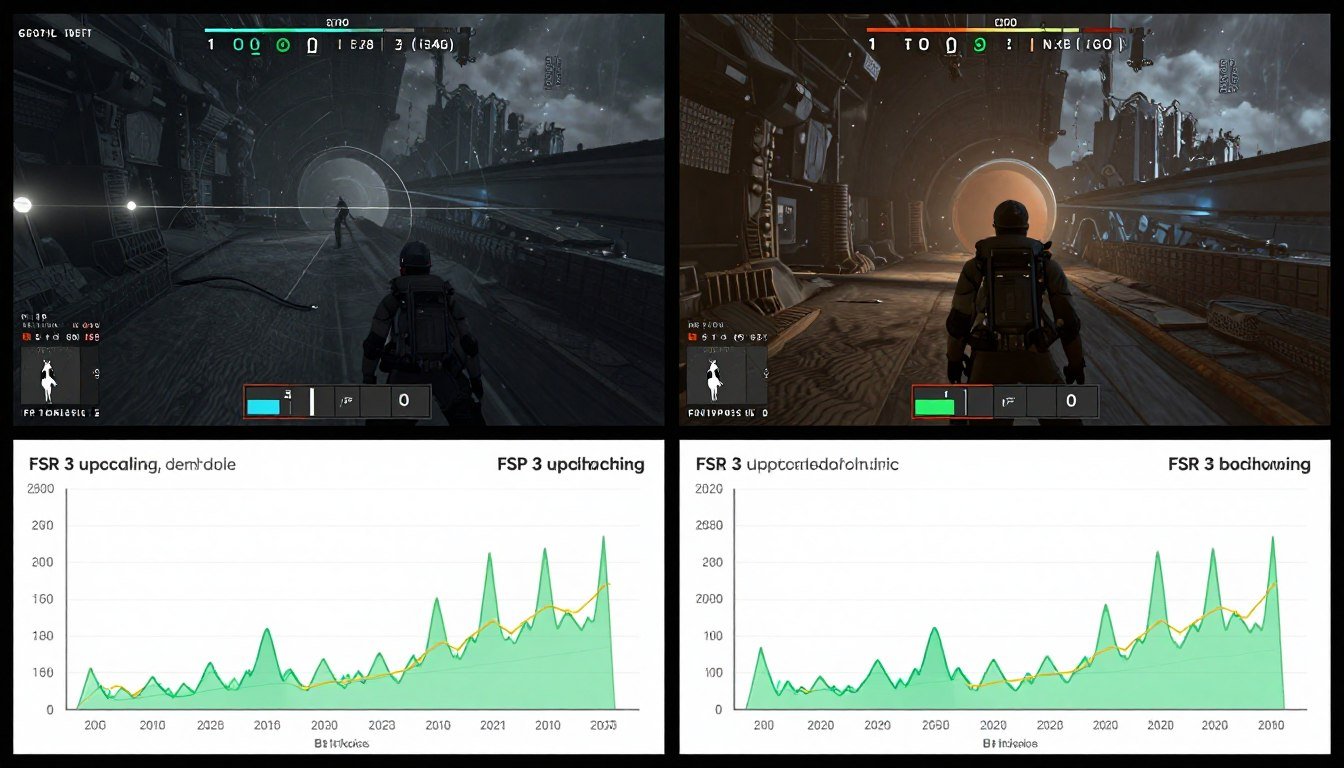
When we look at Starfield performance, using FSR 3 or newer makes the difference between a choppy 30 FPS and a smooth 60 FPS experience. However, users must be aware of the “latency penalty.” Generating “fake” frames adds a delay between your input and the action on screen. In Starfield performance testing, we found that while the visual smoothness increased, the “feel” of the game was only improved when using high-base frame rates or low-latency modes like Nvidia Reflex.
FOV, Draw Calls, and Engine Logic
Finally, we must consider the impact of user settings like FOV (Field of View). Increasing your FOV provides a better competitive advantage, but it results in a measurable FOV performance hit. A wider view forces the engine to process more GPU draw calls because more objects are visible on screen simultaneously.
This creates a field of view impact that is essentially a mini-bottleneck. If your CPU is already struggling, a wide FOV can be the tipping point that causes stuttering. This is why technical optimization requires a balance—adjusting your FOV, resolution, and upscaling settings in tandem to find the “sweet spot” for your specific hardware configuration.
Gaming Performance: Frequently Asked Questions
Why does my game stutter even when my average FPS is high?
This is often caused by shader compilation or PC port issues. Even if your PC is capable of high averages, “first-run” stutters occur when the GPU is forced to compile assets on the fly. Additionally, if you aren’t using the latest SSD gaming tech, your system may struggle with asset streaming, leading to stuttering in games during fast movement.
Is there a big difference between native rendering vs upscaling?
In terms of visual clarity, native is still king. However, at high resolutions like 4K, the graphics bottleneck is so severe that upscaling is often necessary. Technologies like DLSS 4.0 use AI to make upscaled images look nearly identical to native, while significantly reducing the load on your hardware and allowing for advanced features like Path Tracing.
Does FOV really impact my FPS that much?
Yes. The FOV performance hit occurs because a wider field of view increases the number of GPU draw calls. The engine has to keep track of more objects, shadows, and textures at once. If you are already CPU limited in a game, lowering your FOV slightly can often provide a more stable frame rate.
How can I prepare my PC for the GTA VI system requirements?
To ensure a successful GTA 6 PC prep, focus on three areas: a high-VRAM GPU (at least 16GB), a modern 8-core CPU to handle the dense NPC simulations, and an NVMe drive that supports Direct Storage. Avoiding a hardware bottleneck in such a massive open-world game requires a balanced system that can stream assets and handle physics logic simultaneously.
What is the best way to reduce game load times in 2026?
The combination of a Gen 5 or Gen 6 NVMe SSD and a game that supports Direct Storage is the ultimate solution. This SSD gaming tech allows the GPU to pull data directly from the drive, bypassing the CPU for decompression. This not only slashes game load times but also reduces the chance of traversal stutter in open-world titles.