
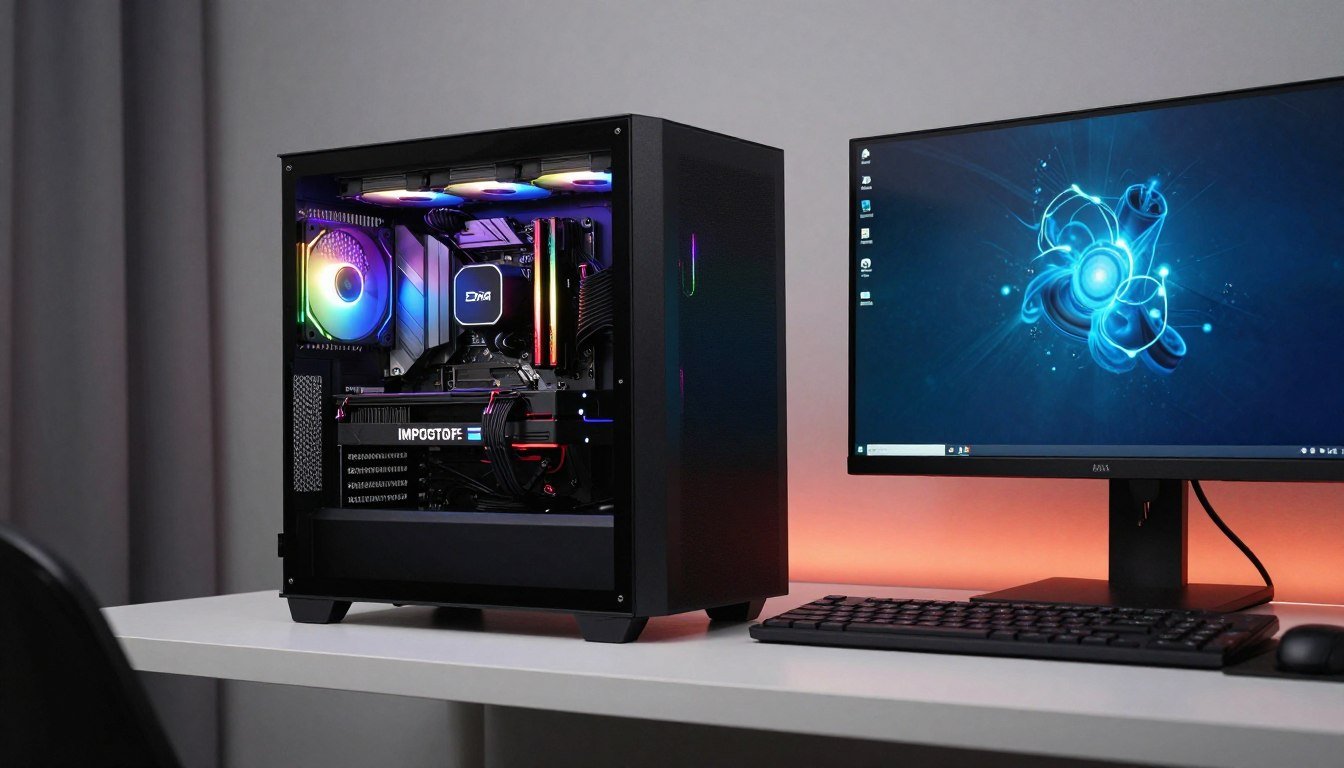
Last year, I bought a “certified refurbished” RTX 4080 for my new build. It arrived in perfect packaging with all the right labels. Two weeks later, during a marathon gaming session, my screen went black. The card was dead. I spent three days fighting with customer support before getting a replacement. That nightmare taught me one critical lesson: not all refurbished PC parts are created equal, and knowing how to separate the good from the garbage can save you hundreds of dollars and countless headaches.
The reality is that refurbished components can be a smart way to build a high-end system without emptying your bank account. But you need to know what you’re actually buying. This guide will walk you through everything I learned the hard way: what “refurbished” actually means, which parts are safe to buy used, how to test components properly, and where to find legitimate sellers who won’t leave you hanging when something goes wrong.
You’ll learn practical testing methods that catch problems before they kill your system. We’ll dig into warranty details that actually matter. And I’ll share the exact checklist I now use before buying any refurbished component. By the end, you’ll know exactly how to build a reliable high-end PC using refurbished parts without the risk I took.
Before we get into the specifics, understanding component compatibility is crucial. You can check your build balance with our PC bottleneck calculator to verify that refurbished components will work together properly. It takes 30 seconds and can prevent expensive mistakes.
What “Refurbished” Actually Means in the PC World
Here’s what most sellers won’t tell you upfront: “refurbished” is not a regulated term in the PC hardware space. One manufacturer’s refurbished part might be thoroughly tested with a full warranty. Another seller’s refurbished component could be a returned item they stuck back in the box without even plugging it in.
The term covers a wide range of scenarios. Some parts are customer returns that had nothing wrong with them. Maybe someone bought the wrong model and sent it back within the return window. Other components failed in the field and went back to the manufacturer for repair. The manufacturer fixed the specific problem, tested the part, and resold it. Some refurbished items are overstock or display models that never saw real use.
The difference matters because it impacts reliability. A component that failed once might have underlying issues that will cause problems again. Think of it like a used car: a rental return with 5,000 miles is different from a car that blew its transmission and got rebuilt. You need to know which one you’re getting.
Manufacturer refurbished is typically the safest option. Companies like Dell, HP, ASUS, and MSI have dedicated refurbishment programs. They test components against the same standards as new products. Many offer warranties that match or come close to new equipment coverage. The process usually involves replacing any worn parts, updating firmware, and running burn-in tests to catch intermittent failures.
Third-party refurbishers are more of a mixed bag. Some are legitimate businesses with professional testing equipment and quality standards. Others are basically resellers who clean the dust off returned parts and relist them. The challenge is figuring out which category a seller falls into before you hand over your money.
Seller-refurbished is the riskiest category. This typically means an individual or small business cleaned up a used part and is reselling it. There’s usually no formal testing process. Warranty coverage is often minimal or nonexistent. These can be fine for low-risk components, but I avoid them for critical parts like processors and graphics cards.
Smart Move: Always ask the seller to specify what type of refurbishment process was used. If they can’t or won’t provide details, that’s a red flag. Legitimate refurbishers are proud of their process and will explain it clearly.
Understanding the refurbishment source helps you assess risk. Manufacturer refurbished with a solid warranty? That’s usually a safe bet. Third-party refurb with a 30-day warranty? Proceed with caution. No-name seller on a marketplace with zero return policy? Walk away and save yourself the headache. For more guidance on evaluating used hardware options, check out our complete guide to buying used PC parts.
The Real Risks and Actual Rewards

Let’s talk numbers first because that’s why anyone considers refurbished parts. You can typically save 20-40% on graphics cards, 15-30% on processors, and 25-45% on storage compared to new retail prices. For a high-end build, that could mean the difference between affording an RTX 5080 or settling for a 5070. The cost savings are real and significant.
I’ve built systems using refurbished components that performed identically to new parts for years. My editing workstation runs on a refurbished Ryzen 9 7950X that I bought for $400 instead of $600. It’s been rock-solid for 18 months with zero issues. The savings let me upgrade to faster RAM and a better cooling solution. That’s the upside when refurbished parts work as intended.
The performance difference between refurbished and new is usually zero. A refurbished GPU will deliver the same frame rates as a new one with identical specifications. The silicon doesn’t know it was refurbished. You’re not sacrificing performance; you’re just accepting some additional risk in exchange for lower cost.
Why Refurbished Parts Make Sense
- Significant cost savings (20-40% on average) for identical performance
- Access to higher-tier components within same budget
- Environmentally friendly by reducing electronic waste
- Manufacturer refurbished often includes warranty coverage
- Some parts barely used before return (customer remorse returns)
- Professional refurbishers test more thoroughly than factory QA
The Actual Downsides
- Shorter or no warranty compared to new components
- Unknown usage history and potential hidden wear
- May have cosmetic damage or missing accessories
- Limited availability and inconsistent inventory
- Higher chance of early failure if not properly refurbished
- Difficulty getting support from manufacturers
Now the risks. The biggest problem is uncertainty about component history. You don’t know if a refurbished graphics card spent two years mining cryptocurrency in a dusty warehouse or if it’s a returned part that someone used for one week. That usage history impacts long-term reliability. Heavy mining use degrades components faster than normal gaming.
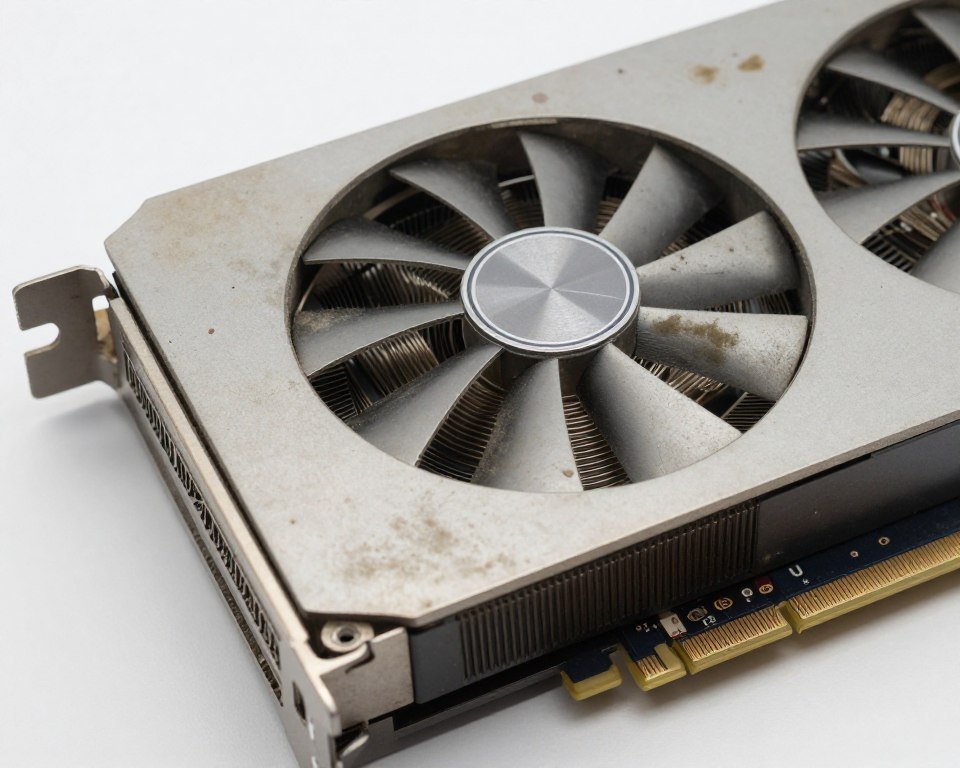
Warranty coverage is the other major risk factor. New components typically include 2-3 year warranties. Refurbished parts might only have 90 days or even no warranty at all. If a component fails after the short warranty expires, you’re stuck with a dead part and no recourse. That $200 savings on a refurbished CPU doesn’t look so great when it dies at month four.
Quality variation between sellers creates another layer of risk. I’ve received refurbished parts that looked brand new and others that showed obvious signs of heavy use. Some sellers have rigorous testing processes. Others just blow the dust off and ship it. Without a reliable way to verify seller quality beforehand, you’re taking a chance every time.
The failure rate for refurbished components is higher than new parts. Exact numbers are hard to pin down because sellers don’t publish failure statistics. Based on community data and my own experience, expect roughly 2-3 times the failure rate compared to new components in the first year. That means if new parts fail 1% of the time, refurbished might fail 2-3% of the time. Still pretty good odds, but not risk-free.
Component compatibility is just as important with refurbished parts as new ones. A refurbished RTX 4090 paired with an older Ryzen 5 3600 creates a major bottleneck regardless of the GPU’s condition. Use our gaming performance calculator to verify your refurbished components will work well together before buying. Understanding system balance prevents wasted money on mismatched parts.
Return policies become critical with refurbished purchases. A 30-day return window gives you time to thoroughly test components and catch early failures. Sellers who only offer 7-14 days don’t give you enough time for proper testing. No-return policies are unacceptable for anything except the cheapest components. Always verify the return policy before purchasing.
Which Components Are Actually Safe to Buy Refurbished
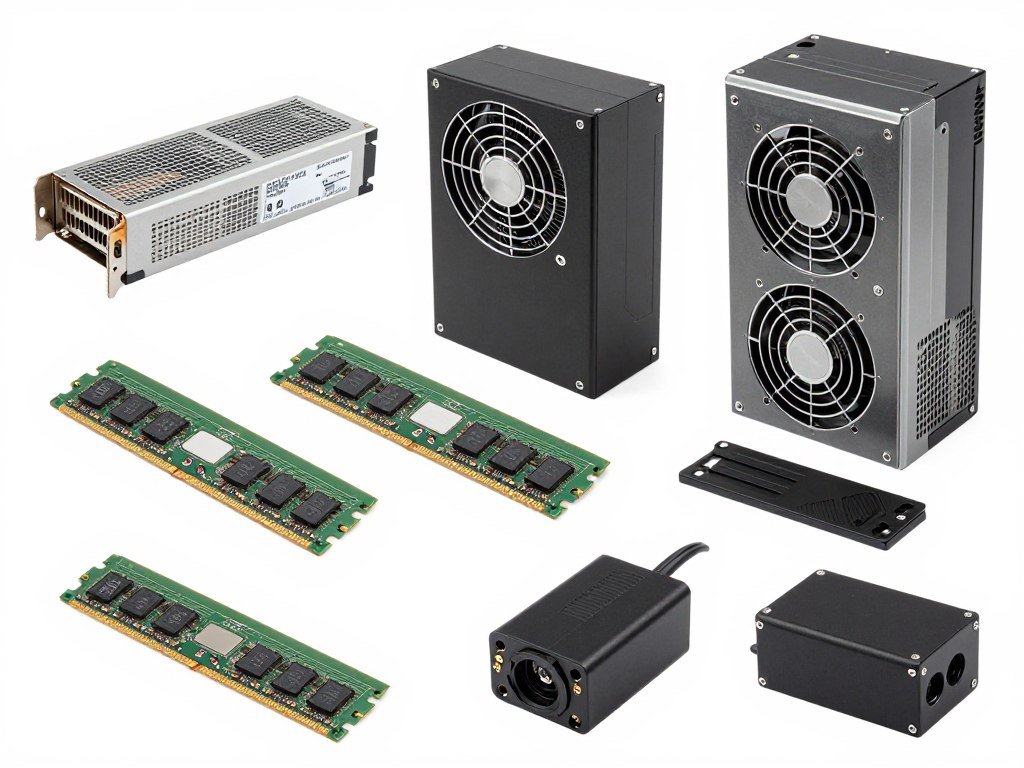
Not all components carry equal risk when buying refurbished. Some parts are relatively simple with few failure points. Others are complex with many things that can go wrong. Understanding which category each component falls into helps you make smarter purchasing decisions and avoid expensive mistakes.
Storage drives (SSDs and hard drives) are generally safe refurbished purchases with one major caveat. SSDs wear out based on write cycles, not time. A refurbished SSD might have significant wear already written into its NAND cells. Always check the drive health statistics using tools like CrystalDiskInfo before accepting the drive. Total bytes written and remaining life percentage tell you if the drive is near end of life. For mechanical hard drives, check the power-on hours and reallocated sector count. Drives with over 20,000 hours or any reallocated sectors should be avoided.
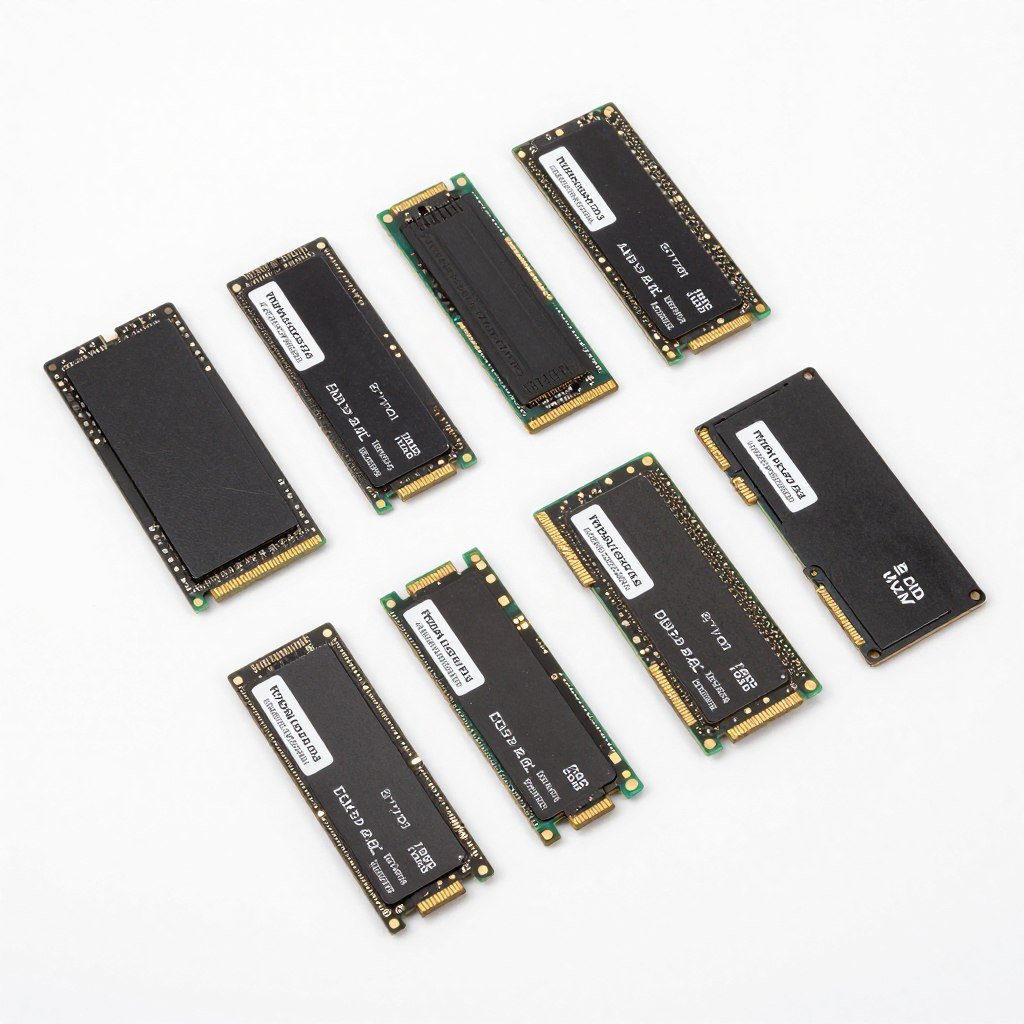
RAM modules are among the safest refurbished components. Memory either works or it doesn’t; there’s rarely an in-between state. Run MemTest86 for at least four full passes when you receive refurbished RAM. If it passes, you’re good to go. If errors appear, return it immediately. The testing process is straightforward and RAM has no moving parts to wear out over time. Just verify it’s the correct speed and capacity for your system.

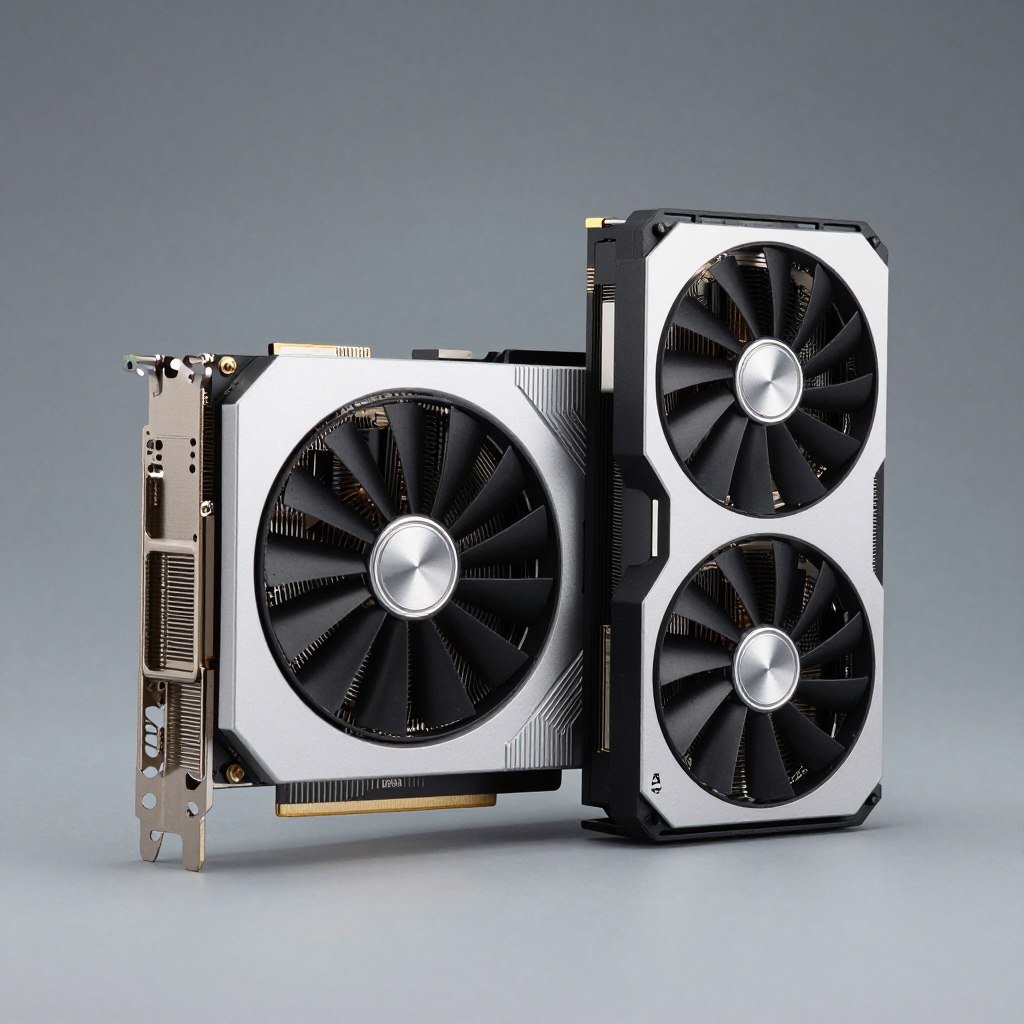
Graphics cards fall into the medium-risk category. Modern GPUs are complex with multiple failure points: VRAM chips, power delivery circuitry, cooling fans, and the GPU die itself. Former mining cards are particularly risky because they ran at high temperatures 24/7 for extended periods. This accelerates wear on all components. Only buy refurbished GPUs from reputable sellers who explicitly state the card was not used for mining. Test thoroughly with stress testing tools like FurMark and 3DMark to verify stability before the return window closes.
If you’re considering a refurbished high-end GPU, check whether it will bottleneck your system or be bottlenecked by your CPU. The last thing you want is to invest in a refurbished RTX 5080 only to discover your CPU can’t feed it data fast enough. Our gaming performance guides explain exactly how to evaluate GPU and CPU pairing.
Processors (CPUs) are relatively safe refurbished purchases. CPUs are solid-state devices with no moving parts and excellent long-term reliability. They rarely fail unless subjected to extreme overvolting or physical damage. The main risk with refurbished CPUs is bent pins on AMD processors or damaged socket contacts on Intel chips. Carefully inspect the underside of AMD CPUs and the socket of Intel motherboards before installation. Test the CPU with Prime95 and check temperatures under load to ensure it performs correctly.
Low-Risk Components
These parts have few failure points and are generally safe to buy refurbished:
- RAM modules (after MemTest86 verification)
- SSDs (check health stats first)
- CPUs (inspect for physical damage)
- Cases (purely physical, no electronics)
- Monitors (dead pixels are obvious)
- Keyboards and mice (easy to test immediately)
Medium-Risk Components
These require careful testing but can be good value with proper verification:
- Graphics cards (not ex-mining)
- Power supplies (from reputable brands only)
- Motherboards (many connection points can fail)
- Cooling systems (fans can wear out)
- Sound cards (less critical than other parts)
- Network cards (easy to replace if problems arise)
High-Risk Components
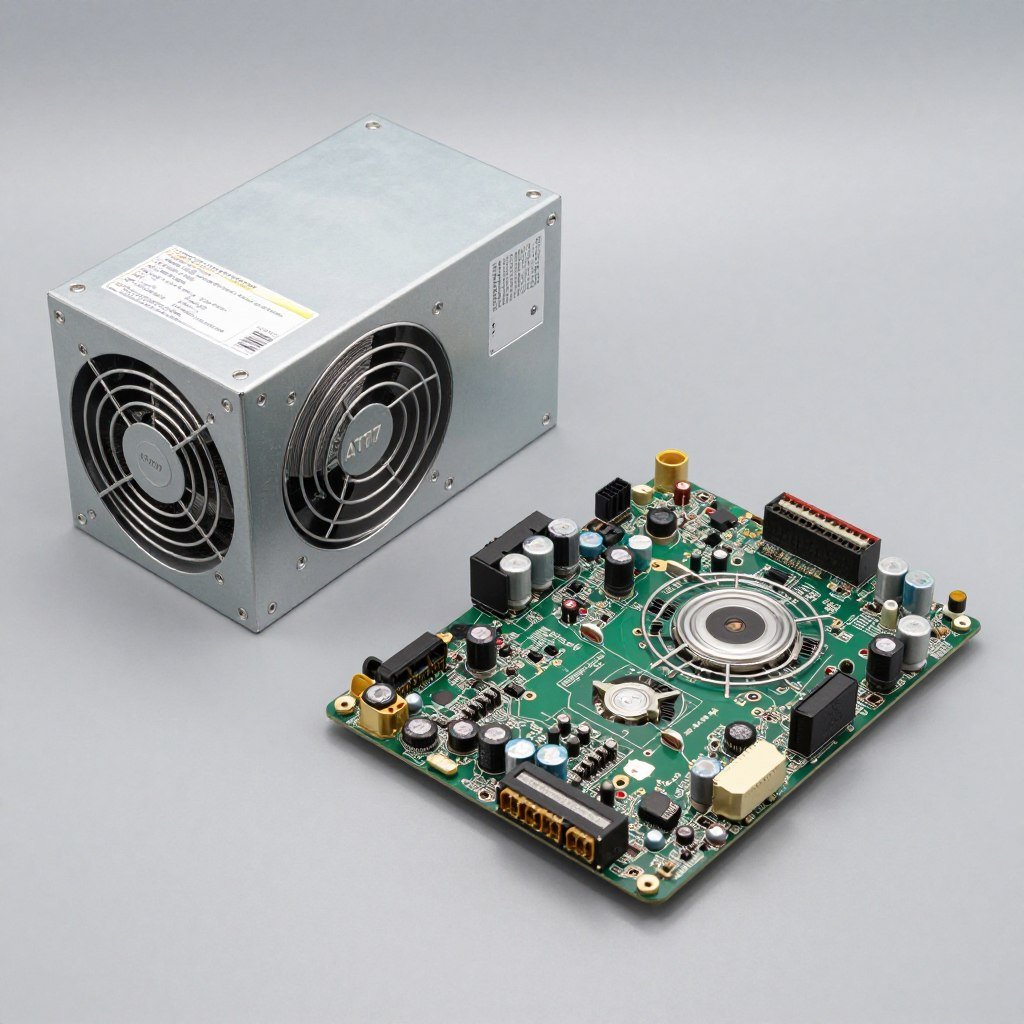
Only buy these refurbished from manufacturers with excellent warranties:
- Power supplies (can damage entire system if they fail)
- Motherboards (complex with many failure points)
- Liquid cooling systems (leaks can destroy everything)
- Used laptops (batteries degrade significantly)
- OEM proprietary parts (limited replacement options)
- No-name brand components (no support available)
Motherboards carry higher risk because they’re complex circuit boards with hundreds of connection points. Bent CPU socket pins, damaged PCIe slots, failed VRM components, or dead USB headers can all cause problems. Testing a motherboard thoroughly requires actually building a complete system and verifying every connection point works. This is time-consuming but necessary. Only buy refurbished motherboards from sellers with at least 90-day warranties and good return policies.
Power supplies are the highest-risk refurbished component category. A failing PSU can take out your entire system when it goes bad. Capacitors degrade over time and failed power supplies can send incorrect voltages to sensitive components, destroying CPUs, GPUs, and motherboards in seconds. Only buy refurbished PSUs from major brands like EVGA, Corsair, or Seasonic, and only if they include a warranty of at least one year. Cheap no-name refurbished power supplies aren’t worth the risk no matter how low the price.
Cooling components like CPU coolers and case fans are generally safe refurbished purchases. Fans can wear out, but failure is obvious (noise or no spinning) and won’t damage other components. Check that refurbished coolers include all mounting hardware and that fans spin smoothly without grinding noises. Clean off old thermal paste and apply fresh paste before installation.

Form factor considerations matter with refurbished parts. A standard ATX component has more replacement options if something goes wrong. Proprietary laptop parts or small form factor components are harder to replace and should be avoided in refurbished condition unless absolutely necessary. Stick with standard sizes when buying refurbished to maintain flexibility.
The time period matters too. Components released in the last 2-3 years are generally safe to buy refurbished because they’re still within their expected service life. Parts from 5+ years ago have more accumulated wear and higher failure risk regardless of refurbishment quality. For high-end builds, focus on relatively recent refurbished components rather than older bargain parts that might fail soon.
Warranty Details That Actually Matter

Warranty coverage is the safety net that separates a smart refurbished purchase from a risky gamble. The length and quality of warranty protection directly correlates with seller confidence in their refurbishment process. A manufacturer offering a one-year warranty on a refurbished part is putting real money behind their quality claims. A marketplace seller with a 7-day return window is basically admitting they did minimal testing.
Minimum acceptable warranty periods vary by component type. For graphics cards, I won’t consider anything under 90 days, and strongly prefer six months to one year. Processors should include at least 90 days, though manufacturer refurbished CPUs often come with one year. RAM needs at least 30 days for proper testing. Power supplies require a minimum of one year because of the catastrophic damage a bad PSU can cause. Motherboards need 90 days minimum given their complexity.
The warranty provider matters as much as the length. Manufacturer warranties are ideal because you’re dealing directly with the company that built the part. They have parts inventory, technical knowledge, and established support processes. Third-party seller warranties are only as good as the company backing them. Check reviews specifically mentioning warranty claims to see if the seller actually honors their commitments.
Critical Point: Always get warranty terms in writing before purchase. Email confirmations and printed receipts provide documentation if disputes arise. Verbal promises mean nothing if the seller refuses to honor a warranty claim later. Save all purchase records and warranty documentation immediately.
What the warranty actually covers is more important than duration. Some warranties only cover complete failures where the part doesn’t work at all. Better warranties cover intermittent problems, performance issues, and even cosmetic defects. Read the full warranty terms, not just the highlighted duration. Look for phrases like “functional equivalent to new” or “tested to OEM specifications” which indicate comprehensive coverage.
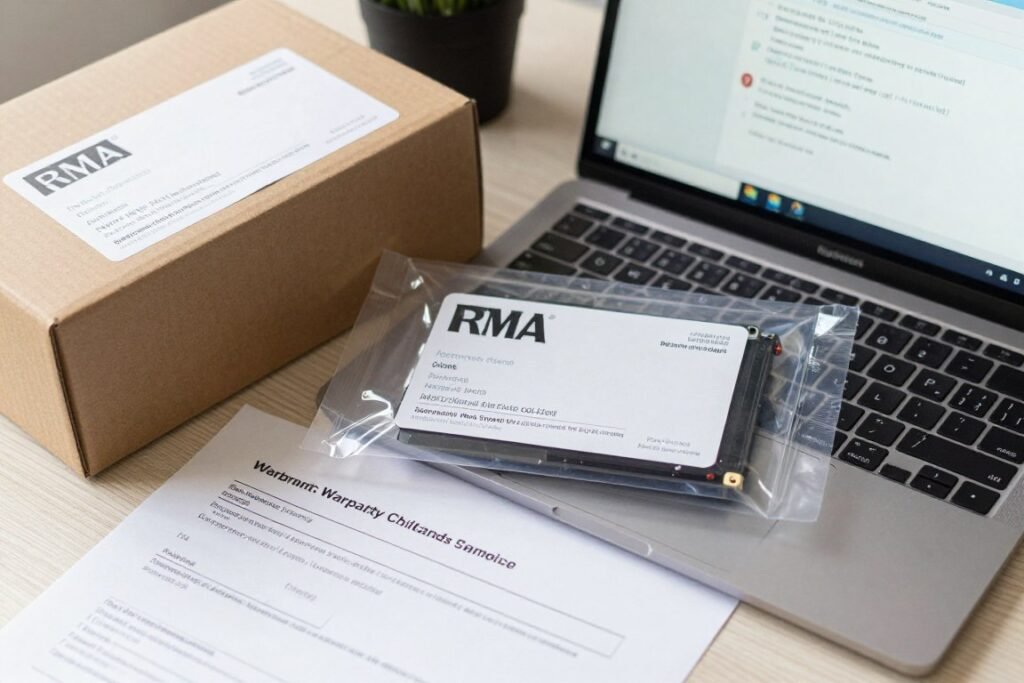
Return shipping costs can wipe out your savings if you need to make a warranty claim. Some sellers cover return shipping while others make you pay to send defective items back. On a heavy graphics card, return shipping might cost $20-30. If you paid $50 less than new price, a warranty claim suddenly becomes much less attractive. Prioritize sellers who cover return shipping costs for warranty claims.
The warranty claim process itself tells you a lot about seller quality. Good refurbishers have clear procedures documented on their websites: contact support, get an RMA number, ship the part back, receive replacement within specific timeframe. Bad sellers have vague or nonexistent warranty procedures. Test this before buying by asking a warranty question. How quickly they respond and the quality of their answer predicts how warranty claims will go.
Transferable warranties are rare with refurbished parts but valuable if available. If you decide to sell the component later, a transferable warranty makes it more attractive to the next buyer. Most refurbished warranties are non-transferable and only valid for the original purchaser. Check if the warranty is tied to your specific purchase invoice or if it transfers with the part.
Cross-border warranty complications can derail warranty claims. If you buy from an international seller, warranty service might require shipping the part to another country. International return shipping is expensive and slow. Stick with domestic sellers to avoid these complications unless the price difference is substantial enough to justify the added warranty risk.
Extended warranty options sometimes exist for refurbished parts. Some sellers offer paid warranty extensions for additional coverage beyond the standard period. Evaluate these based on component cost and replacement difficulty. An extra $30 for two years coverage on a $300 refurbished GPU might be worthwhile. The same $30 on an $80 refurbished SSD probably isn’t worth it.
Check System Compatibility Before Buying
Warranty coverage won’t help if you buy incompatible components. Use our calculator to verify all parts will work together properly before purchasing refurbished hardware. It analyzes your entire system for potential bottlenecks and compatibility issues.
Document everything from purchase through warranty claims. Take photos of the component condition when it arrives. Save all email communications with the seller. Keep receipts and tracking numbers. Screenshot warranty terms from the seller’s website. This documentation becomes crucial if you need to dispute a denied warranty claim or escalate through payment processors or buyer protection programs.
How to Actually Test Refurbished Components

Testing refurbished parts properly means running them through scenarios that expose problems before your return window closes. You’re not looking for spectacular failures; most defects show up as intermittent crashes, performance drops, or system instability under load. Thorough testing takes time but catches issues that basic function checks miss completely.
Start with visual inspection before installing anything. Look for physical damage, bent pins, cracked PCBs, or signs of overheating like discolored components. Check for missing screws, thermal pads, or mounting brackets. Smell the component; burnt electronics have a distinct acrid smell that indicates previous overheating. These visual checks take five minutes but can identify obvious problems immediately.
Graphics card testing requires multiple tools to verify all functions work correctly. Start with GPU-Z to confirm the card is detected properly and shows correct specifications. Run FurMark stress test for at least 30 minutes while monitoring temperatures with HWiNFO. Temperatures should stabilize below 85°C for most cards. Run 3DMark Time Spy and compare scores against online benchmarks for your specific GPU model. Significant underperformance indicates problems.
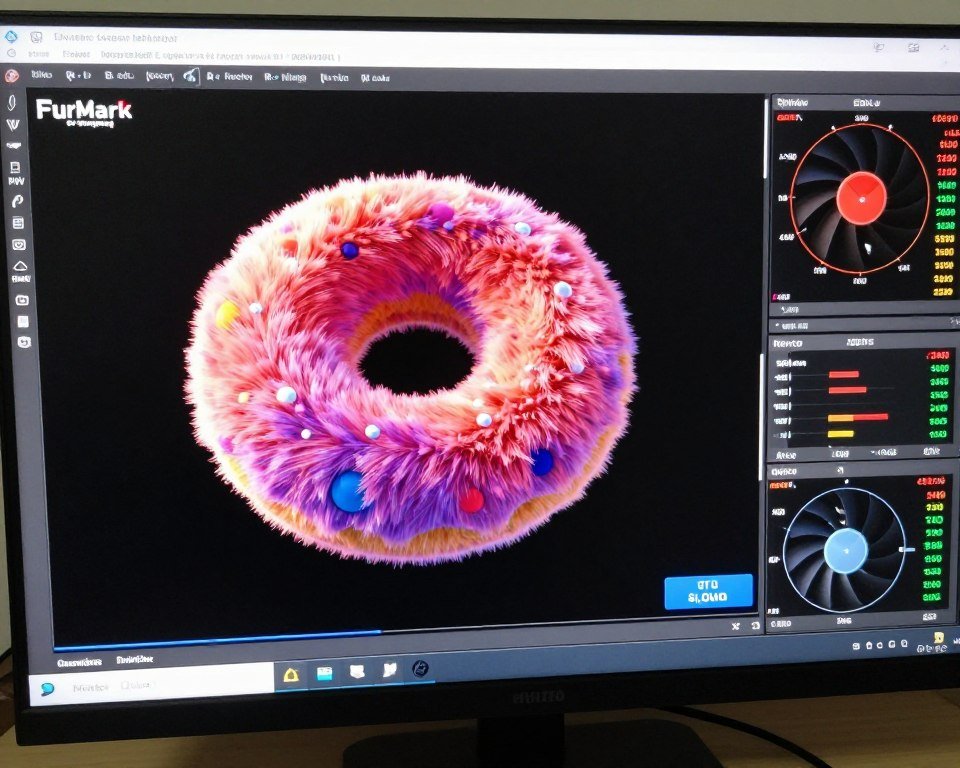
Test for graphics artifacts by running games or benchmarks with demanding visuals. Look for screen tearing, texture corruption, flickering, or random colored pixels. These visual glitches indicate VRAM problems or failing GPU cores. Even minor artifacts suggest the card has issues that will worsen over time. Return any card showing visual glitches immediately.
CPU testing starts with CPU-Z verification to confirm the processor is genuine and running at correct specifications. Run Prime95 Small FFTs test for at least one hour while monitoring core temperatures. Modern CPUs should stay under 90°C during stress testing with proper cooling. If temperatures spike above 95°C, the chip might have degraded thermal interface material or internal damage.
Run Cinebench R23 for both single-core and multi-core performance testing. Compare your scores against published results for your specific CPU model. Scores more than 10% below expected performance indicate problems. Check Windows Event Viewer for WHEA errors during testing; these hardware error reports signal CPU instability even if the system doesn’t crash outright.
Understanding how your CPU performs under different workloads helps identify potential issues. Our guide on CPU core scaling explains what performance patterns you should see during testing. Significant deviations from expected behavior warrant further investigation or returning the component.

RAM testing is straightforward but time-consuming. Download MemTest86 and create a bootable USB drive. Run at least four complete passes, which takes 4-8 hours depending on RAM capacity. Any errors at all mean the RAM is defective and should be returned immediately. Passing four clean passes gives high confidence the memory is good.
Test RAM at both stock speeds and advertised XMP/EXPO speeds. Some refurbished RAM modules work fine at basic JEDEC speeds but crash when running at rated performance specifications. If the RAM won’t run stably at its advertised speed, it’s defective regardless of what the seller claims. Don’t accept “just run it slower” as a solution.
Motherboard testing is most comprehensive because you need to verify every connection point works. Test all RAM slots individually by moving a known-good module through each slot and booting successfully. Test all SATA and M.2 ports by connecting drives and verifying detection. Test all PCIe slots by installing an expansion card and checking it’s detected. Test all USB headers with actual devices.
Run MemTest86 with RAM installed in every populated slot to verify the memory controller and traces are functioning correctly. Check BIOS for all sensors reporting reasonable values. Enable XMP/EXPO and verify system stability. Test front-panel connectors including USB, audio, and power button. This thorough approach takes several hours but catches motherboard problems before the return window closes.
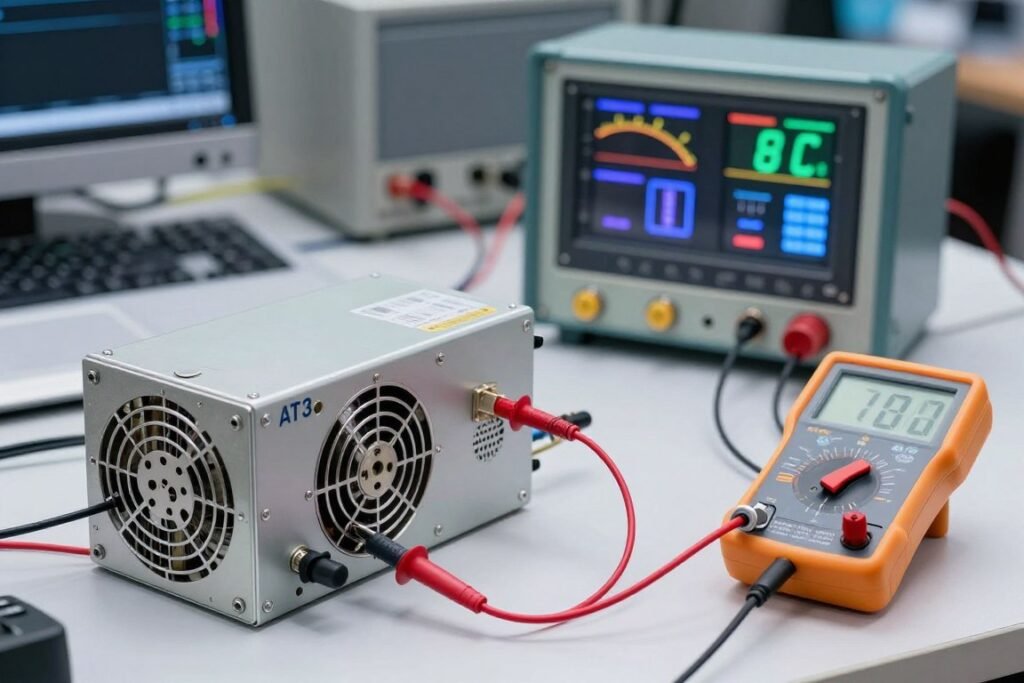
Power supply testing is critical because PSU failures destroy other components. Use a PSU tester to verify all voltage rails are within specification. All rails should be within 5% of rated voltage. Connect the PSU to your actual system components and measure voltages under load with a multimeter if you have one. Check the 12V rail particularly carefully as it powers CPU and GPU.
Run your complete system under maximum load using Prime95 and FurMark simultaneously for at least 30 minutes. Monitor all voltage rails with HWiNFO during this stress test. Voltages should remain stable without significant fluctuation. If any rail drops more than 5% under load, the PSU is failing and should be returned immediately. Listen for unusual noises like buzzing or clicking which indicate failing components.
Storage drive testing requires checking both health statistics and actual performance. For SSDs, use CrystalDiskInfo to check drive health, power-on hours, and total bytes written. A refurbished SSD should have less than 80% of its rated write endurance consumed. Run CrystalDiskMark to verify read and write speeds match manufacturer specifications. Significantly slower speeds suggest a failing controller.
For mechanical hard drives, check SMART statistics for reallocated sectors, current pending sectors, and uncorrectable errors. Any non-zero values in these fields indicate physical drive damage and the drive should be rejected. Check power-on hours; drives with over 30,000 hours have exceeded typical service life. Run a full surface scan with Hard Disk Sentinel or similar tool to identify bad sectors.
If you experience stuttering or inconsistent performance during testing, it might indicate component issues but could also be software-related. Our guide on how to fix PC stuttering helps you determine whether problems stem from hardware defects or configuration issues.
Testing Timeline: Start intensive testing immediately when refurbished components arrive. Don’t wait until your return window is almost closed. Plan to spend 8-12 hours total on comprehensive testing over several days. This front-loaded time investment catches problems while you can still return defective parts easily.
Document all test results with screenshots and notes. Record temperatures, benchmark scores, and any stability issues. This documentation supports warranty claims if problems develop just after the return period ends. Good sellers sometimes extend support for customers who can demonstrate they performed thorough testing and the component passed initially but failed soon after.
Real-world usage testing complements synthetic benchmarks. After passing stress tests, use the component normally for your actual workload. Game for several hours if you’re a gamer. Render projects if you do content creation. Run your typical applications and see if crashes or weird behavior occurs. Real-world usage exposes intermittent problems that stress tests sometimes miss.
Where to Actually Buy Refurbished Parts Safely
The seller you choose matters more than the component itself when buying refurbished. A reputable seller with proper testing processes and good warranties provides reliable parts. A sketchy marketplace seller offers cheap prices but no reliability. Knowing which sources are trustworthy prevents most refurbished purchase problems before they start.
Manufacturer direct refurbishment programs are the gold standard. Dell Outlet, HP Renew, ASUS Store refurbished section, and similar manufacturer-run programs offer the best combination of quality and warranty. These companies refurbish their own products using OEM parts and original specifications. Warranties typically match new products or come close. The selection is limited to that manufacturer’s products, but quality and support are usually excellent.
Major retailers with refurbished sections provide another reliable option. Best Buy Outlet, Newegg Refurbished, and Amazon Renewed have certification programs that third-party sellers must meet. These platforms provide buyer protection and return guarantees that individual sellers might not offer. The refurbishment quality varies by specific seller, so check individual seller ratings within these platforms carefully.

Manufacturer Direct Programs
The safest source with OEM refurbishment and comprehensive warranties:
- Dell Outlet (business and consumer PCs)
- HP Renew (workstations and components)
- ASUS Store (motherboards and graphics cards)
- Lenovo Outlet (ThinkPad laptops and desktops)
- Apple Certified Refurbished (Macs only)
Typical warranty: 90 days to 1 year. Return policy: 14-30 days standard.

Major Retail Platforms
Established marketplaces with buyer protection and seller certification:
- Amazon Renewed (wide selection, A-to-Z guarantee)
- Newegg Refurbished (PC components focus)
- Best Buy Outlet (tested by Geek Squad)
- Micro Center (in-store inspection available)
- B&H Photo (professional equipment focus)
Typical warranty: 90 days minimum. Return policy: 15-30 days with buyer protection.

Specialized Refurbishers
Dedicated refurbishment companies with professional processes:
- TechForLess (enterprise components)
- PC Server and Parts (server hardware)
- PC Liquidations (bulk inventory)
- IronSides Computers (gaming focus)
- Discount Electronics (budget options)
Typical warranty: 30-90 days. Return policy varies significantly by company.
Specialized refurbishment companies focus exclusively on used and refurbished computer equipment. Companies like TechForLess, PC Server and Parts, and similar operations have dedicated testing facilities and experienced technicians. Their business model depends on reputation for quality, so they typically have thorough refurbishment processes. Warranties are usually 30-90 days, shorter than manufacturers but still reasonable for the price savings.
Check seller ratings and reviews before purchasing from any refurbisher. Look specifically for reviews mentioning warranty claims and customer service experiences, not just “product worked fine” reviews. A pattern of complaints about unresponsive support or denied warranty claims indicates a seller to avoid regardless of their advertised policies.
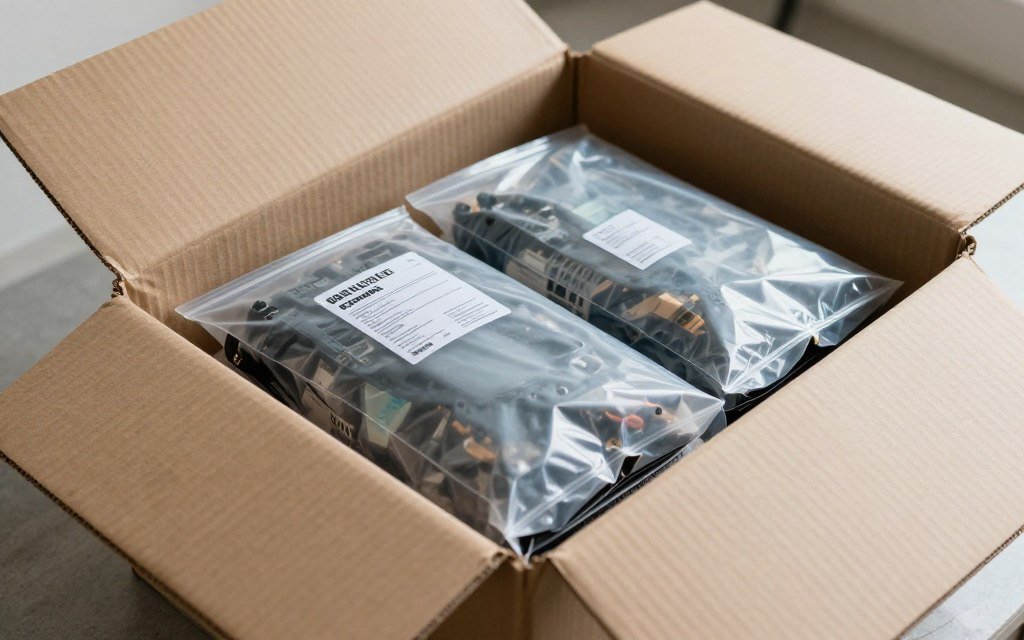
Local computer repair shops sometimes sell refurbished components. The advantage is you can inspect parts in person before buying and potentially negotiate warranty terms face-to-face. The disadvantage is limited selection and varying quality depending on shop expertise. Ask local shops about their testing process and what warranties they offer. Good shops will happily explain their refurbishment procedures.
Online marketplaces like eBay and Facebook Marketplace offer the lowest prices but highest risk. Individual sellers have no real accountability and warranties are rare or nonexistent. Only consider marketplace purchases for low-risk components like RAM or storage where you can test immediately. Never buy high-value items like graphics cards or processors from unknown marketplace sellers regardless of price.
Avoid “too good to be true” prices that are 60%+ below new retail. Legitimate refurbished parts sell for 20-40% below new prices. Dramatically lower prices indicate scams, defective components, or counterfeit parts. A refurbished RTX 4080 selling for $400 when new ones cost $1200 is either a scam or a completely dead card being sold as-is for parts.
Check seller return policies carefully regardless of the source. You need at least 14 days to properly test components, ideally 30 days. Restocking fees are acceptable if reasonable (10-15%) but avoid sellers charging excessive fees that make returns impractical. “All sales final” or “No returns on refurbished items” policies are red flags except for extremely cheap components you’re willing to gamble on.
Shipping insurance becomes important for expensive refurbished components. Graphics cards, processors, and other valuable parts should be insured during shipping. Verify who is responsible if the component arrives damaged: you, the seller, or the shipping carrier. Clear policies on shipping damage save arguments later if a part arrives broken.
Payment method matters for buyer protection. Credit cards offer charge-back rights if the seller fails to deliver promised goods or honor warranties. PayPal provides buyer protection for most transactions. Direct bank transfers or cash payments offer no recourse if problems arise. Use payment methods that provide buyer protection even if you trust the seller.
For system builders working on budget builds, refurbished parts make high-performance systems affordable. The key is balancing risk and reward by choosing components wisely and buying from reputable sources. Our mid-range PC building guide explains how to integrate refurbished components into balanced systems that deliver excellent performance.
Why High-End Builds Change the Refurbished Calculation
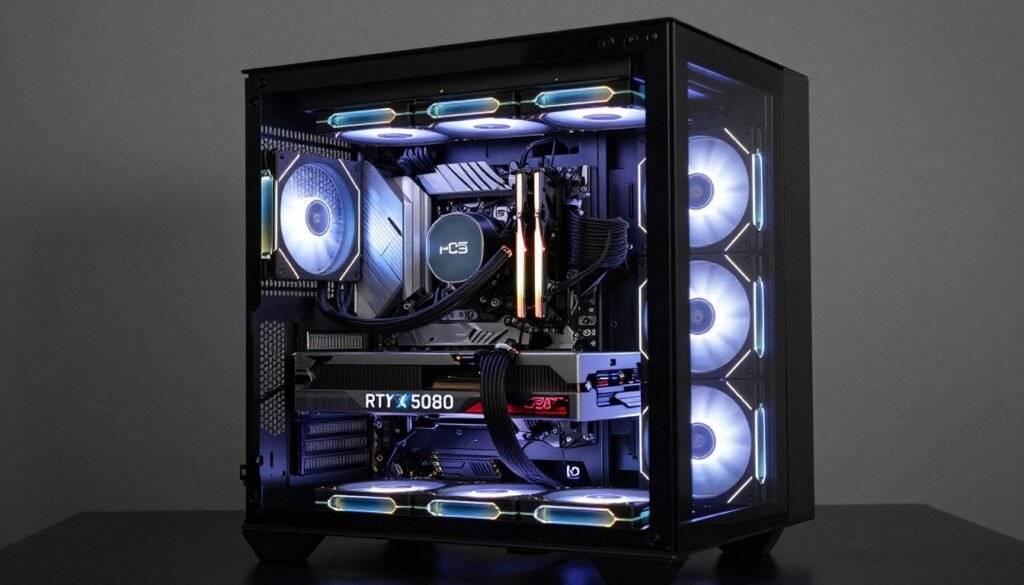
High-end builds have different risk tolerances than budget systems. When you’re investing $2000-3000+ in a computer, the stakes of component failure increase significantly. A failed $200 refurbished part in a budget build is annoying. A failed $500 refurbished GPU in a high-end system that takes out your $600 CPU when the power supply fails is catastrophic. This shifts which components make sense to buy refurbished.
For premium builds, I only buy refurbished parts that are low-risk and don’t compromise critical system functions. Storage drives and RAM work well as refurbished purchases even in high-end systems. A refurbished NVMe SSD saves $50-100 with minimal risk if you verify health statistics. Refurbished RAM offers similar savings with easy testing validation. These components failing won’t damage other parts.
Graphics cards represent the toughest decision in high-end builds. A refurbished RTX 5080 might save $300-400, but that’s a $1000+ component where failure could happen at the worst time. For professional workloads where downtime costs money, the risk probably isn’t worthwhile. For enthusiast gaming systems, manufacturer refurbished GPUs with one-year warranties from reputable sources can make sense if you’re comfortable with slightly elevated failure risk.
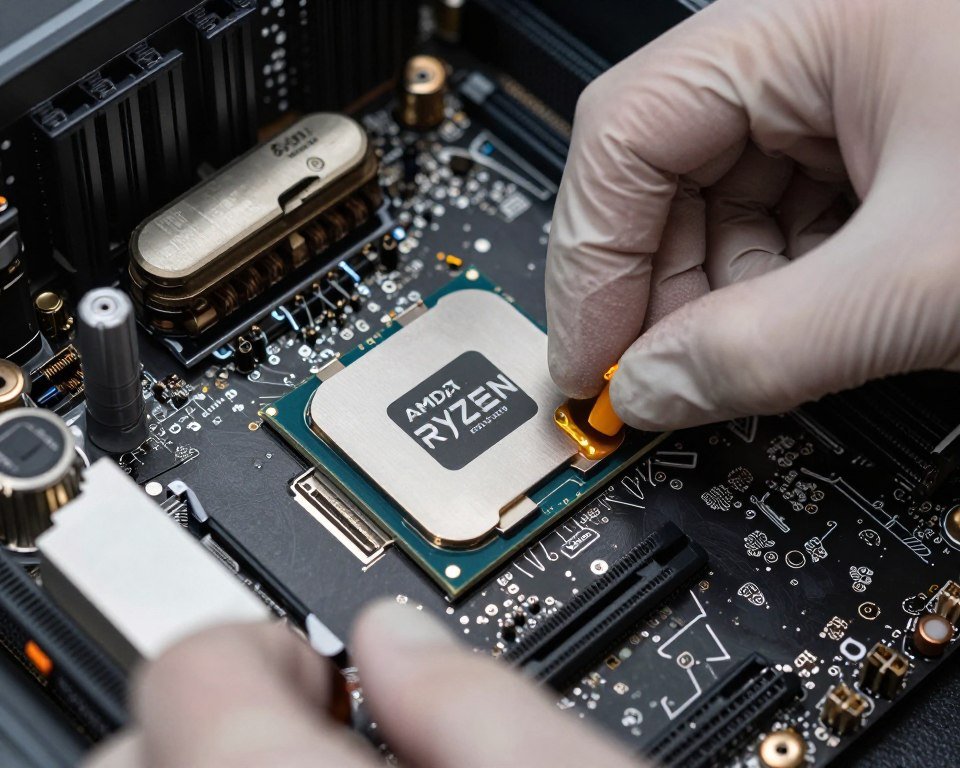
CPUs in high-end builds are usually better purchased new. The price difference between new and refurbished flagship processors is often only $100-150, not enough savings to justify any risk when that CPU is the foundation of a $3000 system. Mid-tier CPUs like Ryzen 7 or Core i7 models offer better refurbished value because savings are proportionally larger while risk remains low.
Power supplies should always be new in high-end builds. The cost of a quality PSU is small relative to total system cost, and PSU failure can destroy everything. No amount of savings justifies risking thousands of dollars in components on a refurbished power supply. This is one component where new retail purchase is non-negotiable for expensive systems.
Motherboards for high-end builds should be new unless you find manufacturer refurbished units with excellent warranties. A motherboard failure means disassembling the entire system and potentially losing data if the failure isn’t immediately obvious. The hassle and risk outweigh typical refurbished savings of $50-100 on motherboards unless you’re getting a much more expensive board that would otherwise be out of budget.
Consider total cost of failure when evaluating refurbished components for premium builds. A $400 refurbished GPU that fails after six months requires replacement. If you’re still under warranty, you get a replacement. If warranty expired, you need to buy another card. Factor this potential additional cost into your budget planning. Sometimes paying $500 for new with three-year warranty makes more financial sense than $400 refurbished with 90 days.
Plan Your High-End Build Properly
High-performance systems require careful component balancing whether you use new or refurbished parts. Our calculator analyzes complete system configurations to identify bottlenecks before you spend money. Verify your planned refurbished components will work optimally with the rest of your build.
Mixing new and refurbished components strategically maximizes value while minimizing risk. Buy mission-critical components new: power supply, motherboard, and primary storage. Consider refurbished for easily replaceable parts: secondary storage, RAM, CPU cooler. This approach maintains system reliability while capturing some refurbished savings where risks are lowest.
Cooling performance becomes more critical with refurbished high-end components. A refurbished GPU might run warmer than it did when new if thermal paste has degraded. Plan for adequate case cooling and consider replacing thermal paste on refurbished graphics cards and CPUs before installation. Our guide on cooling performance optimization explains proper thermal management for high-performance systems.
Professional workstation builds have even lower tolerance for refurbished parts than gaming systems. When the computer is a business tool generating income, reliability trumps cost savings. Downtime costs more than the money saved buying refurbished. For workstations, stick with new components or manufacturer refurbished with comprehensive warranties and fast replacement service. Budget systems and gaming rigs can take more risks that businesses shouldn’t accept.
Performance validation is crucial with refurbished high-end components. Run comprehensive benchmarks and compare against published results for your specific components. Underperformance suggests problems that might not cause outright failure but reduce the value you’re getting. A refurbished GPU scoring 10% below expected performance isn’t living up to its specifications and should be returned even if technically functional.
The Mistakes People Keep Making
After watching people buy refurbished parts for years, certain patterns of mistakes keep repeating. These aren’t obvious errors; they’re subtle decisions that seem fine at purchase but cause problems later. Learning from other people’s mistakes costs less than making them yourself.
The biggest mistake is not testing thoroughly before the return window closes. People receive a refurbished part, do a quick power-on test, and assume it’s fine. They install it in their system and use it lightly. Three weeks later, when they actually start gaming or working hard, the component fails. By then the return period has expired and they’re stuck with a defective part. Always stress test immediately and heavily before that return window closes.
Buying components without verified compatibility is another frequent problem. Someone sees a deal on a refurbished RTX 4070 and buys it without checking if their power supply can handle it or if their CPU will bottleneck it. The part works fine, but performance is limited by other system components. Before buying any refurbished part, verify it’s compatible with your complete system. Use our hardware bottleneck test to check compatibility before purchasing.
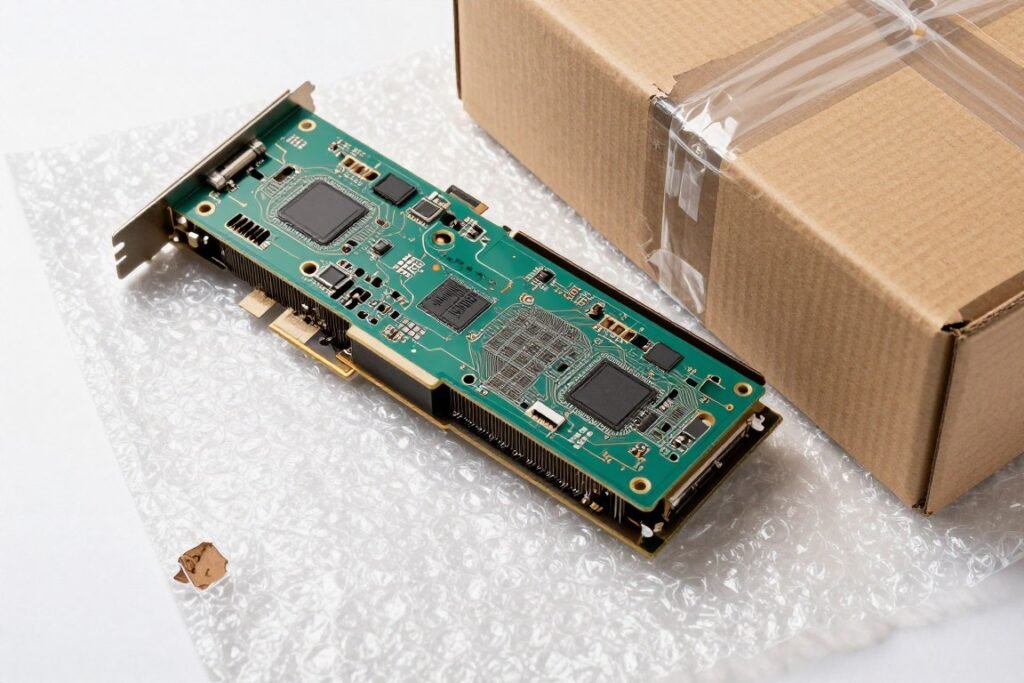
Ignoring red flags in seller descriptions causes expensive mistakes. Phrases like “sold as-is,” “for parts,” “unknown condition,” or “untested” mean the seller knows nothing about the part’s condition and won’t help if it doesn’t work. These are not refurbished components; they’re used junk being offloaded. Only buy from sellers explicitly stating parts are tested and functional with some warranty coverage.
Accepting cosmetic damage without checking for functional issues is a trap. A scratch or dent is fine if the component works perfectly. But sellers sometimes use “cosmetic damage” to describe components with actual problems. Thoroughly test any refurbished part regardless of cosmetic condition. Don’t assume minor visible damage is the only issue; check for underlying functional problems.
Mixing incompatible RAM speeds and timings causes instability people blame on refurbished quality when it’s actually a configuration error. If you’re adding refurbished RAM to existing modules, they must match specifications exactly: same speed, same CAS latency, ideally same manufacturer. Mismatched RAM causes crashes and instability that have nothing to do with refurbished quality. Either replace all RAM with a matched set or verify exact compatibility.
Skipping BIOS updates before installing refurbished components creates unnecessary problems. An outdated BIOS might not properly support a refurbished CPU or RAM, leading to stability issues you blame on the refurbished part when it’s actually a BIOS compatibility problem. Update your motherboard BIOS to the latest version before installing any refurbished components to eliminate this variable.
Critical Mistake to Avoid: Never buy refurbished components as “surprise” gifts or for other people’s systems unless you can personally test them first. You can’t verify compatibility or quality remotely, and return windows don’t pause just because you’re waiting to give someone a present. Buy refurbished only for systems you can test yourself immediately.
Choosing cheapest price over best value costs more in the long run. A refurbished GPU for $250 with no warranty looks better than one for $300 with six months coverage. If the $250 card fails after two months, you’re buying a replacement. The $300 card with warranty saves money if any problems arise. Evaluate total cost including risk, not just purchase price. Better warranties and return policies justify paying slightly more.
Neglecting to verify seller reputation and reviews leads to bad purchases. Anyone can list refurbished parts online. Check seller ratings, read negative reviews specifically, and search for complaints about warranty service. A seller with 95% positive ratings might have that 5% negative concentrated in “wouldn’t honor warranty” reviews which is a dealbreaker. Spend time researching sellers before trusting them with your money.
Assuming “certified refurbished” means anything without checking certification details is naive. The term sounds official but isn’t regulated. Ask what “certified” actually means: Who certified it? What testing was performed? What standards were applied? Legitimate sellers proudly explain their certification process. Vague answers or defensiveness suggests “certified” is marketing fluff with no real meaning.
Buying refurbished parts too early in a product’s lifecycle doesn’t make sense. A graphics card released two months ago should not be significantly refurbished yet unless something is wrong. Early refurbished inventory is usually defective units that were returned, not lightly-used customer returns. Wait at least 6-12 months after a product launch before considering refurbished units of that model.
Failing to maintain proper PSU headroom when using refurbished power supplies causes system instability. A refurbished PSU might not deliver its full rated wattage anymore if capacitors have degraded. Always size power supplies larger than calculated requirements. If your system needs 450W, use a refurbished 650W PSU, not a refurbished 550W. This provides buffer for any capacity degradation and ensures stable power delivery.
For anyone looking to understand more about preventing system instability and performance issues, our tech insights section provides detailed explanations of common PC problems and their solutions. Understanding how components interact helps you make smarter decisions when buying refurbished parts for your specific use case.
The Bottom Line on Refurbished Parts
Refurbished PC parts can absolutely work in high-end builds, but success requires careful component selection, thorough testing, and realistic expectations about risk. The cost savings are real and significant, often 20-40% below new prices for identical performance. This makes high-tier components accessible to builders who couldn’t otherwise afford them. But these savings come with trade-offs in warranty coverage, usage history uncertainty, and higher failure risk.
The key is matching risk tolerance to component criticality. Storage drives, RAM, and CPUs are relatively safe refurbished purchases with proper testing. Graphics cards fall into medium-risk territory where manufacturer refurbished with good warranties makes sense. Power supplies and motherboards should generally be purchased new in high-end builds because failure consequences outweigh cost savings.
Successful refurbished purchasing depends on choosing reputable sellers with transparent processes and real warranties. Manufacturer direct programs offer the best quality and support. Major retail platforms provide buyer protection and return guarantees. Specialized refurbishers with good reputations offer middle-ground options. Unknown marketplace sellers present risks that outweigh any cost benefits.
Testing can’t be skipped or done halfway. Stress testing immediately after receiving components catches defects while you can still return parts easily. Visual inspection, synthetic benchmarks, and real-world usage testing all play roles in verification. Documentation of test results supports warranty claims if problems develop later. The time invested in proper testing prevents expensive mistakes.
Your specific use case determines whether refurbished makes sense. Budget-constrained enthusiast gamers can benefit significantly from refurbished GPUs and CPUs with acceptable risk levels. Professional users whose systems generate income should minimize refurbished use except for low-risk components. Mission-critical workstations justify new component costs for maximum reliability. Gaming rigs can accept more risk for cost savings.
The reality is that refurbished parts work great when you buy smart and test thoroughly. I’ve built multiple systems using refurbished components that have been completely reliable for years. I’ve also learned to avoid certain categories and sellers after getting burned. That experience informs the guidance in this article: buy the right parts, from the right sellers, test them properly, and refurbished components can deliver excellent value in high-end builds.
Before committing to any refurbished purchase, verify system compatibility and component balance. Our bottleneck calculator helps ensure refurbished components will work optimally with the rest of your build. Proper planning prevents wasted money on incompatible parts regardless of whether they’re new or refurbished.
Frequently Asked Questions
How long do refurbished PC parts typically last compared to new components?
Refurbished parts from reputable sources typically last 3-5 years, similar to new components, though exact lifespan depends on previous usage history and refurbishment quality. The main difference is slightly higher early failure rates in the first year (2-3% vs 1% for new). After surviving the first 6-12 months, properly refurbished components have similar reliability to new parts. Critical factors are the refurbishment process quality, component type, and previous usage intensity. Storage devices have finite write cycles that affect lifespan regardless of refurbishment. Mechanical parts like fans may have reduced remaining service life.
To maximize refurbished component lifespan, buy from sellers with comprehensive testing processes and good warranties. Properly test all components immediately to catch early failures within return windows. Monitor temperatures and performance regularly to identify degradation before complete failure. For mission-critical systems, consider refurbished parts past their warranty period as higher-risk components requiring backup plans.
Check current system configuration and potential upgrade paths using our PC build compatibility tool before purchasing refurbished components to ensure optimal performance and longevity.
Can you mix refurbished and new components in the same PC build?
Yes, mixing refurbished and new components is a smart strategy that balances cost savings with reliability. Buy mission-critical components new (power supply, motherboard, primary storage) where failure consequences are severe. Purchase easily replaceable refurbished parts (secondary storage, RAM, case fans) where failure impact is minimal. This approach maintains overall system reliability while capturing savings where risks are lowest.
When mixing components, ensure specifications match regardless of new or refurbished status. A refurbished GPU needs adequate PSU wattage whether the PSU is new or refurbished. RAM must match speeds and timings within the same system. Verify all components work together using compatibility checkers before purchasing. Physical compatibility (form factor, connector types) matters as much as performance compatibility.
For graphics-intensive builds, consider new PSU and motherboard with refurbished GPU and storage. For workstation builds, buy new motherboard and storage with refurbished RAM and CPU cooler. Budget gaming systems can use more refurbished components while maintaining new PSU for protection. Assess your specific needs and risk tolerance when deciding the new versus refurbished split. Our build planning guides help determine optimal component combinations.
What are the signs that a refurbished component is about to fail?
Early warning signs include increasing temperatures under normal loads, which suggest degraded thermal paste or failing cooling components. Performance drops in benchmarks or games compared to earlier results indicate component degradation. System crashes, blue screens, or unexpected reboots during specific tasks often precede complete failure. Visual artifacts on displays signal GPU problems. Random file corruption points to storage failure.
Hardware monitoring software helps detect issues early. Watch for increasing fan speeds at idle temperatures. Monitor voltage fluctuations on power rails larger than 5%. Check for SMART warnings on storage devices. Look for increased error rates in Windows Event Viewer. Unusual noises like clicking, grinding, or electrical buzzing warn of impending mechanical or electrical failures.
When you notice warning signs, immediately backup data and prepare for component replacement. Don’t ignore intermittent problems hoping they’ll resolve themselves; component failures typically worsen over time. Test the suspect component in isolation if possible. Contact the seller while still under warranty if problems appear. Early detection and action prevents catastrophic failures that damage other components.
System instability can stem from various causes beyond component failure. Our guide on diagnosing PC performance issues helps determine whether problems are hardware-related or software configuration errors.
Are refurbished graphics cards safe to buy if they were used for cryptocurrency mining?
Former mining GPUs carry higher risk and should be avoided unless significantly discounted and from sellers explicitly stating the card was thoroughly refurbished. Mining subjects graphics cards to constant maximum load for months or years, accelerating wear on all components including VRAM, power delivery circuitry, fans, and thermal solutions. This intensive use pattern typically reduces remaining service life compared to cards used for normal gaming.
If considering a former mining card, verify the seller has replaced thermal paste, tested VRAM thoroughly, confirmed fan bearing condition, and stress tested under load for extended periods. Expect shorter lifespan than non-mining refurbished cards. Only accept ex-mining cards with warranties of at least 90 days that explicitly cover performance issues, not just complete failure. Test extensively immediately after receiving with tools like FurMark, 3DMark, and memory testing utilities.
Better alternatives exist: manufacturer refurbished cards without mining history, customer return units from retail stores, or display models with minimal actual use. These options provide similar cost savings without the accelerated wear from mining operations. Unless price difference exceeds 50% compared to other refurbished cards, former mining GPUs aren’t worth the elevated risk and reduced expected lifespan. For high-end builds, completely avoid ex-mining graphics cards regardless of price.
What should I do if a refurbished component fails after the warranty period?
First, document the failure thoroughly with photos, error messages, and description of symptoms. Contact the seller explaining the situation even if warranty expired; some companies provide goodwill support for customers who can demonstrate they tested properly and the component initially worked correctly. Explain you performed comprehensive testing at purchase and the failure developed later. Reasonable sellers sometimes offer discounted replacement or repair even outside warranty periods.
If the seller won’t help, check if your credit card provides extended warranty protection. Many credit cards automatically extend manufacturer warranties by an additional year. Review your credit card benefits and file a claim if coverage applies. Document the original purchase, warranty terms, and failure details. Credit card warranty extensions have saved me hundreds of dollars on failed components.
For out-of-warranty failures, evaluate repair versus replacement costs. Some components like graphics cards can be repaired by specialized services for less than replacement cost. Search for local electronics repair shops or mail-in services specializing in PC component repair. Compare repair costs against buying another refurbished or new replacement. Sometimes replacement makes more financial sense than repair attempts.
Consider this experience when planning future purchases. If a specific component category or seller has caused problems, avoid them going forward. Build contingency budgets for replacing critical components that might fail outside warranty periods. For high-end systems, consider this a lesson to buy certain components new where failure consequences outweigh refurbished savings. Use failures as learning experiences to refine your refurbished purchasing strategy.
System downtime from component failures disrupts work and gaming. Maintain backup plans for critical components by having spare parts available or knowing where to obtain emergency replacements quickly. Our knowledge base provides troubleshooting guides to help diagnose problems accurately before assuming component failure.
Is it worth buying refurbished parts for a gaming PC in 2026?
Yes, refurbished parts make excellent sense for gaming PCs in 2026 if chosen carefully. Current-generation refurbished components like RTX 50-series GPUs and Ryzen 9000 CPUs offer performance identical to new units at 20-40% cost savings. Gaming systems aren’t mission-critical like workstations, so slightly elevated failure risk is acceptable trade-off for substantial savings. The money saved can be invested in better peripherals, higher refresh rate monitors, or upgraded storage capacity.
Focus refurbished purchases on components where gaming performance benefits are clear: graphics cards, processors, and fast storage. Buy power supplies and motherboards new to maintain system reliability and protect your investment. Consider refurbished RAM since it’s easily testable and fails obviously. This mixed approach provides maximum value by targeting savings where risk is acceptable while maintaining reliability where it matters most.
For competitive gaming requiring maximum system stability, lean toward manufacturer refurbished with comprehensive warranties. Casual gaming systems can accept more risk with third-party refurbishers offering good warranties. Budget builds benefit most from refurbished components since cost savings may enable jumping from mid-tier to high-tier hardware within the same budget constraint.
2026 brings mature refurbishment markets for recently-released hardware. Components released in 2024-2025 are now available refurbished with reasonable remaining service life. This timing sweet spot provides modern performance at used prices. Avoid older refurbished components from 2021 or earlier as they’re approaching end of reasonable service life regardless of refurbishment quality. For optimal performance analysis, check how your planned components work together using our gaming performance calculator before finalizing purchases.
How can I verify a seller’s refurbishment process before buying?
Contact the seller directly with specific questions about their refurbishment procedures before purchasing. Ask: What testing equipment do you use? What specific tests does each component type undergo? How long is burn-in testing? What gets replaced during refurbishment (thermal paste, fans, etc.)? What failure rate do you see? Legitimate refurbishers answer these questions proudly and specifically. Vague answers or reluctance to explain processes indicates inadequate quality control.
Research seller reputation through multiple channels. Check Better Business Bureau ratings and complaints. Search Reddit and tech forums for experiences with that specific seller. Read negative reviews carefully focusing on warranty claim handling and defective product rates. Look for patterns across reviews rather than single complaints. A seller with many complaints about non-functional products or refused warranty service should be avoided regardless of prices.
Verify certifications and partnerships claimed by the seller. Microsoft Authorized Refurbisher status, manufacturer partnership programs, and industry certifications provide some credibility verification. Check these claims directly with the certifying organizations rather than trusting seller websites. Some sellers display fake certification logos that aren’t actually valid.
Start with small test purchases if trying a new seller. Buy a low-cost component first (like RAM or a storage drive) to evaluate their shipping, packaging, product quality, and customer service. If that experience goes well, consider larger purchases. This minimizes risk when dealing with unknown sellers. Never make large refurbished purchases from sellers with limited history or unverified credentials.
Final Thoughts: Smart Refurbished Buying Works
The question isn’t whether refurbished parts are safe for high-end builds. The real question is which refurbished parts you should buy, from which sellers, and how to verify they’ll work reliably. I’ve used refurbished components in systems ranging from budget office PCs to $3000 gaming rigs. When purchased intelligently and tested properly, refurbished parts deliver excellent value without sacrificing performance or risking your entire system.
The process boils down to understanding risk levels by component, choosing reputable sellers with real warranties, testing thoroughly before return windows close, and maintaining realistic expectations about failure rates. This approach lets you access higher-tier hardware within your budget constraints while minimizing the downsides that give refurbished purchases a bad reputation among some builders.
Don’t let fear of refurbished components force you into budget compromises that limit system performance. A refurbished RTX 5070 from a good seller often makes more sense than a new RTX 4060 at similar price. The performance difference is substantial and the risk is manageable with proper verification. Similarly, a refurbished Ryzen 7 9700X with testing beats a new Ryzen 5 8600 when budget dictates choosing between the two.
Your homework makes the difference between success and disappointment. Research sellers thoroughly. Understand what you’re actually buying and what testing the seller performed. Plan comprehensive testing when components arrive. Document everything. These steps transform refurbished purchases from gambles into calculated decisions where you understand and accept specific risks in exchange for clear financial benefits.
The builders who succeed with refurbished components are those who treat it as a specialized skill rather than just buying cheaper parts. You’re evaluating quality, verifying compatibility, testing thoroughly, and making informed decisions about acceptable risk levels. This expertise develops over time and multiple purchases. Start small, learn the process, build confidence, then tackle larger refurbished purchases as you gain experience.
Remember that even new components fail sometimes. Nothing in PC building comes with zero risk. Refurbished parts simply shift the risk slightly higher in exchange for lower cost. When you understand this trade-off clearly and make component-specific decisions based on your risk tolerance and budget constraints, refurbished parts become powerful tools for building better systems at lower cost.
Build Your System Right the First Time
Whether using new or refurbished components, proper system planning prevents expensive compatibility mistakes. Our suite of tools helps you design balanced builds that perform optimally regardless of component source. Calculate bottlenecks, check compatibility, and optimize configurations before spending money on any parts.
The refurbished PC parts market continues evolving with better refurbishment standards, longer warranties, and improved seller transparency. What was risky five years ago has become much safer today as professional refurbishers have established quality processes and manufacturer programs have expanded. This trend benefits builders willing to do their homework and make smart purchasing decisions.
Now go build something great. Use the knowledge from this guide to make informed decisions about which components to buy refurbished and which to purchase new. Test everything thoroughly. Document your results. And enjoy the high-end performance you can afford by spending smart on refurbished parts where it makes sense while protecting your investment with new components where reliability is critical. The right balance creates systems that deliver excellent performance at prices that actually fit real budgets.