
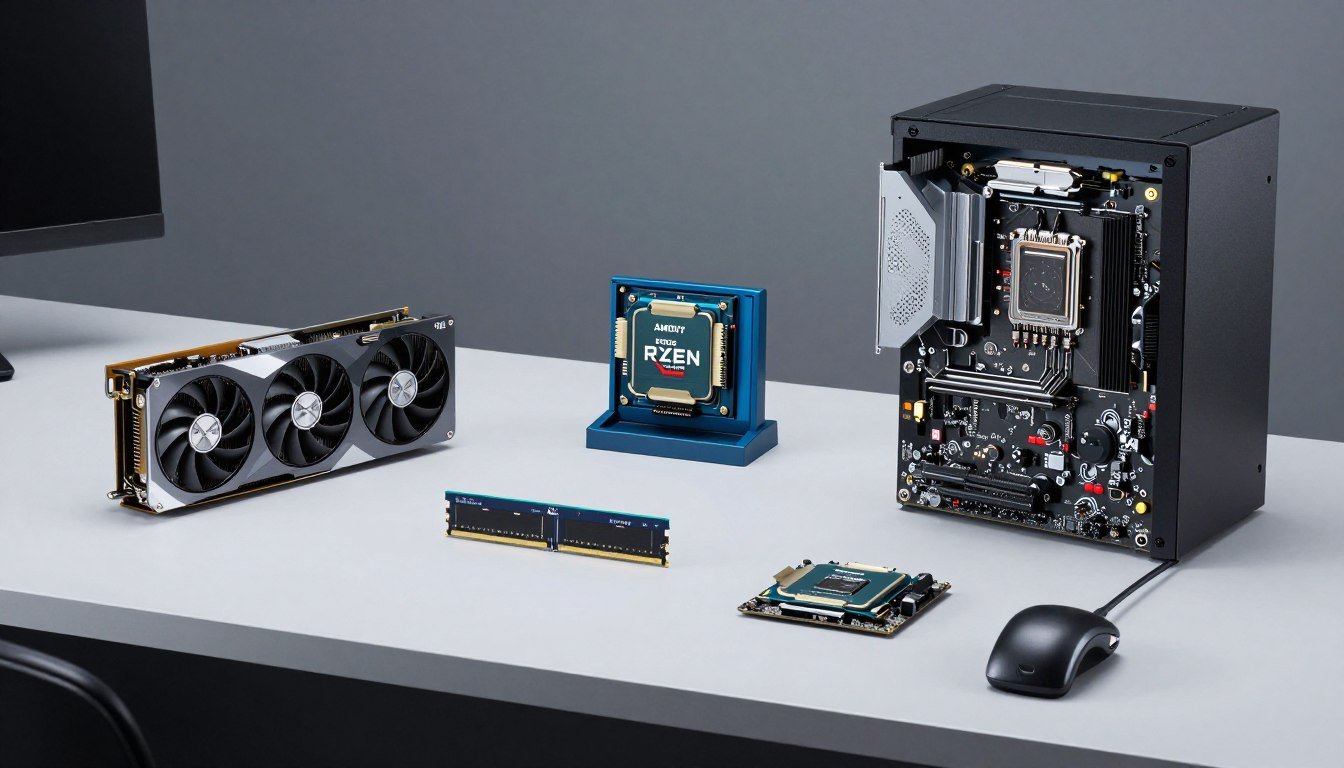
Here’s the reality. You want to build a gaming PC in 2026, but the price tags on RTX 5070s and Ryzen 9000 chips make your wallet cry. Last month, I watched a friend drop $800 on a new mid-range card when a used 2024 model would’ve given him 90% of the performance for half the price. He didn’t know where to look or what mattered.
This guide cuts through the noise around used PC parts from 2024. You’ll learn which components age like fine wine, which turn into paperweights, and how to pair them with modern systems without bottlenecks. I’ve built three rigs this way in the past year, and one mistake taught me more than a dozen YouTube videos ever could.
By the end, you’ll know exactly which 2024 parts still compete in 2026, where to find them safely, and how to test them properly. No guessing. No regrets. Just a balanced build that doesn’t murder your budget.
Why 2024 Parts Still Make Sense in 2026
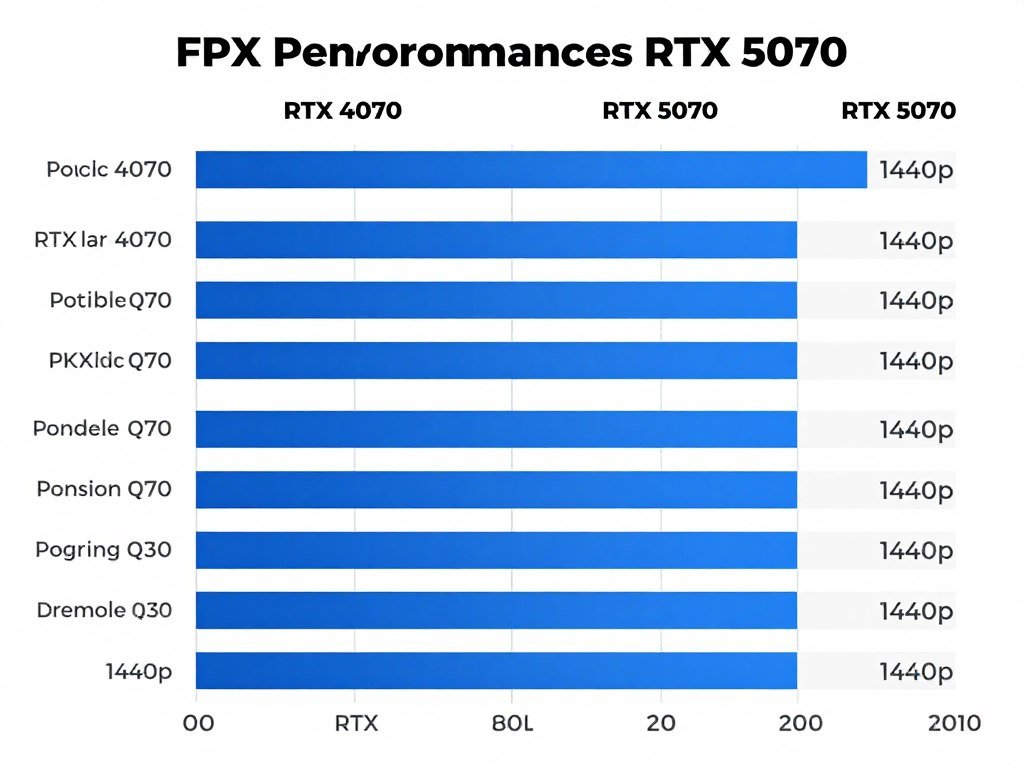
The tech world moves fast, but not everything gets obsolete overnight. Graphics card technology hit a plateau around 2024. The difference between an RTX 4070 and an RTX 5070 is smaller than the jump from 3070 to 4070 was. This is good news for your wallet.
CPUs from 2024 still pack plenty of punch. An AMD Ryzen 7 7800X3D or Intel Core i7-14700K handles modern games without breaking a sweat. Game engines haven’t changed enough to make these chips feel slow. The reality is most people don’t need the absolute latest silicon.
Power supply units and storage devices from 2024 work just fine today. A quality 850W gold-rated PSU doesn’t care what year it is. Same with NVMe SSDs. Storage technology evolved slowly after 2023, so you’re not missing much by going used.
Check Component Compatibility
Before buying any used parts, verify they’ll work together without performance bottlenecks. Modern tools make this simple.
The price drop on 2024 hardware creates real value. Components lose 30-40% of their value within 18 months, even when they still perform well. You can build a system with 85% of current-gen performance for 50% of the cost. That math works in your favor.
Used CPUs Worth Buying in 2026
Let’s talk processors first because they set the foundation for everything else. The CPU market from 2024 gave us some legendary chips that haven’t aged a day.
AMD Ryzen 7 7800X3D: The Gaming King
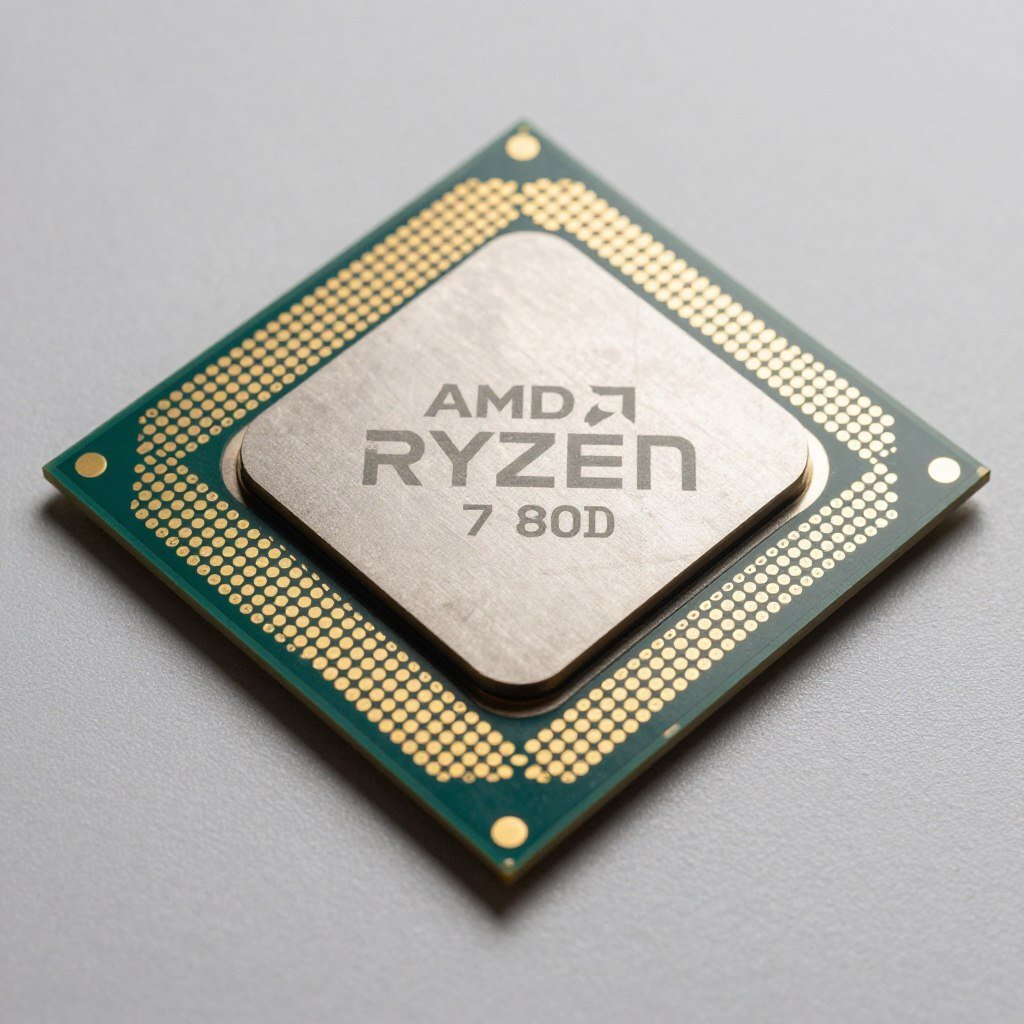
This chip is stupid good for gaming. The 3D V-Cache technology puts extra memory right on the processor die, which games love. I paired one with an RTX 4070 Ti last fall and haven’t found a game it struggles with at 1440p.
Used prices hover around $250-280 right now. New, these sold for $450 in 2024. The performance hasn’t dropped, just the price. For pure gaming builds, this CPU still outperforms many 2026 options that cost more.
The catch? Single-threaded performance is merely good, not great. If you do heavy video editing or 3D rendering, look elsewhere. But for gaming? This is the sweet spot for budget PC builds.
Intel Core i7-14700K: The Multitasking Monster
Intel’s hybrid architecture with P-cores and E-cores makes this chip versatile. It handles gaming while streaming, or gaming while running Discord, browser tabs, and music without flinching. Think of it like a highway with fast lanes and regular lanes working together.
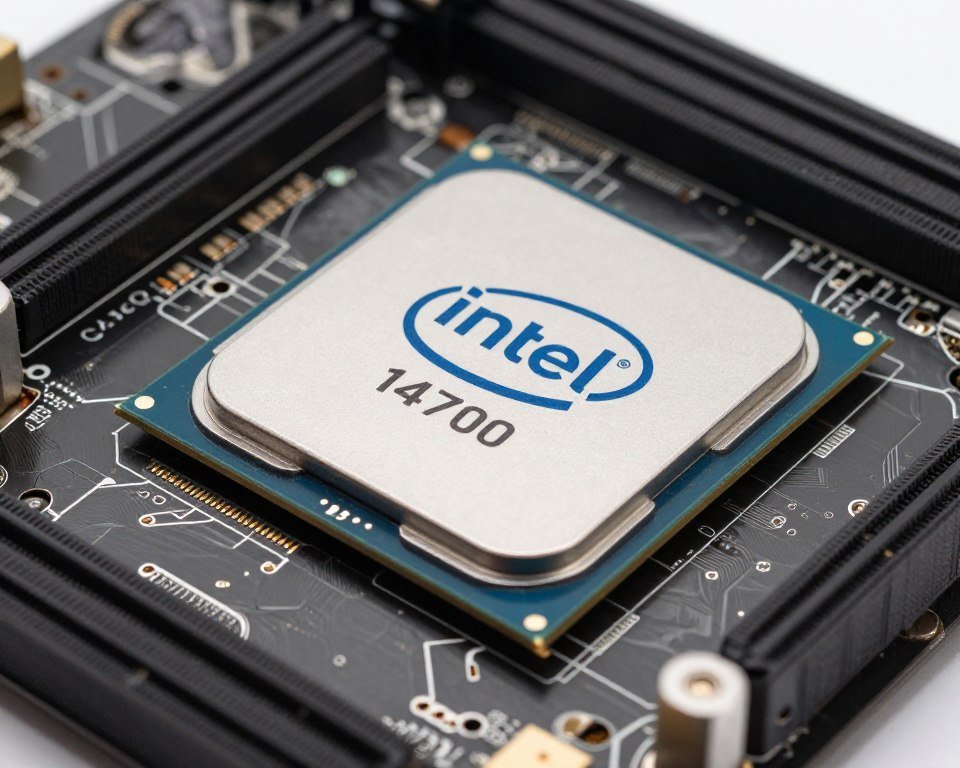
Used units sell for $280-320. The performance-per-dollar beats anything new in that price range. Just make sure you budget for a decent cooler. This chip runs warm under load, hitting 80-85°C even with good cooling.
Compatibility is straightforward. Any LGA 1700 motherboard works, and those are common in the used market. DDR4 and DDR5 options both exist, giving you flexibility on memory costs.
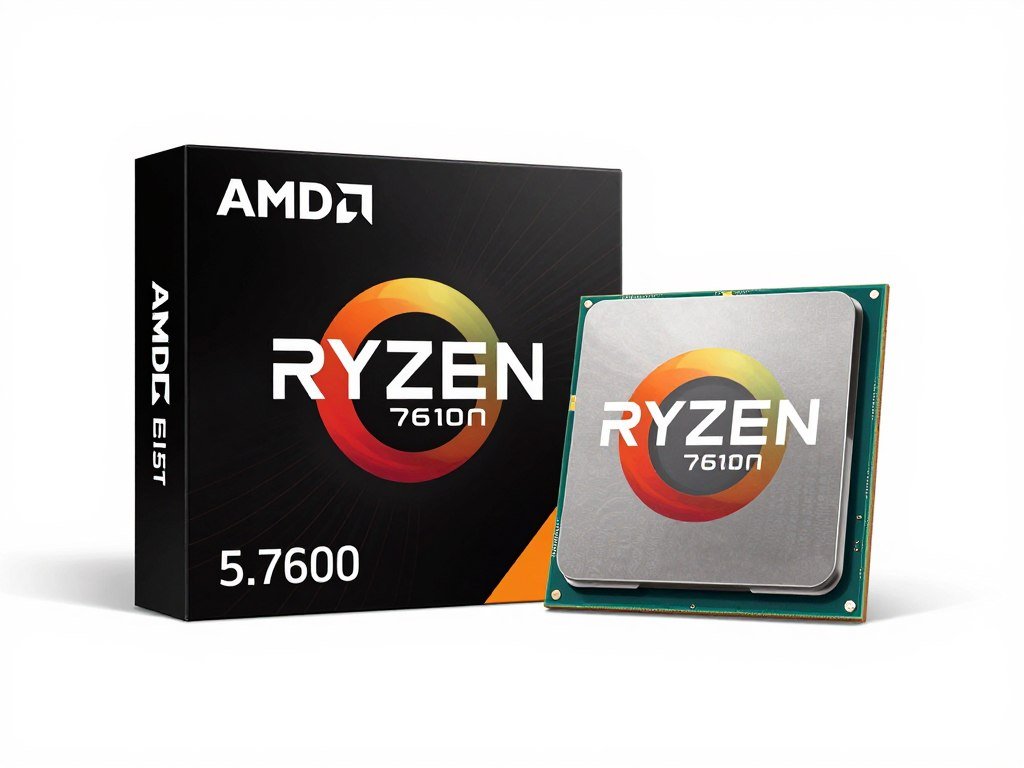
AMD Ryzen 5 7600: Budget Champion
For tight budgets, the Ryzen 5 7600 delivers. Six cores handle modern games fine, and the price sits around $130-150 used. It won’t blow minds, but it won’t bottleneck a mid-range GPU either.
The limitation comes with heavy multitasking. Close background apps when gaming, and you’ll be fine. Try to stream while gaming, and you’ll feel the core count limit.
Before committing to any CPU, run it through a PC bottleneck calculator with your planned graphics card. This prevents expensive compatibility mistakes.
Graphics Cards That Still Compete
The GPU market from 2024 was interesting. Nvidia dominated, AMD competed on price, and both released cards that still hold up today. Used graphics cards offer the biggest savings in any build.
RTX 4070: The 1440p Sweetheart
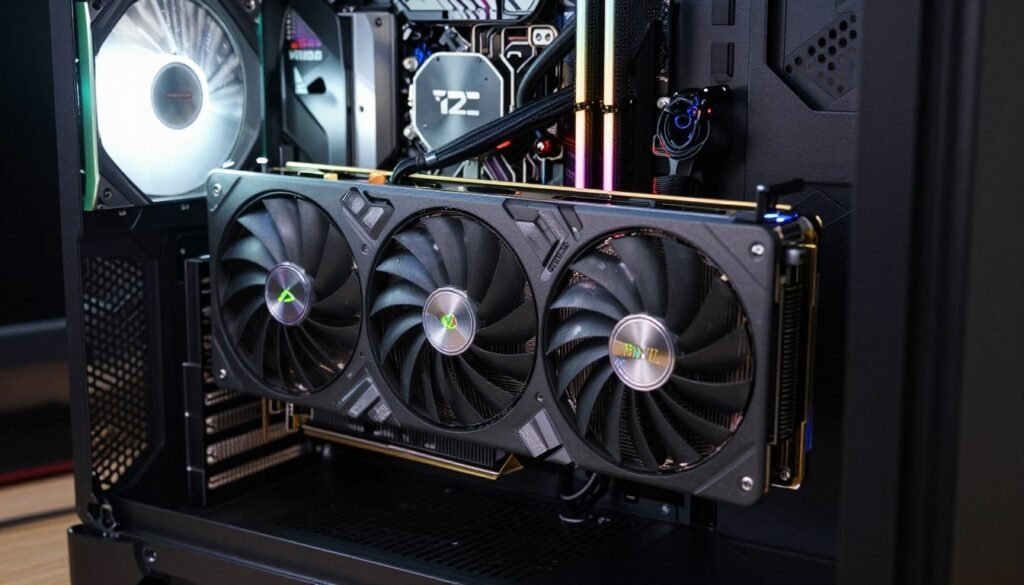
This card hits the performance sweet spot. It maxes out 1440p gaming in almost everything and handles 4K with some settings adjustments. Used units go for $400-450, down from $600 new.
The 12GB of VRAM matters more than people think. Modern games with high-res textures eat memory. Cards with 8GB struggle in some 2026 titles, but 12GB keeps you safe. This VRAM capacity prevents texture pop-in and stuttering.
Power draw stays reasonable at 200W. Any decent 650W power supply handles it. The card runs cool and quiet with proper case airflow. I’ve yet to hear the fans spin up noticeably during normal gaming.
RTX 4060 Ti 16GB: The Underrated Option
Everyone mocked this card at launch for weird pricing. Used, it makes more sense. The 16GB VRAM version sells for $320-360 and handles 1080p gaming with room to spare.
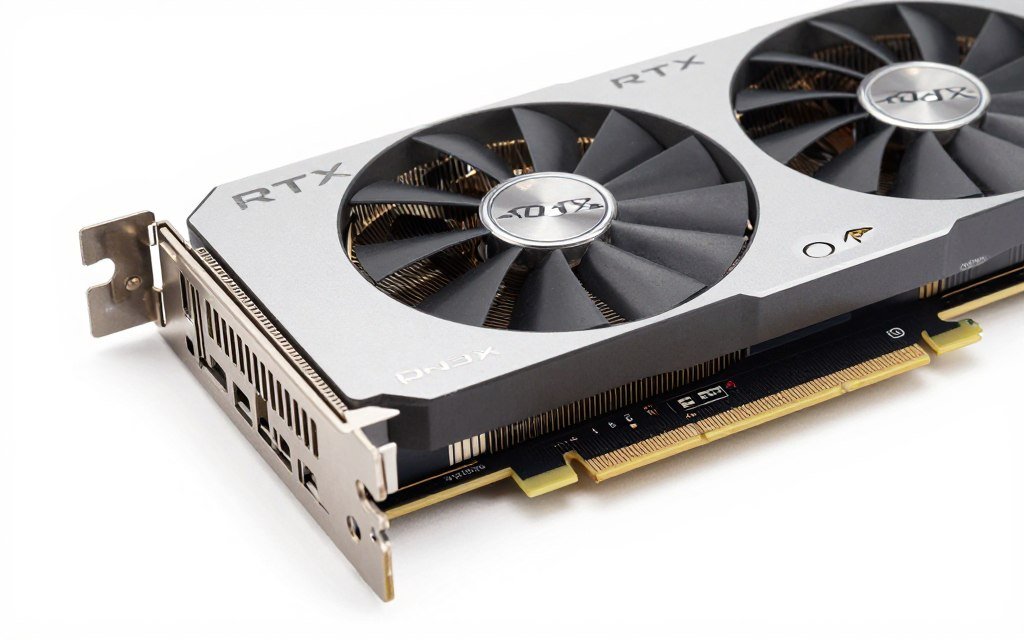
That extra VRAM helps with texture-heavy games and future-proofs the card. It won’t win performance benchmarks, but it’ll keep working when 8GB cards start struggling. Think of it like having a bigger fuel tank – the engine isn’t faster, but you won’t run out as quickly.
The catch is raw performance. It barely beats the older RTX 3070 in many games. If you find a used 3070 for less money, grab it instead. But if prices match, the newer architecture and extra VRAM win.
AMD RX 7800 XT: The Value King
AMD’s answer to the 4070 performs within 5-10% in rasterization. Used prices hit $420-470. The 16GB of VRAM gives it legs for years to come.
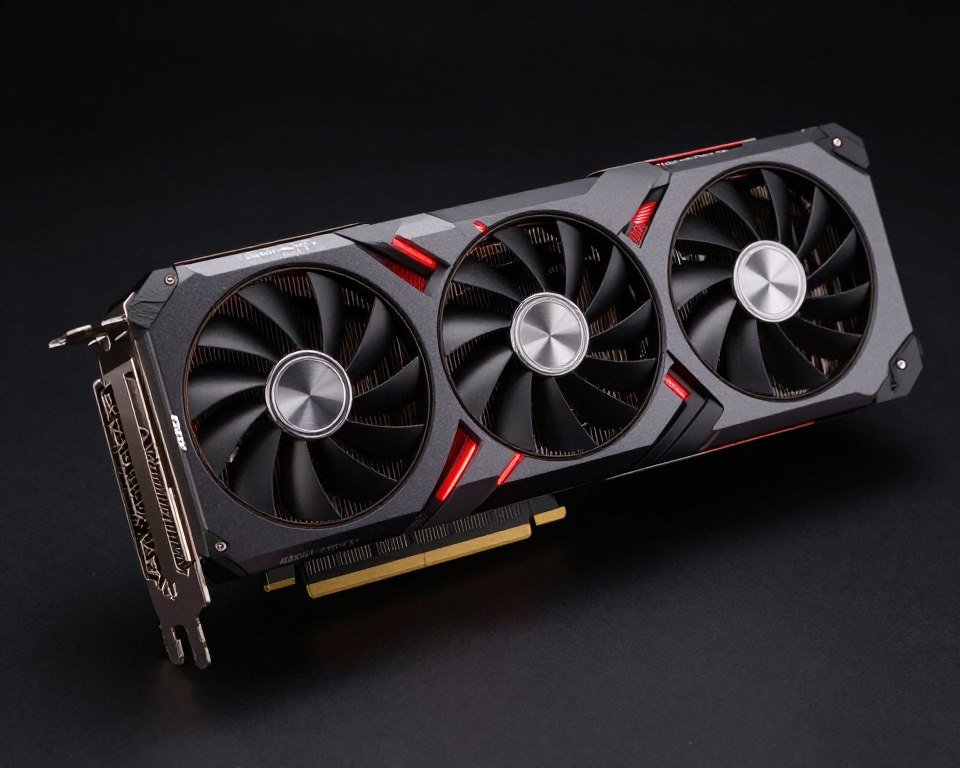
Ray tracing performance lags behind Nvidia. If you play Cyberpunk 2077 with path tracing, get the RTX card. For everything else, this AMD card trades blows and costs less. The driver software improved massively since 2024, fixing early stability issues.
Power consumption runs higher at 260W. Budget for a 750W power supply minimum. The card also runs hotter than Nvidia equivalents, so case cooling matters more. Three intake fans keep temps reasonable.
Verify GPU and CPU Pairing
Mismatched components waste performance. Check if your chosen graphics card pairs well with your CPU selection to avoid bottlenecks.
All these cards handle modern games well. The differences matter less than matching the card to your monitor resolution. Don’t overspend on a 4K card for 1080p gaming. Check resolution bottleneck impacts before deciding.
Motherboards, Memory, and Storage Considerations
These components get less attention but matter just as much. A bad motherboard choice ruins an otherwise good build. Memory and storage decisions affect daily usability more than frame rates.
Motherboard Selection
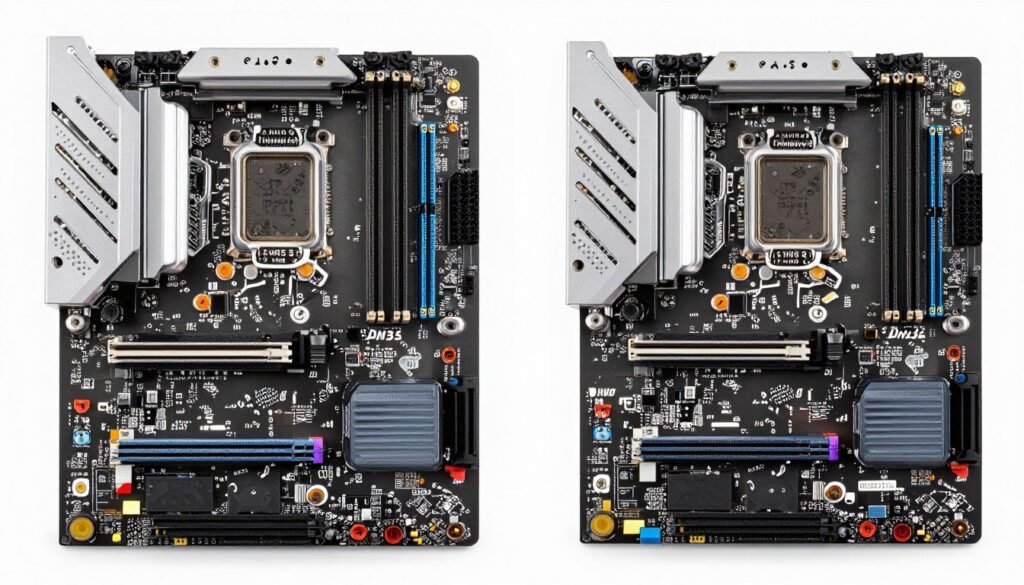
Buy the motherboard based on your CPU choice. AMD Ryzen 7000 needs AM5 boards. Intel 14th-gen needs LGA 1700. Don’t mix generations – compatibility gets messy and you’ll waste time troubleshooting.
Used B-series motherboards offer the best value. The B650 for AMD or B760 for Intel handle most builds fine. Z-series boards cost more and add features like overclocking that most people never use. Save the money for better components elsewhere.
Check the VRM quality on any used motherboard. The VRM supplies power to the CPU, and cheap ones cause stability issues. Think of it like the electrical panel in your house – low quality means flickering lights and random shutdowns. Look for boards with heatsinks covering the VRM components.
DDR5 RAM: Worth It or Hype?
DDR5 memory prices dropped hard in late 2024 and early 2025. Used 32GB kits sell for $80-100, matching DDR4 pricing. The performance boost varies by game, from unnoticeable to 5-8% better frame rates.
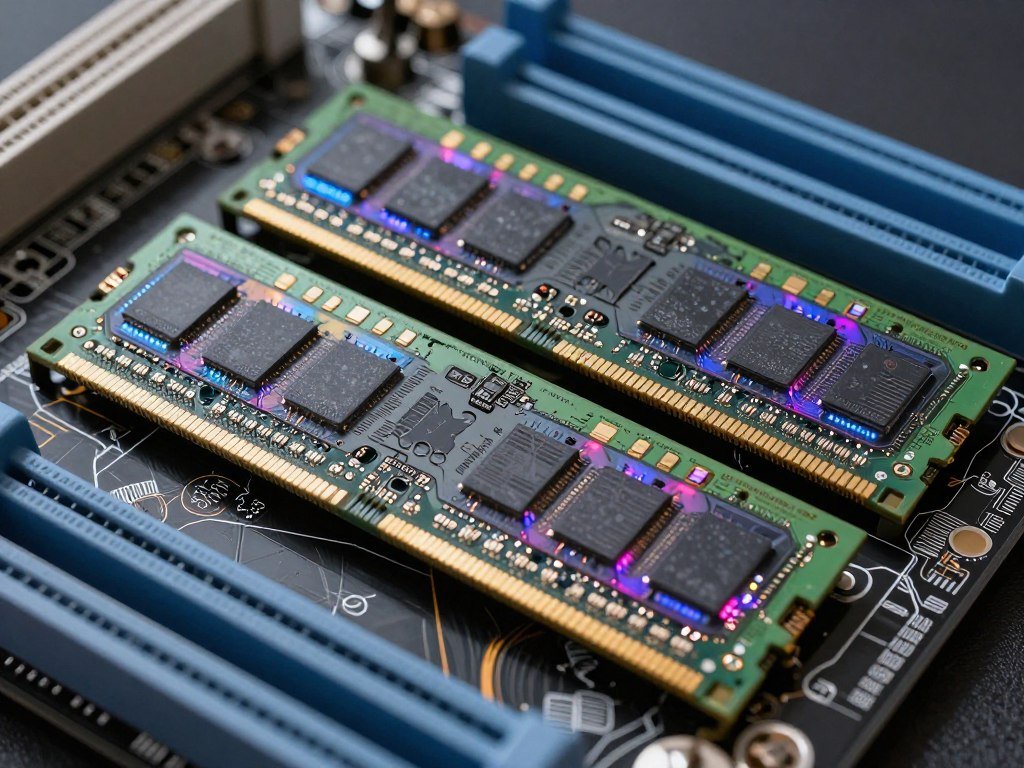
If your motherboard supports both, get DDR5. The price difference disappeared, and you get slightly better performance. But don’t stress if you find a great deal on DDR4. The real-world difference won’t ruin your gaming experience.
Speed matters less than people claim. DDR5-5600 versus DDR5-6400 shows minimal difference in most games. Buy whatever costs less. Use the savings on a better graphics card or storage device.
Storage: NVMe or Die
Hard drives are dead for main storage. A 1TB NVMe SSD costs $50-70 used. Load times drop from minutes to seconds. Games like GTA 6 basically require fast storage to work properly.
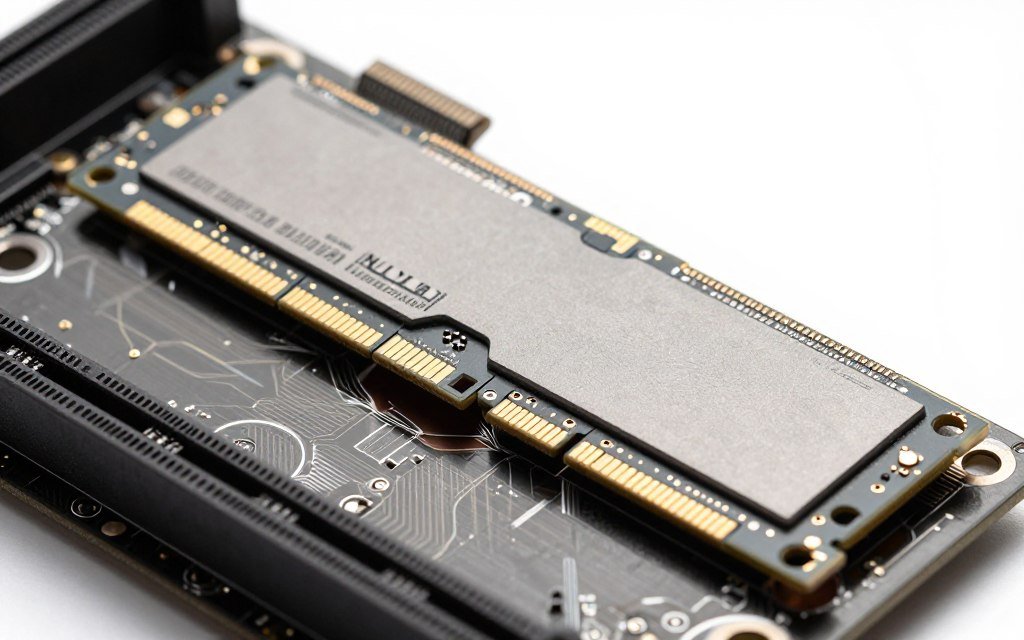
PCIe 3.0 versus 4.0 versus 5.0 barely matters for gaming. The difference between a fast Gen 3 drive and a Gen 5 drive is maybe one second in load times. Don’t overpay for the latest generation.
Samsung 980 Pro and WD Black SN850 drives from 2024 offer great used value. Both hit 7000MB/s read speeds, which is overkill for gaming but nice to have. Prices sit around $60-80 for 1TB.
Avoid SATA SSDs unless they’re incredibly cheap. NVMe drives use the M.2 slot directly on the motherboard, eliminating cables and offering better performance. The data storage interface makes a bigger difference than the speed rating within NVMe options.
Power Supplies and Cooling: Don’t Cut Corners Here
Some components you can bargain hunt aggressively. Power supplies and cooling are not those components. Cheap out here and you’ll regret it when your system crashes or thermal throttles.
Power Supply Unit Selection
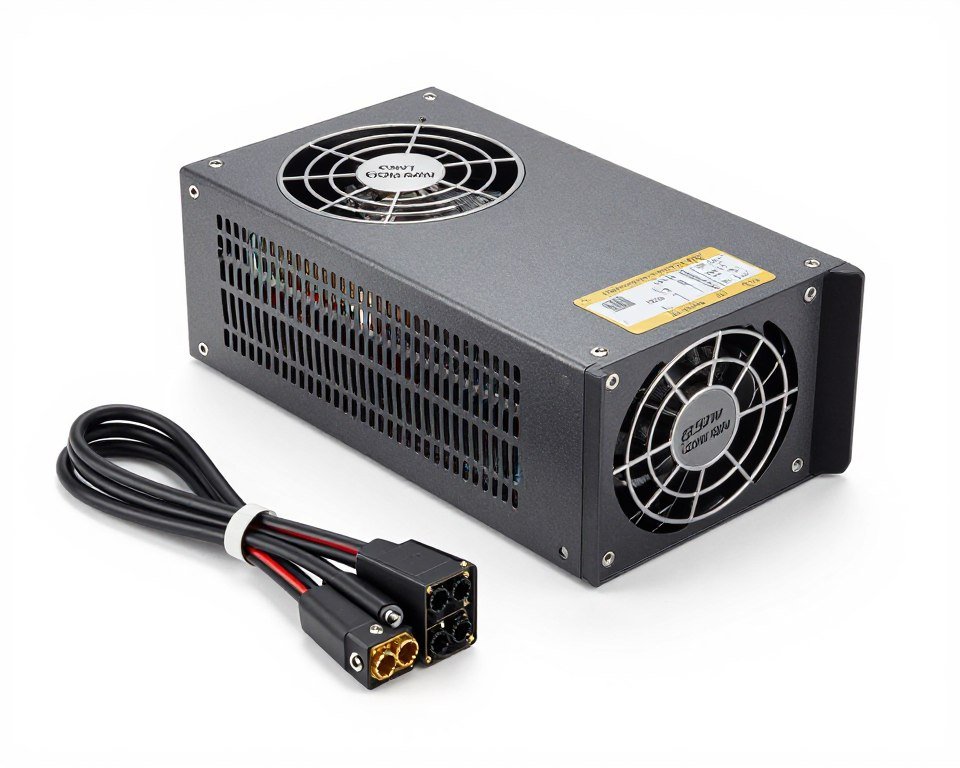
Used power supply units make me nervous, but some are safe bets. Look for gold-rated or better units from reputable brands: Corsair, EVGA, Seasonic, or Thermaltake. These companies use better components that last longer.
Fully modular power supplies simplify cable management. You attach only the cables you need, reducing clutter inside the case. Non-modular units work fine but create a rat’s nest of unused cables.
Wattage calculations are simple. Add your CPU and GPU power draw, then add 150W for everything else. That’s your minimum. Then add 20% headroom for efficiency. An RTX 4070 (200W) plus Ryzen 7 7800X3D (120W) needs at least 650W, but 750W is smarter.
Power Supply Safety Check: Never buy a used power supply without knowing its age. PSUs degrade over time. If it’s more than 5 years old or you can’t verify the purchase date, skip it. The risk of system damage isn’t worth saving $30.
The 80 Plus certification matters. Bronze is minimum acceptable. Gold is the sweet spot for efficiency and component quality. Platinum and Titanium cost more for minimal benefit. Focus your budget on Gold certification.
For detailed guidance on selecting the right unit, check this PSU buying guide.
CPU Cooling Solutions
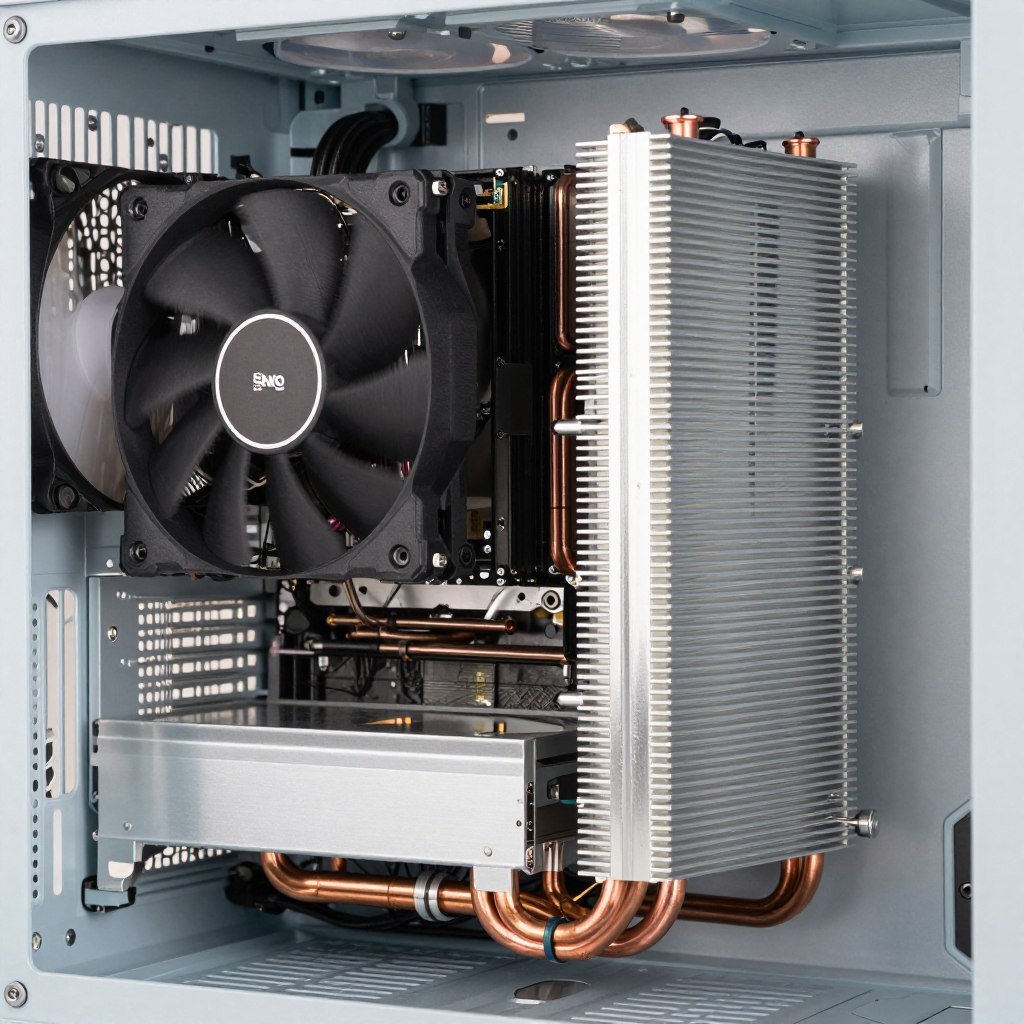
Stock coolers that come with CPUs barely cut it. They keep the processor from melting but run loud and hot. Budget $40-60 for an aftermarket tower cooler. The temperature drop and noise reduction are worth every penny.
Air cooling works for most builds. The Thermalright Peerless Assassin 120 sells used for $30-35 and cools anything up to an i9 or Ryzen 9. Water cooling looks cool but adds complexity and failure points. Only go AIO liquid cooling if you have money to burn.
Thermal paste dries out over time. If you buy a used cooler, replace the paste before installation. A $5 tube of quality paste prevents overheating issues. Apply a rice-grain-sized amount in the center of the CPU and let the cooler spread it.
Where to Buy Used Parts Safely
Finding used PC parts is easy. Finding ones that actually work and don’t leave you scammed is harder. I learned this the hard way with a “working” GPU that died after two weeks.
eBay: The Big Marketplace
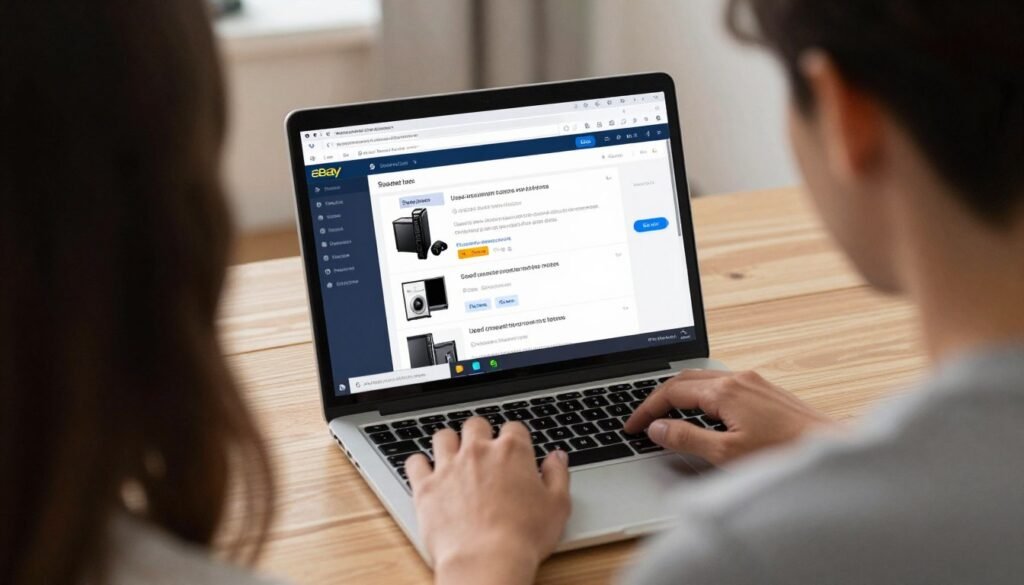
eBay offers buyer protection that makes it relatively safe. Look for sellers with 98%+ positive feedback and lots of sales. Read the item description carefully – “for parts” means broken, “tested” means it worked once, “used – like new” is your target.
Watch the photos closely. Sellers hiding damage post weird angles or blurry images. Good sellers show multiple clear photos including any scratches or wear. If photos look stock or promotional, ask for actual pictures.
The bidding system can save money, but Buy It Now listings are faster. Don’t get emotionally attached to auctions. Set your max price and walk away if bidding goes higher. Another deal always comes along.
Facebook Marketplace and Local Sales
Local pickup eliminates shipping damage and lets you test before buying. Meet at a safe public location, ideally a police station parking lot. Bring a laptop or tester if possible.

Ask to see the component working if possible. For graphics cards, ask for a Heaven benchmark screenshot from their system. For CPUs, ask for CPU-Z validation. Scammers won’t bother with proof.
Lowball offers waste everyone’s time. If the asking price is fair, pay it. If it’s too high, politely offer 10-15% less with cash in hand. Don’t haggle like you’re at a flea market.
r/hardwareswap and Hardware Forums
Reddit’s hardware swap community has rules that protect buyers. Sellers need confirmed trades to build reputation. Timestamps on photos prove they own the item. PayPal Goods and Services adds buyer protection.
Read the seller’s trade history. Multiple successful sales indicate reliability. Brand new accounts selling expensive components? Probably a scam. Trust your gut on this.
Hardware forums like [H]ard|OCP have marketplace sections with knowledgeable sellers. The community polices itself pretty well. Scammers get banned fast, and word spreads about problem sellers.
Red Flags to Avoid: Seller wants payment outside PayPal Goods & Services. Price seems too good to be true. Refuses to show working condition. Claims urgent sale due to emergency. Account has no selling history. Any of these means walk away immediately.
Testing Used Parts Before You Build
Getting used parts home is only half the battle. Testing them properly before building saves hours of troubleshooting later. I once skipped this step and spent two days diagnosing random crashes from bad RAM.
Graphics Card Testing
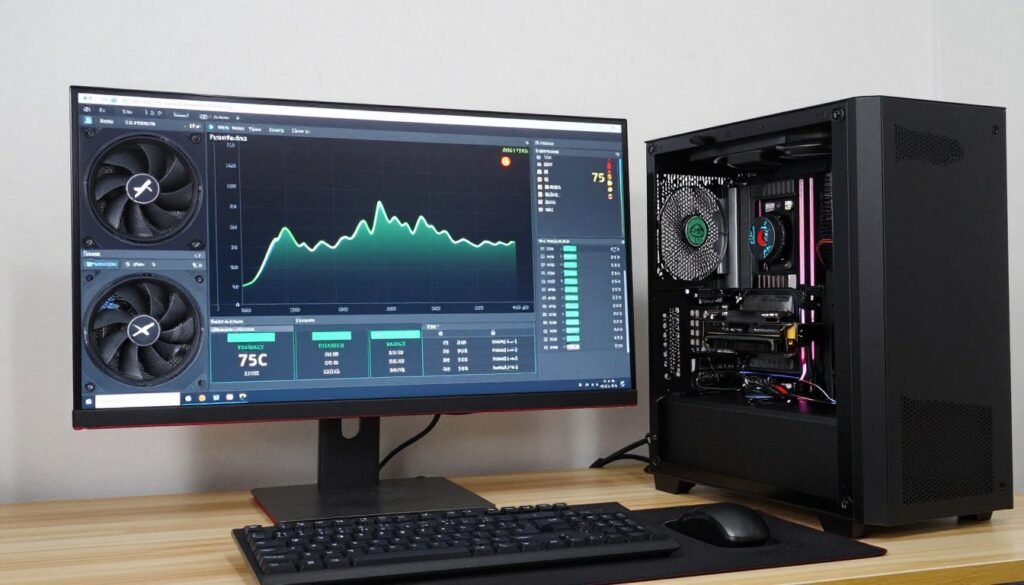
Install the card in your system and download FurMark. Run the stress test for 30 minutes. Watch temperatures and listen for weird noises. Healthy cards stay under 80°C and run smooth.
Run 3DMark or Heaven benchmark next. Compare scores to online results for your card model. If scores fall 20% below average, something’s wrong. Could be thermal paste issues or damaged memory.
Test in actual games for two hours. Play demanding titles that push the graphics card hard. Monitor for artifacts, crashes, or screen flickering. These indicate memory problems that stress tests might miss.
CPU and Memory Testing
Prime95 tests CPUs brutally. Run it for at least two hours. If the system crashes or shows errors, the CPU has issues. Temperature should stay under 90°C with decent cooling.
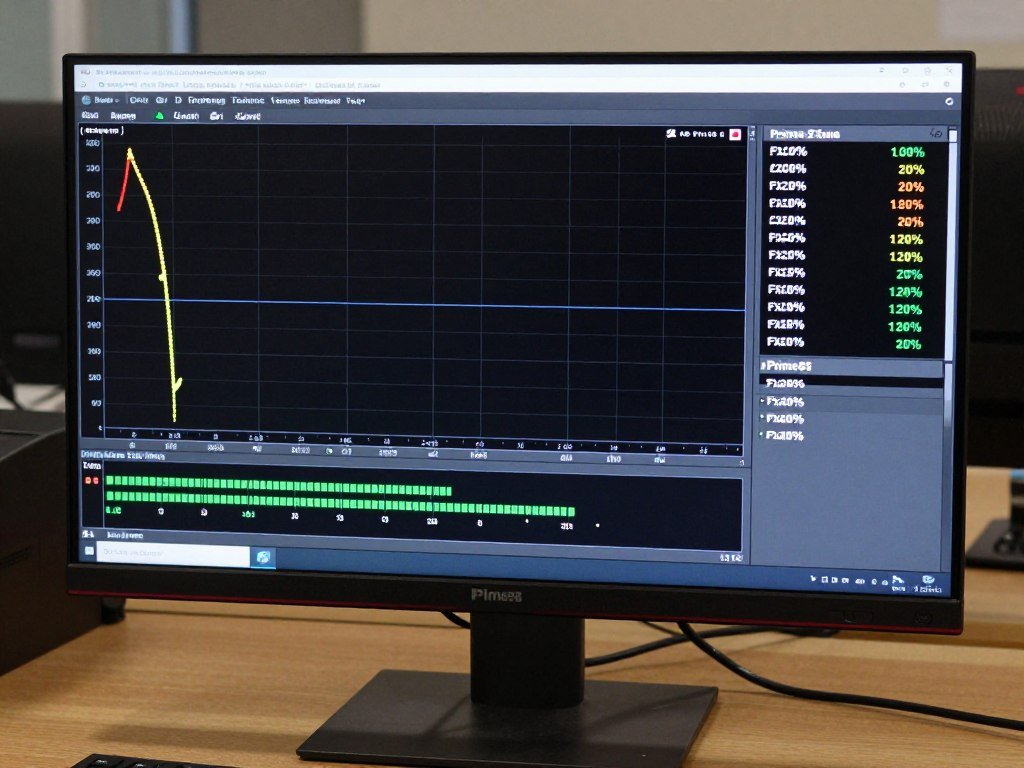
MemTest86 catches bad RAM. Create a bootable USB and let it run overnight. Any errors mean the memory stick is failing. Even one error disqualifies the RAM. Don’t risk data corruption.
CPU-Z verifies the processor is what the seller claimed. Check model number, core count, and clock speeds match specifications. Some scammers sell remarked CPUs that aren’t what they claim.
Storage Drive Health
CrystalDiskInfo shows SSD health instantly. Look for Power On Hours and Total Host Writes. A drive with 10,000 hours is well-used but okay. Over 20,000 hours means it’s near end of life.
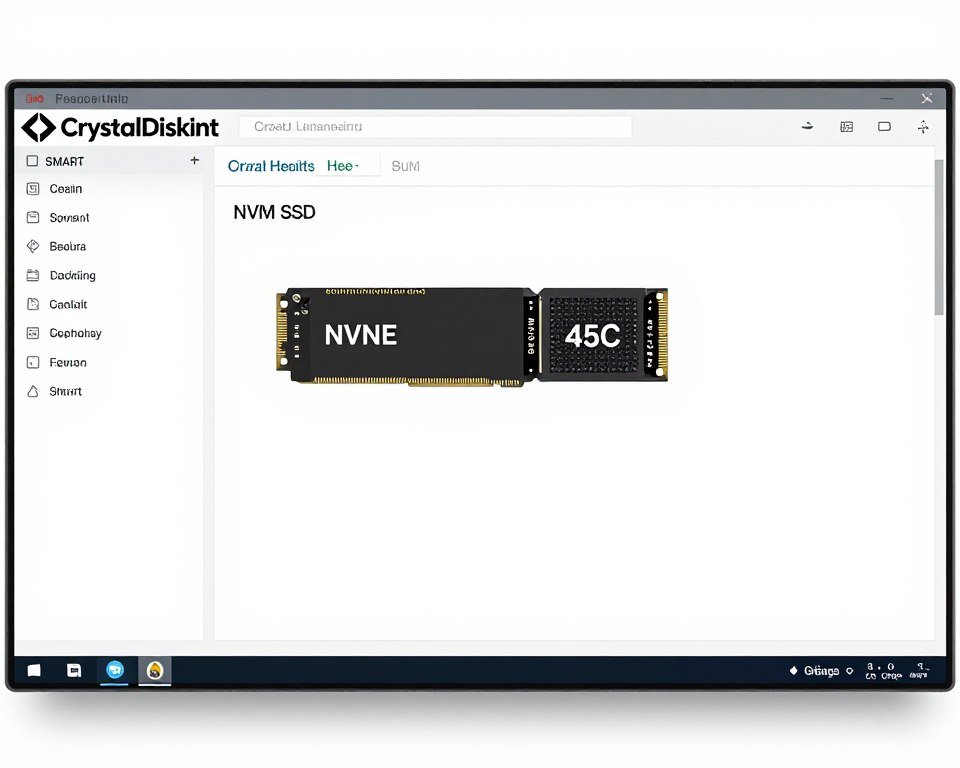
Run a full scan with the manufacturer’s tool. Samsung Magician for Samsung drives, Western Digital Dashboard for WD, etc. These catch problems CrystalDiskInfo misses.
Copy large files to and from the drive. Speeds should match specifications within 10%. Significantly slower speeds indicate drive degradation or counterfeit products.
Putting It All Together: Sample 2024 Used Build
Here’s a complete system using 2024 used parts that competes with new $1200 builds while costing under $700. These prices reflect current used market averages.
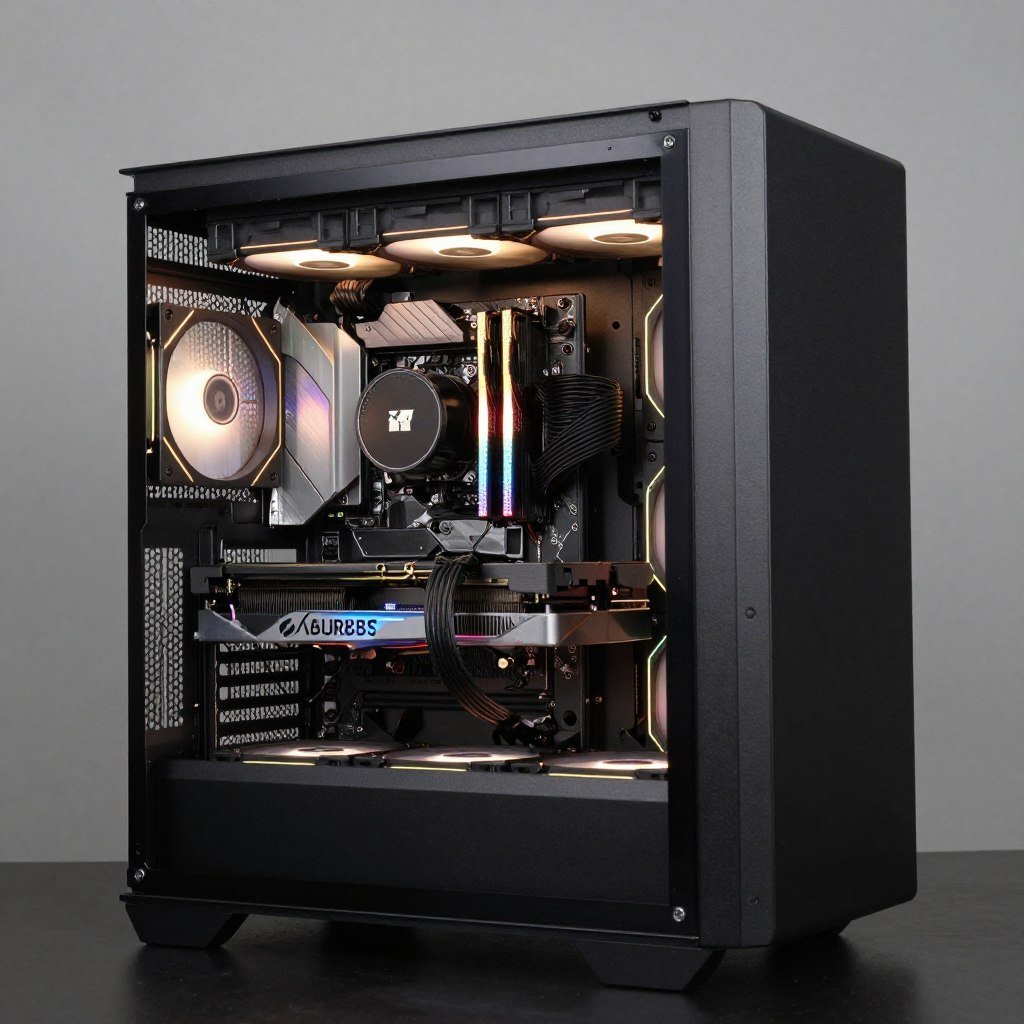
The Performance Build
- CPU: AMD Ryzen 7 7800X3D – $270
- GPU: RTX 4070 – $430
- Motherboard: B650 – $110
- RAM: 32GB DDR5-5600 – $90
- Storage: 1TB NVMe Gen 4 – $65
- PSU: 750W Gold – $75
- Case: Mid-tower – $50
- Cooler: Tower air cooler – $35
Total: $1,125
This system maxes out 1440p gaming and handles 4K with settings adjustments. Equivalent new components cost $1,600+.
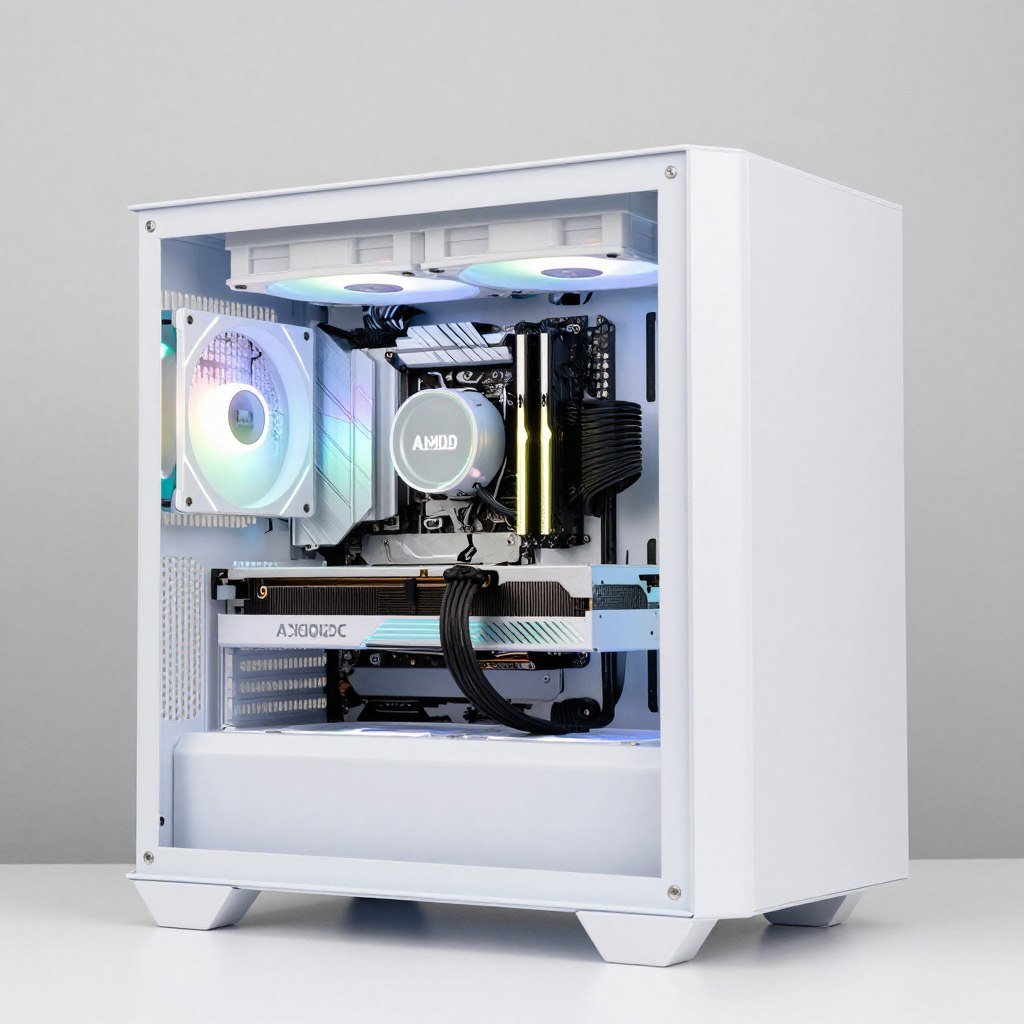
The Budget Build
- CPU: Ryzen 5 7600 – $140
- GPU: RTX 4060 Ti 16GB – $340
- Motherboard: B650 – $100
- RAM: 16GB DDR5-5600 – $50
- Storage: 512GB NVMe Gen 3 – $35
- PSU: 650W Gold – $60
- Case: Budget mid-tower – $40
- Cooler: Budget tower – $25
Total: $790
This handles 1080p gaming perfectly and has room to upgrade GPU later. New equivalent costs $1,100+.
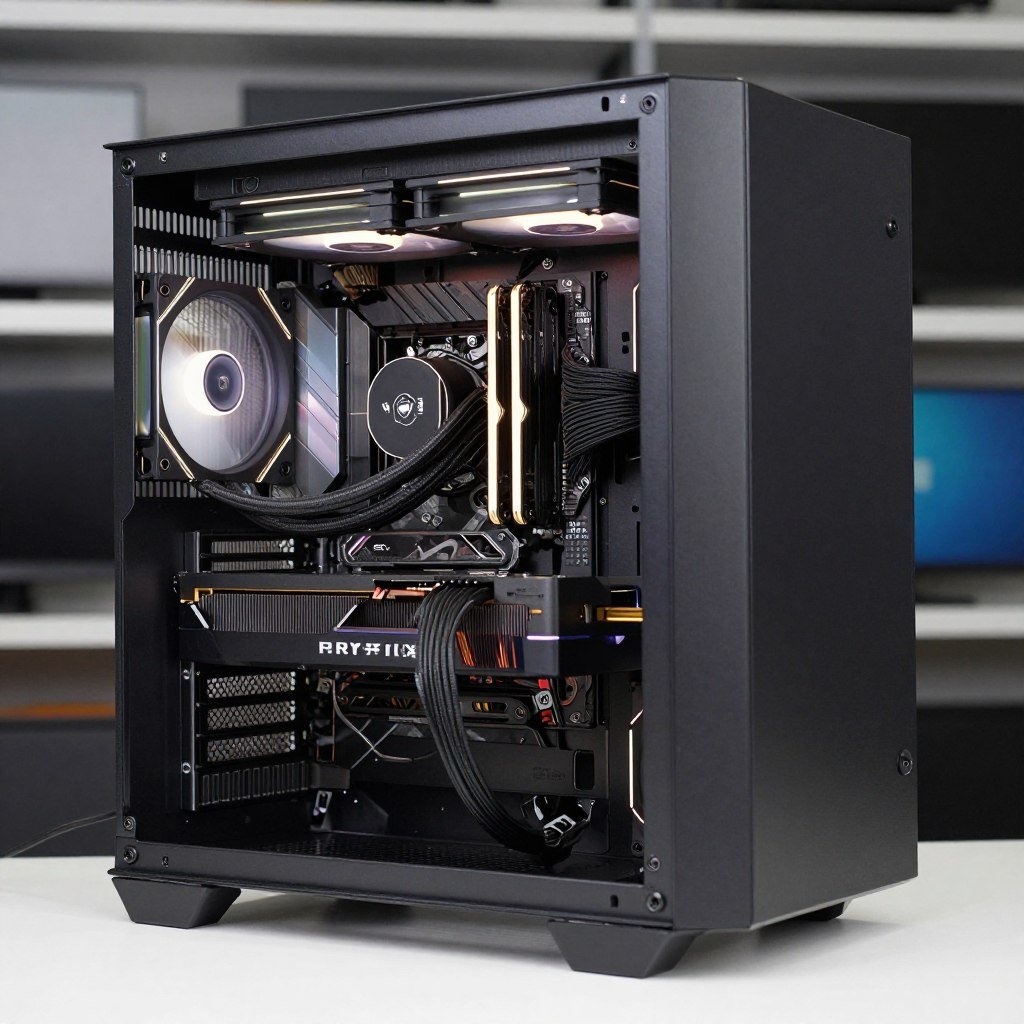
The Enthusiast Build
- CPU: Intel i7-14700K – $300
- GPU: AMD RX 7800 XT – $450
- Motherboard: B760 – $130
- RAM: 32GB DDR5-6000 – $100
- Storage: 2TB NVMe Gen 4 – $120
- PSU: 850W Gold – $90
- Case: Premium mid-tower – $80
- Cooler: High-end tower – $50
Total: $1,320
This crushes 1440p and handles 4K gaming. Multitasks like a champ. New equivalent exceeds $1,900.
All three builds assume you already have a monitor, keyboard, and mouse. Factor those in if starting from zero. Check building a balanced system for component selection strategies.
Verify Your Build Balance
Before buying components, check if your chosen parts work well together. Mismatched components waste money and performance. Our calculator shows you exactly where bottlenecks occur.
Common Mistakes to Avoid
I’ve seen people make the same errors repeatedly when buying used PC parts. Learn from their pain instead of experiencing it yourself.
Buying Mismatched Components
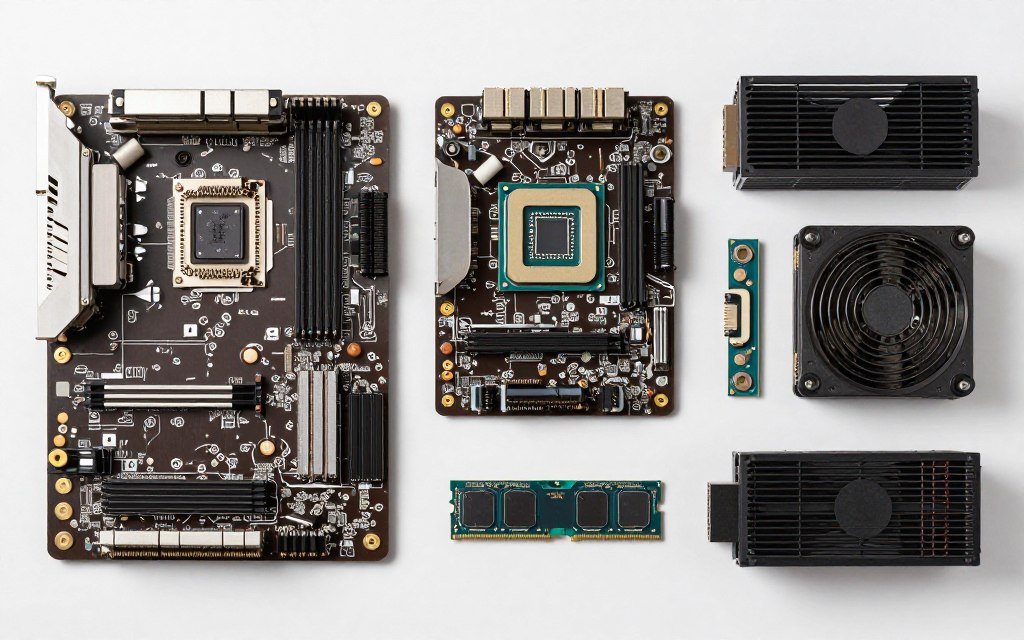
Don’t pair a high-end GPU with a budget CPU. The processor becomes a bottleneck and wastes the graphics card potential. Similarly, don’t buy a top-tier CPU for a weak graphics card. Match component tiers to each other.
Memory compatibility trips up newcomers. DDR4 doesn’t fit in DDR5 slots. Make sure your RAM matches your motherboard specification. Also check speed compatibility – some motherboards cap RAM speeds lower than the stick’s rating.
Use a hardware bottleneck test before finalizing your component selection. This prevents expensive mismatches.
Ignoring Power Requirements
Underpowered systems crash randomly. Calculate total power draw honestly, then add 20% headroom. A 600W power supply can’t safely run components that need 550W peak. The unit needs breathing room for efficiency and longevity.
Don’t forget about PCIe power connectors. RTX 4070 needs one 8-pin connector. Make sure your power supply has the right cables. Some older units lack modern connectors.
Skipping Research on Seller Reputation
Five minutes of checking feedback scores prevents scams. Look at negative reviews specifically – these tell the real story. If multiple buyers mention similar problems, believe them.
Don’t assume all platforms are equally safe. eBay has buyer protection. Friends-of-friends cash deals don’t. Adjust your caution level accordingly.
Buying Too Old or Too New
Parts from 2022 or earlier often aren’t worth the savings. Technology moved enough that you sacrifice performance for minimal cost reduction. The sweet spot is 2024 hardware – new enough to perform, old enough to discount.
Conversely, don’t buy 2025 used parts expecting huge discounts. Recent hardware hasn’t depreciated much. You might save 10-15%, but that’s barely worth the risk versus buying new with warranty.
The Bottom Line on Used PC Parts
Used hardware from 2024 offers legitimate value in 2026 builds. You’re not buying obsolete junk – these components deliver strong performance at reduced prices. The key is smart shopping, thorough testing, and balanced component selection.
Focus your savings on parts that depreciate fastest: graphics cards and CPUs. These lose value quickly but stay performant. Spend full price on power supplies and storage if needed – safety and reliability matter more than savings on these.
Buy from reputable sources with buyer protection. Test everything before building. Match component tiers to avoid bottlenecks. Follow these rules and you’ll build a system that performs like new for half the cost.
The reality is most people overspend on new hardware chasing minimal performance gains. A well-balanced used system from 2024 delivers 85-90% of cutting-edge performance while keeping significantly more money in your pocket. That’s smart building, not cheap building.
Start Planning Your Build
Ready to put together your used component build? Start by checking component compatibility and identifying potential bottlenecks. Our free calculator shows exactly how your chosen parts work together.
Stop overthinking and start building. The perfect moment to buy was yesterday. The second best moment is right now.
“`