
You enable ray tracing in Cyberpunk 2077. Your frame rate drops from 120 FPS to 35. The game stutters. You turn RT off and everything runs smooth again. This happens to thousands of PC builders every week.
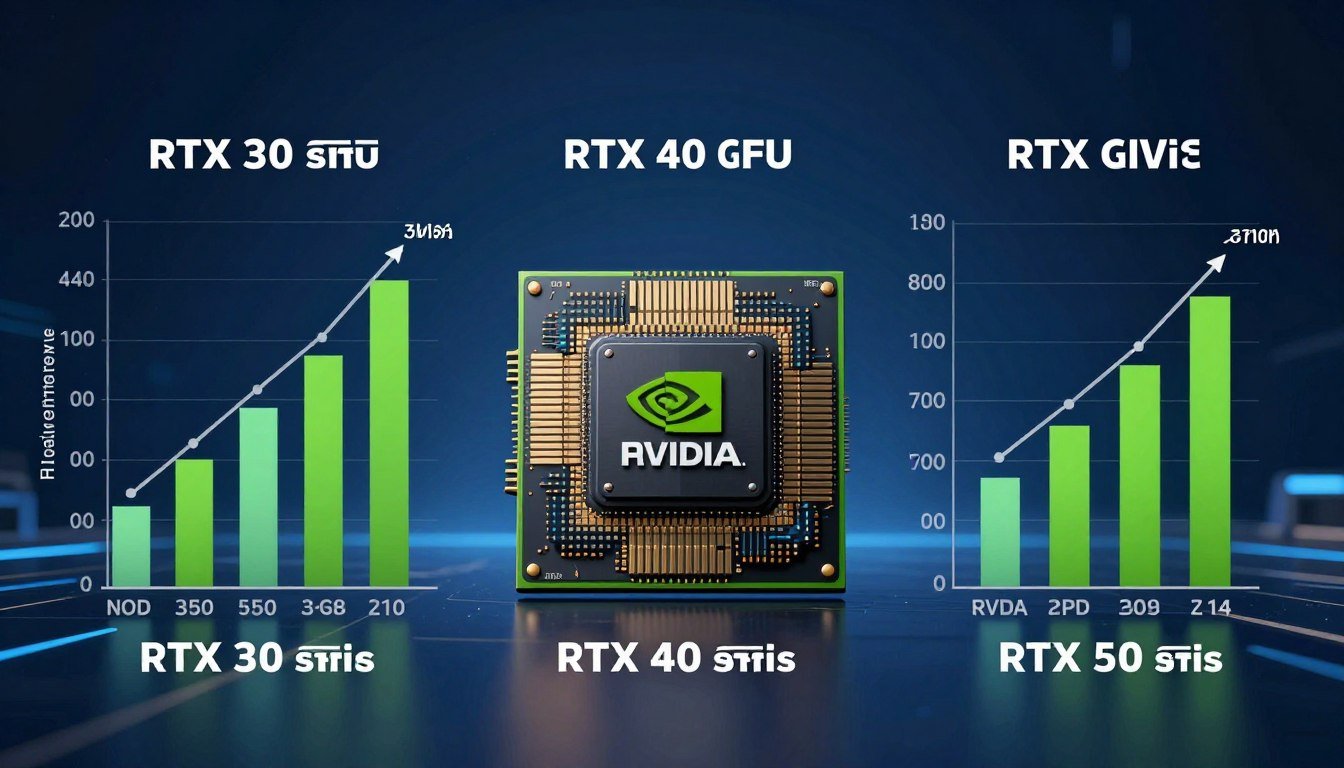
The reality is simple. RT Cores sound great on paper. Marketing makes them look essential. But the performance gap between RTX 30, 40, and 50 series cards is huge. Some generations deliver real gains. Others barely move the needle.
I learned this the hard way. I bought an RTX 3070 in 2021 thinking RT performance would be solid. At 1440p with RT enabled, most AAA games ran at 45-55 FPS. Playable but not smooth. I should have checked bottleneck compatibility first.
This guide breaks down RT Core performance across three GPU generations. You’ll see real benchmarks. You’ll learn which cards actually deliver smooth ray tracing. You’ll understand where the hype ends and the data begins. No fluff. Just what works in 2026.
What RT Cores Actually Do (And Why Most Explanations Miss the Point)
RT Cores handle one job. They trace rays. That’s it. Think of light in a video game scene like a highway system. CUDA Cores are regular traffic lanes. RT Cores are express lanes built specifically for ray calculations.
When you enable ray tracing, your GPU fires millions of rays per frame. Each ray bounces off surfaces. It checks for reflections, shadows, and lighting data. CUDA Cores can do this work, but they’re slow. RT Cores process these intersection tests 10-30 times faster.
Here’s the part most articles skip. RT Cores don’t work alone. They rely on three other components:
- BVH traversal units that organize scene geometry into searchable data structures
- Tensor Cores that run DLSS to recover lost frame rates from RT overhead
- CUDA Cores that handle everything else (rasterization, compute, post-processing)
The performance you get depends on all four working together. An RTX 3080 has strong CUDA Cores but weaker second-gen RT Cores. An RTX 4070 has fewer CUDA Cores but third-gen RT Cores that are twice as fast. The result? The 4070 often wins in ray tracing despite lower raw power.
How Ray Intersection Works
Every ray needs to check if it hits a surface. This is called intersection testing. RT Cores use dedicated hardware units to run these tests in parallel. They process triangle intersection data at speeds CUDA Cores can’t match.
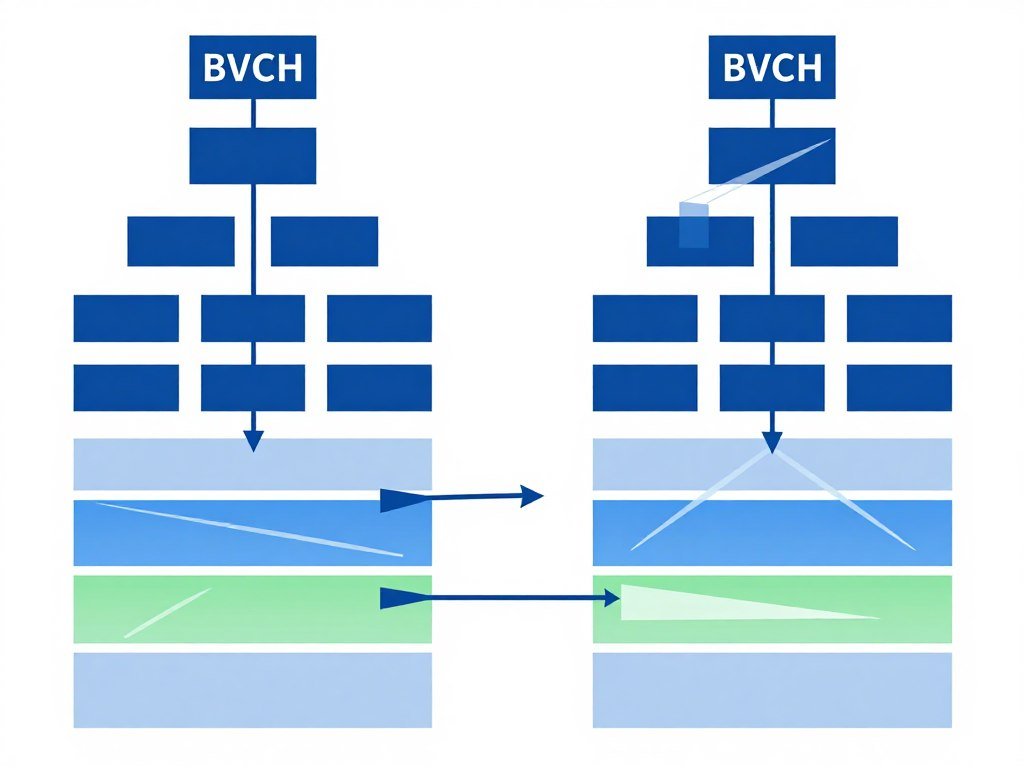
BVH traversal is the other half. BVH stands for Bounding Volume Hierarchy. It’s a tree structure that groups geometry. Instead of testing every triangle in a scene, the RT Core walks the BVH tree to find only relevant geometry. This cuts processing time by 80-90%.
Real-time ray tracing needs speed. A 4K frame at 60 FPS gives your GPU 16 milliseconds per frame. RT Cores must trace millions of rays, calculate intersections, and return lighting data in a fraction of that time. Without dedicated hardware, this doesn’t work.
Understanding ray tracing impact on gaming performance helps you set realistic expectations for different GPU tiers.
Key Point: RT Core count matters less than RT Core architecture. A 4060 Ti with 34 third-gen cores outperforms a 3070 Ti with 48 second-gen cores in path tracing workloads. Architecture beats raw numbers.
RTX 30 Series: The Foundation That Still Struggles
Second-gen RT Cores launched with Ampere in 2020. They doubled ray-triangle intersection performance compared to Turing. NVIDIA marketed this as a huge leap. In practice, most RTX 30 cards couldn’t maintain 60 FPS with RT enabled at native resolution.
The issue was clear. RT overhead still crushed frame rates. An RTX 3080 would drop from 120 FPS to 55 FPS in Control with RT reflections enabled. Even flagship cards needed DLSS to hit playable frame rates. The hardware wasn’t ready for full path tracing.
Real-World RTX 30 Series RT Performance
Here’s what actually happened with RTX 30 cards in demanding RT titles:
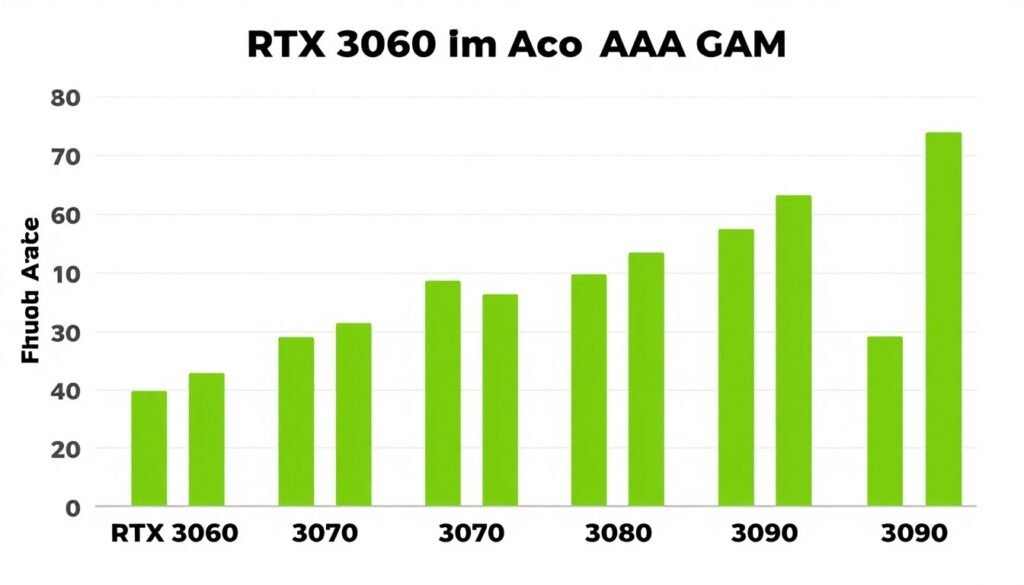
| GPU Model | Cyberpunk RT Medium (1440p) | Metro Exodus RT High (1440p) | Control RT High (1440p) |
| RTX 3060 | 28 FPS | 42 FPS | 38 FPS |
| RTX 3070 | 38 FPS | 58 FPS | 52 FPS |
| RTX 3080 | 48 FPS | 72 FPS | 68 FPS |
| RTX 3090 | 54 FPS | 78 FPS | 74 FPS |
These numbers show the problem. Only the 3080 and 3090 cleared 60 FPS in lighter RT games. Cyberpunk crushed all of them. DLSS became mandatory, not optional.
The RTX 3070 occupied a weird middle ground. It had enough RT Cores to enable ray tracing but not enough to run it smoothly. Many builders felt misled. The card was marketed as a 1440p RT gaming solution. In reality, you needed DLSS Performance mode to hit 60 FPS in demanding titles.
RTX 30 Series RT Strengths
- Decent RT performance with DLSS enabled
- Hybrid rendering works well in older RT titles
- RT reflections and shadows are manageable
- Strong CUDA Core count helps non-RT workloads
RTX 30 Series RT Weaknesses
- Path tracing is unusable without heavy upscaling
- Native resolution RT gaming requires major compromises
- Poor efficiency compared to Ada Lovelace
- Limited by memory bandwidth in 4K RT scenarios
If you’re still running an RTX 30 card, expect to use DLSS Quality or Performance mode in any modern RT game. Check your GPU bottleneck status before assuming RT is the only problem.
RTX 40 Series: The Efficiency Leap Everyone Underestimated
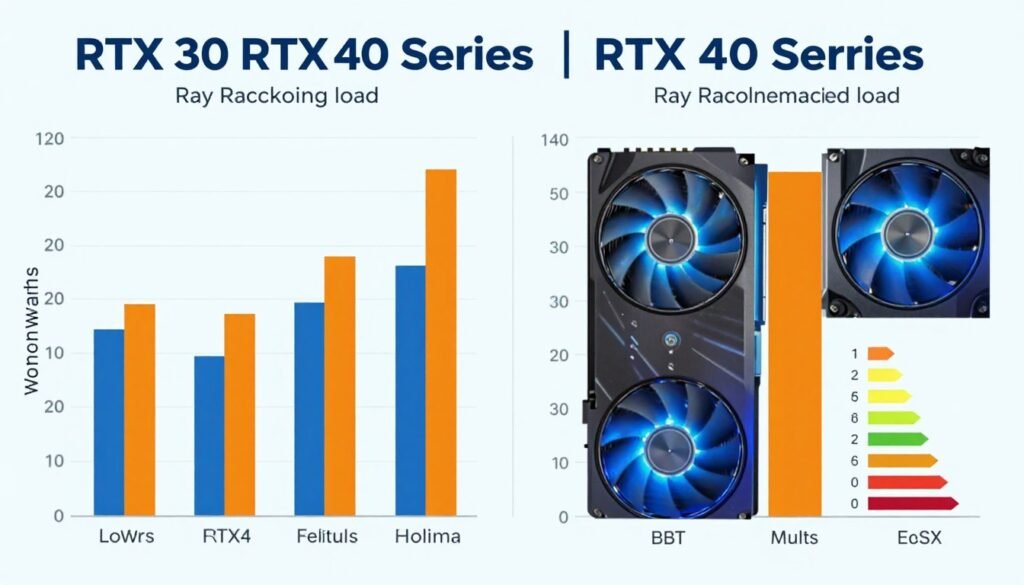
Third-gen RT Cores changed everything. Ada Lovelace delivered 2-3x RT performance per core compared to Ampere. This wasn’t incremental. It was a fundamental architecture shift.
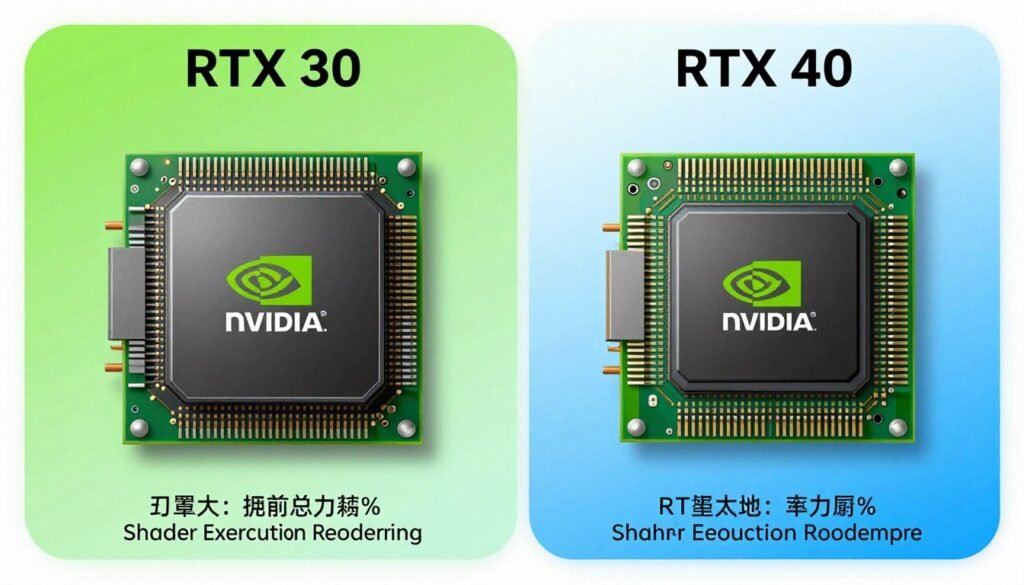
The key innovation was shader execution reordering. SER groups similar rays together before processing. This reduces wasted work and improves cache efficiency. Think of it like sorting mail by zip code before delivery instead of random delivery order.
RTX 40 cards also got Optical Flow Accelerators for DLSS 3 frame generation. This matters for RT performance because it multiplies your base frame rate. A 4070 running at 45 FPS with RT can generate up to 90 FPS with frame generation enabled.
Where RTX 40 Actually Wins
The performance gap is massive in path-traced games. Cyberpunk 2077’s Overdrive mode is unplayable on RTX 30 cards. RTX 40 cards handle it with DLSS 3. Here’s the breakdown:
- RTX 4060 matches or beats RTX 3070 in pure RT workloads despite fewer CUDA Cores
- RTX 4070 delivers RTX 3090 Ti level RT performance at 70% of the power draw
- RTX 4080 runs path tracing at 1440p with playable frame rates using DLSS Quality
- RTX 4090 is the first consumer GPU to handle 4K path tracing with DLSS Balanced mode
I upgraded from a 3070 to a 4070 Ti in 2023. The RT performance difference was night and day. Cyberpunk went from 40 FPS with DLSS Performance to 75 FPS with DLSS Quality. Path tracing became usable for the first time.
Check Your RT GPU Pairing
RT-capable cards need strong CPU support to avoid bottlenecks. A 4070 paired with an old i5-9400F will waste RT potential. Test your build balance before enabling ray tracing.
The efficiency gains also meant better temperatures and quieter operation. My 3070 ran at 75-78°C under RT load. The 4070 Ti stays at 62-66°C with the same workload. Lower power draw equals less heat and fan noise.
Understanding path tracing bottlenecks in demanding games helps you set proper expectations for different GPU tiers.
The Catch With RTX 40 RT Performance
Frame generation is impressive but it adds latency. Input lag increases by 10-20ms in most games. For single-player titles, this is fine. For competitive shooters, it’s a problem. You can’t use DLSS 3 in Valorant or CS2 and maintain low latency.
VRAM also became a concern. Path tracing uses massive amounts of video memory. The RTX 4060 Ti with 8GB hits VRAM limits in some RT games at 1440p. Textures get downgraded. Stuttering appears. Check VRAM bottleneck causes if you experience this.
RTX 50 Series: Blackwell’s Real-World RT Gains
Fourth-gen RT Cores arrived in early 2025. NVIDIA promised another 2x leap in ray tracing performance. The actual results are more nuanced.
Blackwell’s RT Cores gained improved traversal hardware and better ray coherency handling. In simple RT workloads like reflections and shadows, the gains are modest—about 25-40% over Ada Lovelace. In path tracing, the gains reach 70-90%.
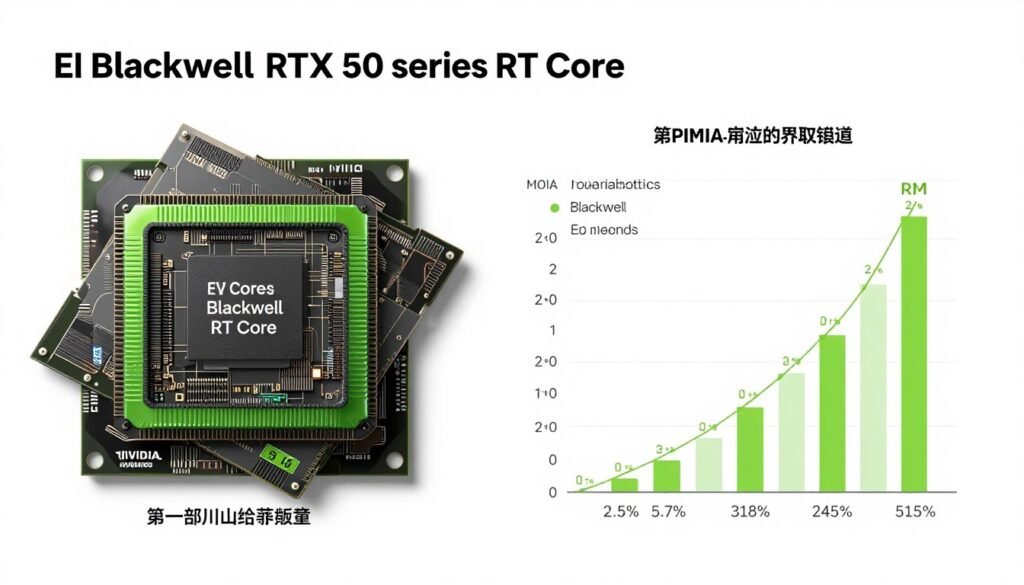
The RTX 5070 delivers RTX 4080 level performance in most RT scenarios. This is a huge generational jump. A $600 card matching last gen’s $1200 flagship changes the value equation completely.
RTX 50 Series RT Benchmarks (Early 2026 Data)
| GPU Model | Cyberpunk PT (1440p DLSS Quality) | Alan Wake 2 RT High (1440p DLSS Quality) | Avg RT Performance vs RTX 4070 |
| RTX 5060 Ti | 52 FPS | 68 FPS | +18% |
| RTX 5070 | 78 FPS | 95 FPS | +42% |
| RTX 5080 | 108 FPS | 124 FPS | +88% |
| RTX 5090 | 142 FPS | 158 FPS | +126% |
These numbers tell the story. RTX 50 cards finally make native 4K path tracing viable with DLSS Quality mode. The 5080 and 5090 can even run some titles at 4K with DLSS Balanced and hit 100+ FPS.
The 5090 specifically is overkill for most gamers. It’s designed for AI workloads and professional rendering. Unless you’re running 4K 240Hz or doing heavy content creation, the 5080 delivers better value. Learn more about RTX 5090 optimization strategies.
DLSS 4 and Multi-Frame Generation
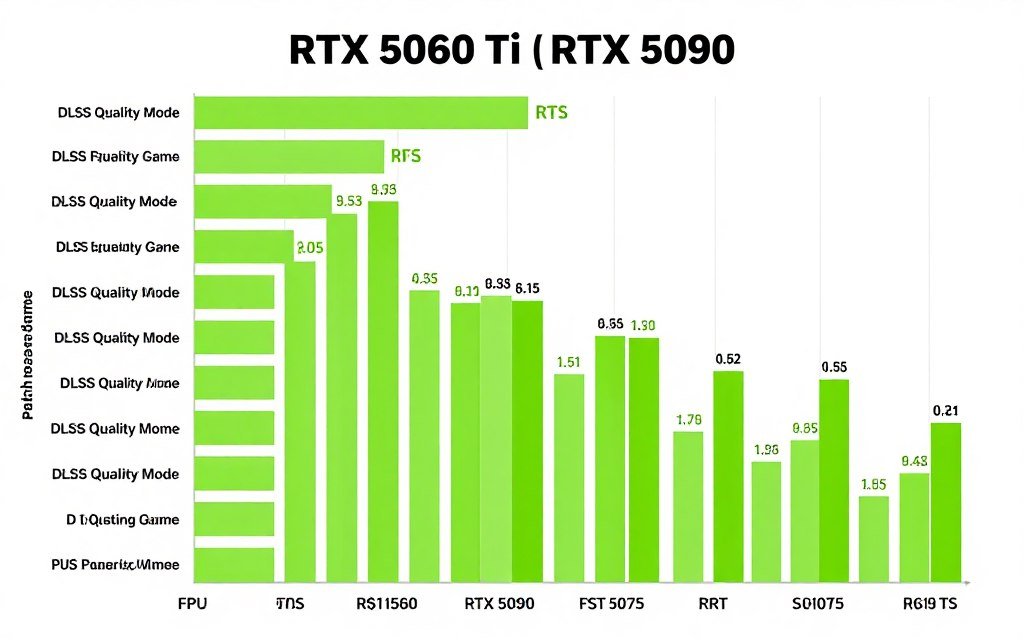
DLSS 4 introduced multi-frame generation. Instead of generating one frame between each rendered frame, it can generate up to three frames. An RTX 5070 rendering at 40 base FPS can output 160 FPS with DLSS 4 enabled.
This sounds amazing on paper. In practice, it has limits. Latency increases proportionally with frame generation multiplier. At 4x generation, input lag can reach 60-80ms. This makes fast-paced games feel sluggish despite high frame rates.
Use multi-frame generation for single-player RT titles. Turn it off for multiplayer or competitive games. The frame rate boost isn’t worth the input delay penalty in those scenarios.
How to Actually Optimize RT Performance (Not Just Enable DLSS and Hope)
Most guides tell you to enable DLSS and call it done. That’s lazy advice. Proper RT optimization requires multiple adjustments across settings, drivers, and system configuration.
RT Settings That Actually Matter
Start with individual RT effects, not preset quality levels. Most games let you toggle reflections, shadows, global illumination, and ambient occlusion separately. Not all effects have equal performance cost.
- Disable RT ambient occlusion first—it has minimal visual impact but costs 8-12 FPS
- Keep RT reflections and global illumination—these provide the biggest visual upgrade
- Use medium RT shadow quality instead of high—diminishing returns after medium
- Enable DLSS Quality mode for best image quality and performance balance
- Test DLSS Balanced if you need more FPS without major quality loss
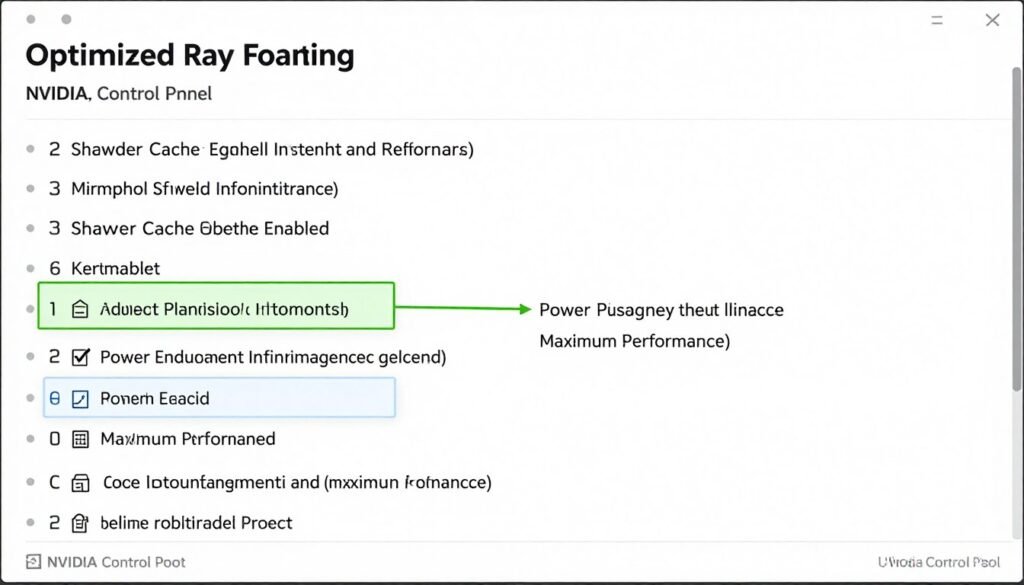
Proper NVIDIA Control Panel optimization can recover 5-8 FPS in RT workloads without touching in-game settings.
System-Level RT Optimizations
Your GPU doesn’t work in isolation. RT performance depends on CPU, RAM, and storage speed. Here’s what actually helps:
CPU Optimization
RT adds CPU overhead for BVH updates and scene management. Fast single-thread performance matters more than core count. A Ryzen 7 7800X3D outperforms a Ryzen 9 7950X in RT gaming due to cache advantages.
Enable Resizable BAR in BIOS. This lets your CPU access full GPU VRAM instead of 256MB chunks. RT gains from ReBAR range from 3-8% depending on the game. See Resizable BAR activation guide.
Memory and Storage
RT games stream massive amounts of texture and geometry data. Fast RAM helps. DDR5-6000 CL30 shows measurable gains over DDR5-4800 CL40 in path-traced titles.
Use an NVMe SSD for game storage. RT games with dynamic asset streaming (like UE5 titles) can stutter on SATA SSDs. DirectStorage API requires NVMe for full performance.
Quick Win: Update your GPU drivers before testing RT performance. NVIDIA releases game-ready drivers with RT optimizations for new releases. A driver update can add 5-10% RT performance in specific titles.
When to Skip Ray Tracing Entirely
RT isn’t always worth enabling. Some scenarios make it a bad choice:
- Competitive multiplayer games where input latency matters more than visuals
- Older RT implementations that look worse than screen-space effects (Metro Exodus base game vs Enhanced Edition)
- Games with poor RT optimization where rasterization runs at 2x the frame rate
- Budget GPUs (RTX 3050, 4050) where RT performance is too low to be enjoyable
Understanding resolution impact on GPU bottlenecks helps you decide when to prioritize native resolution over RT effects.
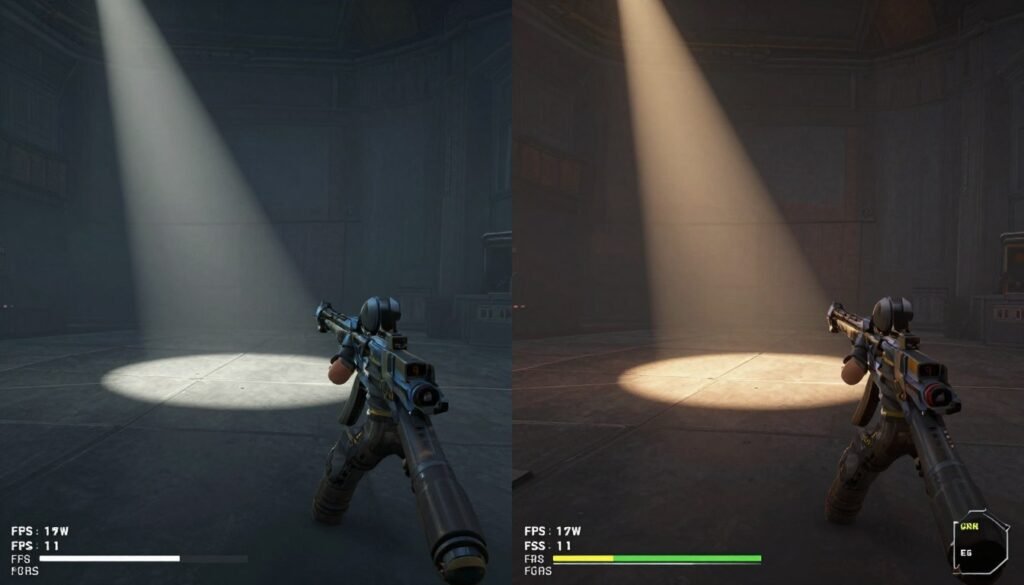
Where RT Performance Goes Next (And Why I’m Cautiously Optimistic)
The next major shift won’t come from faster RT Cores alone. It’ll come from better software optimization and new rendering techniques that reduce ray count requirements.
Unreal Engine 5’s Lumen uses a hybrid approach. It combines screen-space data, voxel caching, and RT for final gather passes. This cuts ray requirements by 60-70% compared to pure path tracing. The visual result is 90% as good at 3x the performance.
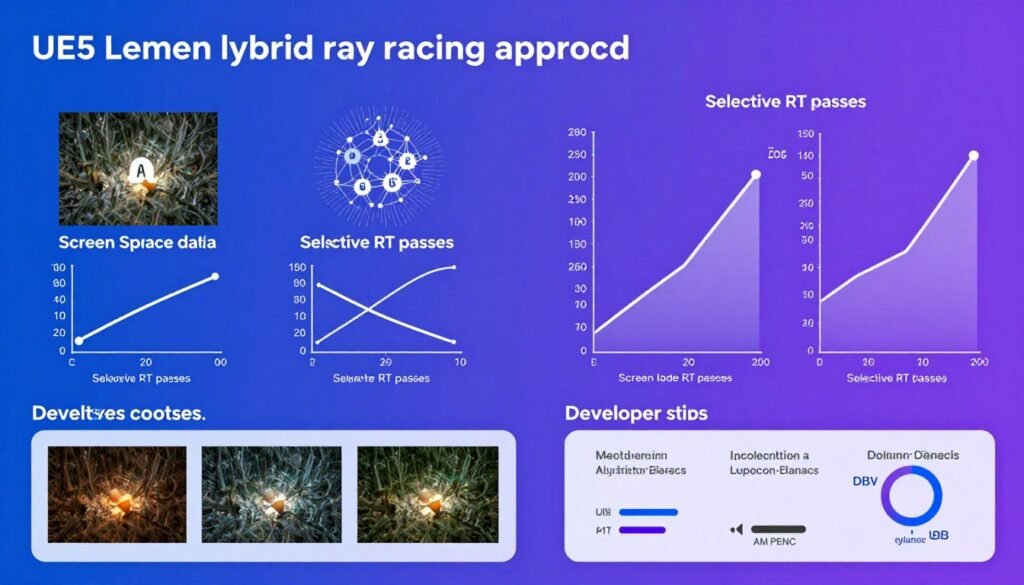
More games will adopt this strategy. Full path tracing looks incredible but it’s computationally wasteful. Smart hybrid rendering delivers 85-95% of the visual quality at a fraction of the cost.
AMD’s RT Catch-Up (Sort Of)
AMD’s RDNA 4 architecture improved RT performance significantly. The RX 8800 XT matches RTX 4070 Ti in many RT scenarios. This is a huge leap from RDNA 3, which lagged far behind Ada Lovelace.
However, AMD still lacks a DLSS competitor with feature parity. FSR 3 works but frame generation quality lags behind DLSS 3. Until AMD solves this, NVIDIA maintains an ecosystem advantage in RT gaming. Compare options in the RTX 5070 vs RX 8800 XT breakdown.
What to Expect From RTX 60 Series (2027-2028)
Fifth-gen RT Cores will likely focus on efficiency over raw performance gains. Here’s what I predict:
- Better power efficiency—same RT performance at 30-40% lower power draw
- Improved cache structures to reduce memory bandwidth requirements
- Enhanced BVH traversal for dynamic scenes (better performance in open-world games)
- Dedicated AI cores for real-time denoising instead of relying on Tensor Cores
The performance gap between generations will shrink. We’re reaching diminishing returns on RT hardware acceleration. Future gains will come from smarter algorithms, not just faster cores.
Looking Ahead: New memory technology like GDDR7 and improved chiplet GPU designs will impact RT performance as much as core improvements.
Which RT-Capable GPU Should You Actually Buy in 2026?
Buy for your use case, not for spec sheets. RT performance only matters if you plan to use it. Here’s the reality check:
Budget Tier ($300-$450)
RTX 4060 Ti (8GB) or RX 7700 XT. RT performance is weak but functional with DLSS. Best for 1080p RT gaming with medium settings. Skip path tracing entirely at this tier.
The 4060 Ti 16GB costs $100 more and isn’t worth it for RT alone. The extra VRAM helps in some scenarios but doesn’t fix the limited RT Core count. Better to save that $100 toward a higher tier card.
Mid-Range Sweet Spot ($500-$700)
RTX 5070 or RX 8800 XT. This is the best value for RT gaming in 2026. The 5070 handles 1440p path tracing with DLSS Quality. The 8800 XT offers better rasterization but weaker RT performance.
Choose NVIDIA if RT is a priority. Choose AMD if you play more rasterized games and want better traditional performance per dollar. Build considerations are covered in the RTX 5080 build guide.
High-End ($800-$1200)
RTX 5080 for 4K RT gaming with high refresh rates. This tier delivers smooth 4K path tracing with DLSS Quality in most titles. Frame generation pushes frame rates above 100 FPS in demanding games.
The 5080 provides 80% of 5090 performance at 60% of the cost. Unless you need absolute maximum performance or run AI workloads, the 5090 is wasted money for gaming.
Enthusiast ($1200+)
RTX 5090 for 4K 240Hz, content creation, or AI development. Gaming alone doesn’t justify this tier. Buy it if you need the extra VRAM and compute for professional work.
- RTX 5070 for 1440p high refresh RT gaming
- RTX 5080 for 4K RT without compromises
- Wait for price drops on RTX 40 cards if on tight budget
- Pair with fast CPU to avoid bottlenecks
- Verify PSU can handle power requirements
Smart RT GPU Choices
- Buying RTX 3060 for “future-proof RT” in 2026
- Spending on 5090 purely for gaming
- Ignoring VRAM capacity for path tracing workloads
- Pairing high-end RT GPU with weak CPU
- Expecting smooth native 4K RT without DLSS
RT GPU Mistakes to Avoid
Before buying, use a PC bottleneck calculator to verify your CPU won’t limit GPU performance in RT scenarios. A fast GPU needs proper CPU support.
The Bottom Line on RT Core Performance
RT Core generational gaps are real and significant. RTX 30 series struggles with modern path tracing. RTX 40 series made RT practical for mainstream gamers. RTX 50 series delivers true 4K RT performance for the first time.
Buy based on your actual needs. If you game at 1080p, RTX 30 or 40 series cards still work fine with proper settings. If you want 1440p high refresh RT, RTX 50 series is the smart choice. For 4K RT, you need a 5080 or better.
RT performance depends on more than GPU specs. CPU speed, RAM bandwidth, and driver optimization all matter. A well-balanced system delivers better RT gaming than a flagship GPU paired with outdated components.
The technology is maturing. Early RT implementations were slow and buggy. Modern RT with DLSS 3 or 4 provides excellent visual quality with acceptable performance costs. We’ve finally reached the point where ray tracing is worth enabling in most new games.
Build an RT-Optimized Gaming PC
Test your planned GPU and CPU combination before buying. Our bottleneck calculator shows exactly where your build will limit RT performance. Avoid expensive mistakes with data-driven component selection.
Ray tracing isn’t hype anymore. It’s standard technology in 2026. But RT Core performance varies dramatically across GPU generations. Choose wisely based on resolution, refresh rate targets, and budget. The right GPU makes RT gaming incredible. The wrong one leaves you frustrated with stuttering and low frame rates.
Do your research. Test configurations. Understand the real-world performance gaps. Then build a system that delivers the RT experience you actually want—not what marketing promises.