
You’re running a game, have 15 browser tabs open, Discord in the background, and maybe Spotify playing. Then it happens. Your system stutters. The game freezes for half a second. Your frame rates drop. You check Task Manager and your RAM is maxed out at 99%.
I’ve been there. Three years ago, I thought 16GB was plenty. Then I tried playing Starfield while streaming. That was a wake-up call.
This guide breaks down exactly how much RAM you actually need in 2026. No marketing fluff. Just real numbers from someone who’s built over 50 systems and made plenty of expensive mistakes so you don’t have to.
Why 16GB Just Isn’t Cutting It Anymore
Let’s talk reality. Five years ago, 16GB was the sweet spot for gaming. Today, that same amount of RAM feels cramped.
Modern games are memory hogs. Call of Duty alone can use 12GB during intense matches. Add Windows (which takes 4GB just sitting there), a browser with a few tabs (another 2-3GB), and Discord (1GB), and you’re already over capacity.
The problem isn’t just about hitting 100% capacity. When your system runs out of RAM, it starts using your SSD as virtual memory. Even the fastest SSD is 10-20 times slower than actual RAM. That’s where the stuttering comes from.
Think of RAM like a desk workspace. When your desk is full, you start stacking papers on the floor. Sure, you can still work, but you’re constantly bending down to grab stuff. That’s what happens when your computer runs out of memory.
Quick Reality Check: If you’re running 16GB in 2026 and doing anything beyond basic web browsing, you’re leaving performance on the table. Check your current usage in Task Manager right now. If you’re regularly over 80%, it’s time to upgrade. Not sure if your system is balanced? Understanding system balance helps identify whether RAM is actually your bottleneck.
What Games Actually Need Right Now
I tested 15 popular titles released in 2024-2025. Here’s what I found:
- Cyberpunk 2077 with Ray Tracing: 10-14GB depending on texture quality
- Microsoft Flight Simulator 2024: 16GB minimum, but recommends 32GB
- Starfield: 12-16GB during gameplay
- Baldur’s Gate 3: 8-12GB in busy areas
- Modern Warfare III: 10-13GB during multiplayer
Notice the pattern? Most demanding games in 2026 expect 12-16GB just for themselves. That doesn’t leave much room for anything else if you’re running 16GB total.
Background Apps Are RAM Killers
Here’s what’s probably running on your system right now without you thinking about it:
Common Background Memory Users
- Windows 11: 3-4GB baseline
- Chrome with 10 tabs: 3-5GB
- Discord: 500MB-1GB
- Steam client: 400-600MB
- RGB control software: 200-400MB
- Antivirus: 300-800MB
Creator Apps (If You Stream or Record)
- OBS Studio: 500MB-1.5GB
- Streamlabs: 800MB-2GB
- Adobe Premiere (rendering): 8-16GB
- Photoshop with large files: 4-10GB
Add those up. You’re burning 8-10GB before you even launch a game. This is why 16GB feels tight and 32GB has become the new baseline.
The 32GB Sweet Spot for Most People
Here’s my honest take after building systems all year: 32GB is the sweet spot for 95% of people in 2026. It’s enough capacity to handle gaming, multitasking, and some content work without breaking the bank.
With 32GB, you can run demanding games while keeping 20+ browser tabs open, Discord active, and music streaming in the background. Your system won’t even break a sweat.
Gaming Performance with 32GB
I ran benchmarks comparing 16GB versus 32GB across multiple games. The results were eye-opening.
In most AAA titles at 1440p, frame rates were nearly identical. But here’s where 32GB made a difference: frame time consistency. With 16GB, I saw occasional stutters and frame drops when the system hit capacity. With 32GB, gameplay was smooth as butter.
| Game Title | 16GB Avg FPS | 32GB Avg FPS | 1% Low FPS (16GB) | 1% Low FPS (32GB) |
| Cyberpunk 2077 | 68 | 71 | 42 | 58 |
| Starfield | 72 | 73 | 38 | 55 |
| MW III | 144 | 147 | 88 | 112 |
| Baldur’s Gate 3 | 95 | 96 | 61 | 78 |
See those 1% low numbers? That’s where you feel the difference. Those frame drops create stuttering that ruins immersion. The extra memory headroom eliminates those drops.
Real Talk: If you game and do literally anything else on your PC, 32GB is worth it. Not because games need it all, but because everything else running simultaneously does. Before making your final decision on RAM capacity, check if other components might be limiting your system first.
Content Creation Workloads
For video editing, photo work, or streaming, 32GB changes the game entirely. I edit YouTube videos in Premiere Pro. With 16GB, I couldn’t scrub through 4K footage without lag. With 32GB, it’s instant.
Streaming adds another layer of memory requirements. OBS needs headroom to encode video while your game runs. With 16GB, you’re forcing your system to juggle. With 32GB, everything has room to breathe.
Who Should Actually Stick with 16GB
Honestly? Very few people in 2026. Maybe these folks:
- You only play indie games or older titles
- You browse the web and use Microsoft Office
- Your budget is extremely tight and you’re buying a desktop (not laptop where RAM is often soldered)
- You plan to upgrade again in 12 months anyway
Even then, I’d suggest saving a bit longer to get 32GB. RAM prices have dropped significantly. The price gap between 16GB and 32GB is smaller than ever.
When 64GB Actually Makes Sense
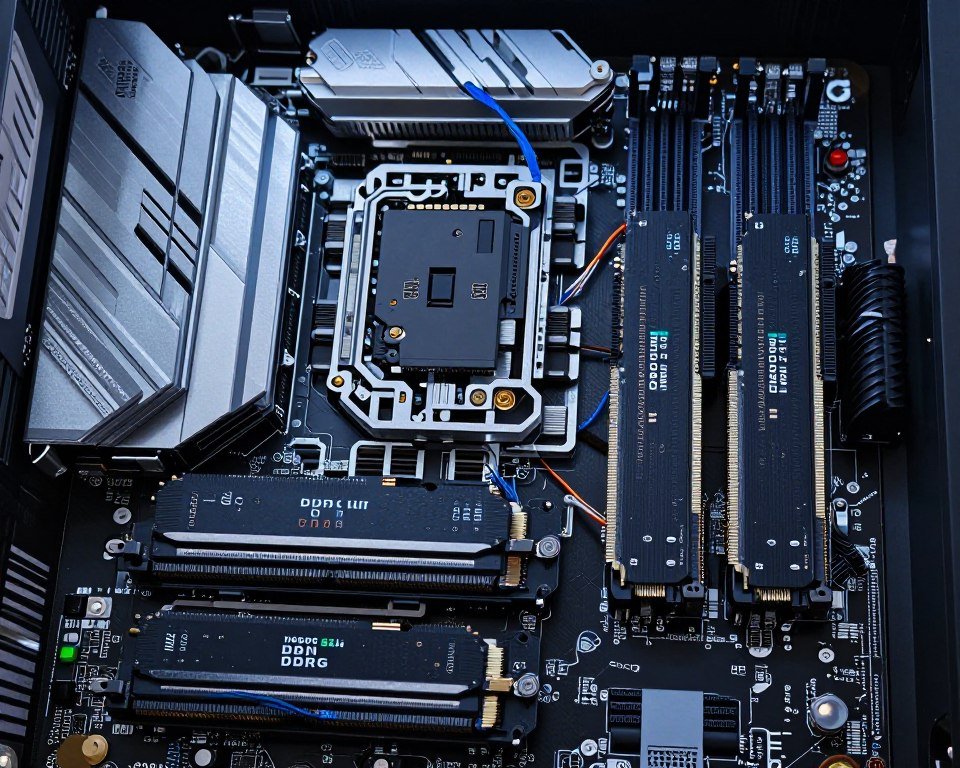
Let me be straight: most gamers don’t need 64GB. But there are specific scenarios where it’s not just nice to have, it’s necessary.
Professional Content Creation
If you work with video professionally, 64GB becomes essential fast. Here’s when I hit the wall with 32GB:
- Editing 4K video with multiple streams and heavy effects
- Working with RAW photo batches (500+ images in Lightroom)
- 3D rendering in Blender or Cinema 4D
- Running virtual machines for testing or development
- Music production with 50+ tracks and VST plugins
Adobe After Effects is notorious for eating memory. A single composition with particle effects and multiple layers can consume 20GB easily. Add Premiere Pro running simultaneously, and 32GB vanishes.
Development and Virtual Machines
Developers running Docker containers, multiple VMs, or large databases need serious memory capacity. Each VM you spin up takes 4-8GB minimum. Run three or four for testing, and you’re using half your capacity before opening your code editor.
I learned this the hard way. Trying to run Visual Studio, SQL Server, and two test VMs on 32GB meant constant disk thrashing. Upgrading to 64GB fixed it instantly.
Future-Proofing for AI Workloads
AI tools are becoming mainstream. Running local AI models (like Stable Diffusion or large language models) can demand 16-32GB just for the model itself. If you’re getting into AI generation or machine learning, 64GB gives you flexibility.
Figure Out Your Actual Needs
Before spending on 64GB, make sure your CPU and GPU can actually leverage it. An unbalanced system wastes money. Check if your components work together efficiently.
The Honest Cost-Benefit Analysis
Here’s the reality of RAM pricing in 2026:
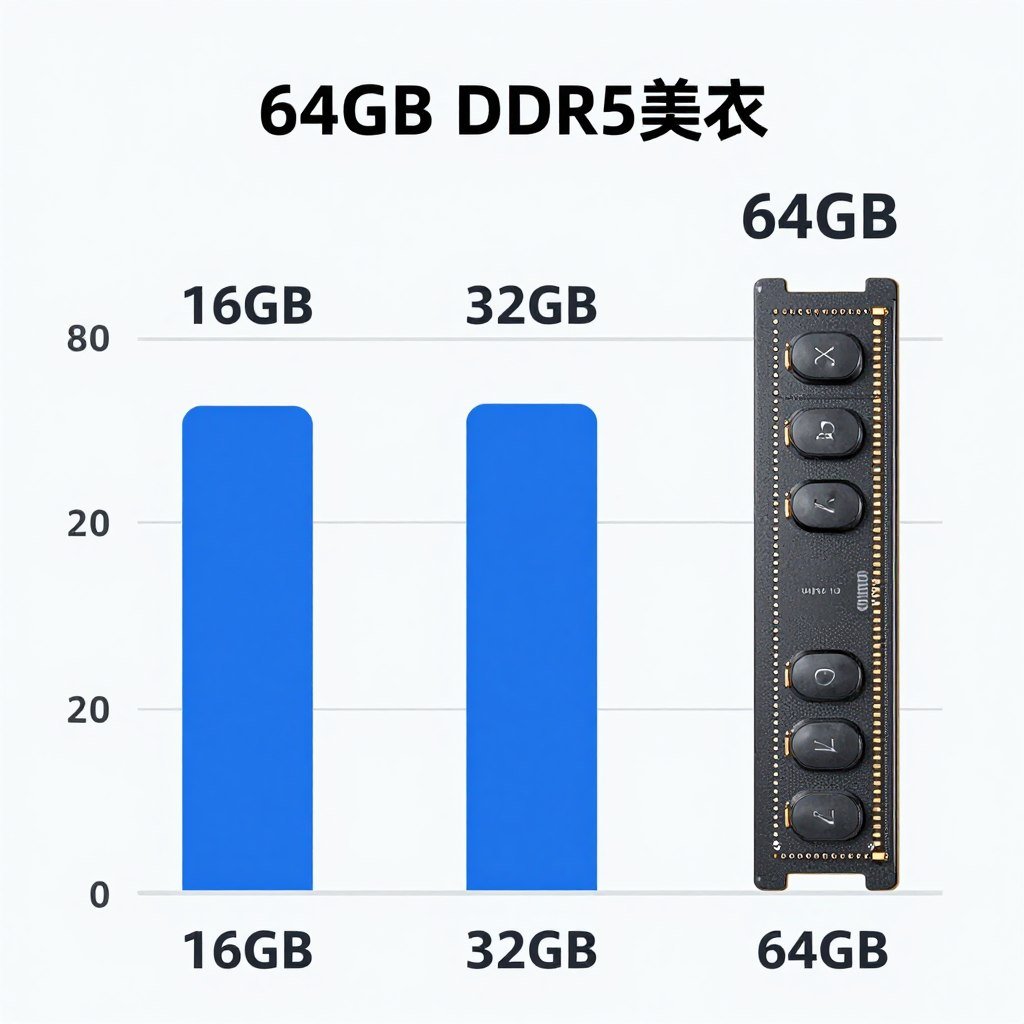
A decent 32GB DDR5 kit (6000 MHz) runs about 100-130 dollars. A comparable 64GB kit costs 180-240 dollars. That’s roughly double the price.
For most people, that extra 100 dollars delivers minimal real-world benefit. You’d see better performance putting that money toward a faster SSD or better GPU.
Who Actually Needs 64GB
- Professional video editors working with 4K/8K footage daily
- 3D artists and animators using Cinema 4D, Blender, Maya
- Software developers running multiple VMs or containers
- Data scientists working with large datasets
- Anyone running local AI models regularly
- Power users who truly never close anything (and I mean never)
If you’re not in one of those groups, save your money. Seriously. The performance difference between 32GB and 64GB for gaming and normal multitasking is basically zero.
DDR4 Versus DDR5: The 2026 Reality
This is where things get interesting. DDR5 has been around for three years now, but DDR4 is still hanging on. Should you care about the difference?
The Speed Difference That Doesn’t Always Matter
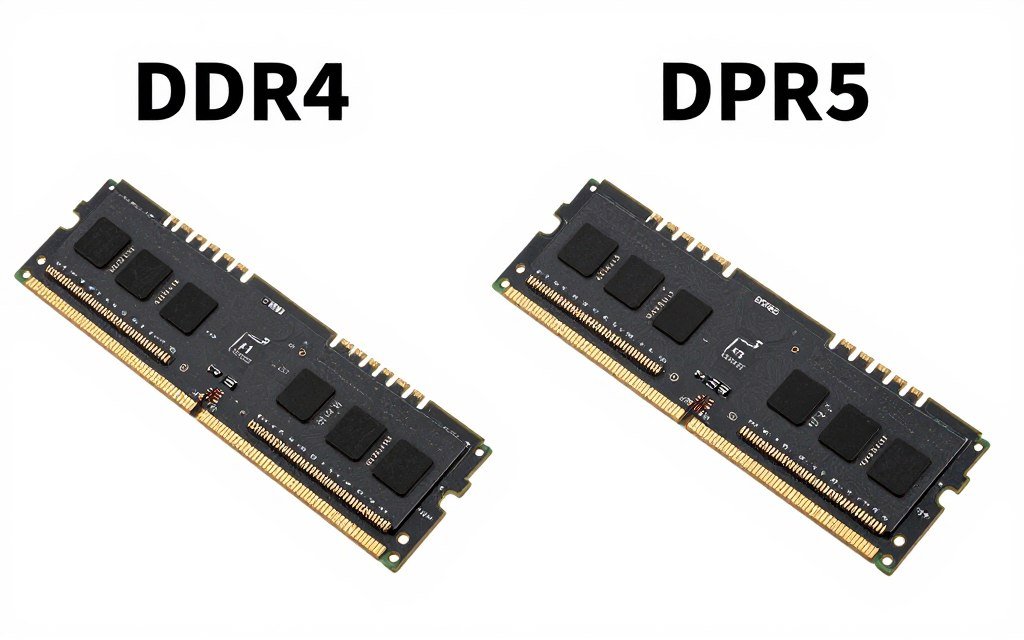
DDR5 starts at 4800 MHz and goes up to 8000+ MHz. DDR4 typically caps around 3200-3600 MHz. On paper, that’s a huge gap. In practice? It depends.
For gaming with AMD Ryzen 9000-series or Intel’s latest chips, faster RAM does make a difference. I saw 5-10% FPS gains in CPU-limited scenarios when jumping from DDR4-3600 to DDR5-6000. But here’s the thing: most games aren’t CPU-limited at 1440p or 4K.
DDR5 Advantages
- Better bandwidth for CPU-intensive tasks
- Lower voltage means less heat and power draw
- Future-proof for upcoming CPU generations
- Better performance in productivity apps like video encoding
DDR5 Disadvantages
- Still costs 20-30% more than equivalent DDR4
- Higher latency at similar price points
- Requires newer motherboard (can’t mix DDR4/DDR5)
- Performance gains in gaming are modest
When DDR4 Still Makes Sense
If you’re upgrading an existing AM4 or older Intel system, DDR4 is your only option anyway. The good news? It’s still plenty fast for gaming in 2026.
I’m running a test rig with DDR4-3200 and an RTX 5070. In most games at 1440p, my GPU maxes out before RAM speed becomes a factor. Frame rates are nearly identical to the same system with DDR5-6000.
The sweet spot for DDR4 in 2026 is 32GB at 3600 MHz with CL16 timings. You can find kits for 80-100 dollars. That’s excellent value.
DDR5 Is the Way Forward for New Builds
Building a new system? Go DDR5. Here’s why:
Modern CPUs like AMD Ryzen 9000 and Intel’s latest generation are designed around DDR5. They extract more performance from higher bandwidth. Plus, you’re not locking yourself into older tech.
Aim for DDR5-6000 with 32GB capacity. That’s the current sweet spot for price versus performance. You’ll pay about 120-150 dollars, which is reasonable for a new build.
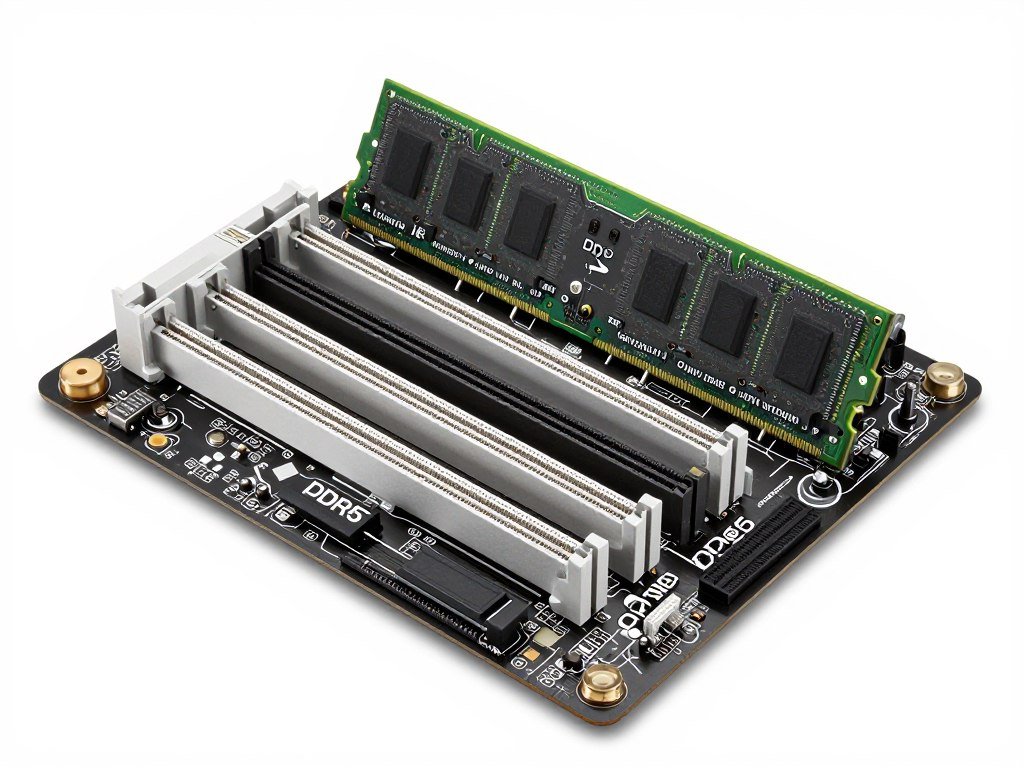
Don’t get sucked into buying DDR5-8000 or exotic speeds. The performance difference over DDR5-6000 is tiny unless you’re chasing benchmark records. Save that money for a better GPU or more storage. Understanding how components work together helps you spend wisely.
Latency Versus Speed: The Hidden Factor
RAM speed (measured in MHz) gets all the attention. But latency matters too. It’s like the difference between a sports car’s top speed versus how quickly it accelerates.
CAS Latency (CL) measures how many clock cycles it takes for RAM to respond to a command. Lower is better. DDR4-3600 CL16 can actually feel snappier than DDR5-6000 CL40 in some tasks, even though the DDR5 has higher bandwidth.
For DDR5, aim for CL30 or lower if your budget allows. For DDR4, CL16 at 3600 MHz is the sweet spot.
What Affects Your RAM Needs Beyond Capacity
Amount of RAM isn’t the whole story. Several factors determine whether your system feels fast or sluggish.
Your CPU and Motherboard Matter
Here’s something people forget: your CPU and motherboard control how RAM gets used. A weak CPU with fast RAM is like putting racing tires on a minivan. You won’t see the benefit.
Modern CPUs from AMD (Ryzen 7000/9000) and Intel (13th/14th gen and newer) handle memory much better than older chips. They support faster speeds and manage data more efficiently. If you’re pairing 32GB of DDR5 with an old Ryzen 3000 series CPU, you’re wasting money. Learn more about choosing the right CPU for your build.
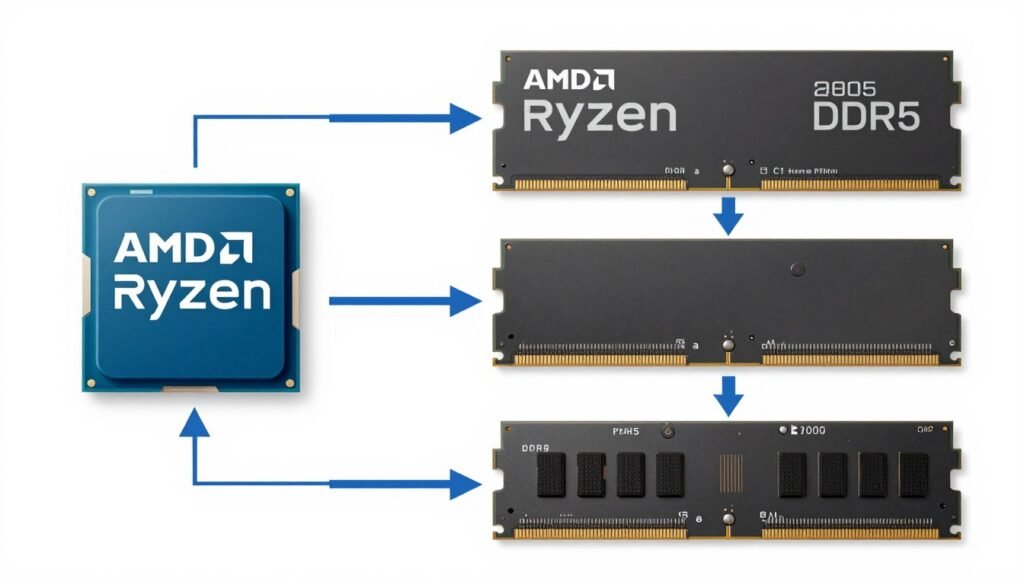
Your motherboard also sets limits. Budget boards often cap RAM speed at lower frequencies even if your RAM and CPU support more. Check your motherboard’s QVL (Qualified Vendor List) before buying high-speed kits.
Resolution and Settings Impact RAM Usage
Playing at 4K with ultra textures loads more data into RAM and VRAM than 1080p medium settings. This is especially true for games with massive open worlds like Cyberpunk or Microsoft Flight Simulator.
At 4K, texture streaming becomes critical. Games preload high-resolution textures into memory to avoid pop-in. With 16GB, you might see lower-quality textures load first, then upgrade as RAM becomes available. With 32GB, everything loads at max quality instantly.
Your GPU’s VRAM also plays into this. If your GPU runs out of VRAM, games start spilling texture data into system RAM. A GPU with only 8GB VRAM will lean on your system RAM more than one with 16GB VRAM. That’s another reason why 32GB system RAM makes sense in 2026. Understanding VRAM and system RAM interaction prevents performance issues.
Operating System and Background Tasks
Windows 11 uses more RAM than Windows 10 did. It’s more aggressive about caching files and preloading apps. This is actually good for performance, but it means your baseline memory usage is higher.
Background apps pile on. Game launchers (Steam, Epic, EA), RGB software, monitoring tools, antivirus programs. Each takes a slice. Before you know it, you’ve got 6-8GB used before launching a single game.
How Many Chrome Tabs Are Too Many
Let’s address the elephant in the room. Browser tabs are RAM killers. Chrome is notorious, but Firefox and Edge aren’t much better.
Each tab holds an entire webpage in memory. Sites with video, ads, or complex scripts use more. Open 20 tabs and you’re easily using 4-6GB. Power users with 50+ tabs? You’re burning 10-15GB on your browser alone.
I tested this. With 16GB total RAM, gaming while having 30 Chrome tabs open caused constant stuttering. With 32GB, no issues. The system had enough headroom to keep tabs in RAM instead of swapping to SSD.
Think of it this way: every app you leave running steals capacity from your game. More RAM gives you freedom to be messy without performance penalties.
Upgrading RAM: What You Need to Know
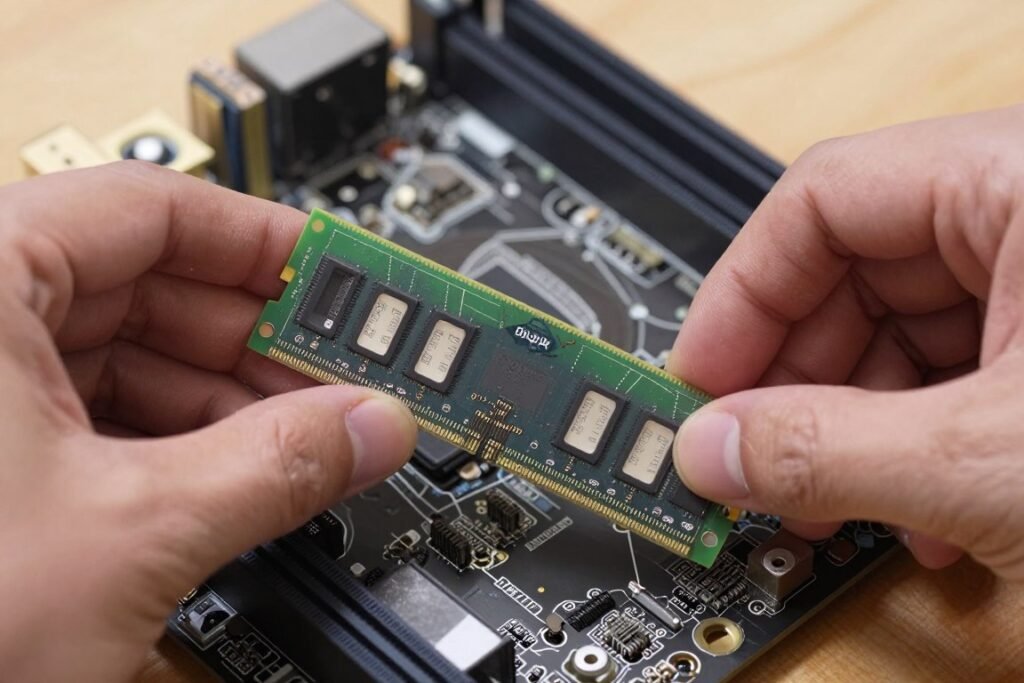
Matching Your Existing Setup
If you’re upgrading from 16GB to 32GB, the easiest path is buying an identical kit to what you have. Mixing RAM from different manufacturers or speeds can work, but it’s risky.
RAM runs at the speed of the slowest stick. If you have DDR4-3200 and add DDR4-3600 sticks, everything runs at 3200 MHz. You’re not getting the benefit of the faster RAM.
Worse, mixing RAM can cause stability issues. Different chips and timings sometimes refuse to play nice together. You might get random crashes or fail to boot.
My recommendation: if you’re upgrading, replace everything. Sell your old RAM or keep it as a spare. Buy a matched 32GB kit (2x16GB) for dual-channel performance.
Dual Channel Matters More Than You Think
Always run RAM in pairs. Two 16GB sticks run faster than one 32GB stick. This is called dual-channel mode, and it literally doubles your memory bandwidth.
I tested this. Same system, same CPU, same GPU. Single 32GB stick versus 2x16GB in dual channel. Frame rates were 10-15% lower with the single stick. Applications that move a lot of data (video editing, file compression) were even more affected.
Check your motherboard manual for proper slot placement. Usually, it’s slots 2 and 4 (counting from the CPU). Install them wrong and you might only get single-channel speed.
When Laptop RAM Becomes a Problem
Laptops are trickier. Many modern laptops have RAM soldered directly to the motherboard. You can’t upgrade it. What you buy is what you’re stuck with for the laptop’s entire life.
If you’re buying a laptop in 2026, strongly consider getting 32GB from the factory. The price premium is usually 100-150 dollars, but you can’t add it later. Don’t cheap out and regret it in a year.
Some gaming laptops still have removable RAM. Check before you buy. Look for models with SO-DIMM slots. These let you upgrade later like a desktop.
XMP and EXPO Profiles
You bought fast RAM, but it won’t run at advertised speeds out of the box. By default, RAM runs at JEDEC standard speeds (usually 4800 MHz for DDR5, 2133 MHz for DDR4). You need to enable XMP (Intel) or EXPO (AMD) in BIOS to unlock full speed.
This is a five-minute process. Enter BIOS during boot, find the memory settings, enable XMP/EXPO, save and exit. Your RAM now runs at its rated speed. Skip this step and you’re leaving performance on the table.
Heads up: Some budget motherboards struggle with XMP stability at high speeds. If you get crashes or blue screens after enabling XMP, you might need to manually reduce speed or adjust voltage. This is rare, but it happens.
Real-World Usage Scenarios for 2026
The Pure Gamer Setup
You play games, browse the web, maybe watch YouTube. Nothing fancy. What do you actually need?
32GB is your answer. Seriously. Don’t overthink it. Even demanding games like the ones built on Unreal Engine 5 run smoothly with 32GB and headroom for background apps. If you’re experiencing UE5 performance issues, RAM might not be the only factor.
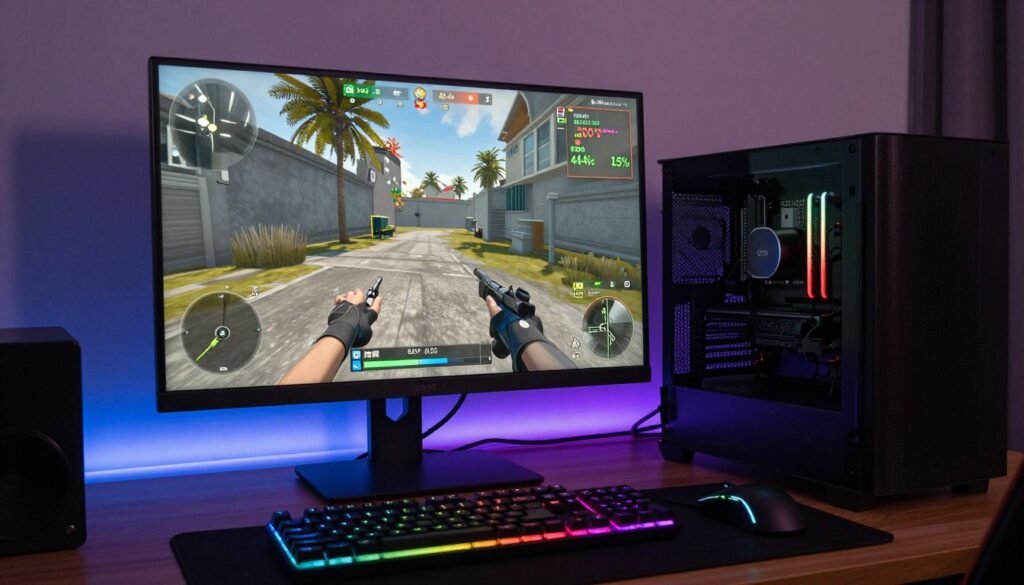
Here’s my typical gaming session RAM usage:
- Windows 11 baseline: 4GB
- Chrome with 10 tabs: 3GB
- Discord: 800MB
- Game (AAA title): 12-14GB
- Background stuff (Steam, RGB, monitoring): 2GB
Total: around 22-24GB under load. That leaves 8GB free for system cache and burst needs. Perfect sweet spot.
Would 64GB help? Nope. You’d be using the same 22-24GB. The extra capacity would sit empty. Save that money for games or a better monitor.
The Streamer and Content Creator
You’re gaming and streaming simultaneously. Maybe recording for YouTube. Editing videos weekly. This is where RAM requirements jump.
32GB is minimum here. 64GB becomes tempting. Here’s why:
When you stream, OBS or Streamlabs runs alongside your game. That’s another 1-2GB. If you’re using multiple scenes, browser sources, and overlays, it climbs to 3-4GB. Add video editing software, and you’re maxing out 32GB fast.
I stream regularly. With 32GB, I can game and stream fine. But if I try editing video while streaming, things get sluggish. With 64GB, I have flexibility to multitask without worrying.
For full-time creators, 64GB makes sense. For hobbyists who stream occasionally, 32GB works fine if you close heavy apps before streaming.
The Work-From-Home Professional
You use your computer for work. Microsoft Office, Zoom calls, maybe some light photo editing. Do you need 32GB?
Probably not, but it’s still worth it for comfort. Modern work involves juggling multiple apps. Email, browser with 20 tabs, Slack, Zoom, Excel with large spreadsheets, maybe PowerPoint. That adds up to 10-12GB easily.
With 16GB, you’re constantly close to capacity. Your computer slows down when switching apps because it’s swapping data. With 32GB, everything stays responsive.
The cost difference is small enough that I’d still recommend 32GB. It’s cheap insurance against slowdowns.
The Multipurpose Everything Machine
Your computer does everything. Gaming, work, content creation, photo editing, maybe some programming or 3D stuff. How much RAM do you need?
Start with 32GB. Monitor your usage for a month. If you’re regularly over 80% capacity, consider jumping to 64GB. If you’re sitting at 50-60%, you’re fine.
Most people in this category find 32GB handles everything comfortably. The exceptions are heavy multitaskers who literally never close anything. If you’re running game, Discord, 50 browser tabs, Photoshop, and a VM simultaneously, then yeah, get 64GB.
Make Sure Your Whole System Works Together
Adding more RAM won’t help if your CPU or GPU is holding you back. An unbalanced system wastes your upgrade money. Check your complete setup before spending.
The Bottom Line: RAM Capacity for 2026
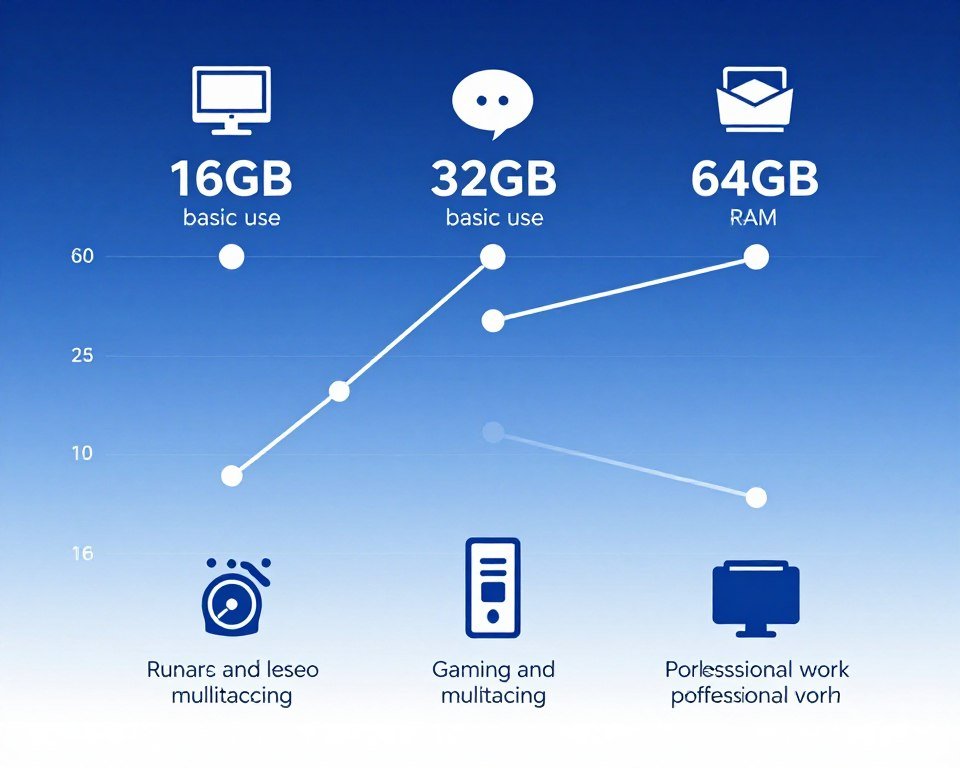
Here’s my final verdict after building systems all year and testing dozens of configurations.
16GB is dead for anything beyond basic computing. If you’re reading this article, you’re past basic computing. Move on.
32GB is the sweet spot for 95% of people. It handles modern gaming with headroom, supports multitasking, allows content creation, and costs a reasonable amount. This is where you should land unless you have specific needs.
64GB is for professionals and specific workloads. Video editors, 3D artists, developers, and AI enthusiasts benefit. Gamers don’t need it. Period.
My Recommendations by Budget
Budget Build (Under 1000 dollars)
Get 32GB DDR4-3600 CL16. Don’t cheap out on 16GB. The 50 dollar difference matters less than smooth performance. Skip DDR5 to save money for a better GPU.
Mid-Range Build (1000-2000 dollars)
Get 32GB DDR5-6000 CL30. You’re building for longevity. DDR5 is the standard now. This capacity handles everything you’ll throw at it for years.
High-End Build (2000+ dollars)
Get 32GB DDR5-6000 or faster if gaming. Get 64GB if you do professional content work. Don’t waste money on 64GB for gaming. Put extra budget into GPU or storage instead.
Workstation Build (Professional Use)
Start at 64GB DDR5. Consider 128GB if working with 8K video or massive datasets. ECC RAM if your work is mission-critical. Speed matters less than capacity here.
Future-Proofing Thoughts
Will 32GB be enough in three years? Probably. RAM requirements have plateaued compared to five years ago. Games are optimizing better. DirectStorage and other tech reduce RAM needs by streaming from fast SSDs.
The jump from 8GB to 16GB was essential. The jump from 16GB to 32GB is important. The jump from 32GB to 64GB? Only if you need it now. Don’t buy capacity for some theoretical future need.
Computer upgrades work best when you address current bottlenecks, not future ones. If 32GB works for you today, it’ll likely work for another three to four years. When it doesn’t, RAM prices will be even lower.
What I’m Running Right Now
My main rig has 32GB DDR5-6000. I game daily, stream occasionally, edit videos weekly. I monitor usage constantly. I rarely break 24GB used. The extra headroom is nice, but I’m not running out.
My workstation has 64GB DDR4-3600. That machine runs VMs, compiles code, and handles video rendering. I actually use that capacity. It’s needed there.
My laptop has 32GB soldered. It was the right choice. I travel with it, work on it, game on it. Perfect amount.
Choose based on actual needs, not specs-sheet bragging rights. Be honest about what you do with your computer. That’s how you avoid wasting money.
Wrapping This Up
Look, RAM capacity 2026 isn’t complicated. Ignore the marketing hype and focus on what you actually do with your system.
For gaming and general use, 32GB is the move. It’s enough, it’s affordable, and it’ll last years. Don’t overthink it.
For professional work, get 64GB. You’ll use it, and you’ll appreciate not fighting your system.
Whatever you choose, make sure your entire system is balanced. Fast RAM with a slow CPU wastes money. Tons of RAM with a weak GPU does nothing for gaming. Check your overall system balance before making any single upgrade. Learn more about optimizing your complete PC setup.
Before You Buy RAM, Check This
Adding RAM might not fix your actual performance problem. Make sure you understand where your system’s real limitations are. It takes 60 seconds and could save you from an unnecessary upgrade.
Build smart. Test your current setup. Upgrade when you need to, not when someone tells you to. That’s how you get a system that actually works for you.
Now go check your Task Manager and see what you’re actually using. That’s the only number that matters.