
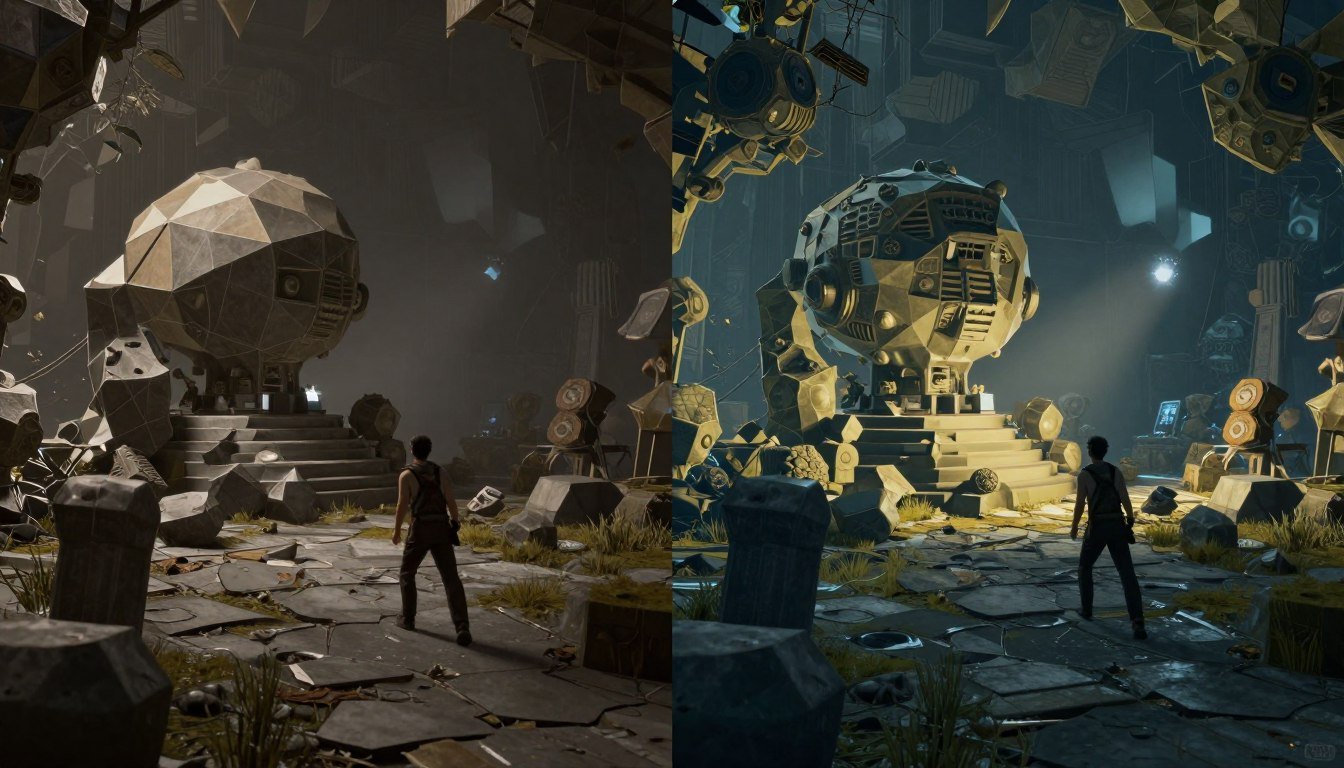
The first time I saw Unreal Engine 5’s demo, I literally stopped mid-sip of my coffee. Those impossibly detailed environments running in real-time? The lighting that looked like it took hours to render? It felt like someone had just moved the goalposts of what’s possible in game development.
As someone who’s spent years optimizing polygon counts and baking lightmaps, I can tell you that UE5’s Nanite and Lumen technologies aren’t just incremental improvements – they’re completely changing how we approach game creation. Today, I’m going to break down exactly what these technologies do, how they work, and why they matter to you as a developer.
What Are Nanite & Lumen (And Why Should You Care)?
Let’s start with the basics. Nanite and Lumen are two cornerstone technologies introduced in Unreal Engine 5 that address long-standing challenges in game development:
Nanite: Unlimited Detail
Nanite is a virtualized geometry system that lets you use film-quality assets with millions of polygons directly in your games. Think of it as an incredibly smart assistant that only loads the polygons you actually need at any given moment.
Before Nanite, I’d spend days creating multiple versions of the same asset at different detail levels (LODs). Now? I can drop in a single high-quality model and Nanite handles everything automatically.
Lumen: Dynamic Global Illumination
Lumen is a fully dynamic global illumination system that immediately reacts to scene changes. In plain English, it makes light bounce around your game world in a realistic way without requiring hours of pre-calculation.
I used to spend entire afternoons tweaking lightmap settings and waiting for bakes to finish. With Lumen, I can move a light source and instantly see how it affects the entire scene.
Together, these technologies solve two of the biggest headaches in game development: geometry optimization and lighting setup. But they’re not just technical achievements – they’re changing the entire workflow of how games are made.
How Does Nanite Actually Work?
Let’s dig into Nanite first. Traditional game engines force you to make tough choices about polygon counts. Too many polygons, and your game turns into a slideshow. Too few, and everything looks blocky and unrealistic.
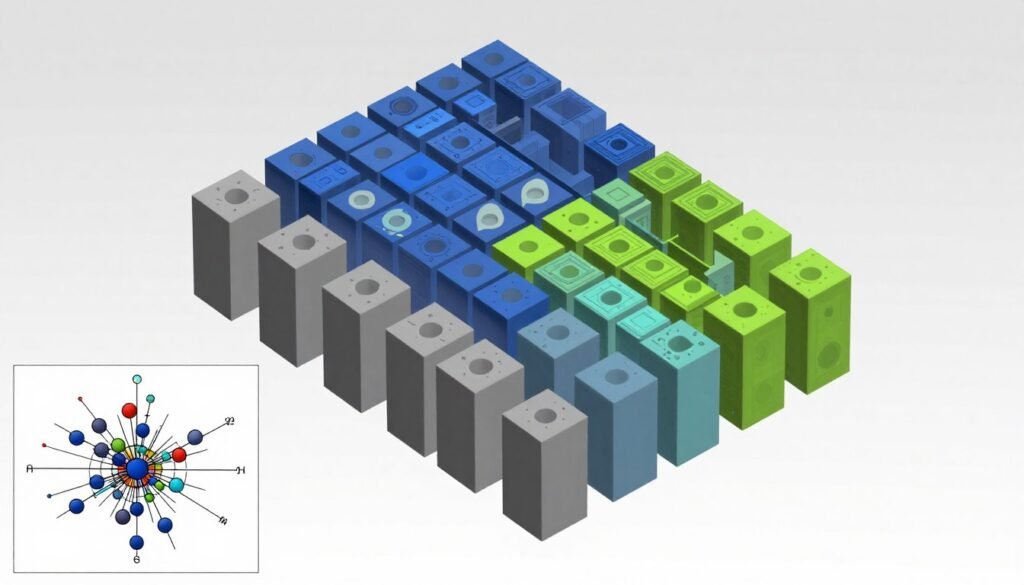
Nanite takes a completely different approach. Instead of loading entire high-polygon models, it breaks them down into small clusters of triangles. Then, it only renders the clusters you can actually see, at the detail level that makes sense for their screen size.
The Magic Behind Nanite
Think of Nanite like streaming video. When you watch YouTube, you don’t download the entire video at once – it streams just the parts you’re watching at the quality your connection can handle. Nanite does the same thing with 3D models:
The result? You can use models with millions – even billions – of polygons in real-time without tanking performance. I’ve imported ZBrush sculpts with 30 million polygons directly into a scene, and they run perfectly. That would have been absolutely impossible before.
Setting Up Your First Nanite Mesh
The best part about Nanite is how simple it is to use. Here’s all you need to do:
That’s it! No complex setup, no manual LOD creation, just a single checkbox. Your mesh is now a Nanite mesh, ready to be used in your game with all its glorious detail intact.
Lumen: Lighting That Feels Alive
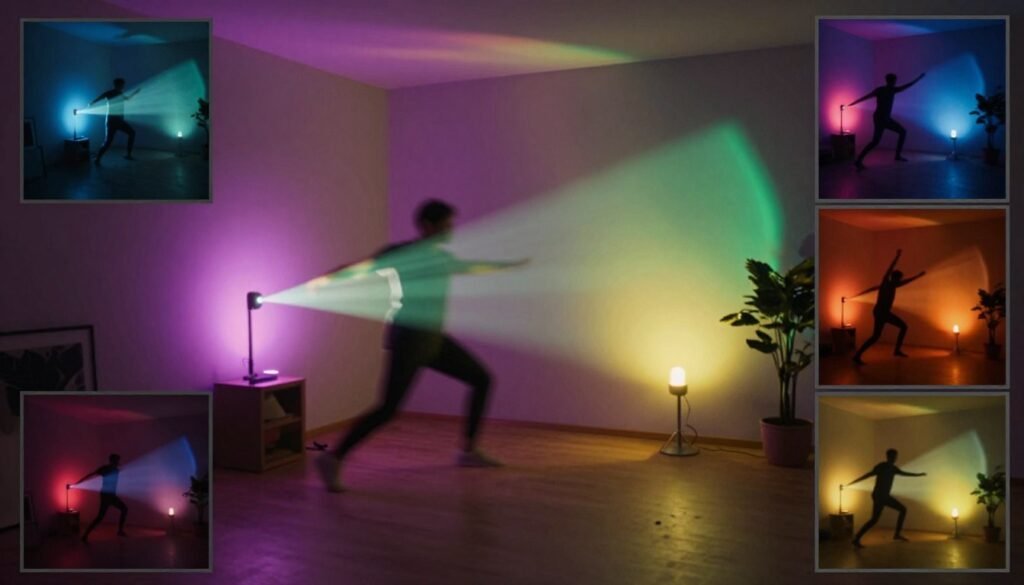
Lighting has always been one of the most time-consuming aspects of game development. Before Lumen, we had two main options: pre-calculated lighting (which looked great but couldn’t change during gameplay) or dynamic lighting (which could change but looked flat and unrealistic).
Lumen gives us the best of both worlds: beautiful, realistic lighting that can change completely in real-time.
How Lumen Changes Everything
Traditional lighting in games often feels “stuck on” – like someone just placed a bunch of light bulbs around a scene. Real light doesn’t work that way. It bounces off surfaces, picks up colors, creates soft shadows, and fills spaces in complex ways.
Lumen simulates all of these behaviors in real-time through:
I’ve built scenes where a character walks through a dark cave with just a torch, and the light realistically illuminates the environment as they move. The walls glow with the orange torch light, shadows dance naturally, and everything just feels alive. Before Lumen, this would have required complex workarounds or pre-rendered sequences.
Setting Up Lumen in Your Project
Like Nanite, Lumen is surprisingly easy to set up:
Once enabled, Lumen works automatically with your existing lights. You can place lights, change their colors or intensities, and see the results immediately – no baking required.
The Power of Nanite & Lumen Together
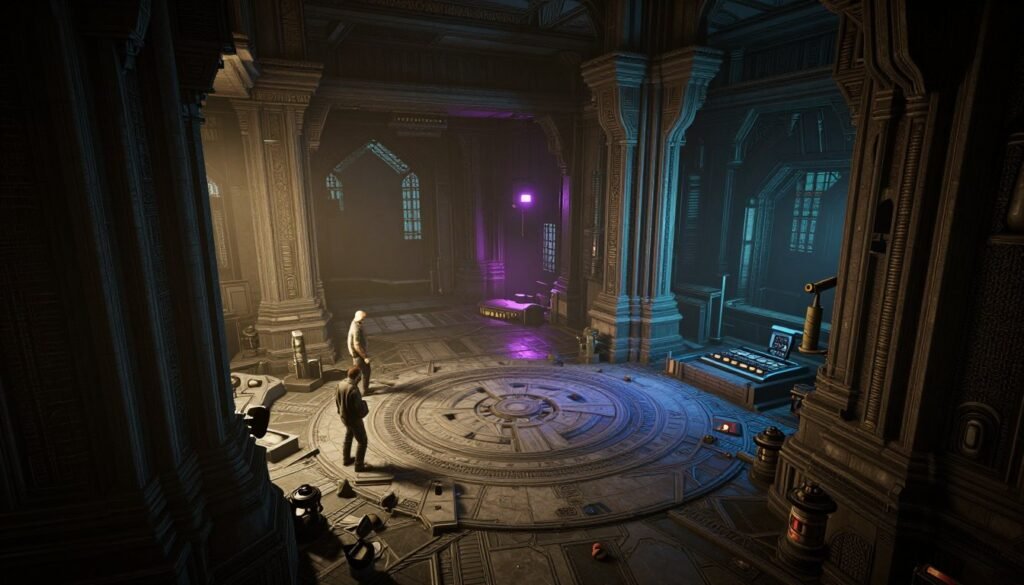
While each technology is impressive on its own, the real magic happens when you use Nanite and Lumen together. They complement each other perfectly:
Nanite Enhances Lumen
Lumen works best with detailed geometry that can catch subtle lighting nuances. Nanite allows for incredibly detailed environments without performance penalties, giving Lumen more geometric detail to work with.
The result is more accurate light bounces, more realistic shadows, and better overall lighting quality.
Lumen Showcases Nanite
All that geometric detail from Nanite looks even better when properly lit. Lumen’s realistic lighting brings out the subtle details in high-polygon Nanite meshes that might be lost with simpler lighting solutions.
Details like small cracks, surface imperfections, and fine textures all become more visible and impactful.
I’ve created environments with billions of polygons and dozens of dynamic light sources that run smoothly on modern hardware. Five years ago, this would have been impossible even in pre-rendered cutscenes, let alone real-time gameplay.
Real-World Examples: Seeing is Believing
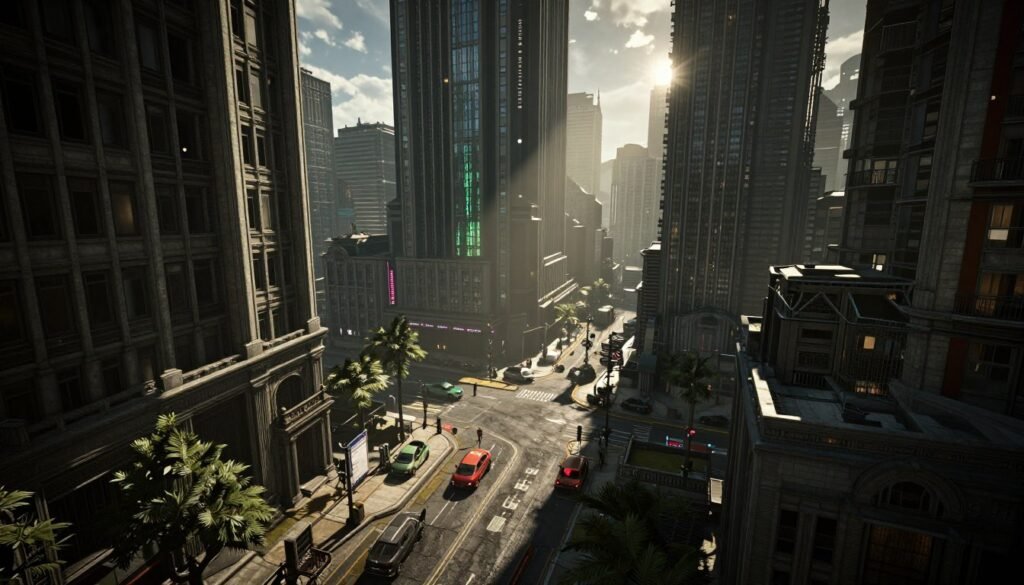
Let’s look at some real examples of Nanite and Lumen in action:
The Matrix Awakens
Epic’s “The Matrix Awakens” tech demo is probably the most impressive showcase of these technologies. The entire city is built with Nanite meshes – every building, car, and piece of debris has film-quality detail. As you move through the environment, there’s no pop-in or detail loss.
The lighting is equally impressive. Sunlight bounces realistically between buildings, car headlights illuminate their surroundings, and everything from neon signs to explosions casts appropriate light on nearby surfaces.
Fortnite Chapter 4
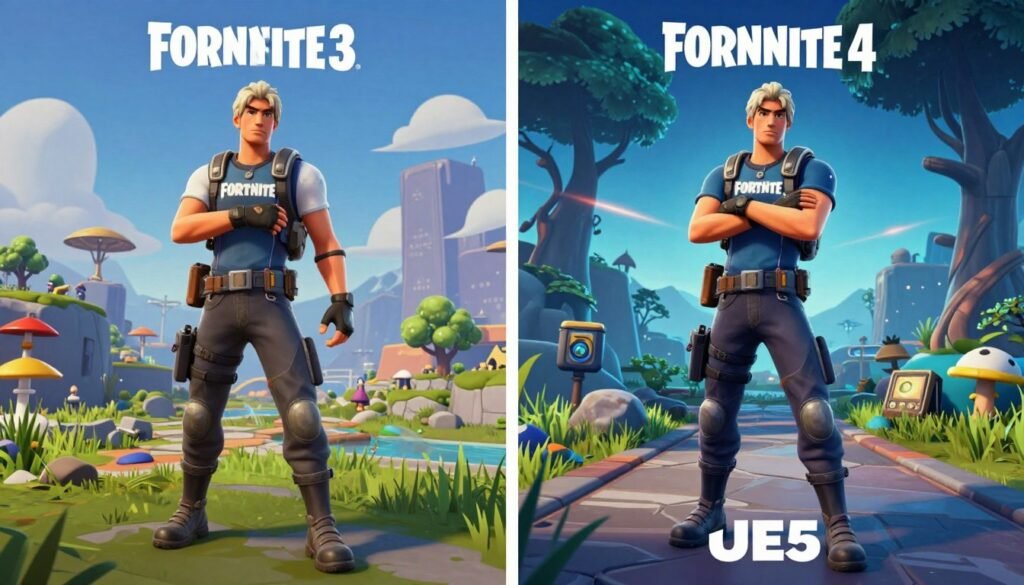
Epic rebuilt Fortnite’s entire island using Nanite and Lumen for Chapter 4. This is particularly impressive because Fortnite is a competitive multiplayer game that needs to run on everything from high-end PCs to mobile devices.
The result is a much more detailed and visually rich environment without sacrificing the game’s performance or distinctive art style. It’s a perfect example of how these technologies can be scaled to work across different hardware capabilities.
Current Limitations: What You Should Know
As amazing as Nanite and Lumen are, they’re not magic bullets for every situation. It’s important to understand their current limitations:
What Works Great
- Static environmental geometry
- Opaque materials
- Large-scale scenes
- Architectural visualization
- Natural environments
Current Limitations
- Limited support for transparent materials
- No support for skeletal meshes (yet)
- World Position Offset not supported
- Performance varies on older hardware
- Learning curve for optimal setup
Epic is actively working on expanding these technologies. For example, masked materials now have limited support in Nanite, and each update brings improvements to both systems.
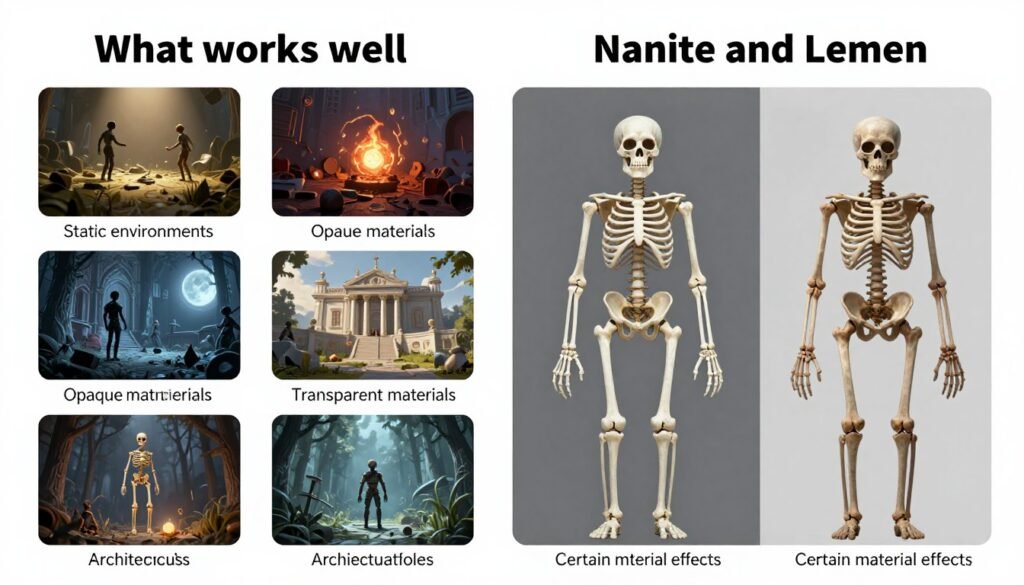
In my projects, I use a hybrid approach – Nanite and Lumen for environments and static objects, and traditional techniques for characters and special effects. This gives me the best of both worlds while working within the current capabilities.
Performance Tips: Getting the Most from Nanite & Lumen
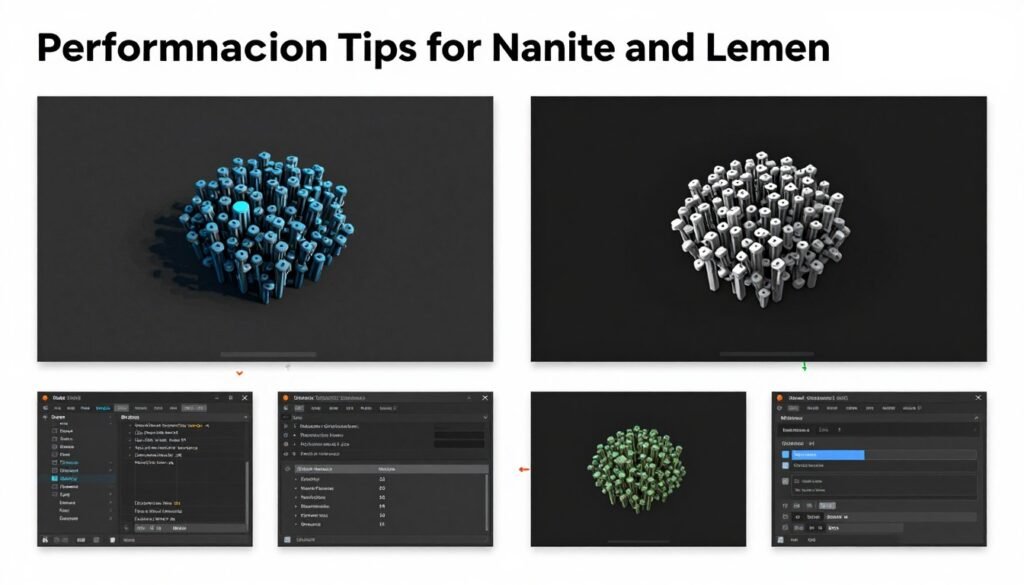
While these technologies are designed to be efficient, there are still ways to optimize their performance:
Nanite Optimization Tips
Lumen Optimization Tips
I’ve found that starting with higher quality settings and then scaling back as needed works better than trying to upgrade quality later. It’s easier to identify what can be optimized when you see the full-quality version first.
Getting Started: Your First Nanite & Lumen Project
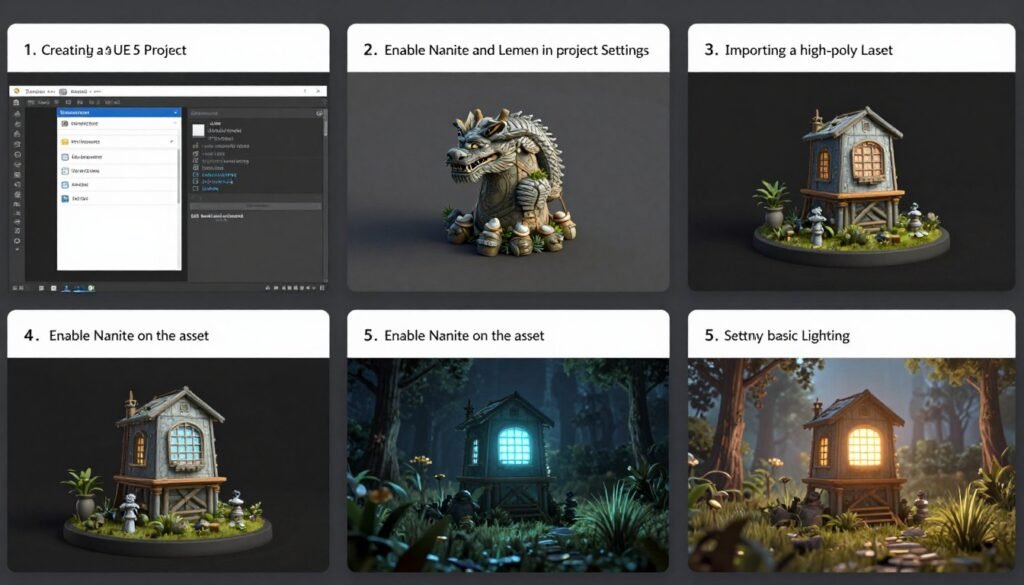
Ready to try these technologies yourself? Here’s a simple guide to get you started:
Don’t be afraid to experiment! These technologies are designed to be artist-friendly, and the best way to learn is by trying different approaches and seeing what works for your specific project.
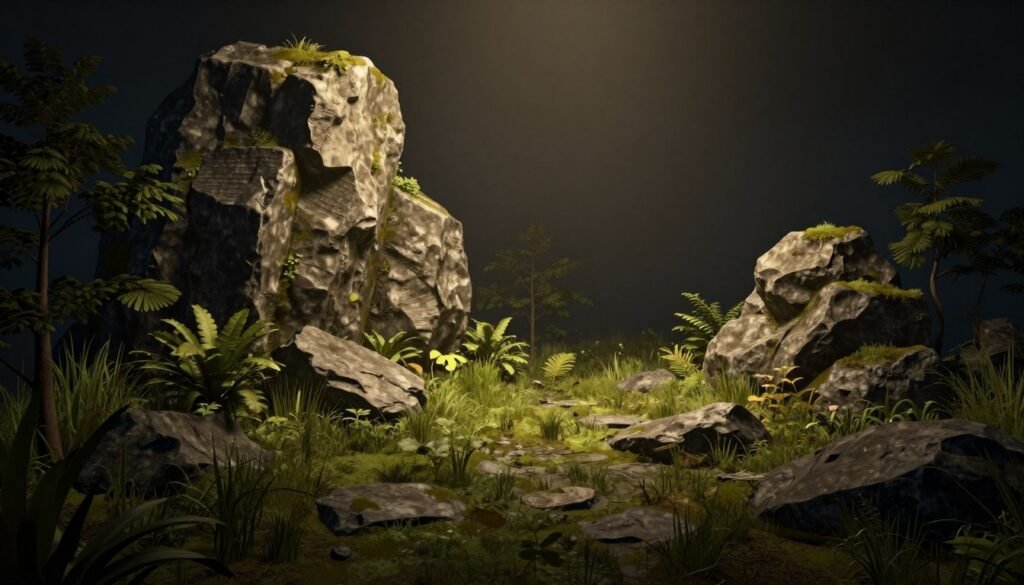
For your first project, I recommend starting with a small environment scene. This lets you focus on learning the technologies without getting overwhelmed by a complex project.
The Future of Game Development is Here
Nanite and Lumen represent a fundamental shift in how we approach game development. They remove long-standing technical barriers and open up new creative possibilities that simply weren’t available before.
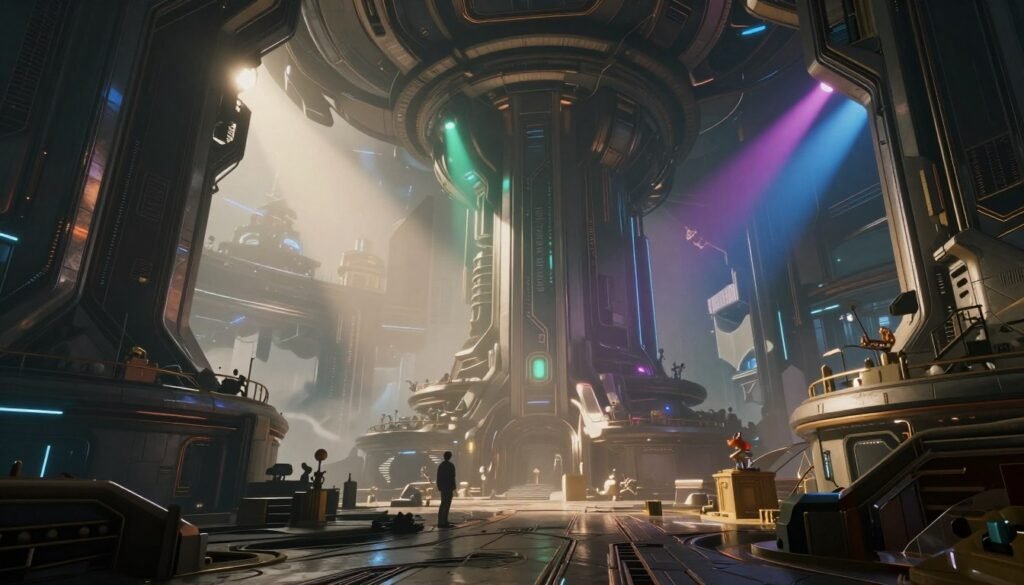
As a developer who’s spent years working around technical limitations, I can’t overstate how liberating these technologies feel. Being able to focus on creative vision rather than polygon budgets and lightmap resolution is a game-changer.
Whether you’re a solo developer, part of an indie team, or working at a AAA studio, Nanite and Lumen are tools that will help you create more beautiful, immersive games with less technical overhead.
Ready to Master UE5’s Revolutionary Technologies?
Take your game development skills to the next level with our comprehensive UE5 Masterclass. Learn directly from industry professionals how to leverage Nanite, Lumen, and other cutting-edge UE5 features in your projects.
Frequently Asked Questions
Do I need a high-end PC to use Nanite and Lumen?
For development, a decent gaming PC with at least 16GB RAM and a modern GPU (NVIDIA GTX 1070 or better) will give you a good experience. For deployment, Nanite and Lumen can scale to different hardware capabilities, but they work best on current-gen consoles and modern PCs. The good news is that you can develop with these technologies even if your target platform doesn’t fully support them – UE5 will automatically fall back to traditional rendering methods.
Can I use Nanite for character models?
Currently, Nanite doesn’t support skeletal meshes, so you can’t use it for animated characters. However, you can use it for character clothing or accessories that are separate static meshes. Epic is working on expanding Nanite’s capabilities, so this limitation may change in future updates.
How does Lumen compare to ray tracing?
Lumen uses a hybrid approach that includes ray tracing techniques but doesn’t require dedicated ray tracing hardware. It’s designed to provide realistic global illumination that works across a wide range of hardware. For ultimate quality, UE5 also supports hardware-accelerated ray tracing, which can be used alongside Lumen for even more realistic results on high-end systems.
Will my old UE4 projects work with Nanite and Lumen?
Yes, you can migrate UE4 projects to UE5 and then enable Nanite and Lumen. However, you’ll need to manually enable Nanite on your static meshes, and you may need to adjust your lighting setup to take full advantage of Lumen. Epic has provided migration tools to help with this process.
How do these technologies affect game file size?
Nanite meshes can be larger than traditional meshes because they store more geometric detail. However, they eliminate the need for multiple LOD versions, which can offset some of the size increase. Overall, you should expect somewhat larger file sizes when using high-detail Nanite meshes, but the visual quality improvement is usually worth it. Lumen itself doesn’t significantly impact file size.