
I learned about system balance the hard way. A few years back, I dropped $700 on a shiny new RTX 3080, convinced it would turn my aging PC into a gaming beast. Spoiler alert: my old i5-6600K became the world’s most expensive bottleneck. My frame rates barely budged, my fans screamed like jet engines, and I felt like an idiot. That’s when I realized raw power means nothing if your system isn’t balanced.
System balance isn’t some fancy tech term that only experts need to worry about. It’s the simple idea that your PC components should work together without one part holding back the others. Think of it like a relay race where one runner is way slower than the rest. Doesn’t matter how fast your other three runners are if one person kills your time.
Here’s Why System Balance Actually Matters
When people talk about building a PC, they usually obsess over specs. “I need the fastest GPU!” or “More RAM is always better!” But here’s what they miss: your computer is only as fast as its slowest critical component. It’s not about having the best parts. It’s about having parts that make sense together.
Let me break down what I mean. Your system has several key parts that need to work in harmony:
- Your CPU (processor) handles game logic, physics, and feeds information to your GPU
- Your GPU (graphics card) renders all the pretty visuals you actually see on screen
- Your RAM (memory) stores active data so your CPU and GPU can grab it quickly
- Your storage drives determine how fast games load and levels stream in
- Your power supply keeps everything fed with stable, clean electricity
- Your cooling system prevents thermal throttling when things heat up
When these parts are balanced, everything flows smoothly. Information moves through your system without major holdups. But pair a budget CPU with a flagship GPU? You’ve just created what we call a bottleneck, and your expensive graphics card will sit there twiddling its thumbs waiting for your processor to catch up.
Quick Reality Check: I once helped my friend “upgrade” his PC by adding 64GB of RAM to his system that had a GTX 1050 Ti and an old dual-core processor. He was convinced more RAM would fix his gaming issues. It didn’t. His games still ran like garbage because his GPU and CPU were the actual problems. He basically bought a Ferrari’s gas tank for a golf cart.
The Three Balance Systems Every PC Builder Needs to Understand
Just like your body uses vision, inner ear sensors, and muscle feedback to stay balanced (weird comparison, I know, but stick with me), your PC relies on three major balance systems. Get any one of them wrong and your whole build suffers.
Processing Balance: CPU and GPU Partnership
This is where most people screw up. Your CPU and GPU need to be in the same performance league. Not identical, just complementary. If you’re gaming at 1080p with high frame rates, your CPU does more work. Gaming at 4K? Your GPU carries more of the load.
I’m running a Ryzen 5 5600X with an RTX 3070, and it’s pretty well matched for 1440p gaming. Neither component is sitting idle while the other maxes out. But when I had that old i5 with the 3080? My CPU usage was pinned at 100% while my GPU usage hovered around 60%. That’s a textbook bottleneck, and it’s frustrating as hell.
Here’s a rough guide based on what I’ve seen work in practice:
- Budget builds ($600-800): Pair something like a Ryzen 5 5600 with an RTX 3060 or RX 6600
- Mid-range builds ($1000-1500): Ryzen 5 5600X or i5-12400F with RTX 3070 or RX 6700 XT
- High-end builds ($2000+): Ryzen 7 5800X3D or i7-12700K with RTX 4070 Ti or RX 7900 XT
- Enthusiast builds ($3000+): Ryzen 9 7950X or i9-13900K with RTX 4090 or top-tier cards
Want to see if your current CPU and GPU are actually matched? You can check your CPU-GPU pairing to get a baseline. It’s not perfect, but it’ll tell you if you’re way off balance.
Memory and Storage Balance
RAM is one of those components where more isn’t always better, but too little will absolutely kill your system. For gaming in 2024, 16GB is the baseline. Some newer games are finally starting to use more than that, so 32GB is becoming the sweet spot if you multitask or play memory-hungry titles.
But here’s what people forget: RAM speed and latency matter too. I upgraded from 16GB of 2400MHz RAM to 32GB of 3600MHz CL16, and the difference in some games was genuinely noticeable. We’re talking 10-15 FPS gains in CPU-limited scenarios. Not game-changing, but definitely worth the cost.
Storage is another area where balance matters. You don’t need to put everything on a blazing-fast Gen 4 NVMe drive, but your OS and main games should definitely be on an SSD. I keep my operating system and most-played games on a 1TB NVMe drive, with a 2TB SATA SSD for everything else. Older games that don’t stream assets quickly? They go on the slower drive. Modern open-world games with huge maps? NVMe all the way.
Power and Cooling Balance
This is where I see the most rookie mistakes. People dump all their budget into the CPU and GPU, then cheap out on the power supply and cooling. That’s like building a race car and filling it with garbage gas.
Your PSU needs to provide enough wattage with overhead for power spikes. But more importantly, it needs to be from a reliable manufacturer with good voltage regulation. I once had a sketchy no-name 600W PSU that couldn’t actually deliver its rated wattage under load. My system would randomly shut down during gaming because the PSU couldn’t keep up. Switching to a quality 650W unit from Corsair fixed everything instantly.
Cooling is equally critical. If your CPU or GPU gets too hot, it’ll automatically slow down to avoid damage. This is called thermal throttling, and it’s basically your components protecting themselves by neutering their performance. I’ve seen expensive systems perform worse than cheaper ones simply because of bad cooling.
My rule of thumb: budget at least 10-15% of your total build cost for a quality PSU and decent cooling solution. It’s not sexy, but it keeps everything stable and running at full speed.
The Parts People Usually Get Wrong
After helping dozens of people with their builds and lurking in PC building forums for years, I’ve noticed the same mistakes keep popping up. Let me save you some pain and money.
Mistake 1: GPU Tunnel Vision
This is the big one. Someone watches a YouTube video about the “best gaming GPU,” drops $800 on it, then pairs it with whatever CPU they already have or the cheapest one they can find. Then they’re shocked when their performance sucks.
Here’s the truth: a balanced system with a mid-range GPU and appropriate CPU will usually give you better gaming experiences than an unbalanced system with a flagship GPU and weak CPU. I’m dead serious. That RTX 4090 isn’t magic if your processor can’t feed it data fast enough.
Mistake 2: Ignoring Your Monitor
Your monitor resolution and refresh rate should inform your whole build strategy. Building for 1080p 144Hz is completely different from building for 4K 60Hz. At higher resolutions, your GPU works way harder and your CPU matters less. At high refresh rates with lower resolution, your CPU becomes more important.
I see people all the time who build these beast systems with top-tier components, then they’re gaming on a basic 1080p 60Hz monitor. That’s like buying a sports car to drive in a school zone. Either upgrade your monitor to match your system, or save money and build something more appropriate for your actual display.
Mistake 3: Forgetting About Bottlenecks Over Time
Here’s something that frustrates me: balanced systems don’t stay balanced forever. Games get more demanding, new GPU generations come out, and suddenly your perfectly matched build from three years ago isn’t so perfect anymore.
My advice? When you’re planning upgrades, think about your whole system. If you’re going to upgrade your GPU, ask yourself if your CPU can keep up with it. If you’re adding more demanding games or doing heavier workloads, do you have enough RAM? You can calculate your system’s bottleneck percentage before making changes to see where you actually stand.
Not Sure Where Your System Stands?
I get it—figuring out if your components actually work well together can be confusing. I spent years learning this stuff through trial and error (and wasted money). You can skip all that pain by checking your current setup in about 30 seconds.
How to Actually Build a Balanced System
Alright, enough about what not to do. Let me walk you through how I approach building a balanced PC from scratch. This is the same process I used for my current build, and it’s worked great.
Step 1: Set Your Budget and Priorities
Before you even look at components, decide what you’re actually building this PC for. Gaming only? Video editing? 3D rendering? Your primary use case determines your component priorities.
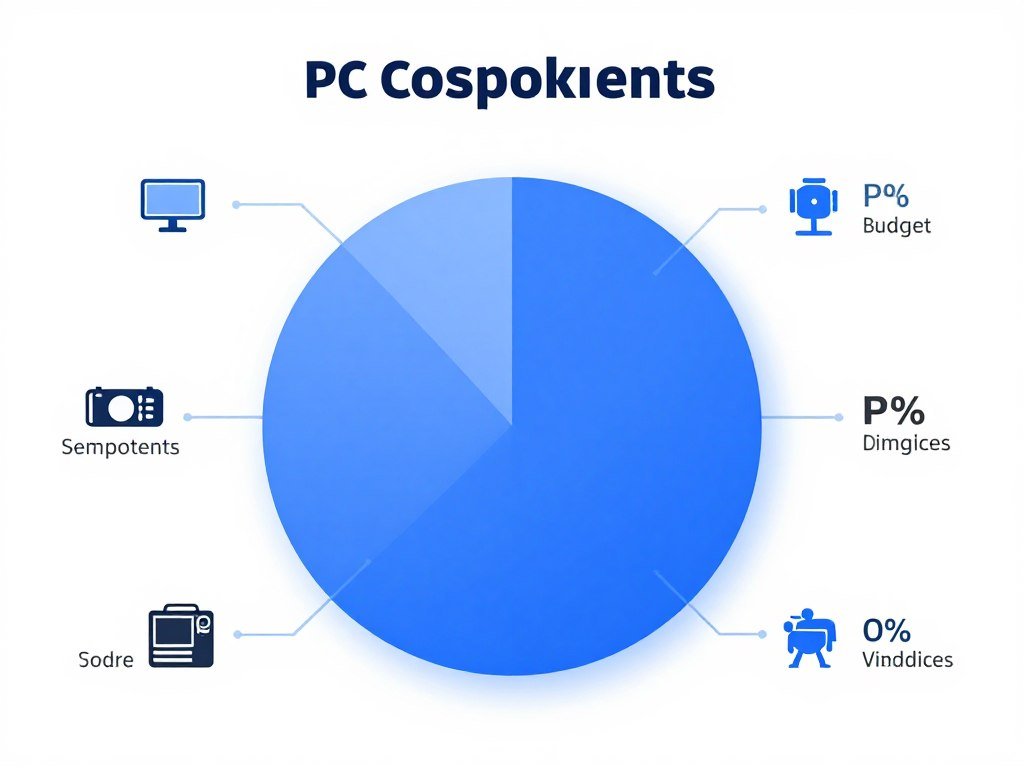
For a gaming-focused build, I typically allocate my budget like this:
- GPU: 30-35% of total budget (most important for gaming performance)
- CPU: 20-25% of budget (needs to match GPU tier)
- RAM: 10-12% of budget (16GB minimum, 32GB ideal)
- Storage: 8-10% of budget (1TB NVMe minimum)
- Motherboard: 10-12% of budget (don’t cheap out, but don’t overspend)
- PSU: 8-10% of budget (quality matters more than wattage)
- Case and Cooling: 8-10% of budget (airflow is critical)
- Peripherals: 5-8% of budget (monitor, keyboard, mouse)
These percentages shift depending on your use case. If you’re doing heavy CPU work like video editing, flip the CPU and GPU percentages. Adjust based on what matters most for what you’ll actually be doing.
Step 2: Pick Your Core Components First
Start with your CPU and GPU since they’re the heart of your system. Pick these based on your budget tier and make sure they’re matched to each other and your monitor’s resolution and refresh rate.
For example, when I built my current system for 1440p gaming, I knew I wanted around 100+ FPS in modern games. That meant I needed something in the RTX 3070 tier for the GPU. Working backwards from there, I knew I needed a CPU that wouldn’t bottleneck that GPU at 1440p, which led me to the Ryzen 5 5600X. Perfect match, no wasted performance or money.
Step 3: Choose Supporting Components
Once you have your CPU and GPU locked in, the rest flows naturally:
- Motherboard: Match your CPU socket, get the features you need, don’t overpay for stuff you won’t use
- RAM: Get the speed your CPU platform can take advantage of (3200MHz for Intel, 3600MHz for Ryzen)
- Storage: At minimum, get a 1TB NVMe for your OS and main games
- PSU: Calculate your system’s peak power draw and add 100-150W buffer, choose 80+ Gold or better
- Cooling: Match your CPU’s TDP, factor in your case airflow
- Case: Prioritize airflow over looks (or get both if budget allows)
Step 4: Stress Test and Monitor
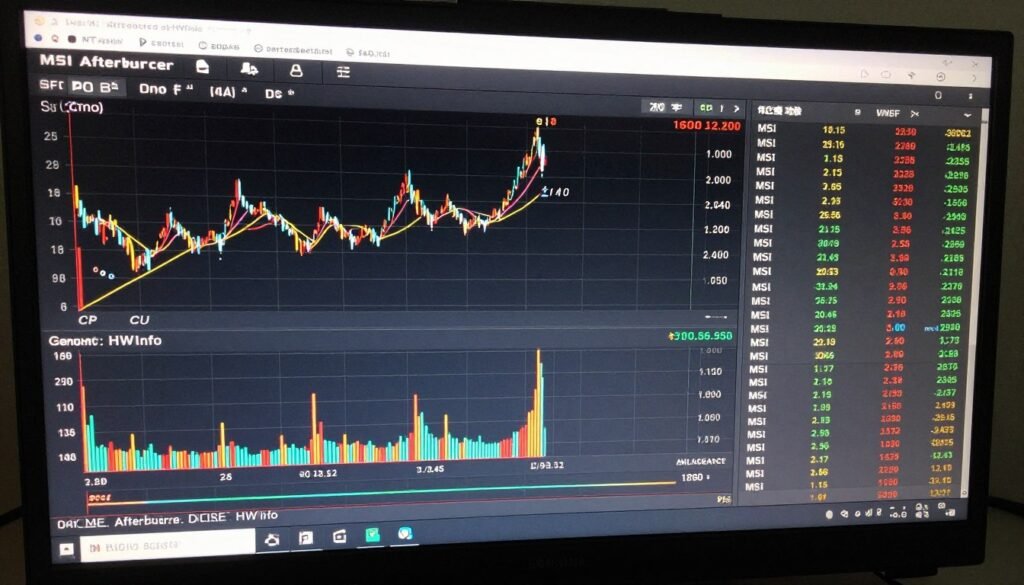
After you build your system, don’t just assume everything is balanced. Actually test it. I use MSI Afterburner to monitor my CPU and GPU usage while gaming. If one component is constantly at 100% while the other is chilling at 60-70%, you’ve found your bottleneck.
Run some demanding games and watch your temps too. If your CPU or GPU is hitting thermal limits (usually 85-90°C for CPUs, 80-85°C for GPUs), you need better cooling. Thermal throttling can make a perfectly balanced system perform like an unbalanced one.
Balance Looks Different for Different Jobs
One thing that really annoyed me when I was learning about PC building was how everyone only talks about gaming balance. But gaming isn’t the only thing people do with PCs. Balance changes dramatically depending on your primary use case.
Gaming Balance
For pure gaming, GPU usually takes priority with a CPU that can keep up. But the exact balance shifts based on resolution and frame rate targets. Gaming at 1080p 240Hz needs a stronger CPU than 4K 60Hz, even though both might use similar GPUs.
My gaming-focused balance tips:
- 1080p high refresh (144Hz+): Invest more in CPU, GPU can be mid-range
- 1440p balanced: Split budget fairly evenly between CPU and GPU
- 4K gaming: Prioritize GPU heavily, CPU matters less
Content Creation Balance
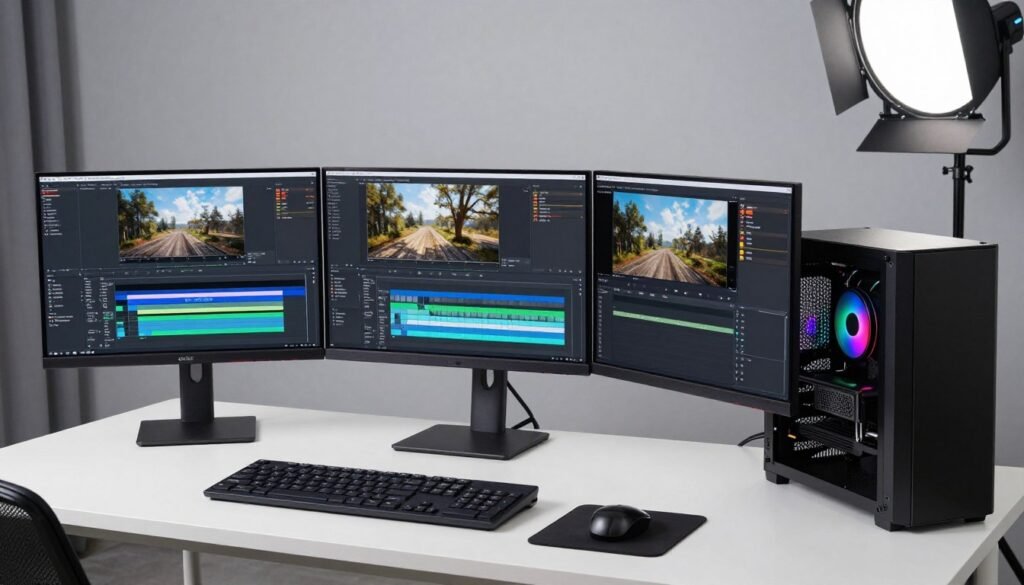
Video editing, 3D rendering, and streaming all flip the priorities. These tasks often hammer your CPU and RAM way harder than your GPU. I learned this when I started doing some video work on the side. My gaming-optimized build was actually kind of frustrating for editing because I’d skimped on RAM and CPU cores.
For content creation, you want:
- More CPU cores and threads (8+ cores minimum, 12+ ideal)
- Way more RAM (32GB minimum, 64GB if you can swing it)
- Fast storage for project files and footage
- GPU matters less unless you’re doing GPU-accelerated work
Mixed-Use Balance
Most people actually fall into this category. You game, but you also do work, maybe stream occasionally, browse the web with 47 Chrome tabs open (just me?). For mixed use, you need a more balanced approach across all components.
This is where 32GB of RAM starts making real sense, even if pure gaming would be fine with 16GB. It’s also where having decent core counts matters. My 6-core Ryzen handles gaming great, but when I’m gaming while streaming with Discord open and Chrome running in the background, those extra cores beyond four really help keep everything smooth.
Upgrading Smart: Keeping Balance as You Improve
Here’s the thing about PC upgrades that nobody warns you about: they’re never as simple as swapping one part. Every upgrade potentially throws off your system balance, which means you need to think holistically.
When I upgraded from my GTX 1070 to an RTX 3070, I thought I was set. But then I realized my old 550W PSU was cutting it too close for comfort. I could’ve risked it, but adding a quality 650W unit gave me peace of mind and room for future upgrades. That extra $80 was worth it to protect my $500 GPU investment.
Smart Upgrade Paths
If you’re looking to upgrade an existing system, here’s the order I recommend based on impact and maintaining balance:
- GPU upgrade (if your CPU can handle it—check first)
- CPU upgrade (if you’re bottlenecking your GPU or need better multitasking)
- RAM upgrade (if you’re hitting 16GB limits or have slow speeds)
- Storage upgrade (once you have the basics covered, add more fast storage)
- Cooling upgrade (if you’re thermal throttling)
- PSU upgrade (if you’re pushing power limits or have a sketchy unit)
But don’t just follow this blindly. Your specific system might need a different approach. If your cooling sucks and your CPU is constantly throttling, upgrading your GPU won’t help at all. Fix the thermal issues first.
When to Start Fresh
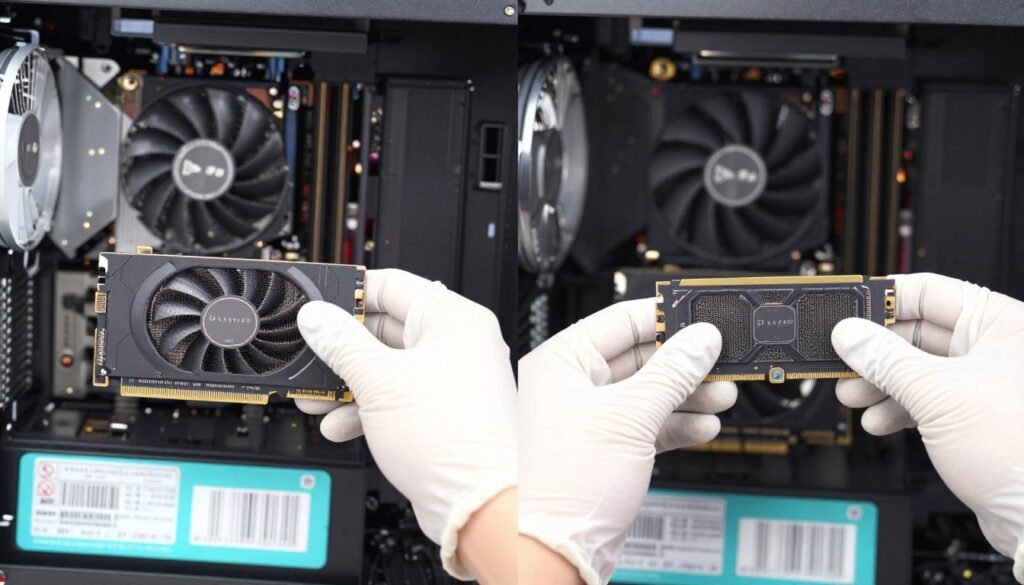
Sometimes your system is so out of balance that upgrading doesn’t make sense. If you’re running a PC from 2015 with a quad-core CPU and DDR3 RAM, upgrading to a modern GPU is throwing good money after bad. You’d be better off saving for a complete new build.
My general rule: if you need to upgrade three or more major components to get balanced, just build new. You’ll end up with better overall compatibility and often save money compared to piecemeal upgrades.
Keeping Your Balanced System Running Smoothly
Building a balanced system is just the start. Maintaining that balance over time takes some attention, but it’s not hard if you know what to watch for.
What to Monitor
I keep an eye on a few key metrics that tell me if my system is staying balanced and healthy:
- CPU and GPU temperatures under load (thermal throttling kills performance)
- Component usage percentages during demanding tasks (shows bottlenecks)
- RAM usage during typical workloads (indicates if you need more)
- Storage space remaining (slow drives hurt everything)
- Frame times and stuttering in games (often indicates balance issues)
I use HWiNFO64 for detailed monitoring and MSI Afterburner for in-game overlays. Both are free and way better than Windows’ built-in tools.
Regular Maintenance
Every few months, I do basic maintenance that keeps my system performing like new:
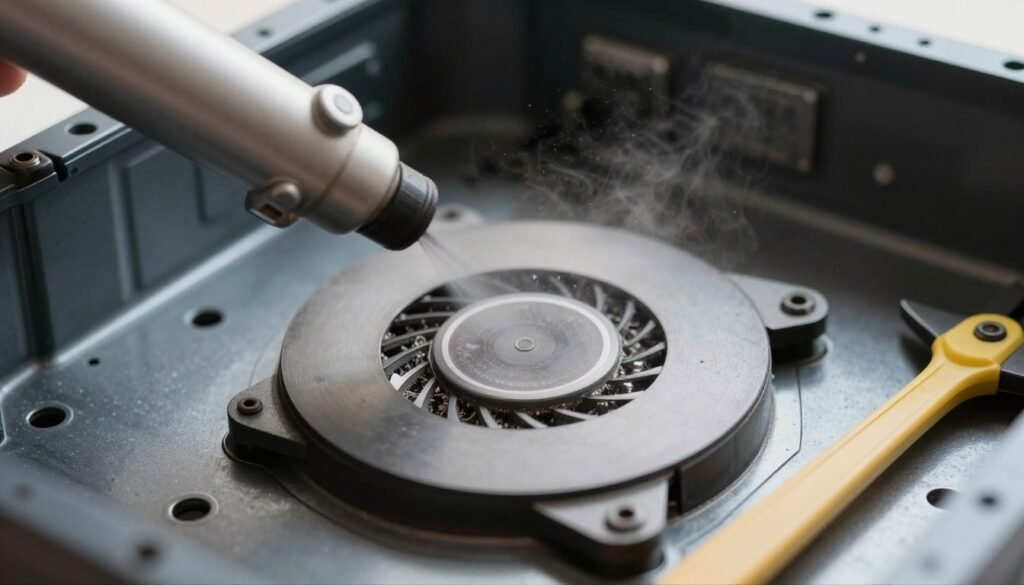
- Clean dust from fans and filters (dust kills cooling performance)
- Check that all fans are spinning properly
- Update GPU drivers (but only stable releases, not beta)
- Check SSD health and available space
- Verify no programs are hogging resources in the background
This stuff sounds boring, but I’ve seen systems lose 10-15% of their performance just from dust buildup causing thermal issues. Twenty minutes of maintenance every few months is way easier than troubleshooting mysterious slowdowns.
Real Builds That Actually Work
Theory is great, but let me show you some actual balanced builds at different price points that I’ve either built myself or helped friends with. These are real-world tested combinations that work well together.
Budget Gaming Build ($800)
- CPU: Ryzen 5 5600
- GPU: RX 6600 or RTX 3060
- RAM: 16GB DDR4 3200MHz
- Storage: 500GB NVMe SSD
- PSU: 550W 80+ Bronze
This hits 1080p 60fps in basically everything and can push higher in esports titles. Nothing fancy, but well balanced for the price.
Mid-Range Build ($1400)
- CPU: Ryzen 5 5600X or i5-12400F
- GPU: RTX 3070 or RX 6700 XT
- RAM: 32GB DDR4 3600MHz
- Storage: 1TB NVMe + 2TB SSD
- PSU: 650W 80+ Gold
My personal setup. Crushes 1440p gaming and handles content creation without breaking a sweat. The sweet spot for most people.
High-End Gaming ($2200)
- CPU: Ryzen 7 5800X3D
- GPU: RTX 4070 Ti
- RAM: 32GB DDR4 3600MHz CL16
- Storage: 2TB Gen4 NVMe
- PSU: 850W 80+ Gold
Handles 4K gaming at 60fps or 1440p at very high refresh rates. The 5800X3D’s extra cache makes it perfect for gaming specifically.
Content Creation ($2500)
- CPU: Ryzen 9 5900X or i7-13700K
- GPU: RTX 4060 Ti or RX 6700 XT
- RAM: 64GB DDR4 3600MHz
- Storage: 2TB Gen4 NVMe + 4TB HDD
- PSU: 750W 80+ Gold
Notice how GPU is less important here, but CPU cores and RAM capacity jump way up. That’s balance for different workloads.
These aren’t the only ways to build at these price points, but they’re proven combinations that avoid common balance pitfalls. You could swap similar-tier components and maintain balance—for example, an Intel CPU instead of Ryzen, or an Nvidia GPU instead of AMD.
Questions People Keep Asking Me
Q: How do I know if my CPU is bottlenecking my GPU?
Monitor your usage percentages while gaming. If your CPU is consistently at 90-100% while your GPU is at 60-80%, you’ve got a CPU bottleneck. The reverse indicates a GPU bottleneck. You can use monitoring software like MSI Afterburner or check online calculators for a quick estimate before you even run games.
Q: Is it better to have a slight CPU bottleneck or GPU bottleneck?
GPU bottleneck is usually preferable for gaming. It means you’re getting maximum visual quality, and you can just lower settings to increase frame rates. A CPU bottleneck is harder to work around—you can’t really lower “CPU settings” in most games. Plus, GPU bottleneck means you can upgrade just your GPU in the future when prices drop.
Q: How much does RAM speed actually matter?
It depends on your platform and use case. Ryzen CPUs benefit more from fast RAM than Intel. For gaming, going from 2400MHz to 3600MHz can net you 5-15% better performance in CPU-limited scenarios. Beyond 3600MHz, diminishing returns kick in hard. For most people, 3200-3600MHz is the sweet spot between price and performance.
Q: Can a bad power supply cause bottlenecks?
Absolutely. A PSU that can’t deliver stable power under load will cause system instability, crashes, or force components to throttle. I’ve seen systems with great specs perform poorly because of cheap PSUs. It’s not technically a bottleneck in the traditional sense, but the effect is similar—wasted performance from other components.
Q: Should I always match my CPU and GPU generation?
No, generations don’t need to match. What matters is performance tier. A previous-gen high-end CPU can absolutely handle a current-gen mid-range GPU. Focus on actual performance compatibility, not release dates. My Ryzen 5 5600X is two generations old now, but it still handles modern GPUs just fine at 1440p.
Q: How often should I upgrade to maintain balance?
There’s no set schedule. Upgrade when your system stops meeting your needs or when a component becomes the obvious weak link. For most people, a well-balanced system lasts 4-6 years before needing major upgrades. You might upgrade your GPU after 3-4 years and keep everything else, or add more RAM and storage as needed. Listen to your system’s performance, not arbitrary timelines.
Q: Is thermal throttling a form of bottleneck?
Kind of, yeah. If your CPU or GPU is throttling due to heat, it’s artificially limiting its own performance. This can make a perfectly balanced system on paper perform like an unbalanced one. Good cooling is part of system balance—don’t overlook it.
Q: Does monitor resolution affect system balance?
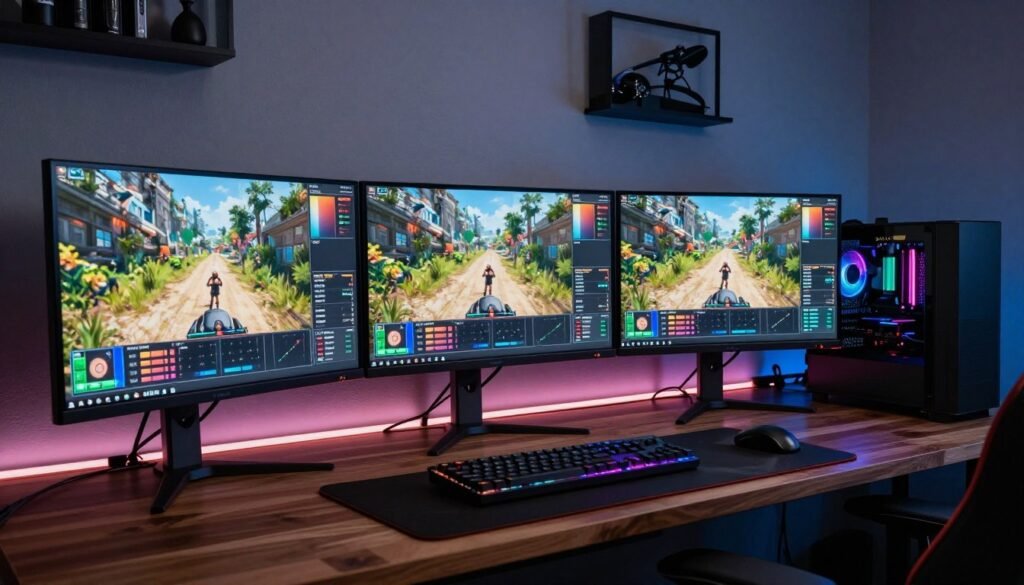
Hugely. At 1080p, your CPU does more work relative to your GPU. At 4K, your GPU does way more work and CPU becomes less critical. That’s why the same CPU-GPU pairing can be perfectly balanced at 4K but CPU-bottlenecked at 1080p high refresh rate. Always consider your monitor when building.
Final Thoughts on System Balance
After building and upgrading PCs for years, I’ve learned that system balance isn’t about having the best of everything. It’s about making smart choices where each component complements the others. That’s how you get the most performance per dollar and avoid the frustration of expensive parts sitting idle.
The biggest lesson? Don’t chase specs in isolation. A $1200 build with balanced components will give you a better experience than a $1500 build where you blew the whole budget on one flagship part and cheaped out everywhere else. Trust me on this—I learned it the expensive way.
Think about your actual use case, pick components that make sense together, and don’t forget the “boring” stuff like PSU quality and cooling. Your wallet and your frame rates will thank you.
Now I’m curious: What’s the weirdest bottleneck you’ve ever discovered in your build? Did you have some wild component mismatch that was killing your performance? Drop your horror stories below—I love hearing about other people’s PC building adventures and mistakes.