
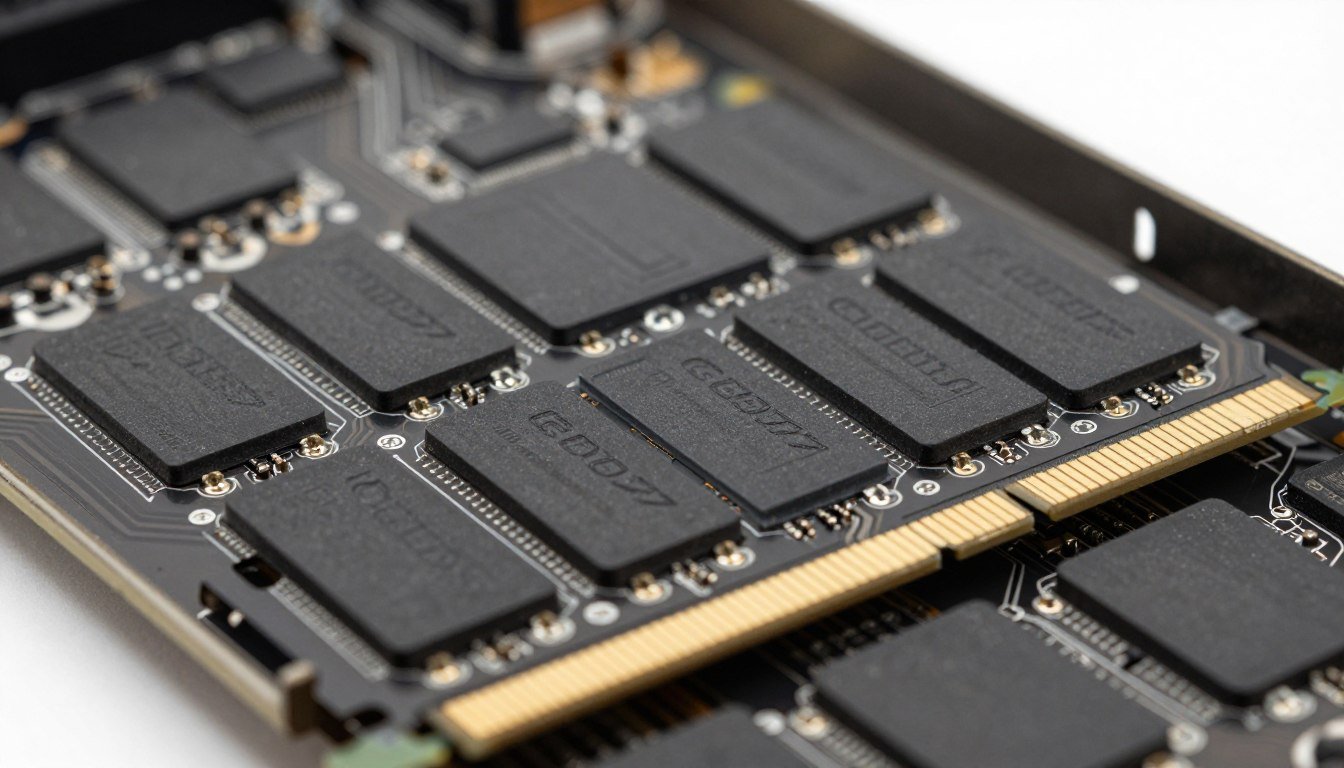
Look, I’m going to be honest with you. When I first heard about GDDR7 memory coming to graphics cards, my initial reaction was “great, another spec number for companies to slap on boxes.” I’ve been building PCs for over a decade, and I’ve watched memory standards evolve from GDDR3 all the way through GDDR6X. Each time, the marketing people promise the world, and sometimes… well, sometimes it’s just incremental.
But GDDR7 is different. After digging into the actual technical specs and watching early benchmarks, I realized this isn’t just a small bump in numbers. This is the kind of jump that actually changes how GPUs handle data, especially for the crazy amounts of data we’re throwing at graphics cards these days with 4K gaming, ray tracing, and AI workloads.
So let’s talk about what GDDR7 memory really means for you, someone who’s thinking about their next graphics card purchase. I’m going to skip the marketing nonsense and give you the straight talk on whether this matters, why it matters, and what the heck “Graphics Double Data Rate Type 7” actually does inside your PC.
What Does GDDR Stand For? (And Why It’s Not Just RAM)
First things first – GDDR stands for Graphics Double Data Rate. You might be thinking “wait, isn’t that just like DDR memory in my system?” Not really. Yeah, they share some DNA because both DDR and GDDR use something called SDRAM (Synchronous Dynamic Random-access Memory), but that’s where the family resemblance ends.
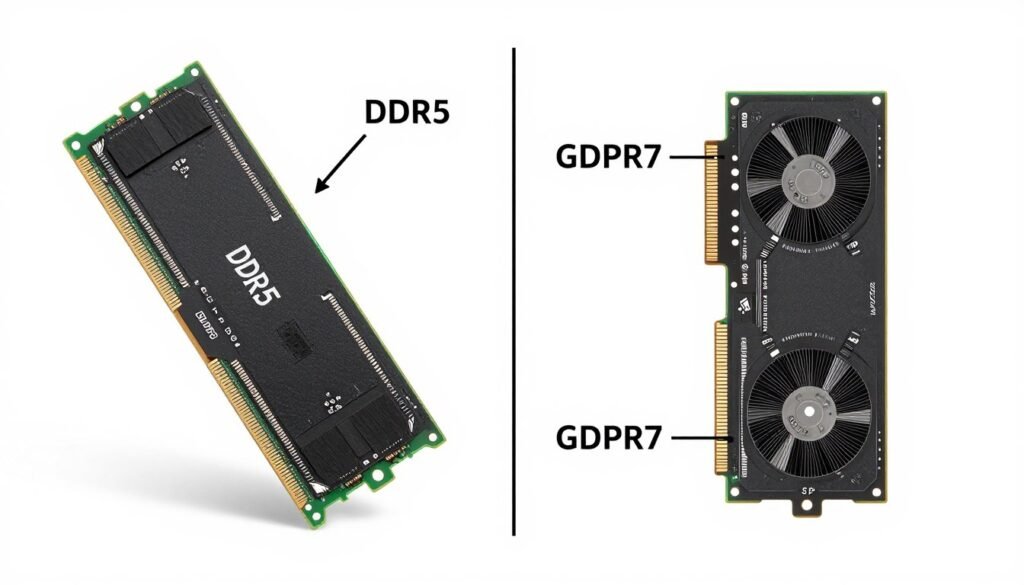
Here’s the thing I wish someone had explained to me years ago: DDR memory is built for your CPU, and GDDR is built for your GPU. They have completely different jobs. Your system’s DDR memory (like DDR5 in modern motherboards) is designed to respond quickly to your processor’s random requests. It needs low latency because your CPU is constantly asking for small chunks of data from all over the place.
GDDR memory? It’s the opposite. Graphics processing units don’t care as much about grabbing tiny bits of data really fast. They need to move absolutely massive amounts of data in big, predictable streams. Think about it – when you’re rendering a frame in a game, your GPU is processing millions of pixels, texture data, lighting calculations, all at the same time. That’s not random access; that’s a fire hose of data that needs stupidly high bandwidth.
DDR Memory (System RAM)
- Optimized for low latency and quick response
- Handles random, unpredictable data requests from CPU
- DDR5 speeds: 4800-8400 MT/s typically
- Narrower memory buses (64-bit per channel)
- Focus on running applications and operating system
GDDR Memory (Graphics RAM)
- Optimized for maximum bandwidth and throughput
- Handles massive parallel data streams for GPU
- GDDR7 speeds: 32-48 Gbps per pin (insane)
- Much wider memory buses (192-bit to 384-bit common)
- Focus on feeding thousands of GPU cores with data
So when someone tells you “it’s just faster memory,” they’re missing the point. GDDR7 memory isn’t trying to do what DDR does – it’s specifically engineered to handle the parallel processing workloads that modern graphics cards demand. The architecture is tuned for sequential, large-block data movement, which matches exactly how GPUs process graphics and compute tasks.
Here’s Why GDDR7 Speed Actually Matters
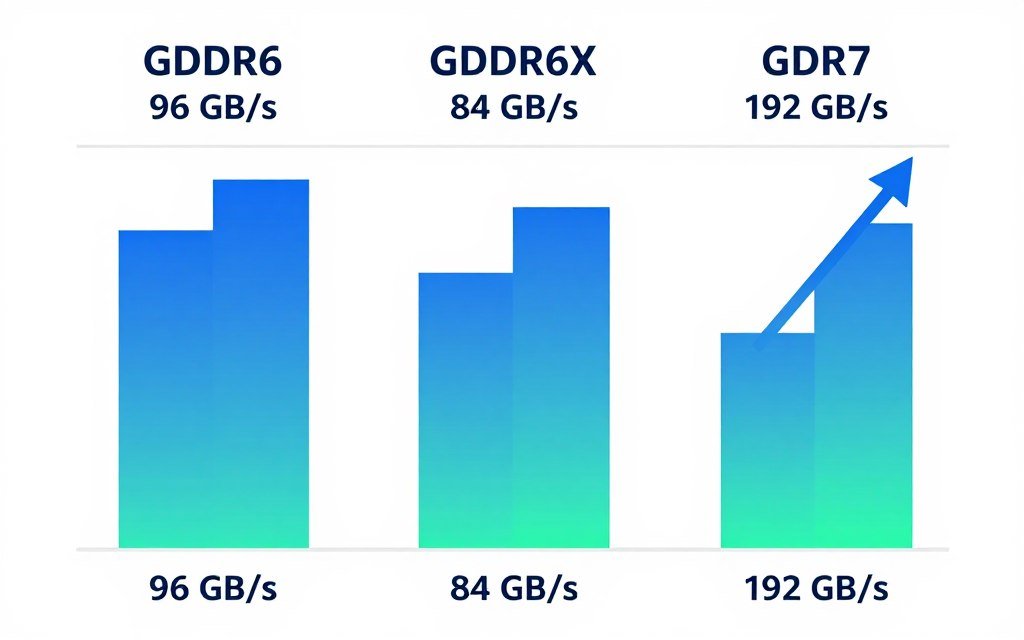
Okay, so let’s talk numbers – but I promise to explain why they’re not just marketing speak. GDDR7 memory starts at 32 Gbps (gigabits per second) per pin, and the roadmap goes up to 48 Gbps. For context, the fastest GDDR6 memory topped out at around 20 Gbps, and GDDR6X (which only Nvidia used) maxed out at 23 Gbps in shipping products.
That’s roughly a 60% jump from GDDR6 and about 40% faster than GDDR6X. But here’s what that actually means in practice: bandwidth. Each GDDR7 chip can deliver up to 192 GB/s of data transfer at the top speed of 48 Gbps. That’s the amount of data your GPU can pull from memory every single second.
I remember when I was baking lightmaps for a 3D project last year on my RTX 4070, and the process took forever because my GPU kept getting starved for data. The compute cores were sitting there, ready to work, but the memory bandwidth couldn’t feed them fast enough. That’s the bottleneck that GDDR7 is designed to fix.
| Memory Type | Data Rate (Gbps) | Bandwidth per Device | Voltage | Signaling Type |
| GDDR6 | 14-20 | Up to 96 GB/s | 1.35V | NRZ (PAM2) |
| GDDR6X | 19-23 | Up to 84 GB/s | 1.35V | PAM4 |
| GDDR7 | 32-48 | Up to 192 GB/s | 1.1-1.2V | PAM3 |
And here’s something that genuinely impressed me: GDDR7 runs at lower voltage (1.2V compared to GDDR6’s 1.35V). That means it’s pulling less power while delivering way higher performance. When you’re already dealing with graphics cards that can pull 300-400 watts under load, every bit of efficiency helps keep your system from turning into a space heater.
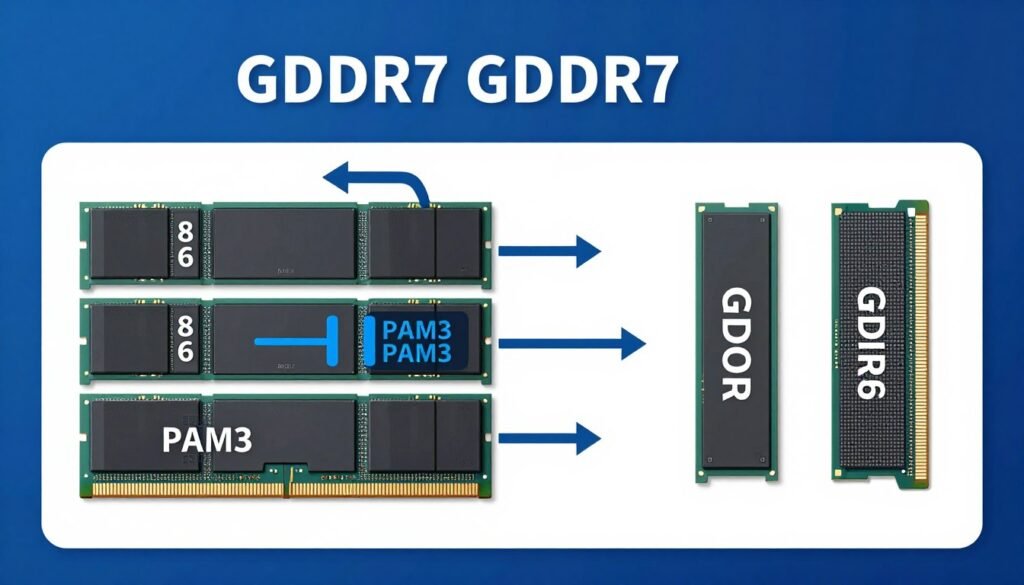
The technology behind this is called PAM3 signaling (pulse amplitude modulation with three levels). Without getting too deep into electrical engineering, PAM3 lets each signal carry 50% more data than the old NRZ method used in GDDR6. It’s like fitting more lanes on the same highway – you can move much higher amounts of data without needing to build entirely new infrastructure.
What This Means for Real-World Gaming and Workloads
Alright, enough theory. Let’s talk about what double data rate memory actually does when you’re sitting at your desk trying to play games or render a project. I’m going to break this down by use case because the impact is different depending on what you’re doing.
4K Gaming and High Refresh Rate Monitors
This is where the graphics double data rate type 7 standard really starts to matter. When you’re pushing 4K resolution at 120Hz or higher, you’re asking your GPU to process an absolutely absurd amount of pixel data every second. At 4K, that’s roughly 8.3 million pixels per frame. At 120 frames per second, your graphics processing units are calculating nearly one billion pixels every single second.
Each of those pixels needs texture data, lighting information, shader calculations, and potentially ray tracing data. All of that has to flow from memory to the GPU cores constantly. I’ve noticed on my current setup that in games like Cyberpunk 2077 with ray tracing maxed out, my GPU utilization sometimes drops because the memory bandwidth can’t keep up. That’s exactly the type of scenario where GDDR7 memory would prevent the system from slowing down.
Ray Tracing and AI-Powered Graphics
Ray tracing is basically a memory bandwidth nightmare. You’re calculating light bounces, reflections, shadows, and global illumination in real time. Every ray that gets traced needs to access geometry data, material properties, and lighting information from memory. Games with full path tracing (like Portal RTX or Cyberpunk’s ray tracing Overdrive mode) can absolutely murder memory bandwidth.
Then you add AI features like DLSS or frame generation, which need to access frame buffer data, motion vectors, and previous frame information. The amount of memory traffic just keeps stacking up. GDDR7’s higher bandwidth means your GPU spends less time waiting and more time actually computing.
Content Creation and Professional Workloads
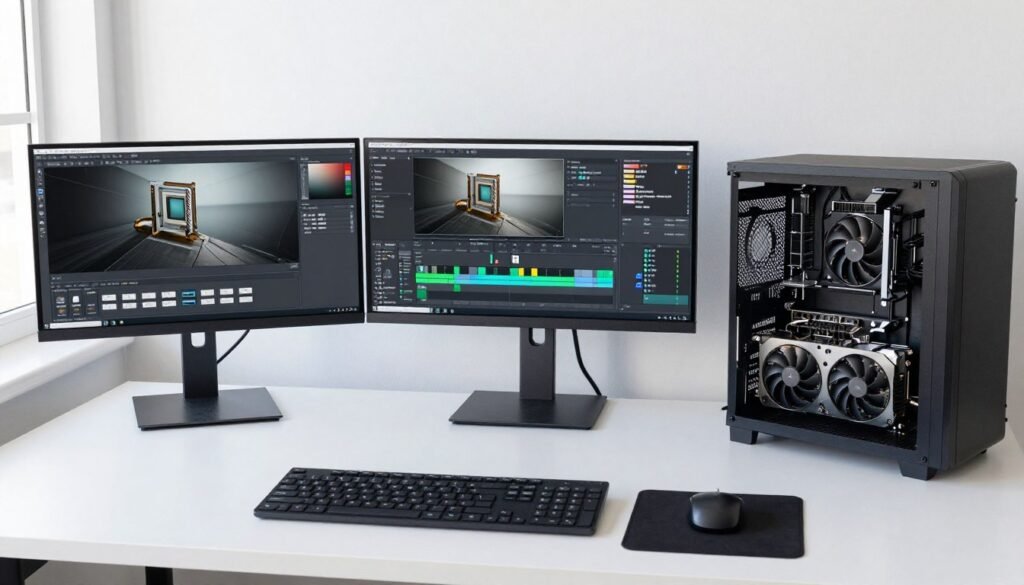
This is where I personally get excited. When I’m working in Blender or running Stable Diffusion for AI image generation, memory bandwidth is often the limiting factor. Large 3D scenes with high-poly models and 4K textures eat up VRAM like crazy. If you’ve ever watched your GPU utilization drop to 60-70% while rendering because it’s waiting for memory, you know exactly what I’m talking about.
Video editing in 4K or 8K? Same story. You’re scrubbing through timelines with multiple video layers, effects, and color grading. All that data needs to flow from VRAM to the GPU cores. The faster that data can move, the smoother your workflow becomes.
Here’s a Tool I Actually Use
Before I upgrade any component in my system, I always check if my CPU will bottleneck the new GPU. I learned this the hard way after dropping money on a high-end graphics card only to realize my older CPU was holding it back. The bottleneck calculator helps you figure out if your system is actually ready for the massive bandwidth that GDDR7 graphics cards will provide, or if you need to upgrade other parts first.
Trust me, it’s way better to know before you buy rather than after you’re staring at disappointing frame rates.
The Parts People Usually Get Wrong About GDDR7
Okay, so I’ve seen a lot of confusion online about what GDDR7 actually changes under the hood. Let me clear up some common misconceptions and explain what’s genuinely new in this generation of memory technology.
It’s Not Just About Clock Speed
A lot of people look at the numbers and think “oh, it’s just running faster.” But the actual memory clocks aren’t as high as you might think. GDDR7 uses something called a 32n prefetch architecture – basically, it grabs data in much larger chunks than previous generations. GDDR5 was 8n, GDDR6 was 16n, and now GDDR7 doubles that to 32n.
What this means is that the base clock speeds can stay relatively low while the effective data transfer rate goes way up. It’s like loading a truck with twice as much cargo per trip instead of making the truck drive twice as fast. More efficient and less strain on the system.
Four Channels Instead of Two
Here’s something that really improves performance: GDDR7 splits each memory chip into four 8-bit channels instead of the two 16-bit channels used in GDDR6. This increases parallelism – meaning the memory can handle multiple requests simultaneously without them getting in each other’s way.
Think of it like having four checkout lanes at a store instead of two. Even if each lane moves at the same speed, you can process way more customers (or in this case, data requests) at the same time. This is especially helpful for GPU workloads where thousands of shader cores are all trying to access memory at once.
Error Correction That Actually Works
GDDR7 includes on-die ECC (Error Correcting Code) with real-time reporting. Now, I know that sounds boring, but hear me out. When you’re moving this much data at these speeds, errors can happen. A single bit getting flipped can corrupt a frame or crash a render.
The built-in error correction means the memory can detect and fix problems on the fly without bothering the GPU. This is crucial for professional workloads and AI applications where data integrity matters. It also means the memory can push higher speeds reliably without stability issues.
Power Efficiency Improvements
I mentioned the lower voltage earlier, but there’s more to the power story. GDDR7 includes dynamic voltage scaling – it can adjust power consumption based on workload demands. When your GPU isn’t working hard, the memory doesn’t need to run at full tilt either.
This matters more than you might think. My current GPU sounds like a jet engine when gaming because the cooling system has to deal with heat from both the GPU cores and the GDDR6X memory running at 1.35V. Anything that reduces heat output makes for a quieter, more pleasant system.
Non-Power-of-Two Configurations
Here’s a change that should help with the weird VRAM capacities we’ve been seeing. GDDR7 supports 24Gb memory chips (that’s gigabits, not gigabytes). This means manufacturers can more easily create cards with 12GB, 24GB, or 48GB of VRAM without weird memory configurations.
No more frustration with 10GB cards or awkward 20GB variants. You could have a 128-bit memory bus with 12GB instead of being stuck with 8GB. That extra VRAM headroom can make a real difference in games and applications that are increasingly demanding when it comes to memory capacity.
How GDDR7 Stacks Up Against Other Memory Types
People always ask me “why not just use DDR5 for graphics cards?” or “isn’t HBM better?” So let’s actually compare these different memory technologies and talk about when each one makes sense.
GDDR7 vs DDR5 System Memory
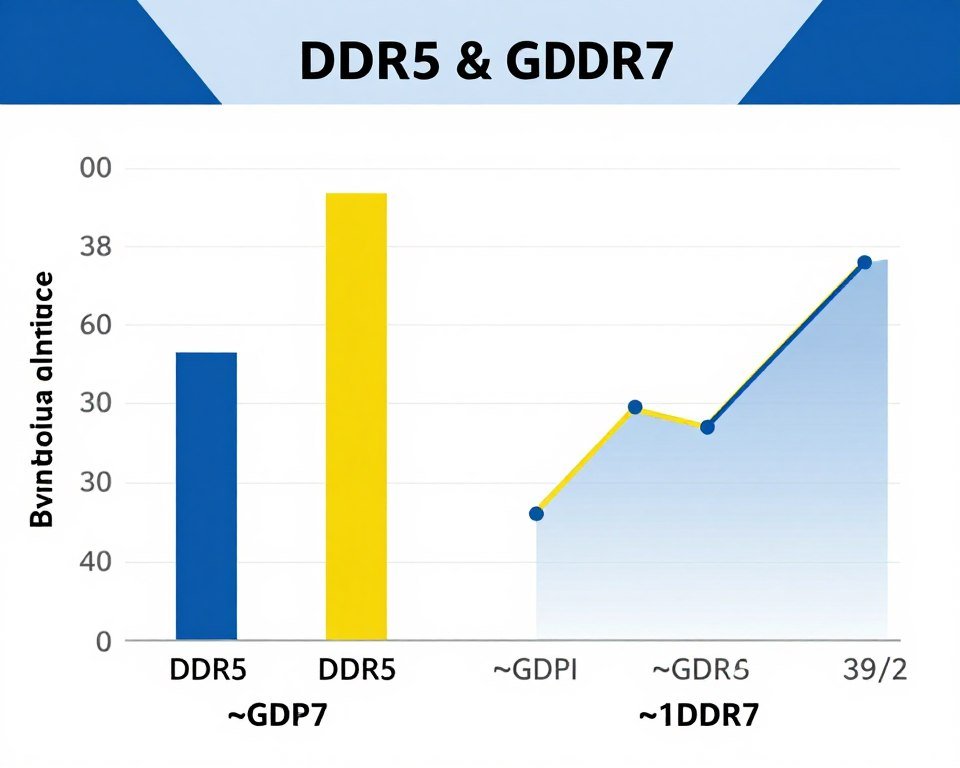
This comparison comes up a lot, especially with unified memory architectures like Apple’s M-series chips or AMD’s APUs becoming more popular. DDR5 system memory typically runs at 4800-8400 MT/s (million transfers per second) and focuses on low latency. It’s great for CPU tasks that need quick access to small bits of data scattered all over memory.
GDDR7, by contrast, hits 32,000-48,000 MT/s but with higher latency. For a GPU, that tradeoff makes perfect sense. You want huge amounts of bandwidth to feed thousands of parallel processing cores, and you’re willing to wait a few extra nanoseconds for each request because you’re making so many requests at once.
If you want to see how your system’s memory bandwidth compares to what you’d get with a GDDR7-equipped GPU, the difference is massive. We’re talking about hundreds of GB/s versus tens of GB/s for system memory.
GDDR7 vs HBM (High Bandwidth Memory)
HBM is the beast of memory technologies. It’s what you’ll find in data center GPUs like Nvidia’s H100 or AMD’s MI300 series. HBM3 can deliver over 800 GB/s of bandwidth per stack, which makes even GDDR7 look slow. So why isn’t every GPU using HBM?
Cost. HBM requires a silicon interposer (a special layer between the GPU and memory) and stacked memory dies. It’s incredibly expensive to manufacture. HBM also limits how much memory you can add – you’re stuck with whatever stack configuration you build, unlike GDDR where you can use different numbers of chips.
For gaming GPUs and mainstream AI accelerators, GDDR7 hits the sweet spot. It’s way cheaper to implement, you can configure different memory amounts easily, and the bandwidth is more than enough for consumer and professional workloads. HBM makes sense for multi-thousand-dollar data center cards; GDDR7 makes sense for everything else.
Will There Be GDDR7X?
Good question. Both GDDR5 and GDDR6 got “X” variants from Micron working with Nvidia. GDDR5X pushed speeds to 12 GT/s when regular GDDR5 maxed at 9 GT/s. GDDR6X currently runs at up to 23 GT/s versus GDDR6’s 20 GT/s limit.
Nobody’s officially announced GDDR7X yet, but I’d bet money it’ll happen eventually. Probably not until the second or third generation of GDDR7 cards though. Micron and Nvidia have a good track record of pushing memory technology further, and there’s always demand for even more bandwidth at the high end.
My guess? We’ll see GDDR7X in 2026 or 2027, probably hitting 55-60 Gbps and showing up in flagship GPUs. But that’s pure speculation based on historical patterns.
What Graphics Cards Will Actually Use GDDR7?
Okay, so here’s where things get interesting – and a bit frustrating because nobody wants to officially confirm anything yet. But based on leaks, rumors, and industry patterns, here’s what we can reasonably expect.
Nvidia Blackwell RTX 50-Series
The RTX 50-series (codenamed Blackwell) is widely expected to be the first consumer GPU lineup with GDDR7 memory. Nvidia has historically been quick to adopt new memory types – they were first with GDDR5X and exclusive with GDDR6X. Everything points to them launching with GDDR7 in late 2024 or early 2025.
The flagship models (RTX 5090, 5080) will almost certainly use GDDR7. Mid-range cards like an RTX 5070 might as well, though I wouldn’t be shocked if Nvidia kept GDDR6 for lower tiers to hit certain price points. That’s basically what they did with the RTX 40-series, using GDDR6X only on higher-end models.
AMD RDNA 4 Uncertainty
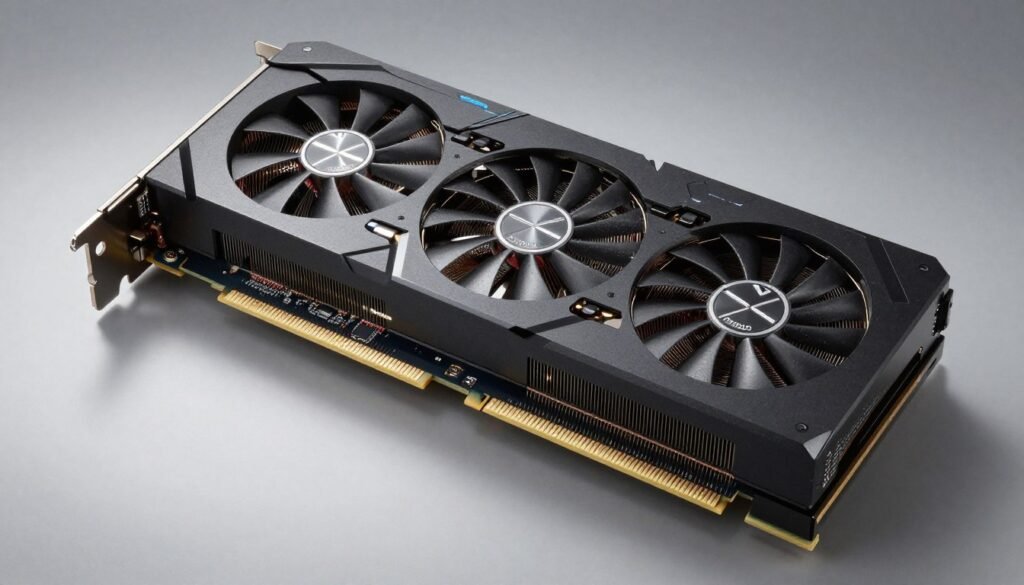
This is where things get messy. Earlier expectations were that AMD’s next-generation RDNA 4 architecture would also adopt GDDR7, but recent leaks suggest they might stick with GDDR6 for this generation. The reasoning seems to be that AMD is reportedly focusing on mainstream GPUs rather than competing at the absolute high end.
If that’s true, it kind of makes sense from a cost perspective. GDDR6 is mature, cheaper to implement, and still plenty fast for 1440p and even 4K gaming at reasonable settings. But it would mean AMD falls behind on the memory bandwidth front, at least temporarily.
I’m hoping the leaks are wrong and we see at least some RDNA 4 cards with GDDR7. Competition drives innovation, and I’d hate to see AMD sit out this generation of memory technology. But we’ll have to wait for official announcements to know for sure.
Intel Battlemage
Intel’s second-generation discrete GPUs (Battlemage architecture) are also targeting the mainstream market according to Intel representatives. That suggests they might stick with GDDR6 as well to keep costs down. But there’s always a chance we could see a higher-end Battlemage model with GDDR7 if Intel wants to make a statement.
Honestly, I’m more curious about Intel’s approach because they’re still building market share. Aggressive pricing with GDDR6 might make more sense for them than pushing cutting-edge specs with GDDR7. We’ll see.
AI Accelerators and Data Center
Beyond gaming GPUs, GDDR7 makes a ton of sense for AI inference accelerators. These are cards designed specifically for running AI models (like ChatGPT or Stable Diffusion) rather than training them from scratch. Training typically needs HBM’s extreme bandwidth, but inference can work great with GDDR7 while being much cheaper.
I expect to see GDDR7 show up in edge AI servers and inference-focused products throughout 2025. This could actually be a bigger market for GDDR7 than gaming, given how quickly AI deployment is growing.
Should You Wait for GDDR7 or Buy Now?
This is the million-dollar question everyone asks me, and I’m going to give you the most frustratingly accurate answer: it depends on your situation. I know, I know – but let me break it down into actual scenarios.
If You’re Gaming at 1080p or 1440p
Honestly? You probably don’t need to wait. Current GDDR6 cards like the RTX 4070 or AMD’s RX 7800 XT handle these resolutions with plenty of bandwidth to spare. Unless you’re planning to immediately jump to 4K with ray tracing maxed out, the memory bandwidth improvement from GDDR7 won’t make or break your experience.
That said, if you’re patient and not in urgent need, waiting a few months for RTX 50-series cards isn’t crazy. You’ll get better future-proofing, and sometimes the price-to-performance ratio improves with new launches (though not always – looking at you, RTX 4080 launch pricing).
If You’re Targeting 4K Gaming or High Refresh Rates
This is where I’d seriously consider waiting. 4K gaming with high settings and ray tracing is exactly the scenario where GDDR7’s bandwidth will shine. The difference between getting smooth 120fps versus stuttery 90fps often comes down to memory bandwidth, not just GPU compute power.
Before making any decision, I’d recommend you check if your current system would even take full advantage of a top-tier GDDR7 card. There’s no point waiting for an RTX 5090 if your CPU is going to bottleneck it anyway. Sometimes the smarter move is upgrading other components first.
If You’re Doing Professional Work
For 3D rendering, video editing, or AI work, the calculation changes. Time is money in professional workflows. If waiting six months for GDDR7 cards means six months of slower renders or clunkier editing, that’s real cost to your business or productivity.
I’d probably buy now if you need it now. You can always resell your current GPU when GDDR7 cards launch. The used market for high-end graphics cards stays pretty strong because there’s always someone looking for a deal.
The Wild Card: Pricing
Here’s something nobody talks about enough – new technology costs more. When GDDR6X launched, it was only in the most expensive cards. The same will likely be true for GDDR7 initially. If you’re on a budget, waiting for GDDR7 might just mean paying more for similar performance tiers.
For example, an RTX 5070 with GDDR7 might perform similarly to an RTX 4070 Ti with GDDR6X, but cost $100-150 more at launch. Is that worth it for future-proofing? Maybe. But it’s also money you could spend on a better monitor, more system RAM, or a faster CPU.
My honest recommendation: if you can wait without major compromise, wait. If you need an upgrade now, buy now and don’t stress about it. There will always be something better coming in six months – that’s the nature of PC hardware.
Questions People Actually Ask About GDDR7
Will GDDR7 work with my current motherboard and CPU?
Yes, absolutely. GDDR7 is memory that sits on the graphics card itself, not your motherboard. As long as your motherboard has a PCIe slot (which all modern boards do), any GDDR7 graphics card will work. The memory type doesn’t affect compatibility at all. However, you should still verify your CPU can keep up with a high-end GPU to avoid bottlenecks.
How much does GDDR7 memory actually cost to manufacture?
Nobody publishes exact costs, but based on historical patterns, GDDR7 is probably 20-30% more expensive to produce than GDDR6 initially. That cost comes from newer manufacturing processes (10-15nm vs older 10nm-class), more complex signaling circuitry for PAM3, and lower production volumes early on. As manufacturing scales up, costs will drop significantly within a year or two.
Can you mix GDDR7 and GDDR6 cards in the same system?
Sure, if you’re running multiple GPUs. Each graphics card is self-contained with its own memory. The memory type doesn’t matter for compatibility between cards. However, most modern gaming doesn’t benefit from multi-GPU setups anymore (SLI/CrossFire are basically dead), so this is mainly relevant for professional workloads or mining rigs.
Does GDDR7 generate more heat than GDDR6?
Actually, no – it should run cooler. GDDR7 operates at lower voltage (1.1-1.2V vs 1.35V for GDDR6) and includes better power management features like dynamic voltage scaling. The higher speeds do generate some heat, but the voltage reduction more than compensates. Memory chips on GDDR7 cards should actually run a bit cooler than current GDDR6X implementations, which is great news for quieter cooling solutions.
Will games need to be updated to take advantage of GDDR7?
Nope, it’s completely transparent to software. Games and applications just see “GPU memory” and use it. The driver handles all the technical details of memory management. Higher bandwidth from GDDR7 will automatically improve performance in memory-limited scenarios without any game updates needed. It’s hardware-level improvement that benefits everything automatically.
How long will GDDR6 cards be supported?
Years and years. GDDR5 cards from 2015-2016 still get driver updates and work great for many games today. Memory type doesn’t affect driver support or game compatibility. You’re looking at minimum 5-7 years of full support for GDDR6 cards, probably longer. The memory technology doesn’t become obsolete just because something newer exists.
Can GDDR7 help with AI and machine learning workloads?
Absolutely. AI inference (running trained models) is often memory bandwidth-limited rather than compute-limited, especially for large language models or image generation. GDDR7’s massive bandwidth improvement makes it much better for running AI models locally. Training is a different story – that usually benefits more from HBM memory in data center GPUs.
What’s the typical lifespan of GDDR7 memory?
Memory chips themselves are incredibly durable – they’ll typically outlast other GPU components. The ECC (error correction) built into GDDR7 also improves reliability. You’re looking at 10+ years of operational life under normal use. Most people upgrade GPUs for performance reasons long before the memory physically fails. Heat and voltage stress are bigger concerns than the memory technology itself wearing out.
Is GDDR7 better than unified memory like Apple uses?
Different approaches, different strengths. Apple’s unified memory (using LPDDR5) lets CPU and GPU share the same memory pool, which is efficient and reduces data copying. But GDDR7 delivers much higher raw bandwidth for GPU workloads (192 GB/s per device vs ~34 GB/s for LPDDR5). For tasks that are GPU-heavy, dedicated GDDR7 wins. For mixed workloads with lots of CPU-GPU data sharing, unified memory has advantages. It’s not really an either-or comparison.
Will GDDR7 cards require more power from the PSU?
Not necessarily from the memory itself – GDDR7 is actually more power-efficient than GDDR6X. But high-end graphics processing units with GDDR7 might have higher overall power requirements just because they’re flagship models with more compute cores. Check the specific TDP (thermal design power) for each card model. The memory type alone won’t drive power requirements up; it’s the total package that matters.
Looking Beyond GDDR7: What Comes Next?
I know we’re still waiting for GDDR7 to actually ship in products, but I can’t help thinking about where memory technology goes from here. The pattern has been pretty consistent – a new GDDR generation every 4-7 years, each roughly doubling performance over what came before.
GDDR2 launched way back in 2003 at 1 GT/s. GDDR3 hit 2 GT/s in 2004. Then we got GDDR4 (which AMD used briefly), GDDR5 in 2009, GDDR5X in 2016, GDDR6 in 2018, and now GDDR7 in 2024-2025. That’s a pretty steady drumbeat of progress.
Will There Be GDDR8, GDDR9, and Beyond?
Almost certainly, yes. Memory manufacturers like Micron, Samsung, and SK hynix are already discussing future roadmaps, even if they’re not officially announcing GDDR8 yet. The demand for bandwidth isn’t going away – if anything, it’s accelerating with AI workloads, higher resolution displays, and more complex graphics.
I’d expect GDDR8 sometime around 2028-2030, probably hitting 60-80 Gbps per pin. The signaling technology will need to evolve again – maybe PAM4 or even PAM8 (8-level pulse amplitude modulation) to cram more data into each signal. Manufacturing processes will shrink further, maybe down to 7nm or 5nm for memory chips.
At some point, though, we might hit physical limits with traditional approaches. Signal integrity becomes incredibly difficult at higher frequencies. There’s only so much you can push electrical signals through copper traces before physics says “nope.” That’s when we might see more radical changes – perhaps optical interconnects or entirely new memory architectures.
The HBM Question
Meanwhile, High Bandwidth Memory will continue to exist in its own niche. HBM4 and HBM5 are already being discussed for data center applications where cost is less important than absolute performance. As manufacturing improves and costs drop, we might eventually see HBM trickle down to high-end consumer graphics cards.
But I don’t think HBM will replace GDDR entirely anytime soon. The cost difference is just too significant, and GDDR’s flexibility (being able to configure different memory amounts easily) is valuable for product segmentation. More likely, we’ll see both technologies coexist, with GDDR serving mainstream and enthusiast markets while HBM handles the ultra-high-end and data center.
The AI Wild Card
Here’s something that might accelerate memory development: AI workloads are growing faster than anyone predicted. Just a few years ago, nobody expected we’d have consumer GPUs running billion-parameter language models locally. Now we’re already bumping against memory capacity and bandwidth limits for AI inference.
If AI continues to grow as a GPU use case (which seems likely), memory manufacturers will have strong incentives to push GDDR technology faster and further. We might see GDDR9 arrive sooner than the historical 4-7 year pattern would suggest, driven by AI demand rather than gaming.
The Bottom Line on GDDR7 Memory
Alright, let’s wrap this up. After digging through all the specs, benchmarks, and technical details, here’s my honest take on GDDR7 memory and what it means for you.
GDDR7 is a legitimate improvement, not just marketing hype. The jump from 20-23 Gbps (GDDR6/6X) to 32-48 Gbps is substantial. That’s roughly double the bandwidth, running at lower voltage, with better error correction. These are meaningful changes that will impact real-world performance, especially at 4K resolution with ray tracing or for professional workloads.
But it’s not magic. If you’re gaming at 1080p or 1440p with reasonable settings, GDDR7 won’t transform your experience. You’ll see some improvement in bandwidth-limited scenarios, but it’s not going to suddenly make a mid-range card perform like a flagship. The memory type matters, but it’s just one piece of the puzzle along with GPU architecture, compute cores, and software optimization.
Timing matters more than tech specs. If you need a GPU now, buy now. If you can wait 3-6 months without suffering, waiting for GDDR7 cards will give you better future-proofing. But don’t torture yourself waiting if your current setup is holding you back. There’s always something better coming “soon,” and you can drive yourself crazy trying to time the market perfectly.
Before making any purchase decision, seriously check if the rest of your system is ready for a high-end GPU with GDDR7 memory. I’ve seen too many people drop money on flagship graphics cards only to realize their CPU, power supply, or cooling can’t keep up. Balance your whole system, not just one component.
What I’m Doing Personally
For what it’s worth, I’m waiting. My RTX 4070 handles everything I throw at it right now, and I’m curious to see what the RTX 5080 delivers with GDDR7. I’m especially interested in the power efficiency improvements because my office already gets too hot during summer when gaming or rendering.
But I’m also not in a rush. If the RTX 50-series launch pricing is ridiculous (like the RTX 4080 was initially), I might just grab a discounted RTX 4080 Super instead. Sometimes the previous generation becomes the smarter buy once new stuff launches and prices drop.
Final Thoughts
GDDR7 memory represents genuine progress in graphics memory technology. The engineering that went into achieving double the bandwidth at lower power consumption is impressive. As someone who’s been building PCs for years and has watched memory evolve from GDDR3 through to today, I’m genuinely excited to see what GDDR7-equipped cards can do.
Just remember – specs are cool, but real-world performance in your specific games and applications is what actually matters. Don’t get too caught up in the numbers game. Build or buy a system that fits your budget and use case, and you’ll be happy.
Now I’m curious – what’s the weirdest performance issue you’ve ever run into with your GPU? I once spent three hours troubleshooting stuttering in games only to discover one of my RAM sticks was loose. Sometimes the problem isn’t what you think it is.