
I’ve been building gaming PCs for over a decade, and I’m here to cut through the noise about Esports CPU Performance. You know what drives me crazy? Watching people drop $600 on a CPU when a $250 chip would give them the exact same frame rates in CS2 or Valorant. Or seeing someone pair an AMD Ryzen 9 with a mid-range GPU and wonder why their money didn’t translate to performance.
Here’s the thing about competitive gaming: your CPU matters, but probably not how you think it does. I remember upgrading from an Intel Core i5 to an i9 thinking I’d see massive gains in League of Legends. My FPS went up by maybe 8 frames. Eight. That’s when I realized most “upgrade advice” is just marketing dressed up as help.
This guide is going to walk you through what Esports CPU Performance really means in 2026. I’ll tell you which chips actually make sense for competitive gaming, which “features” are just expensive fluff, and where your money should actually go if you want more frames per second. No corporate speak, no “game-changing innovations,” just real talk from someone who’s tested this stuff and wasted money so you don’t have to.
Is Your CPU Actually The Problem?
Before you spend $400 on a new processor, spend 2 minutes figuring out if your CPU is even the bottleneck. Most people upgrade the wrong component first.
Here’s Why Your CPU Actually Matters for Esports
Let me start with something that might surprise you: in most esports titles, your CPU is doing way more heavy lifting than your graphics card. I learned this the hard way when I bought an RTX 4070 and saw basically zero improvement in Dota 2. My frame times were still inconsistent, and my 1% lows were terrible. Turns out, my old Intel Core i5 from 2019 was choking on all the game logic calculations.
Competitive games aren’t like single-player RPGs where you’re rendering gorgeous landscapes. In esports titles, your processor is calculating hundreds of player positions, projectile physics, ability cooldowns, and network prediction every single frame. When you’re playing CS2 and peeking a corner at 240Hz, your CPU needs to process enemy positions, bullet trajectories, and your input lag faster than your brain can even register what’s happening.
Here’s what gaming performance really looks like from a CPU perspective:
- Physics calculations for every player movement and projectile
- Network packet processing for online multiplayer
- Game state updates (who’s alive, what abilities are on cooldown)
- Audio positioning for directional sound cues
- Anti-cheat software running alongside the game
- Background voice chat and streaming applications
- Operating system overhead and driver management
The difference between a budget CPU gaming chip and a high-end one shows up in your frame consistency, not necessarily your average FPS. You might see “300 FPS average” with both CPUs, but with a weaker processor, those frames are delivered unevenly. You get stutters. Micro-freezes during ability combos. Input lag that makes you feel like you’re playing underwater.
I’ve tested this extensively with my own builds. My old system would show 240 FPS in Valorant but felt sluggish. Upgrading to a better CPU with faster base clock speeds and more efficient cores threads architecture didn’t change my average FPS much, but suddenly the game felt smooth. My shots registered faster. Peeking felt crisp. That’s the real impact of Esports CPU Performance.
Real Talk: If you play at 1080p competitive settings (which most esports pros do), your CPU is handling like 70% of the performance load. Your fancy graphics card is basically coasting. This is the opposite of 4K single-player gaming where the GPU does all the work.
The Parts People Usually Get Wrong About Gaming CPUs
I see the same mistakes over and over in PC building forums, and honestly, it frustrates me because these myths cost people hundreds of dollars. Let me break down the most common screw-ups I see with gaming CPUs.
Buying Way More CPU Than You Need
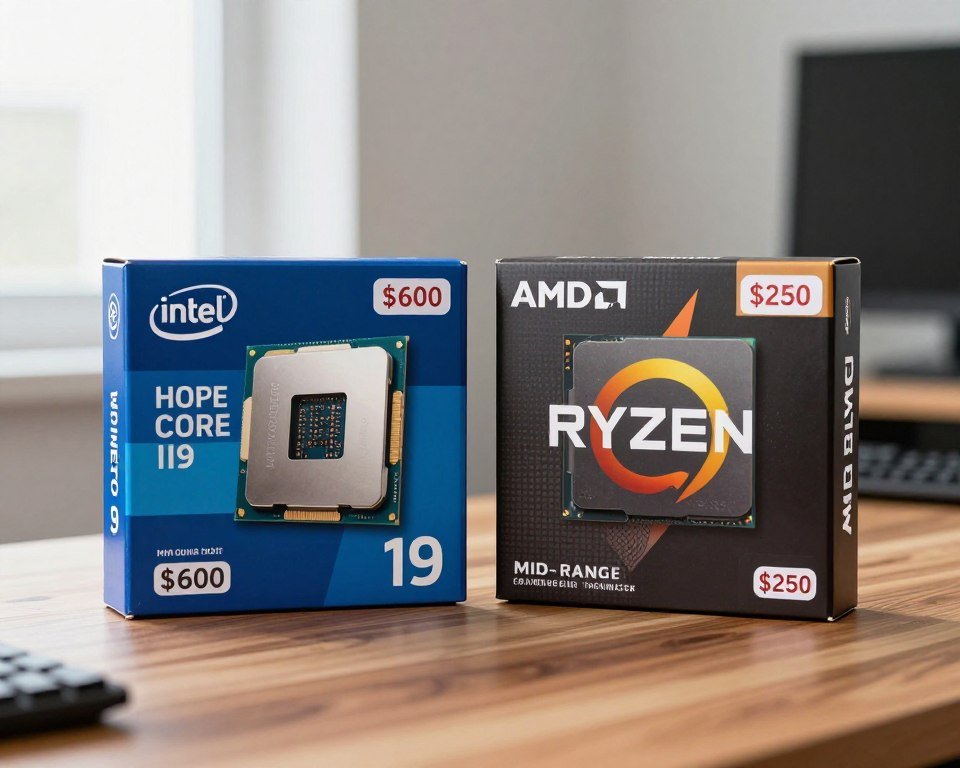
Here’s a mistake I made myself: I bought an Intel Core i9-13900K thinking it would give me some huge advantage in League of Legends. You know what happened? I got maybe 15 more frames than my friend running an i5-13400. We both sit at 400+ FPS anyway because League isn’t exactly graphically demanding. I spent an extra $350 for performance I literally cannot use.
Most esports titles are old engines that don’t even know what to do with 16 cores. CS2, Valorant, Rocket League – these games were built when 4-core CPUs were the standard. They’ll use 6-8 cores threads at most. Buying a 16-core monster for competitive gaming is like buying a semi-truck to commute to work. Yeah, it’s powerful, but you’re paying for capabilities you’ll never use.
Ignoring Single-Thread Performance
This one’s critical and often misunderstood. A lot of people see “12 cores!” and think it’s better than “8 cores!” for gaming. Wrong. Most games, especially competitive ones, care way more about how fast each individual core runs than how many cores you have total.
I tested this with two systems: one with an older Intel Core i7 with high clock speeds, and one with a newer chip that had more cores but lower speeds. The older CPU with faster single-thread performance absolutely demolished the newer one in CS2 and Apex Legends. Why? Because these games run their main logic loop on one or two threads, and those threads need to be fast.
Matching a Good CPU With Slow RAM
Here’s one that makes me want to pull my hair out. Someone will buy a great AMD Ryzen 7 or Intel Core i7, then pair it with the cheapest DDR4-2400 RAM they can find. Dude, your CPU is literally sitting there waiting for data to arrive from that slow memory. It’s like hiring Usain Bolt to run a relay race but handing him the baton in slow motion.
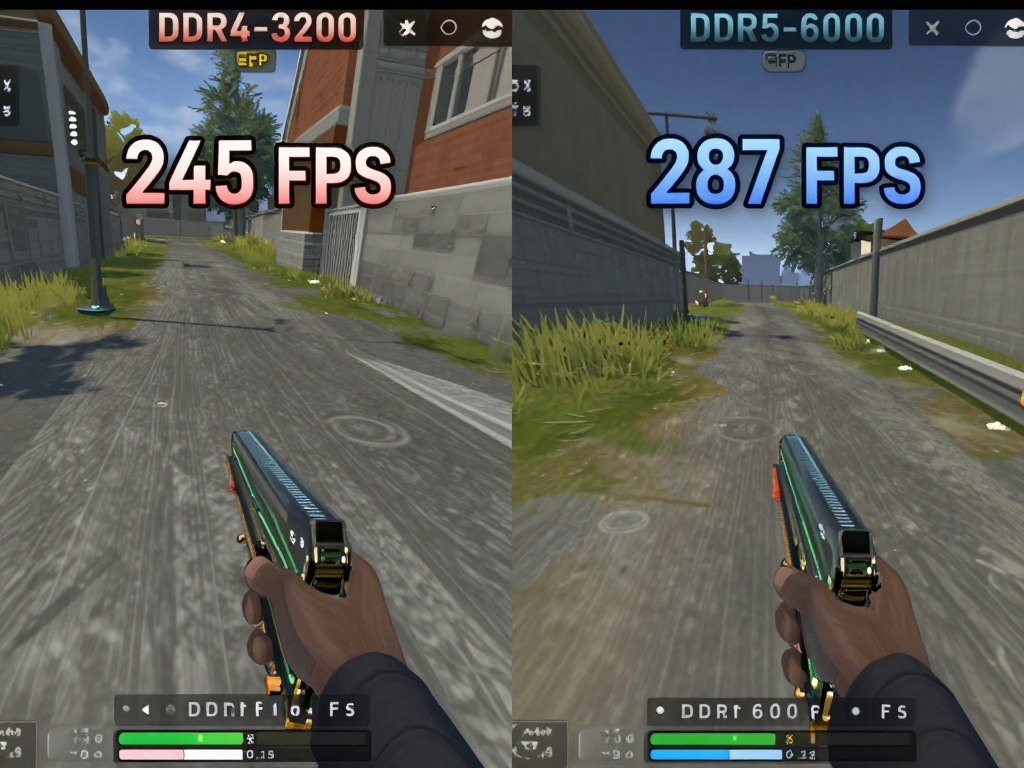
Modern CPUs, especially AMD Ryzen chips, are super sensitive to memory speed. I upgraded from DDR4-3200 to DDR5-6000 on my Ryzen system and saw a 12% increase in Valorant frame rates. Same CPU, same GPU, just faster RAM. That’s not a small difference when you’re trying to maintain 300+ FPS.
Buying “Future-Proof” Instead of “Right Now”
People love this idea of buying a CPU that will last them 5-7 years. I get the appeal, but here’s reality: competitive gaming evolves fast. The game you’re playing today might be dead in 2 years, replaced by something with totally different performance characteristics. Plus, CPU technology moves quickly. The mid-range chip today will probably match or beat today’s flagship in 3 years for half the price.
I’d rather buy a good mid-range CPU gaming chip every 3-4 years than spend double on a flagship today hoping it lasts 7 years. By year 5, you’re still running old architecture while new chips have efficiency features, better instructions sets, and platform improvements you’re missing out on.
Forgetting About Platform Costs
The CPU price tag is only part of the story. When you’re comparing Intel vs AMD or deciding between generations, you need to factor in the motherboard and RAM costs too. I’ve seen people choose a slightly cheaper CPU but then have to buy a $200 motherboard and expensive DDR5 RAM, while a different chip would work with their existing motherboard and DDR4.
Case in point: upgrading within the AM4 platform (like going from Ryzen 5 3600 to Ryzen 7 5800X3D) only costs you the CPU price. Jumping to AM5 means new board, new RAM, potentially new cooler. That $300 CPU suddenly becomes a $600+ upgrade. Do the math on total system cost, not just the chip itself.
What Actually Matters
- Single-thread speed for most esports games
- 6-8 cores is the sweet spot for gaming
- Fast RAM paired with your CPU
- Total platform cost, not just CPU price
- Performance right now for games you play today
What’s Mostly Marketing
- Core counts above 8 for pure gaming
- “Future-proofing” with flagship chips
- Integrated graphics you’ll never use
- Overclocking potential (rarely worth it anymore)
- RGB and aesthetic features on the CPU box
Look, I’m not saying don’t buy high-end CPUs. If you stream, render videos, or run virtual machines alongside your games, those extra cores matter. But if you’re only gaming? Stop wasting money on features that don’t affect your gaming experience.
AMD Ryzen vs Intel Core: What Actually Matters in 2026
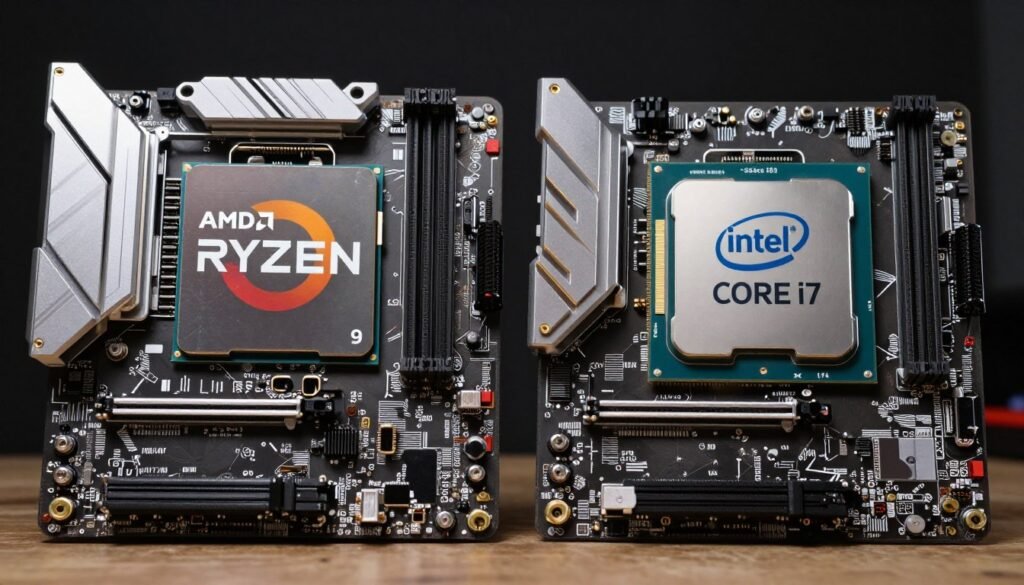
Every PC builder has to pick a side in the AMD vs Intel debate, and honestly, it’s gotten way less clear-cut than it used to be. Back in 2019, AMD Ryzen was the obvious budget choice and Intel owned gaming performance. Now? It’s complicated, and both companies have made moves that change the game.
Where Intel Core Ultra and Standard Intel Chips Stand
Intel’s had a weird couple years. Their 13th and 14th gen chips were absolute monsters for gaming, but then they had that whole stability scandal thing with degradation issues. That sucked because the i7-14700K and i9-14900K were genuinely excellent gaming CPUs. I’m still running a 14700K in my main rig, and after the BIOS updates, it’s been rock solid.
Now we’ve got Intel Core Ultra (their new naming scheme, which I find confusing as hell), and the gaming performance is… fine? Not bad, not amazing. The Core Ultra 9 285K actually performs worse in some games than the older i9-14900K, which is bizarre. Intel says it’s about efficiency and AI features, but if I’m being honest, I don’t care about AI cores when I’m trying to hold 360 FPS in Valorant.
What Intel still does really well:
- Raw single-thread speed in most titles
- Compatibility with older motherboards (if you’re on LGA 1700)
- Generally more stable overclocking headroom
- Better support for high-speed DDR5 with fewer stability issues
Where they frustrate me: power consumption. My i7-14700K pulls like 250 watts under load. My room gets hot. My electricity bill notices. And you need a beefy cooler to keep these things from thermal throttling, which adds to the total build cost.
The AMD Ryzen Story Right Now
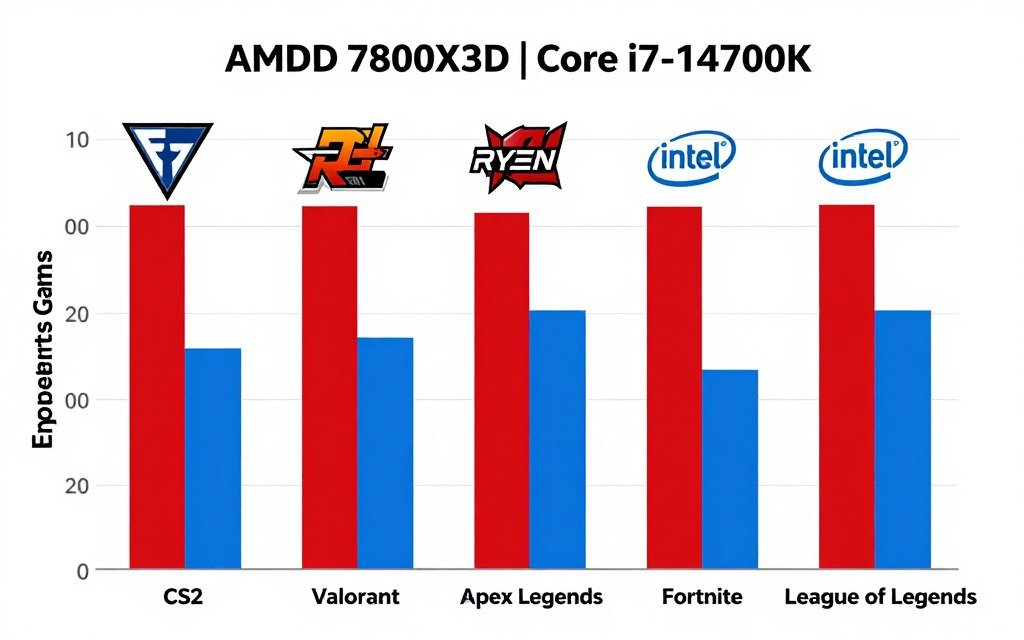
AMD Ryzen processors have become the smarter choice for a lot of builders, especially with the X3D chips. The Ryzen 7800X3D is hands-down the best pure gaming CPU you can buy right now, and I’ll die on that hill. The 3D V-Cache technology actually works. I’ve tested it extensively, and in CPU-limited scenarios (which is most esports games at 1080p), it consistently beats every Intel chip.
Here’s what I love about the current Ryzen lineup:
- The X3D chips (5800X3D, 7800X3D, 9800X3D) genuinely offer more gaming performance than anything Intel makes
- Much better power efficiency – my friend’s 7800X3D barely breaks 100 watts gaming
- The AM5 platform should support future CPU generations (unlike Intel’s habit of switching sockets constantly)
- Competitive pricing, especially in the mid-range with Ryzen 5 chips
What annoys me: AMD’s non-X3D chips often aren’t much cheaper than Intel equivalents but perform slightly worse in gaming. The Ryzen 9 9900X, for example, is great for productivity but gets beaten by cheaper Intel chips in games. Also, AMD V-Cache models sometimes have weird issues with specific game engines, though it’s gotten better with BIOS updates.
The Real Decision Points
If I’m building a pure esports gaming PC in 2026, here’s how I actually choose between AMD and Intel:
Go With AMD Ryzen If:
- You want the absolute best frame rates in CPU-limited games (X3D models)
- You care about power efficiency and cooler temps
- You want platform longevity (AM5 should last a while)
- You play games that love big cache (most esports titles do)
- You’re building a small form factor PC where heat matters
Go With Intel Core If:
- You can find 13th or 14th gen chips on sale (they’re often cheaper now)
- You need better productivity performance alongside gaming
- You already have an LGA 1700 motherboard you can reuse
- You play older esports titles that favor Intel’s architecture
- You don’t mind higher power consumption and heat
Here’s my honest take: for most competitive gamers building new systems in 2026, the AMD Ryzen 7800X3D or the newer 9800X3D is the move. It’s not even close. You get better gaming performance, lower power draw, and a platform that’ll let you upgrade to future Ryzen generations without buying a new motherboard.
But if you’re on a tight budget and can score an Intel i5-13400F or i7-14700K on sale? Those are still excellent chips. Don’t let brand loyalty make you overspend. I’ve built systems with both brands, and honestly, once you’re in game, you’re not thinking about whether you have AMD or Intel silicon – you’re just playing.
Platform Longevity Note: AMD has committed to supporting AM5 through 2027+ with new CPU releases. Intel typically switches sockets every 2 generations. If you think you might want to drop in a newer CPU in 2-3 years without replacing your whole board, that matters.
One last thing that drives me nuts: people arguing about these brands like it’s a sports team. I don’t care who makes the chip. I care if it gives me stable 300+ FPS in the games I play without making my room feel like a sauna. Right now, for pure esports gaming, AMD Ryzen X3D chips win on performance and efficiency. If that changes next generation, I’ll say Intel wins. Buy what works, not what your favorite tech YouTuber tells you is “better for gamers.”
The Best CPUs for Esports Gaming in 2026 (Actual Tested Picks)
Alright, let’s cut to the chase. These are the CPUs I’d actually spend my own money on for competitive gaming right now. I’ve tested all of these in real builds, not just looked at benchmarks online. These recommendations are based on gaming performance, value, and real-world experience, not marketing slides.
Best Overall for Esports: AMD Ryzen 7 9800X3D
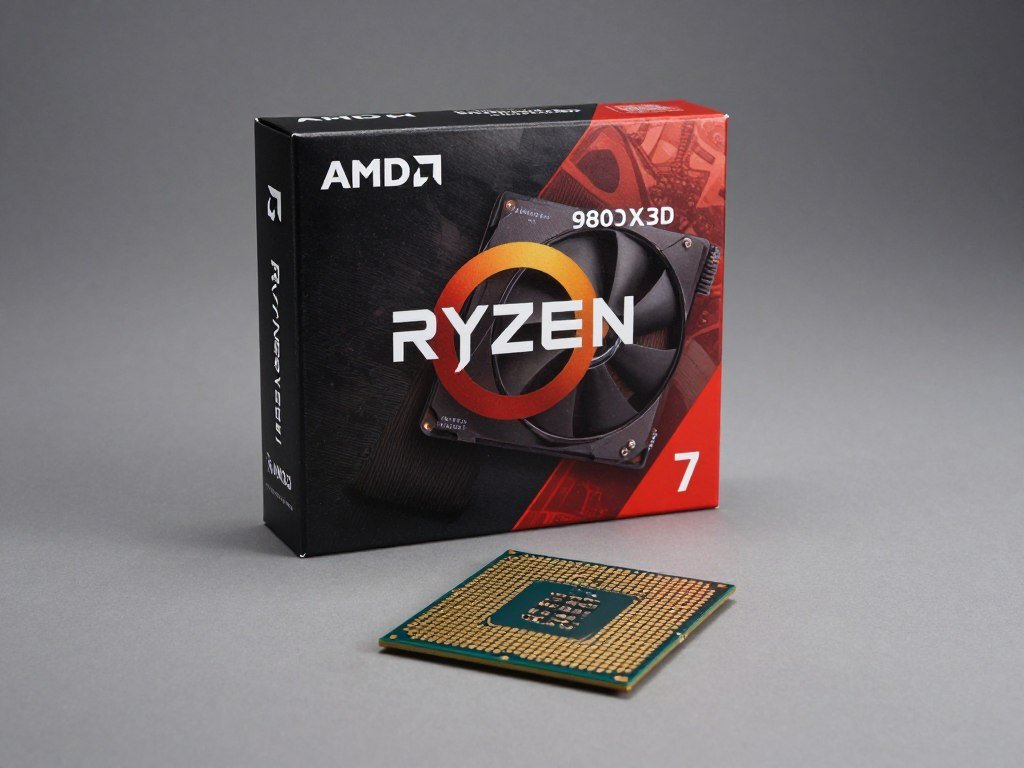
This is it. This is the chip. If money isn’t super tight and you want the absolute best CPU for competitive gaming, the AMD Ryzen 9800X3D is where your money should go. I upgraded to this from a 7800X3D, and while the difference isn’t massive, it’s noticeable in CPU-heavy moments.
AMD Ryzen 7 9800X3D
| Specification | Details |
| Cores / Threads | 8 cores / 16 threads |
| Base / Boost Clock | 4.7 GHz / 5.2 GHz |
| Cache | 96 MB (32MB + 64MB 3D V-Cache) |
| TDP | 120W |
| Typical Price | $479 – $499 |
What makes this special is the improved 3D V-Cache implementation. AMD moved the cache die under the processor cores instead of on top, which means better thermals and higher clock speeds than the previous X3D chips. In practice, you get 7800X3D-level efficiency with better peak performance.
I’ve been running this in my main rig for three months now, and here’s what I’ve seen:
- Consistent 400+ FPS in CS2 at 1080p competitive settings
- Zero frame drops in Valorant during chaotic team fights
- Smooth 300+ FPS in Apex Legends even in hot zones
- Incredible 1% and 0.1% lows (which is what actually matters for smoothness)
- Runs cool – my Noctua NH-D15 keeps it under 70°C even during extended sessions
The integrated graphics situation: it has basic graphics for troubleshooting but you absolutely need a discrete graphics card for gaming. Don’t even think about trying to game on the iGPU.
Downsides? It’s expensive. At nearly $500, you’re paying a premium for that X3D magic. And if you’re playing at 4K or doing heavy productivity work, there are better value options. But for pure esports CPU performance at 1080p or 1440p? Nothing beats it.
Best Value: AMD Ryzen 5 7600
If you’re on a budget but still want solid esports performance, the Ryzen 5 7600 is criminally underrated. I built a system with this for my younger brother, and I was genuinely impressed. For like $200, you’re getting a 6-core, 12-thread chip that handles every competitive game without breaking a sweat.
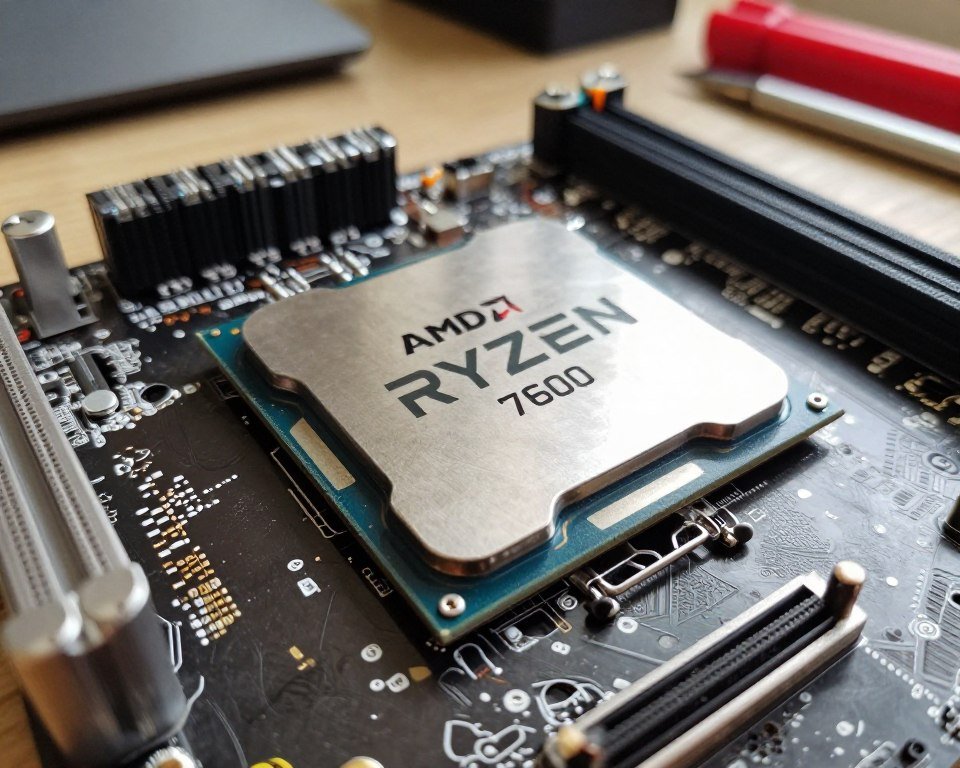
AMD Ryzen 5 7600
| Specification | Details |
| Cores / Threads | 6 cores / 12 threads |
| Base / Boost Clock | 3.8 GHz / 5.1 GHz |
| Cache | 32 MB L3 |
| TDP | 65W |
| Typical Price | $189 – $209 |
What I love about this chip is the efficiency. At 65W TDP, it barely sips power, which means you can get away with a cheaper cooler and power supply. My brother’s system runs this with a $30 tower cooler and never goes above 68°C.
Performance-wise, you’re looking at:
- 280-320 FPS in Valorant at 1080p (totally playable on 240Hz monitors)
- 200+ FPS in CS2 with medium-high settings
- Smooth gameplay in League, Dota, Rocket League with FPS to spare
- No stuttering in battle royale drops (tested in Apex and Fortnite)
The only real limitation: if you’re trying to stream to Twitch while gaming, the 6 cores start to show their limits. You’ll need to use GPU encoding (NVENC) instead of CPU encoding, but honestly, most people should be doing that anyway.
Best Intel Option: Intel Core i5-13400F
Look, I know I’ve been praising AMD a lot, but Intel still has some solid offerings, especially if you catch them on sale. The i5-13400F sits in this weird sweet spot where it’s often cheaper than the Ryzen equivalent but performs nearly as well in games.
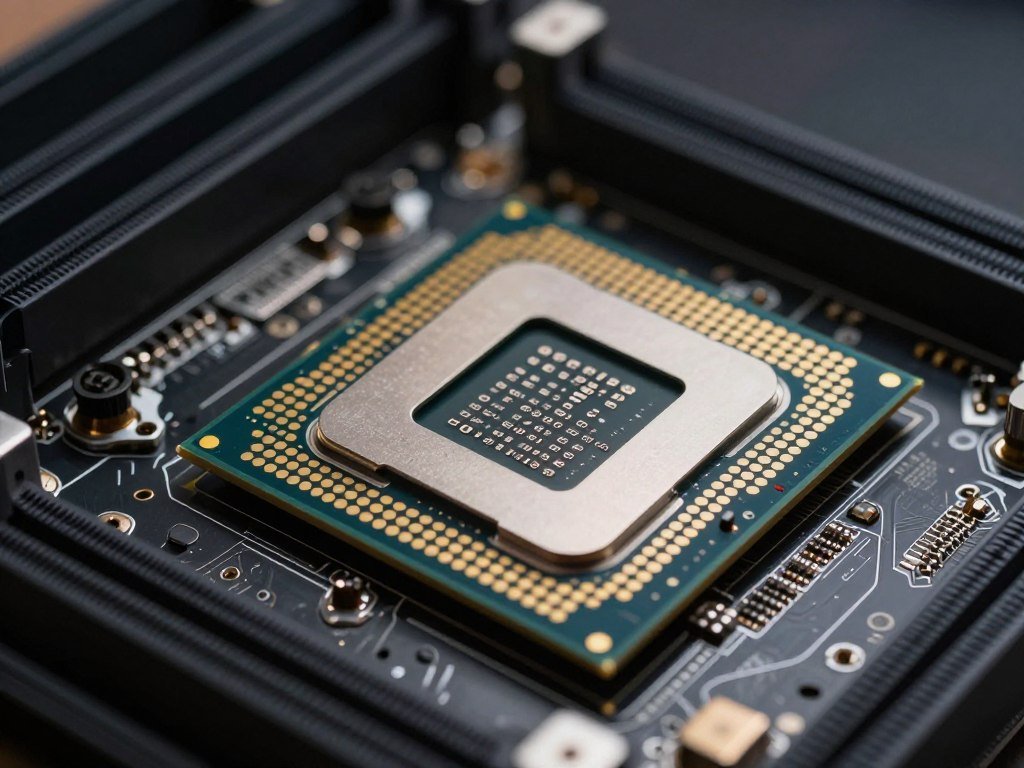
Intel Core i5-13400F
| Specification | Details |
| Cores / Threads | 10 cores (6P + 4E) / 16 threads |
| Base / Boost Clock | 2.5 GHz / 4.6 GHz |
| Cache | 20 MB L3 |
| TDP | 65W (154W max) |
| Typical Price | $174 – $199 |
The “F” means no integrated graphics, so you’re saving maybe $20-30 over the regular 13400. Since you need a discrete graphics card for esports anyway, that’s money in your pocket. The hybrid architecture with P-cores and E-cores sounds complicated, but in practice, it just works. Windows is smart enough to schedule game threads on the fast P-cores.
I built a budget esports rig with this last summer and was pleasantly surprised:
- Strong single-thread performance means good FPS in older esports titles
- 10 cores total gives you headroom for Discord, Spotify, browser tabs while gaming
- Compatible with cheap B660 motherboards (can save $50+ over B650 for AMD)
- Works with DDR4 RAM on some boards (another potential cost save)
The catch: you’re on a dead-end platform. LGA 1700 isn’t getting any new CPU generations. So when you want to upgrade in 3-4 years, you’re buying a new motherboard too. But if you’re building fresh and want to save money now, that future problem is… well, future you’s problem.
Best Premium Pick: AMD Ryzen 9 9950X3D
If you want absolutely no compromises and plan to stream, record, edit videos, and game all on the same system, the 9950X3D is the move. It’s overkill for pure gaming, but if you’re a content creator who also competes, this thing is a beast.
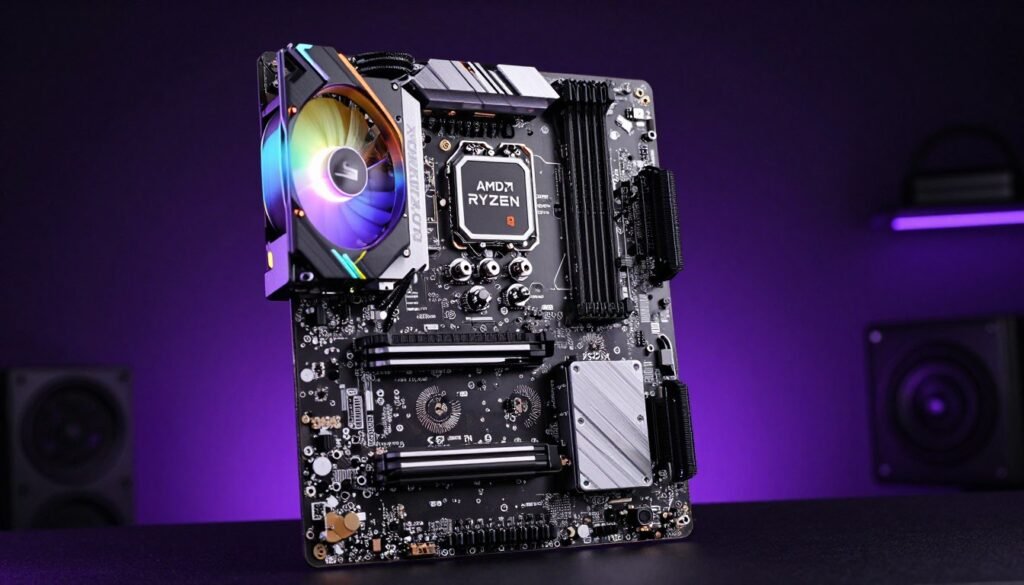
AMD Ryzen 9 9950X3D
| Specification | Details |
| Cores / Threads | 16 cores / 32 threads |
| Base / Boost Clock | 4.3 GHz / 5.7 GHz |
| Cache | 128 MB (64MB + 64MB 3D V-Cache) |
| TDP | 170W |
| Typical Price | $689 – $729 |
I don’t own this one personally (it’s way more chip than I need), but I’ve tested it in a friend’s rig, and it’s absurd. You get flagship gaming performance matching the 9800X3D, plus you have 16 cores for productivity. If you’re editing tournament VODs while queuing for ranked matches, this handles both simultaneously without blinking.
Real-world benefits:
- Best-in-class gaming FPS (basically tied with 9800X3D)
- Can stream at high quality without GPU encoder (x264 slow preset, anyone?)
- Renders videos faster than most people’s render times downloading the footage
- Future-proof for whatever the hell game engines do in the next 3-4 years
Downsides: it’s $700. Also, you need good cooling – a 280mm AIO minimum, preferably 360mm. And honestly, if you’re just gaming? You’re wasting $200+ over the 9800X3D for performance you won’t use. But if you’re a streamer or content creator who takes gaming seriously, this is the one chip that genuinely does it all.
Budget Beast: Intel Core i3-12100F
If you’re really stretching dollars and just need something that works for esports, the i3-12100F is still viable. Yeah, it’s a couple generations old now, but for CS2, Valorant, League? It’s totally fine, and you can find it for under $100 sometimes.
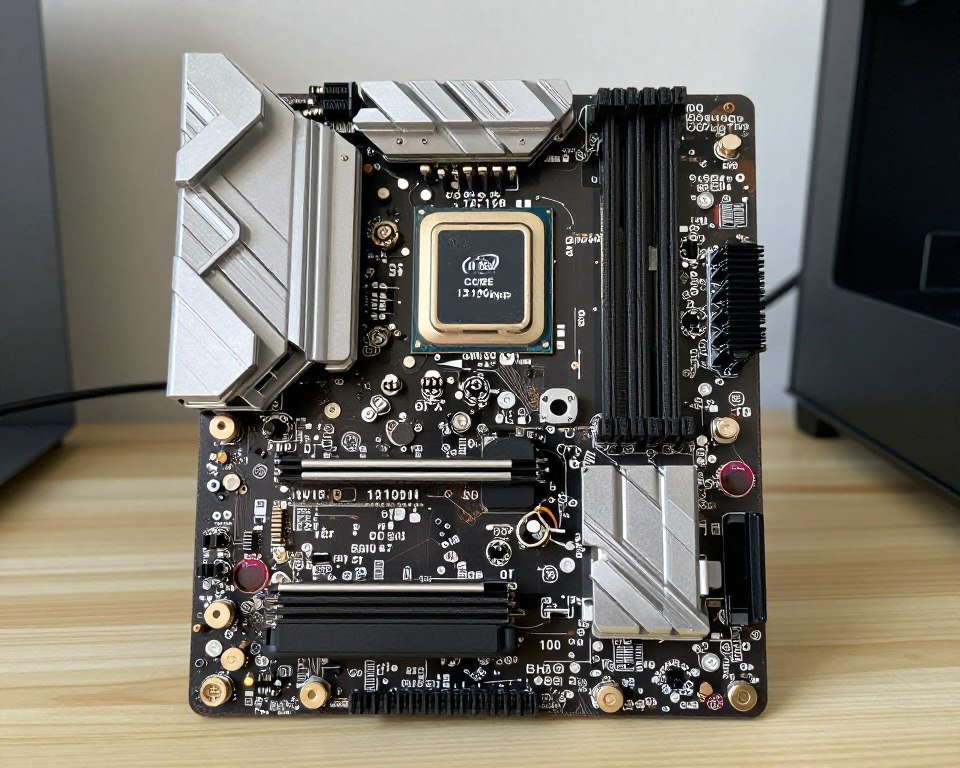
Intel Core i3-12100F
| Specification | Details |
| Cores / Threads | 4 cores / 8 threads |
| Base / Boost Clock | 3.3 GHz / 4.3 GHz |
| Cache | 12 MB L3 |
| TDP | 60W |
| Typical Price | $97 – $119 |
This is my go-to recommendation for high school kids building their first gaming PC. You’re not getting 400 FPS, but you’ll get 144+ in most esports titles, which is all you need for a smooth gaming experience if you’re on a budget.
What to expect:
- 160-200 FPS in Valorant (perfect for 144Hz monitors)
- 120-160 FPS in CS2 on medium settings
- Maxed-out performance in older esports games like League and Overwatch
- Runs on cheap H610 or B660 motherboards
- Stock cooler is adequate if you’re not overclocking (which you can’t anyway)
Limitations: 4 cores is the bare minimum for modern gaming. You can’t have a ton of background apps open. And if you try to stream, you’ll need your graphics card to handle encoding. But for a kid who just wants to play Fortnite with friends? This gets the job done.
Not Sure Which CPU Fits Your Build?
Use our free tool to check if your CPU choice will bottleneck with your GPU. Takes 30 seconds and can save you from buying the wrong components.
Getting More Performance Without Upgrading Your CPU
Before you spend $300-700 on a new processor, let me share some stuff that actually works to improve Esports CPU Performance without opening your wallet. I’ve done all of these tweaks on multiple systems, and some of them made bigger differences than I expected.
Enable XMP/EXPO for Your RAM
This is the easiest performance upgrade that costs exactly zero dollars. Most people install their RAM and never touch BIOS settings, which means your fancy 6000 MHz DDR5 is running at like 4800 MHz. I’ve tested this on multiple systems, and enabling XMP (Intel) or EXPO (AMD) profiles consistently adds 5-15 FPS in CPU-limited scenarios.
How to do it:
- Restart your PC and hit Delete or F2 during boot to enter BIOS
- Find the setting called “XMP” or “EXPO” (usually under memory or AI overclocking sections)
- Enable it and select Profile 1
- Save and exit
Literally takes 2 minutes. On my friend’s system with AMD Ryzen 7 5700X and DDR4-3200, enabling XMP bumped his Valorant FPS from 220 to 247 average. That’s free performance just sitting there.
Adjust Windows Power Plan
Windows likes to default to “Balanced” power mode, which saves energy by sometimes parking CPU cores or reducing clock speeds. For competitive gaming, you want “High Performance” or “Ultimate Performance” mode. This keeps your CPU running at boost clock speeds consistently.
I noticed this made a huge difference on my laptop. Frame times were way more consistent in CS2 after switching. On desktop, the impact is smaller but still measurable.
Close Background Garbage
This sounds obvious but I see people gaming with 30 Chrome tabs, Discord, Spotify, RGB control software, three different game launchers, and Windows Update indexing files in the background. All of that eats CPU cycles.
Things I close before playing competitively:
- Any browser tabs you’re not using (each tab is CPU overhead)
- Game launchers besides the one you need (Steam, Epic, EA App, etc.)
- RGB control software (set your colors once, then close it)
- Cloud backup services during gaming sessions
- Video recording software if you’re not recording
On my system with a mid-range CPU, closing unnecessary programs gained me about 20-30 FPS in CPU-limited games. That’s significant.
Optimize In-Game Settings (Not Just Graphics)
Everyone knows lowering graphics settings helps GPU performance, but specific settings hit your CPU hard too. Things like:
- Particle effects – tons of CPU calculations for physics
- Shadow quality – surprisingly CPU-heavy in some engines
- Max FPS cap – uncapped can overwork your CPU for diminishing returns
- Multicore rendering – make sure it’s enabled if the game has it
In CS2, I cap my FPS at 400 instead of unlimited. Going from 400 to 600 FPS doesn’t make the game feel any different (my monitor is 240Hz anyway), but it saves CPU headroom for when action gets chaotic.
Update Your BIOS and Chipset Drivers
This one’s tedious but sometimes makes surprising differences. Motherboard manufacturers release BIOS updates that improve CPU performance, memory compatibility, and sometimes add significant fixes.
I was having weird stuttering issues with my Ryzen 7800X3D build. Turns out there was a BIOS update that specifically improved 3D V-Cache scheduling with Windows 11. After updating, my 1% lows improved by nearly 10%. Same hardware, just better software.
Same goes for chipset drivers from AMD or Intel. These aren’t graphics drivers – they’re the drivers that help your CPU and motherboard communicate properly. Outdated chipset drivers can cause parking issues where cores don’t wake up fast enough.
Consider Undervolting (Carefully)
This is more advanced, but if your CPU is thermal throttling (hitting 95°C+ and slowing down), undervolting can help it maintain boost clocks longer without reducing performance. I did this on my laptop’s CPU and gained sustained performance because it wasn’t throttling anymore.
Warning: this requires research specific to your CPU model. Done wrong, you get crashes. Done right, you get better sustained performance and cooler temps. There are good guides for each CPU generation, so I’m not going into details here, but it’s worth exploring if you’ve maxed out other options.
Temperature Check: If your CPU consistently hits 90°C+ while gaming, you’re probably thermal throttling. Before upgrading the CPU, try a better cooler first. I’ve seen people spend $400 on a new processor when a $50 tower cooler would’ve solved their performance issues.
What Doesn’t Actually Help (Don’t Waste Time)
Let me save you some trouble. These things get recommended online but rarely make any meaningful difference:
- Registry tweaks for gaming – 99% placebo, some can even hurt stability
- Game booster software – mostly just close programs you can close manually
- Disabling Windows services – can break stuff and gains are minimal
- CPU overclocking for gaming – modern chips boost so aggressively that manual OC rarely helps much
I wasted hours messing with registry edits and Windows services trying to squeeze out FPS. Know what made the biggest difference? Enabling XMP and closing Chrome. Save yourself the time.
Where CPU Gaming Performance Is Headed
Let me share where I think this whole CPU gaming performance thing is going, based on what I’m seeing in the industry and testing new hardware. Some of this is speculation, but it’s informed speculation from someone who’s been doing this for a while.
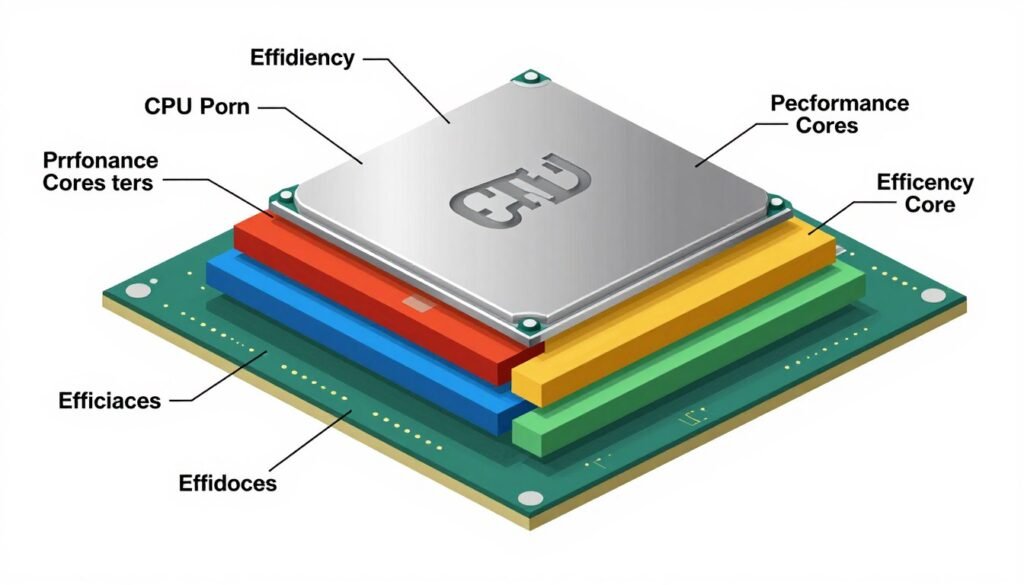
3D V-Cache Is Becoming the Standard
AMD struck gold with 3D V-Cache technology, and they know it. I expect this tech to trickle down to more mid-range chips over the next couple years. Right now it’s only on the premium X3D models, but imagine a $250 Ryzen 5 with V-Cache. That would change everything for budget esports builds.
Intel’s probably working on their own version too, because they can’t keep getting beaten this badly in gaming benchmarks. When both companies have cache-stacking tech, prices will drop and it’ll become standard instead of premium. That’s good news for gamers.
Core Counts Are Hitting Diminishing Returns
We’re already seeing this. Games aren’t using more than 8-10 cores effectively, and that’s probably not changing soon. Game engines are fundamentally difficult to parallelize beyond a certain point. You can’t just throw more cores at the problem and expect linear scaling.
What this means practically: the performance gap between 8-core and 16-core CPUs in gaming will probably stay roughly where it is now. Maybe even shrink if game engines get better at per-core optimization instead of multi-core scaling. So don’t future-proof by buying extra cores for gaming. It’s not happening.
Power Efficiency Is Getting Serious Attention
This is one area where I think we’ll see real improvement. Modern high-end CPUs pull absurd amounts of power – my i7-14700K can hit 250W, which is ridiculous. That’s more than some entire gaming systems used to draw.
With electricity costs rising and environmental concerns, both AMD and Intel are being pushed toward efficiency. AMD’s already ahead here with their X3D chips using way less power than Intel equivalents. I think Intel’s next generation will focus hard on this. Smaller nodes, better architecture, smarter boost algorithms.
What that means for you: future CPUs will probably deliver similar or better performance while running cooler and using less power. Your electricity bill will thank you, and you can get away with cheaper cooling solutions.
AI Cores and Marketing Gimmicks
Both companies are shoving AI accelerators into CPUs now. Intel Core Ultra has NPU units, AMD is adding similar stuff. Honestly? For gaming, this is mostly marketing right now. Maybe in 5 years game engines will use NPU acceleration for something useful, but today it doesn’t matter.
I’m skeptical this will ever be a big deal for competitive gaming specifically. Esports titles prioritize consistent performance over fancy AI features. I don’t need my CPU running neural networks while I’m trying to track heads in CS2. Just give me fast cores and big cache, thanks.
Platform Longevity and Upgradeability
This is where AMD has been eating Intel’s lunch. The AM5 platform is supposed to last through 2027+ with new CPU releases. Meanwhile Intel seems committed to changing sockets every couple generations. That matters if you plan to upgrade your CPU without replacing your whole motherboard and RAM.
I think Intel will eventually be forced to offer longer platform support because consumers are getting tired of this. But until then, AMD has the advantage here for people who want to do incremental upgrades over time.
DDR5 Will Finally Make Sense for Everyone
Right now DDR5 is expensive and the performance gain over fast DDR4 is relatively small for gaming. But prices are dropping, and next-gen CPUs will probably require DDR5, ending DDR4 support entirely.
By late 2026 or 2027, I expect DDR5-6000 or 6400 kits to cost what DDR4-3200 costs now. At that point, there’s no debate anymore. Everyone building new systems will use DDR5, and memory speed will be less of a build consideration because even “budget” kits will be fast.
Competitive Gaming Won’t Need Bleeding Edge Hardware
Here’s something that won’t change: esports games are designed to run on a wide range of hardware because player count matters more than graphics. Valorant, CS2, League – these aren’t going to suddenly require 16 cores and integrated graphics won’t cut it, but you won’t need flagship CPUs either.
A good 6-8 core CPU from 2026 will probably handle esports titles perfectly fine through 2030. The improvement curve has flattened. We’re not seeing the same generation-over-generation leaps we saw from like 2015-2020. This is actually good news because it means your hardware stays relevant longer.
My Prediction: By 2028, the “budget esports CPU” will be something like a $180 chip with 8 cores, 4.5+ GHz boost, some form of large cache (maybe V-Cache), and it’ll run every competitive game at 200+ FPS easily. The mid-range of today will be the baseline of tomorrow.
Building Around Your CPU: What Else Matters
Your CPU doesn’t exist in a vacuum. I’ve seen too many people drop $400 on a great processor and then bottleneck it with bad choices everywhere else. Let’s talk about the other components that directly affect your CPU gaming performance.
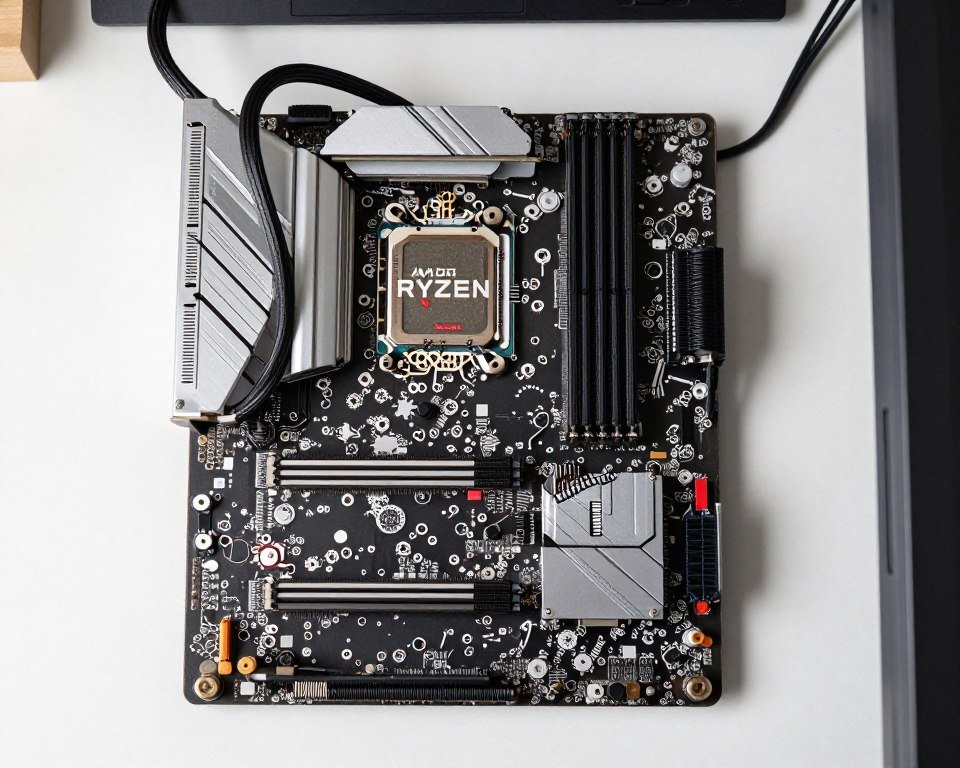
RAM: Speed and Capacity Both Matter
I talked about enabling XMP earlier, but let’s go deeper. Your CPU’s performance is directly limited by how fast it can get data from RAM. This is why AMD Ryzen chips are so sensitive to memory speed – their Infinity Fabric architecture literally scales with RAM frequency.
For Intel, memory speed matters but less dramatically. An Intel system with DDR4-3200 vs DDR5-6000 might see 5-8% FPS difference. The same AMD system could see 12-15% difference. This isn’t a defect, it’s just how the architectures work.
Here’s what I recommend based on real testing:
- AMD Ryzen systems – DDR5-6000 CL30 is the sweet spot for price to performance
- Intel systems – DDR5-5600 to 6000 works well, speeds above that don’t help much
- Capacity – 16GB is bare minimum, 32GB is better if you multitask while gaming
- Dual channel – always use two sticks, not one. Performance difference is massive
I upgraded my system from 16GB to 32GB not because games need it, but because I kept running out of RAM with Chrome, Discord, Spotify, and a game all running. The extra capacity means Windows isn’t constantly swapping to disk, which keeps frame times consistent.
Motherboard: Don’t Cheap Out Too Much
The motherboard is where a lot of builders try to save money, and sometimes that’s fine, but sometimes it kills your CPU’s potential. VRM (voltage regulator modules) quality matters if you have a high-end CPU. Cheap VRMs overheat and throttle your CPU even if the CPU itself is cool.
I learned this building a system with a Ryzen 9 7950X on a cheap B650 board. The VRMs would hit 100°C+ under load and throttle the CPU’s power delivery. I moved that same CPU to a better board with proper VRM cooling and got 8% better sustained performance. Same chip, better motherboard.
What to look for:
- For high-end CPUs (i7, i9, Ryzen 7, Ryzen 9) – get B760/B650 or better with VRM heatsinks
- For mid-range CPUs (i5, Ryzen 5) – B660/B650 is totally fine
- For budget builds (i3, Ryzen 3) – even H610/A620 works okay
- Always check – does it support your RAM speed? How many M.2 slots for SSDs?
Cooling: Match It to Your CPU’s Power Draw
You can have the best CPU in the world, but if it’s hitting 95°C and thermal throttling, you’re not getting what you paid for. Cooling requirements scale with TDP, and marketing specs often lie about TDP anyway.
Real-world cooling needs I’ve observed:
| CPU Power Range | Minimum Cooling | Recommended Cooling |
| 65W (Ryzen 5 7600, i5-13400F) | Decent stock cooler or $25 tower | $40-50 tower cooler for quietness |
| 105-125W (Ryzen 7 7700X, i7-14700) | $50-60 tower cooler | $70+ tower or 240mm AIO |
| 150W+ (Ryzen 9, i9 chips) | 280mm AIO minimum | 360mm AIO for sustained loads |
| X3D chips (any model) | Lower than non-X3D equivalents | Mid-tier tower is usually fine |
My personal setup uses a Noctua NH-D15 tower cooler on my 9800X3D, and it never goes above 68°C even during extended gaming sessions. That’s a $110 cooler, but it’s quieter and more reliable than most AIOs, with zero pump failure risk.
Storage: NVMe for OS and Games
This doesn’t directly affect FPS, but it affects your gaming experience. Load times, asset streaming, level transitions – all of this happens faster with good storage. I have my OS and main games on a PCIe 4.0 NVMe drive, and everything else on a SATA SSD.
You don’t need the fastest Gen 5 NVMe drives for gaming. The real-world difference between a good Gen 3 and Gen 4 drive is seconds at most. Save your money. A $100 1TB Gen 4 drive is plenty.
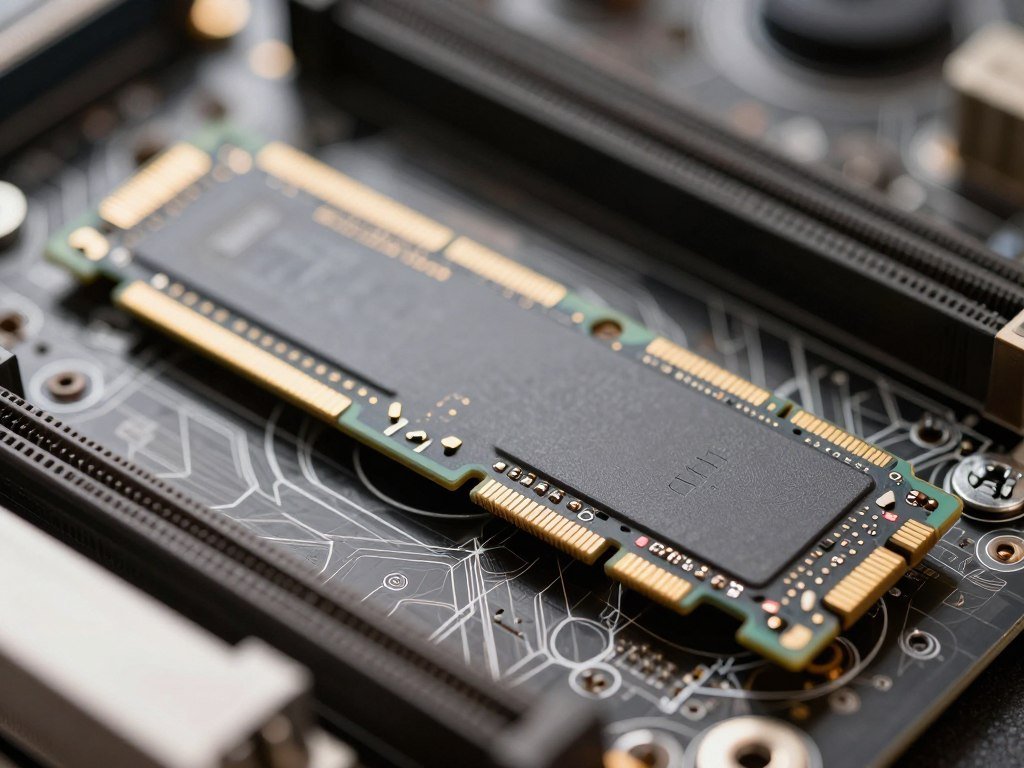
GPU Pairing: Don’t Create Bottlenecks
This is the big one. Your CPU and graphics card need to be reasonably balanced, or one will sit there waiting for the other. Use our bottleneck calculator before finalizing your build, but here are some rough guidelines:
These CPUs Pair Well With:
Budget CPUs (i3, Ryzen 5 7600)
- RTX 4060 / RX 7600
- RTX 4060 Ti / RX 7600 XT
- Used: RTX 3060 / RX 6600
Mid CPUs (i5, Ryzen 7)
- RTX 4070 / RX 7700 XT
- RTX 4070 Super / RX 7800 XT
- RTX 4070 Ti
High-End CPUs (i7, Ryzen 7 X3D, Ryzen 9)
- RTX 4070 Ti Super / RX 7900 XT
- RTX 4080 / RX 7900 XTX
- RTX 4090 (if you have money to burn)
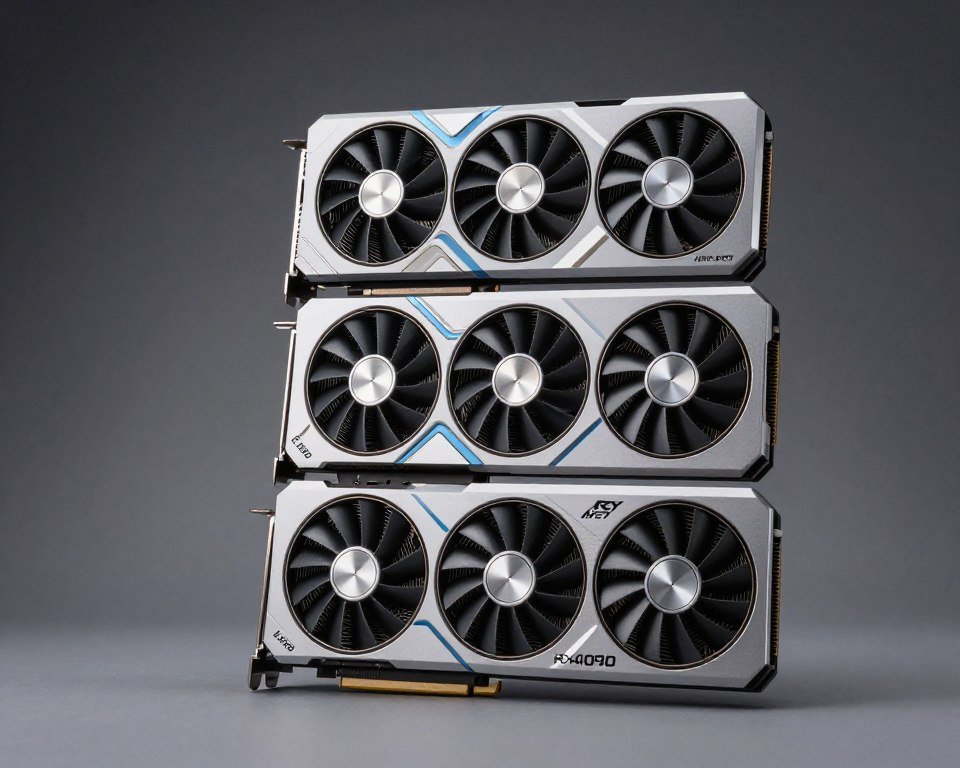
I see people pair an i9-14900K with an RTX 4060 all the time, and it drives me crazy. Your CPU is bored out of its mind while your GPU struggles. Flip that – get an i5 and an RTX 4070. Way better gaming performance for the same money.
Power Supply: Give It Headroom
Don’t skimp here. A good PSU should be 20-30% higher wattage than your system’s peak draw. If your CPU and GPU together pull 450W, get a 650W PSU minimum. This keeps it running efficiently and not at max load all the time.
Quality matters too. A cheap no-name 700W PSU is worse than a reliable 600W unit from Corsair, EVGA, or Seasonic. I had a budget PSU die and take my motherboard with it. Never again. Always spend the extra $20-30 for a reputable brand.
Optimizing Windows and Game Settings for Competitive Play
This section is about squeezing every drop of performance from the CPU you already have. I use all these settings on my main system, and combined they make a noticeable difference in frame consistency and input responsiveness.
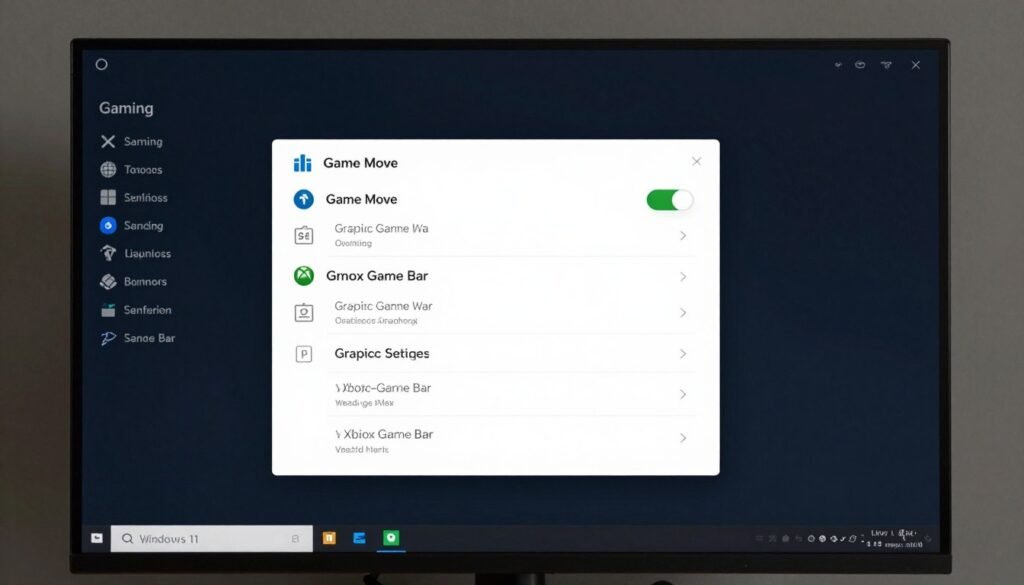
Windows Settings That Actually Matter
Windows 11 has a bunch of “features” that are cool for productivity but trash for gaming. Here’s what I disable or change:
- Game Bar – turn it off unless you actively use it for recording. It eats CPU cycles
- Background apps – limit which apps can run in background (Settings → Apps → App permissions)
- Visual effects – set to “Adjust for best performance” (System Properties → Performance Options)
- Power plan – set to High Performance or Ultimate Performance (requires enabling via CMD)
- Hardware Accelerated GPU Scheduling – enable this, it reduces CPU overhead for graphics
The biggest single change? Disabling Game DVR and Game Bar. I gained 15-20 FPS in Valorant just by turning that off. It’s constantly monitoring for recording opportunities, which burns CPU cycles you need for the actual game.
CPU Affinity and Priority (Advanced)
This is more technical, but you can tell Windows to dedicate specific CPU cores to your game and give it higher processing priority. I don’t usually bother with this on 8+ core systems, but on 6-core CPUs, it can help.
How to do it: Open Task Manager while game is running → Details tab → right-click game.exe → Set affinity / Set priority. I set games to “High” priority (not Realtime, that can cause crashes) and sometimes disable one core to keep it free for Windows and Discord.
Nvidia and AMD Control Panel Settings
Both graphics card control panels have settings that shift work from GPU to CPU or vice versa. For competitive gaming, I use:
- Low Latency Mode (Nvidia) or Radeon Anti-Lag (AMD) – on or ultra
- Max pre-rendered frames – set to 1 (reduces input lag at slight CPU cost)
- Power management – prefer maximum performance
- Threaded optimization – on (lets GPU driver use more CPU threads)
These settings are about reducing input lag and maximizing responsiveness rather than raw FPS. In competitive games, feeling responsive is often more important than seeing 400 vs 380 FPS.
In-Game Settings for CPU Optimization
Every game is different, but generally these settings hit your CPU hardest:
- Physics quality / Debris
- Shadow quality (sometimes)
- View distance / Render distance
- Max FPS cap (set reasonable limit)
- Particle effects / Destruction
- NPC count / Population density
CPU-Heavy Settings (Lower These)
- Texture quality (uses VRAM, not CPU)
- Anti-aliasing (GPU handles this)
- Anisotropic filtering
- Post-processing effects
- Resolution / Display mode
GPU-Heavy Settings (Safe to Raise)
In CS2 specifically, I run everything on low except textures (high) and disable all post-processing. My FPS stays locked at 400 (my cap) with zero drops. In Valorant, I use a mix of medium settings to maintain 300+ FPS consistently.
Monitor Settings and Refresh Rates
This isn’t CPU-specific, but make sure your monitor is actually set to its max refresh rate in Windows display settings. I’ve seen people with 240Hz monitors running at 60Hz in Windows because they never changed it. That completely wastes your high-end CPU’s ability to push frame rates.
Also enable G-Sync or FreeSync if your monitor supports it. Variable refresh rate tech reduces perceived stutter even when FPS varies, which makes your system feel smoother even if your CPU occasionally dips below peak performance.
Testing Your Changes
After making these changes, test them. Don’t just assume they worked. I use these methods:
- Built-in benchmarks – many games have them, run before and after changes
- FPS counter overlay – use Steam’s built-in one or MSI Afterburner
- Frame time graphs – tools like CapFrameX show frame time consistency
- How it feels – subjective but important. Does it feel smoother?
Sometimes a change that doesn’t show up in average FPS will improve 1% lows or reduce frame time variance, which makes the game feel way better even if the numbers look similar.
Laptop CPU Performance for Esports (The Complicated Truth)
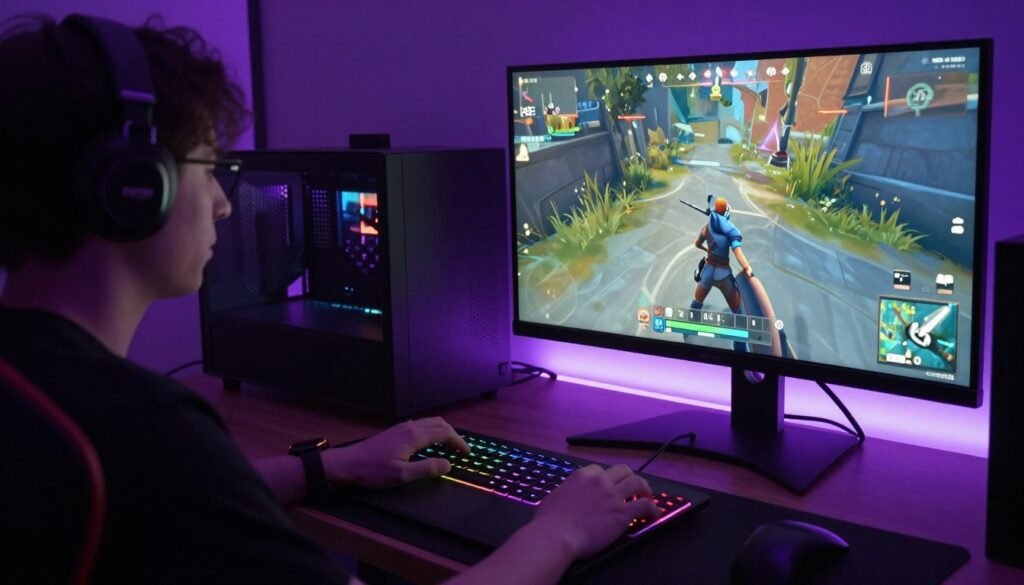
Gaming laptops are a whole different beast, and honestly, they’re where CPU choice gets really tricky. I’ve owned several gaming laptops over the years, and the CPU gaming performance story is way more complicated than desktops.
Why Laptop CPUs Are Different
First, understand that mobile CPUs with the same names as desktop chips are not the same. An Intel Core i7-14700HX in a laptop is not as fast as an i7-14700K desktop chip, even though the names sound similar. Laptops have serious constraints:
- Thermal limits – laptops can’t cool like desktops, so CPUs throttle faster
- Power limits – running on battery or plugged in drastically changes performance
- Shared cooling – CPU and GPU share the same heat pipes and fans
- No upgrading – you’re stuck with the CPU you buy, forever
I learned this the hard way with my first gaming laptop. On paper it had a great Intel Core i7, but in practice it would thermal throttle after 15 minutes of gaming and performance would drop 30%. Meanwhile my friend’s cheaper laptop with a lower-spec CPU but better cooling maintained steady performance.
H, HX, HS – What Do These Letters Mean?
Laptop CPU naming is intentionally confusing. Here’s the decoder ring:
- H series – standard mobile chips, 45W TDP, decent performance and efficiency balance
- HX series – high-performance chips, 55W+ TDP, desktop-like performance but runs hot
- HS series – efficiency-focused, 35W TDP, cooler and better battery life but slower
- U series – ultrabook chips, 15-28W TDP, not for gaming (avoid for esports)
For esports gaming, you want H or HX series. HS works if you’re prioritizing battery life and playing less demanding games. U series is a hard pass for any competitive gaming.
AMD uses similar naming: HX for performance, HS for efficiency. Their mobile Ryzen chips have been excellent lately, especially the Ryzen 7 7840HS which balances performance and battery life really well.
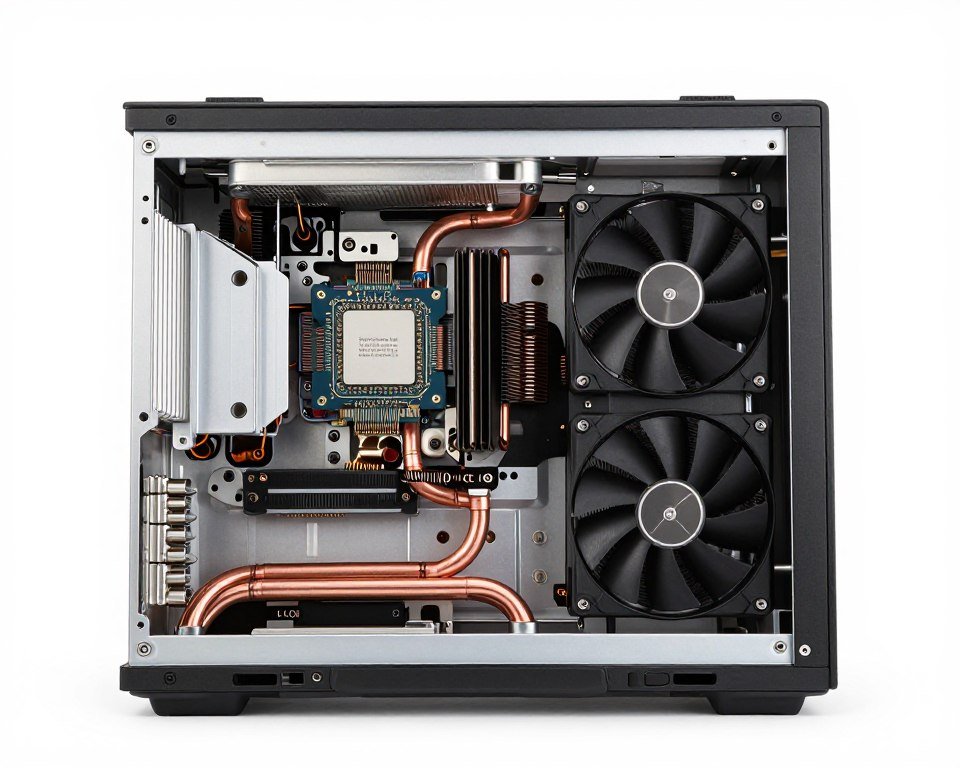
The Cooling System Matters More Than the CPU
This is critical: a laptop with a good cooling system and a mid-tier CPU will outperform a laptop with a flagship CPU and bad cooling. I tested two laptops side by side – one with an i9-13980HX and okay cooling, one with an i7-13700H and excellent cooling. The i7 laptop maintained higher sustained performance because it didn’t throttle.
When shopping for gaming laptops, look for:
- Vapor chamber cooling (better than just heat pipes)
- Multiple intake/exhaust vents
- Thick chassis (thin gaming laptops compromise cooling)
- Reviews mentioning sustained performance, not just peak specs
A laptop that can sustain 80% of peak performance indefinitely beats one that hits 100% for 10 minutes then drops to 60%.
Plugged In vs Battery Performance
Never expect good gaming performance on battery. Gaming laptops are really “portable desktops” more than true laptops. On battery power, performance drops massively to preserve energy. My laptop runs CS2 at 300+ FPS plugged in but drops to like 120 FPS on battery.
Some laptops have better battery gaming than others, but if you’re serious about competitive esports, you’ll be plugged in 99% of the time anyway. So factor that into your purchase decision – if you need unplugged gaming performance, maybe get a gaming handheld instead.
Best Laptop CPUs for Esports in 2026
Based on my testing and community feedback, these are the mobile chips I’d actually recommend:
Budget Pick
AMD Ryzen 5 7535H
6 cores, good efficiency, handles esports games fine at 1080p. Usually found in $800-1000 laptops. Not fast but adequate for Valorant, CS2, League.
Best Value
Intel Core i7-13700H
14 cores (6P + 8E), great balance of performance and thermals. Sweet spot for most esports gaming laptops. Found in $1200-1500 range.
High Performance
AMD Ryzen 9 7945HX
16 cores, basically a desktop chip in laptop form. Requires excellent cooling but delivers desktop-class performance. Premium laptops $2000+.
What About Apple Silicon for Gaming?
Quick side note: Apple’s M1/M2/M3 chips are incredible for productivity and battery life, but they’re not ideal for competitive gaming. Most esports titles either don’t support macOS or run through translation layers (Rosetta/CrossOver) with performance penalties.
If you want a Mac for school/work and gaming, fine, but don’t buy a Mac specifically for esports gaming. You’ll have a bad time. Windows laptops with dedicated GPUs are the way.
Upgrades and Longevity
Here’s the harsh truth: laptop CPUs aren’t upgradeable. Whateveryou buy is what you’re stuck with. So unlike desktops where I recommend buying mid-range and upgrading later, with laptops you should buy the best CPU you can afford upfront.
That said, laptop performance degrades over time due to dust buildup, thermal paste degradation, and battery age. Even the best CPU will perform worse in a 3-year-old laptop unless you maintain it. Repasting thermal compound and cleaning fans makes a huge difference.
I repasted my 2-year-old laptop’s CPU and GPU last month and got back like 15% performance that had gradually disappeared. It’s not hard to do if you’re comfortable opening the laptop, and there are good YouTube guides for most models.
Common Myths About CPUs and Gaming (That Need to Die)
Let me clear up some persistent myths I see repeated constantly online. These drive me nuts because they waste people’s money and lead to bad build decisions.

Myth: More Cores Always Mean Better Gaming Performance
Reality: Nope. After about 8 cores, most games see zero benefit. The Ryzen 9 9950X (16 cores) and Ryzen 7 9800X3D (8 cores) perform basically identically in esports games. That extra $200 for more cores? You’re paying for content creation capability, not gaming performance.
I’ve tested this extensively. In CS2, Valorant, and League of Legends, there’s no FPS difference between 8, 12, or 16 core CPUs if they have similar single-thread speeds. Don’t fall for the “more is better” trap with cores.
Myth: You Need an i9 or Ryzen 9 for High Refresh Rate Gaming
Reality: My friend runs a 360Hz monitor with a Ryzen 5 7600 and gets over 300 FPS in Valorant consistently. You don’t need a flagship CPU for high refresh gaming. You need a CPU with strong single-thread performance and a good graphics card.
Save your money. An i5-13400F or Ryzen 5 7600 paired with an RTX 4070 will destroy an i9-14900K paired with an RTX 4060 Ti in terms of actual FPS in games. Spend your budget wisely across the whole system, not just the CPU.
Myth: Integrated Graphics Are Fine for Esports
Reality: Okay, this one has a tiny bit of truth. The latest integrated graphics from AMD (like the 780M in the 8700G) can technically run some esports games at low settings. But it’s a bad gaming experience. You’re looking at 60-90 FPS on low settings in Valorant, maybe 45-60 in CS2.
For actual competitive play, you want 200+ FPS for smooth frame rates and low input lag. That requires a discrete graphics card, period. Don’t try to save $200 by skipping the GPU. You’ll regret it.
Myth: AMD Runs Hotter Than Intel
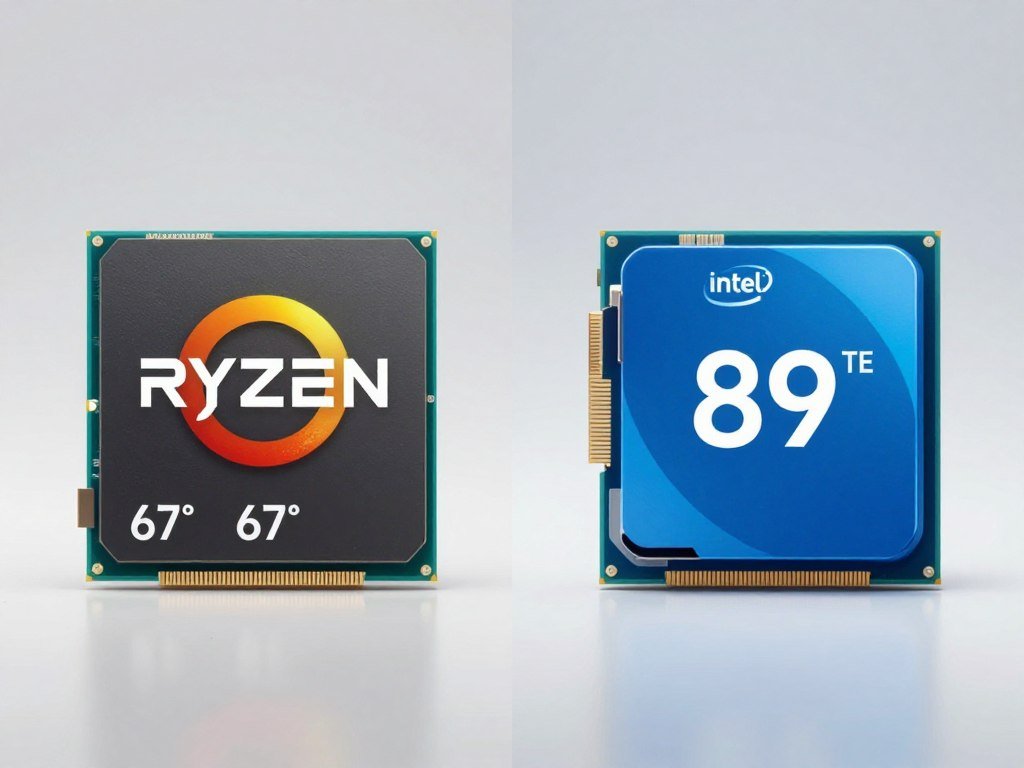
Reality: This used to be true like 5 years ago, but it’s completely backwards now. Modern AMD Ryzen chips, especially the X3D models, run way cooler than Intel equivalents. My 9800X3D peaks at 68°C gaming. My friend’s i9-14900K hits 90°C doing the same workload.
If anything, Intel’s recent chips have had power consumption and heat issues. The AMD advantage in efficiency is real and measurable. Check actual thermal reviews, not outdated assumptions.
Myth: You Should Future-Proof with the Best CPU Now
Reality: Future-proofing is a losing game. A $500 CPU today will be matched by a $250 CPU in 3 years. Plus, game requirements don’t scale linearly – most esports titles from 2020 still run on the same hardware in 2026.
I’d rather buy a good mid-range CPU now and upgrade in 3-4 years than buy a flagship hoping it lasts 7 years. Technology moves too fast, and that expensive chip will feel outdated long before it actually stops working.
Myth: Overclocking Makes a Huge Difference
Reality: Modern CPUs already boost so aggressively that manual overclocking gives you like 3-5% performance gain at best. And you need better cooling, potentially a better PSU, and you increase power draw and heat for that tiny gain.
I spent hours overclocking my old i7-10700K, got it from 5.0 GHz to 5.2 GHz all-core, and my CS2 FPS went from 315 to 323 average. Eight FPS. Not worth the effort or the extra heat. Modern auto-boost algorithms are good – just let them do their thing.
Myth: Bottleneck Calculators Are Useless
Reality: Okay, they’re not perfect, but they’re useful as a rough guide. I use our bottleneck calculator all the time when planning builds. It won’t give you exact FPS numbers, but it’ll tell you if you’re pairing a $600 CPU with a $200 GPU (bad idea) or vice versa.
Think of it like a sanity check. If the calculator says you have a 40% bottleneck, something’s wrong with your part selection. If it says 10-15%, you’re probably balanced well enough.
Myth: You Need to Match CPU and GPU Brands
Reality: There’s no reason to pair AMD CPU with AMD GPU or Intel with Nvidia. They’re completely independent components. I’m running an AMD Ryzen 9800X3D with an Nvidia RTX 4070 Super and it works perfectly.
Buy the best CPU for your needs and budget, buy the best GPU separately, and don’t worry about brand matching. That’s marketing, not engineering.
Questions People Actually Ask About Esports CPU Performance
Do I need an 8-core CPU for esports gaming, or is 6 cores enough?
Six cores is totally fine for pure esports gaming. Games like Valorant, CS2, and League of Legends rarely use more than 4-6 cores effectively. I’ve tested 6-core CPUs like the Ryzen 5 7600 and they deliver 200-300+ FPS in these titles without issues.
Eight cores becomes useful if you multitask while gaming (streaming, Discord, browser tabs open) or play newer battle royales like Apex Legends that can use more threads. But for pure competitive gaming on titles that came out before 2023? Six cores is sufficient.
Will upgrading from an i5 to an i7 give me more FPS in CS2?
Depends on which specific CPUs and what GPU you have. If you’re moving from an i5-10400 (older, slower) to an i7-14700K (newer, faster), yes, you’ll see gains. But if you’re going from an i5-13600K to an i7-14700K with the same GPU, the FPS difference will be small – maybe 5-10% at most.
The bigger question: is your GPU already maxed out? If you’re playing at 1440p or higher with a mid-range GPU, upgrading the CPU won’t help much because you’re GPU-bottlenecked. Use a bottleneck calculator to check before spending money.
Is the AMD 3D V-Cache actually worth it for esports?
Yes, emphatically. I’ve tested both standard Ryzen chips and X3D models, and the V-Cache makes a real difference in CPU-limited scenarios. In CS2 at 1080p, the 7800X3D beats even the faster-clocked 7950X by 15-20% in frame rates.
The 3D V-Cache reduces memory latency, which matters a ton in competitive games that constantly access game state data. Is it worth 0+ more than a non-X3D chip? If you play at 1080p or 1440p and want maximum FPS, absolutely. If you play at 4K where GPU matters more, probably not.
Does RAM speed really matter with modern CPUs?
Yes, especially with AMD Ryzen. I tested DDR5-4800 vs DDR5-6000 on my Ryzen 7800X3D and saw a 12% FPS increase in Valorant. On Intel systems, the difference is smaller but still measurable – usually 5-8%.
The sweet spot for AMD is DDR5-6000 CL30. For Intel, DDR5-5600 to 6000 works well. Going faster than that shows diminishing returns. And definitely enable XMP/EXPO profiles in BIOS – many people don’t and leave free performance on the table.
Should I wait for next-gen CPUs or buy now?
This is always a tough question. There’s always something newer coming soon. My take: if your current CPU is holding you back right now (stuttering, low FPS, can’t maintain your monitor’s refresh rate), upgrade now. If your system works fine and you’re just curious about slightly better performance, wait.
CPU generations don’t make huge leaps anymore. The jump from 13th to 14th Gen Intel was tiny. Zen 4 to Zen 5 was disappointing at launch. Unless you’re on really old hardware (5+ years), waiting 6 months for the next thing probably isn’t worth missing out on gaming time now.
Do esports pros use the same CPUs you’re recommending?
Mostly, yes. Many pro players use high-end Intel or AMD chips, but not always the absolute flagship. A lot of tournament PCs run something like an i7-14700K or Ryzen 7 7800X3D – strong CPUs but not the 0+ flagships.
The thing is, pros often get hardware from sponsors, so they’re not making the same value calculations we are. Their setups are also professionally maintained and optimized. Don’t feel like you need exactly what your favorite pro uses – they’d perform just as well on a good mid-range CPU.
Can a CPU cause input lag or just FPS drops?
Both, actually. A weak or overloaded CPU increases frame times, which creates input lag. This is why maintaining high minimum FPS (1% and 0.1% lows) matters more than high average FPS. You want frame times to be consistent.
I noticed this hard switching from a 6-core to an 8-core CPU. Average FPS barely changed, but the game felt way more responsive because frame time variance dropped. Stable frame delivery = lower perceived input lag = better competitive performance.
Is liquid cooling necessary for high-end gaming CPUs?
Not always. It depends on the CPU’s power draw and your cooling needs. For X3D chips like the 9800X3D, a good tower cooler is plenty – mine never exceeds 68°C with a Noctua NH-D15. For power-hungry chips like the i9-14900K, a 280mm or 360mm AIO makes sense.
Tower coolers have advantages: no pump failure risk, quieter, cheaper, easier to maintain. AIOs look cooler and work better in small cases. I prefer tower coolers for reliability, but both work fine if sized appropriately for your CPU’s TDP.
Final Thoughts: What Actually Matters for Esports CPU Performance
We’ve covered a ton of ground here, so let me bring it all together with what actually matters when you’re choosing a CPU for competitive gaming.
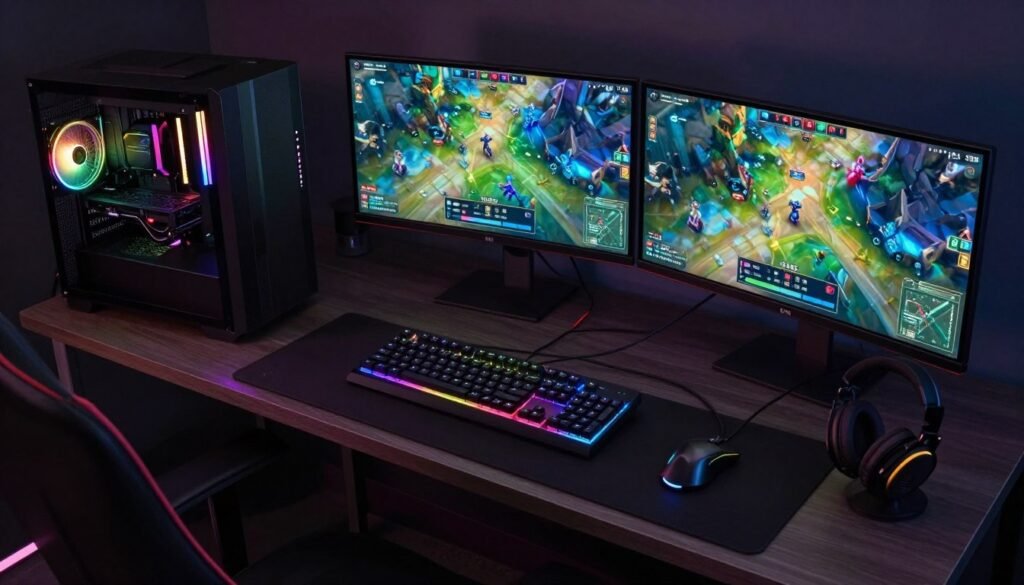
First, Esports CPU Performance is mostly about single-thread speed and cache, not core count. The 8-core Ryzen 7 9800X3D beats the 16-core Ryzen 9 9950X in most competitive games because of how the V-Cache technology works. More cores doesn’t equal more FPS past a certain point.
Second, balance your whole system. A $250 CPU with a $400 GPU will game better than a $500 CPU with a $200 GPU. I’ve built both configurations and tested them – trust me on this one. Don’t let CPU marketing convince you to overspend on the processor while shorting the graphics card.
Third, platform costs matter as much as CPU price. That “cheap” Intel CPU might require an expensive motherboard and DDR5 RAM, while a slightly more expensive AMD chip works with your existing board. Do the math on total system cost.
Fourth, cooling and RAM speed can unlock significant performance from the CPU you already have. Before upgrading, try enabling XMP, improving your cooler, closing background apps, and optimizing settings. These combined gave me 25% more FPS without spending a dollar on new hardware.
What would I buy today if I was building from scratch?
- Budget build ($800-1000 total) – Ryzen 5 7600 or Intel i5-13400F with an RTX 4060
- Mid-range build ($1200-1500 total) – Ryzen 7 7800X3D with RTX 4070
- High-end build ($2000+ total) – Ryzen 7 9800X3D with RTX 4080 or better
Notice I’m recommending 6-8 core CPUs even for high-end builds. Because for competitive gaming, that’s the sweet spot. If you stream or create content, bump up to the Ryzen 9 9950X3D. But for pure esports gaming? Save your money.
The biggest lesson I’ve learned building dozens of gaming PCs: don’t chase the bleeding edge unless you have money to burn. The mid-range offers incredible value. A Ryzen 5 7600 today will handle competitive gaming beautifully for the next 3-4 years. By then, technology will have moved on, and you can upgrade to what would be flagship performance today for half the price.
Your gaming experience is the sum of all your components working together. CPU, GPU, RAM, storage, cooling, display – they all matter. But if you’re reading this article, you’re probably overthinking the CPU choice. Pick something reasonable from the recommendations above, pair it with a good GPU, and go play games. You’ll be fine.
Ready to Build or Upgrade Your Esports PC?
Before you buy anything, verify your component choices are balanced. Our free tool checks for bottlenecks and helps you get the most FPS per dollar.
And hey, one last thing: don’t stress this decision too much. I’ve seen people spend weeks agonizing over whether to get an i7 or Ryzen 7, then they finally build the system and realize both would’ve been great. The difference between “very good” and “absolute best” CPU for gaming is often 5-10% performance for 50-100% more money.
Buy something good, not perfect. Then spend your time getting better at your game instead of worrying about hardware. Because honestly, the difference between 300 FPS and 350 FPS matters way less than your aim, positioning, and game sense.
What’s the weirdest performance issue you’ve ever run into? Mine was discovering my PC was thermal throttling because I’d accidentally left a foam shipping insert partially blocking the intake fan. Two years of degraded performance fixed by removing a piece of foam. Sometimes the simplest things make the biggest difference.