
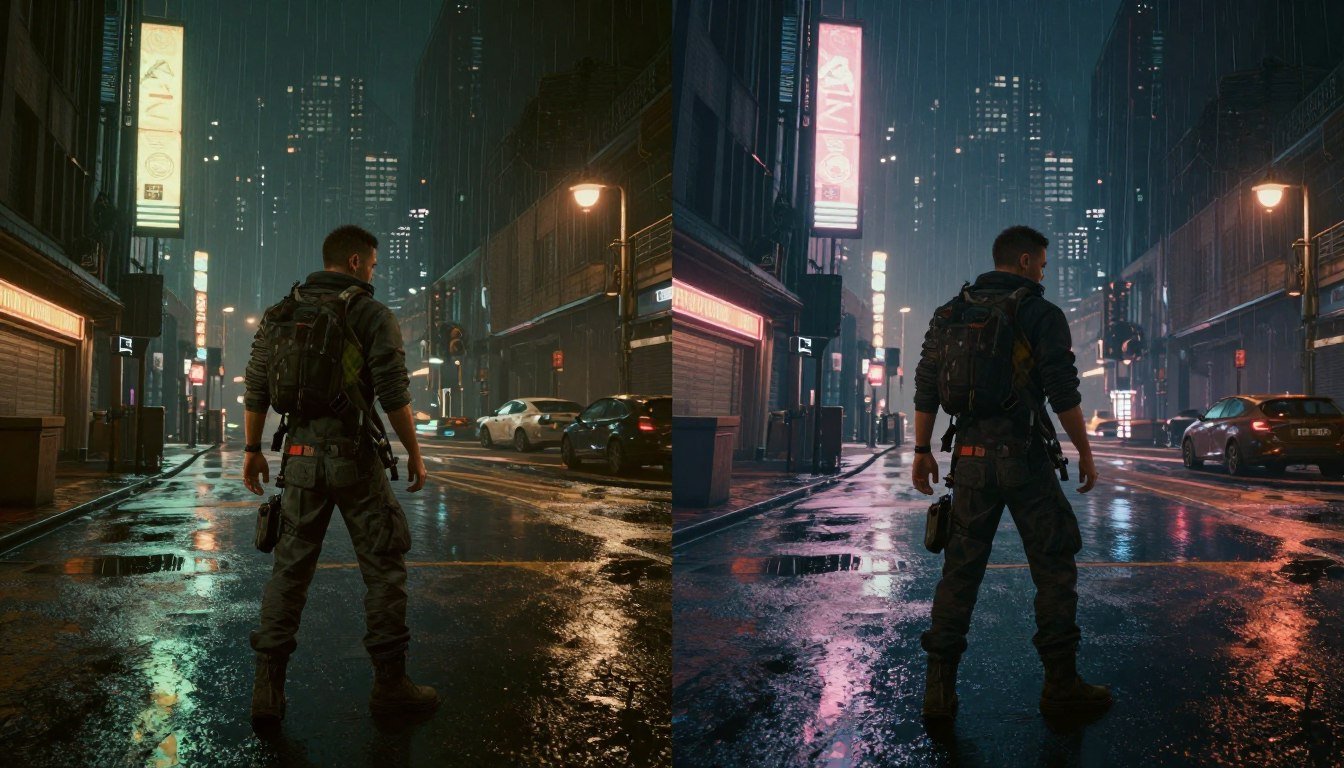
So you’ve finally enabled path tracing in Cyberpunk 2077, and now your high-end rig is chugging along at slideshow framerates. Trust me, I’ve been there. When I first flipped on the “Overdrive” mode, my PC fans started screaming like they were auditioning for a metal band, and my framerate dropped from 90+ to a painful 25 FPS. After spending way too many hours tinkering with settings and swapping components, I’ve figured out what’s actually causing these bottlenecks—and it’s not always what you’d expect.
In this guide, I’ll break down exactly what causes path tracing bottlenecks in Cyberpunk 2077, show you how to identify your specific performance limiters, and share practical fixes that don’t require selling a kidney for the latest hardware. Let’s cut through the marketing hype and get your game running smoothly.
What Path Tracing Actually Does (And Why It’s So Demanding)
Before we dive into fixing bottlenecks, let’s understand what we’re dealing with. Path tracing isn’t just another graphics setting—it’s basically a complete overhaul of how light works in the game. Traditional rasterized rendering (what games normally use) fakes lighting effects with clever tricks. Path tracing, on the other hand, actually simulates how light rays bounce around a scene, creating much more realistic lighting, reflections, and shadows.
The problem? Your GPU has to calculate tons of light rays for every single frame. When I was monitoring my system during a path tracing session in Night City’s Jig Jig Street, my RTX 3080 was tracking millions of light rays, with each one potentially bouncing multiple times before reaching the camera. No wonder my GPU was sweating!
Unlike regular ray tracing (which only applies to specific effects like reflections or shadows), path tracing applies to everything you see. That’s why it’s so much more demanding—and why even monster rigs struggle to maintain 60 FPS with it enabled.
Is Your System Balanced for Path Tracing?
Before tweaking settings, check if your CPU and GPU are properly matched for path tracing workloads. An imbalanced system can waste your hardware’s potential.
The Real Bottlenecks: It’s Not Just Your GPU
When my game was crawling along at 20 FPS with path tracing enabled, my first thought was “I need a better graphics card.” But after digging deeper with monitoring tools, I discovered something surprising: my GPU wasn’t always the limiting factor. Path tracing creates several potential bottlenecks that might be holding back your performance:
GPU Compute Power
This is the obvious one. Path tracing requires massive parallel computing power to calculate all those light rays. If your GPU’s RT cores (on NVIDIA) or ray accelerators (on AMD) are maxed out, that’s your primary bottleneck. I noticed my RTX 3080’s RT cores were at 100% utilization while the rest of the GPU was only at 70-80%.
VRAM Capacity & Bandwidth
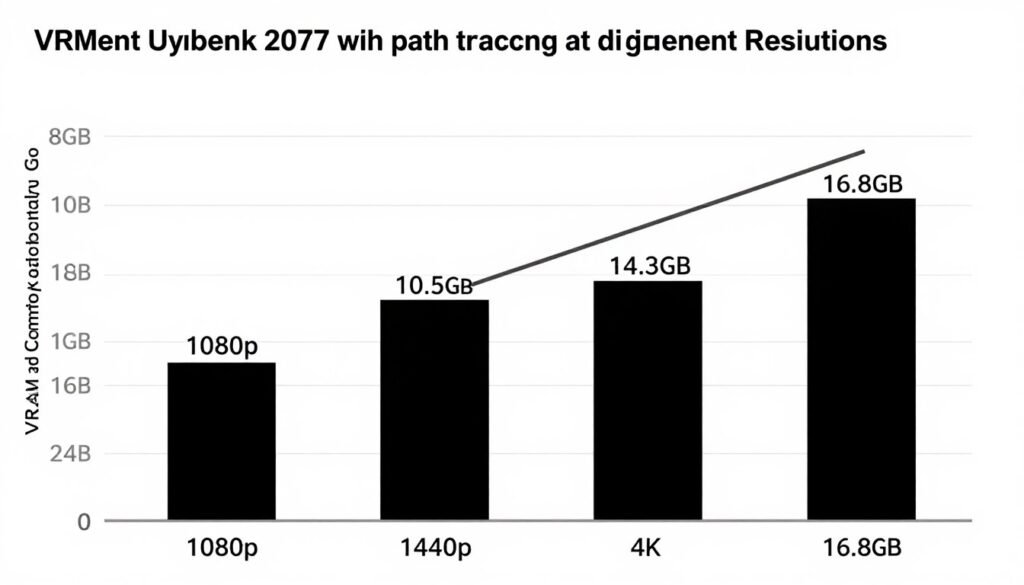
Path tracing needs to store a ton of scene data and intermediate calculations. With path tracing enabled, Cyberpunk 2077 uses over 10GB of VRAM at 1440p. If you’re running out of VRAM, you’ll see massive stuttering as data gets swapped to system RAM. This hit me hard when I tried 4K path tracing—my 10GB card just couldn’t handle it.
CPU Limitations
Surprisingly, path tracing can still be CPU-limited in some scenarios. The CPU handles scene setup, physics, and preparing data for the GPU. If your CPU is too weak, it can’t feed data to the GPU fast enough. I saw this when my 8-core CPU was hitting 100% on several cores while my GPU utilization dropped during complex scenes.
Memory & Storage Speed
Path tracing requires fast data access. Slow RAM or storage can cause stuttering as assets load. When I upgraded from 3200MHz to 3600MHz RAM, my 1% low framerates improved noticeably, even though average FPS stayed similar.
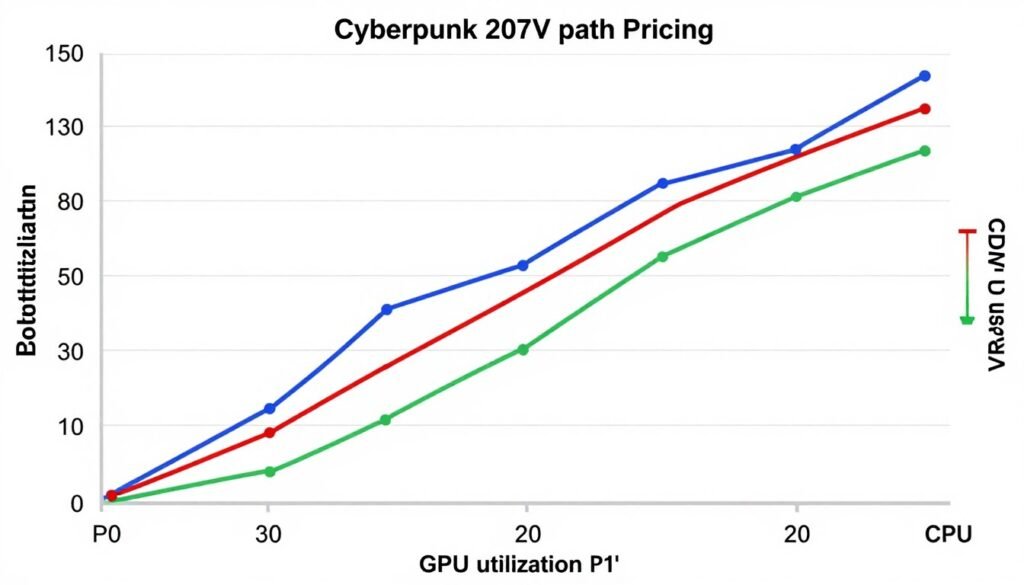
The tricky part is that your bottleneck can change depending on the scene, your resolution, and even where you’re looking in-game. When I was in crowded market areas, my CPU became the limiter, but when looking at ray-traced reflections in puddles, my GPU’s RT cores maxed out.
Let’s figure out which bottleneck is affecting your system specifically.
How to Find Your Specific Bottleneck
Before you can fix your path tracing performance, you need to know exactly what’s holding you back. Here’s my simple process for diagnosing bottlenecks without needing fancy benchmarking software:
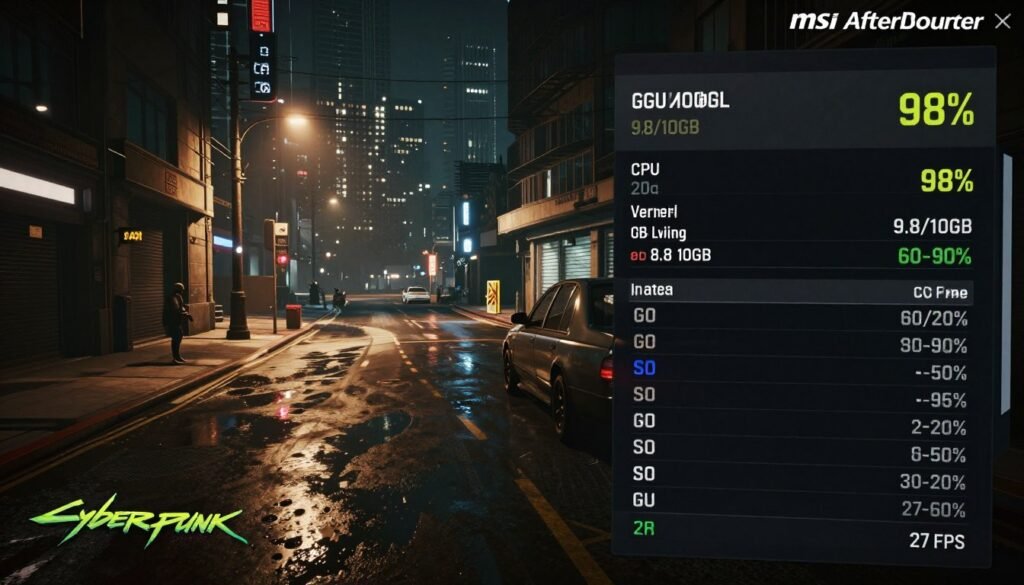
Here’s what different patterns typically mean:
GPU Bottleneck Signs:
CPU Bottleneck Signs:
VRAM Bottleneck Signs:
RAM/Storage Bottleneck Signs:
In my case, I discovered I had primarily a GPU RT core bottleneck, but also hit VRAM limitations at higher resolutions. Once you know your specific bottleneck, you can target your optimizations effectively.
Identify Your Exact Bottleneck
Our bottleneck calculator analyzes your specific hardware combination to pinpoint performance limitations in demanding games like Cyberpunk 2077.
Fixing GPU and RT Core Bottlenecks
If your GPU is the limiting factor (which is common with path tracing), here’s how to get more performance without buying a new graphics card:

Upscaling Technologies: Your Best Friend
Upscaling is absolutely essential for playable framerates with path tracing. I went from 22 FPS to 58 FPS by implementing these techniques:
Selective Settings Optimization
Not all settings impact path tracing equally. Here’s what I found works best:
When I implemented these changes, I maintained the gorgeous path-traced lighting while boosting my framerate from the mid-20s to a much more playable 45-55 FPS range on my RTX 3080.
Addressing CPU Bottlenecks
If your monitoring shows CPU limitations, these optimizations can help:
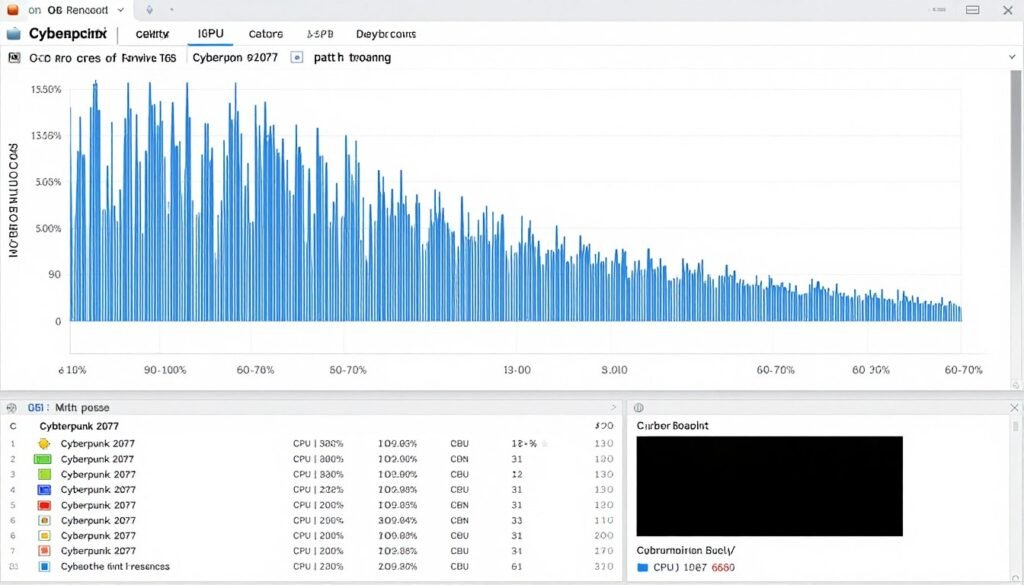
Game-Specific Optimizations
System-Level Tweaks
These broader changes helped me squeeze more performance from my CPU:
After applying these tweaks, I saw my CPU bottlenecks largely disappear in most areas of the game, with more consistent GPU utilization and fewer frametime spikes.
Is Your CPU Holding Back Your GPU?
Check if your processor is creating a bottleneck for path tracing workloads and get personalized upgrade recommendations.
Solving Memory and Storage Bottlenecks
Memory limitations can cause frustrating stutters and inconsistent performance with path tracing. Here’s how to address them:
VRAM Optimization
When I was hitting VRAM limits with path tracing, these changes made a huge difference:
System RAM and Storage Improvements
These changes helped eliminate stuttering from my system memory bottlenecks:
After implementing these memory optimizations, those annoying stutters when turning quickly or entering new areas largely disappeared from my gameplay.
Hardware That Actually Makes a Difference for Path Tracing
If you’re considering upgrades specifically for path tracing performance, here’s where to focus your budget based on my testing and research:
GPUs That Handle Path Tracing Well
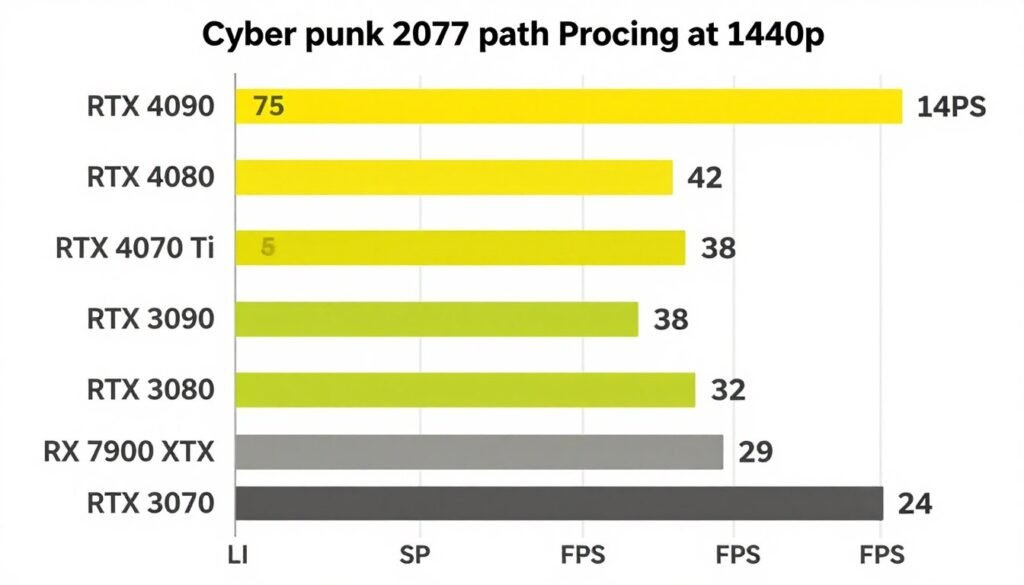
I upgraded from an RTX 3080 to a 4080, and the difference in path tracing performance was substantial—about 60-70% faster in the same scenes. The Ada Lovelace architecture (RTX 40-series) is significantly better at path tracing workloads than previous generations.
CPU Considerations
For path tracing specifically, these CPU factors matter most:
Memory and Storage
Remember that path tracing technology is still evolving rapidly. The hardware that struggles today might handle it better with future optimizations, but if you’re building a system specifically for path-traced games, prioritizing RT performance and VRAM capacity will give you the most longevity.
Find Your Ideal Hardware Combination
Our bottleneck calculator helps you build a balanced system specifically optimized for path tracing performance.
Future-Proofing for Path Tracing

Path tracing isn’t just a Cyberpunk 2077 feature—it’s the future of game graphics. More titles like Alan Wake 2 are already implementing similar techniques, and this trend will only accelerate. Here’s how to ensure your system remains capable as path tracing becomes more common:
I’ve found that path tracing workloads stress systems differently than traditional gaming. Components that perform well in standard benchmarks might struggle with path tracing’s unique demands. Focus on balanced system design rather than maximizing any single component.
Questions People Actually Ask About Path Tracing Bottlenecks
Is path tracing worth it on an RTX 4070?
Yes, the RTX 4070 can handle path tracing in Cyberpunk 2077 at 1080p with DLSS Balanced or Performance mode, delivering 30-40 FPS. It’s definitely playable, though you’ll want to use Frame Generation if possible. I’d consider it the entry-level card for a decent path tracing experience.
Why is my 8-core CPU still a bottleneck with path tracing?
Path tracing still requires significant CPU work to prepare scene data for the GPU. Additionally, Cyberpunk 2077 uses the CPU for physics, AI, and other game systems that run alongside the rendering pipeline. If you’re seeing high usage on just a few cores while others are idle, it could be that the game isn’t fully utilizing all available cores, creating a bottleneck on the active threads.
Does DLSS Frame Generation work with path tracing?
Yes, and it’s a game-changer. Frame Generation can nearly double your effective framerate with path tracing enabled. The technology works particularly well with path tracing because the generated frames maintain consistent lighting information. The downside is some added input lag, but for a single-player game like Cyberpunk 2077, the tradeoff is worth it for most players.
Can I run path tracing on 8GB VRAM cards?
It’s possible but challenging. You’ll need to use 1080p resolution, DLSS/FSR Performance mode, and reduce texture quality to Medium or Low. Even then, expect some stuttering as you explore new areas. I tested with an RTX 3070 (8GB) and while it worked, the experience wasn’t ideal. 10GB+ VRAM cards provide a much smoother experience.
Why does path tracing performance vary so much in different areas?
Path tracing performance is heavily dependent on scene complexity, particularly the number of light sources and reflective surfaces. Areas like markets with many NPCs, neon signs, and puddles require significantly more ray calculations than simpler indoor environments. This is why you might get 50+ FPS in some areas and drop to 30 FPS in others, even with the same settings.
Is AMD or NVIDIA better for path tracing?
Currently, NVIDIA has a significant advantage for path tracing workloads. Their RTX cards have dedicated RT cores optimized for these calculations, plus technologies like DLSS and Ray Reconstruction that specifically enhance path tracing performance. AMD’s latest RDNA 3 cards (RX 7000 series) have improved ray tracing capabilities but still lag behind equivalent NVIDIA options by 30-40% in path tracing performance.
Will future updates improve path tracing performance?
Yes, we can expect continued optimization. When path tracing was first added to Cyberpunk 2077, performance was even worse than it is now. Subsequent patches have improved efficiency by 15-20% through better implementation and driver optimizations. As developers gain more experience with the technology and GPU architectures evolve, we’ll likely see further improvements—though path tracing will remain demanding for the foreseeable future.
Final Verdict: Making Path Tracing Playable

After spending countless hours tweaking settings and swapping hardware, I’ve found that path tracing in Cyberpunk 2077 doesn’t have to be a slideshow—even without the absolute latest hardware. The key is understanding your specific bottlenecks and addressing them systematically.
For most systems, the combination of upscaling technologies (DLSS/FSR), selective settings optimization, and system tweaks can transform path tracing from an unplayable tech demo into a genuinely enjoyable experience. The visual upgrade is absolutely worth the effort—once you’ve seen Night City properly path-traced, it’s hard to go back to standard rendering.
Remember that path tracing is still cutting-edge technology. What seems demanding today will become more accessible as hardware and software evolve. If you’re planning upgrades specifically for path tracing, focus on GPU RT performance, ample VRAM, and a balanced system overall.
The most important thing I’ve learned? Don’t get caught up in the marketing hype or feel like you need the absolute best hardware. With the right optimizations, even mid-range modern systems can deliver a great path-traced experience in Cyberpunk 2077.
Optimize Your System for Path Tracing
Get personalized recommendations to balance your system specifically for path tracing performance in Cyberpunk 2077 and future games.
What’s the weirdest performance issue you’ve ever run into with ray tracing or path tracing? I’d love to hear about your experiences in the comments!