
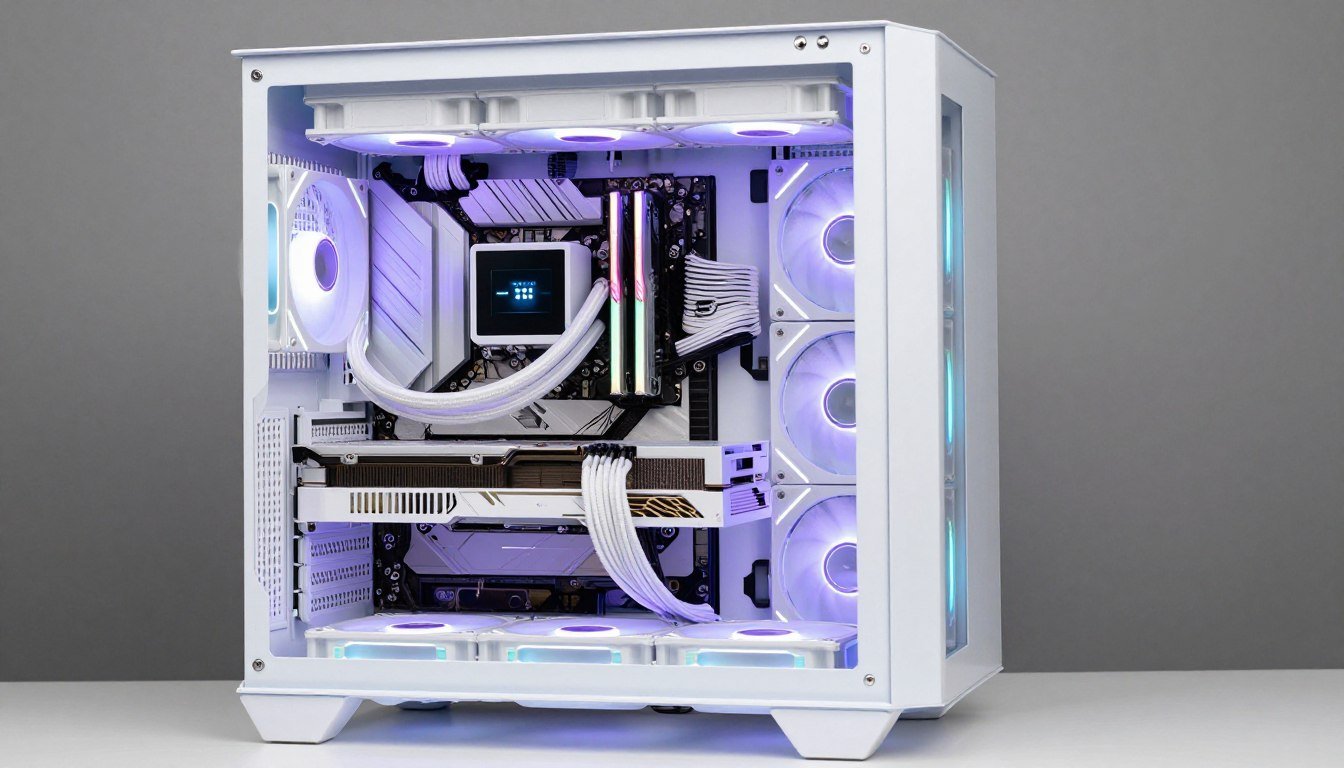
I spent six months hunting for white PC parts last year. The result? Three different shades of white that looked terrible together. My “clean white build” looked like I’d raided three different decades of appliance stores. The whites didn’t match. The RGB looked wrong. And I paid 20% more for the privilege of this mess.
Here’s the reality. Building a white PC in 2026 is easier than ever, but you still need to know which parts actually work together. This guide walks you through every white component worth buying this year. I’ll show you which whites match, which coolers actually keep your system cold, and which “white” parts are really just light gray disappointments.
You’ll learn exactly which RTX 50-series cards come in true white, which cases have the airflow you need, and how to coordinate RGB without making your build look like a disco. Plus, I’ll share the free tool that saved me from another expensive mismatch. Before you order anything, check your component compatibility with our bottleneck calculator to make sure your white parts actually work together performance-wise.
Why White PC Builds Are Still Tricky in 2026
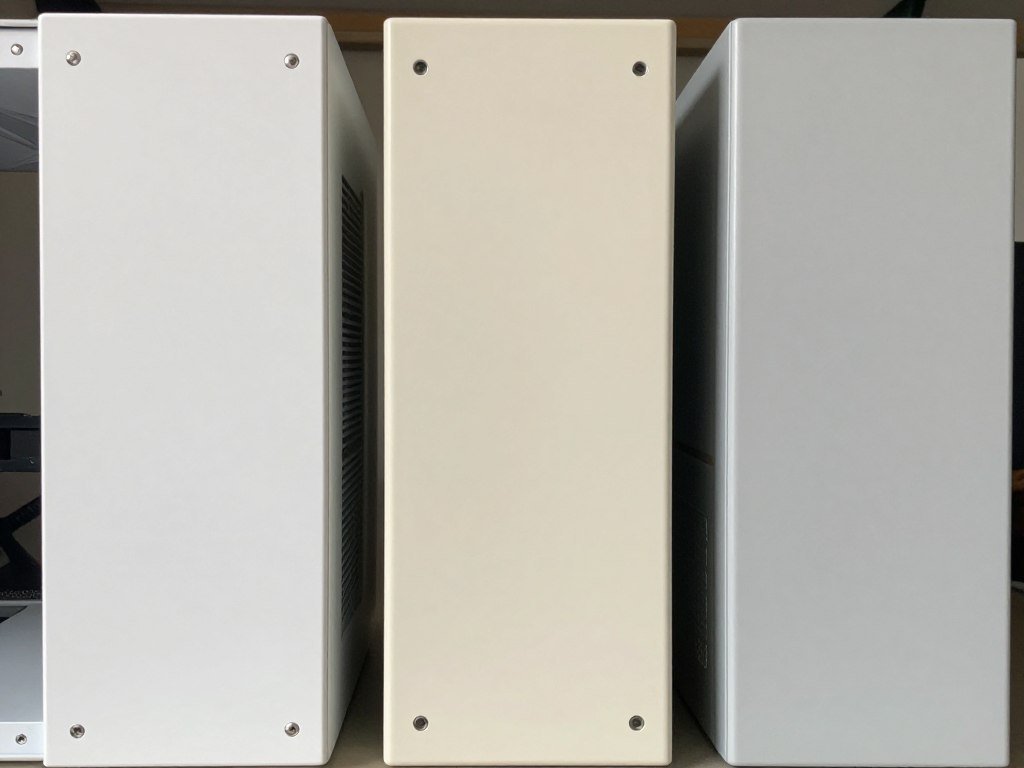
White PC parts have gotten better. But they’re still not perfect. The biggest issue isn’t availability anymore. It’s consistency. Different manufacturers use different white plastics, paints, and finishes. What ASUS calls white might not match what NZXT calls white.
I learned this the hard way with my first build. The case was brilliant white. The GPU was cream-white. The AIO cooler was somewhere between the two. Under RGB lighting, these differences got worse. The whole thing looked sloppy.
The Three Types of White You’ll Encounter
Manufacturers use three distinct white finishes. Pure white is bright and clean, like fresh printer paper. It reflects light really well. Most modern cases use this shade. Off-white or cream has a warmer tone with slight yellow undertones. Some older components and budget parts use this. Light gray or “white” is actually just very pale gray. It looks white in photos but disappointing in person.
The fix is simple. Stick with major brands known for consistent whites. NZXT, Lian Li, and ASUS ROG all use similar pure white shades. Corsair’s white is slightly warmer but consistent across their lineup. If you mix brands, buy samples first or check builder forums for real photos.
Thermal Performance: The White Component Myth
People think white components run hotter. This is mostly wrong. The color of your case or GPU shroud doesn’t affect temperatures meaningfully. What matters is the cooler design, airflow, and thermal interface materials.
I’ve tested identical cooler models in black and white. Temperature difference? Less than 1°C. The performance gap between a good white cooler and a bad one is huge. The gap between white and black versions of the same cooler is basically nothing. Focus on the design, not the color. Understanding cooling performance fundamentals matters more than aesthetics here.
The RGB Coordination Challenge
RGB looks different on white components than black ones. White reflects and diffuses light. This can wash out colors or create weird halos. Blues and purples look great on white. Reds and oranges can look pink or salmon-colored.
The solution is picking compatible RGB ecosystems from the start. Don’t try to mix Corsair iCUE, ASUS Aura, and random Amazon RGB strips. Pick one ecosystem and stick with it. Most builders choose between ASUS Aura Sync or Corsair iCUE for complete control. The unified software makes color matching across components much easier.
Best White Graphics Cards for 2026: RTX 50-Series Reality Check
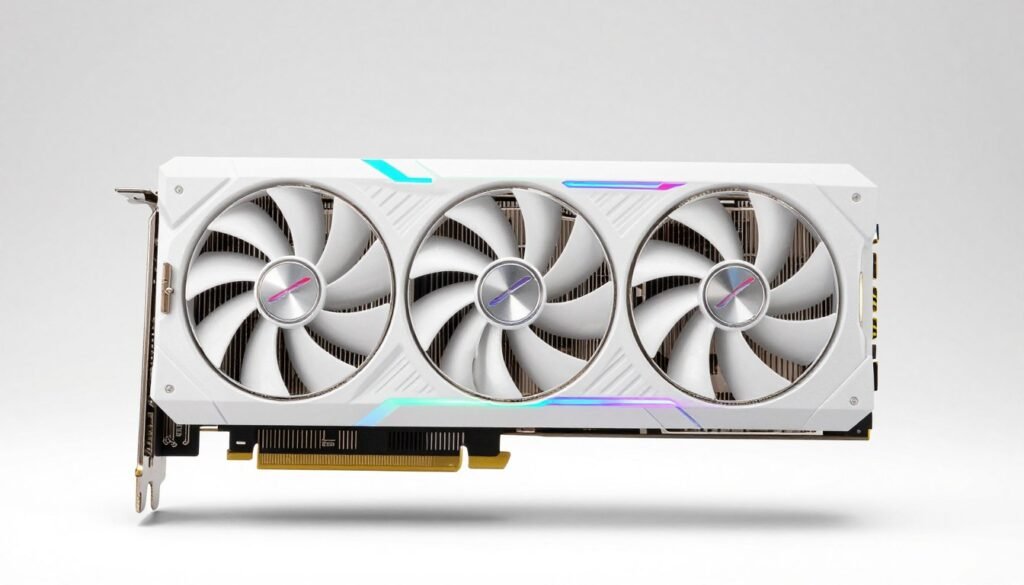
The RTX 50-series changed the white GPU game. More manufacturers offer true white versions now. But not all white cards are equal. Some look great but run hot. Others have good cooling but limited availability. Here’s what actually works.
ASUS ROG Strix RTX 5080 White Edition
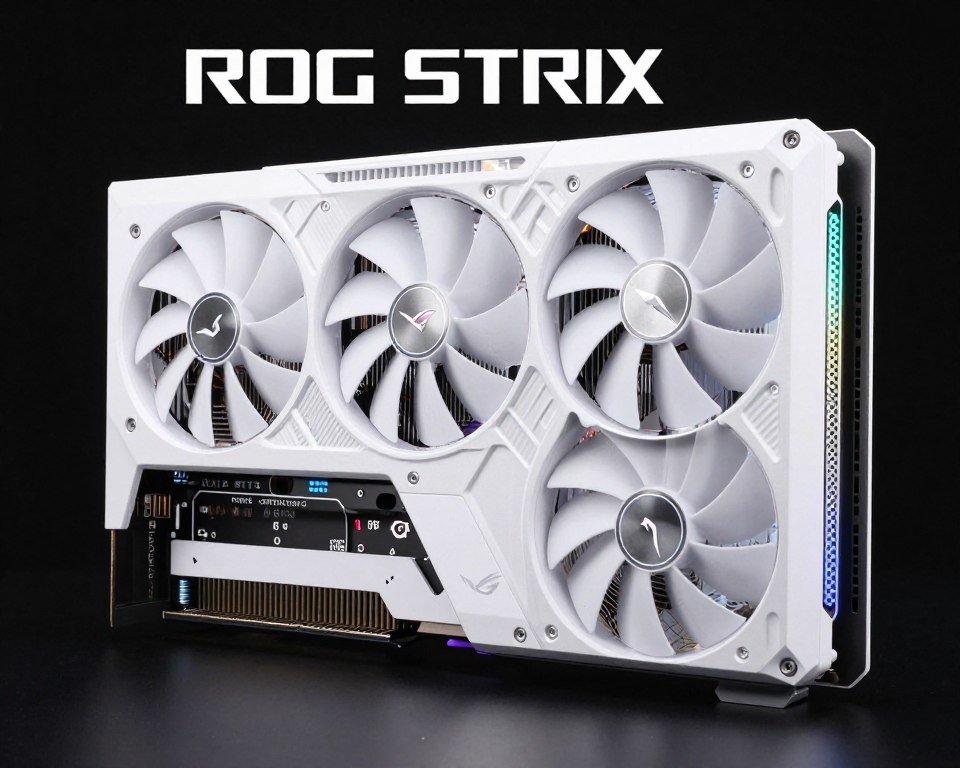
This is the white GPU to beat. ASUS nailed the white finish. It’s pure white, not cream or gray. The triple-fan cooler keeps the RTX 5080 under 72°C even during heavy gaming. The RGB integration works perfectly with Aura Sync.
Performance matches the black version exactly. You’re getting full RTX 5080 power with zero thermal compromises. The card measures 358mm long, so check your case clearance. It needs three 8-pin power connectors and a solid 850W PSU minimum.
Pros
- True pure white finish that matches most cases
- Excellent cooling keeps temps under 72°C
- Full RGB customization with Aura Sync
- Performance matches black edition exactly
Cons
- Premium price adds $80-100 over standard models
- Large size requires spacious case
- Limited availability at launch
Gigabyte AORUS RTX 5070 White
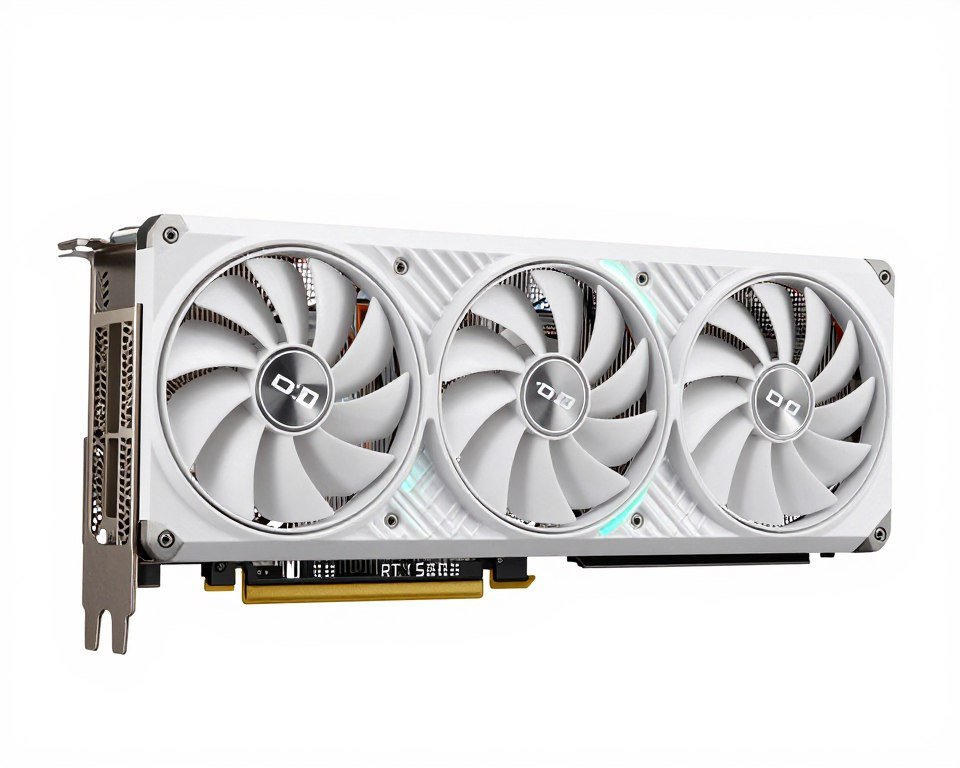
Gigabyte’s white RTX 5070 offers better value for mid-range builders. The white finish is slightly warmer than ASUS but still looks clean. This card targets 1440p gaming at high refresh rates without breaking your budget.
Cooling is good but not exceptional. Expect temps around 75-76°C under load. The fans get audible above 70% speed. RGB Fusion 2.0 works well enough, though not as refined as ASUS Aura. The card needs a 750W PSU and fits in most mid-tower cases at 320mm length.
Pros
- Better pricing than premium white GPUs
- Solid 1440p performance
- More compact than RTX 5080 options
- RGB Fusion 2.0 integration
Cons
- Slightly warmer white shade than ASUS
- Fans get loud under heavy load
- Basic RGB compared to competitors
Before finalizing your GPU choice, make sure it pairs well with your CPU. The wrong combination creates bottlenecks that waste performance. Use our bottleneck calculator to verify your GPU and processor work together efficiently. This free tool shows you exactly where performance issues might appear.
White CPU Coolers That Actually Keep Things Cold
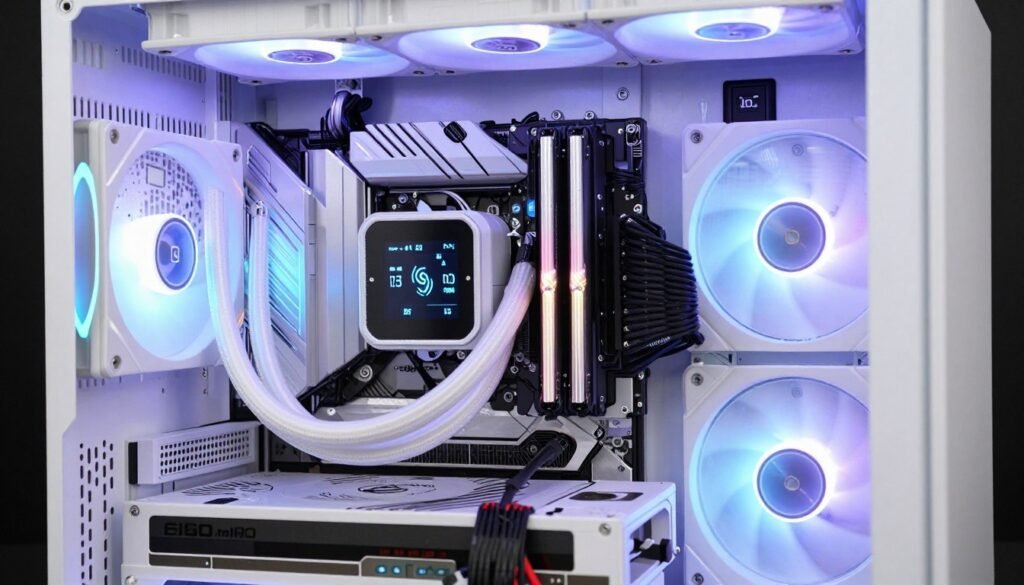
CPU cooling in white builds used to mean compromises. Not anymore. Current white coolers match or beat their black equivalents. The key is picking the right type for your processor and case.
NZXT Kraken Elite 360 RGB White
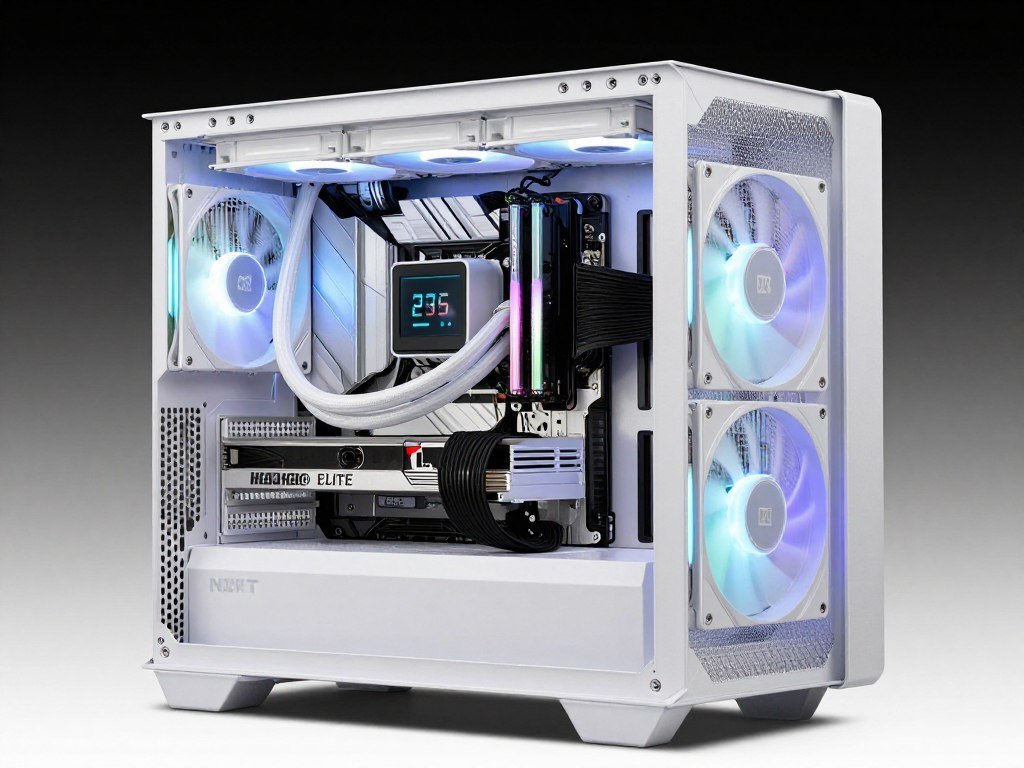
This is my top pick for high-end white builds. The 360mm radiator handles even the Ryzen 9 9950X or Intel Core i9-14900K without breaking a sweat. Temps stay below 70°C under all-core loads. The LCD screen adds serious visual appeal and shows real-time system stats.
The white finish is consistent with NZXT cases, making this perfect for all-NZXT builds. CAM software controls everything including RGB, pump speed, and fan curves. The only downside is price. You’re paying premium money for premium cooling and aesthetics.
Pros
- Exceptional cooling for high-end CPUs
- LCD display shows temps and system info
- Whisper-quiet even under load
- Perfect white color match with NZXT cases
- CAM software is intuitive
Cons
- Expensive at $280-300
- Requires top or front 360mm radiator mounting
- CAM software needs internet connection for some features
Deepcool AK620 Digital White
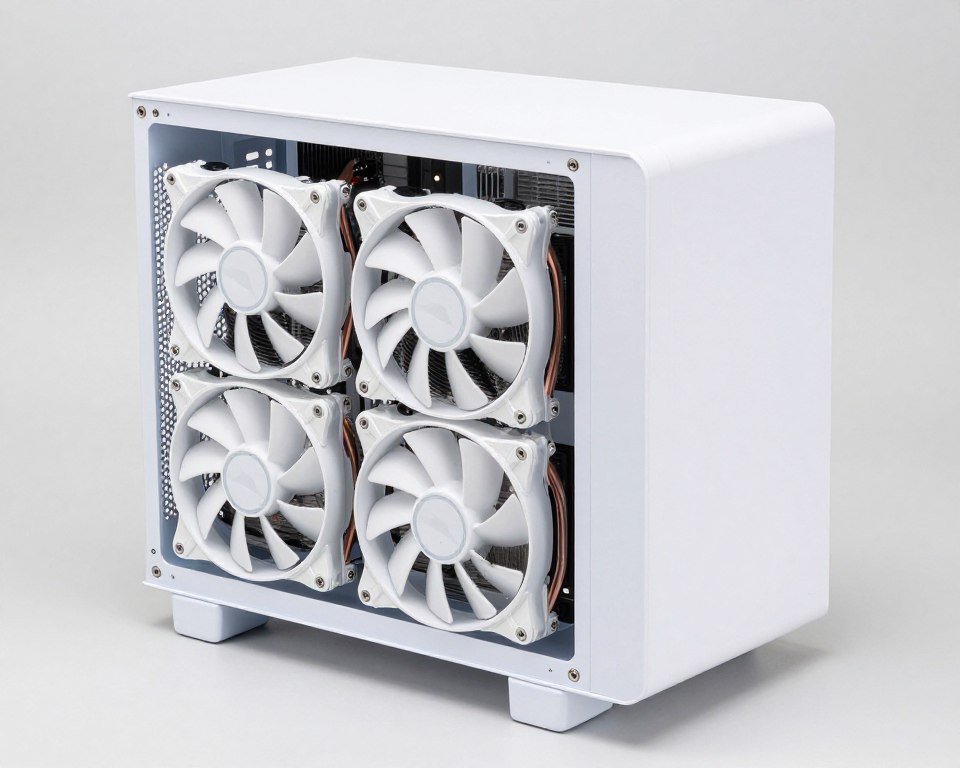
Air cooling fans will love this one. The AK620 White delivers near-AIO performance at half the price. Dual towers with six heat pipes handle up to 280W TDP. Perfect for Ryzen 7 7800X3D or Intel Core i7 builds where you don’t need extreme cooling.
The white fans and top cover look clean. Temps run about 5-7°C warmer than a 360mm AIO but that’s still excellent for air cooling. Height is 160mm, so verify your case clearance. RAM clearance is good thanks to the offset fan design.
Pros
- Best value in white cooling
- Excellent performance for air cooling
- No pump failure risk like AIOs
- Good RAM clearance
Cons
- Not suitable for extreme overclocking
- No RGB lighting
- Height might not fit smaller cases
Choosing between air and liquid cooling depends on your CPU choice and overclocking plans. Check our CPU cooler selection guide for detailed recommendations based on your specific processor.
Verify Your White Build Components Work Together
Before you buy, check that your white GPU, CPU, and other components create a balanced system. Our free bottleneck calculator shows exactly where performance issues might appear. It takes 30 seconds and could save you hundreds on mismatched parts.
Best White PC Cases with Actual Airflow
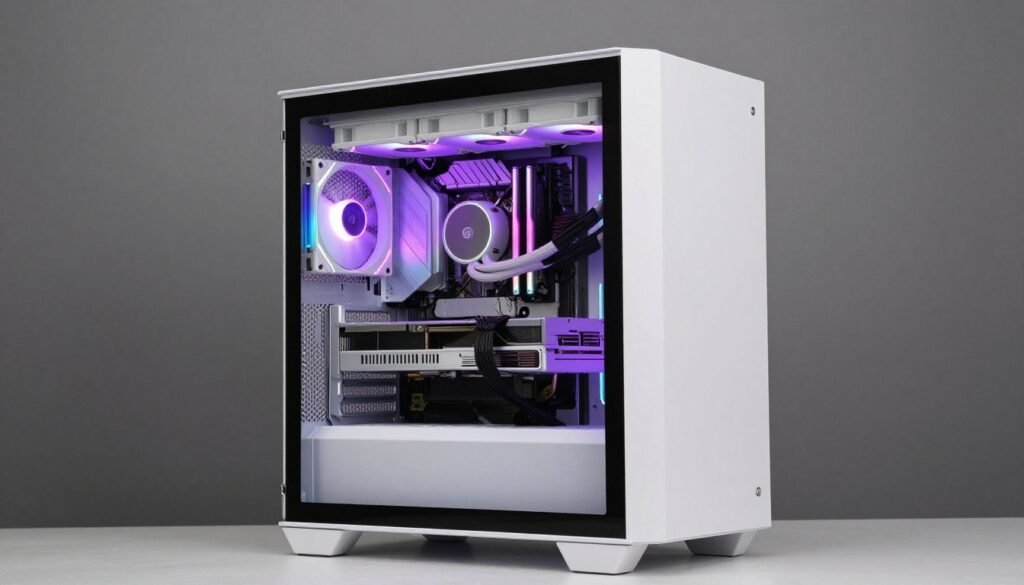
Cases make or break white builds visually. But pretty cases with bad airflow cook your components. The best white cases balance looks and cooling. Here’s what actually works in 2026.
Lian Li O11 Dynamic EVO White
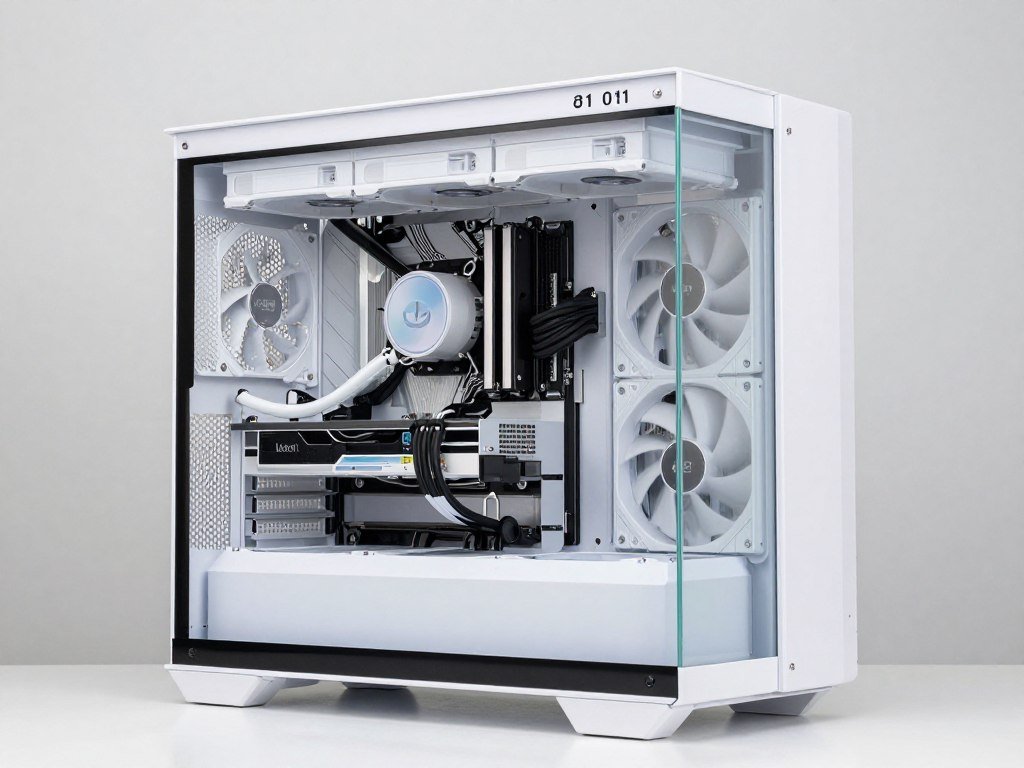
This case dominates white builds for good reason. The dual-chamber design separates the motherboard compartment from cables and PSU. Result? Clean builds that show off your white components perfectly. The white finish is consistent and premium.
Airflow is excellent with support for up to 10 fans. You can mount three 360mm radiators if you’re crazy enough. Tempered glass on front and side shows everything off. Cable management is the best I’ve used. Everything hides in the back chamber.
GPU clearance handles the longest cards. It supports ATX, Micro-ATX, and Mini-ITX motherboards. The vertical GPU mount is included. Only complaint is price and the fact you need to buy fans separately.
Pros
- Premium white finish and build quality
- Exceptional airflow with 10 fan positions
- Best-in-class cable management
- Dual tempered glass panels
- Supports multiple radiator configurations
Cons
- Expensive at $180-200
- No included fans
- Large footprint needs desk space
NZXT H7 Flow White
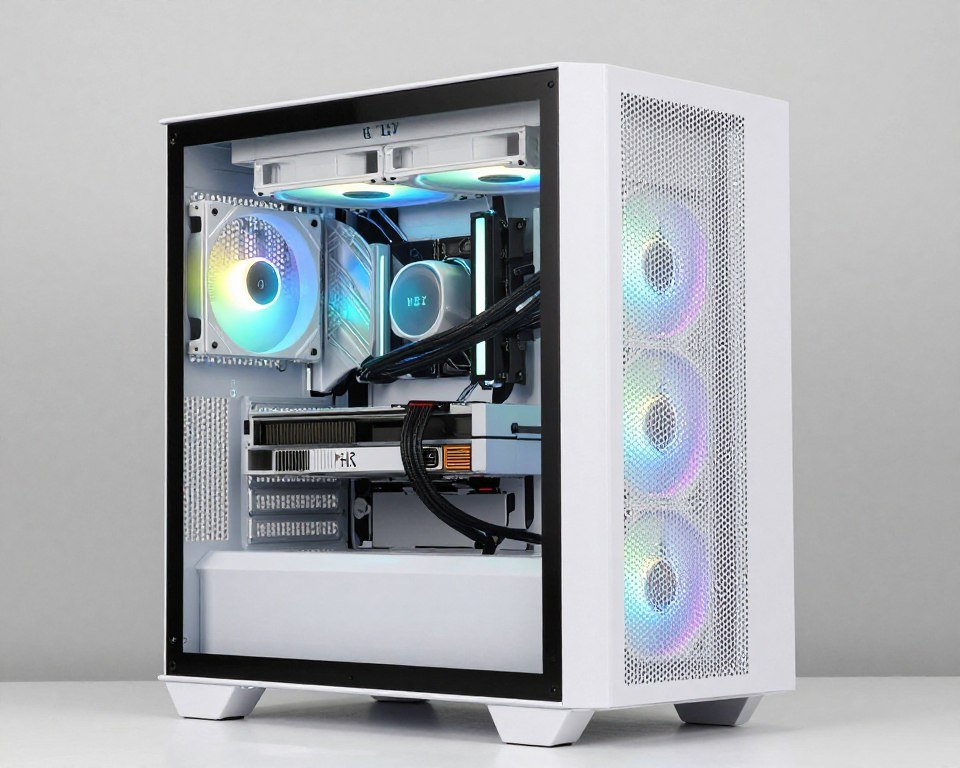
NZXT’s H7 Flow fixes the airflow problems of older H-series cases. The perforated front panel lets air flow freely. Three included RGB fans mean you can start building immediately. The white matches perfectly with NZXT coolers and other white components.
Inside, the cable management bar system makes building easy. GPU clearance is generous at 400mm. You can mount up to a 360mm radiator in front or top. Build quality feels solid without the premium price of the Lian Li.
Pros
- Better value with included RGB fans
- Excellent airflow from mesh front
- Easy cable management system
- Clean white aesthetic
Cons
- Less premium than Lian Li
- Single tempered glass panel only
- Fan RGB requires NZXT controller
White Motherboards and RAM: The Coordination Game
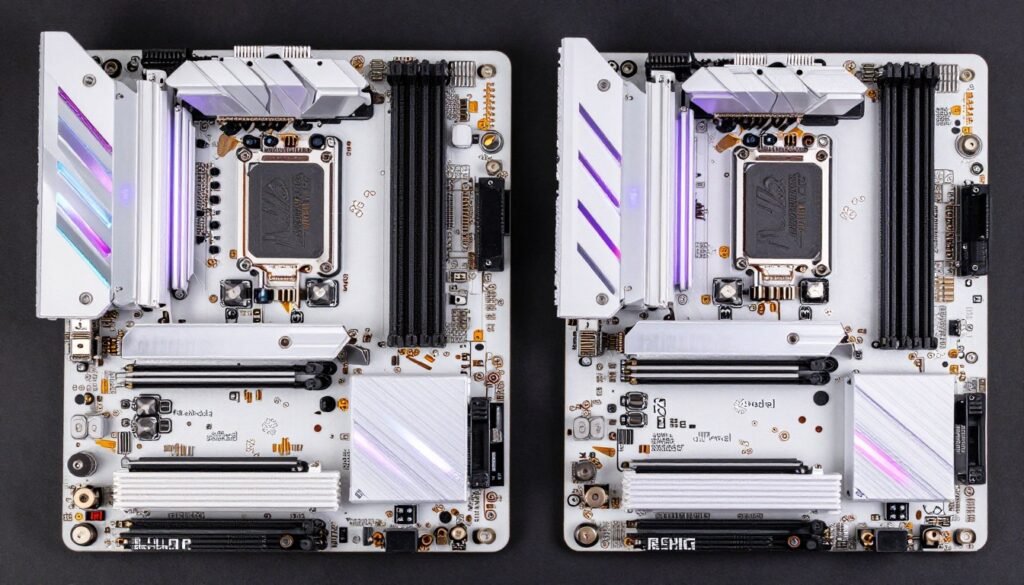
Motherboards and RAM work as a visual pair. Getting both in matching white ties the whole build together. But motherboard choice affects performance too. You can’t just pick the prettiest one.
ASUS ROG STRIX B650-A Gaming WiFi White
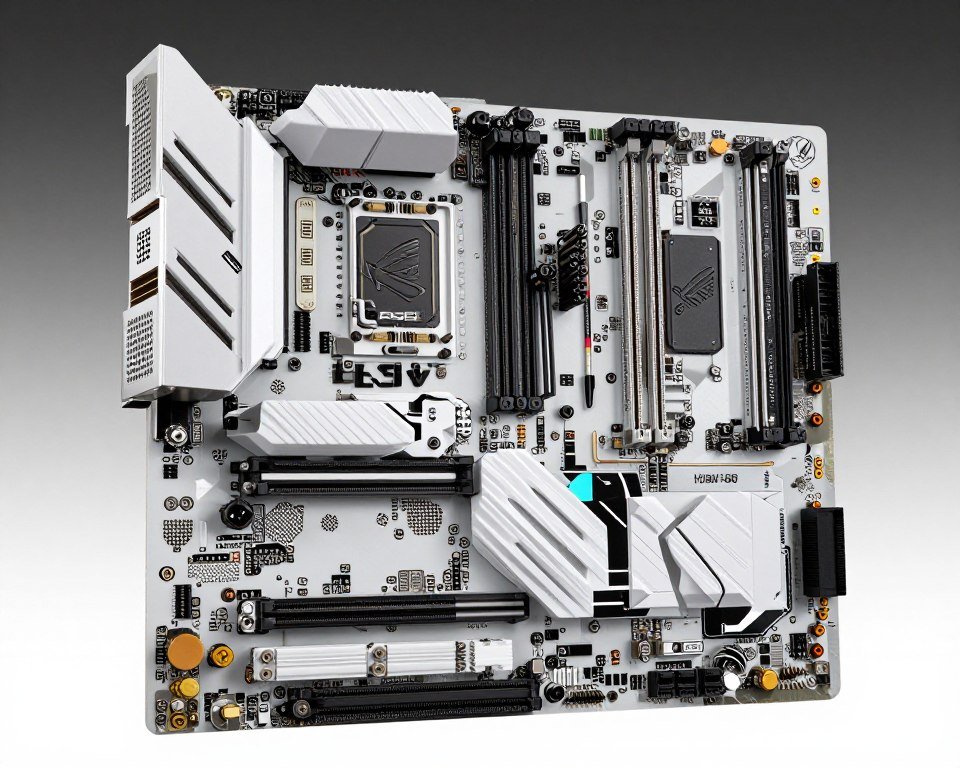
This is the white motherboard for AMD Ryzen 9000 and 7000 builds. The white PCB and heatsinks look incredible. More important, it performs well. The VRM cooling handles even a Ryzen 9 9950X without throttling. DDR5 support goes up to DDR5-6400 with good stability.
You get PCIe 5.0 for future graphics cards. WiFi 6E is built in. The I/O includes enough USB ports for your peripherals. RGB headers connect your case fans and strips. ASUS Aura Sync controls everything from one software. This board costs more than budget options but delivers matching performance and aesthetics. Understanding motherboard chipset differences helps you pick the right tier for your needs.
Pros
- True white PCB and components
- Strong VRM for high-end CPUs
- PCIe 5.0 future-proofing
- Excellent DDR5 support
- Complete Aura Sync integration
Cons
- Premium pricing
- Limited to AMD platform
- No Thunderbolt without add-in card
Corsair Dominator Platinum RGB White DDR5
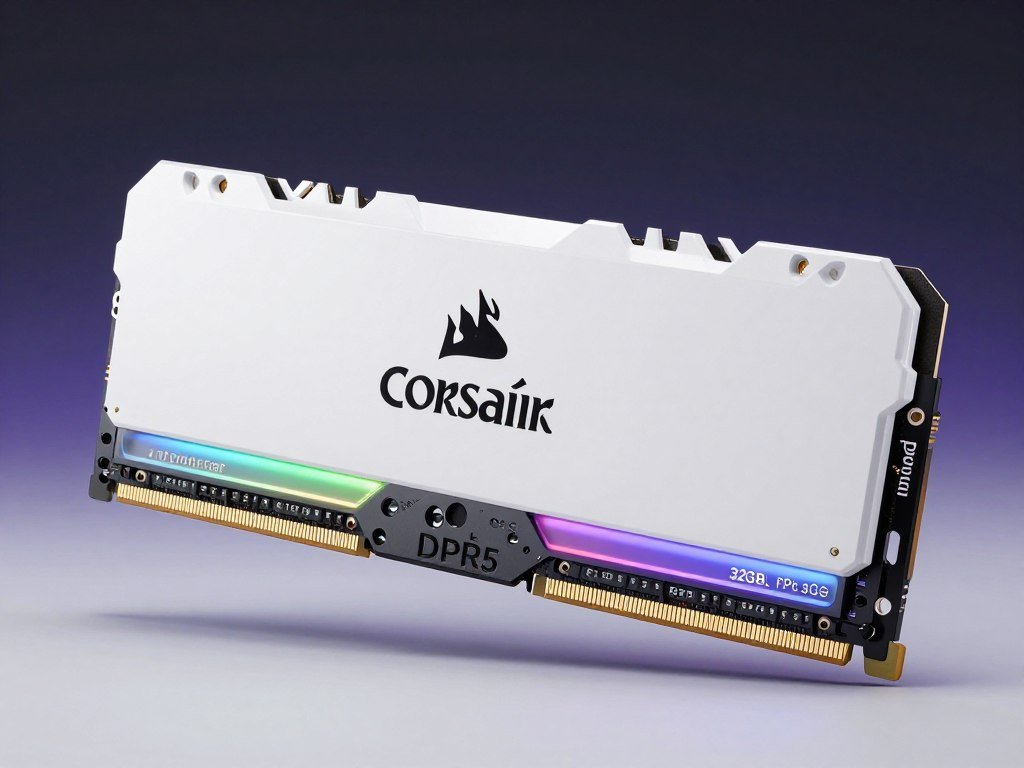
This RAM completes the white aesthetic. The white heatspreaders and RGB light bar look premium. More importantly, this is proper high-performance DDR5. Available in DDR5-6000 and DDR5-6400 speeds. Perfect for Ryzen or Intel builds.
The tall heatspreaders might interfere with some air coolers. Check clearance before buying. But if you’re using an AIO like most white builds, you’re fine. Corsair iCUE controls the RGB with precise per-LED customization. Memory compatibility is solid across major motherboards.
Pros
- Premium white finish
- High-performance DDR5 speeds
- Excellent RGB customization
- Good compatibility
Cons
- Expensive compared to standard DDR5
- Tall heatspreaders limit some cooler options
- Requires iCUE for full RGB control
RAM speed and configuration matter for gaming performance. Choosing the right capacity and speed for your CPU is critical. Read about RAM capacity requirements in 2026 before finalizing your memory choice.
White Power Supplies and Storage Options
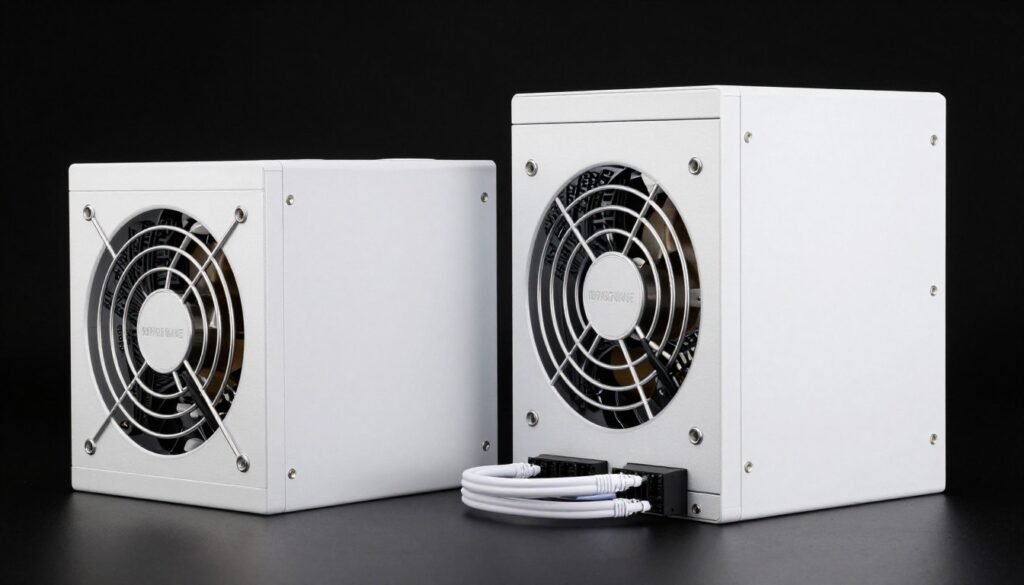
Most builders forget about PSU and storage aesthetics. But in cases with PSU shroud windows or visible cable runs, white PSUs and drives complete the look. The options here are limited but improving.
Corsair RM850x White Edition
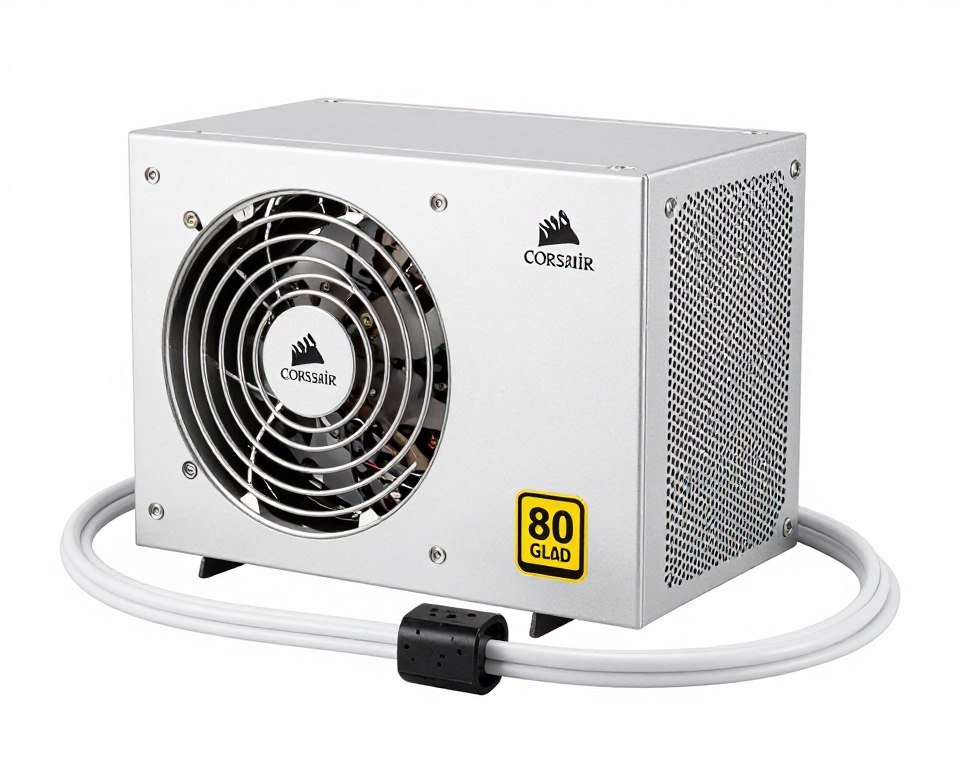
Finding a quality white PSU used to be impossible. Corsair changed that with the RM850x White. This is a proper 850W 80 Plus Gold unit with fully modular cables. Everything you need for a high-end white build.
The white sleeved cables look clean. Cable management becomes easier when your cables match your color scheme. The PSU itself is dead silent under normal loads. Ten-year warranty backs the quality. Price is reasonable considering you get the white finish without compromising on power delivery or efficiency.
Pros
- True white housing and cables
- 850W handles high-end builds
- 80 Plus Gold efficiency
- Fully modular for clean builds
- Ten-year warranty
Cons
- Limited availability
- White finish shows dust more
- No RGB if that matters to you
Samsung 990 PRO with White Heatsink
Storage rarely matters for aesthetics since most SSDs hide under motherboard heatsinks. But Samsung offers the 990 PRO with optional white heatsinks for builds where the SSD is visible. This is a proper PCIe 4.0 NVMe drive with speeds up to 7,450 MB/s read.
The white heatsink looks good and actually helps cooling. If your motherboard lacks built-in SSD cooling, this is your best white option. Available in 1TB, 2TB, and 4TB capacities. The larger sizes give you room for modern games without constant uninstalling. Learning about SSD performance impact shows why fast storage matters beyond just looks.
RGB Coordination: Making Everything Look Right Together
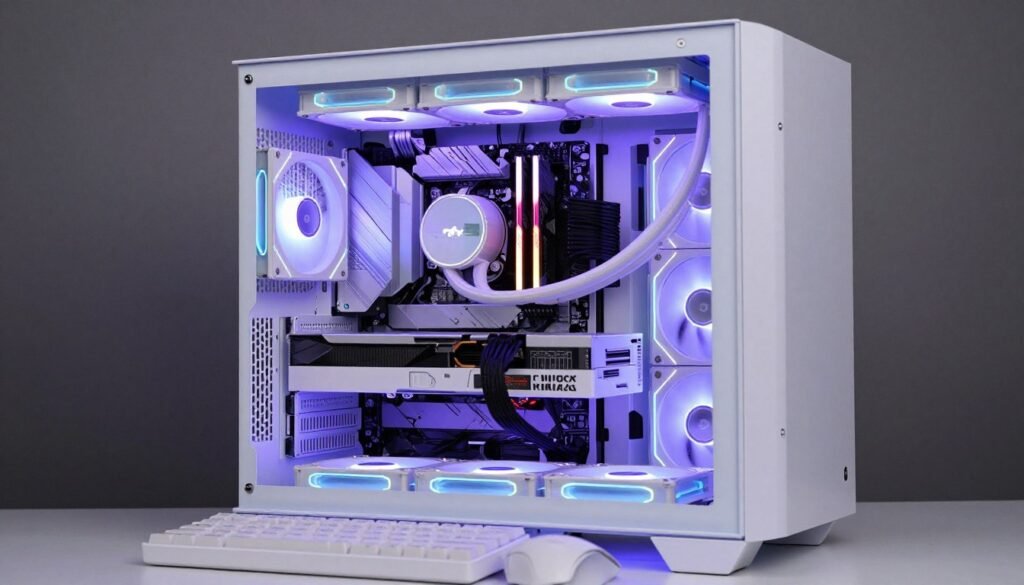
RGB can make or break your white build’s appearance. White components reflect and diffuse light differently than black ones. What looks good in photos of black builds might look weird on white parts. Here’s how to get it right.
Pick One RGB Ecosystem
This is the most important rule. Mixing Corsair iCUE, ASUS Aura Sync, and random RGB strips creates problems. The colors won’t match exactly. You’ll need multiple software programs. Synchronization between components becomes a headache.
Choose either ASUS Aura Sync or Corsair iCUE as your primary ecosystem. ASUS works great if you build around their motherboard and GPU. Corsair makes sense if you use their RAM, AIO, and case fans. Both ecosystems support third-party components through adapters and controllers.
Color Choices for White Builds
Not all RGB colors look good on white components. Blues and purples look incredible. They create a clean, modern aesthetic. Teals and cyans work well too. These cool colors complement white perfectly.
Reds and oranges can look odd. On white surfaces, red often appears pink or salmon. Orange can look washed out. If you want warm colors, stick with amber or gold tones. These read correctly even on white parts.
White RGB itself creates a nice clean look but offers less visual interest than colors. Many builders use white as their base with accent colors that pulse or cycle. The key is subtlety. White components already make a statement. Your RGB should enhance, not overpower.
Brightness Settings Matter More on White
White parts reflect light more than black. This means RGB appears brighter and can create hotspots or halos. Solution? Run your RGB at 60-70% brightness instead of 100%. This gives you vibrant colors without the blinding glare or color bleeding.
Position RGB strips carefully. Avoid pointing them directly at white surfaces. Instead, angle them toward the glass panel or orient them for indirect lighting. This creates even illumination without harsh spots.
Real Talk About White Build Budgets
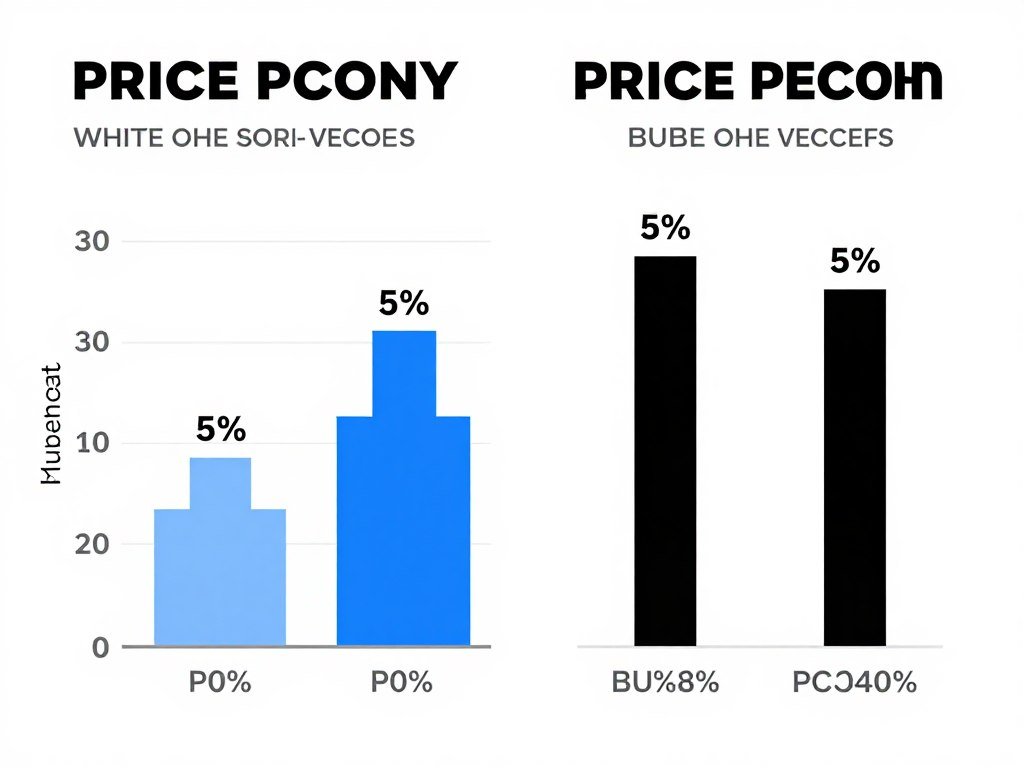
White components cost more. Usually 10-20% more than identical black parts. A white RTX 5080 runs $80-100 more than the standard model. White cases add $30-50. Is it worth it? Depends on your priorities and budget.
Where the Premium Makes Sense
Spend extra on visible components. Your GPU, case, and AIO cooler are what people see. These justify the white premium because they define your build’s appearance. The ASUS ROG Strix White GPU costs more but looks incredible. That’s money well spent if aesthetics matter to you.
Motherboards in white also make sense. The motherboard shows through your tempered glass and sets the foundation for the whole color scheme. A white motherboard with white RAM creates strong visual cohesion.
Where to Save Money
Your PSU usually hides behind a shroud. Unless your case has a PSU window, nobody sees it. Buy a quality black PSU and spend the savings on a better GPU or more RAM. The performance matters more than color here.
Storage is similar. Most M.2 SSDs sit under motherboard heatsinks. The drive’s color is irrelevant. Buy the best performing SSD for your budget regardless of color. Same logic applies to case fans that mount behind radiators or in hidden positions.
Case fans are tricky. Front intake fans show through mesh panels. Spend on white RGB fans here. But rear exhaust fans often sit in shadows. Black fans work fine in these positions and cost half as much. Building a balanced system means spending smart on components that actually bottleneck performance. Our guide on budget PC building in 2026 shows you where to prioritize spending.
The Total Cost Reality
Expect to add $250-400 to your build budget for a complete white aesthetic. That breaks down roughly as follows. White GPU adds $80-100. White case adds $30-50. White AIO cooler adds $40-60. White motherboard adds $40-80. White RAM adds $20-40. White PSU and cables add $40-70. These are approximate premiums over equivalent black components.
Is it worth it? If you value aesthetics and want a showcase build, absolutely. White builds photograph better and create a unique look. But if performance per dollar is your only concern, stick with standard colors and invest the savings in better components.
Common White Build Mistakes I See All the Time
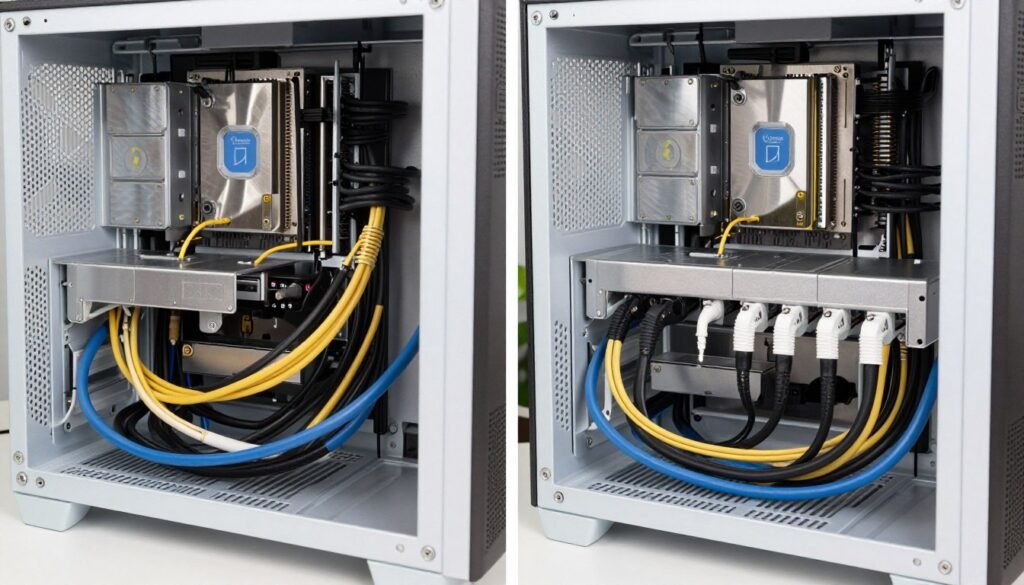
I’ve seen hundreds of white builds go wrong. Most mistakes are avoidable with basic planning. Here are the big ones that ruin white builds.
Mixing White Shades
This is mistake number one. Builders grab a white case from Brand A, a white GPU from Brand B, and white fans from Brand C. The result looks like a patchwork because the whites don’t match. Pure white next to cream white next to light gray looks messy.
Fix this by choosing a primary brand and sticking with their ecosystem. NZXT cases pair perfectly with NZXT coolers and fans because they use the same white shade. ASUS ROG components share consistent whites. Mixing brands requires careful research and real photos, not renders.
Ignoring Cable Management
Black cables disappear in shadows inside a case. White or light-colored cables show everything. Messy cable routing that would be invisible in a black build becomes obvious in white builds. Every cable, every zip tie, every mistake shows clearly.
The solution takes more time but transforms the result. Use white cable extensions or full white sleeved cable kits. Route every cable behind the motherboard tray. Use the cable management channels your case provides. Plan your routing before you start building. It adds an hour to build time but makes the difference between amateur and professional looking results.
Skipping the Bottleneck Check
This is the biggest performance mistake. Builders focus so much on aesthetics they forget about component balance. Pairing a white RTX 5080 with a budget CPU creates a bottleneck that wastes GPU power. Matching a high-end processor with a weak GPU means unused CPU potential.
Before buying anything, verify your components work together. Check that your white GPU and chosen CPU create a balanced system. Make sure your RAM speed matches what your motherboard and processor can actually use. This prevents expensive mistakes where beautiful components deliver disappointing performance.
Check Your White Build Component Balance
Don’t waste money on mismatched parts. Use our bottleneck calculator to verify your white components work together efficiently. Enter your CPU, GPU, and resolution to see exactly where bottlenecks appear. Takes 30 seconds and prevents expensive mistakes.
Overlooking Dust Management
White components show dust worse than black ones. A week of normal use covers white surfaces with visible dust. This kills the clean aesthetic you paid extra to achieve. I learned this the hard way when my pristine white build looked gray and dirty after two weeks.
Prevention beats cleaning. Install quality dust filters on all intake fans. Choose cases with removable magnetic filters for easy maintenance. Run positive air pressure by having more intake fans than exhaust. This pushes air out through gaps instead of sucking dust in. Plan to clean your build monthly instead of every few months.
Bad RGB Choices
White builders often go overboard with RGB. They install strips everywhere and crank brightness to maximum. Result? Their clean white build looks like a nightclub. The aesthetic becomes overwhelming instead of sophisticated.
Less is more with white builds. Choose accent lighting instead of flooding everything with RGB. Use 60-70% brightness. Pick complementary colors like purple and blue that enhance white instead of competing with it. Consider static colors or slow subtle effects rather than rapid rainbow cycling.
Keeping Your White Build Actually Looking White

White builds require more maintenance than black ones. The color shows every fingerprint and dust particle. But keeping your build looking fresh isn’t difficult with the right routine and tools.
Monthly Cleaning Schedule
Set a recurring monthly reminder to clean your build. This prevents dust accumulation from becoming visible. Start by shutting down and unplugging everything. Remove the side panels and dust filters.
Use compressed air to blow dust from components. Hold fans still while blowing so bearings don’t spin rapidly. Focus on GPU heatsinks, radiator fins, and case fans where dust collects. Blow dust filters outside. Wipe white surfaces with a microfiber cloth slightly dampened with isopropyl alcohol.
For stubborn marks on white plastic or painted metal, use a magic eraser gently. These work wonders on fingerprints and scuffs. Never use harsh chemicals or abrasive cleaners. They damage white finishes and create yellowing over time.
Preventing Yellowing
White plastics can yellow with age from UV exposure and heat. Keep your build away from direct sunlight. Don’t place it near windows where UV rays hit it daily. Use curtains or blinds if your setup faces windows.
High temperatures accelerate yellowing. Maintain good airflow and reasonable temps. This prevents heat-related discoloration while also benefiting component longevity. Quality white components from major brands use UV-resistant plastics that resist yellowing better than cheap alternatives.
RGB and LED Maintenance
RGB LEDs degrade over time. Blue LEDs typically last longest. Red LEDs often die first in RGB strips and fans. This creates color shift where your white RGB slowly becomes more blue-tinted as red LEDs fail.
Buy quality RGB components from reputable brands. Cheap RGB fans and strips fail quickly. ASUS, Corsair, and NZXT RGB products use better LEDs that maintain color consistency longer. Budget for eventual RGB replacement. Even good RGB products need replacement after 3-5 years of heavy use.
Future-Proofing Your White Build
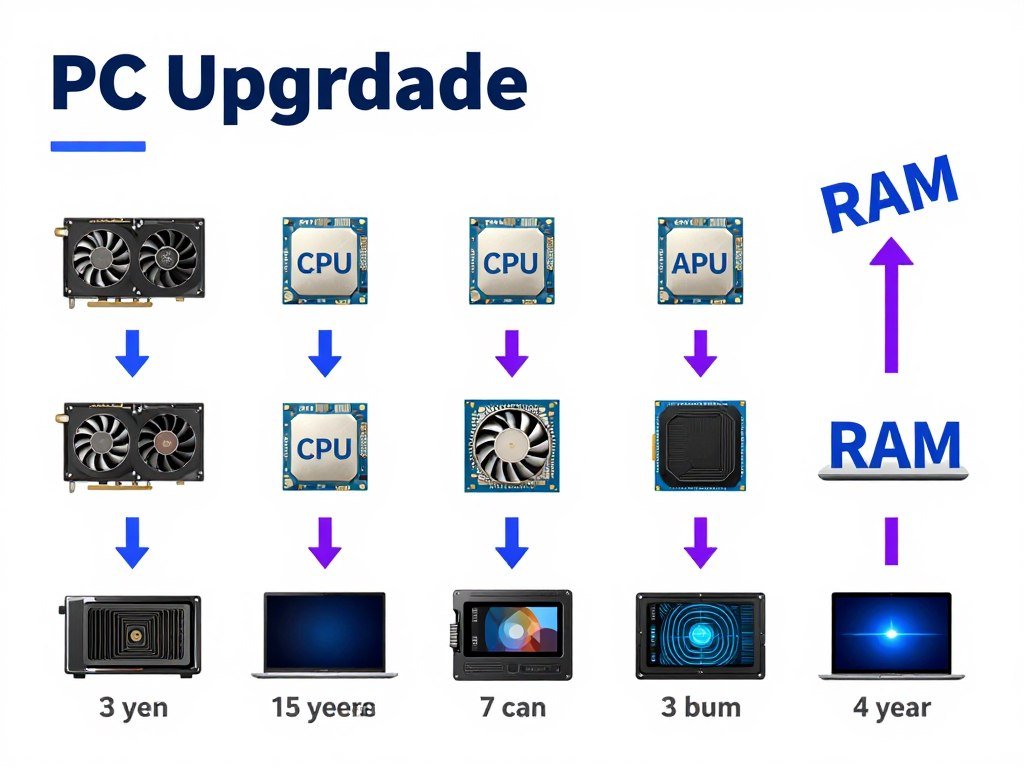
White components have better availability now than ever. This trend continues as more manufacturers see demand for aesthetic builds. Future-proofing a white build means planning for upgrades and expansions.
Choosing Upgradeable Components
Your case and PSU are long-term investments. Buy more capacity than you currently need. An 850W PSU handles future GPU upgrades. A case with good radiator support lets you upgrade cooling later. These components easily last 7-10 years across multiple builds.
Motherboards and CPUs upgrade together. Choose a current-generation board with good VRM cooling. This extends the life of your platform. The ASUS ROG STRIX B650-A supports multiple Ryzen generations. You can upgrade from a Ryzen 7 7800X3D to future processors without replacing the whole motherboard. Understanding system balance and component synergy helps you plan smart upgrades.
Planning for New GPU Generations
GPUs upgrade most frequently. Plan your build to accommodate future cards. Make sure your case has good clearance. The white RTX 5080 is large, but next-generation cards might be bigger. Leave room for growth.
Verify your PSU has proper PCIe 5.0 power connectors. Future GPUs will use these standards. The Corsair RM850x includes the cables you need. Older PSUs might require adapter cables that look messy in white builds.
Storage Expansion
Games keep getting larger. Plan for storage expansion. Choose a motherboard with multiple M.2 slots. The ASUS ROG STRIX B650-A has three M.2 slots. Start with one fast 2TB drive. Add more storage as needed without replacing your primary drive.
Some white cases include 2.5-inch drive mounts behind the motherboard tray. These let you add SATA SSDs invisibly. Good for game libraries that don’t need NVMe speeds. The white aesthetic remains clean while storage grows.
The Bottom Line on White PC Builds
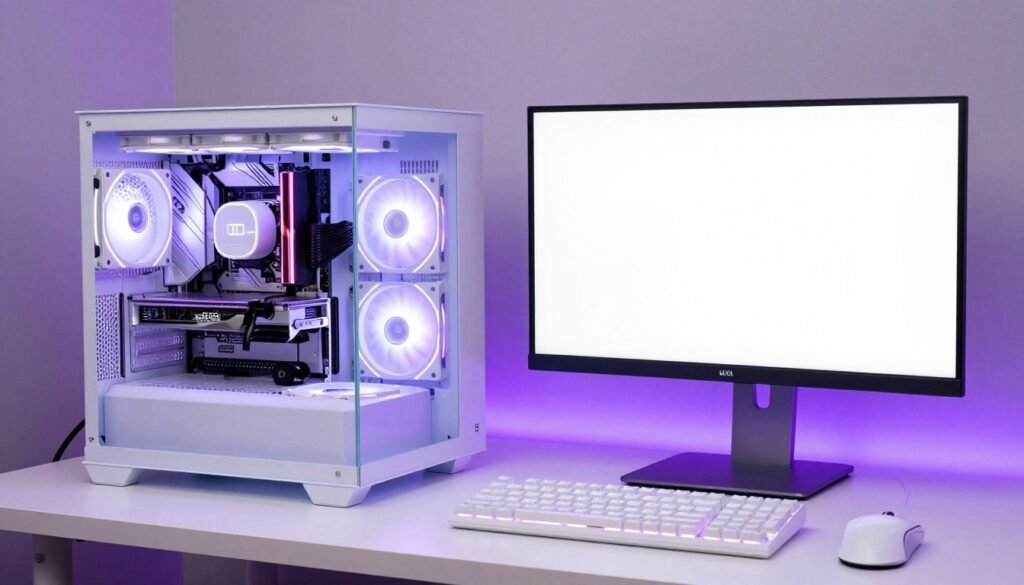
Building a white PC in 2026 delivers the aesthetic you want without the performance compromises of the past. Modern white components match or exceed their black counterparts in cooling and performance. The extra cost is real but manageable if you spend smart.
Focus your budget on visible components. The GPU, case, AIO cooler, and motherboard define your build’s appearance. These justify the white premium. Save money on hidden components like PSUs and storage that nobody sees. This balancing act lets you achieve the white aesthetic without breaking the bank.
Component balance matters more than color. A beautiful white build with mismatched parts delivers disappointing performance. Before buying anything, verify your components work together efficiently. Check that your white GPU pairs well with your chosen CPU. Make sure your cooling can handle your processor. Confirm your PSU has enough power for everything.
Maintenance keeps white builds looking fresh. Plan for monthly cleaning. Use quality dust filters. Keep your build away from direct sunlight to prevent yellowing. These simple habits preserve the clean look you invested in.
The white PC build trend strengthens every year. More manufacturers offer quality white components. Availability improves. Pricing becomes more reasonable. This is the best time to build white if aesthetics matter to you.
Ready to Build Your Perfect White PC?
Start by checking component compatibility. Our bottleneck calculator shows if your chosen white parts work together efficiently. Then explore our hardware guides for detailed component recommendations. Build smart, build balanced, build white.
White builds aren’t just about looks. They represent attention to detail and commitment to creating something special. Every component choice matters. Every cable matters. The result is a system that performs excellently while looking incredible. That combination makes the white build premium worthwhile for enthusiasts who value both aesthetics and performance.
Frequently Asked Questions
Do white PC components run hotter than black ones?
No, color doesn’t significantly affect temperatures. The cooling design matters, not the color. I’ve tested identical cooler models in white and black. Temperature difference was less than 1°C. White components use the same heatsinks, fans, and thermal solutions as black versions. A well-designed white GPU or cooler performs identically to its black counterpart. Focus on cooling design quality rather than worrying about color.
How much extra does a white PC build cost?
Expect to add 0-400 to your total build budget for a complete white aesthetic. White GPUs cost -100 more than standard models. White cases add -50. White AIO coolers add -60. White motherboards add -80. White RAM adds -40. White PSUs add -70. These premiums vary by manufacturer and model but represent typical ranges. You can reduce costs by choosing white only for visible components and using standard colors for hidden parts.
Will white PC components turn yellow over time?
Quality white components from major brands resist yellowing through UV-resistant plastics. Cheap components may yellow from UV exposure and heat over 3-5 years. Prevent yellowing by keeping your build away from direct sunlight and maintaining good airflow for reasonable temperatures. ASUS, NZXT, Corsair, and Lian Li use quality materials that stay white longer. If you buy budget white parts from unknown manufacturers, expect some yellowing eventually.
What RGB colors look best with white PC builds?
Blues and purples look incredible on white components. These cool colors create clean, modern aesthetics. Teals and cyans work well too. White components reflect and diffuse light, so these colors appear vibrant without being overwhelming. Avoid reds and oranges as they often appear pink or washed out on white surfaces. If you want warm tones, use amber or gold. Run RGB at 60-70% brightness instead of maximum to prevent glare and color bleeding on reflective white surfaces.
How do I make sure white PC parts actually match in color?
Stick with one primary manufacturer’s ecosystem when possible. NZXT white components match NZXT cases. ASUS ROG white parts share consistent shades. Corsair maintains good color consistency across their lineup. If mixing brands is necessary, research real user photos rather than product renders. Join builder communities and ask for photos of specific component combinations. Some manufacturers like Lian Li and NZXT use nearly identical white shades and mix well together. Avoid mixing premium brands with budget options as cheaper white parts often use cream or light gray instead of true white.
Should I check component compatibility before buying white PC parts?
Yes, always verify component balance before purchasing. Beautiful white components deliver disappointing performance if they don’t work well together. Check that your GPU and CPU create a balanced system without bottlenecks. Verify your PSU has enough power for all components with headroom for peak loads. Confirm your case has clearance for your GPU and CPU cooler. Make sure your motherboard supports your chosen RAM speeds. Use a bottleneck calculator to identify potential performance issues before spending money. This prevents expensive mistakes where gorgeous components underperform due to poor pairing.
How often should I clean my white PC build?
Clean your white build monthly to maintain the fresh appearance. White components show dust more obviously than black ones. Monthly cleaning prevents visible dust accumulation. Use compressed air for components and fans. Wipe white surfaces with microfiber cloths slightly dampened with isopropyl alcohol. Clean or replace dust filters monthly. This routine takes 15-20 minutes but keeps your build looking pristine. Builds in dusty environments or homes with pets may need cleaning every 2-3 weeks instead of monthly.